


Last Updated on September 29, 2026 by Ewen Finser
Growing your business isn’t just about doing more services with more staff, or raising prices. There is only so much time in the day, and only so many chairs or treatment rooms you can fill. Real growth comes from data, and from knowing how to use it.
Your instincts and experience as an industry professional can definitely help you understand what’s happening in your salon or studio: you know summer months can be slower, or that holiday time will keep books buzzing. You know if a staff member is underutilized, when they’re retaining clients, or when they’re attracting new ones. But you can’t guess or use your instincts alone. You need actionable and accessible reports. Staff performance metrics like retention rates and average service ticket ultimately affect your bottom line, and as a salon manager, I’ve learned how important it is to understand what’s driving those numbers, not just what we made at the end of the month.
Salon booking platforms already gather information about your clients, as well as staff performance. Reports organize that information to help you make decisions, but if you can’t make sense of the reports, are they really helping your business at all?
How can you make the right decisions to boost your salon’s income without knowing why you may be slower or busier each month? You’d want to know if marketing efforts are delivering results, or if a service needs a price adjustment. You’ll need to know if it’s time to hire, or even retrain someone who isn’t retaining clients. Are we building our repeat business steadily, and what is helping or hurting in these efforts?
I tested a few platforms and paid attention to their analytics, specifically for what they can tell you about your salon and how quickly and easily you can act on that information. My focus is on what a salon would typically want to keep tabs on every week, including staff performance, sales and revenue, and client health. I’ll also share a few standout reports I discovered that deserve an honorable mention, along with pricing.
At a Glance: Which Platform Fits Your Salon?

Choose GlossGenius if you’re a solo operator or small team who wants clear, goal-focused reports without a steep price tag, and you like the idea of a flat 2.6% processing rate on every transaction.
Choose StyleSeat if you’re an independent stylist who wants simple income tracking and the added bonus of a client marketplace to help new clients find you (just factor in the new client fees).
Choose Mangomint if you’re running a growing or multi-location salon with memberships, packages, or a mix of commissioned stylists and booth renters, and you want payroll and staff performance data in one place.
Choose Boulevard if you’re a high-volume salon or spa that wants fully customizable dashboards and a clear view of which marketing efforts are bringing in new clients.
GlossGenius
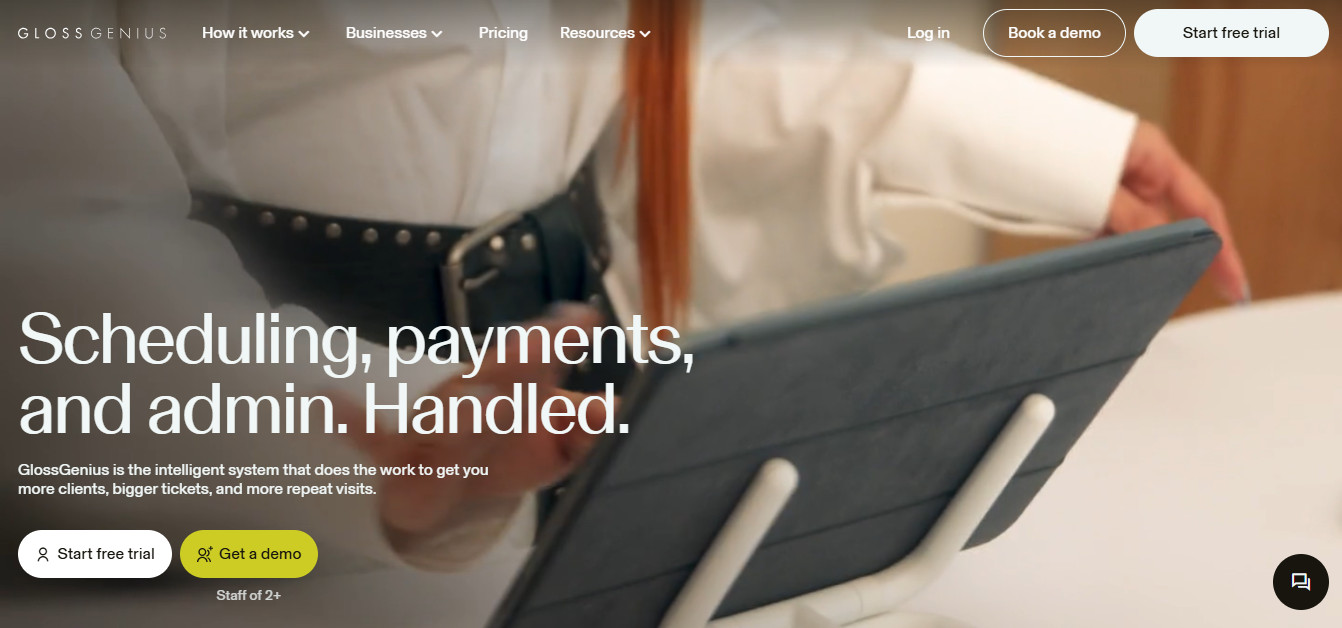
GlossGenius is a booking, marketing, and reporting platform for beauty pros, from booth rental to multi-location salons.
Best for: GlossGenius is best suited to solo operators, with reports that track average ticket, projected revenue, and client retention.
Reports: Analytics are shown as tiles that refresh when you adjust the date range, and you can build custom reports on top of the defaults. Utilization, retention, timesheets, and commission earnings are all easy to find, with date ranges running anywhere from today to last year, or any custom span in between.
You can also track average ticket, projected revenue, and client retention, and reports download or email as PDF or CSV.
One report worth calling out is Growth Analyst, which uses prompts to walk you through your specific goals and builds a custom report around them, instead of leaving you to pick from a fixed list. If you want to know who your best clients are, there’s also a Most Valuable Clients report that ranks your top 10, handy when you’re deciding who gets a personal check-in call or an early invite to a promotion.
And if you’ve ever wondered whether one stylist’s supply costs are running high, the Business Expenses report breaks down outgoing cash flow either salon-wide or by individual staff member.
How it helps growth: Growth Analyst is really helpful because it keeps you working toward one goal instead of trying to watch every number at once. Most Valuable Clients shows you where your retention efforts are paying off, and business expenses are the one to check if a strong sales month somehow isn’t translating to more profit; it’ll often show a cost problem you weren’t watching.
Pricing
- Subscription: $24–$148/month billed annually, or $28–$168/month billed monthly
- Payment processing: flat 2.6% across all transaction types, no extra fee for card-not-present or keyed-in charges
- Free option: no permanent free tier, 14-day free trial
StyleSeat
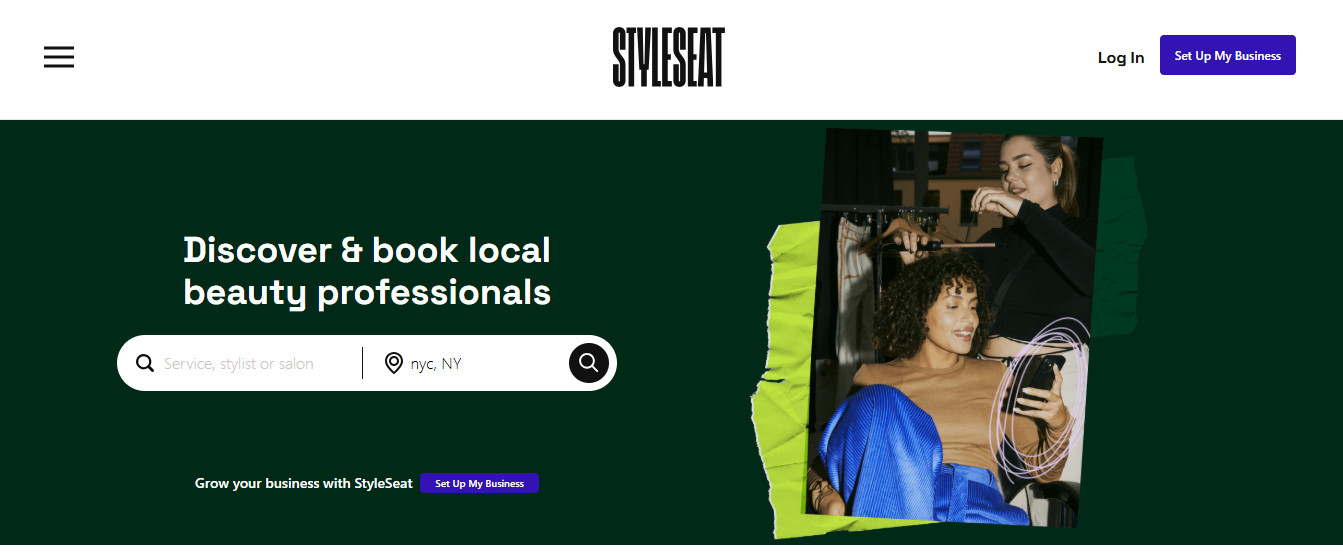
StyleSeat is a booking and payment platform with a client marketplace for added visibility and discovery.
Best for: StyleSeat works well for independent beauty professionals and smaller salons.
Reports: Individual metrics reports are useful and easy to understand, while multi-stylist salons may find it limited for tracking staff performance for each stylist. The Admin Account will show you basics like sales and tips across stylists, but you’ll need to export your analytics and create a spreadsheet for the full salon picture.
You can track salon or staff income by Year to Date, Month, or Week, either by your Gross Income or by Transactions for a more granular look at what’s happening. All earnings, tips, and taxes are broken down for you, as well as transactions by type: cash, credit cart, gift card, etc. There is also a Client overview so you can see every day which clients are new and who is returning. The Booking and Schedule overview and your top services give you a high-level look at how your day or week is filling up.
The New Client report helps you track not only how well you’re attracting new clients, but the fees that go along with that. Since StyleSeat has a marketplace, they do charge a commission for clients who book with you through that feature.
How it helps growth: Their Monthly Goals feature lets you set an income goal. Once you plug it in, StyleSeat will help you stay on track with suggestions on where to watch your spending or ideas for boosting your retention rate and rebooking. They’ve recently introduced Sage, their AI assistant, who will also find ways for you to increase revenue- just ask! It tracks everything from open slots on your books to current revenue and how many clients are rebooking. From there, it will suggest actions you (or it) can take, like running a promotion.
Pricing
- Subscription Price: A single standard plan at $35 per month (or $31.50 per month billed annually). StyleSeat also frequently runs promotional rates starting at $19 per month.
- Payment Processing Fee: Ranging from 1.9% to 2.6% plus $0.30 per transaction, depending on whether the card is physically present or kept on file.
- Free Option: Includes a 21-day free trial for beauty professionals, but there is no permanent free tier.
- Fees: New Client Connection Fee, Smart Pricing Fee, Transaction Fee
Mangomint
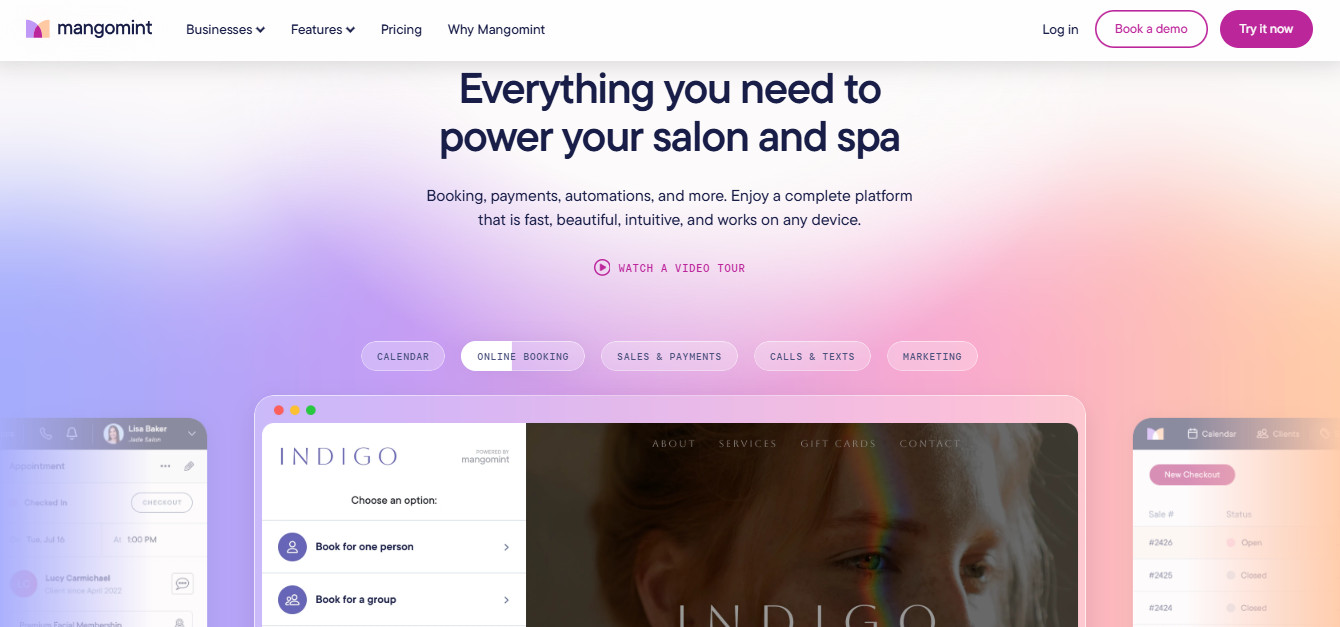
Mangomint is a salon and spa management platform that brings scheduling, payments, and business operations into one platform.
Best for: Growing or multi-location salons with larger staff offering different services, and hybrid salons with commissioned staff and booth renters.
Reports: Mangomint’s clean operational reporting provides useful data without feeling overwhelming. They offer options like pre-booked percentage, retention rates based on any date ranges you want to analyze, and retail sales per employee. Keeping track of staff performance is key in every salon, and being able to gather this data within the dashboard makes it simple to review regularly.
Along with your daily sales, Mangomint offers detailed reporting for salons that offer memberships, packages, as well as promotions and gift card tracking. When you’ve got a lot of services happening in one visit, and multiple staff to pay on those packages, this one is a must-have. Partner those reports with the Payroll report, which can handle commissioned stylists, plus tips within the platform. With teams with different compensation structures, having this information in one place makes payroll much easier.
How it helps growth: The Day Off report is a unique report that’s useful when you have multiple team members. Sometimes you just need to know who is available when, or if you need to hire more staff for a particular day of the week. Rather than exporting all your data and creating another spreadsheet, you can pull this one up and know where you need to fill in the gaps.
Staff Requests lets you track repeat requests for each staff member. Revenue is important, but knowing whether someone is building enough demand that clients are asking for them again can tell you something different about how that stylist is growing their book.
Pricing
- Subscription Price: One single flat plan at $120 per month per location, plus $10 per month per user.
- All premium features (like forms, advanced reporting, waiting rooms, and memberships) are now automatically included.
- Payment Processing Fee: Mangomint Pay charges 2.45% + $0.15 for in-person transactions and 2.90% + $0.30 for online/virtual payments.
- Free Option: No permanent free tier, but includes a free trial with free data migration and onboarding
Boulevard
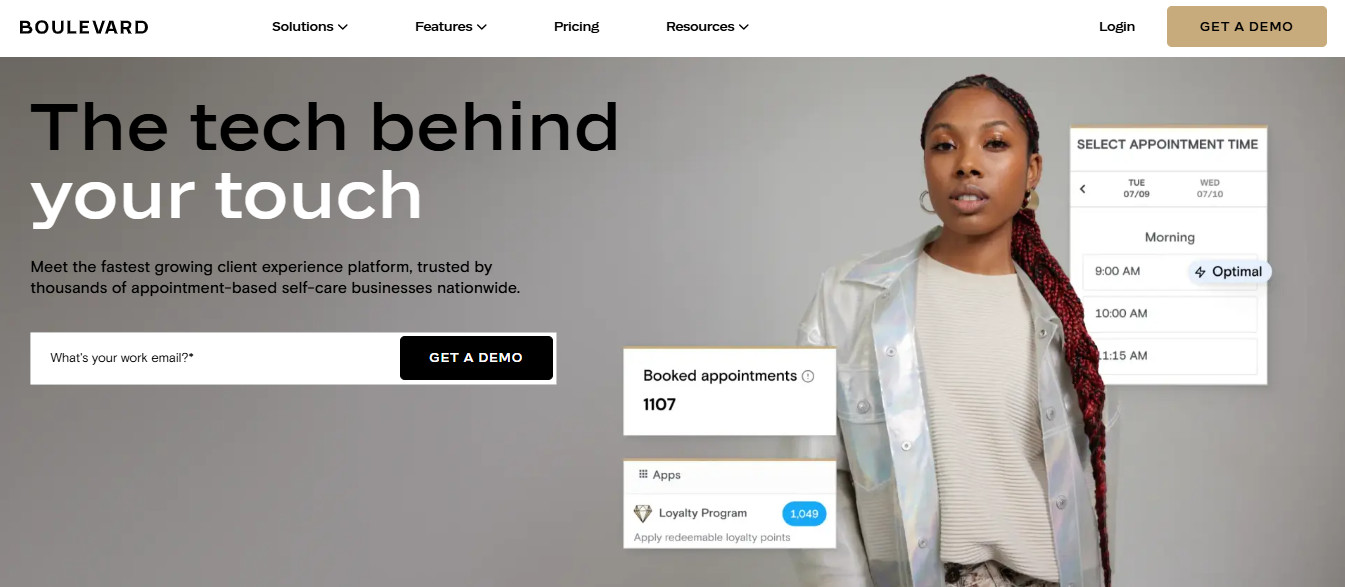
Boulevard is business management software for appointment-based beauty and wellness businesses.
Best for: High-volume salons and spas, and growing salons with multi-provider staff performing varied services
Reports: Boulevard offers strong reporting connected across appointments, staff, retention/client behavior, sales, and memberships. They provide a dashboard featuring Business summary and sales summary for those daily pulse checks. You’ll be able to keep an eye on how much you’re paying in processing fees and track all the high-level business needs in one view with clean, clear tiles.
For more detailed reporting, Boulevard lets you set up your own filtered view in that same dashboard, and you can save your custom view. You have the ability to filter down by date, location, staff, or merchant account; whatever matters most to you, it’s fully customizable.
The overviews and custom views are easy to read and filter right in the dashboard. No need to download or manually add items, though you do have that option, of course.
How it helps growth: The ability to filter reports down into service sales, retail sales, and even how often a staff member was blocked off the books helps you when making decisions about staffing, scheduling, or pricing. Referral Sources is another standout for me because it shows where new clients are actually coming from. If you’re spending time or money on different marketing efforts, this can help you decide where to keep focusing your attention.
And although this isn’t part of their Reporting dashboard, within the Marketing tab, you can get more useful information on whether or not your marketing efforts are landing and making a difference. Use the marketing dashboard reports along with the Referral Sources report to get the full picture on how your efforts are paying off.
Pricing
- Subscription Price: Priced per location, running from $159 to $421 per month if billed annually (or $176 to $468 per month if billed monthly).
• Essentials: $159/mo (annual) / $176/mo (monthly).
• Premier: $263/mo (annual) / $293/mo (monthly).
• Prestige: $369/mo (annual) / $410/mo (monthly).
• Aesthetics Bundle (Medspas): $421/mo (annual) / $468/mo (monthly). - Payment Processing Fee: Boulevard uses its own integrated processor, though processing rates typically require a custom quote based on volume.
- Free Option: No permanent free tier and no self-serve free trial; users must book a live demo to get started
How Much Reporting Do You Need?
Some platforms offer so many options that it can lead to analysis paralysis. The “best” platform isn’t necessarily the one with the most reporting options. What’s the line between too much and not enough? That will depend on your studio size and business model. If you sell memberships, use loyalty rewards, or have more than one location, your needs will be different than a solo stylist or booth renter.
Think about what you will need to know regularly, how you like to view that information (visual dashboard? downloaded .csv files?), and choose the platform that gives you the reporting and analysis you’ll actually be able to act on. Good luck!