


Last Updated on August 25, 2026 by Ewen Finser
A few days ago, I opened Warmy’s pricing page to figure out what additional mailboxes would cost a client. Three titles came up: B2B sender, B2C sender, Custom plan. Under each one, a “Book a Demo” button. No numbers on the page at all.
Third-party sites still quote the old tiers, which ran from about $49 to $429 per mailbox, but Warmy stopped displaying them somewhere in May 2026. So unless you’ve been on a call recently, you don’t know what it costs.
I don’t hold the hidden pricing against them particularly. It just made me remember something I’d stopped paying attention to: Warmy charges per mailbox, which is fine for one or two inboxes. But as you buy additional inboxes, it becomes the highest recurring cost in the whole outbound operation, and it goes up every time you add a domain.
To be clear, I think that the product itself is good. Warmy has two separate warming networks, one on business mailboxes at Google Workspace and Microsoft 365, another on consumer accounts at Gmail, Yahoo and Outlook. You pick the one matching your audience. Hardly anybody else segments like that.
But billing model and product quality are different questions, and it’s the first one that could send you looking elsewhere. Here’s what else is available, what each costs, and which situation each one suits.
At a Glance: Warmy.io Alternatives
- InboxAlly: No peer network at all, best for sender reputation recovery
- MailReach: Closest direct swap, published pricing, spam testing
- TrulyInbox: Unlimited accounts on a flat rate
- Instantly: Warmup in a sending platform
- Lemwarm: Lemlist integration with network segmentations
1. InboxAlly
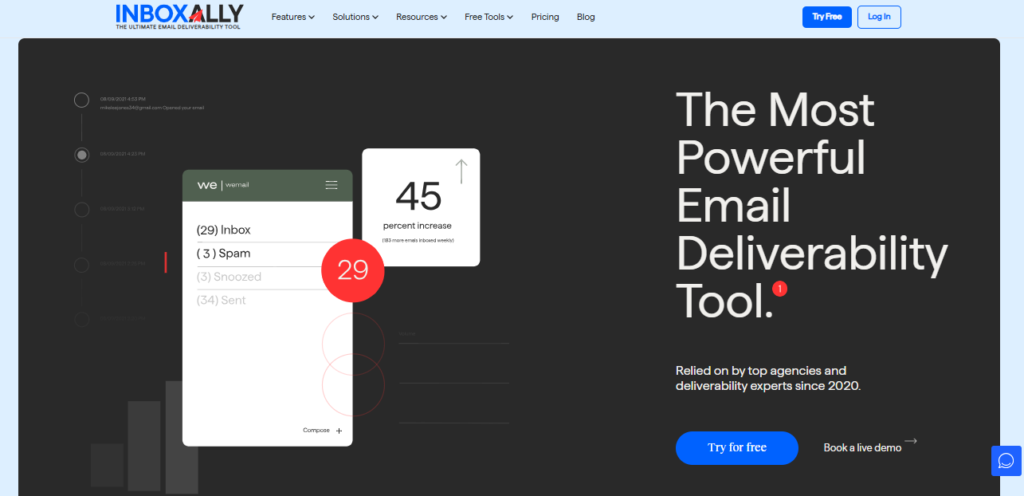
For a long time, I dismissed InboxAlly because it costs more than the $20-ish tools I was used to seeing, but I eventually realized I’d misunderstood what it was for, and now it’s my go-to reputation recovery and warmup tool.
Every tool on this list pools customer mailboxes. Yours warms other people’s domains, theirs warm yours, and everyone exchanges emails nobody reads. Warmy’s segmentation is an attempt to make that pool resemble your real recipients.
InboxAlly has no pool. You send to seed accounts the company operates, and those accounts open the mail, read it, flag it as important, and take it out of spam if and when it lands there.
Removing the peers changes what you’re permitted to send. Nobody wants their personal inbox filled with your campaign copy, so peer networks trade generic text. A controlled seed pool has no such constraint. You send your existing sequence through your existing infrastructure, and the engagement accrues to the mail you’re trying to deliver.
This also narrows the pool of people who should buy it. The scenario that best fits what InboxAlly has to offer is that 18-month-old domain you’ve been trying to make send emails to the primary inbox for a month. There’s no volume missing in that scenario, so adding it won’t change anything, something which is obvious now but wasn’t to me the first time I tried it.
Separately, the free tools don’t require you to create an account: header analyzer, blacklist lookup, SPF and DMARC generators running live DNS lookups, placement tester, spam word checker, and more. I especially like the header analyzer, and I use it more often than several other tools I pay for.
Who it’s best for: Any sender whose emails land in spam.
Pricing: Starter $149/mo (100 seed emails daily, one sender profile). Plus $645/mo (500 daily, five profiles). Premium $1,190/mo (1,000 daily, ten profiles, setup session, weekly calls). Enterprise on request. Free trial and free tools available.
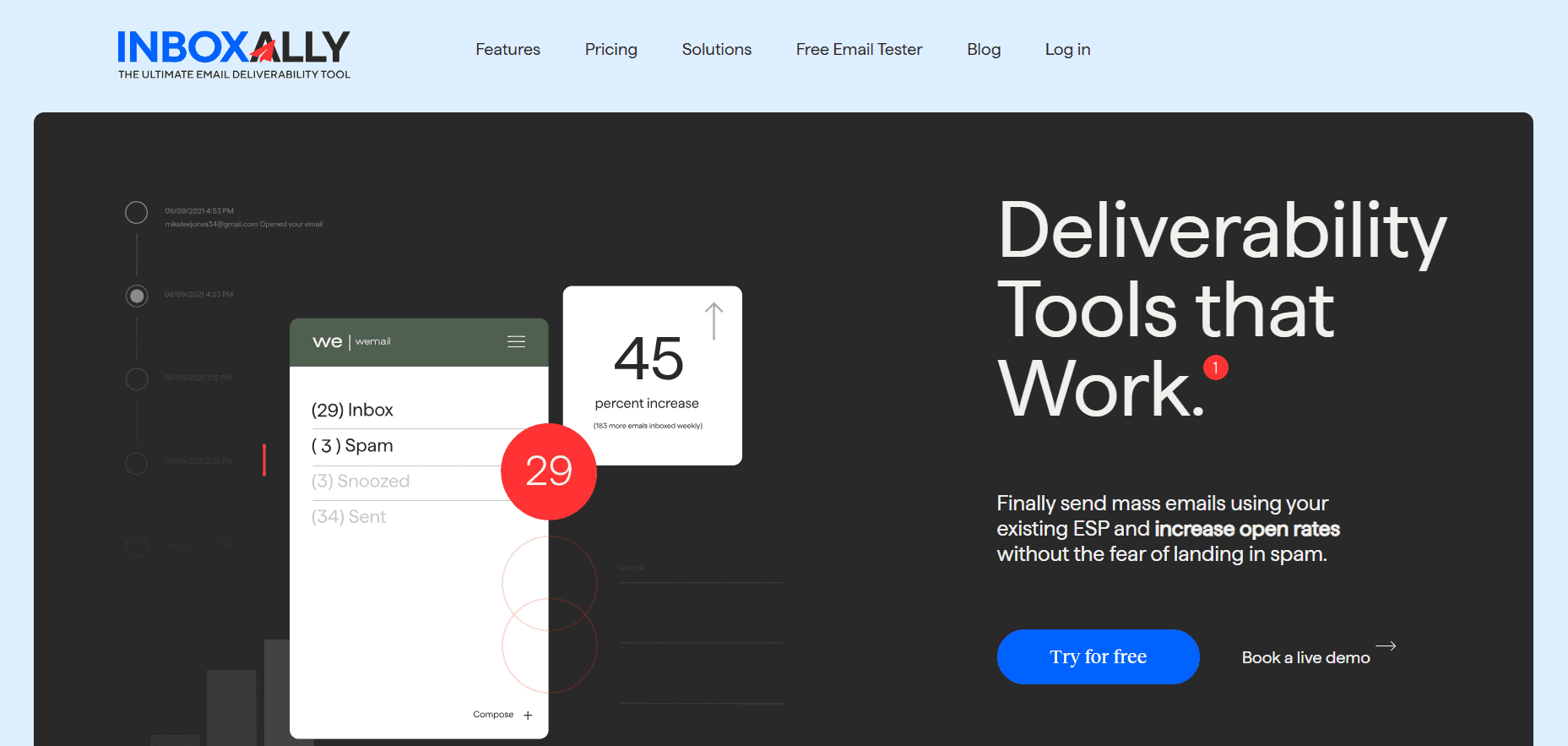
InboxAlly is the comprehensive suite I need to solve challenging deliverability problems across the board. It's like a triage hub for diagnosing and fixing email deliverability rates in one dashboard. I've tried a lot of tools, but this is the one I've stuck with.
2. MailReach
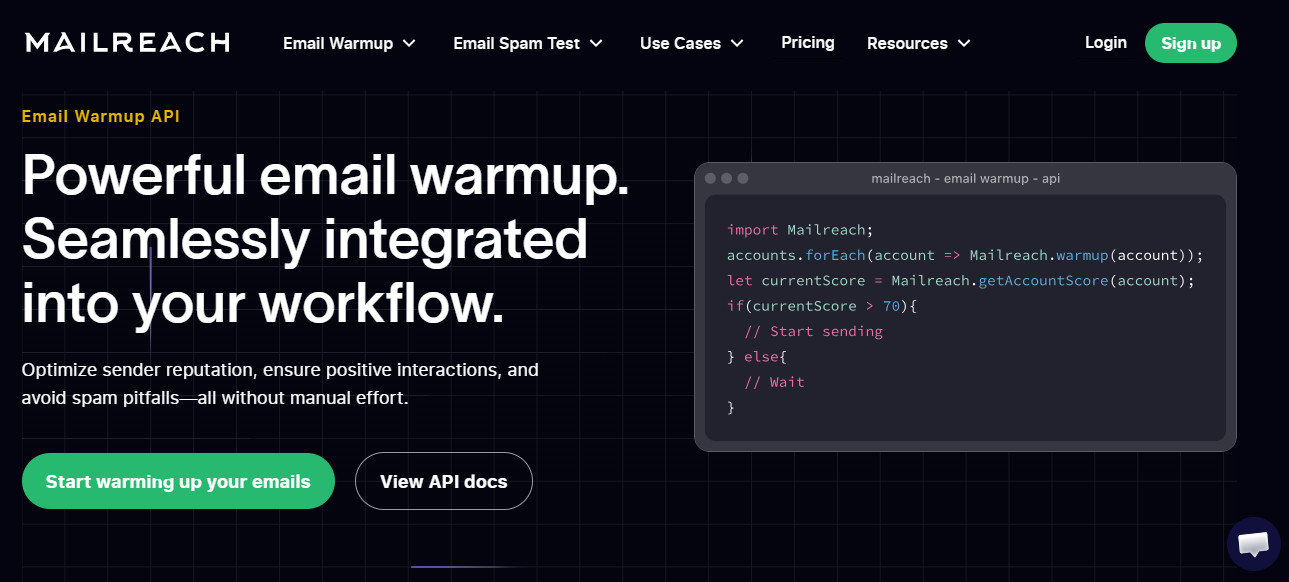
I gave MailReach a look early, mainly because the pricing page actually had pricing on it…or at least a pricing slider. Drag it to the number of mailboxes you want warmed, drag a second slider for spam test credits, and the total updates in front of you. One mailbox with 20 credits comes to €25 a month, and the per-mailbox rate goes down as you drag past 10 and 20. Everything is in euros, so make sure you factor in a slightly higher rate if you’re budgeting in dollars.
The €25 I mentioned covers automated warmup with an AI warming algorithm, provider-specific warmup for Google and Outlook, domain and inbox health checks for blacklists, SPF, DKIM, DMARC and ETS, and a reputation dashboard. Warmup runs up to 100 emails a day per mailbox.
The spam testing is what I use the most. It tests placement on a wide provider set and splits results per ISP, so you can see how your campaigns would perform separately on Google and Outlook, which a single blended score would hide completely. Warmy does have placement testing, but it runs on five seeds per provider, and with a sample that small, the results varied so much between runs that I stopped paying attention.
The billing model doesn’t change, though. Fifteen inboxes still cost €375 a month before extra credits. So, the cost is visible, but not any smaller.
Who it’s best for: Teams on a handful of mailboxes who want independent placement data.
Pricing: €25 per mailbox per month on the All-In-One plan, including 20 spam test credits and warmup up to 100 emails a day. Extra credits priced separately. Annual billing saves 20%.
3. TrulyInbox
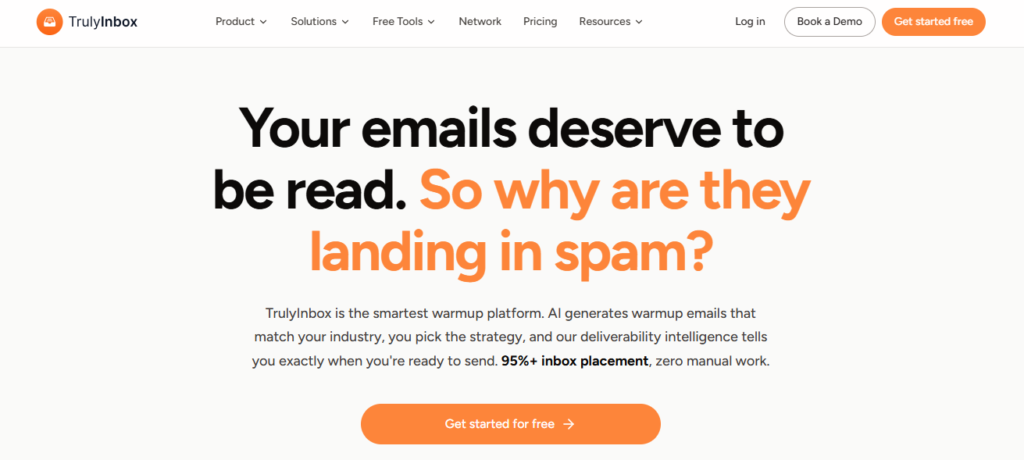
Unlimited connected accounts, every tier, including the $22 one. Seats aren’t the product here. Daily warmup allowance and a reply-rate ceiling are.
TrulyInbox Starter is $22 a month billed annually: 200 warmup emails a day, replies on up to 25%. Growth is $84 for 1,000 a day at up to 45%. Scale is $169 for 3,000 a day at up to 60%. Monthly billing makes those $29, $99 and $199.
Ten mailboxes on MailReach cost €250. Ten on Growth costs $84 and splits 1,000 emails a day between them, giving each inbox 100 daily. Identical volume per mailbox, roughly a third of the bill.
The allowance is shared, though. If you connect twenty accounts to Starter, you haven’t bought twenty inboxes’ worth of warming but 200 emails a day divided twenty ways. Ten each, which accomplishes nothing, and no warning telling you that anywhere in the interface. Pick your tier from your mailbox count and let the price fall out of that.
Starter gives you an AI adaptive warmup strategy, AI-written content, a deliverability score and account health monitoring. Growth unlocks all four warmup strategies, content targeted by topic and industry, and analytics broken out by provider. As you go up in tiers, you get priority onboarding and an account manager.
Who it’s best for: Five or more mailboxes, where warmup is the only thing you’re looking for.
Pricing: Starter $22/mo ($264/year, or $29 monthly), 200 emails a day. Growth $84/mo ($1,008/year, or $99 monthly), 1,000 a day. Scale $169/mo ($2,028/year, or $199 monthly), 3,000 a day. Unlimited accounts throughout.
Also read: TrulyInbox vs InboxAlly: Affordable Scaling or Enterprise Features?
4. Instantly
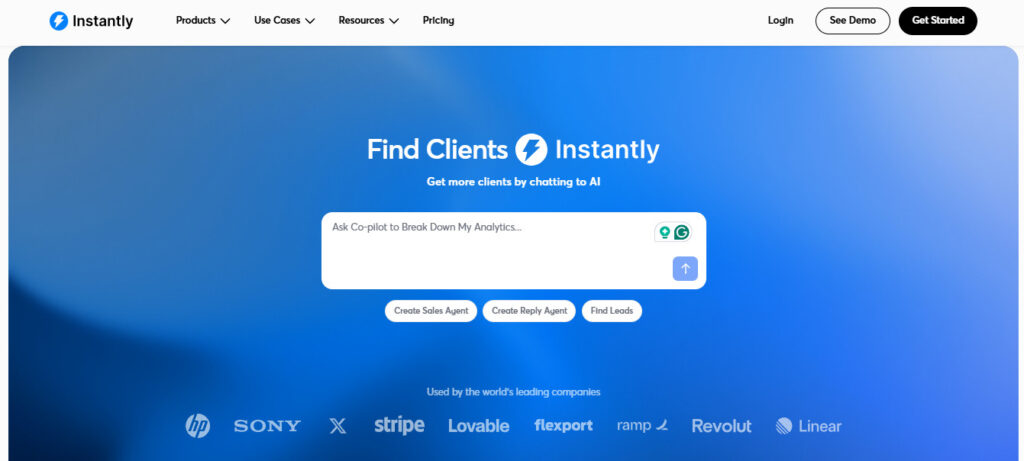
Unlimited accounts and unlimited warmup on all four tiers. Growth is $47 monthly and includes 1,000 uploaded contacts with 5,000 emails. Hypergrowth is $97 for 25,000 contacts and 125,000 emails. Light Speed is $358 for 500,000 emails and 100,000 contacts. Enterprise is custom and brings a private deliverability network.
There’s no per-ISP breakdown here, spam test credits, or reputation history I’d base a decision on. Instantly warms your accounts and confirms it warmed them. When it isn’t working, you learn that from your reply rates, weeks later.
That’s an acceptable trade for some senders, though. If you’re already paying Instantly for sequencing, adding a $25-per-mailbox warmup tool on top buys you measurement you may never look at.
For anyone else, the maths is worth running. A sequencer at $40 plus TrulyInbox at $84 comes to $124 a month against $47 here for both. Whether that’s worth migrating an entire sending workflow is a different question, and my answer is usually no.
Who it’s best for: Teams already on Instantly, or anyone picking a sending platform.
Pricing: Growth $47/mo, Hypergrowth $97/mo, Light Speed $358/mo, Enterprise custom. Unlimited accounts and warmup on all tiers.
5. Lemwarm
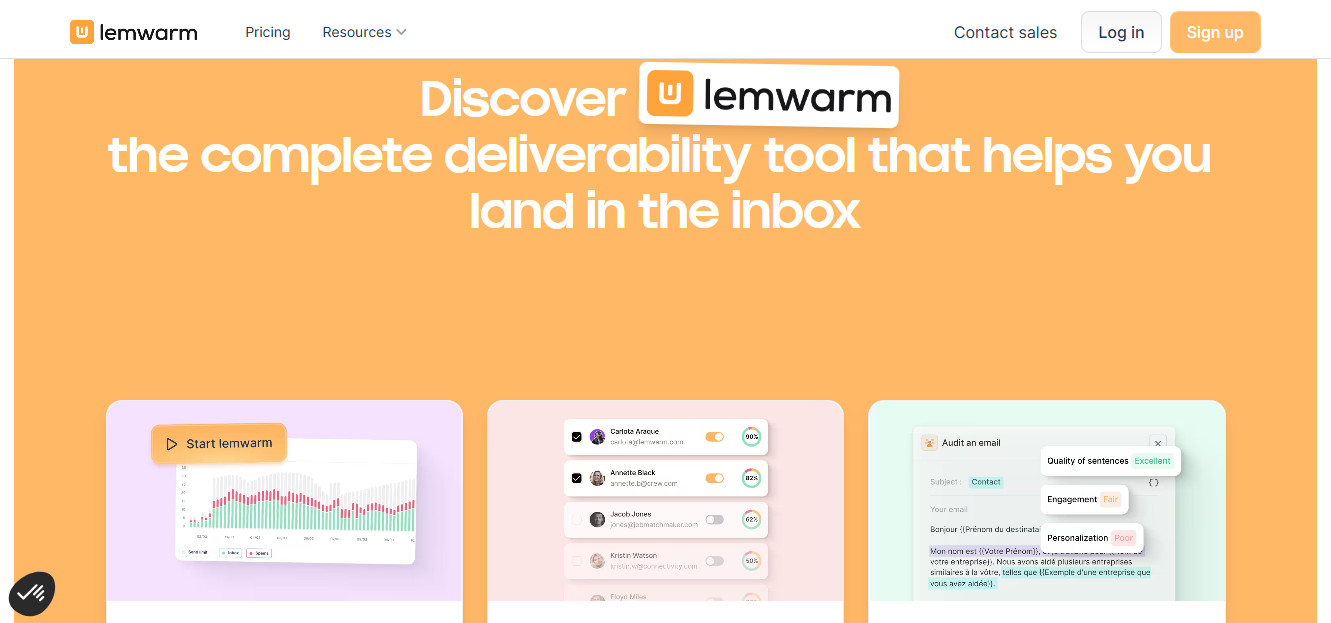
Of all the choices on this list, Lemwarm is the one doing something closest to Warmy’s network segmentation, which makes it the more interesting comparison than its usual “for lemlist users” summary suggests.
Essential is $29 per email address per month and covers automatic warmup, a technical setup check, deliverability reports, human warmup emails and a network of over 20,000 healthy domains. Smart at $49 adds the part worth paying attention to: warmup content personalised to you, warming that uses your own real email templates, and a warmup network matched to your industry rather than split broadly into business and consumer.
That industry matching is a finer cut than Warmy’s B2B/B2C division. Whether it produces better outcomes is hard to verify from outside, but the reasoning behind it is the same reasoning that makes Warmy’s split sensible, and Lemwarm publishes what it charges for it.
The obvious limit is that per-email-address pricing does exactly what Warmy’s per-mailbox pricing does. Scale it to a dozen sending addresses, and you’re back in the same budget conversation you were trying to leave. It also assumes you’re in Lemlist, since running it standalone means paying platform-integrated rates for a platform you don’t use.
Who it’s best for: Lemlist users, and anyone who liked Warmy’s network segmentation and wants a version with visible pricing.
Pricing: Essential $29 per email address/mo, Smart $49 per email address/mo, custom above ten users. 10% off quarterly, 20% off yearly.
So, How do you Pick the Right One?
Warmy makes a good product but prices it in a way that punishes growth. That’s really the whole story, and it’s why the alternatives are sometimes the only way out.
If you just want something similar to Warmy’s way of working, go for MailReach. Same per-mailbox structure, but you’ll know what you’re paying, and you’ll get the per-ISP placement data, which is even better than I saw with Warmy.
TrulyInbox comes in if all you need is mailbox count. It’s the only one here that gets rid of the problem instead of charging you differently for it.
If you’re already on Instantly, honestly just check your invoice because you’ve already paid for warmup.
Lemwarm Smart does a finer version of network segmentation and publishes a price.
Personally, though, I don’t run into the new-domain problem much anymore. What I run into is a domain with two years of history, all records, and mail that still won’t reach a primary inbox. No warmup tool on this list is built for that, because there’s nothing left to ramp. That’s the situation InboxAlly was made for, and it’s why I keep it running even on months when I’m not launching anything.