


Last Updated on May 23, 2026 by Ewen Finser
Braintree has earned its place as a strong payment processor that supports a wide range of payment methods, has a powerful and developer-friendly API, and comes with a global reach that makes it a natural fit for cross-border transactions. For businesses that fit squarely within its sweet spot, it’s a capable and well-documented platform.
However, operating under the PayPal umbrella comes with tradeoffs that become harder to ignore as your business grows.
For one, PayPal is a massive corporation, with impersonal support that many business owners have a hard time getting in touch with — which is unacceptable when you’re dealing with time-sensitive payment issues like account freezes and payment holds (which tend to happen more frequently with Braintree than with some competitors).
If you’ve encountered problems like these and are on the hunt for a new payments platform, the good news is that there are plenty of Braintree alternatives out there.
At a Glance
Best For | Fees | Integrations | Customer Support | |
Developers | Card: 2.9% + $0.30ACH: 0.8%, $5 cap | 500+ | 24/7 availability, heavy reliance on AI | |
Larger enterprises | Card: $0.13 + payment method feeACH: $0.27 | Native and third-party plugins | Email | |
Growing e-commerce businesses | Online: As low as 2.3% + $0.20In-Person: As low as 2.0% + $0.10 | 24 | 24/7/365 U.S.-based phone support | |
Subscription-based pricing | In-Person: $0.08Online: $0.15ACH: 1%, $10 capMonthly subscription fees apply | Third-party integrations through Zapier | Online form, phone support | |
In-person payment processing | Online: Starting at Interchange + 0.50% + $0.25In-Person: Starting at Interchange + 0.40% + $0.08ACH: 0.5% + $0.25, $6 cap | 70 | Support ticket, phone support |
Stripe: Best for Developers
Stripe is one of the most popular options for online payment processing and in-person payment collection. It integrates with most tools present in SMB finance stacks, with a developer-friendly API that lets you build customized payment solutions. You can use one of Stripe’s prebuilt payment UIs for a more hands-off approach, or you can start from scratch.
Transaction Fees
Stripe offers both standard and custom pricing. The former will work for most SMBs, while the latter is best suited for complex, high-volume businesses that require specifics like volume discounts, multi-product discounts, and country-specific rates.
Here’s what you’re looking at with standard pricing for online payments:
- ACH: 0.8%, $5 cap
- Cards and wallets: 2.9% + $0.30
- Additional charges:
- 0.5% for manually entered cards
- 1.5% for international cards
- 1% for currency conversion
- Additional charges:
For domestic, in-person payments, the card fees are 2.7% + $0.05.
Integrations
You can visit the Stripe App Marketplace to find apps that let you connect Stripe to the other tools you use every day in your business. Many of these have been developed by third parties, and there are currently over 500 apps in the Stripe App Marketplace that cover functions like accounting, billing, analytics, marketing, fraud, and tax.
Customer Support
Generally speaking, Stripe’s customer support is more accessible than Braintree’s, although some business owners still report having trouble getting in contact with someone. One of the main advantages of Stripe’s support is that it’s available 24 hours a day, seven days a week, so you can reach out whenever a problem arises.
Pros
- One of the most well-known payment processors
- Strong developer resources
- Plenty of app integrations
Cons
- Heavily relies on AI support over human support
- May encounter account freezes and holds with rapid scaling
- Higher fees than some competitors
Adyen: Best for Larger Enterprises
While Adyen serves businesses across all sectors, including retail, restaurants, SaaS, and other digital-based businesses, it’s an especially strong choice for processing international payments. You can use it for collecting both online and in-person payments, with the company selling its own POS terminals and tap-to-pay solutions. Small businesses can and do use Adyen, but it’s best suited for larger enterprises, positioning itself as a broader fintech platform rather than exclusively a payment processor.
Transaction Fees
Unlike Stripe, which has a standard fee structure for all payments, Adyen charges a flat processing fee, which remains the same across payment methods ($0.13), and a payment method fee, which varies:
- ACH: $0.27
- American Express: 3.3% + $0.10
- Discover: 3.95%
- Mastercard and Visa: Interchange+ + 0.60%
- Alipay: 3%
Integrations
While Adyen doesn’t have a complete integrations masterlist like Stripe’s App Marketplace, it does integrate with several common business tools, including Oracle NetSuite, Salesforce, Shopify, WooCommerce, and Chargebee. Adyen builds some of these plugins, while others are built in conjunction with other companies.
Customer Support
If you need help with any issues, you can either email Ayden directly or refer to its help center, which has articles, how-to videos, courses, and both live and on-demand webinars.
Pros
- Appropriate choice for many industries
- Heavy international focus
- Integrates with many e-commerce platforms
Cons
- Not the best fit for the smallest businesses
- Doesn’t advertise phone support
- Transaction fees vary by card type
Luqra: Best for Growing E-commerce Businesses
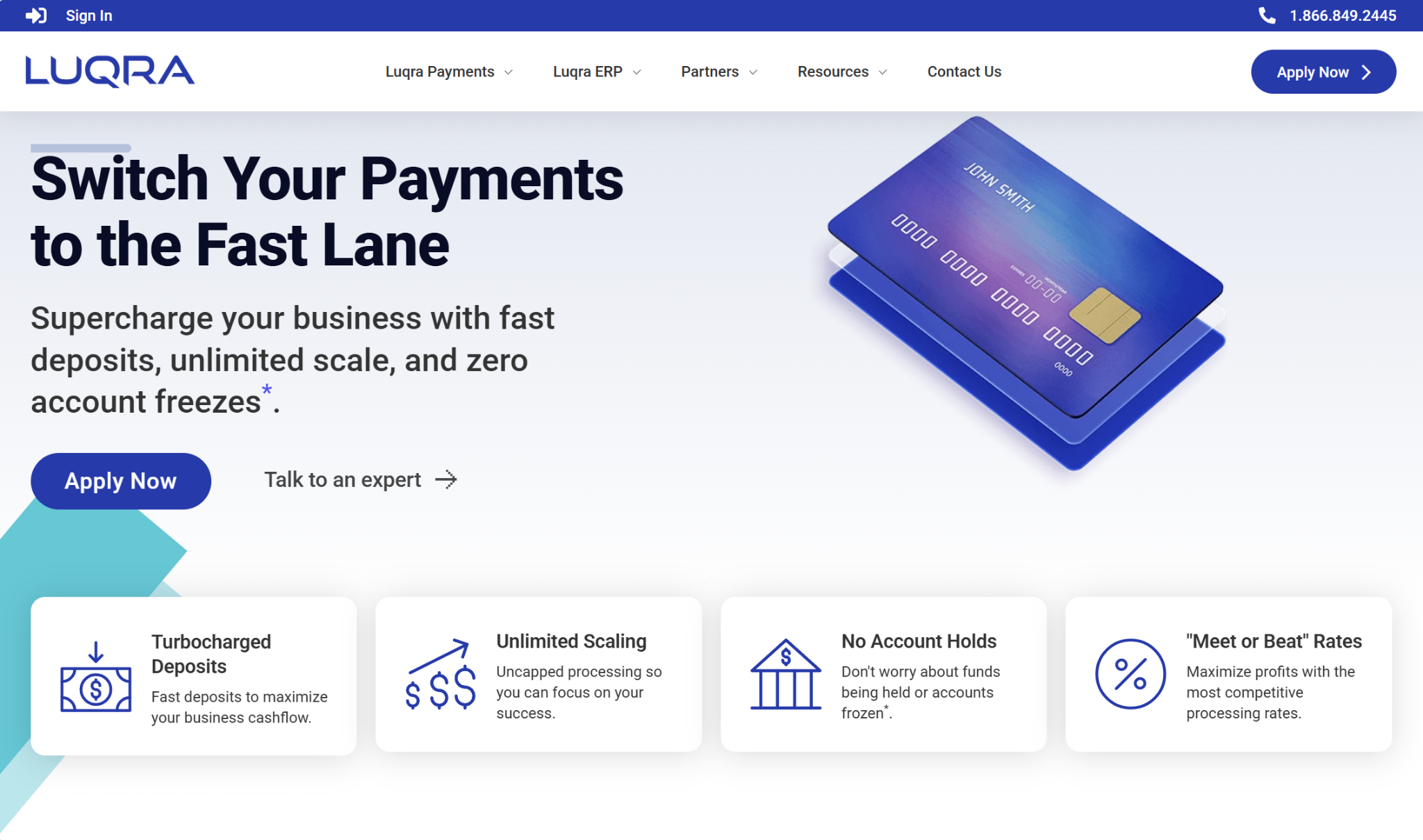
Luqra is a solid option for merchants that are experiencing rapid growth, claiming that it won’t freeze your account or hold funds due to a sudden spike in volume. However, while it was built specifically for e-commerce, other types of businesses can also use the platform, including those collecting in-person payments. For these types of businesses, Luqra sells terminals and POS systems.
Transaction Fees
Unlike some of its competitors, Luqra doesn’t have blanket, standard pricing that applies to all of its customers. Instead, the fees you face will depend on where you’re collecting payments:
- Online: As low as 2.3% + $0.20
- In-Person: As low as 2.0% + $0.10
They also offer a cash discount program for a monthly cost of $99, which passes card fees onto customers so you don’t have to pay them.
What’s notable about Luqra’s cost structure is that they offer meet-or-beat rates to stay competitive, and they state that they won’t ever increase your rates.
Integrations
Currently, Luqra has a total of 24 integrations, including Shopify, WooCommerce, Salesforce, Recurly, and Chargebee.
Customer Support
One advantage that comes along with Luqra being a smaller processor is that it’s easy to access customer support and speak with a human. The platform offers 24/7/365, U.S.-based support and doesn’t rely heavily on AI chatbots like many of its competitors.
Luqra also provides all merchants with a dedicated account representative. Much of its staff has extensive e-commerce experience running their own stores, so you can rely on them for a variety of questions, ranging from technical payment issues to marketing strategy.
Pros
- Unlimited scaling
- Competitive meet-or-beat rates
- 24/7/365, U.S.-based customer support
Cons
- Not widely known
- Limited integrations
- Less of a focus on in-person payment processing
Stax Pay: Best for Subscription-Based Pricing
Stax is a fintech company with solutions on both the AR and AP sides, but Stax Pay specifically focuses on payment collection. It’s a reliable choice for SMBs and is industry-agnostic, serving companies across both online and in-person payments. For in-person transactions, the company sells hardware, such as smart terminals and POS systems.
Stax Pay is unique from many of its peers in that it offers subscription-based pricing rather than relying only on transaction fees. This could potentially result in significant savings, although it could also end up being overly expensive for the smallest businesses with low transaction volumes.
Transaction Fees
With Stax Pay, you’ll pay both a monthly subscription fee and transaction fees.
The monthly cost depends on processing volume:
- Up to $150,000/year: $99/month
- $150,000–$250,000/year: $139/month
- $250,000+/year: $199+/month
The standard transaction fees are:
- In-person card: $0.08
- Online or keyed-in card: $0.15
- ACH: 1%, $10 cap
Note that for credit card payments, there’s a 0% markup on interchange.
Integrations
Stax doesn’t publish a list of software integrations like many other payment processors do. However, their support knowledge base does mention a WooCommerce integration, as well as third-party integrations with gateways (Authorize.net, FreedomPay) and POS systems (NCR, Clover).
You can also use Zapier to integrate with a range of apps, including QuickBooks, Salesforce, Shopify, and Xero.
Customer Support
You can get in touch with Stax’s support team via phone and their online form. If you’re using the online form, you’ll need to provide your email, information about your company, and a description of your issue. You can also attach screenshots if desired.
Phone support is available Monday through Friday, 9:00 AM through 5:30 PM EST, although holiday schedules may differ.
Pros
- Subscription-based pricing can result in cost savings
- Phone support is available five days per week
- 0% markup on interchange for credit cards
Cons
- Can be expensive for the smallest, low-volume businesses
- Doesn’t advertise many native integrations
- Relatively high ACH fees
Helcim: Best for In-Person Payment Processing
Helcim is another strong contender that often flies under the radar. It’s good for both online and in-person payment processing, but in-person payment collection (particularly for service-based businesses) tends to be its core focus, selling payment hardware and offering additional tools for customer data management and inventory management.
Despite Helcim’s slant towards physical businesses, it also has plenty of resources available for e-commerce, including a no-code online store builder.
Transaction Fees
Helcim’s fees for both online and in-person payment collection depend on your monthly credit card volume, as well as the card type. There are five discount tiers based on monthly volume. Custom rates apply to businesses processing over $5,000,000 monthly.
- Online:
- $0–$50,000: Interchange + 0.50% + $0.25
- $50,000–$100,000: Interchange + 0.45% + $0.20
- $100,000–$500,000: Interchange + 0.35% + $0.20
- $500,000–$1,000,000: Interchange + 0.25% + $0.15
- $1,000,000–$5,000,000: Interchange + 0.15% + $0.15
- $5,000,000 & above: Custom
- In-person:
- $0–$50,000: Interchange + 0.40% + $0.08
- $50,000–$100,000: Interchange + 0.35% + $0.07
- $100,000–$500,000: Interchange + 0.25% + $0.07
- $500,000–$1,000,000: Interchange + 0.20% + $0.06
- $1,000,000–$5,000,000: Interchange + 0.15% + $0.06
The fees for ACH payments is 0.5% + $0.25, with a $6 cap. There’s also an additional 0.05% charge on amounts over $25,000.
Notably, Helcim has a buyout program, where they will waive up to $500 in fees if you switch from your existing payment processor.
Integrations
Helcim’s Integration Library currently houses 70 integrations. Some of them are industry-specific, such as those for healthcare, automotive, retail, wholesale, and professional service businesses. The integrations are also grouped by function, such as practice management, booking, project management, accounting, e-commerce, and billing.
Customer Support
You can contact Helcim support by either creating a support ticket or calling the support team. To create a support ticket, you describe the issue and include up to two attachments. Helcim’s team aims to respond to support tickets within 12 business hours.
Phone support is available Monday through Friday, 7:00 AM to 5:00 PM MST, and Saturday, 9:00 AM to 5:00 PM MST.
Pros
- Great for in-person payment processing
- Buyout program can cut fees when switching over
- Phone support available
Cons
- Less of a focus on online payment processing
- Somewhat confusing rate structure
- Potentially expensive for low-volume businesses
Picking from the Best Braintree Alternatives
The best payment processor for your business can come down to a few factors, and it really depends on what you’re looking for.
If you’re just looking for another large processor that has a wealth of capabilities and the reputation to back it up, Stripe is a solid option. Everyone’s familiar with it, and there are plenty of integrations.
However, if your main issue with Braintree was related to customer service, I’d recommend thinking long and hard about using another large processor. I’d say that Luqra is the winner here for customer service, since you can’t really beat human-led, 24/7/365 availability. They also have several e-commerce experts on staff, so if your business operates in that space, it could be a sound option.
But if you deal with a lot of in-person payments, you may like Helcim. If you’re a high-volume business wanting subscription-based pricing, Stax Pay may be the best choice here.
It all comes down to how your business operates.