


Last Updated on March 11, 2026 by The Digital Merchant Team
If IT documentation is hard to understand, people won’t use it. If it’s painful to update, it’ll become stale, and your team will stop trusting it. If it’s slow to produce, you’ll let it fall to the bottom of your to-do list, where it will become a relic of history.
So, your best bet becomes finding a tool that will allow you to regularly publish valuable IT documentation with as little effort as possible.
Different tools take different approaches to process documentation; the best option will depend on the complexity of your workflows, the size of your team(s), and your budget, among a host of other factors.
Here, I look at some of the leading IT documentation software tools on offer in 2026, and explain the benefits and drawbacks of each.
Guidde

Unlike the other tools on this list, Guidde is a video-first platform. It works by capturing workflows as you execute them on your computer, before generating a parallel step-by-step artifact (a structured guide) that can be shared, embedded, and versioned.
A typical IT documentation workflow in Guidde looks like this. You install the browser extension and start a step-by-step capture, setting recording preferences and providing a short description so the output matches your intent. You then perform the workflow in question normally. Guidde turns your clicks into discrete steps automatically.
You can also add narration by speaking during capture, or by using “Magic Mic”, which creates an editable AI voiceover tied to your actions.
So, how does it stack up against the competition?
Guidde’s biggest strength might be its ability to help teams keep documentation current. Because its workflow is so simple, its update loops tend to be short; you can re-run a workflow and re-capture it in minutes, rather than editing a long text page and re-taking screenshots over the course of hours.
Guidde is also designed to distribute documentation in multiple formats. From a single capture, you can share via link, embed guides into other systems, or export for reuse (though the availability of all these features will depend on your subscription tier).
The main issue with Guidde is that, like any AI tool, it’s not immune to slips. There can be missed clicks, imperfect summaries, and voiceover mistakes, especially on highly complex workflow recordings. In practice, that means Guidde works best when teams accept an editorial pass as a standard step in the runbook publishing process (which is a good practice anyway).
Pricing is based on the number of creators (as in, people producing documentation) on your account, rather than the number of users (as is the case with most other tools). I’m a big fan of this pricing structure, as it allows lean teams to squeeze a lot of value out of the platform at a low price point if they need to.
There’s a free tier (which caps subscribers at 25 videos per month). The Pro subscription is $18 per creator/month, while the Business option is $39 per creator/month. There’s also the Enterprise tier, priced on a “contact us” basis (this is common to most tools). While some useful features are locked away on the higher tiers, the more basic subscriptions still provide access to a really robust platform.
Atlassian Confluence
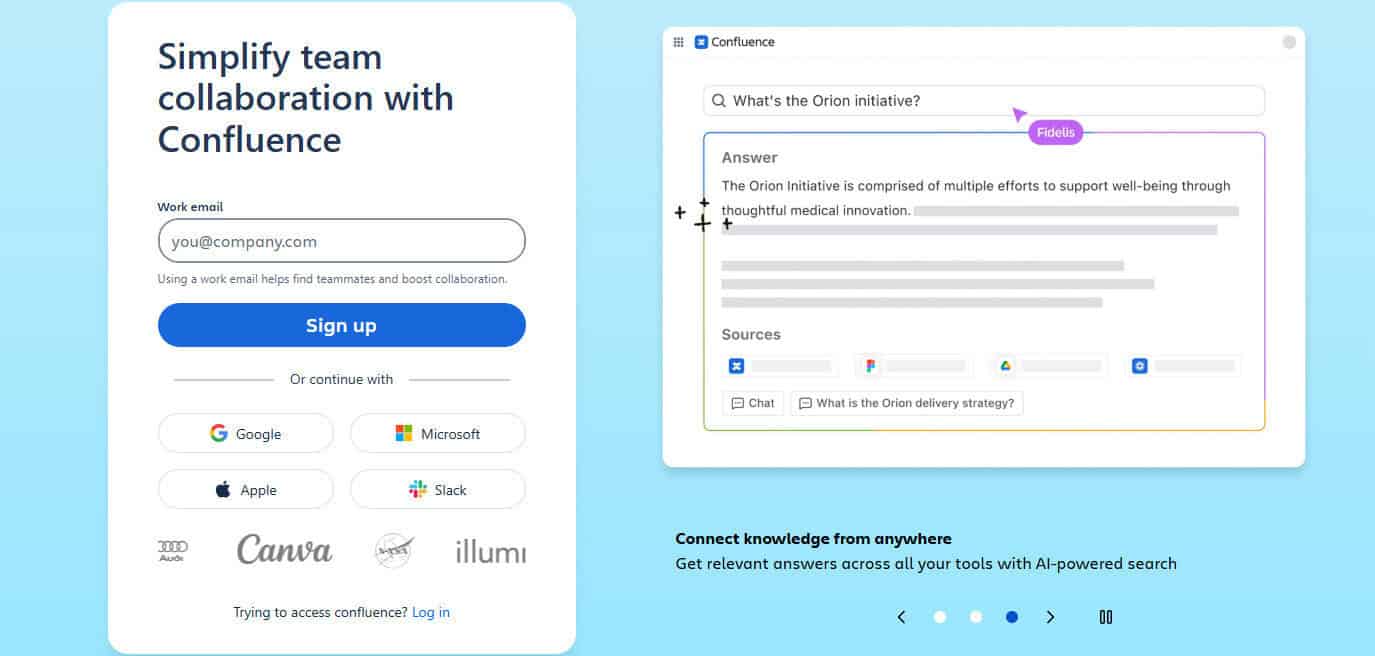
Confluence is the archetypal internal wiki for software and IT organizations: a space-and-page model where teams create structured documentation, link it together, and keep it discoverable via navigation and search.
The Confluence workflow normally starts with information architecture. You create spaces for domains (for example, “Infrastructure”, “Identity”, “On-call Runbooks”), then build page trees beneath a small number of “index” pages. You can then standardize how your runbooks look by using templates.
This production process is pretty smooth; unfortunately, maintenance can prove problematic with Confluence. Keeping everything up to date is quite labor-intensive, so stale pages tend to become common once content libraries grow. It also becomes more difficult to quickly navigate the platform once there’s a large amount of documentation.
In fairness, when Confluence is managed well, it does deliver the strengths you want from a traditional wiki: centralisation, contextual embedding of related work, and structured hierarchy. However, its drawbacks get more pronounced with scale, which is a big problem; runbooks are most valuable precisely when you’re under pressure and can’t wait for slow pages or imprecise search.
Confluence’s pricing is per user. There’s a free plan for up to 10 users, with Standard at $5.42 per user/month, Premium at $10.44 per user/month, and an Enterprise tier for larger organizations). Confluence can be cost-effective when it’s already part of an Atlassian stack, but it can get expensive quickly if you’ve got a lot of users.
Notion

Notion approaches documentation as part of a broader “workspace” model: pages, databases, and teamspaces that can hold wiki content alongside task lists, change logs, and project trackers. For those in charge of IT documentation, the appeal of this structure is that documentation can be tightly connected to operational work: a runbook page can sit next to the incident tracker database, templates can generate consistent pages quickly, and so on.
Notion will explicitly guide you to build a company wiki by creating a central hub and organizing key pages so information is accessible and maintainable. For ops teams, this usually means creating a teamspace for IT/Ops (and sometimes separate teamspaces for Security, Engineering Ops, etc.), then building an index page that acts as a portal into subsystem pages and runbooks.
To help keep documentation current, Notion has invested in “verification” and ownership signals. Notion’s help content describes verified pages and owners, including visibility cues (blue check marks in mentions and search) and notifications when verification expires. This is directly relevant to an IT team trying to prevent the “is this runbook still authoritative?” problem that crops up in long-lived wikis.
The trade-off is that Notion’s flexibility can slow onboarding and create ongoing admin unless you keep the structure deliberately simple.
Notion offers a Plus tier at $10 per member/month, a Business tier at $20 per member/month, and a custom-priced Enterprise option. There’s also a (very limited) free tier.
GitBook

GitBook is a documentation platform built for technical teams that want cleaner, more controlled docs than an all-purpose wiki can offer, particularly when you want a docs-as-code option. It is commonly used for product and API documentation, but many teams also use it for internal documentation because it produces structured, navigable content with a strong reading experience.
GitBook’s dual workflow allows you to write documentation in the editor while also connecting it to a Git repository so teams can maintain docs (just as they might with code). GitBook’s Git Sync feature is explicitly positioned as a two-way sync with GitHub or GitLab, allowing documentation to be authored either in the visual editor or in Markdown in the repo, with each side updating the other.
I’m a fan of this approach; updating documentation alongside code changes is one of the few strategies that can maintain documentation freshness without massive human effort. GitBook’s own documentation and feature pages emphasise Markdown editing support and the Git Sync workflow precisely to reduce context switching between engineers and writers.
GitBook’s pricing page describes a model that combines site plans and per-user costs, with Premium at $65 per site and Ultimate at $249 per site, plus $12 per user for additional users in the calculator shown. For ops teams, this makes GitBook a strong fit when you want a small number of well-run doc sites (or you need a portal with controlled publishing), but potentially less attractive if you want lots of separate internal “knowledge areas” each treated as its own site.
Microsoft SharePoint

SharePoint is not a documentation tool in the purest sense; it’s a broad collaboration and content management platform that organizations frequently use as a de facto knowledge base because it is already licensed, integrates with the Microsoft ecosystem, and supports secure access control. It can host team sites and pages, and it can store runbooks as documents in libraries with versioning and access control.
The SharePoint documentation workflow for IT/Ops typically centres on two content types.
One is “pages” (for wiki-like content) where teams create internal web pages describing processes, links, and references. The other is “document libraries” where teams store runbooks as Word/PDF files, diagrams, spreadsheets, and procedure checklists. The platform’s strength here is governance: SharePoint and Microsoft documentation emphasise versioning as a safety net that allows tracking and restoring prior states when content changes.
However, SharePoint’s weakness for operational documentation is also well documented: setup and information architecture matter, and poor IA creates clunky navigation.
Pricing is a little difficult to discuss here because SharePoint is usually bought as part of Microsoft 365 suites; realistically, not many companies are investing in SharePoint as a standalone product, though it is possible to do this if you wish.
What’s the Verdict?

For most businesses trying to document systems, runbooks, and internal tools, Guidde is the strongest overall choice because it optimizes directly for the three outcomes you should care about most: clarity, onboarding speed, and documentation freshness.
That said, the best tool still depends on context. If you’re already using Atlassian, Microsoft, or Notion, for example, it may make sense to use their process documentation tools for the sake of convenience.
However, if we’re looking at each of these platforms in a vacuum, Guidde is the clear winner as far as I can see.