


Last Updated on January 12, 2026 by Ewen Finser
Product demos are an integral part of the sales cycle for businesses that want to showcase their product in a professional and consistent way.
With a wide variety of products on the market, customers have a wealth of options to choose from. Businesses need to diversify the ways they showcase their services, software, or products. Product demos add another level of dimension that allows users to get a real look under the hood more tangibly.
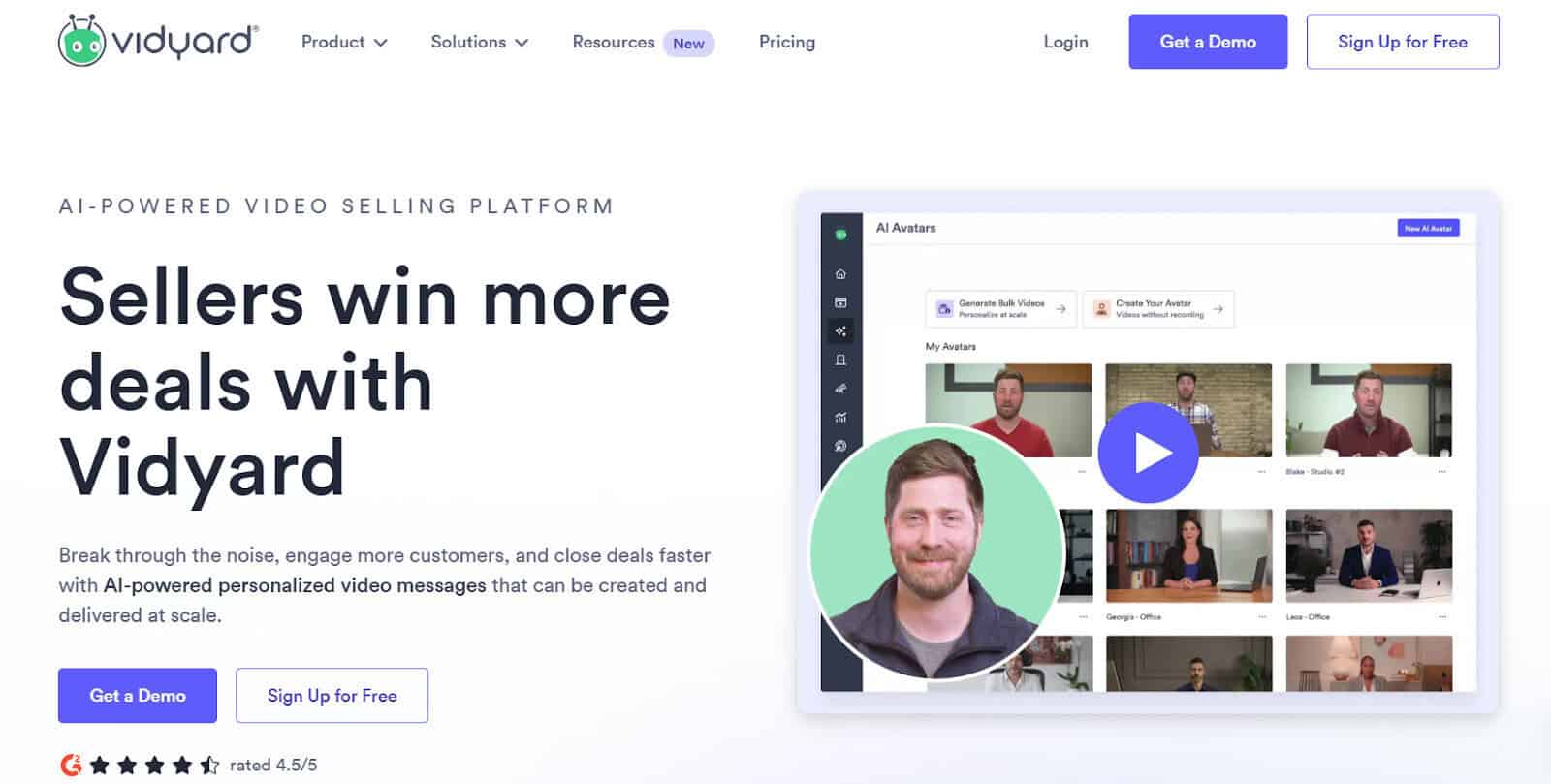
I found Vidyard to be a well-rounded tool that helps users create videos easily, but it’s not the best fit for every business. The pricing can be restrictive if you’re a growing business that needs a platform that can scale.
Overall, it’s relatively easy to use, but once I upgraded to the Pro version, I found technical issues I wasn’t expecting, and it makes recording cumbersome.
I’ve been looking into Vidyard alternatives for some time, and I’ve created a go-to list for product demos and when I need to record important software walkthroughs. We’ll run through the Best Vidyard Alternatives for Product Demos, and I’ll be sharing what I liked, disliked, and who each platform is best for in this comprehensive guide.
My Top Vidyard Alternatives:
- Loom – Best Lightweight and Free Alternative
- Supademo – Best Alternative For Interactive Product Demos
- Guidde – Best Alternative For Multipurpose and AI-Driven Product Demo Creation
- Tella – Best Alternative For Creating Quick and Simple High Quality Product Demos
- Dubb – Best Alternative For Sales-Focused Product Teams
My recommendation is to look at core feature sets and how these will meet your needs, or help any issues you’re looking to solve. Regardless of the tool, I’ll always lean more towards those that are easy to use and have a low learning curve.
I like to choose recording tools specific to the type of content or product demos I need to create.
Here are some specific features you should look for in all recording software, regardless of your goals.
Features I Look For in a Product Demo Tool:
- Low learning curve – I test out tools specifically with this as my focus. If a tool is clunky, outdated, or hard to learn, I’ll generally switch to a different alternative.
- Video editing capabilities – I like software that allows enough flexibility to edit videos so that I can tailor them to suit multiple products and audiences.
- Branding and customization – Branding is essential, and being able to add your logo and corporate identity to product demos is a great way for users to identify with your brand and business.
- Reporting and analytics – I value having a way to gauge user metrics and how my customers engage with the content. Drop-off rates, long pauses, or skipped sections tell me how I can improve my demos and what users value.
- Video sharing – When recording product demos and tutorials, I always consider the audience I’ll be distributing content to and how I can make sharing more accessible to internal and external viewers.
Alternatives To Vidyard – Our Top Picks
Remember that not all tools are created equally, and consider what specific features are lacking in the software you currently use.
Whenever I am on the lookout for alternatives to an existing software, I’ll always start with those that are similar and have like-for-like feature sets as far as possible, and then look at how they differ and how this will solve some pain points.
- Loom – Best Lightweight and Free Alternative
What I like about Loom:
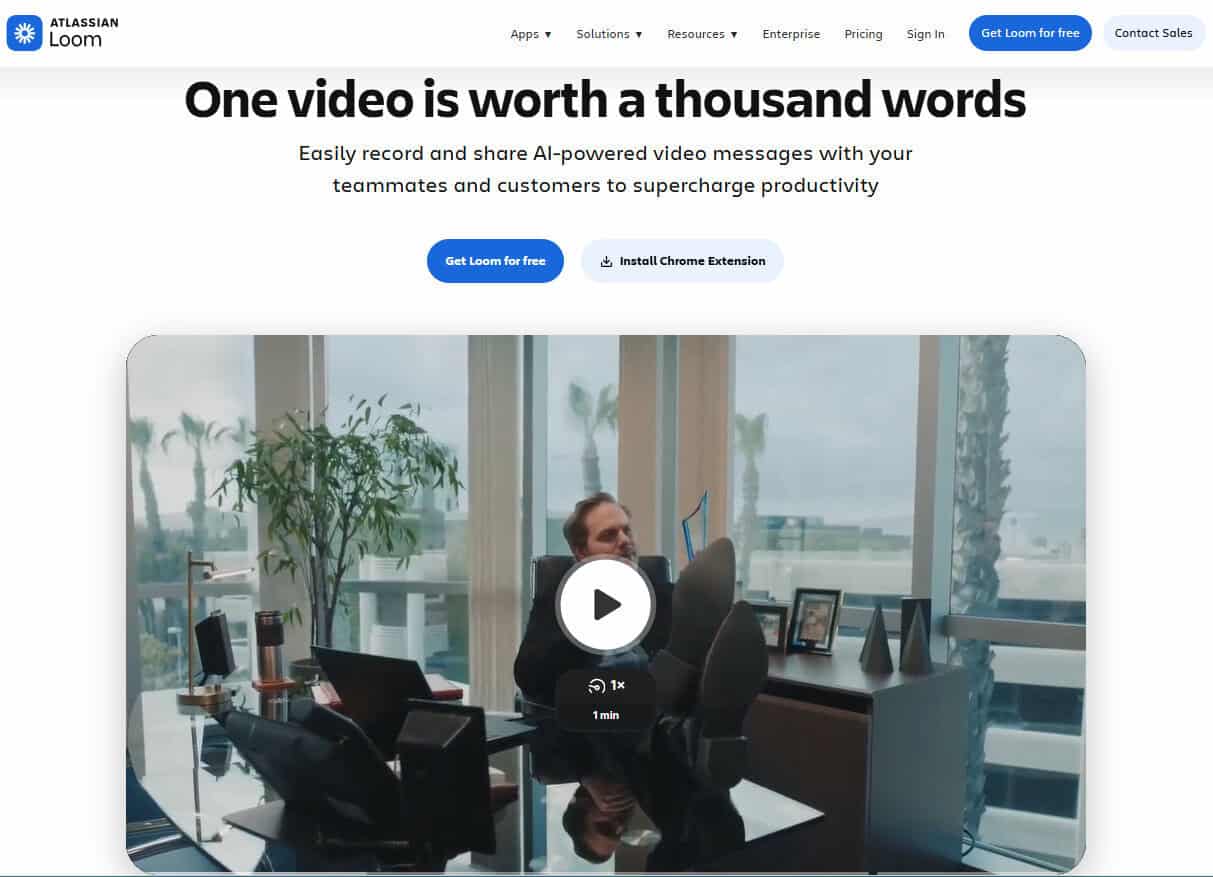
- I love that Loom is entirely free, and it makes it accessible for smaller cost-conscious teams or businesses.
- I found Loom super easy to use compared to similar tools, and although it doesn’t come with advanced features, it has a short learning curve, which is always a plus for me.
- I hate having to install desktop apps and much prefer tools like Loom that let you record right from your browser, screen, or webcam.
- It has just the right amount of editing tools for simple product demos. It’s not going to give you the studio look and feel, but sometimes I just need a quick or product overview that won’t take hours to edit.
- Collaboration on videos or demos can be beneficial. I find that Loom allows for a good level of communication and allows users to ask questions at critical steps.
What I find limited with Loom:
- Okay, so for a totally free tool, one wouldn’t expect top-notch quality recording, but I do find that other limitations make Loom a more entry-level tool only. The editing tools are basic, and I found the 5-minute duration cap to be really limited to be really useful long term.
Why I’d choose Loom over Vidyard:
- I generally opt for using Loom when I need a free or lightweight tool that allows me to record quick product features. In some cases where collaboration is necessary, I found Loom is a better alternative to Vidyard.
Pricing:
- Loom has three pricing options available and a free plan, which is a great value add for smaller teams that have basic requirements.
- Paid pricing plans range from $15-20 per user per month for annual billing options and a custom pricing plan for larger organizations.
- Supademo – Best Alternative for Interactive Product Demos
What I like about Supademo:
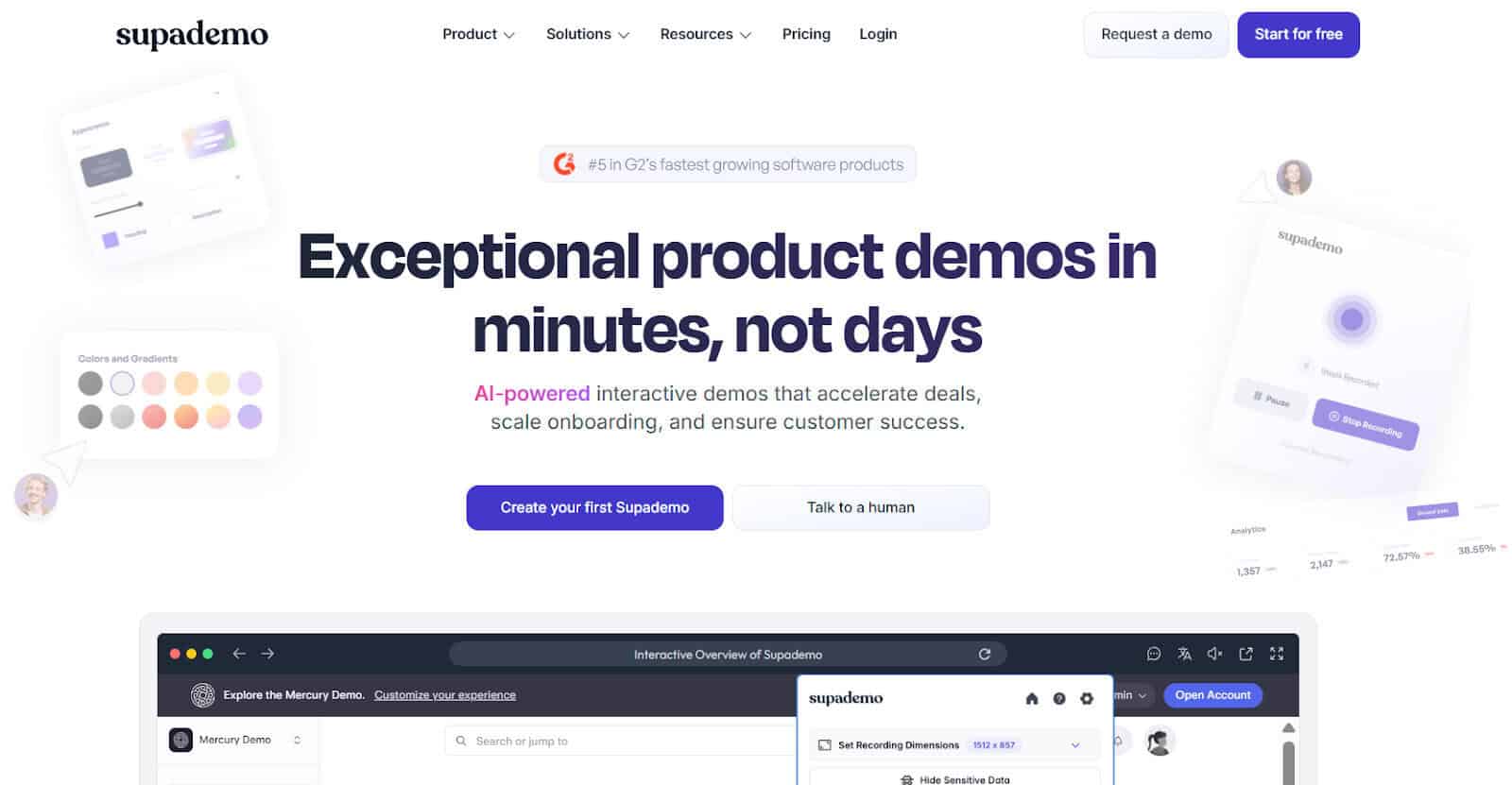
- Whereas some of the other tools are built for video recording and demos in general. I love that Supademo is built explicitly for product demos and end users.
- Supdemo has built in walkthroughs within the tool, and I find this is often more useful as viewers are guided through a specific feature or product. Guided walkthroughs can mean that product demos are self-explanatory and don’t require a presenter to take users through each area, which I really like, especially when resources are limited.
- Ease of editing and sharing is critical for me, and Supademo allows you to edit easily and then share, embed, or group together in various ways, meaning you can make demos more accessible across a wide range of channels.
- User analytics are collected, which means I can track clicks and steps users have taken, again offering me some valuable insights that mean I can identify where viewers are getting stuck or dropping off.
What I find limited with Supademo:
- Supademo is built for product demos, so I’d suggest not expecting it to work for a wide range of scenarios, unlike some of the other tools.
- The learning curve is a little steep for less technical individuals, and I find this will generally lead to longer training and upskilling periods before users can really make good use of the platform.
Why I’d choose Supademo over Vidyard:
- Where Vidyard is more general, I find Supademo an excellent alternative for teams or businesses that need more purpose-built tools that offer AI features, guided walkthroughs, and viewer analytics.
Pricing:
- Supademo has three pricing plans and also offers a free plan, which is a great option for single-user teams that have basic requirements.
- Paid pricing plans are pretty costly and range from $38 (single users) to to $350 for month (for five users). They do offer customized pricing based on your organization’s needs.
- Guidde – Best Alternative For Multipurpose and AI-Driven Product Demo Creation
What I like about Guidde:
- I love using Guidde for any repeatable processes, which makes it a diverse tool for a wide range of uses.
- Where some tools are purpose built for specific scenarios, I’ve found that Guidde allows me to not only record interactive product demos but also draft documentation for various purposes within minutes, making it an invaluable tool for everyday use in my world as a project manager.
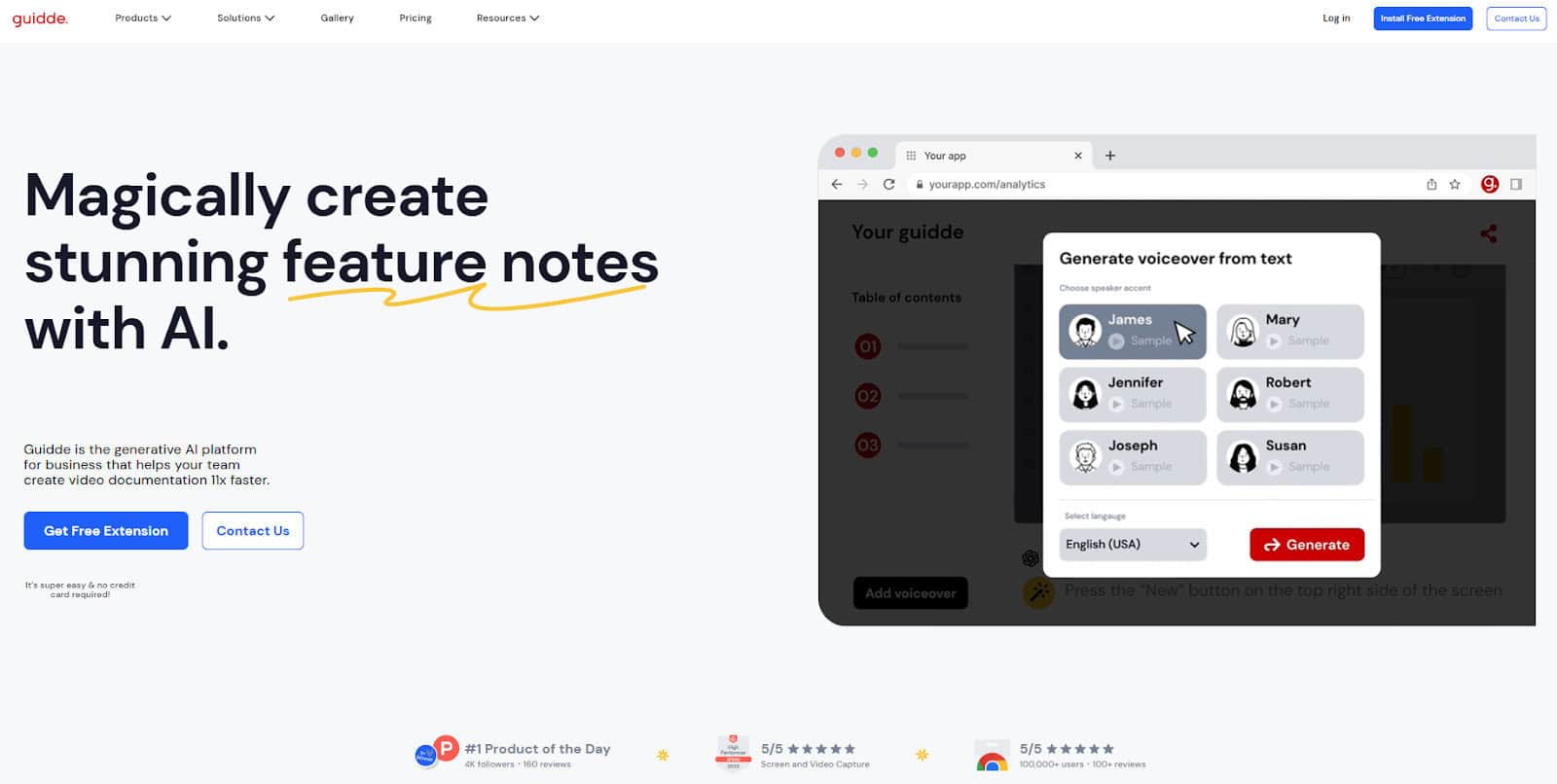
- Guidde has a good level of AI-assisted features baked into the tool, which I’ve found helpful for helping me edit videos and generate scripts or captions quickly and easily.
- Paid-for voice-overs can become expensive, and some people prefer to make use of voice-overs instead of using their own, which I can relate to. Guidde has a great range of really natural-sounding options to choose from, which I liked, and sounded less robotic than some of the others I’ve used in the past.
What I find limited with Guidde:
- Overall, I’ve found Guidde hard to fault, and I like that they’ve covered a wide range of features. That being said, some of the languages need some improvement and smoothing out. Guidde is also not as interactive as some other tools, like Supdademo, which are purpose built for user interaction.
Why I’d choose Guidde over Vidyard:
- I generally use Guidde when I need a tool to not only record and edit product demos but also when I need more advanced AI features to help create structured documentation and guides.
Pricing:
- Guidde has three pricing tiers to choose from, including a free plan, which gives users a great look at how the platform works before needing to upgrade to paid-for options.
- Paid pricing plans range from $18 – $39 per user per month.
- Guidde has customized pricing for larger businesses, which makes it a good option for scaling organizations.
- Tella – Best Alternative For Creating Quick and Simple High Quality Product Demos
What I like about Tella:
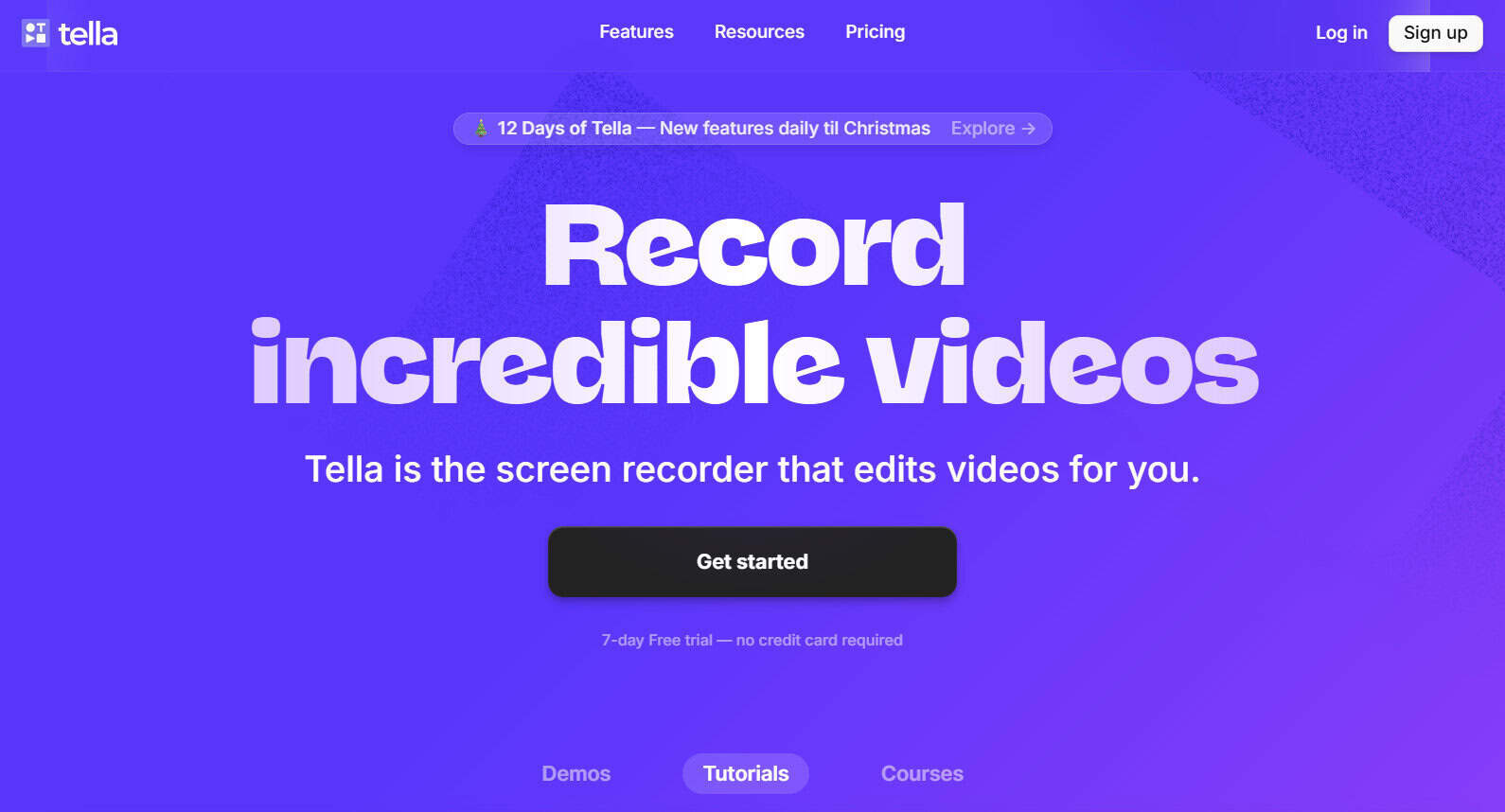
- Tella is like Loom, but on steroids. I love that it’s still simple, super quick, and basic enough to learn without having to go through hours of training, but more advanced than the likes of Loom.
- It has some innovative features which make editing go a lot quicker for me, which is always ideal if you need to spend hours stitching clips together or removing awkward silences or filler words. For smaller teams that need to create quick product demos, this can honestly be such a massive time saver, especially when you have multiple feature sets to record.
- For the really great ease of use, I was impressed with how high-quality my videos turned out, and you can record and share videos in 4K or HD easily.
What I find limited with Tella:
- Tella is not going to deliver all the advanced analytics and CRM capabilities like some of the other options out there, so it does make it a better fit for teams that only require basic features.
- More pricey than I would expect. I would like to see a free or super low-cost option offered with Tella, especially considering how lightweight the tool is.
- Only two pricing tiers are offered, which makes it a bit limited for smaller organizations looking for a more scalable solution.
Why I’d choose Tella over Vidyard:
- Tella is not going to be a complete replacement for Vidyard, and it’s not pretending to be. Tella is the perfect option when you need to create super polished and high-quality product demos quickly and easily without much fuss.
Pricing:
- No free option available, but they do offer a 7-day free trial I’d recommend trying out.
- The paid tiers range from $13-$19 per user per month.
- Dubb – Best Alternative For Sales-Focused Product Teams
What I like about Dubb:
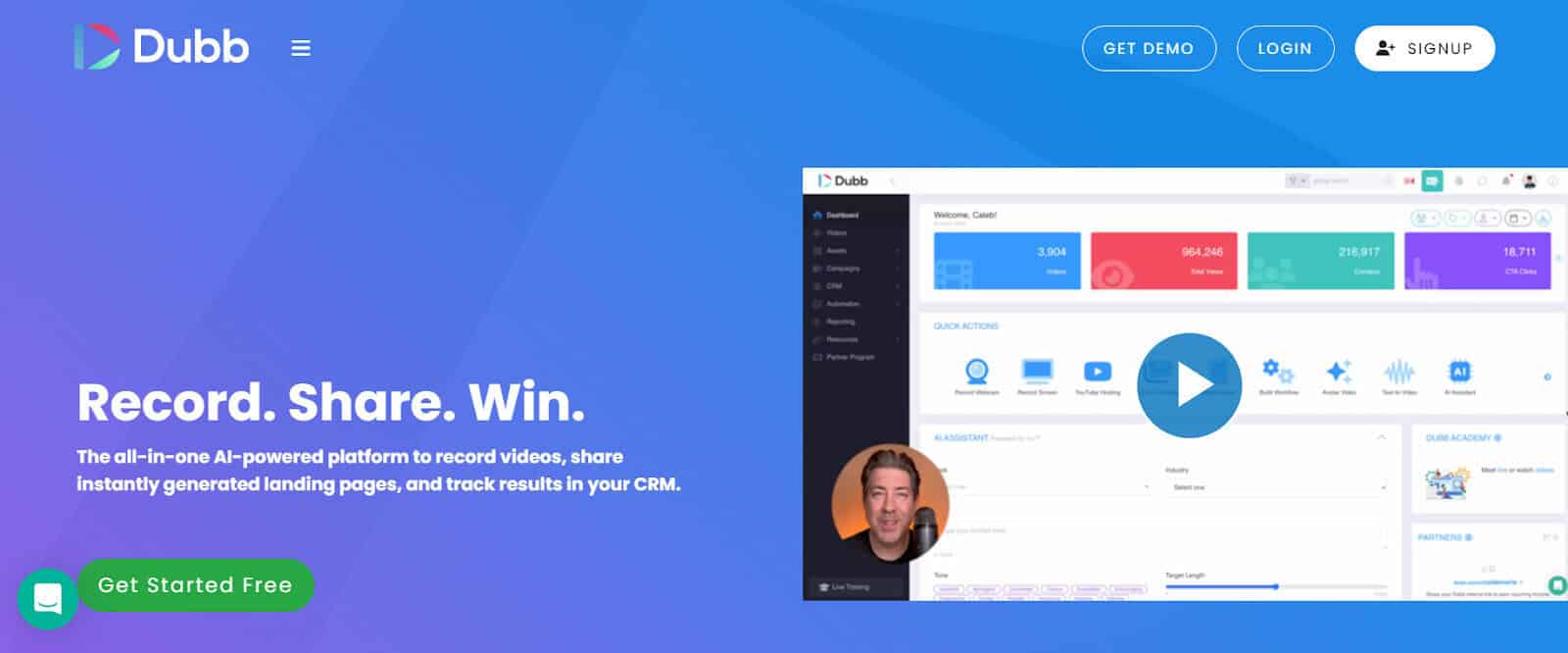
- While some of the other tools I’ve covered are really more video recording-oriented, Dubb is an excellent option for sales-driven teams who need to find ways to share product marketing collateral more easily.
- I like that Dubb offers really in-depth analytics so that you can track how your videos are shared, interacted with, and then have specified data points fed right into your CRM. As someone who has run with analytics and trends, this can take hours to tie up, so I found this a really valuable feature with Dubb.
- Personalization is where it’s at if you want to really catch the attention of prospects, so I loved that Dubb offers personalized, 1:1 video messages which can be shared across channels like LinkedIn, email, or sms.
- They also have scalable pricing with a free plan, which is always a bonus if you’re like me and like to try before you buy.
What I find limited with Dubb:
- Where Dubb really excels in the quick and direct marketing space, it does sadly lack in the advanced editing feature sets. This may not be a huge drawback for some users, but those wanting really high-quality full-scale product demos may find Dubb too limited for their needs.
- Dubb isn’t as intuitive as I was expecting and may require some getting used to before being able to get all the functionalities to work as intended.
Why I’d choose Dubb over Vidyard:
- If marketing and sales metrics and analytics are essential to you, Dubb may be a better fit. Dubb is also a better option for those wanting a purpose-built tool to help manage product demos and product marketing in an easy and strategic way.
Pricing:
- Dubb offers a free (free forever) plan, which is ideal for start-ups or small teams with limited requirements.
- Dubb has paid for plans that range from $59-$129 per month, and a custom pricing plan is offered for larger organizations with more advanced needs.
In Summary – Here’s our take:
Product teams and product-focused organizations have such a wide range of versatile needs that choosing a single “best alternative to Vidyard” would be too difficult to get right without understanding each business’s needs. Choosing the right tool will always come down to each specific pain point or need your team is looking to fulfil or get right.
My suggestion is to not only assess the key feature sets of each platform but also try before buying. Many of the tools we’ve covered have free trials or free plans, which offer you a great way to get a real look under the hood to get a hands-on feel of whether the tool is the best fit.
Here’s my quick pick for the best alternatives to Vidyard:
- Loom – The best for simpler needs and quick product demos. I also like to use Zoom when I need a combination of meeting recording and product demo capabilities.
- Pick Supademo if measuring interactivity and creating engaging tutorials and product demos are essential for your team.
- Guidde is an excellent alternative for teams that need a more versatile tool with AI capabilities and for those with structured documentation needs. I also prefer using Guidde when creating high-quality product demos with good editing features.
- Choose Tella if you need an easy-to-use tool that can help create super polished product demos.
- Dubb is a better fit if your product team is focused on sales and campaigns and wants a tool to help create quick videos and track viewer analytics.