


- My Top Restaurant Payroll Software Picks - At a Glance
- Should Restaurant Payroll be Different from General Payroll?
- What I Look for in Restaurant Payroll Software
- The Best Payroll Software for Restaurants
- Paylocity - Best for Growing Restaurant Teams
- Homebase - Best For Hourly Teams
- Gusto - Best for Small Restaurants
- 7shifts - Best for Restaurants with Scheduling Needs
- Toast Payroll - Best for Restaurants Using Toast POS
- FAQs
- My Takeaway
Last Updated on September 5, 2026 by Ewen Finser
If you’ve ever worked in hospitality, retail, and especially the restaurant industries, you’ll know that payroll is a different game in this space. Payroll needs are quite different from your general 9-to-5 or full-time salaried workforce, and with different pay requirements, you’ll encounter different challenges.
Like any software, most systems need some setup and tweaking, they’re not truly plug-and-play. But you can cut down on that fiddling by choosing software that already matches how your business runs, whether that’s hourly staff, tips, or shift scheduling. Payroll features need to be uniquely positioned to help restaurant owners reconcile pay fairly and accurately.
In some cases, integrated POS (point of sale) or scheduling is a must-have, and not every payroll platform offers it; when they do, they cater to it in different ways.
I’ve looked at several of the most widely used payroll providers and how they compare, focusing on the features that are important to restaurant owners and employees. I’ve focused on specific functionalities like tip management, scheduling, HR features, and reporting to really understand overall ease of use and best fit for different scenarios.
My Top Restaurant Payroll Software Picks – At a Glance
Platform | Best For | Standout Features | Pricing* |
Paylocity | Growing or multi-location restaurants | Full HCM and payroll built into a single platform. Payroll caters to both hourly and salaried employees | – Custom pricing based on requirements |
Homebase | Hourly teams & small restaurants | Scheduling & time tracking linked to payroll | – Free plan available – Paid tiers range from $24-$96/month – Add-ons charged separately |
Gusto | Small restaurants | Ease of use & simple HR & Payroll in one | – No free plan- Pricing plans range from $49-$180/month – Add-ons charged separately (tier-dependent) – Contractor-only plan available |
7Shifts | Schedule-heavy and labor-focused restaurant teams | Restaurant scheduling, tip management, and workforce management | – Free trial available- Free plan available- Ranges from ~$39.99-$134.99/month per location – Modules like tip management, and onboarding charged as add-ons |
Toast Payroll | Toast POS users | Native Toast POS & Payroll in a single ecosystem. | – Free plan available – Pricing plans range from $69/month and have custom pricing for larger businesses – Add-ons (like payroll & hardware) charged separately |
*Pricing is correct as of August 2026, based on annual plans only. Monthly plans have different & slightly higher costs. Most pricing plans charge an additional per-user seat fee.
Should Restaurant Payroll be Different from General Payroll?
Before I dive further into my top picks, you might be wondering whether it’s necessary to choose a different payroll provider depending on business type, and my answer is “it depends.”
As someone who has worked with software for over a decade, I typically find that the best fit depends heavily on how unique your business’s requirements are.
Some larger organizations may find that paying for an all-in-one solution works well because multiple teams can use different features. Typically, smaller businesses, such as those in retail or the restaurant industry, may not be able to afford enterprise software and have specific requirements that larger platforms don’t meet.
This is why I would choose the type of payroll software that meets your needs, rather than choosing based on how well it handles payroll alone.
What I Look for in Restaurant Payroll Software
As you already know, if you’ve gotten this far, restaurant needs are unique. With this in mind, I evaluated this software not just as a payroll platform but against the specific features I found important for restaurant owners.
Let’s take a look at the more essential functionalities that I compared these software platforms against:
Payroll:
- Wage calculation (automatic)
- Hourly vs salaried employees
- Payroll processing
- Automatic tax calculations and filings
- Overtime calculations and labor law compliance
- Direct deposits
Time tracking & timesheets:
- Time clocking features
- Time clocking in/out based on location ringfencing
- Break tracking and compliance
- Timesheet management
- Timesheet reviews for managers
- Timesheet calculations and whether they integrate into payroll
Tips:
- Tip management capabilities
- Tip pooling and distribution
- Tip reporting
Scheduling:
- Schedule management features
- Schedule views for both managers and employees
- Shift swapping
POS integrations
- Are POS features part of the payroll platform
- Can POS be integrated if needed
HR and onboarding
- New hires and onboarding
- Paid time off, benefits, and employee information
Reporting
- General reporting
- Manager view level reports
- Workforce management analytics
Multi-location support:
For some businesses, having payroll software that can handle multiple locations, sites, or even countries is non-negotiable. It’s also something I’d flag as important if a restaurant seems likely to expand quickly.
While I don’t expect all payroll providers to cover every feature listed above, it’s important to understand which are must-haves and which are nice-to-haves. This helps you understand which is the “best” fit for your business and what to look out for if you expect to scale.
The Best Payroll Software for Restaurants
Paylocity – Best for Growing Restaurant Teams
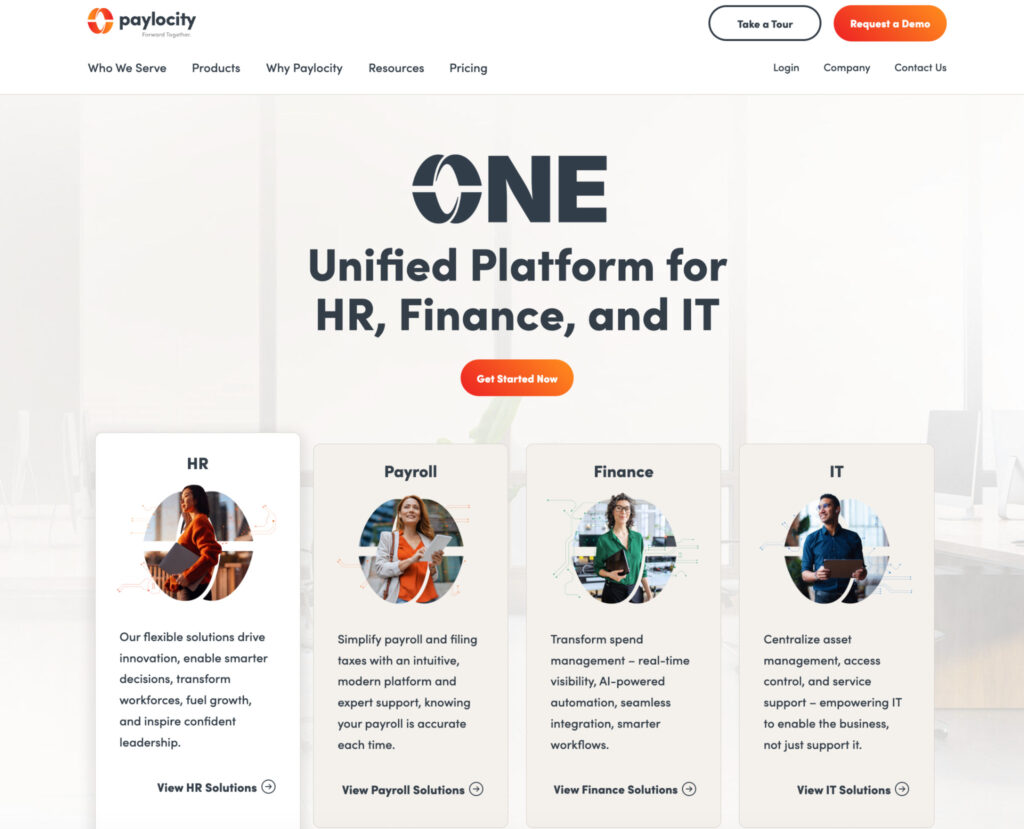
Paylocity is one of the more popular tools on this list and is best known for its enterprise payroll features, but when testing it, I found it to be a strong alternative for growing restaurants. Many of its core features can be used across larger teams, and with its HCM capabilities, restaurants that need to handle additional functions such as HR, time tracking, scheduling, and reporting will find this a great option.
Those who have heard of Paylocity might not know that their payroll has been created to handle additional restaurant-specific needs. Tax compliance rules can be built directly into the platform to help manage overtime and breaks, so you stay compliant with state and federal labor laws without tracking them manually.
Paylocity also integrates well with the tools restaurants already use. If your team is on a POS like Toast, connecting it takes little effort on your end.
What I like:
- Great HRIS and border functionality
- Payroll caters to small and large teams
- Good mobile user experience (ideal for restaurant teams)
- Employee self-service
- Time and attendance tracking is baked into the payroll
- Reporting and workforce management
- Extensive integrations
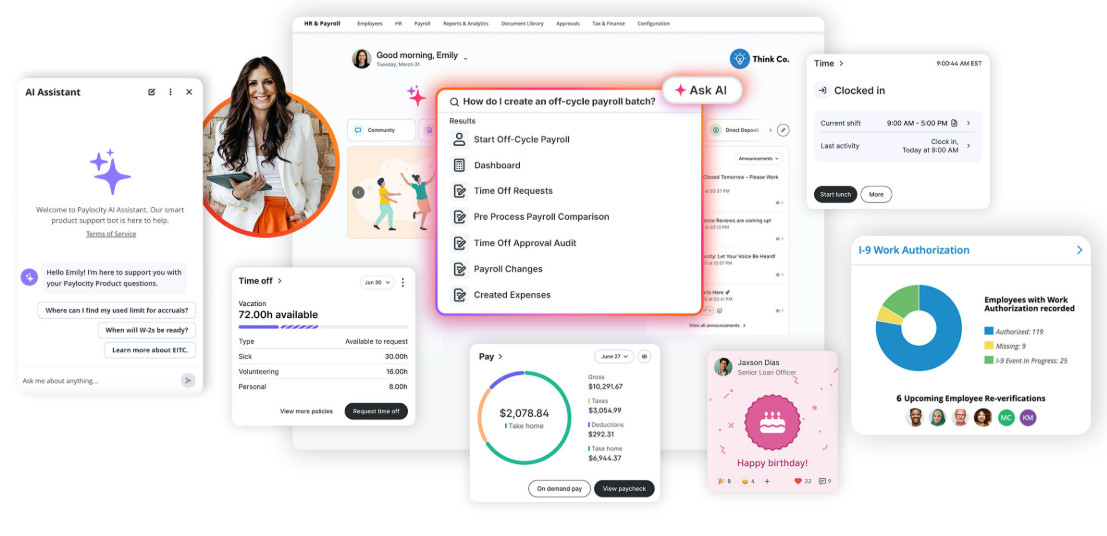
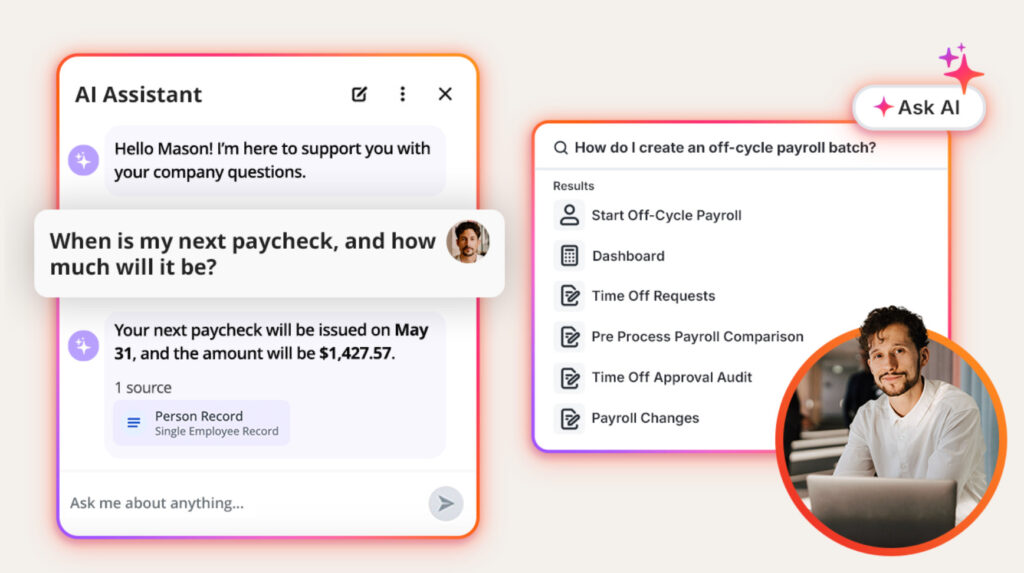
- AI assistance features for both employees and managers
Where it falls short:
Before jumping to alternatives like Paylocity, first ask yourself if you need all of these functionalities. Here are some things to keep in mind, especially if you’re a smaller team of 10 people, for example.
- Pricing is not transparent and will be customized to your business, which makes it harder to comparison-shop against flat-fee competitors
- Can be too complex if you are a smaller, single restaurant location
- May take teams longer to upskill and train on the platform and might take longer to implement than plug-and-play solutions.
Pricing:
Pricing is customized based on team size and requirements and calculated depending on the modules that you require, such as HR, Payroll, Finance, IT etc. In general, expect more enterprise pricing compared to smaller standalone platforms.
Best for:
Paylocity has a lot to offer, which can be really beneficial if you’re a business that is starting to scale and add new locations. I’ve found it typically better for growing or larger restaurant chains that need more advanced functionality, such as HR and workforce management.
Homebase – Best For Hourly Teams
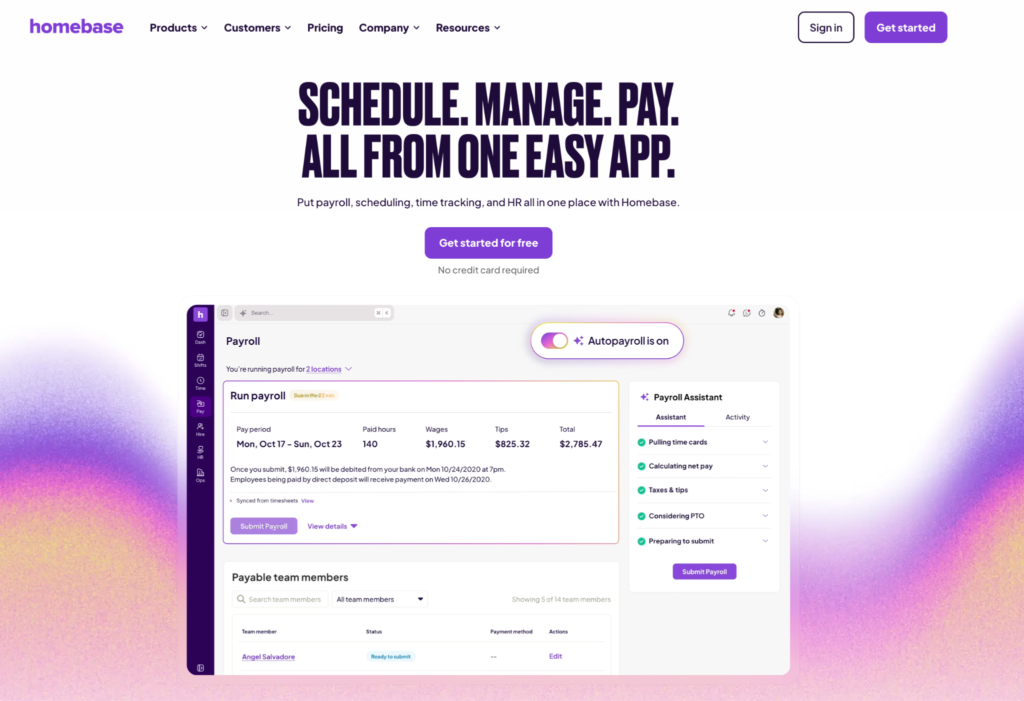
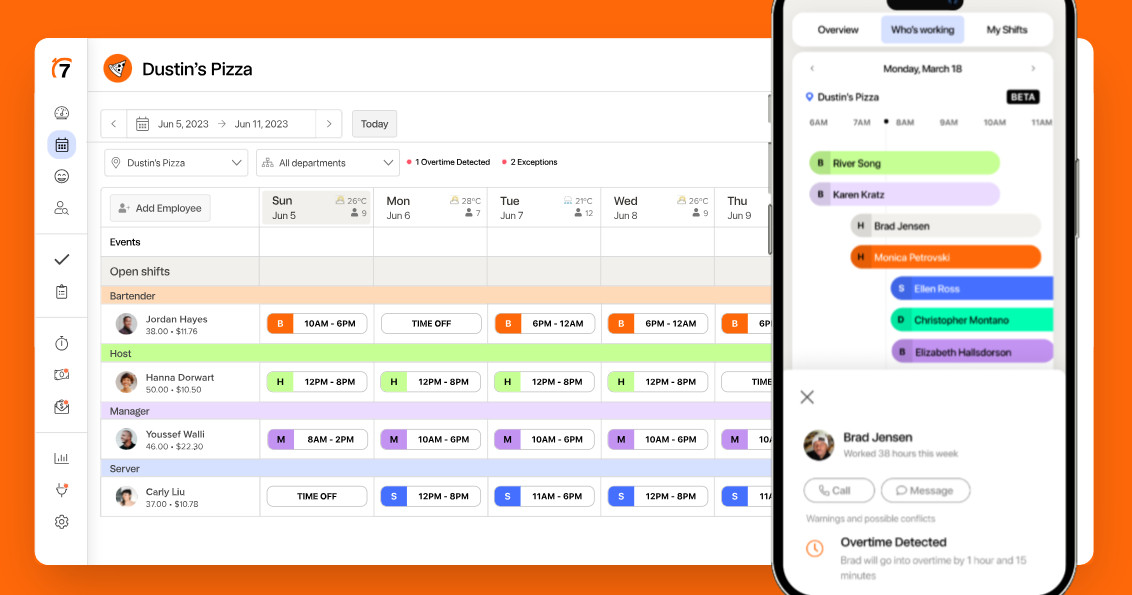
Homebase would be one of the first options I’d look at if I needed a payroll system that handles hourly workers, schedule management, time tracking, and payroll all in one. It’s very much purpose-built for retail, restaurants, healthcare, or any hourly teams. I liked the way everything is integrated and connected, making it less prone to error, with automatic time, wage, and scheduling calculations.
What I like:
- Easy scheduling and automations built into the tool
- Shift management, shift swaps, and more can be managed with an easy-to-use mobile app
- Integrates with multiple platforms, including POS systems like Clover and Toast
- Supports multiple pay rates, automatic wage and tip calculations
- Breaks, time off, and overtime are captured in one place, reducing administrative overhead and errors.
- Tax filings managed within the tool
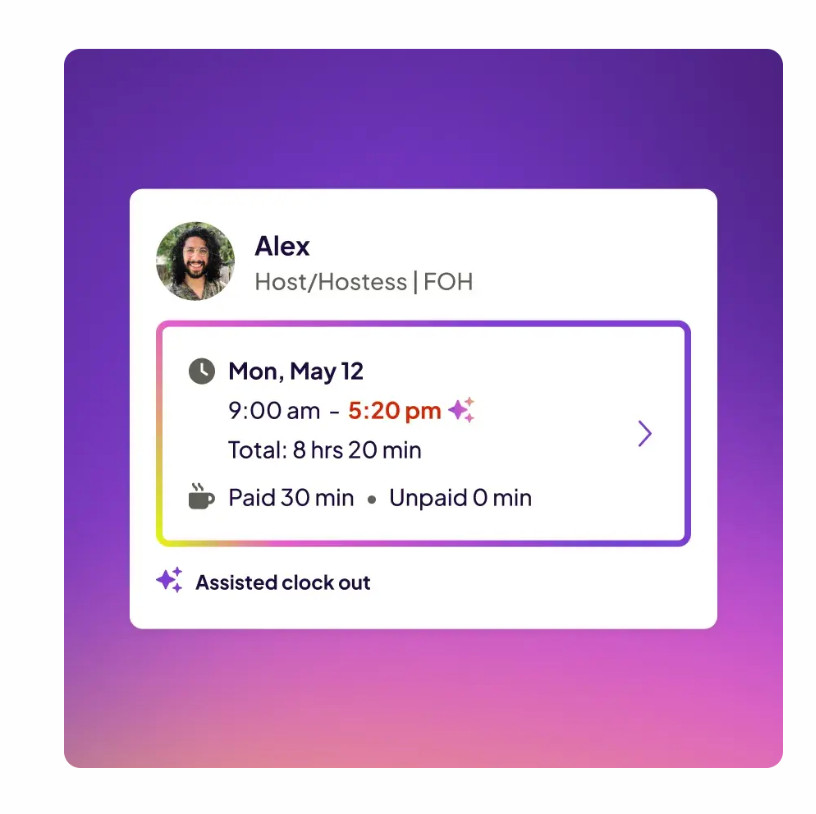
- AI-assisted features to help create schedules, catch errors, and manage payroll more easily
Where it falls short:
- Built primarily for hourly teams, so it’s less suitable for larger businesses that are looking to expand or take on salaried employees
- Add-ons, such as payroll, are charged for separately and per user seat, meaning costs can add up quickly when requiring additional modules
- Payroll is limited to the United States only currently, so this is not ideal for international businesses
Pricing:
- Homebase has a free plan available, making it ideal for small, single-location teams or those wanting to try out the platform.
- The paid tiers range from $24-$96/month depending on team size, location, and more advanced features.
- Remember, add-ons (like payroll, tip management, background checks etc) are charged separately, so costs can increase as you scale or require additional modules.
Best for:
Homebase is ideal for small US-based restaurants with hourly staff that need a well-rounded system to accurately manage scheduling, shifts, wages, and tips in a single tool.
Gusto – Best for Small Restaurants
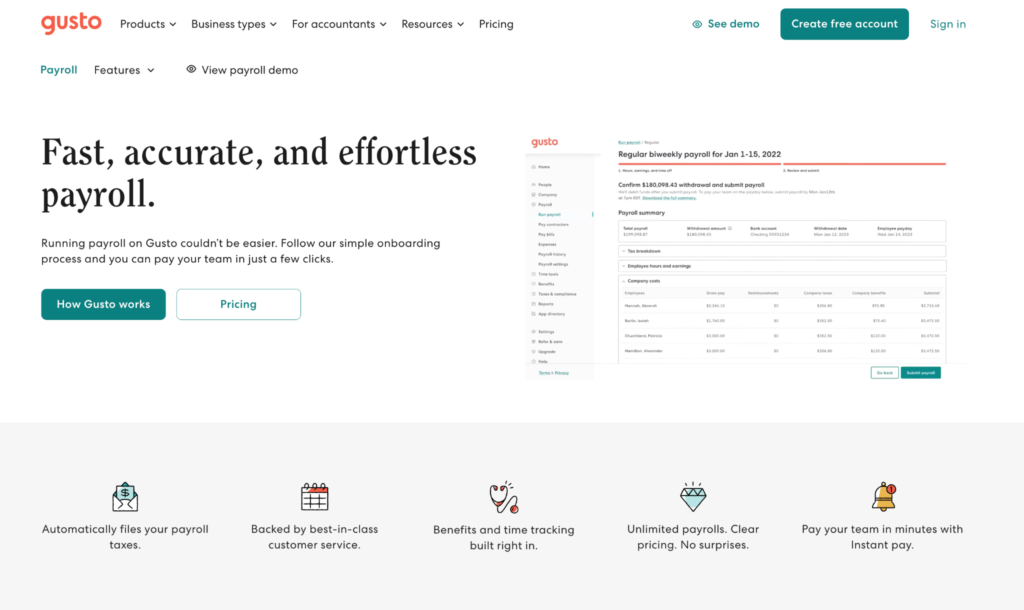
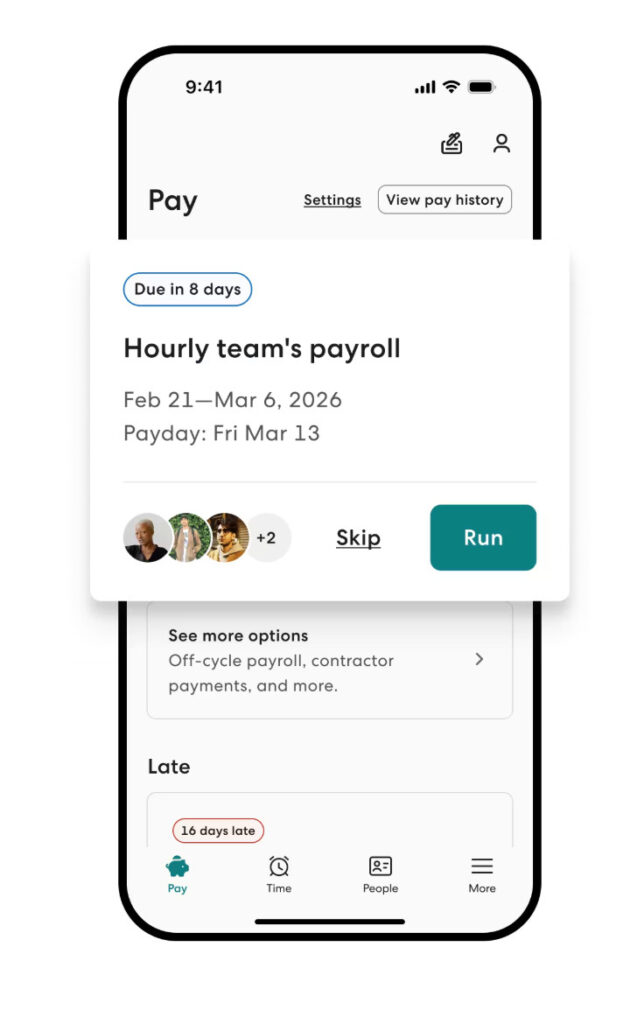
Gusto is one of the more user-friendly and simple payroll platforms I’ve come across. If you’re a smaller team that needs HR and Payroll in a single system without having to upskill on something super complex, Gusto is a good choice. Gusto also has restaurant-specific payroll capabilities, including tip management and considerations for overtime and holiday pay.
What I like:
- Supports payments in over 120 countries
- Syncs well with popular systems like T-sheets, Xero, Clover POS, and others
- Tip credit and tip management are part of the payroll functionality
- The employee interface is easy to use and offers employee self-service
- Intuitive mobile app available to help teams access important features on the go
- Time tracking and geo-location functionality available
- HR features built into the platform
Gusto also has a mobile app that’s ideal for teams that need access to payroll on the go.
Where it falls short:
- Not expressly built for the restaurant industry and doesn’t have advanced scheduling and timesheet-to-payroll capabilities compared to other tools
- Sits in the middle of simple systems and more comprehensive solutions, so if you need more advanced workforce management and analytics, it can be limited
Pricing:
- No free plan available
- Pricing plans range from $49-$180/month with additional costs per user seat.
- Add-ons like expenses and reimbursements or global contractor payments are also charged separately depending on which tier you’ve chosen.
- Contractor-only plan available which is ideal for businesses that have contractor-only businesses.
Best for:
Mid-sized restaurants that are looking for an accessible and easy-to-use tool to help manage both HR and payroll in a single platform.
7shifts – Best for Restaurants with Scheduling Needs
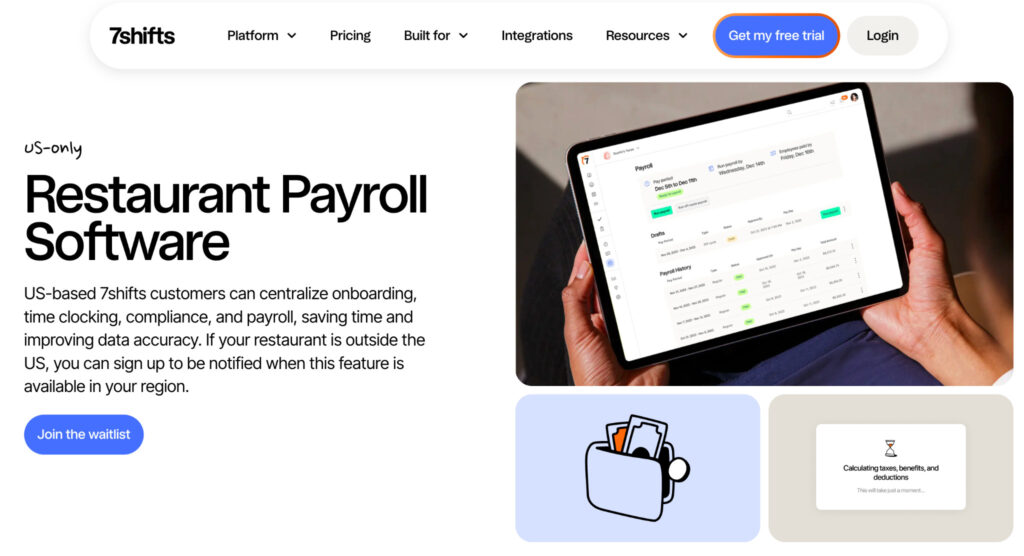
7Shifts is one of the more popular software options in this industry. This is largely because the platform is designed to address specific needs for the restaurant industry, focusing on shift scheduling, time clocking, and labor management, and how these feed into payroll. This makes 7Shifts a great option for teams that need to support these main business areas.
What I like:
- Strong scheduling and shift management capabilities
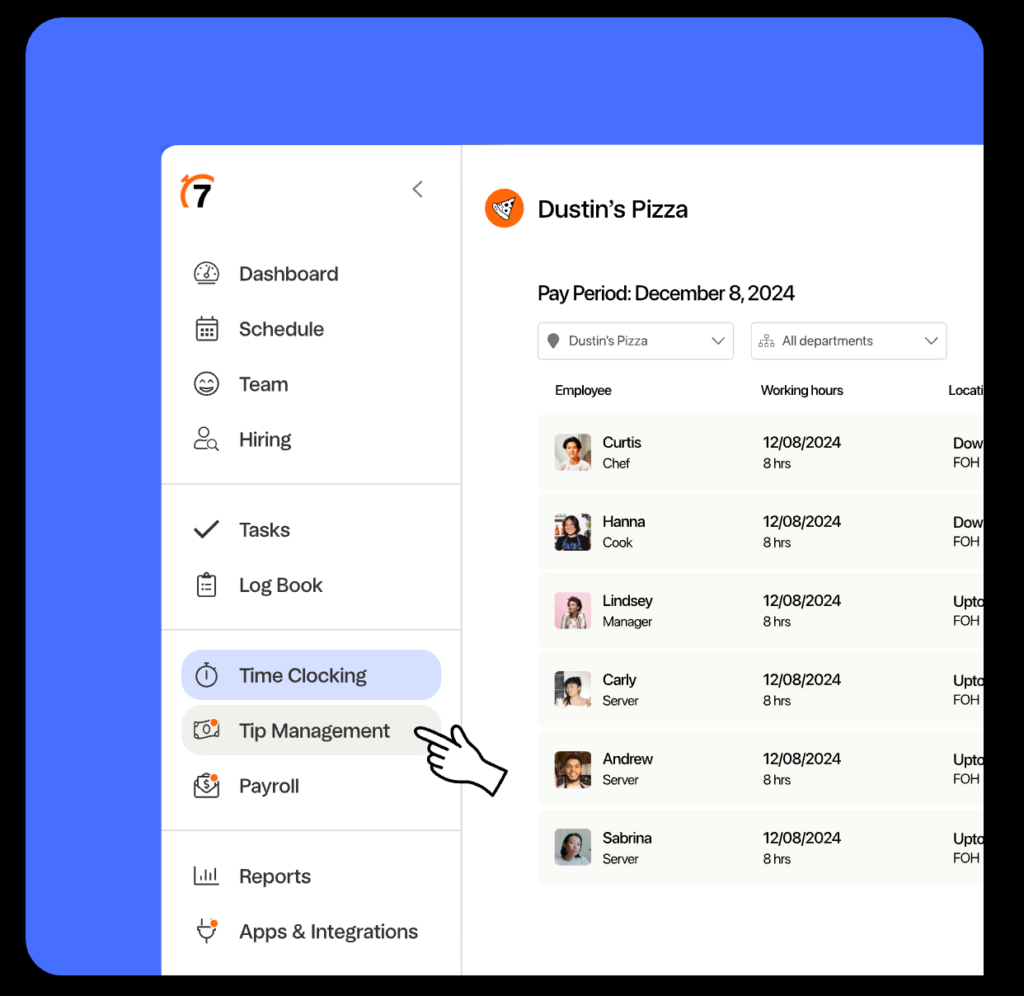
- Tip management
- Labor management and automated warnings for labor law compliance infringements
- Good multi-location support
- Payroll integrated with time clocking and tips
- Automated payroll calculations for hours worked and taxes
- Time off requests & approvals
Where it falls short:
- It can become very costly for smaller restaurants as most functions like payroll, tip management, and training are all charged separately per user and per location
- May not be suitable for smaller teams that only need payroll or scheduling.
Pricing:
- Free trial available on all plan options which is a great value-add for teams wanting to try out the platform before choosing a plan.
- Free plan for single location businesses with 15 employees or less.
- Paid tiers range from ~$39.99-$134.99/month per location.
- Modules like task management, tip management, and onboarding charged as add-ons
Best for:
7Shifts’ strengths lie in its ability to easily support 3 key areas: scheduling, labor management, and payroll, all in one platform. 7Shifts is purpose-built for the restaurant industry, so it’s easier to set up and implement for smaller teams or those with multiple locations.
Toast Payroll – Best for Restaurants Using Toast POS
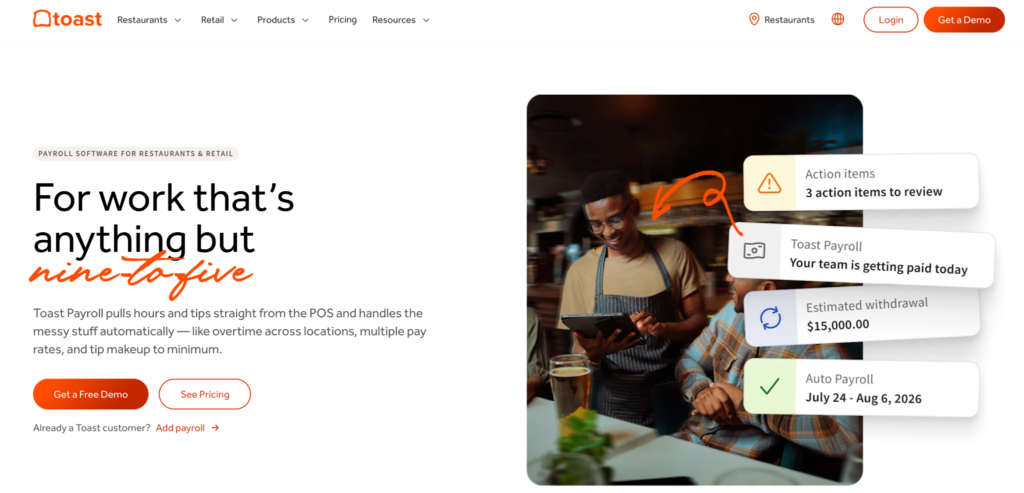
Right away, it’s clear that Toast Payroll is heavily centered on its own POS, so restaurants, cafes, bars, and retail businesses using Toast POS may find it easier to tag on to the Toast Payroll platform rather than integrating with an entirely separate payroll system. If you’ve read my articles before, you’ll know that I’m an advocate for ecosystems like this because this helps avoid disconnected platforms and integration issues.
What I like:
- Strong native POS capabilities combined with the payroll platform
- Scheduling and shift management
- Tip management and automated tip calculations
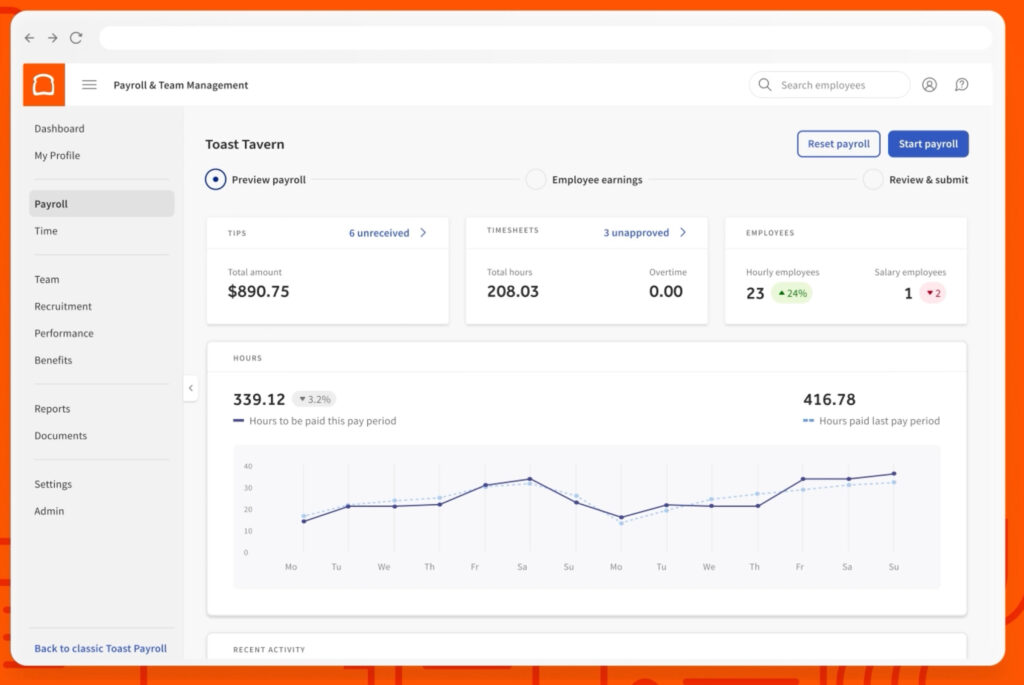
- Timesheet & overtime pay management
- Automated calculations and employee pay summaries
- Supports multiple pay rates
Where it falls short:
- Not ideal for restaurants using other POS software.
- Less ideal for restaurants or businesses looking for a standalone POS or Payroll system.
- Complex pricing structure can make it hard to estimate the actual costs. This can become a costly option for mid-sized and growing teams that need to add additional functionalities later on
Pricing:
- Free plan available for single location businesses that only need 1-2 terminals.
- Pricing plans start from $0/month (Starter Kit), with core plans from $69/month and custom pricing for larger businesses.
- Add-ons (like payroll & hardware) charged separately
- Bundled pricing plans available for restaurants that need POS and Payroll.
Best for:
Of course, if you’re already using Toast POS, Toast Payroll is likely a great fit. Toast is designed for restaurants and the service industry, with tip management and restaurant-specific payroll workflows; it can be a great option for those who need a combined POS and payroll ecosystem.
FAQs
Question: Does restaurant payroll software handle tips?
Answer: Many of the payroll options I’ve covered can help manage tips or tip pooling, but they differ slightly in how their payroll workflows run. Some integrate with the POS, and others require inputs from timesheets, time tracking, or other integrations. If you have very specific needs, I’d enquire with the payroll provider first to see if they can meet your requirements.
Question: Can restaurant payroll software integrate with a POS?
Answer: Yes! All of the options I’ve included above can do this to varying degrees, and having a payroll system with an integrated POS can be useful for managing tips and reducing manual overhead. If you already use an existing POS, first check whether the payroll platform you’re considering can integrate with it.
Question: Do restaurants need separate scheduling and payroll software?
Answer: No, many of the options listed above have built-in scheduling capabilities as part of their feature sets. If your team needs advanced schedule management, automations, or integrations with time clocking, for example, first check to see what each platform offers before making your decision.
My Takeaway
While I’ve used and tested many payroll platforms over the past decade, I’ve found that even though each one can ultimately “process payroll” adequately, the right fit comes down to your specific setup, not whether a provider markets itself as “built for restaurants.” In fact, only two of my five picks are restaurant-specific, the rest are general tools that happen to nail what restaurants really need.
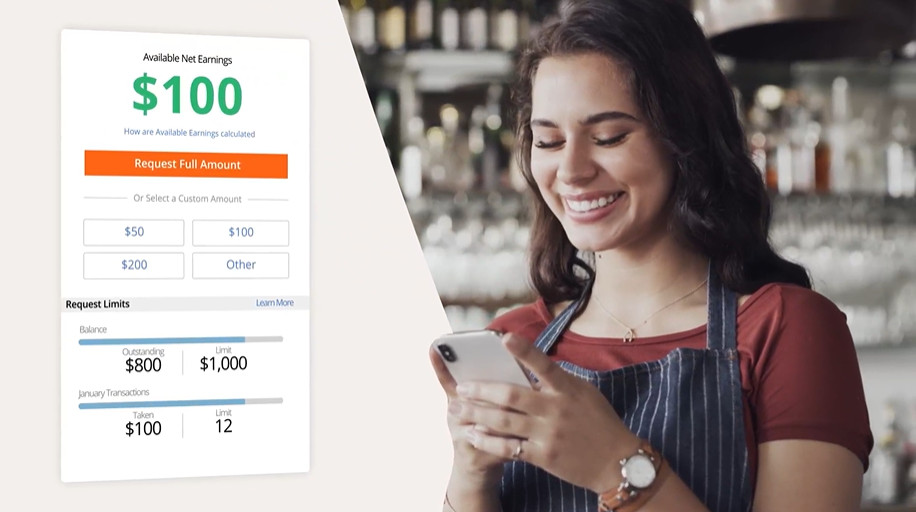
A lot of restaurant managers lose hours buried in admin, manually calculating tips, wages, and time off, tasks that many of the software recommendations above can handle automatically.
My advice: try before you buy, or ask for a demo. That’s usually the fastest way to find out which one truly solves your business’s pain points, whether that’s team size, location, POS needs, or extra functionality like onboarding or HR.
The Cheat Sheet
- If you have more advanced HR needs and are a scaling restaurant business – choose Paylocity
- If you’re a smaller business with hourly teams that need schedule & shift management – look at Homebase or 7Shifts
- If you have basic needs and need a simpler HR & Payroll solution – Go with Gusto
- If you already use Toast POS – Choose Toast Payroll