


- How to Collect Payments Online: The Short Answer
- Why Online Payments Matter for Small Businesses
- Understanding the Payment Flow: How It Works
- Key Considerations when Choosing an Online Payment Processor
- Top Online Payment Platforms for Small Businesses
- 1. Melio: A Modern Solution for B2B and Freelance Vendors
- 2. Square: Versatile and Popular with Retailers
- 3. PayPal: Trusted Brand with Global Reach
- 4. Stripe: Developer-Friendly and Built for Online Sales
- 5. QuickBooks Payments: Best for Accounting Integration
- How Do I Actually Get Paid, Though?
- Final Thoughts: Choose the Right Fit for Your Workflow
Last Updated on March 13, 2026 by Ewen Finser
Collecting payments online sounds simple until you’re the one trying to choose between a dozen platforms that all promise the same thing. Whether you run a retail shop, offer services, or sell entirely online, you need a payment system that works without creating more problems behind the scenes.
Over the years, I’ve helped small business clients sort through those options and find tools that actually make sense for how they operate. I’ve seen the best and worst of what the payment world has to offer; some systems shine, others are an absolute mess. This guide breaks down the lessons I’ve learned firsthand, so you can sidestep the headaches and get paid faster.
How to Collect Payments Online: The Short Answer
To start collecting payments online, you’ll need to choose a payment processing platform like Melio, Stripe, or Squarespace. The right one depends on your business and how plan to get paid. (I’ll cover some recommendations below). Once you’ve created an account, you can choose your payment collection methods, connect the platform to your website and start collecting payments.
Why Online Payments Matter for Small Businesses
Cash is the lifeblood of any business, and without it, you won’t be in business very long! With this in mind, it’s a no-brainer as to why online payments matter for small businesses. If you are not collecting payments quickly, it can create cash flow problems that make it harder to pay bills.
And the shift to online payments goes far beyond just savvy e-commerce startups. Even traditional businesses, from local florists to electricians, can benefit from offering digital payment options.
Here’s are some of the biggest reasons why, from an accountant’s perspective:
- Faster Cash Flow: Online payments can reduce the time it takes to get paid, which improves liquidity and helps you pay your bills and employees faster.
- Improved Customer Experience: Customers want frictionless, quick transactions.
- Professionalism: An online payment portal enhances your credibility and makes your business look more modern and organized.
- Record Keeping and Automation: Payment platforms often integrate with accounting software, reducing manual entry and errors.
Whether you sell goods, offer services, or both, collecting payments online can streamline your operations and improve your bottom line.
Understanding the Payment Flow: How It Works
Before you choose a payment processor, it’s helpful to understand what actually happens when a customer pays you online. In most cases, the process looks like this:
- Customer Initiates Payment – On your website, app, or through an invoice link.
- Payment Processor Handles Transaction – This is the tool that verifies card or bank details and processes the transaction.
- Merchant Account or Bank Receives Funds – Depending on the setup, the funds may go directly into your bank account or first into a merchant account.
- Confirmation and Recordkeeping – You and your customer both get a confirmation, and records are stored for future reconciliation.
The payment processor you choose determines how fast, securely, and affordably this process happens.
Key Considerations when Choosing an Online Payment Processor
When comparing options, here are key features to consider:
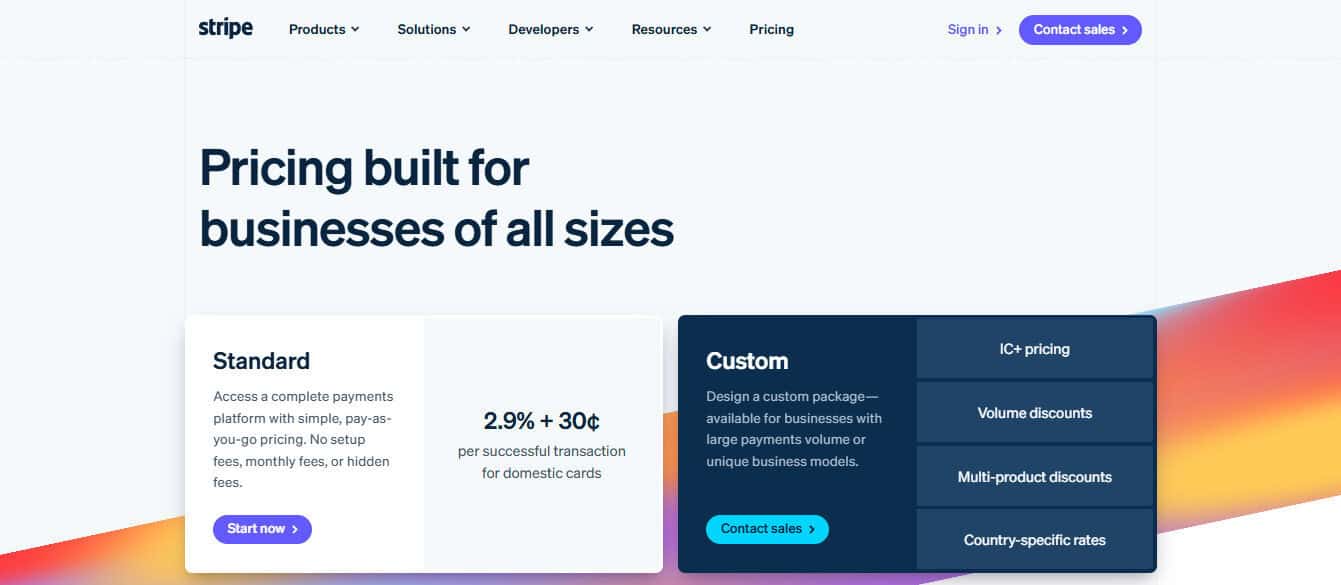
- Fees: These can include per-transaction fees, monthly fees, or both.
- From my accountant perspective, this is almost always the number one consideration. Unless the rest of the payment system is just garbage, lower fees are always super attractive.
- Payout Speed: How quickly do you receive the funds after a sale? Timing can make a real difference for cash flow.
- Payment Methods Supported: Credit cards, ACH, Apple Pay, Google Pay, etc.
- Ease of Use: For you and your customers.
- Integrations: Can it sync with your accounting software or POS system? (I do love to hook up software like Puzzle or QBO to an API, it makes my life so much easier!)
- Customer Support: Live support can be critical in resolving issues quickly.
- Invoicing Tools: Built-in invoicing can simplify billing and follow-ups.
Top Online Payment Platforms for Small Businesses
Now we can finally get to the meat and potatoes of the article: which platforms can you actually trust with your customer’s money and your own? Luckily, there are some strong options out there, and I’ve rounded up a few of the best!
1. Melio: A Modern Solution for B2B and Freelance Vendors
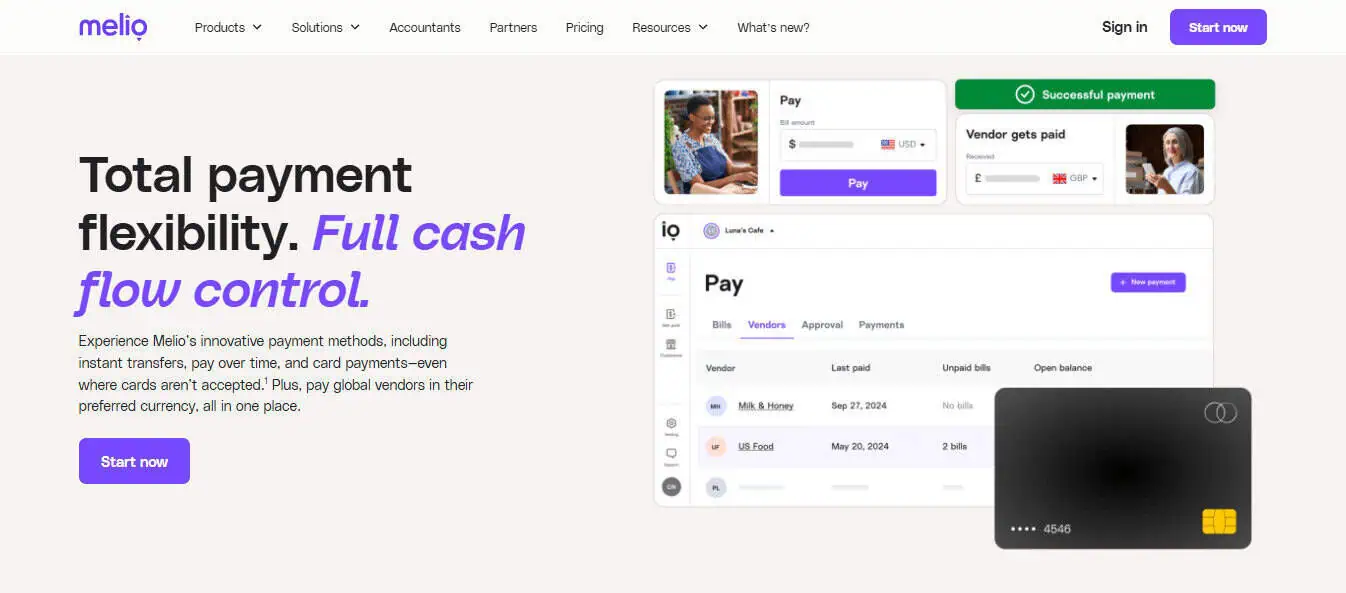
Melio has quickly become a favorite among small business owners who need to manage accounts receivables and payables with minimal friction. While it started primarily as a tool for paying vendors and contractors, Melio now offers invoice payment collection tools that rival traditional merchant processors.
Key Features:
- Melio allows you to send payment requests via email with a link for your customer to pay online
- You can accept bank transfers (ACH) for free and card payments for a small fee
- Your customers don’t need to sign up—just click and pay
- It has seamless integration with QuickBooks and other accounting tools
- Melio excels at scheduling payments to better manage cash flow
Pros:
- Zero monthly fees for the service, Melios makes their hay from service fees like many other merchant vendors
- ACH payments are free to receive
- Great for businesses that invoice clients
- Doubles as a payment tool (and allows you to pay vendors with a credit card, even if they don’t accept credit card payments)
Cons:
- Not designed for in-person payments or traditional retail checkout
- Credit card fees are slightly higher than some competitors (2.9%)
Melio is especially powerful for businesses that invoice customers or operate on a recurring service basis. It simplifies both sides of the transaction: getting paid and paying your own vendors.
Best For:
Service-based businesses, professional services, B2B retail, and freelancers.
2. Square: Versatile and Popular with Retailers
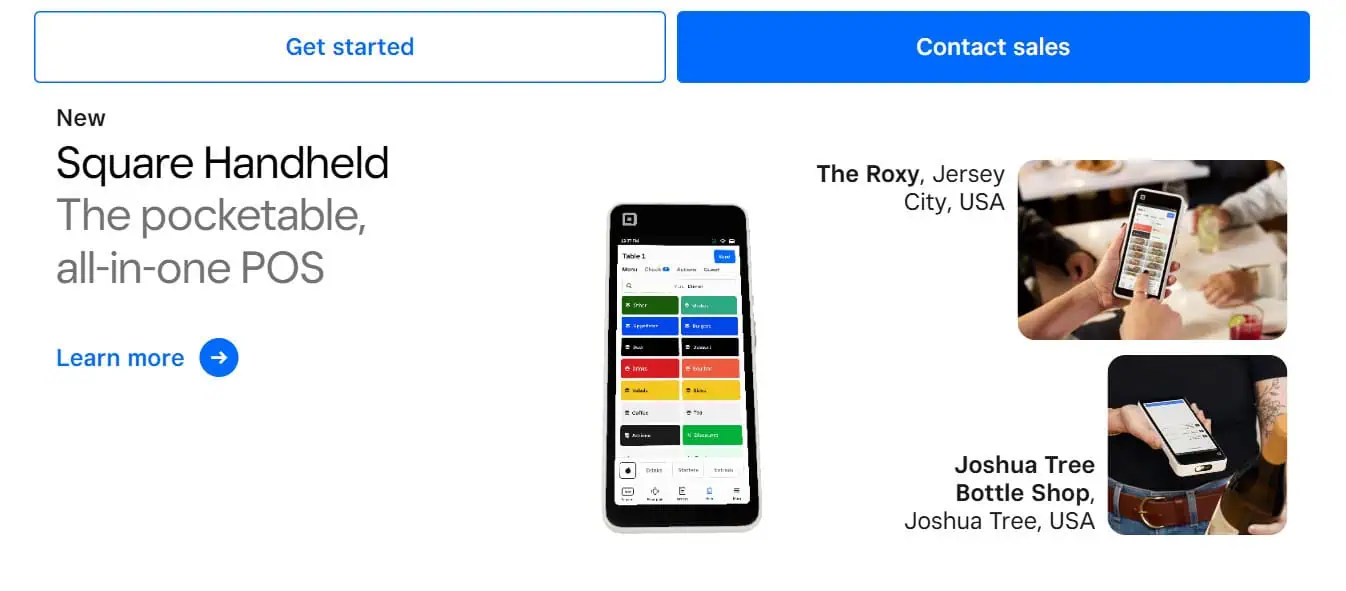
Square has become nearly synonymous with small business payment processing. Originally known for its mobile card readers, Square has evolved into a full-fledged financial ecosystem for businesses.
Key Features:
- Square offers a point-of-sale system for in-person transactions
- This is a big item as opposed to platforms that are online only. So if you have physical locations, this should be considered.
- The business owner can create on online store and dashboard through square
- Send invoices and recurring billing
- Accept credit/debit cards, gift cards, Apple Pay, Google Pay
- Bank transfers within 1–2 business days
Pros:
- Square is easy to setup, minimal upfront cost, and an excellent user interface
- It has user-friendly apps, hardware, and reports
- It can help manage sales tax collections and payments
Cons:
- It costs 2.6% + 10¢ per in-person swipe; 2.9% + 30¢ for online transactions
- It’s not as cost-effective for high-volume businesses
If you want one system that does it all—from mobile swipes to eCommerce checkout—Square is a leading choice.
Best For:
Retail stores, restaurants, service providers, and mobile businesses
3. PayPal: Trusted Brand with Global Reach
PayPal is one of the most recognized names in digital payments and offers both personal and business tools. It’s an excellent option for online-only businesses or those who sell on marketplaces like eBay or Etsy.
Key Features:
- Your business can accept PayPal, Venmo, debit/credit cards
- Paypal offers custom checkout buttons for your website
- Paypal possesses simple invoicing tools with built-in tracking
- Customers can pay without needing a PayPal account (I like this a lot and mention it in other merchant vendors because nothing is worse than needing to make a one-use account because I want to buy some oddball knickknack!)
Pros:
- Paypal is synonymous with security, and it’s trusted by many
- There is no monthly fee for standard accounts
- Paypal is quick to setup and easy to use—it’s almost turnkey out of the box
Cons:
- Paypal does charge higher transaction fees (2.9% + 30¢)
- Some customers dislike being redirected to PayPal to complete payment
If your audience is international or already familiar with PayPal, this platform offers a frictionless experience.
Best For:
E-commerce, digital goods, international customers
4. Stripe: Developer-Friendly and Built for Online Sales
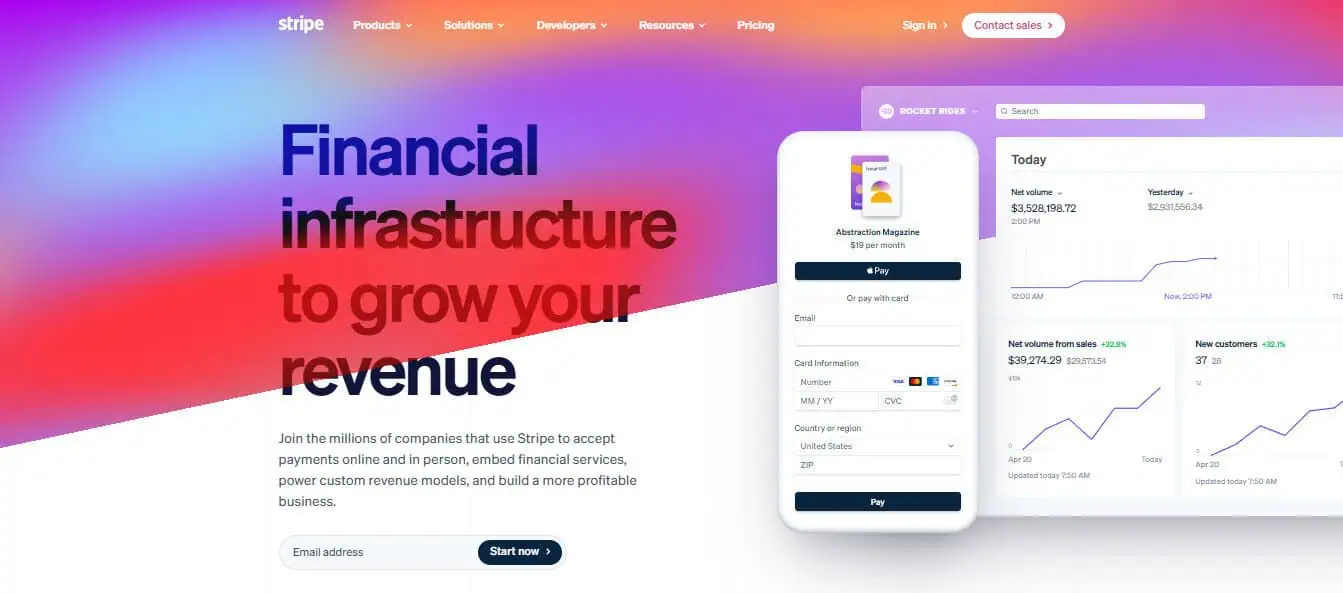
Now we’re starting to move away from the more familiar platforms to the vendors that non accountants may not be as familiar with. Stripe is a leading payment processor used by large companies like Shopify, Amazon, and Instacart, but it’s also accessible for small businesses, especially those with e-commerce sites or tech-savvy teams.
Key Features:
- Stripe offers fully customizable checkout experiences, so if you have a brand or unique look you’re going for, you can incorporate it within Stripe
- Supports recurring billing and subscription type services
- Accepts a wide range of currencies and payment methods
- This is super useful if you’re selling your goods and services internationally
Pros:
- Stripe is extremely flexible and scalable, and is meant for large multimillion and multibillion dollar businesses.
- It possesses a clean interface and great documentation and reporting dashboards
- Your customers can pay how they want to pay as Stripe supports ACH, Apple Pay, Google Pay, credit cards, and debit cards
Cons:
- Requires some technical skill to set up custom features
- Customer support can be slow for small accounts
Stripe is ideal for those building modern, online-first businesses with customizable needs.
Best For:
Online stores, app developers, subscription businesses
5. QuickBooks Payments: Best for Accounting Integration
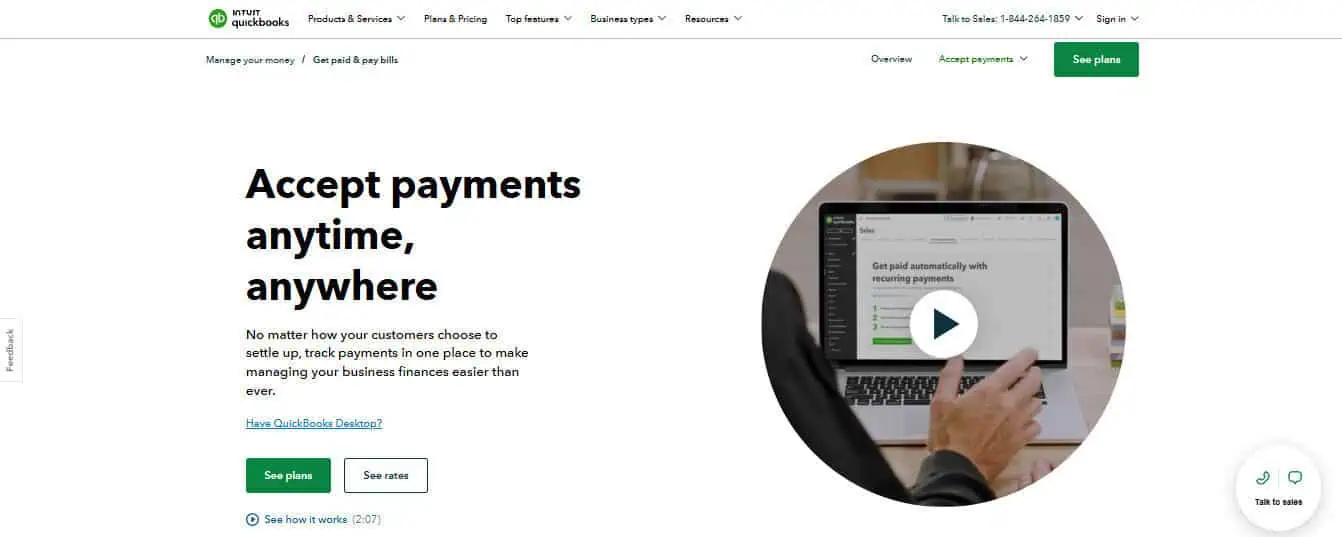
For businesses already using QuickBooks for bookkeeping, QuickBooks Payments offers tight integration that makes reconciliation seamless. And as an accountant, I love it when apps integrate and make my life easier!
Key Features:
- You can invoice customers directly from QuickBooks
- Payments are automatically recorded in your ledger
- QB Payments accept ACH, credit/debit cards
Pros:
- Simplifies bookkeeping
- Reduces manual entry errors
- Predictable pricing
Cons:
- Only really beneficial if you’re using QuickBooks
- ACH payments are free, but card fees can be higher than standalone processors
If accounting efficiency is your priority, this solution keeps everything in one place.
Best For:
Businesses using QuickBooks Online
How Do I Actually Get Paid, Though?
Once you’ve chosen a processor like Melio, Square, or Stripe, it’s super simple (most of the time) to be onboarded into your merchant vendor’s ecosystem.
Step 1: Create an Account With Your Processor
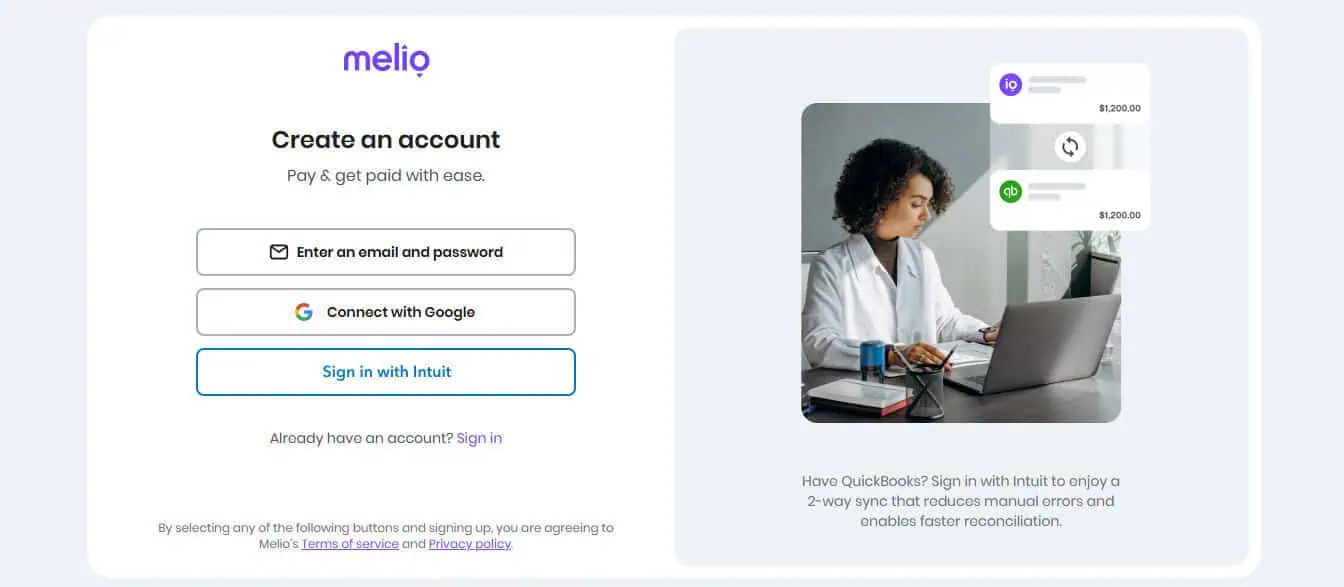
Each platform requires you to create a business profile and verify your identity. You’ll usually need:
- Your business name and address
- EIN or SSN (depending on structure)
- Business bank account details
This process can often be completed in under 30 minutes.
Step 2: Choose Your Payment Collection Method
Depending on how you operate, you can collect payments in a few different ways:
- Hosted Checkout Pages: Use a link generated by your payment processor that customers click to pay.
- Embedded Payment Buttons: Ideal for websites; lets customers pay directly without leaving your site.
- Custom Invoices: Platforms like Melio and QuickBooks let you generate invoices with “Pay Now” buttons.
- Point-of-Sale Apps: Use your phone or tablet to accept payments on the go.
Of course, the best setup depends on your customer base and business model.
Step 3: Integrate With Your Website or Software
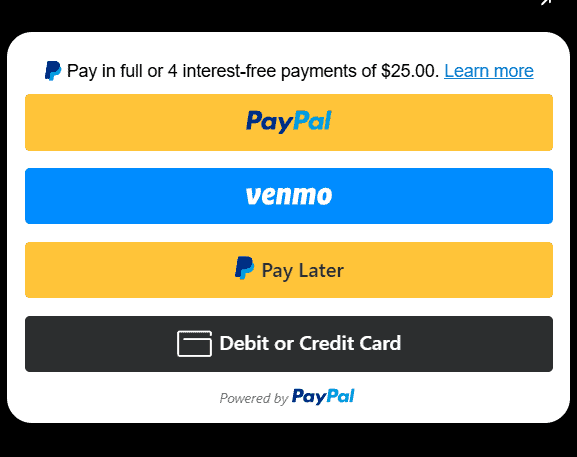
If you run a service website or online store, embedding the payment solution can be as easy as copying and pasting a code snippet. Many platforms also offer plugins for WordPress, Shopify, Wix, or Squarespace.
For example:
- Stripe has APIs for developers and plug-and-play tools for non-coders
- Square offers a free online store builder with built-in payment tools
- Melio connects to QuickBooks and lets you generate a payment link without a website
Step 4: Test Your System
I can’t stress this enough, but always run a few test transactions before going live. Make sure:
- Payments go through successfully
- Emails or confirmations are sent to customers
- Funds land in your business account as expected
One extra warning here: make sure you fully understand how the payments flow works from the moment your customer jumps onto your website to when those funds hit your bank account. Many a small business owner has been mired because they don’t understand that banking holidays mean no payments, or that there is a 24 to 72 hour “settle up” time period while their funds are in limbo.
Final Thoughts: Choose the Right Fit for Your Workflow
There’s no one-size-fits-all solution for collecting payments online. Each tool has a different strength:
- Melio is best for service providers and freelancers who send invoices and want simple ACH/card collection.
- Square is the Swiss army knife—great for mobile businesses and retail.
- PayPal is excellent for international customers or e-commerce startups.
- Stripe is ideal for online-first businesses with customization needs.
- QuickBooks Payments shines when accounting automation is a priority.
What matters most is choosing a system that fits your workflow. It should make thing easier for your customers, connect with your existing tools, and help you keep your finances organized.
With the right platform, you’ll spend less time chasing money and more time growing your business.