

- What is 7Shifts and What Does it Do?
- Why Businesses Look For Alternatives to 7Shifts
- What to Look For In a Tool
- Our Top 7Shifts Alternatives
- 1. Sling - Best Budget-Friendly Option for Small Teams
- Pricing and Plans
- 2. Homebase - Best Alternative All-In-One Platform for Hourly Teams
- 3. Deputy - Best for Teams Needing Labor Compliance and Forecasting
- 4. When I Work - Best for Collaborative Teams Needing Scheduling Visibility
- 5. Humanity - Best for Regulated Industries with Complex Scheduling Requirements
- 6. Connecteam - Best for Businesses Needing Workforce Management Features
- How to Choose the Best 7Shifts Alternative for Your Business:
Last Updated on January 7, 2026 by Ewen Finser
Switching out software platforms is never an easy task, but sometimes it’s a vital part of staying ahead of the curve and ensuring businesses are making smart decisions about the tools they’re using.
As someone who reviews and analyzes processes and platforms on a regular basis, knowing what to look for is essential when switching tools. Understanding your pain points and how an alternative will solve this is critical in helping you choose the right fit for your business.
This same idea applies to scheduling software for your business as well. Today, we’ll touch on what to look for and provide our honest comparison if you’ve currently been using 7Shifts for your scheduling needs but aren’t having all of them consistently met.
What is 7Shifts and What Does it Do?
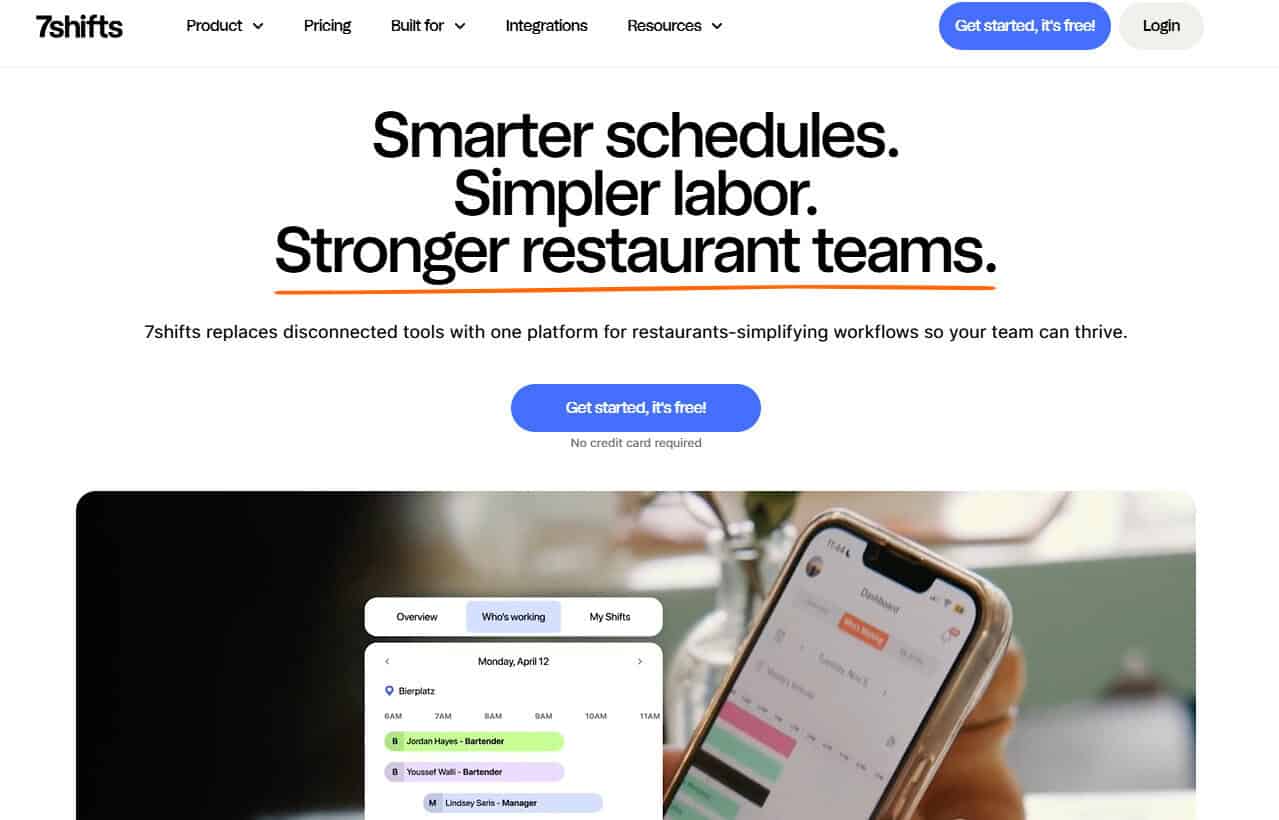
7Shifts is a scheduling software that is primarily built for the food industry.
I personally prefer tools that are built with industry-specific needs, like 7Shifts, which is best suited for restaurants, cafes, bars, bakeries, and businesses operating in the food and beverage space.
Some of 7Shifts’ Main Features Include:
- Schedule creation and management
- Time tracking and time clocking
- Communication management between employees and teams
- Tip management
- Payroll
Why Businesses Look For Alternatives to 7Shifts
Schedule management tools may look the same at first glance, but there are nuances in each of the tools I’ll cover in this article.
In general, I like 7Shifts, and it has a lot to offer. But like any software, it has some shortfalls, which may mean your business needs to look for options that fit all of your requirements.
Here are some common reasons why I find teams may need to move away from 7Shifts:
- 7Shifts has a steep learning curve, which is a bit of a hurdle for smaller teams or less tech-savvy individuals. Some users may find it hard to grasp or require some upskilling before being able to fully make use of the system.
- Costs can become prohibitive for scaling businesses.
- Industry-specific features may be a limiting factor for other industries in similar spaces, such as retail, hospitality, salons, or pop-up stores.
- Integrated features such as payroll or other HR functionalities are limited with 7Shifts. Some competitor tools offer integrated payroll in one platform without needing to use disparate systems.
- Some businesses need advanced reporting features, which can help them track labor forecasting or other metrics that may be limited with 7Shifts, which offers less advanced analytics and reporting insights.
- Customer service seems to be hit or miss from multiple user reviews. Good customer support is a critical requirement for me and should be a focus for smaller teams, as this could become a significant obstacle in ensuring user adoption is successful.
- 7Shifts has limited international support, so global teams may find they need to consider other tools. The payroll option is limited to the US only.
What to Look For In a Tool
Whenever comparing tools with similar options or competitors, I always cross-reference those with a like-for-like service offering. The next step for me is to assess these based on a set of criteria that helps avoid bias and ensures tool completeness.
My checklist criteria and how we evaluated these systems:
- Overall ease of use and user experience
- Feature sets that are relevant/similar to 7Shifts, such as scheduling, time tracking, reporting, payroll, or POS integrations
- Pricing and plan transparency
- Mobile app and experience
- Customer support, reviews, and onboarding
- Industry-specific features or customization options
As a software tester and reviewer, my priority is always ease of use and transparency. If a tool is hard to use or understand, it’s less likely to stay on my shortlist. The same goes for pricing. I personally detest hidden costs and add-ons that you only discover later on, once you’ve signed up with a platform.
With so many options out there, no one needs to struggle using a tool that is clunky and hard to use. User adoption is critical for any business, and if the learning curve is steep, this can be a major hurdle for companies to overcome. I always recommend considering this first and foremost when testing out or evaluating software options or alternatives.
Our Top 7Shifts Alternatives
1. Sling – Best Budget-Friendly Option for Small Teams
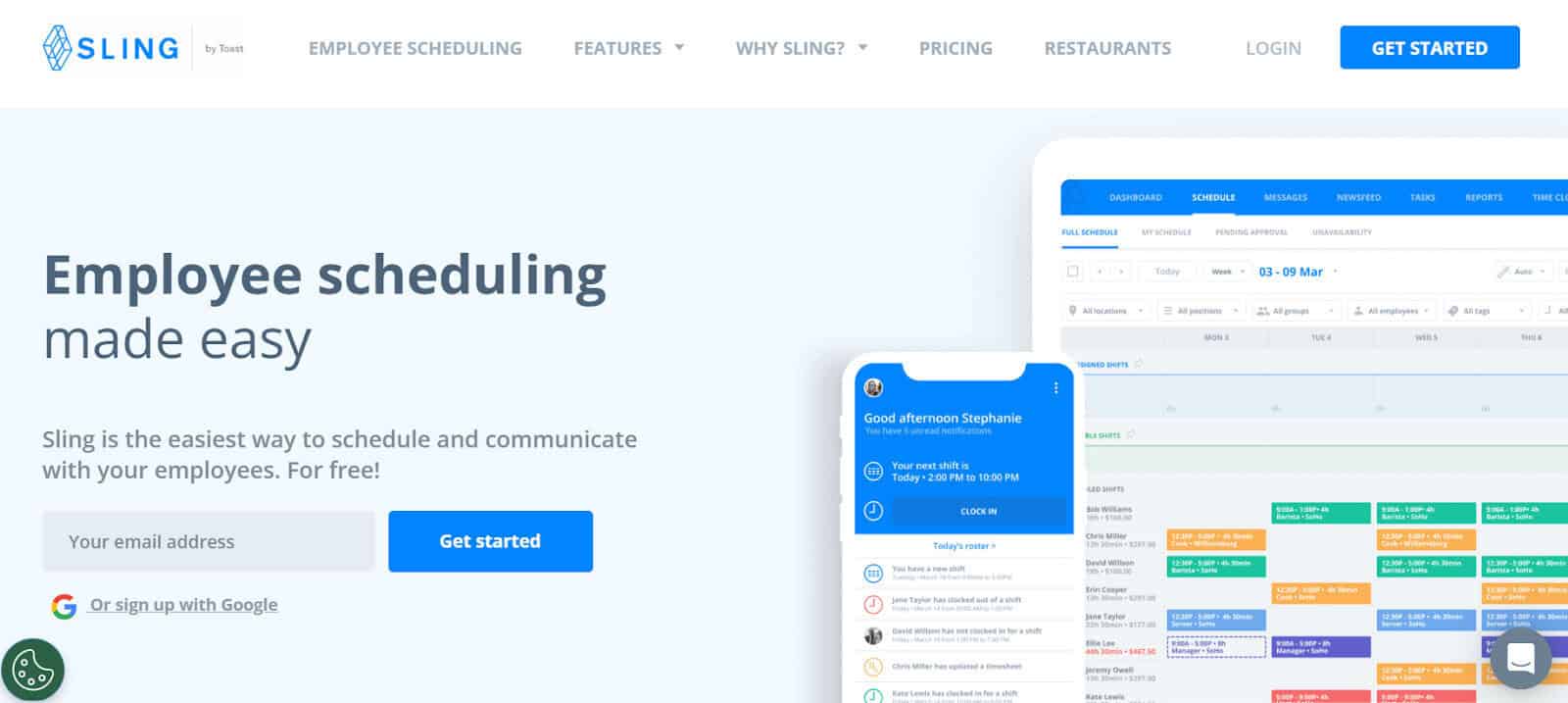
I like Sling; it’s simple, lightweight, and low-cost, which makes it great for small teams with simple needs.
Although straightforward, it has some really great scheduling capabilities and allows teams to communicate easily through the desktop or mobile app.
Standout features: Lightweight schedule management, labor cost management, time tracking and payroll, and team communication.
Pros
- Overall, I found it surprisingly easy to use, with a light interface and excellent drag-and-drop schedule management.
- I found that collaboration features like chats and built-in newsfeeds are a great way for teams to stay updated using Sling’s news and updates in a single shared location.
- There is also a free tier available for small teams. This is always a great value added in my books; teams can start out with a hands-on trial and then upgrade if they need to scale.
Cons
- Reporting can be limited to teams that need deeper insights. I lean towards tools that can grow with me as my needs do, and reporting is likely to become more important at stages where businesses grow or require audits or other validations.
- Paid plans charge per employee. This is fine when you’re a small team, but I’d keep this in mind if you intend to grow, as it can become costly later down the line.
Why it’s a great 7Shifts alternative: Sling has a free plan available for smaller teams, a lightweight interface that’s easy to learn, and can be an excellent option for those who prefer simple schedule management tools.
Pricing and Plans
- Free Plan for up to 30 users.
- The Premium Plan starts at $2/user per month.
- The Business Plan starts at $4/user per month.
2. Homebase – Best Alternative All-In-One Platform for Hourly Teams
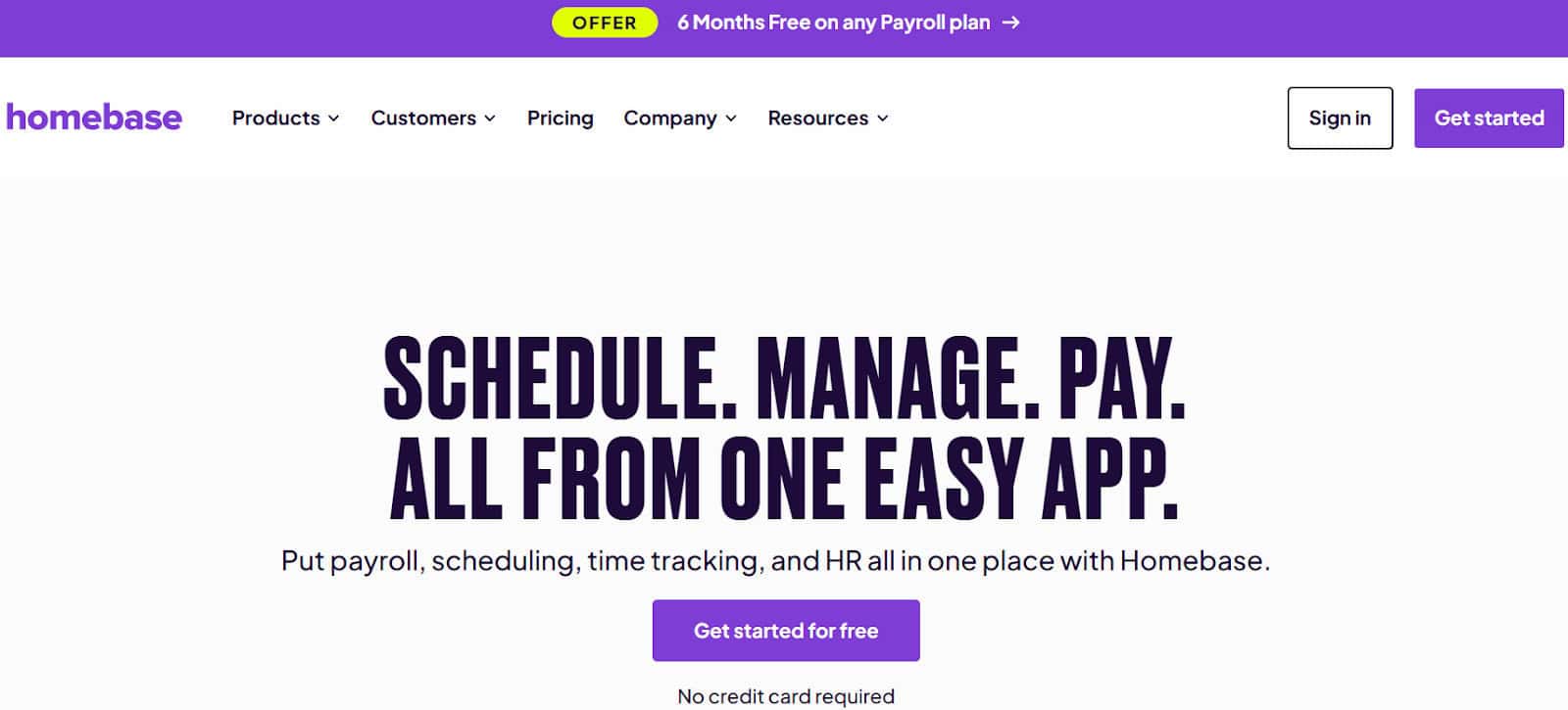
Homebase is an intuitive, user-friendly schedule management tool that packs a punch with so many additional features that support hourly teams. Homebase includes a lightweight suite with features ranging from shift management to onboarding, HR, and payroll, which makes it an ideal alternative for users needing a straightforward single platform to help manage various business needs.
I’ve found from using Homebase that it’s really more purpose-built for hourly teams and SMBs in the service-based industries, such as restaurants, bakeries, cafes, retail, salons, and businesses that have hourly-based staff.
Standout features: I really loved their mobile app; it feels modern and sleek, and it’s easy to use. As someone who’s worked in the hospitality space, having a mobile app that makes checking and updating schedules and shifts on-the-go is powerful.
Pros
- Overall, Homebase’s ease-of-use is really a great value add, and doesn’t require advanced implementation or upskilling to get up and running. Like similar platforms, I love that it also offers a free plan for smaller teams who need to start with a simple platform and add on more advanced features later on.
- I liked the fact that they have handy geo-location clock-in capabilities, schedule management, HR features, automated tax filings, payroll, and more, with various functionalities backed by AI-assistance features.
Cons
- Homebase is currently US-based only, making it less ideal for global teams who may need to run payroll outside of the US.
Why it’s a great 7Shifts alternative: Homebase is always one of those tools that are on my list because it’s so easy to get started quickly without needing to make use of multiple platforms for features like payroll, tip management, and other HR features. I also love that Homebase offers a great free plan for small teams who want to test out the main features before being locked into a paid-for plan.
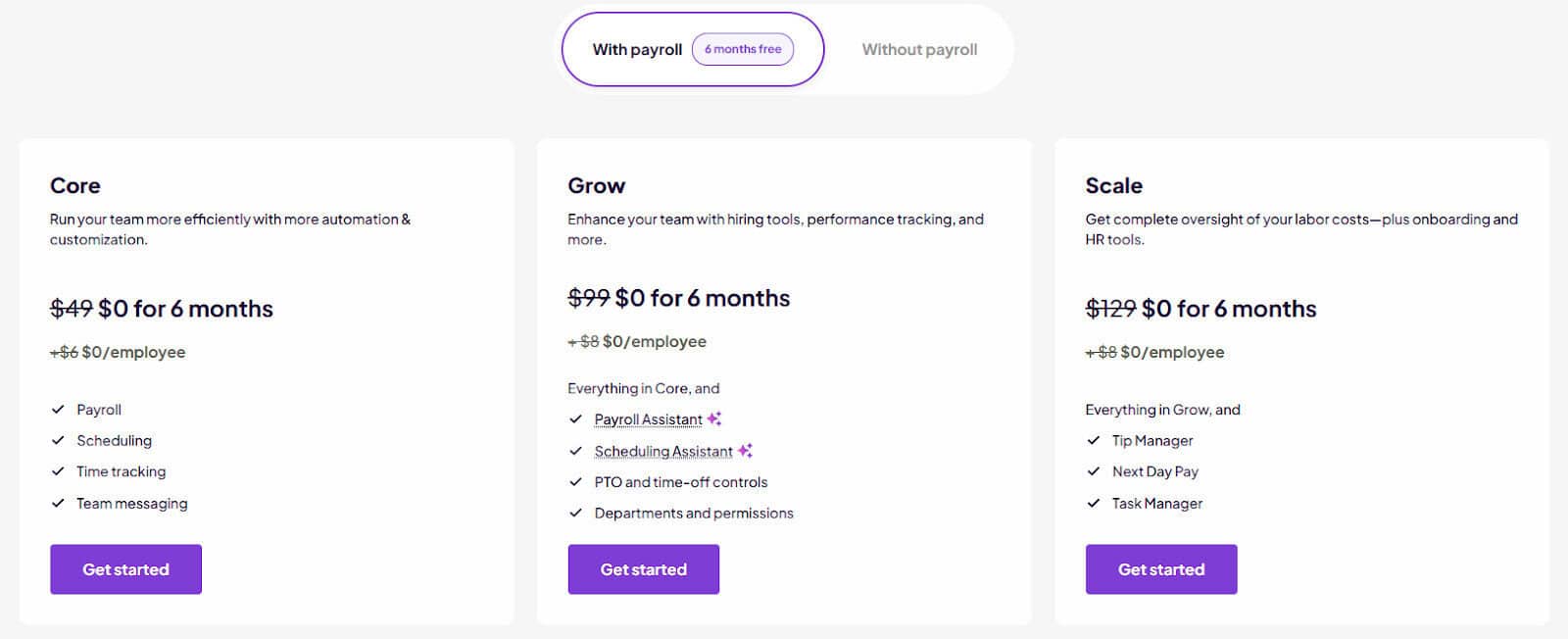
Pricing and Plans:
- Core Plan: Free plan for up to 10 employees in one location.
- Essentials Plan: Starts at $24/month.
- Plus Plan: Starts at $56/month (for unlimited employees).
- All-in-One Plan: Starts at $96/month (for unlimited employees).
Homebase also offers a bundled pricing option for teams that need payroll included (see below).
3. Deputy – Best for Teams Needing Labor Compliance and Forecasting
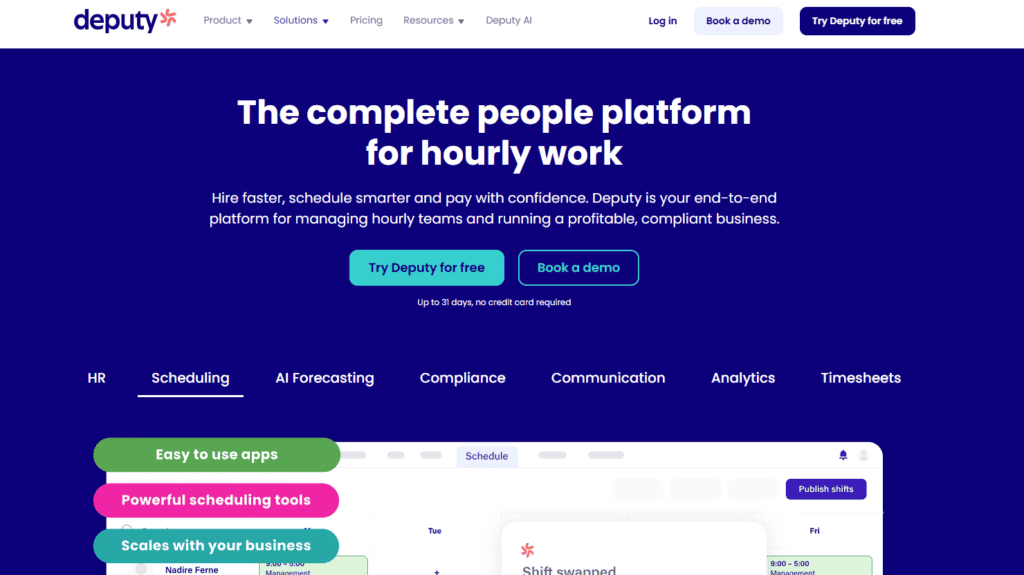
Deputy is a popular choice I’ve come across multiple times, and overall, it’s a great alternative for mid-sized businesses that need more advanced labor forecasting and compliance features than regular schedule management tools. From my perspective, this is a great 7Shifts alternative for more operations-focused companies and those that need features over and above shift and scheduling functionalities.
Standout features: As someone who works in the tech space, having access to AI-powered labor forecasting and auto-scheduling features is powerful and a good reason to consider Deputy if this is important for your business.
I also noted their newly launched features like micro-scheduling, which gives managers a quick overview of clock-ins and employee schedules, as well as deeper analytics and reporting.
Pros
- I found Deputy’s interface really simple and easy to navigate, which carries across to the mobile app.
- I also like that Deputy considered dashboarding and reporting views for workforce metrics, which can save time if you, like me, have ever had to pull stats and create charts for stakeholder views.
Cons
- I did find it to be slightly harder to learn at the outset than some of its competitors.
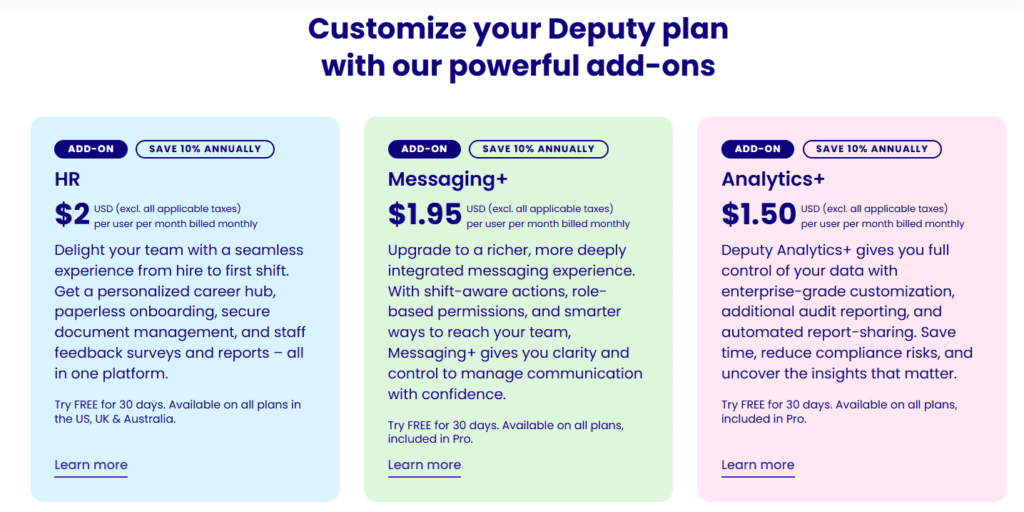
- Again, although it has a great feature set, this does mean it’s less affordable than other scheduling software platforms. Some features are paid-for add-ons, which can become expensive quickly.
Why it’s a great 7Shifts alternative: Where 7Shifts falls short, Deputy really shines, especially within the reporting, analytics, and forecasting functionality side. Added features such as labor compliance within Deputy’s Compliance Hub (paid-for addon) make it a strong option for teams that require added control.
Pricing and Plans:
Deputy offers three tiers with customizable plans for add-on feature sets.
- Lite Plan: $5/user per month.
- Core Plan: Starts at $6.50/user per month.
- Pro Plan: Starts at $9/user per month.
4. When I Work – Best for Collaborative Teams Needing Scheduling Visibility
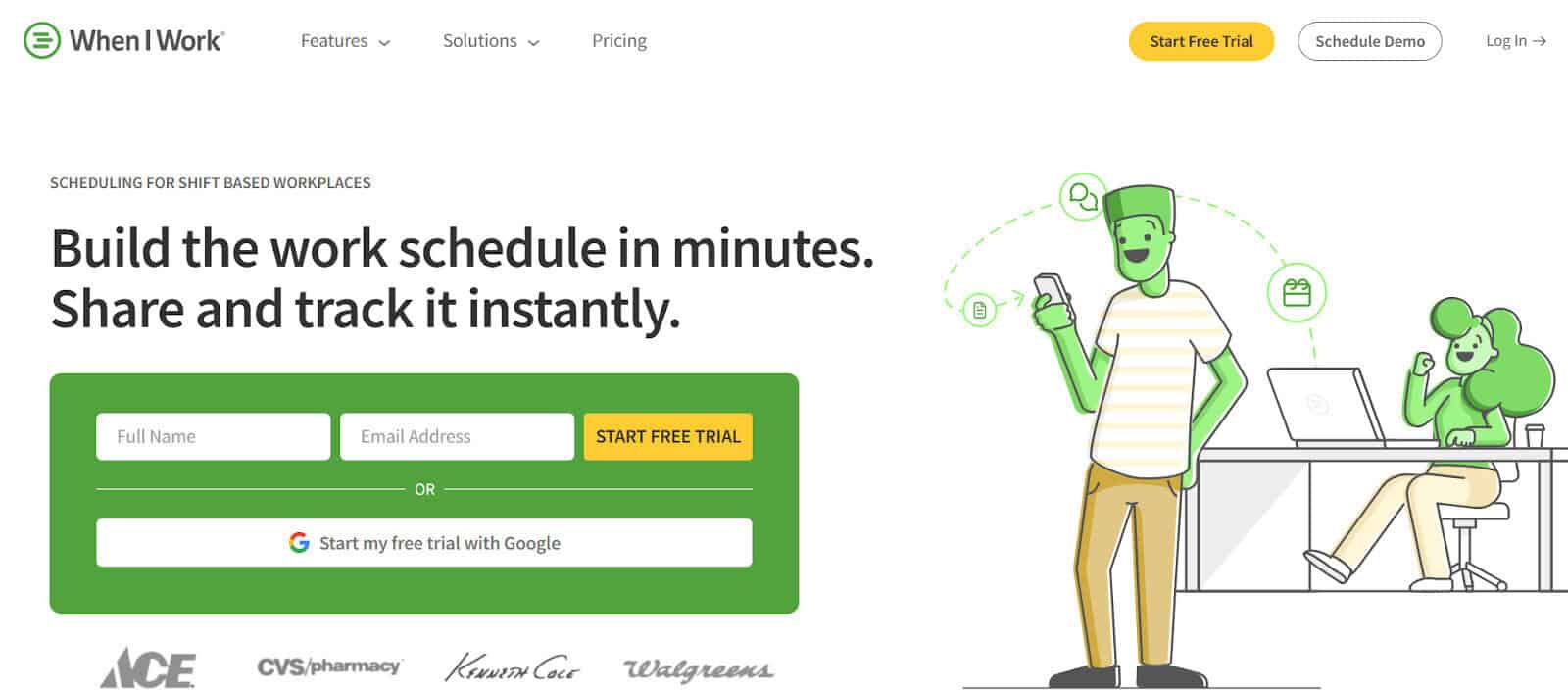
When I Work is an excellent alternative for collaboration-centred teams that require advanced communication features and quick and easy implementation. I like tools that are simple and less costly to implement, as this has been a common hurdle in the tech space. I also found the views and mobile app easy to use, making it an ideal option for shift-based teams who are looking for a tool that offers good visibility over schedules and shifts.
Standout features: When looking at some alternatives to 7Shifts in a previous role, I was really impressed with the strong focus on communications that When I Work has put a lot of thought into. They’ve built an employee Communication app that makes team communication easy to manage with 1:1 chats, team chats, and cross-department messaging, which I found really useful for collaborative teams.
I am generally loath to have a lot of communications on work platforms, but I loved that they’ve ringfenced this and made it a secure platform that offers a way to keep important communications in one place.
Pros
- Clean user interface, strong mobile app, and great visibility over scheduling. Scheduling and shift swaps can be managed interactively via the mobile or desktop apps.
Cons
- I didn’t love that some of the more advanced features are only available on the higher tiers, and it may not be obvious at the outset.
- Although not critical for all teams, they do not offer HR features that some larger or more complex organizations may need.
- When looking at their integration stacks, I found they tended to offer easy integration with their preferred payroll, Rippling, which may be a limiter for other payroll platforms.
Why it’s a great 7Shifts alternative: Overall, I found that When I Work really excels in the notification and communication space, which makes it a good alternative for teams needing more secure ways to collaborate across teams and departments.
Pricing and Plans:
- Single Location or Schedule Plan: Starts at $2.50/user per month.
- Multiple Locations & Schedules Plan: Starts at $5/user per month.
5. Humanity – Best for Regulated Industries with Complex Scheduling Requirements
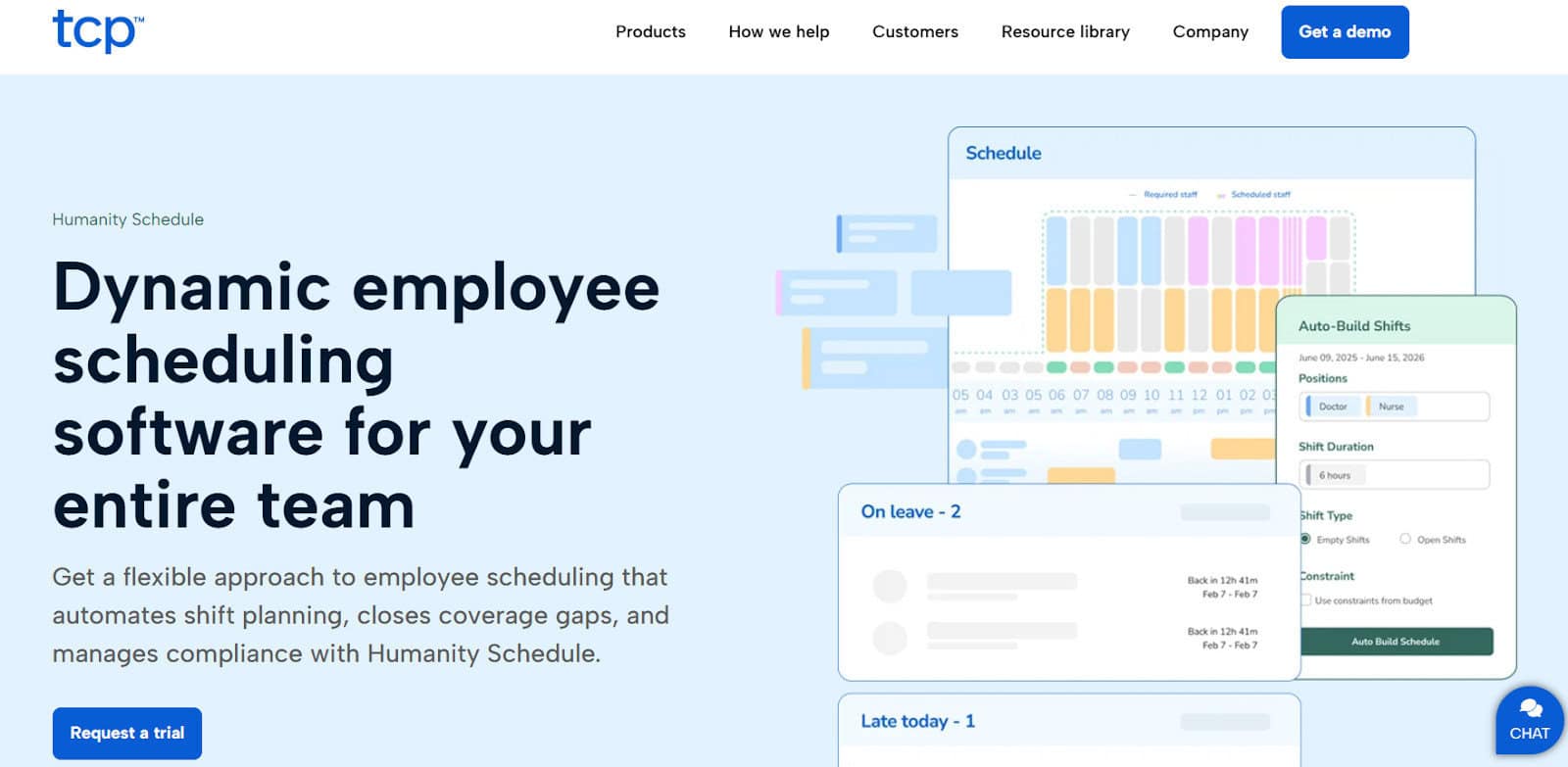
As previously mentioned, I prefer to look for industry-specific tools in most instances, as this means you’ll need fewer add-ons and integrations, which can make systems complex and prone to problems later on. Humanity is one of those alternatives where it’s a great fit for education, healthcare, manufacturing, and other institutions that include advanced scheduling, rotating shifts, and those with compliance-focused requirements.
Standout features: Humanity stands out for its solid automation-powered scheduling, compliance support, and customizable features, which I like in a tool.
Pros
- Humanity is purpose-built for niche industries such as public safety and healthcare sectors, which can be tricky to find.
- I also prefer tools like this, which have advanced customization options for businesses with unique needs and workflows.
Cons
- Although it’s a niche tool, I did find Humanity more costly than other competitors.
- Having customization options is powerful, but I’ve found this often means it will require lengthy setup and upskilling.
Why it’s a great 7Shifts alternative: I’ve found that Humanity is a better fit for businesses that are looking for a more compliance-focused tool to help reduce risk. If you’re looking for a structured tool that can help automate schedules and workflows, Humanity may be a good option.
Pricing and Plans:
- Essentials Plan: The Essentials plan starts at $2.75/user per month and includes scheduling and shift swapping across multiple locations, notifications, and basic reporting.
- Professional Plan: Starts at $3.75/user per month, includes everything in the Essentials plan, and offers more advanced features such as labor cost, budgeting, and compliance features.
- Enterprise Plan: Includes everything in the Professional Plan as well as labor optimization, HCM integration,s and more. Pricing upon request only.
6. Connecteam – Best for Businesses Needing Workforce Management Features
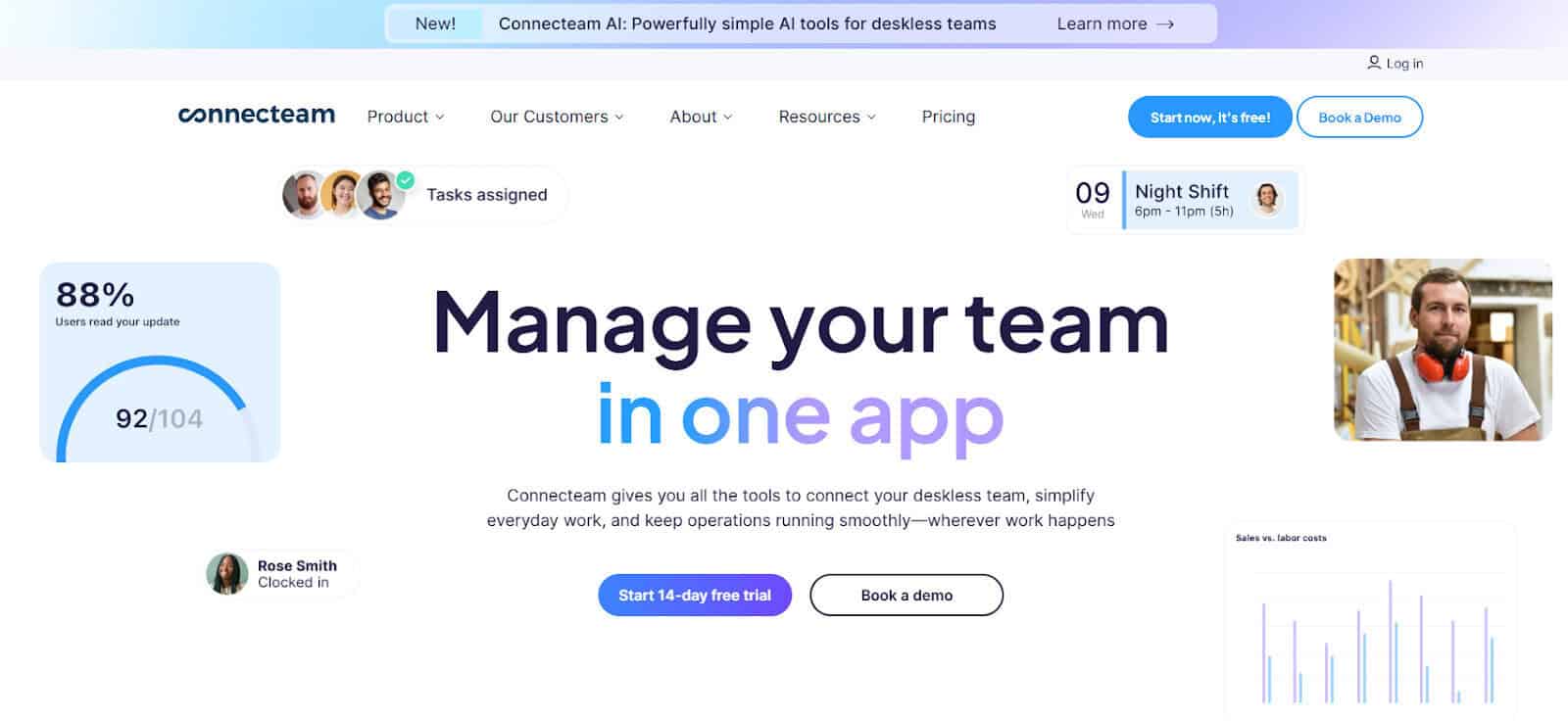
I’ve come across Connecteam several times and for good reason. I found them to be a great option for organizations that need a more comprehensive solution for their workforce management needs. It’s suitable for businesses in retail, construction, cleaning, security, healthcare, transportation, and other industries.
Standout features: As someone who’s worked in the capacity and resource planning areas, I like strong workforce and operational features such as task tracking and audit-ready reporting. Connecteam seems to tick all these boxes and has great 24/7 customer support and HR features, including training, employee engagement, and onboarding.
Pros
- Although they do workforce management well, I like that they do cover multiple aspects of larger business requirements, outside of simple schedule management, too.
- I generally opt for tools like Connnecteam, which allow businesses to make use of a single tool rather than using disparate systems to help manage workforce and operational needs.
Cons
- I have found that Connecteam does, however, lack some of the advanced scheduling and time-clock features that other tools have. I’d also carefully analyze their pricing tiers, as I found the costs can scale quickly for larger businesses.
Why it’s a great 7Shifts alternative: I’ve found Connecteam a better fit for teams looking for more advanced workforce management capabilities than what 7Shifts offers.
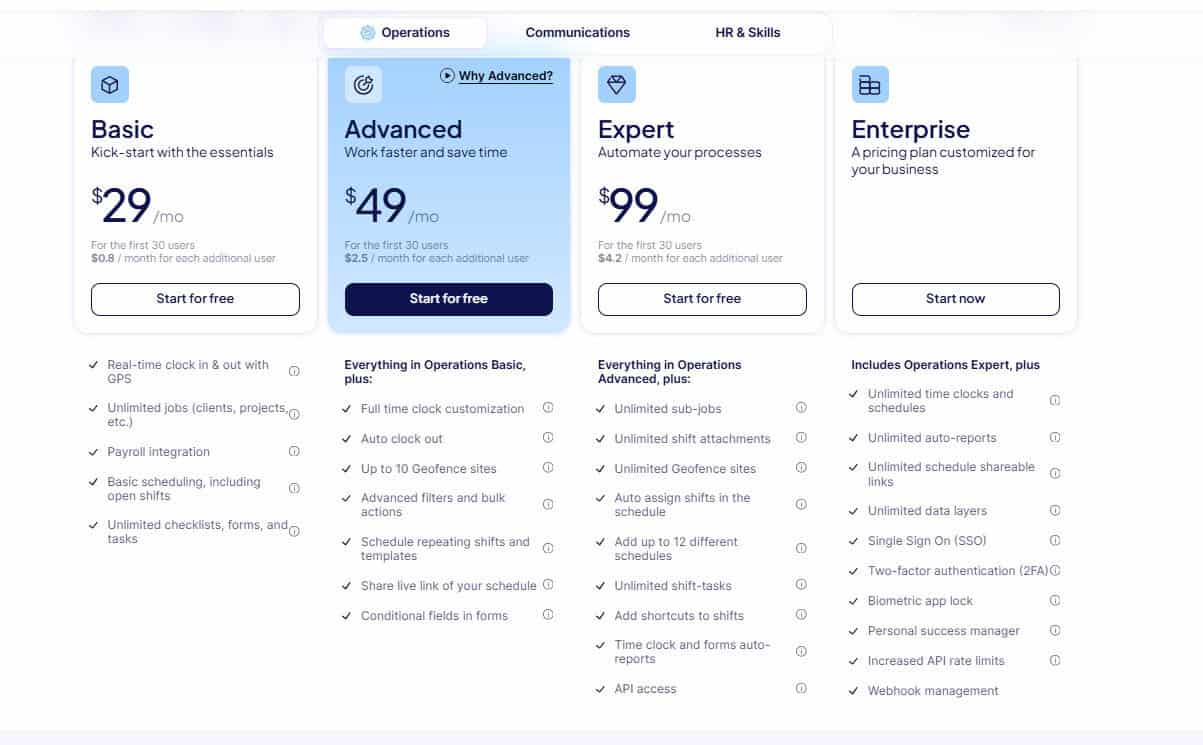
Pricing for the Operations Hub Plans:
- Basic Plan: Starts at $29/month (for the first 30 users).
- Advanced Plan: Starts at $49/month (for the first 30 users).
- Expert Plan: Starts at $99/month (for the first 30 users).
- Enterprise Plan: Custom pricing available upon request.
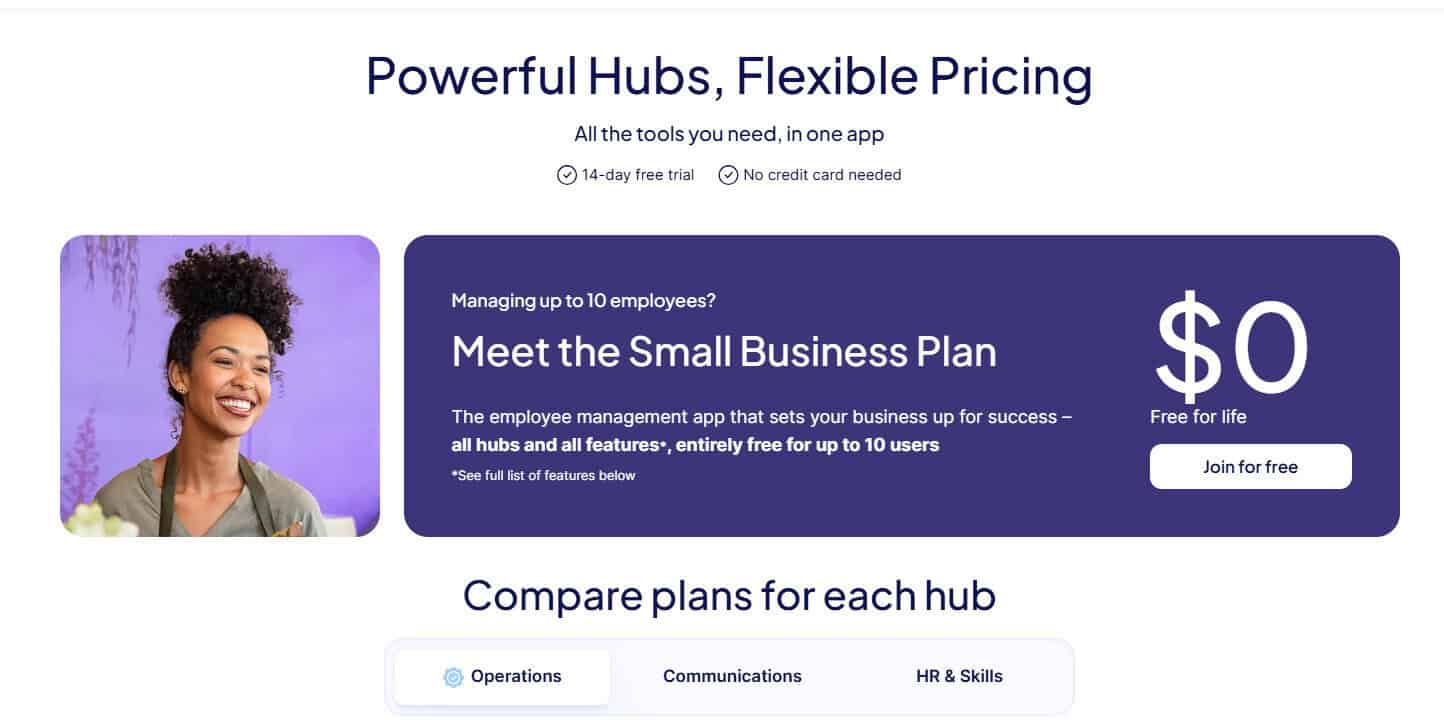
Connecteam offers different pricing plans for various needs, with a free option for small businesses, too.
How to Choose the Best 7Shifts Alternative for Your Business:
By now, you’ll know that choosing the best option for your business ultimately comes down to your organization’s requirements. I would always recommend assessing what your pain points are and how a suitable alternative will help solve them.
I recommend narrowing down your criteria and considering the following features:
- Hourly vs permanent employees – Some tools are a better fit for hourly teams and offer specific functionalities to help manage hourly wages vs salaried employees.
- POS or Payroll integrations – Some software platforms have their own POS or Payroll platforms incorporated into the tool. Others require external integrations.
- Shift-based – If you require shift schedules and roster functionalities, choose the best option that meets these needs.
- HR or workforce management needs – Decide if you have simpler needs or require more advanced HR features when selecting the best option.
I always consider business and employee needs when looking at alternatives to any software like 7Shifts. I would also avoid making quick decisions based on perceived value or budget alone, and always try to opt for tools that allow free trials or demos so that you can make an informed decision when choosing the best fit for your organization.
Sling and Homebase are my standouts, but you have plenty of solid options to consider if you’re looking to move away from 7Shifts.