


Last Updated on January 19, 2026 by Ewen Finser
If you want your business to stand out in a crowd of hungry competitors, you need visual branding that’s polished, professional, and recognizable.
And it all starts with an eye-catching logo.
“But I’m not a graphic designer!”
The good news? You don’t have to be. And you don’t need to spend a ton of time and money finding the right freelancer, either. Whether you’re on a tight budget or just enjoy taking the DIY route, there are solutions out there that make logo creation a snap — even for graphic design newbies.
I checked out some of the most popular online logo creators to see which came up with the best-looking logos:
I first had them each generate a logo for a fake business called Flower Power Florist, and then I compared their pricing, features, ease of use, and customization options.
Here’s what I found.
1. Design.com
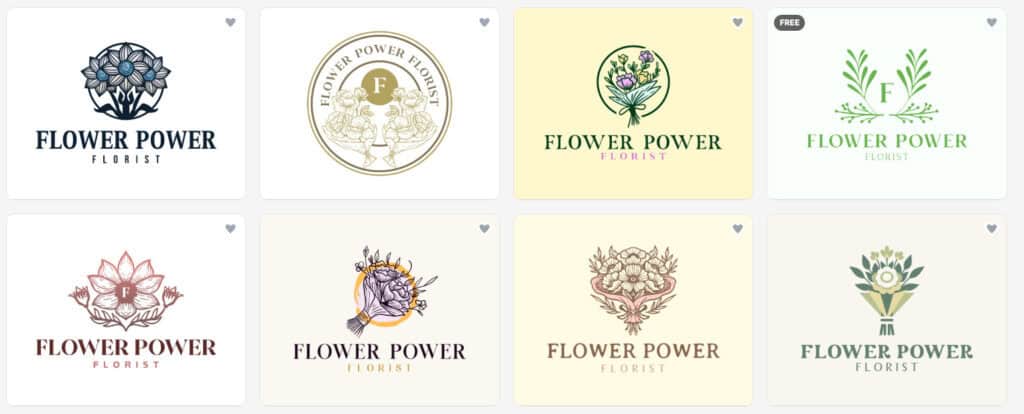
Design.com boasts what is purportedly the world’s largest logo library, with 379,000 curated templates covering every style and industry — and no third-party stock icons or generic clipart.
Features
- Just type in your business name to get instant access to countless variations, sortable by style.
- Not only does Design.com have a website builder, but its AI will actually design your website for you. Same with your business cards, flyers, presentations, and posters (which you can order with free delivery).
- Create branded social media posts and stories, email signatures, Facebook ads, invoices, menus, QR codes, and more using professionally designed templates
- Each logo undergoes manual IP review, ensuring originality and legal safety.
- Over 500 of the available fonts are found exclusively on Design.com, so you’re far less likely to stumble upon a doppelganger in the wild.
Ease of Use
All you need is a business name and industry, and Design.com will instantly generate thousands of logos using modern, eye-catching templates. You can then filter designs by color or style to fit your specific vibe and tastes. If you don’t have a business name yet, it can generate that, too.
Customization Options
Design.com’s studio has a decent range of personalization options. Here, you can change the layout, size, and alignment of your elements, adding cool effects like shadows and outlines.
If you love the font and layout but aren’t sure about the icon, you can experiment with their full library of imagery until you find something that checks all your boxes. You can even animate your logo for use in Reels or video intros, which is a fun perk!
Pricing
Design.com offers three different pricing tiers: Starter ($15/month), Value ($24), and Premium ($29). Each tier comes with high-resolution and vector files, unlimited edits, access to a ton of design templates and tools, and a license for worldwide commercial use. If you want exclusive and buyout licenses, you can purchase them separately.
They also offer a selection of logos that can be edited and downloaded for free — these come with high-resolution files, along with access to design tools and the free website builder.
Verdict
This is by far my favorite platform on the list due to its sleek designs, robust customization studio, and frankly insane number of templates. I’m not usually a fan of subscription models, but after trying it for a month, I found that their Starter tier is packed with everything I need and more.
Even though their design process requested very minimal information on my end, I was impressed by how many of the options I genuinely loved. My results felt cohesive and intentional, and the colors, imagery, and fonts don’t feel randomly slapped together.
Overall, a great option for businesses with ongoing design needs.
2. Smashing Logo
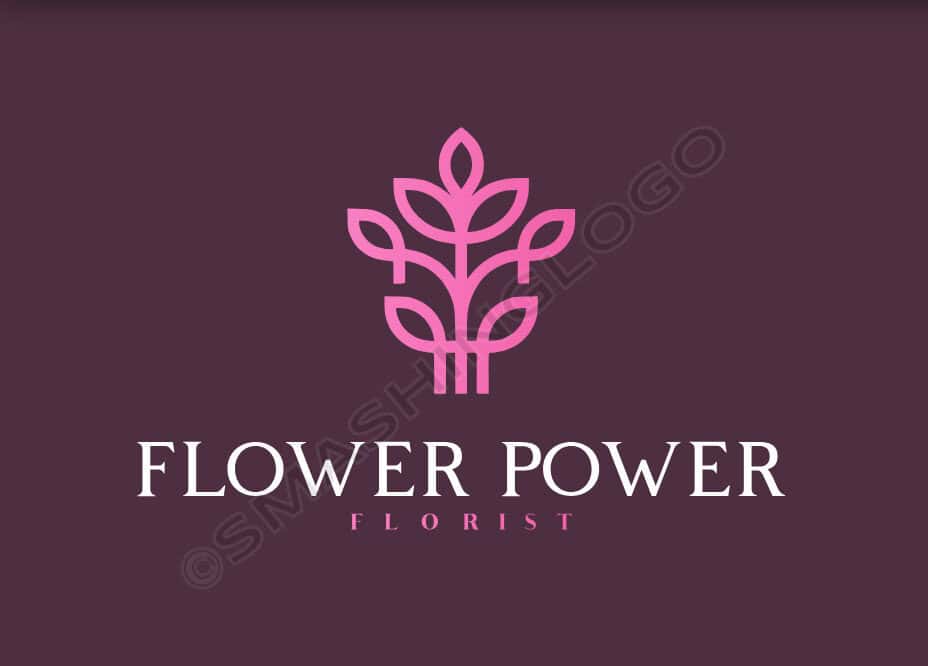
Founded in 2015, Smashing Logo is an award-winning AI-powered platform that uses a chatbot to help you design your logo.
Features
- Fill out a brief survey to quickly get an AI-generated logo customized for your industry and tastes.
- Rotate and inspect an interactive 3D model of your logo in real-time, and see how it would look on a billboard or as a piece of street art.
- Get access to valuable add-ons like social media kits, logo animations, promo videos, and QR code generation.
- For an extra $25, you can purchase priority email support and skip the support line.
- À la carte pricing means you only pay for what you need.
Ease of Use
During Smashing Logo’s six-question survey, you’ll share your business name, industry, and brand attributes, along with your preferred colors, font style, and icon concept. Your designs are saved to your logo history, so you can experiment with new concepts without losing past versions.
Customization Options
You can opt to work with their AI chatbot to tweak your logo or use their DIY edit studio to customize your name, slogan, icon, colors, and layout. There, you’ll get access to a wide variety of fonts, layout templates, and color palettes.
Pricing
Smashing Logo lets you set your own budget and pay for only the elements you want. With options ranging from simple design ownership to comprehensive branding guidelines, post-purchase editing, and cinematic intro videos, you can pay as little as $42 and as much as $336.
Verdict
While I find their pricing a little high, I appreciate the packages and add-ons available. The design process was easy, intuitive, and even fun.
A solid option for entrepreneurs looking to launch a business or spice up their branding.
3. Logo.com
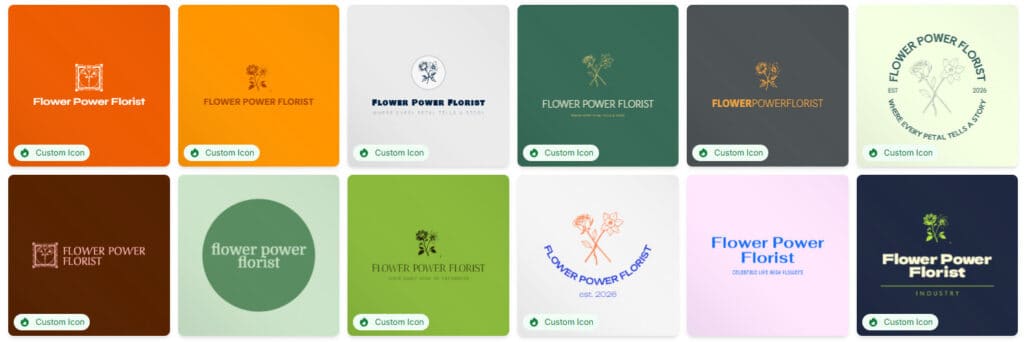
In 2025, Logo.com launched an advanced AI-powered logo maker that uses its proprietary Logo Design Engine to generate unique designs.
Features
- Add your logo to 200+ products in Logo.com’s merch catalog or one of their website templates.
- Serial entrepreneurs can create logos and assets for multiple businesses.
- If you need help, you can email their customer service team or browse their collection of help articles.
Ease of Use
Just type in your company name and icon prompt, select your color palette, share your business type and stage, and choose the assets you’re interested in creating (for example, brand guidelines, social media content, merchandise, or a website).
Customization Options
Logo.com allows you to tweak the iconography, typography, and palette, add or remove containers around your text, generate new symbols using AI prompts, and switch up your layout.
Pricing
The free option will definitely appeal to start-ups, podcasters, and hobbyists who need a single design and don’t require many assets and templates.
Their Brand Plan subscription ($20/month) expands your collection to five commercially licensed logos, with multiple high-res file options, a pro brand kit, media storage, priority support, and a library of templates and elements.
Upgrading to Brand Plan Plus will let you save up to 100 logos and double your storage.
Verdict
Logo.com streamlines the entire branding process into a single, cohesive experience, making it a good choice for entrepreneurs who value speed and accessibility above all else. You’re getting access to an AI that analyzes your industry, a library of over 10 million customizable elements, and unlimited revisions, which means you can start with something that’s already (somewhat) customized to your industry and just get even closer as you fine-tune.
In practice, however, I did notice that the AI frequently ignored my preferred palette (orange, pink, and blue). Additionally, their Design Hub link led to a 404 error.
Your mileage may vary here; give it a shot and see if it gets close, but if you struggle like I did with the AI, you may want to look elsewhere.
4. LogoGarden
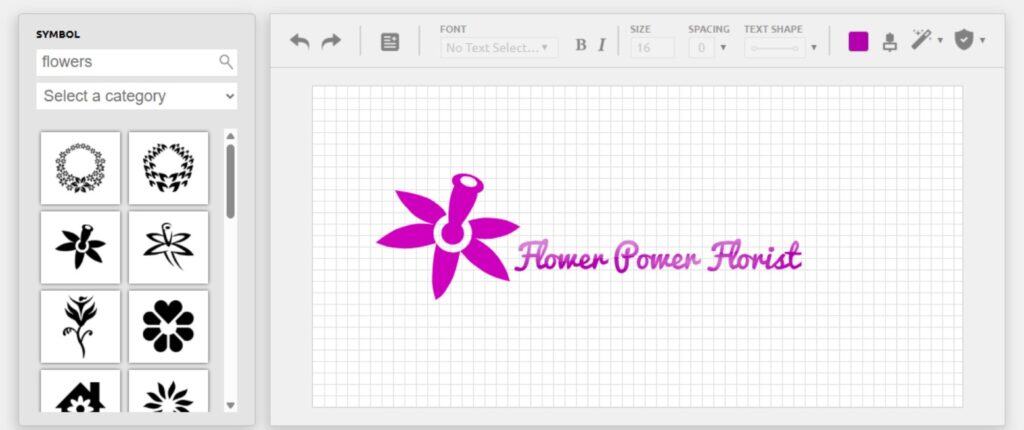
Unlike the other platforms on this list, LogoGarden is a fully DIY option that allows users to build their own logo by choosing from a selection of fonts and thousands of simple clip art icons.
Features
- Use simple pick-and-click tools to build your logo element by element.
- Save logos to your account and make additional edits before purchasing.
- Add your logo to a range of promotional items such as mugs, phone cases, business cards, and t-shirts.
- Build a free website through LogoGarden using their basic templates.
- They offer multiple video tutorials, a design tips page, and email support.
Ease of Use
LogoGarden’s bare-bones design studio is extremely intuitive, making it easy for people of all ages and levels of experience to create a logo. The extensive clip art library is easily searchable by category or search term.
Customization Options
In addition to basic tweaks like fonts, colors, symbols, layout, and spacing, LogoGarden has a couple of fun tricks up its sleeve. Their Text Shape tool lets you instantly wrap your text along a curve, and you can mix and match cool effects (like distress, reflection, shine, and shadow) with a couple of clicks.
Pricing
LogoGarden charges $12.50 for a high-resolution logo, which includes trademark rights, unlimited downloads, and a PNG version with a transparent background. If you want a scalable vector version, you can pay $39.99 for a bundle that includes AI, EPS, and PDF formats.
Verdict
While the interface may be simple compared to more modern platforms, this straightforward approach means there’s no overwhelming learning curve or bloated features getting in your way here. The clip art is easily searchable, and fun effects like text wrapping, distress, reflection, and shadow options add creative flexibility.
However, you’re still working with a limited library of clip art (and an even more limited library of fonts), so it’s easy to create something that closely resembles an existing design. And because the onus is on you to actually design the logo, you’ll be limited by your own judgment and eye for composition — which is not everyone’s forte.
But for college events, campaign logos, early-stage businesses, or anyone who needs a quick, clean design without breaking the bank, LogoGarden delivers solid value.
5. Logo Maker
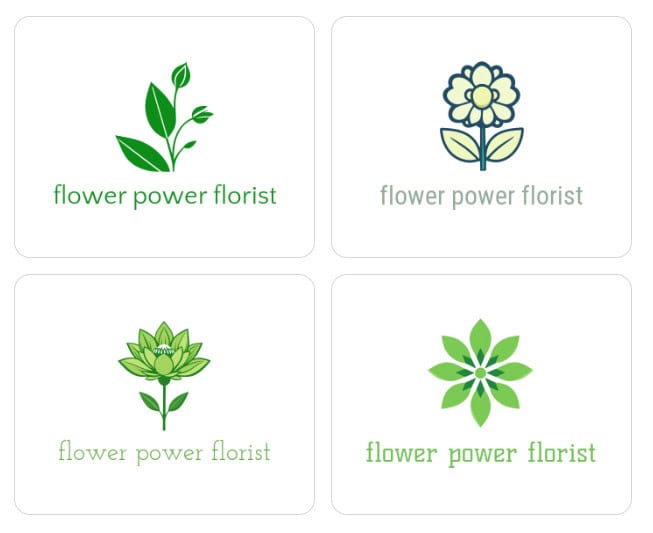
Logo Maker has been around since the early 2000s. Originally a library of unused concepts created by professional artists, the platform now allows business owners to create and tweak their own logos, using over 10,000 templates and design assets.
Features
- From typing in your business name to getting four different logo options, the process takes under a minute.
- Create as many designs as you want, and just pay for the ones you love. All logos are saved in your account, so you can revisit them later if you change your mind.
- Their “Love Your Logo” guarantee means you’re eligible for a full refund if you reject your logo within 30 days.
- Once you’ve decided on your logo, Logo Maker lets you build your website and purchase promotional products like t-shirts, business cards, stationery, mugs, and banners — all directly through their site.
- Their Premium Logo Package gives you unlimited edits for a year, multiple logo layouts, and files optimized for social media.
- If you need help editing your logo, you can reach out to their customer care team.
Ease of Use
Logo Maker is incredibly easy to use. Just complete a five-question survey to narrow down your name, industry, vibe, and color scheme, and you’ll be given four options to further tweak as desired. You can also browse their logo template library and select your preferred styles to help their AI better understand your tastes.
Customization Options
There’s really not a ton of customization here. However, once you’ve reached the editing stage, you can switch up your fonts, try out new colors, rotate your image, modify your business name, or add new text.
Pricing
It costs $39.99 to download a high-resolution file bundle for your logo, including EPS, JPG, and PNG formats. This cost includes all legal rights to use your logo wherever you like.
Verdict
Logo Maker deserves a spot on this list just because it is so easy to use. When you can go from nothing to a logo in a matter of seconds, that’s nothing to sneeze at. And while its five-question survey isn’t terribly deep, it does allow for some influence in the overall feel of the end result.
That said, I wasn’t blown away by the generated logos here. They’re passable while you’re looking for better options, or maybe while you’re still in the early stages of finding your spot in the market, but I wouldn’t rely on them as long-term, professional designs. While inexpensive and easy to use, the platform is far less sophisticated than its competitors, and since their editing studio doesn’t offer much functionality, you’re limited in what you can create.
But still, a solid option if you want a fast logo that doesn’t need to wow anyone.
6. Looka
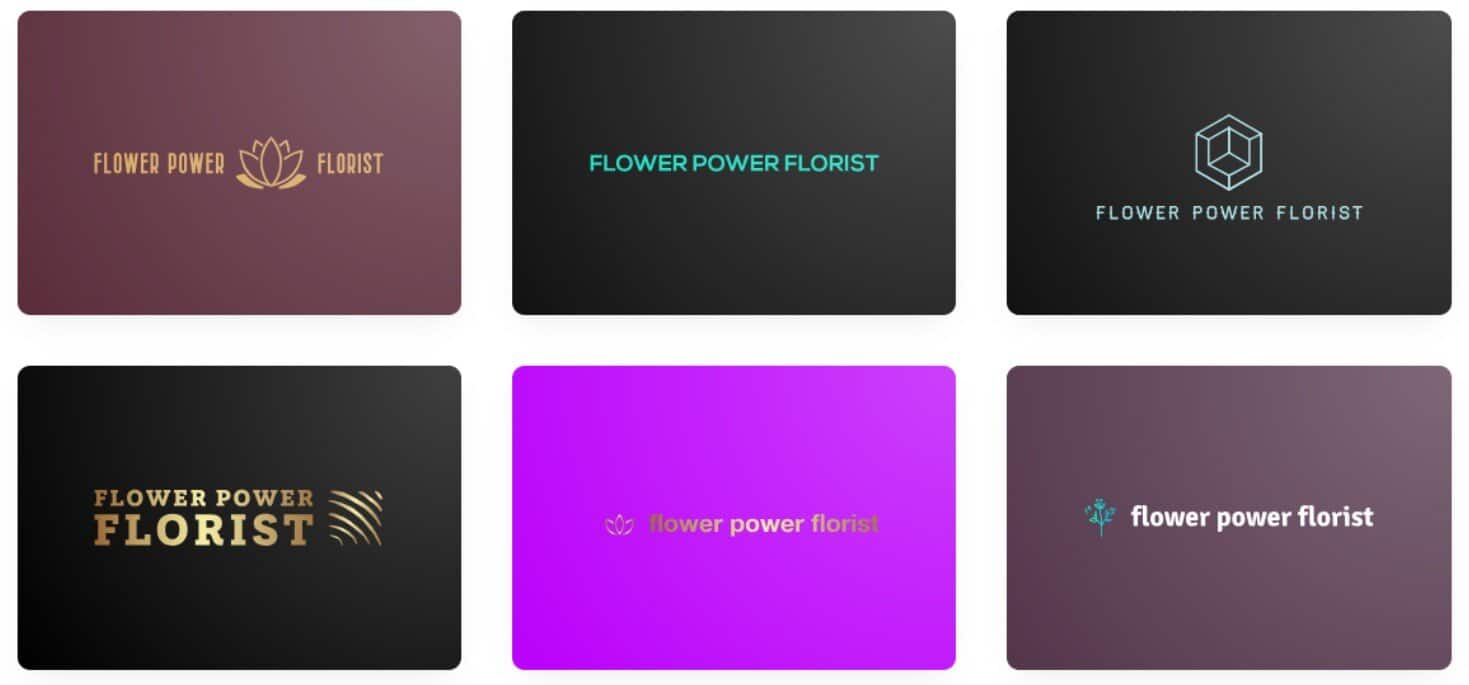
Looka is an AI-powered graphic design company that’s served over 20 million customers since it launched in 2016.
Features
- Looka only needs a few details from you to create a huge batch of logo options based on your preferences.
- Create as many logos as you like; you don’t have to pull out your credit card until you’ve settled on one. The ones you didn’t choose will be saved in your drafts.
- Subscribers can access 300+ templates to create a range of marketing assets and social media posts, as well as a branded website.
- Their Premium Logo Package comes with multiple high-res versions, unlimited changes, and exclusive ownership of your design.
- Their customer support center addresses their biggest FAQs with articles, screenshots, and video tutorials from their team. Purchasing a Premium Logo Package or subscription gets you lifetime technical support via email or chat.
Ease of Use
The process here is quick and easy. Simply share your company name, industry, and color preference, then choose your favorites from a collection of samples. Looka will then generate a large selection of customized logos, and once you’ve scrolled through them and found a good fit, you can tweak it or use it as-is.
Customization Options
Looka’s editing studio allows you to change the layout, colors, background, and symbol. You can add containers around the text, play around with fonts, and add/remove slogans. Not sure where to start? Their AI tool will generate new ideas automatically.
Pricing
Looka’s $35 Basic Logo Package includes a low-res file suitable for digital use. For high-res versions and full ownership of your design, you’ll need to spring for the $72 Premium Logo Package. They also offer two subscription packages at $96 and $129 yearly, which include access to their pro-designed template libraries and other perks.
Verdict
Many of my generated designs felt a little generic to me, but I found a good number of gems as I scrolled through. I particularly love that you can access the hex codes of your color palette before purchasing the logo, and it will even show you previews of your design on business cards and social posts.
Overall, Looka’s fair pricing and packages make it a decent option.
Picking the Best Logo Design Software for Your Needs
For most use cases, Design.com is my go-to pick. Their platform is packed with functionality and personalization options, and the logos look pretty good out of the box. While their subscription model may be a turn-off for some people, it’s worth it to have access to their loaded design studio and valuable template libraries.
Smashing Logo would be my runner-up: Their chatbot model makes the process feel like a friendly consultation, and the logos actually feel professionally designed. Business owners on a budget will appreciate their customizable packages and add-on options.
No matter which platform you pick, follow these best practices:
- Keep it simple: Your logo needs to be easily understood at first glance, so don’t go overboard with a ton of elements or colors. If you’re using imagery, choose one symbol (think of the Lacoste alligator or the Nike swoop).
- Keep it clear: Use clean, legible fonts; if someone can’t read your name, they won’t remember it.
- Keep it scalable: Don’t add too much fine detail. You’ll be using your logo on everything from business cards to billboards, so it has to be crisp and legible anywhere it appears.
- Keep it visible: Once you’ve finalized your design, be sure you create versions for both light and dark backgrounds — you never know where it may wind up!
From manual studios with robust art libraries to fully AI-driven workflows that attempt to nail your industry, there’s a platform on this list that will likely meet your needs. So pick one or two, see what you like, and put your branding worries in the rear view!