


- 1. InboxAlly: Inbox placement monitoring and warm-up
- 2. Outreach: Shared workflows with good tracking
- 3. Salesloft: organized outbound with a smoother daily workflow
- 4. Apollo: Outbound + lead sourcing
- 5. Instantly: Fast outbound with multiple inboxes
- 6. Lemlist: Message-first sending
- 7. Woodpecker: Predictable sending with fewer controls
- 8. HubSpot sequences: CRM-based sequences
- Which one should you pick?
Last Updated on January 30, 2026 by Ewen Finser
I spend a lot of time inside outbound tools, mostly because outreach has a way of becoming invisible work. You don’t notice it when it’s going well. You only notice it when something stops working.
Reply.io was one of the first tools I’ve gotten used to. Easy to pick up, easy to justify, easy to live with. For a long time, it sat in the background and did the job I expected it to do.
What I didn’t realize was how much the tool itself was shaping how outreach got done. What it encouraged, what it made harder, and what it was simply never capable of.
That only becomes obvious after a while; After you’ve run enough campaigns. After lists, inboxes, and workflows start to repeat, and “just sending” turns into something you expect and rely on.
The alternatives people land on tend to say more about what’s broken than what features they wanted next, which is what got me to put this list together, for Reply.io Alternatives, coming from the same experience over the years.
So if you’re in the market for something a bit different or just have the feeling Reply.io doesn’t cut it anymore, the alternatives below are a good place to start.
Tool | Best for | Why its good | Main trade-off |
InboxAlly | Consistent inbox placement | Doesn’t send emails; works alongside a sender and adds extra cost | Doesn’t send emails; works alongside a sender and adds extra cost |
Outreach | Established sales teams | Governance + pipeline workflows | Complex setup, overkill for solo users |
Salesloft | Teams with low tool adoption | Smooth day-to-day rep experience, easy to diagnose stalls | Enterprise pricing, more complex than some need |
Apollo | Outreach + list building | Fast list building + sending in one place | Data quality varies by niche/geo |
Instantly | Fast multi-inbox outbound | Speed, simplicity, inbox rotation | Limited insight when results drop |
Lemlist | High-intent outreach | Personalization, great copy control | Time sink if targeting is weak |
Woodpecker | Consistent outbound | Simple, hard to break, easy to debug | Too conservative for aggressive scaling |
HubSpot sequences | HubSpot-first setups | No tool switching + CRM-native | Tier/pricing constraints, edge cases |
1. InboxAlly: Inbox placement monitoring and warm-up
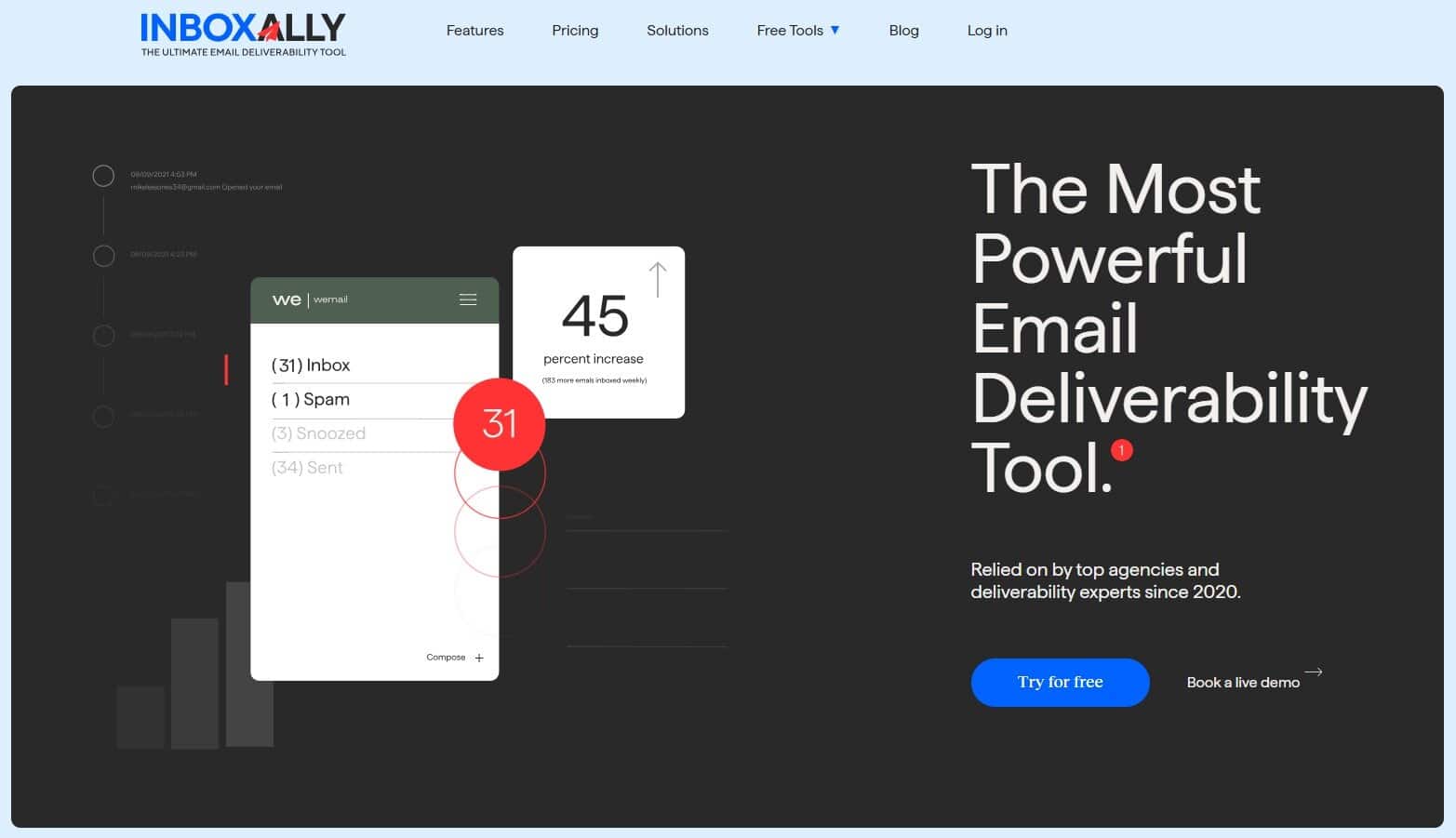
InboxAlly isn’t a sequencer, which means it doesn’t exactly replace Reply.io or any other outreach tool. What it does do is improve all of them. It becomes useful the moment you realize your “tool problem” is actually an inboxing problem.
Most platforms I’ve used in the past 10 years will happily keep sending your emails even when inbox placement is terrible. When you notice such a drop, you’ll usually tweak the copy, swap domains, or blame the list (or God). But the sender tool won’t tell you what is wrong.
InboxAlly is essentially a tool for controlled engagement for your sending. You add their seed inboxes to your campaigns (they give you the list), you send as normal from your platform, and InboxAlly handles the engagement actions on the other side: opens, link clicks, occasional replies “Not spam” when needed, even moving messages out of Promotions into Primary. That’s the bread and butter of optimal inbox placement.
The workflow is pretty straightforward:
- Download the seed addresses
- Add them to your sending tool
- Create a sender profile inside InboxAlly (choose what actions you want)
- Watch placement and activity in the dashboard
It’s especially handy when you’re warming new domains, rotating multiple inboxes, or recovering after a rough patch. Also: they have a free spam tester that doesn’t require an account. You simply email their audit address and get a deliverability report back. It’s something I was sure I’ll use only once, then kept using because it works so well.
Pros
- Works alongside any sender you already use
- Gives you placement visibility plus engagement signals
- Good for warmup, recovery, and keeping inboxes stable
- Free spam test without signup is genuinely useful
Cons
- Not an email outreach tool
- Doesn’t fix bad targeting or a weak offer (nothing does)
2. Outreach: Shared workflows with good tracking

Reply works best when one person runs outbound. That means one inbox and essentially one way of working. You set up sequences, keep an eye on replies, and adjust as you go.
However, when more than one person uses the same account, things can become complicated, and you may feel that something has gone wrong – It’s just hard to tell where. The tool doesn’t show what, so you end up checking logs, messages, and CRM notes just to understand what already happened.
In Outreach, outbound is treated as a process. Emails are there, but so are calls, tasks, LinkedIn steps, and reminders, all under one roof. When something doesn’t happen, you can usually trace it back.
That’s the main difference compared to Reply. Outreach limits how much people can “overengineer” their own system. Managers don’t need screenshots to understand what’s going on and coaching becomes about specific actions.
This only works if you’re okay with structure. Outreach expects you to have good CRM data and agreed-upon workflows. If you don’t want to work that way, the tool will fight you.
Pros
- Works well when several people work the same accounts
- Clear view of completed and missed actions
- Less duplicated or forgotten work
Cons
- Too much for solo users
- Setup and ongoing admin are unavoidable
- Not a great if you want to avoid being CRM-bound
3. Salesloft: organized outbound with a smoother daily workflow

Salesloft sits in the same “proper sales org” category as Outreach, but it’s easier to live with day to day. I realized how much that matters after I’ve used tools that looked powerful on paper and still slowed everything down because doing basic work felt annoying.
Salesloft doesn’t get in the way as much. I can open it, run my cadence, make calls, log what I did, and move on. I’m not jumping between tabs just to finish a task. That alone makes a difference when outbound is part of your daily, sometimes boring, routine.
It’s of huge help when you notice fewer replies, missed follow-ups or anything else that shows your campaign is stalling. In Salesloft, it’s usually clear what happened. You can see if emails went out, calls were skipped, or tasks piled up. You don’t have to reconstruct the week from memory or dig through random notes.
Compared to Reply, it feels less like setting up campaigns and more like getting through the workday. That’s useful once outbound repeats every week and more people are involved. It keeps things simple even when new reps come in or territories change.
That said, there’s more tool in Salesoft than you might need if you’re a solopreneur, and the price reflects that. If you’re still testing ideas or changing direction often, it might be too much.
Pros
- Easier to use than most robust platforms
- Great for keeping daily work organized
- Strong “manager view” when results start slipping
Cons
- Enterprise pricing + complexity
- Too much setup if you’re just experimenting
- Features you may never use if outbound is simple
4. Apollo: Outbound + lead sourcing

Reply is basically a sequencer with some extras. Apollo is kind of the opposite: it starts with finding people, then lets you email them right away.
Whenever outbound is slow, it’s usually not because the sequence builder is missing one more feature but because list work turns into this endless loop of scraping, cleaning, merging CSVs, and realizing half the contacts are useless. With Apollo, you can filter a list, check emails, and launch a sequence without leaving the tool. Fewer tabs, less copying things around. When I’m testing a new market or offer, that speed makes it easier to try new things.
The catch: all-in-one tools can make you lazy. Apollo will happily give you “a list,” and if you don’t keep standards high, you’ll end up emailing people who technically match filters but are still the wrong fit. That’s how you burn time and reputation, and then blame the copy.
Pros
- Faster workflow when you’re iterating targeting
- Good for solo marketers who don’t want 5 separate tools
- List building takes less mental energy
Cons
- Data quality depends a lot on the niche and the location
- Easy to get sloppy and spam the wrong people
- Overlaps if you already have great data sources
5. Instantly: Fast outbound with multiple inboxes
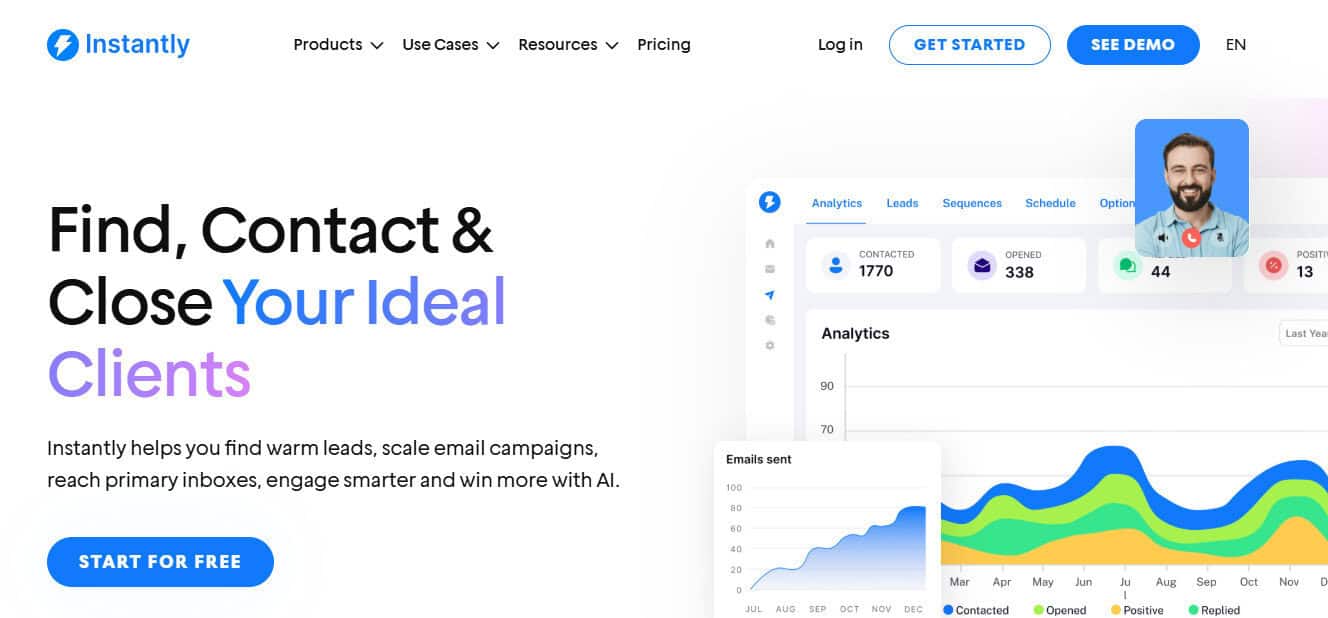
Instantly is what I use when I just want emails going out… Instantly (pun intended). If Reply for you means too much setup, too many workflows, too many “sales platform” vibes, Instantly will land for you as the polar opposite. You connect inboxes, drop in a sequence, and your campaigns are live.
That’s really it. Speed is the product.
When I’ve used it, it was usually because I already knew what I wanted to send and to whom. I just needed an easy way to rotate inboxes and keep follow-ups going without babysitting Gmail. Instantly does that well. Once it’s running, it mostly stays out of the way.
Where it can bite you is the same place most snappy tools bite you: it won’t tell you much about why performance changes. If campaign performance goes down, you’re still doing the usual checks elsewhere (list quality, offer, inbox placement, reputation). Instantly will keep doing its job, but it just won’t give you a ton of insight into what the inbox providers are doing in the background.
It’s great when you want speed, and you don’t expect an email sending tool to “fix” outreach for you. Less great when you need process, governance, or a complete sales workflow.
Pros
- Very fast setup from inboxes to live campaigns
- Multi-inbox rotation
- Good for simple outbound without CRM overhead
Cons
- You’ll still need separate tools for deliverability visibility
- Easy to outgrow once workflows get more complex
- Reporting won’t explain sudden drops in results
6. Lemlist: Message-first sending
What do you do when the true bottleneck is not volume or features, but the message itself? Reply.io (and all of the alternatives I’ve mentioned) can run sequences just fine, but what if the goal is to send fewer, more personalized emails? In that case, Lemlist might be the answer.
Lemlist treats personalization as part of the job. You can adjust the angle by segment, pull in small bits of context, and keep the message readable. The template setup helps too: it’s easy to iterate on copy without ending up with ten slightly different versions scattered across campaigns.
The main risk becomes obvious once you’ve used it for a bit: personalization can eat a ton of time. It’s easy to spend hours polishing the top of the funnel while ignoring targeting and other equally important parts of a successful campaign. If the list is wrong or the offer is unappealing, extra personalization just makes you miss in higher resolution.
If your results depend on relevance and positioning, Lemlist is a great Reply alternative that’s well worth trying.
Pros
- Helps you ship emails that don’t read like templates
- Strong fit when relevance and positioning matter
- Easier to manage copy changes without losing track
Cons
- Easy to overwork personalization on bad lists
- Not built for high-volume sending
7. Woodpecker: Predictable sending with fewer controls
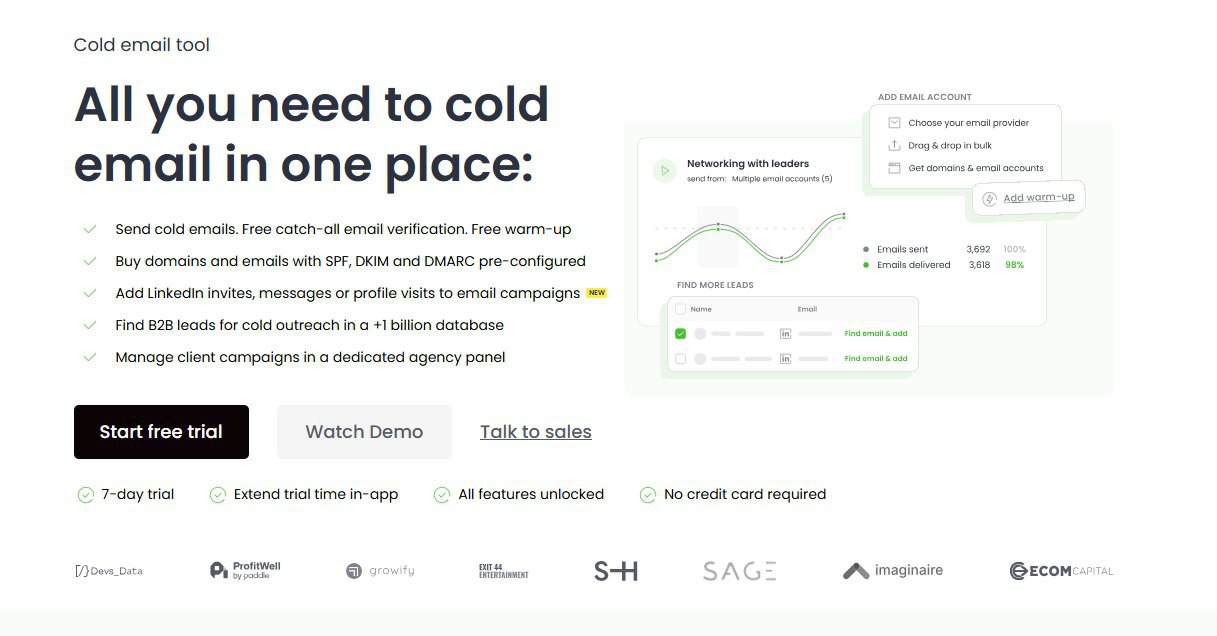
Woodpecker is for when you’re tired of tools that let you build a science project instead of an outreach program.
It’s simple on purpose. You set a cadence, stick to it, and that’s mostly it. Fewer switches, fewer hidden options, fewer chances to break something by “optimizing” it. I’ve used it in setups where the goal was boring consistency: same sends, same pace, no surprises. That’s where it works best.
I think my favorite part of Woodpecker is how easy it is to debug. When campaign performance drops, I’m not looking through settings wondering what changed. I’m looking at the usual stuff: list quality, timing, and offer. The tool stays out of the way and that alone saves a lot of time.
It’s not the tool for aggressive scaling or complex sales ops. It’s for steady outbound that doesn’t need constant fixing or watching.
Pros
- Keeps pacing reasonable by default
- Easier to diagnose issues with fewer moving parts
- Great for founders/consultants who want consistency
Cons
- Too conservative for aggressive scaling setups
- Power users may feel limited
- Not meant for full sales workflows
8. HubSpot sequences: CRM-based sequences
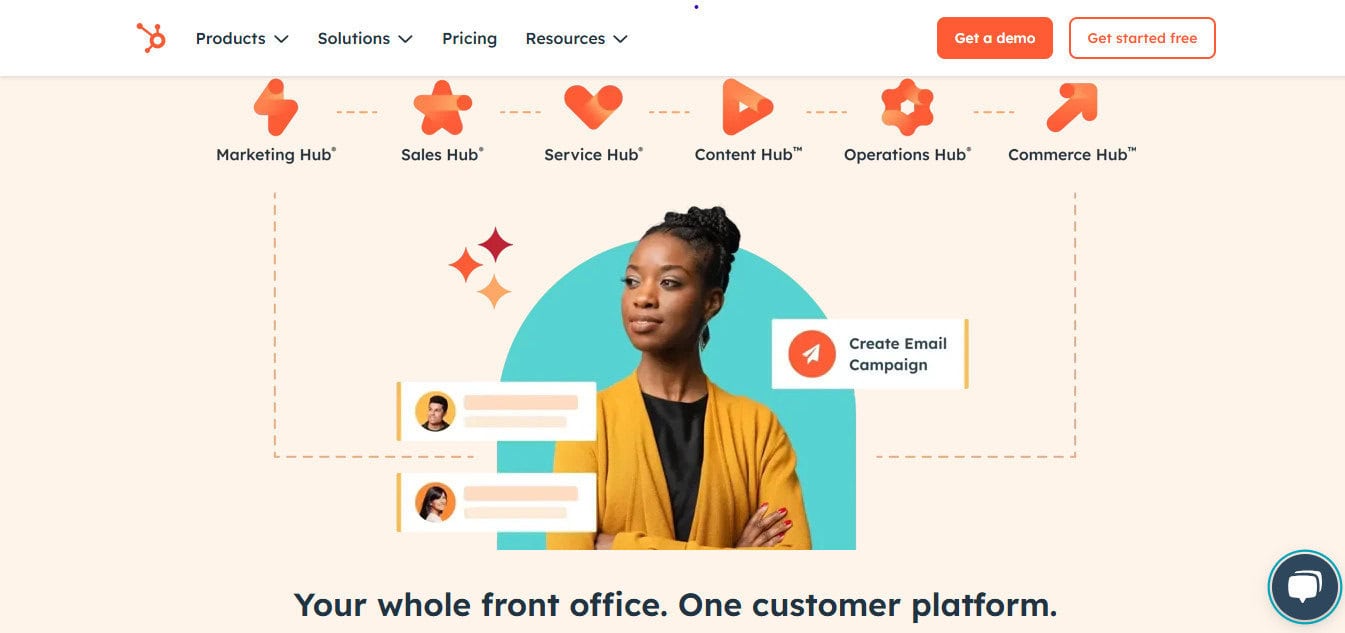
This one only makes sense if you’re already using HubSpot. But if you are, it’s the best one, hands down.
HubSpot Sales Hub’s outreach is closely linked to your CRM records, which means no sync issues, no duplicate contacts, no mystery fields that don’t match. When something moves in the pipeline, you can see which emails and follow-ups happened before it did and which ones didn’t.
That said, don’t expect it to compete with dedicated outbound platforms on edge cases: multi-inbox setups, agency-style client management, or weird routing logic. It’s a CRM-native sequencer first. Everything else comes second.
If Reply feels heavy and your problem is tool sprawl, HubSpot sequences can simplify the whole operation.
Pros
- No syncing issues between outreach and CRM
- Clear attribution from outreach to pipeline to revenue
- One workspace for all your HubSpot activity
Cons
- Not the best pure outbound tool for edge cases
- Costs rise quickly with higher tiers
- Less flexible for agency-style multi-client sending
Which one should you pick?
And now for the annoying truth: when Reply “stops working,” it pretty much always comes down to one of four things: the list got worse, the offer got stale, the targeting is wrong, or deliverability has flatlined and nobody noticed. New tool, same inputs = same outcome.
So pick based on operating style, not feature checklists.
- If everything looks “right” but you’re getting less and less engagement, pick InboxAlly. It won’t replace your sender, but it will fix inbox placement issues that most tools never get to. When warming new domains, rotating inboxes, or recovering after deliverability slips, it’s the best tool you can opt for.
- If outbound is a real sales motion with reps, shared work, and a need to do things the same way every week, go Outreach or Salesloft. You’re buying governance, not clever sequences.
- If the real pain is “we spend more time finding people than emailing them,” Apollo is probably the best choice. Just remember that finding an email isn’t the same as finding the right person.
- If you’re running multiple inboxes and care more about pacing, control, and speed, Instantly will feel right at home.
- If results come from message quality and relevance, Lemlist is solid (but it won’t save poor targeting).
- If you want boring stability and fewer ways to screw it up, go with Woodpecker and don’t overthink it.
- And if everything you do is already in HubSpot, HubSpot sequences is the way to go.
Whatever you pick, keep deliverability front and center. It’s the one thing you can’t ‘win’ with features. The email marketing industry has moved past ‘set and forget’ automation, so don’t look for the tool that promises to do everything; look for the one that stays out of your way while you focus on the only thing that matters: the message.