


Last Updated on June 16, 2026 by Ewen Finser
In the early days of a business, the financials are usually an ad hoc assembly of spreadsheets, receipts, and a business checking account. But as revenue grows, so does the administrative burden, and eventually, every business owner faces a classic dilemma: Do you keep using a spreadsheet, or is it time to pay for a dedicated accounting software?
You’ll see a lot of talk online about how a given software can single-handedly organize your life and skyrocket your profits (usually coming from the owners of said platform, coincidentally enough). The reality is more grounded and far less sexy — accounting software is just a tool, and a boring one at that. But it’s a tool that just about every business should have in their tool kit.
So let’s break down exactly who should keep their wallet closed, when it’s time to upgrade, how much you should expect to spend, and how the emerging wave of AI-native tools is shifting the value calculation entirely.
Who Should Not Pay for Accounting Software

It’s a common misconception that starting a business means you immediately need a premium software subscription. However, if you fall into the categories below, you can likely skip the monthly fee at least for now.
- The low-volume freelancer or side-hustler can easily survive without a paid subscription. If you’re a freelance graphic designer billing three steady clients a month with minimal expenses, tracking a dozen transactions does not require a paid software engine.
- The cash-basis minimalist has little need for complex accounts receivable features. If your business operates strictly on a cash basis — recognizing revenue when the cash hits your bank and expenses when you pay them — a well-organized free option will serve you perfectly well.
- The free-tier power user can often get by on basic software platforms that do not charge a monthly fee. Tools like Wave Accounting provide a completely free ledger, income and expense tracking, and basic invoicing, which is ideal if you simply need to log expenses and generate professional invoices occasionally.
Of course, depending on how much you scale, even these categories may eventually need something more robust.
The Tipping Point: When “Free” Starts Costing You

While a spreadsheet or a free tool is great for the lean early days, businesses inevitably hit a tipping point.
The danger of free tools is that they don’t scale. If a business does its job and grows, there will come a tipping point where the administrative time spent managing the finances exceeds the cost of a software subscription that would automate those same tasks.
For example, if you’re spending five hours a month manually categorizing expenses, matching invoices to bank deposits, and tracking down who owes you money, you’re losing valuable time. If your hourly rate is $100, that “free” spreadsheet is effectively costing you $500 a month in lost productivity.
Paid software introduces safeguards, audit trails, and bank-syncing reliability that manual methods simply lack. So if you’re on the fence about upgrading, look for specific operational triggers within your business. If your daily operations experience one or more of these hurdles, the return on investment for paid accounting software flips from an expense to a necessity:
- A high volume of invoices and complex receivables makes manual tracking nearly impossible. If you send out dozens of invoices a month, paid software automates the workflow by showing exactly who owes you money, sending automatic reminders, and reconciling payments directly with your bank feed.
- Hiring employees or contractors introduces rigid tax and compliance requirements. Paid accounting software integrates seamlessly with payroll providers, ensuring that payroll taxes, benefits deductions, and wages are accurately mapped to your general ledger without manual journaling errors.
- Managing physical inventory requires you to accurately track your COGS. Mid-tier paid software will automatically adjust your inventory assets and calculate COGS as sales occur, which is vital for both daily decision-making and accurate tax filing.
- Multichannel sales create revenue streams that need immediate consolidation. If you sell on platforms like Shopify, Amazon, and physical pop-ups, paid software integrates with these channels to record gross sales, deduct merchant fees, and map the net deposits to your bank automatically.
- Working with a professional CPA demands standardized, clean financial records at tax time. Running your business on standard, paid software allows a CPA to plug directly into your books, saving you significant billable hours that would otherwise be spent deciphering a box of receipts or a spreadsheet.
The Cost Breakdown: What to Expect
If you’ve decided that upgrading is the right move, the next step is understanding the market. The good news is that acquisition costs have greatly simplified since the days of buying a QuickBooks CD. In 2026, accounting software is almost entirely a SaaS model, so you’ll be paying a recurring monthly fee for financial support.
Here’s a breakdown of some of the biggest players in the space.
QuickBooks Online
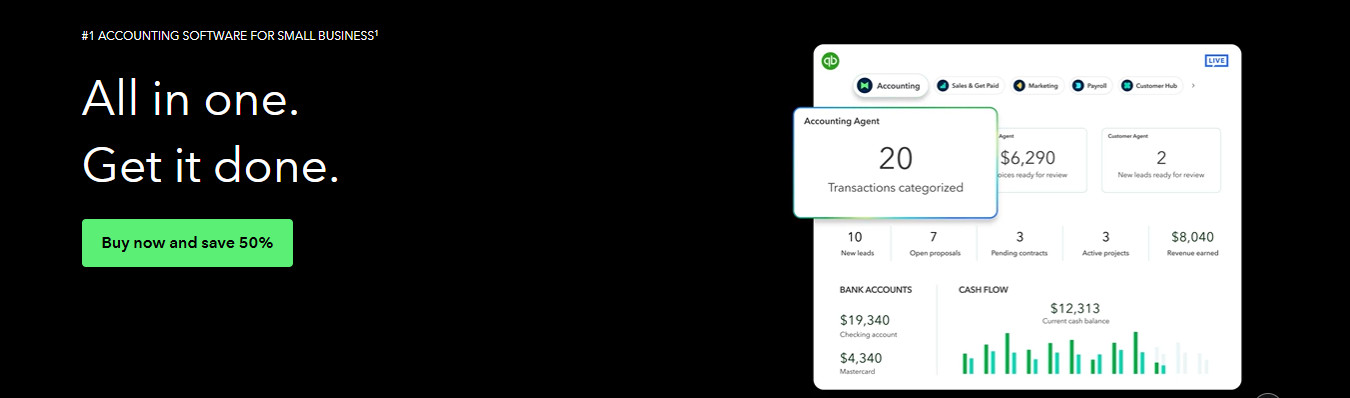
Intuit’s QuickBooks remains the behemoth of the industry, and its primary advantage is its ubiquity — nearly every accountant in the world knows how to use it.
- Simple Start ($38/month): This tier is good for basic income and expense tracking for a single user, but it lacks robust features like bill management.
- Essentials ($75/month): This plan adds multi-user support and time tracking, making it a solid choice for growing service-based teams.
- Plus ($115/month): This is the minimum tier for retail, manufacturing, or complex contracting businesses, as it unlocks crucial inventory tracking and project profitability tools.
Xero
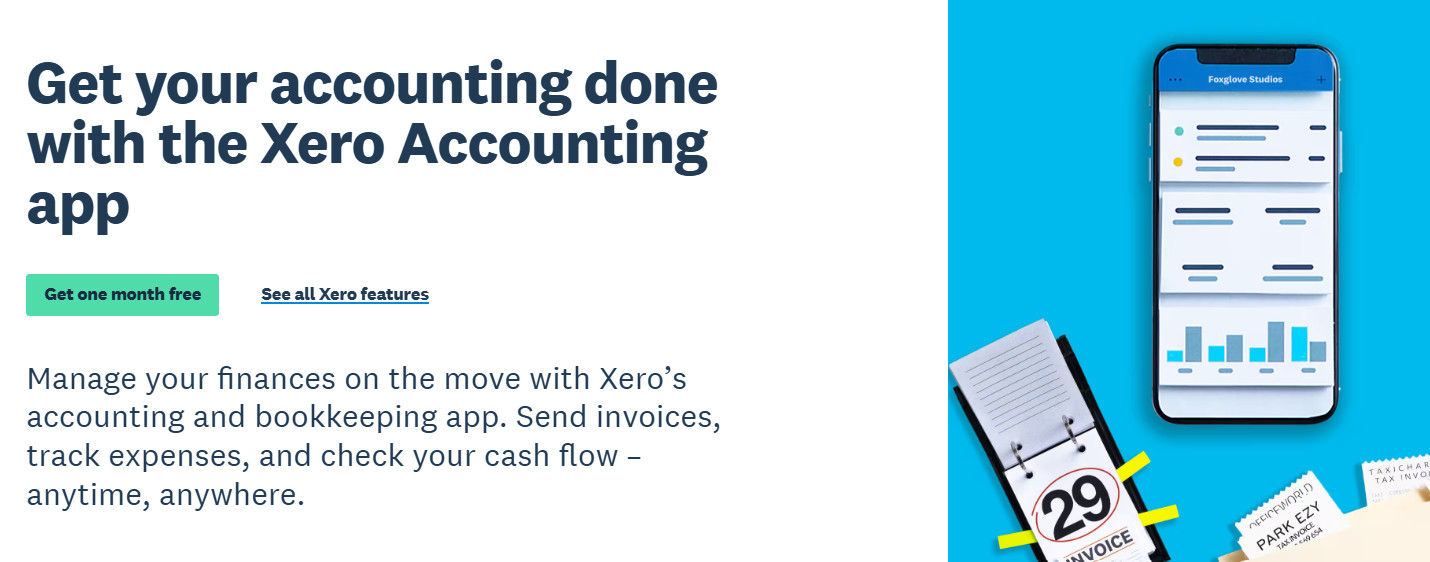
Xero is a formidable cloud-first competitor to QuickBooks, often praised by its users for a cleaner interface and stronger multi-entity features.
- Standard ($15/month): This tier covers all core accounting functions, making it a great choice for a lean operation moving off a spreadsheet.
- Premium ($65–$90+/month): These higher tiers unlock advanced capabilities like multi-currency support, expense claims, and advanced analytics, making Xero a heavy favorite for modern tech startups.
Digits
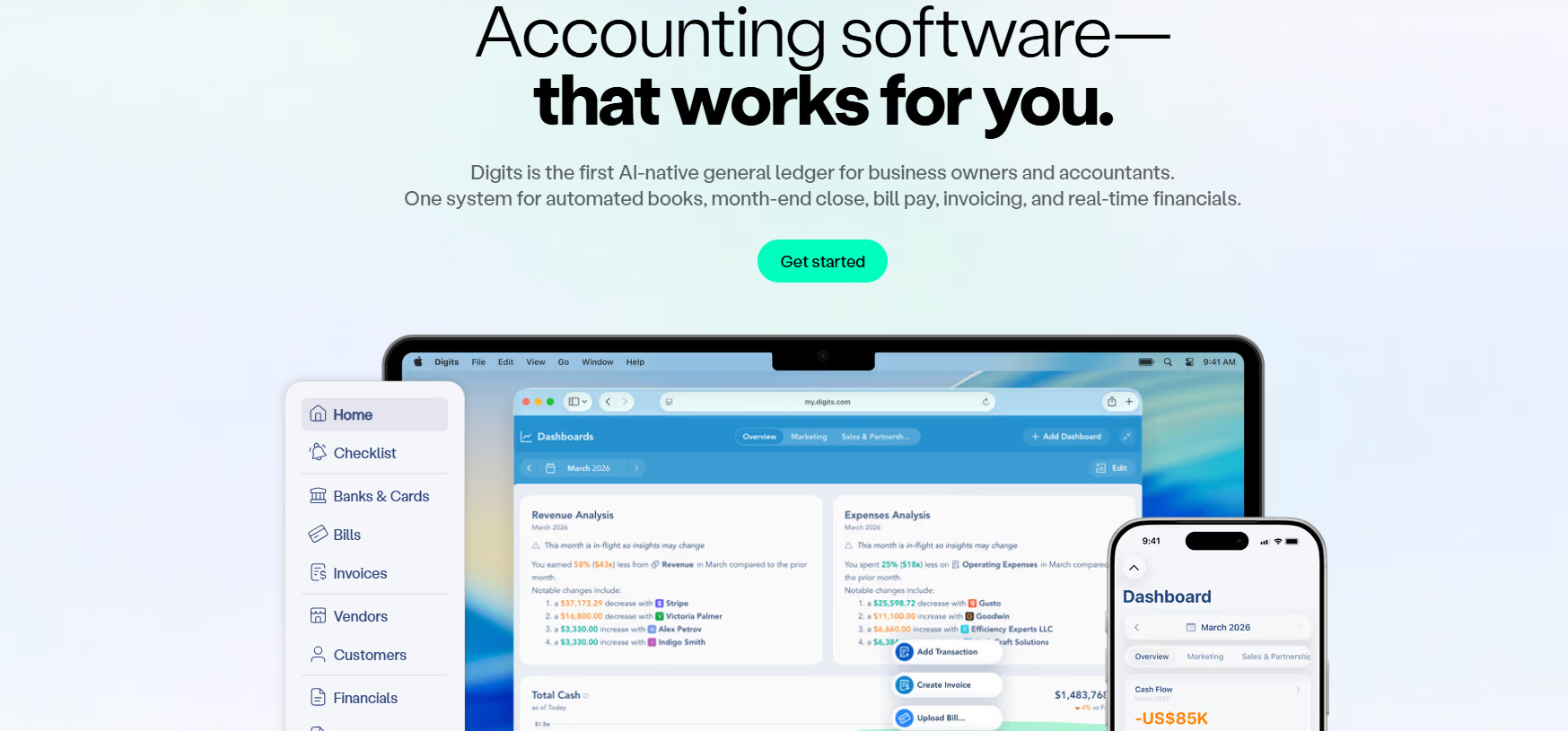
Platforms like Digits take a different approach, using AI to autonomously manage your bookkeeping. This shifts the software from a static digital storage cabinet into an active financial assistant.
- Essentials ($65/month): Built for early-stage businesses, this tier includes 24/7 AI bookkeeping that auto-reconciles bank and card transactions, alongside live financial dashboards and invoicing.
- Core ($100/month): Aimed at growing companies, this tier adds native integrations for revenue and spend tools like Stripe and Ramp, real-time accounts receivable aging, and dimensional accounting by department.
- Advanced (custom pricing): Designed for scaling, multi-entity businesses, this tier introduces AI-driven close automation, custom management reporting, and consolidated multi-currency financials.
The AI Factor: How Modern Tools Change the Value Calculation
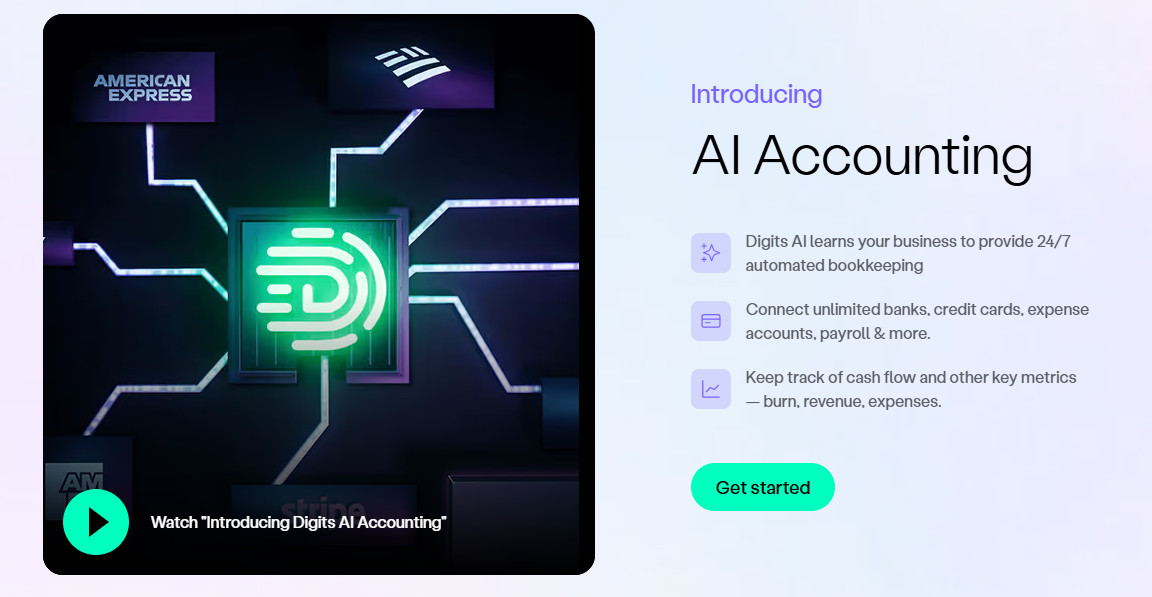
Historically, accounting software has been little more than a digital filing cabinet. The software gave you the tools to do your accounting, but you still had to do the actual work of coding transactions, reconciling bank statements, and building reports.
These days, you’re increasingly paying for a tool that does the work for you. In my opinion, this changes the math a bit on whether a software is “worth it” because an AI assistant catching duplicate charges and auto-reconciling accounts effectively replaces a portion of a part-time bookkeeper’s salary. These platforms also introduce conversational financial intelligence, allowing business owners to ask their software direct questions and receive instant answers rather than digging through complex P&L statements.
Most platforms have started to retroactively add similar AI capabilities, such as QuickBooks and Xero, while others like Digits are built from the ground up with such features in mind. All of them tend to be quite impressive, which is why I increasingly recommend fully fledged accounting software to businesses that even think they might need one. The time savings are just too great to ignore.
Is Accounting Software Worth Paying For? Making the Decision

Whether accounting software is worth paying for depends entirely on your scale and the value of your time. That being said, I always lean towards yes — it’s always worth it.
If you’re a freelancer with a dozen transactions a month, it’s not the end of the world if you rely on limited free tools or even a well-structured spreadsheet. But if your business is dealing with an increasing volume of invoices, managing physical inventory, preparing to hire a team, or simply consuming too much of your time with manual data entry, paying for accounting software is one of the wisest investments you can make.
When making your decision regarding the actual software, look beyond the basic monthly cost and consider what the software actually takes off your plate. Whether you choose the established ubiquity of QuickBooks, the cloud-friendly architecture of Xero, or the AI-driven automation of platforms like Digits, the goal is the same: to spend less time managing your money and more time making it.