


Last Updated on June 17, 2026 by Ewen Finser
On April 1, 2026, Meta made a drastic change to its payments policy for select advertisers by no longer accepting credit cards. Those affected received very short notice (less than a month) and scrambled to reconfigure their AP processes.
If your business was caught up in this change and you’re missing the rewards and flexibility you got from paying for Meta ads with credit cards, there are legitimate ways to work around this policy change. Let’s recap the change in more detail and how you can get back to earning your rewards.

Understanding the Meta Ads Changes
Historically, paying for CPC ads with a credit card has been a popular option for marketers. It was an easy way to earn points and rewards, both of which can add up significantly for high-spend advertisers. Credit cards also tend to be a major component of most businesses’ cash flow strategies, and they can give you some buffer room so you don’t deplete your reserves.
However, in early March 2026, certain businesses that pay for advertising on Facebook and Instagram were notified that they could no longer pay for Meta Ads with their credit card beginning in April.
This likely came about due to transaction fees. In any transaction, when a customer pays with a credit card, it’s usually the seller that’s hit with the card fees, which come out to around 2% to 3% of the amount the customer spent. This might seem like a drop in the bucket for a major corporation like Meta, but with the company’s digital ad revenue exceeding around $200 billion annually, discontinuing credit card acceptance from the largest customers can cut fees significantly. It’s also plausible that Meta went this route to reduce credit card fraud and prevent bad actors from taking advantage of the system.
In any case, the two options now available to affected businesses include monthly invoicing and direct debit.
The monthly invoicing is simple: Meta gives you a credit line, beyond which you cannot spend more. At the beginning of the month, you’ll receive an invoice for the previous month’s ad spending, with payment due in 30 days.
With direct debit, Meta will directly charge your bank account as frequently as once a day. Because of how often Meta debits your account, direct debit doesn’t have any sort of set payment threshold. And while this is a valid option for ad spending, it’s usually not as popular as monthly invoicing because it requires you to be even more vigilant with cash flow management.
With all that said, Meta claims that only a small percentage of advertisers are affected by the switch away from credit card payments. Notably, the company hasn’t disclosed if there’s a certain spending threshold they’re using to make the determination or if it exclusively affects those with the highest ad spending.
So if you’re a smaller business with lower ad spend and haven’t received a notice telling you otherwise, you can continue paying with your credit card as you always have. For those who are impacted and hope to get their points back, read on.
Third-Party Tools for Paying Meta Ads with a Credit Card
Regaining the ability to pay with a credit card isn’t as simple as going to your settings and flipping a switch. The change is irreversible for now, so you’ll need to use a third-party AP tool like Plastiq, Melio, Plooto, or Opal to get around it. Of course, you’ll have to factor in the processing fees that these tools charge, so keep that in mind.
Best For | Fees | Important Note | |
Plastiq | Businesses seeking an established, widely recognized solution | 2.99% + $0.99 ACH delivery fee | N/A |
Melio | Businesses with broader bill pay needs | 2.9%; free plan available | N/A |
Plooto | Businesses with lower ad spend | 2.9%; plans start at $32/month | $10,000 transaction limit |
Opal | Businesses seeking a solution entirely devoted to ad spend | 3% with Opal card, 3.5% with other credit cards | Not yet available; can join waitlist |
Plastiq
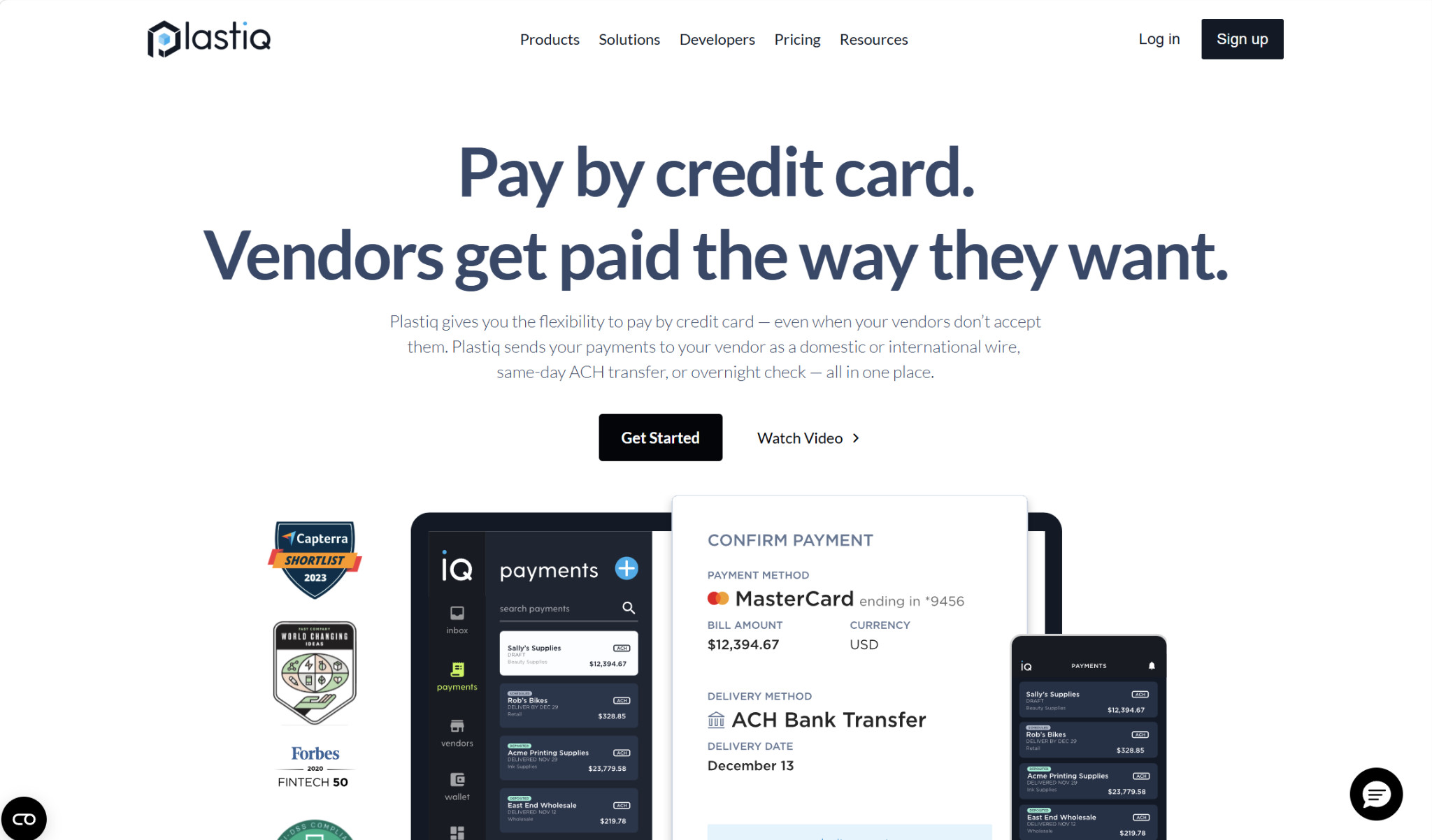
Plastiq is a popular business software for both AR and AP, but it’s best known for letting you pay a bill with a credit card even if your vendor doesn’t accept card payments. You can pay with your credit card, and your vendor will receive the payment the way they like: ACH/EFT, paper check, or wire transfer. There are associated fees with using Plastiq, but depending on your credit card’s rewards structure, you could still achieve savings.
Plastiq doesn’t charge any monthly subscription fees, so the only costs you’ll face are associated with each transaction. The fee for card payments is 2.99%, and the delivery method fees are:
- ACH/EFT: $0.99
- Paper check: $1.49
- Domestic wire transfer: $8.99
So, if you’re paying with a card and having the funds delivered to Meta via ACH, your cost will be 2.99% + $0.99.
Melio
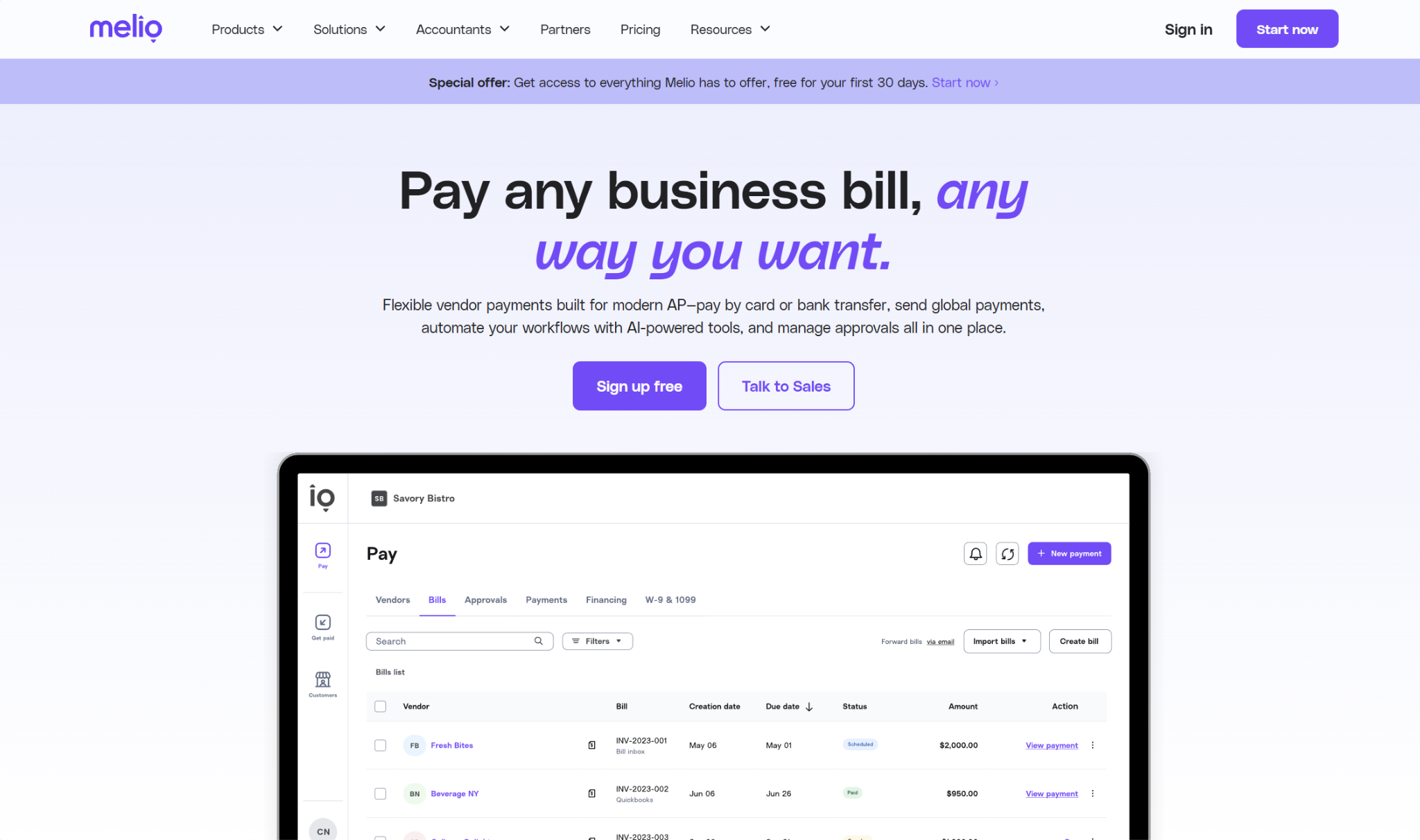
Melio is a broader AP/AR suite that you can use to pay a vendor such as Meta Ads via the method of your choosing. It’s an automated SMB bill pay solution that comes with a range of features, from OCR bill capture to W-9 collection.
When you go through Melio to pay Meta Ads with a credit card, you’ll pay a 2.9% card fee, but there aren’t any associated delivery fees. However, you will have to sign up for one of four main plans:
- Go (Free):
- Limited to one user
- 5 free ACH/month
- AI bill capture
- Pay any bill by card
- Pay internationally
- Core ($25/month):
- Extra $10/month per additional user
- 20 free ACH/month
- QuickBooks Online and Xero syncs
- Batch payments
- W-9 collection and 1099 automation
- Boost ($55/month):
- Extra $10/month per additional user
- 50 free ACH/month
- QuickBooks Desktop sync
- Advanced user roles
- Custom approval workflows
- Unlimited ($80/month):
- Unlimited users
- Unlimited free ACH
- NetSuite sync
Technically, you could use the free plan and pay Meta through that. However, if you’re looking to centralize your bills and vendors in general, not just Meta, it could be worth it to sign up for a paid plan. This is especially true if you frequently make ACH payments as well.
Plooto
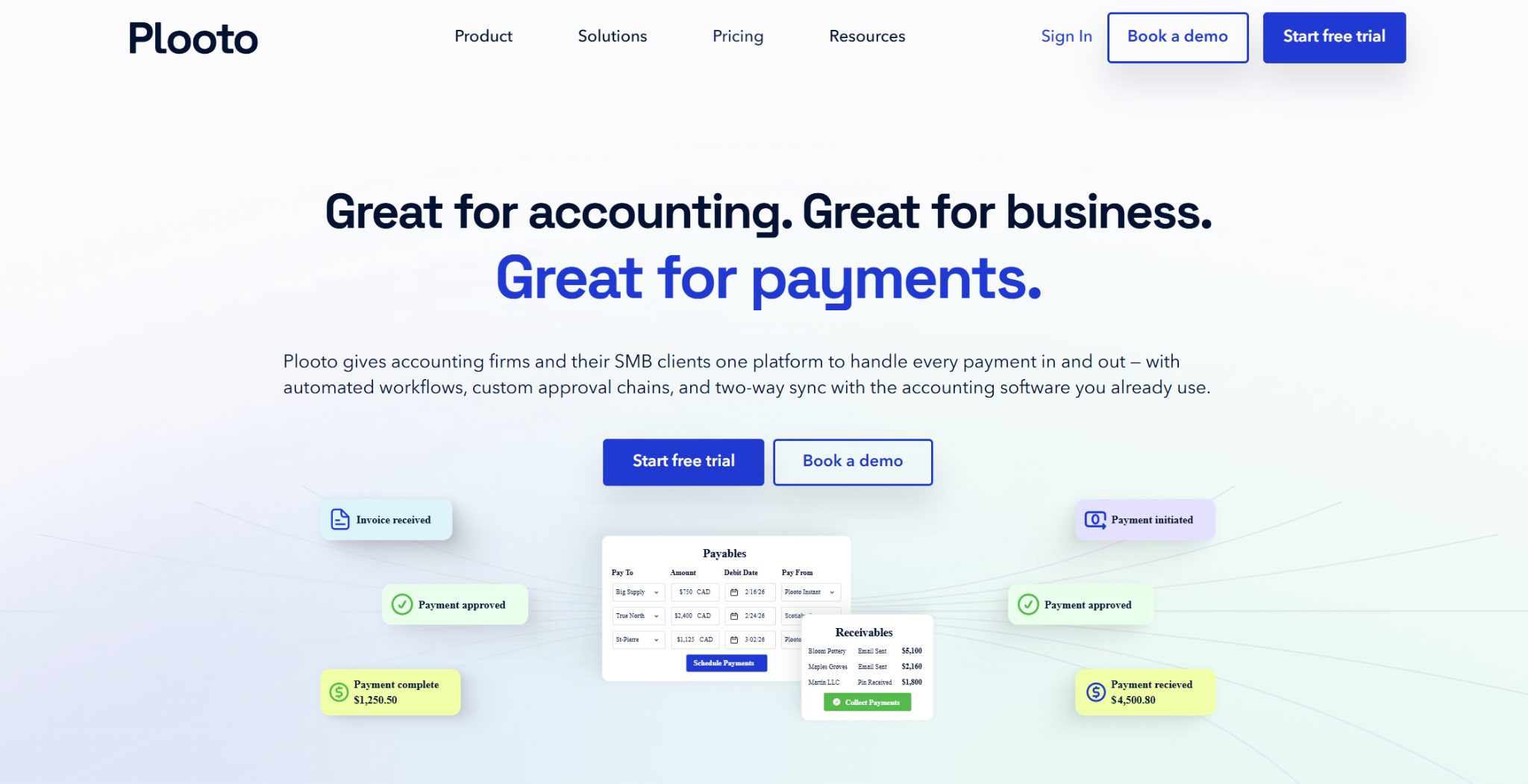
Another contender is the AP/AR platform Plooto, although for many of the highest ad spenders, it may have too low of a ceiling, as it enforces a $10,000 credit card transaction limit. Most businesses affected by the Meta Ads policy change spend far more than this per month, but it’s still an option worth looking at in case your spending happens to be within this threshold.
Plooto’s “Pay by Card” feature lets you pay with your credit card, while the vendor can receive the payment by ACH, EFT, or check. The fee for this is 2.9%. However, you do have to have a Plooto plan to access this feature.
The plan options for businesses, along with some of their features, are:
- Grow ($32+/month):
- OCR invoice processing
- Custom approval workflows
- Unlimited domestic transactions
- Pay by Card
- International payments
- QuickBooks Online and Xero syncs
- Pro ($99+/month):
- Additional controls for approvals and changes
- Single sign-on
- Priority customer support
- Oracle NetSuite sync (add-on)
Note that for accounting firms and clients, the cost structure is somewhat different.
Opal
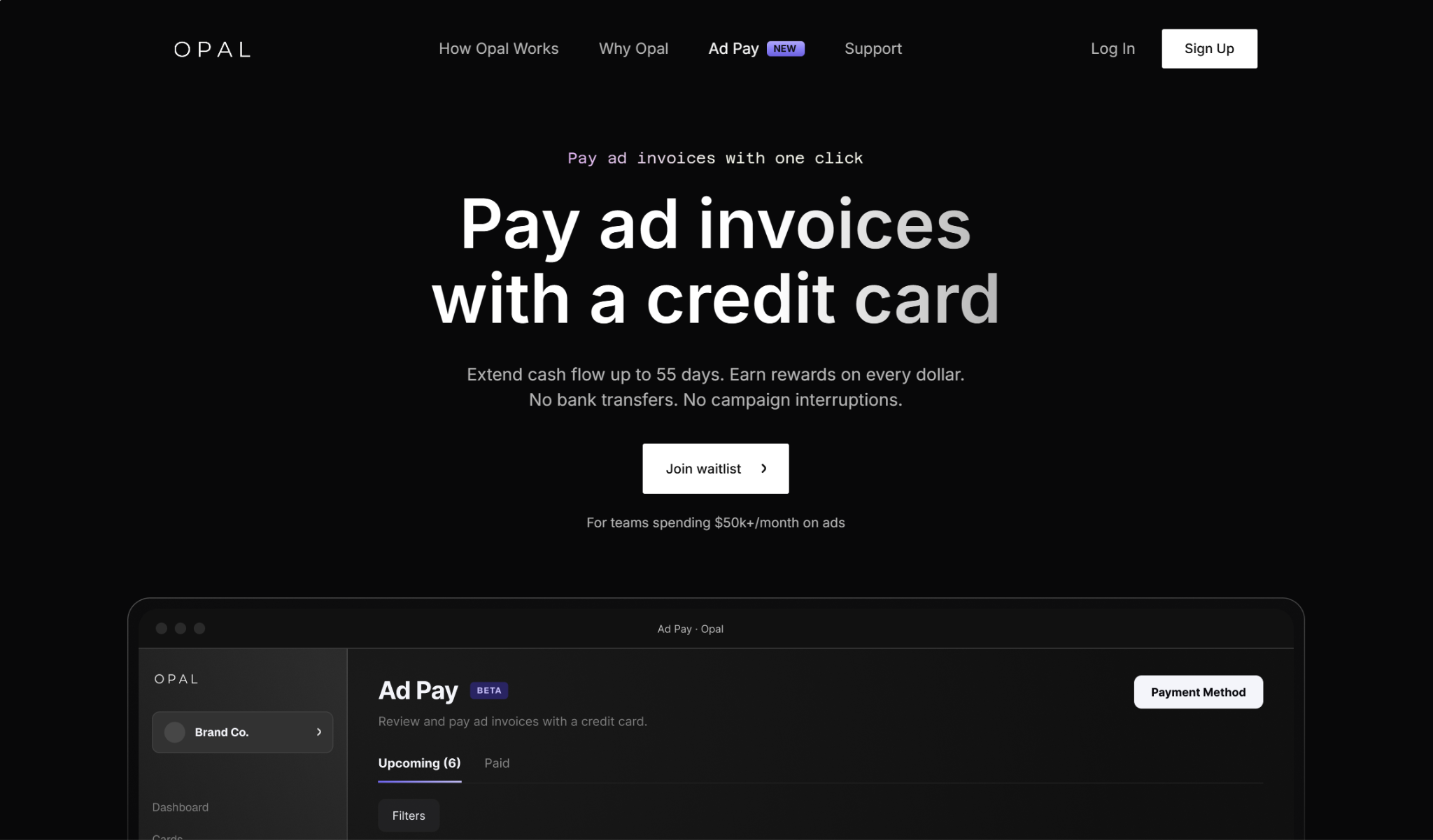
Opal is a newer startup that’s all about agency ad spending. The brand offers its own credit card, the Opal Charge Card, that has high spending limits and gives you 1% cash back on every transaction.
The new feature they’re coming out with is Ad Pay. It’s not yet live, so you’ll have to join the waitlist if you’re interested. You’re eligible to use it if your business spends at least $50,000 monthly on ads, and it’s designed specifically to address the Meta and Google Ads issue affecting some advertisers, so it’s worth calling out here.
The processing fees are 3% if you use the Opal Charge Card and 3.5% if you use your own card, both of which are higher than the other options shown here. However, there aren’t any monthly subscription fees to factor in.
Is It Worth It to Pay for Meta Ads with a Credit Card?
Since one of the main reasons why advertisers paid for Meta Ads with a credit card was to take advantage of rewards, you’ll need to determine whether your rewards exceed the cost of using a third-party workaround.
In some cases, they unfortunately won’t, but you might still choose to pay with a credit card if leveraging credit is an important part of your business’s cash flow strategy. Let’s go through a couple of examples to show you how it all shakes out.

The Old Way: Paying Meta Ads Directly with a Credit Card
Let’s say you paid for Meta Ads with a 2% cash back credit card, and that during the month, you spent $150,000 on ads.
In this case, your cash back rewards would be: 2% × $150,000 = $3,000
This is the way it worked before the policy change, and you wouldn’t have to factor in transaction fees. So, you’d end up with $3,000 in cash back rewards to put towards business expenses.
The Workaround: Using a Third-Party Tool to Pay Meta Ads with a Credit Card

With a standard cashback credit card, it’s unlikely that you’d have a high enough cashback percentage to offset the fees charged by Melio, Plastiq, Plooto, or Opal.
Since all the third-party platform fees exceed the standard 1% to 2% cashback percentage, you’d effectively be losing money if you paid for Meta Ads with a standard credit card. However, if your card lets you redeem points for travel rewards, it’s possible (but still unlikely) that your rewards could exceed the fees. Signup bonuses can often help with this, so it’s a possibility if you’re not opposed to opening several cards.
As an example, let’s say you signed up for the American Express Business Platinum card, which has a welcome bonus of up to 300,000 points after you spend $20,000 in the first three months and a standard reward rate of 1 point per dollar spent.
Let’s say you spend $500,000 on Meta Ads during the year.
The amount you’d pay in Melio fees would be: $500,000 × 2.9% = $14,500
You’d get 500,000 in credit card points from what you spent, plus another 300,000 from the welcome bonus.
Let’s suppose you were able to redeem them for 2¢ each for travel: 800,000 × 0.02 = $16,000
In this case, you’d come out ahead by $1,500, but when you factor in the card’s $895 annual fee, it’s more like $605.
Ultimately, the savings are due to the bonus offer. However, even if the rewards don’t exceed the fees in your particular case, a credit card can help you control the timing of cash outflows at your business.
Adjusting to the Meta Ads Policy Change
If you’re determined to pay for Meta Ads with a credit card, you can still do so through third-party tools like Plastiq, Melio, Plooto, or Opal. Plastiq and Melio are the two best options at the moment, as they don’t have the strict spending cap like Plooto does. Opal isn’t yet live, but it will be a strong contender when things are up and running.
And while it can be an adjustment to pay through a third-party platform, and while the rewards may not outweigh the fees, these third-party tools could be worth utilizing if credit is an important part of your business’s financial plan.