


Last Updated on March 17, 2026 by Ewen Finser
Internal processes and documentation tend to be one of those areas people avoid, and this is often because it’s a cumbersome and time-consuming process. Unless you’re like me and you love processes and creating knowledge base articles, this is likely a task that gets missed unless it becomes critical. The reasons for this are varied; however, in general, it leads to similar pain points.
Text-heavy information repositories take time to create and even more time to maintain, and documentation is no different and can become hard to update due to permission issues or fast-changing workflows or processes. With newer tools, creating information wikis, guides, onboarding documents, and other critical business information doesn’t need to be time-consuming, and this is where both Guidde and Confluence play an important role. I’ve been asked before which is better, and usually it’s a case of “which is better for the goal you’re trying to achieve.” In some cases, it may actually be beneficial to use Guidde and Confluence as complementary tools, and this can be a powerful combination.
Keeping in mind that Guidde and Confluence are different tools with different purposes, Guidde remains excellent at helping create video documentation from complex workflows or processes, so it lends itself well to training guides, how-tos, onboarding documentation, product tutorials, SOPs, and more. Confluence, on the other hand, serves as a great way to store all this critical information in a highly structured and configurable way that makes it an ideal option for users needing to create a modern wiki or internal knowledge bases. We’ll cover which is best depending on your goals and why each tool is a good fit for each purpose.
Guidde vs Confluence at a Glance
Guidde | Confluence | |
Best for | Small to medium businesses that need a fast and easy way to create video guides and documentation. | Small- to large-sized organizations need a highly structured and hierarchical text-heavy documentation repository. |
Use-cases | Video created or recorded SOPs, workflows, training guides, onboarding documents, and more. | Technical documentation repository, structured IT and Project folders, internal knowledge bases, or wikis. |
Speed | Quick and instant | Manual and lengthy |
Key features | AI-assisted features, automatic in-browser extension, automated text-generated captions and scripts, voice-over, and editing features. | Structured and organized repository, Atlassian integration, and permission-level restrictions can be set. |
Skill level required | Basic skills required. Some editing knowledge may be required to make the best use of the tool. | Basic skill level, but does require some training to understand structures. |
Integrations | Integrates with over 20 popular tools such as GitHub, Microsoft SharePoint, ClickUp, WordPress, Zendeak, Notion, Intercom, Slack, Google Drive, Zoom, and many more. | Integrated deeply with Jira and other Atlassian products. Integrations with Slack, Microsoft, Google Drive, and multiple other tools such as Microsoft 365 and Loom. |
Pricing | Free plan available Paid plans range from $19-$39 per creator per month. Custom pricing available for enterprise organizations. | Free plan available (up to 10 users). Paid plans range from around $5.42-$10.44 per user per month. Pricing scales according to team size. Custom pricing available for enterprise organizations. |
Guidde Overview

What is Guidde and how does it work?
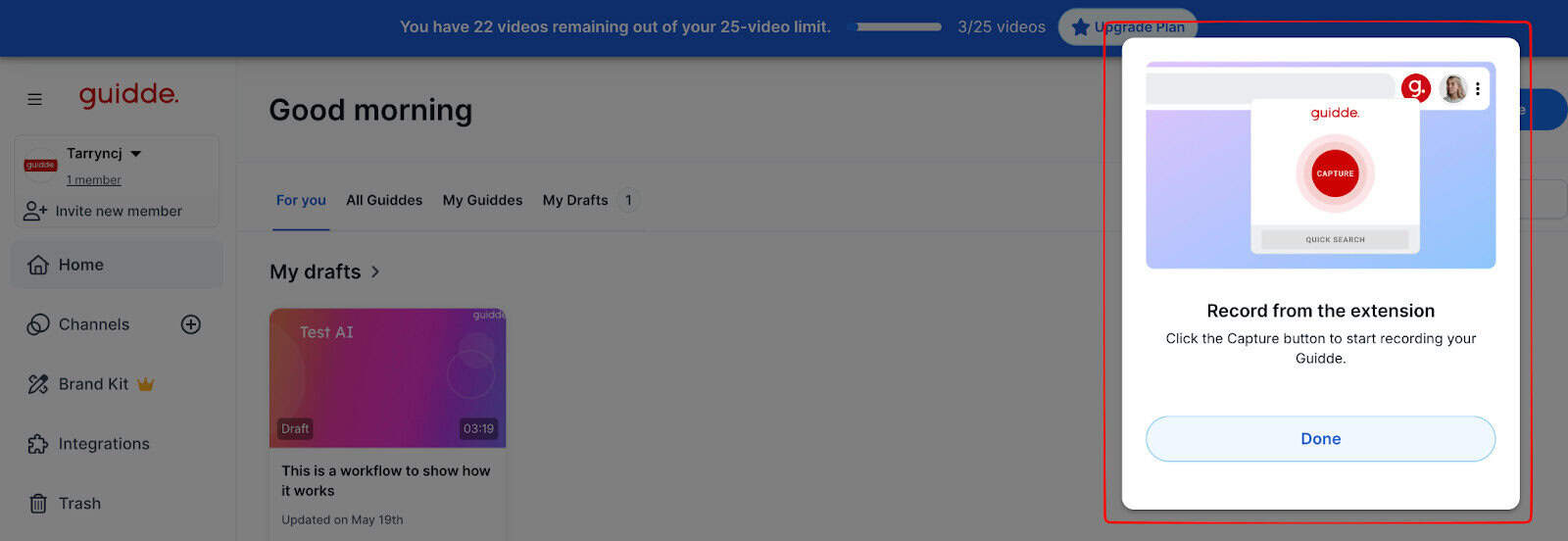
Guidde is a video-first documentation tool that makes creating text-heavy or workflow-structured steps easy. I’ve used Guidde extensively, and it has so many great benefits for users like me, who need to regularly create, update, and share important procedural information or guides.
Guidde can be installed directly in your browser extensions so that you can capture various steps or workflows as you move through a process, without needing to use multiple tools. I’ve made extensive use of the AI features to help reduce time when it comes to creating guides, onboarding documents, and other collateral like product demos.
What is Guidde best for:
Although you could really use Guidde for so many different scenarios, this is what I’ve found it most useful for in my operational tasks:
- Recording any repeatable workflow or tasks
- Creating an internal wiki or knowledge base collateral
- Training guides and onboarding
- Product demos or tutorials
- Creating SOPs and “how-to” guides
- Internal processes or workflows
Guidde’s main strengths:
As I covered earlier, it’s important to know what specific features or tool strengths are important for you so that you can make use of the right tool when needed.
For example, when we built out a new team, I found I was repeating training steps and having to show new team members the same thing over and over again. This is where a tool like Guidde comes into play and saves me a lot of time. Record once, share, and help employees or users become self-sufficient.
Here’s what I like about Guidde:
- Easy to use (even for less technical team members)
- Easy to install and get up and running quickly
- Users can instantly capture workflow steps and create engaging videos within a few minutes
- Sharing from Guidde across multiple channels is easy to do
- Ideal for asynchronous teams that need to access important information
I like to think about Guidde as a tool to help me leverage AI to save time when needing to update or create a “how-to” video, rather than using it as a tool to help store information.
Confluence Overview
What is Confluence and how does it work?
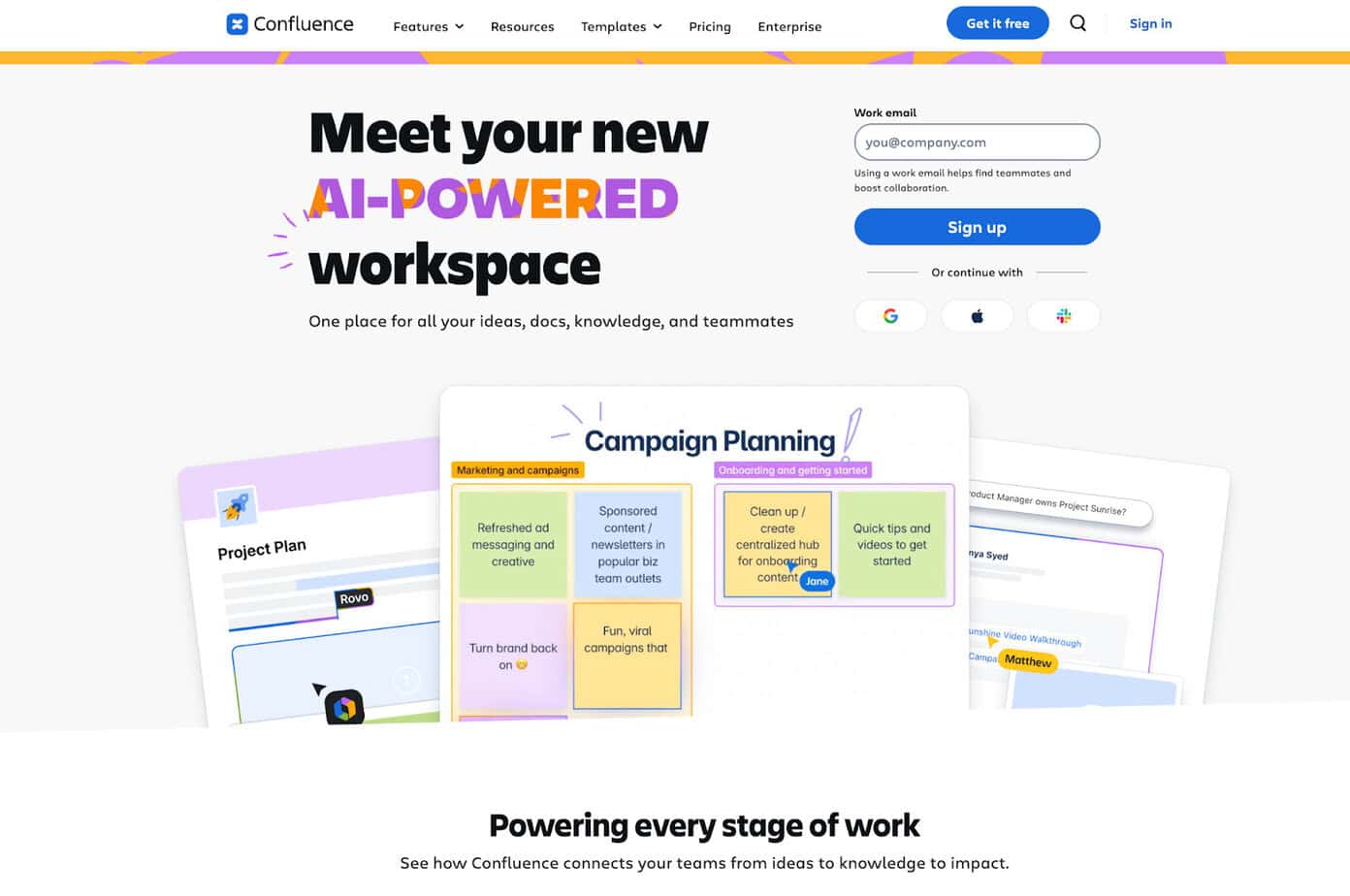
Confluence is a collaborative workspace that has multiple uses and has continued to grow and change over time. It’s one of the more established tools that has been around for quite some time. I’ve always been a big advocate for Confluence and Atlassian’s tools, like Jira, and in most of the companies I’ve worked at, we’ve used Confluence extensively for internal documentation and to house knowledge base articles and other important shared information.
Overall, it’s surprisingly easy to use, which may seem surprising as Atlassian has some notoriously complex tools like Jira, which can take some time to get used to.
Confluence is essentially a knowledge repository and central database where users can easily access and share information.
What is Confluence best for:
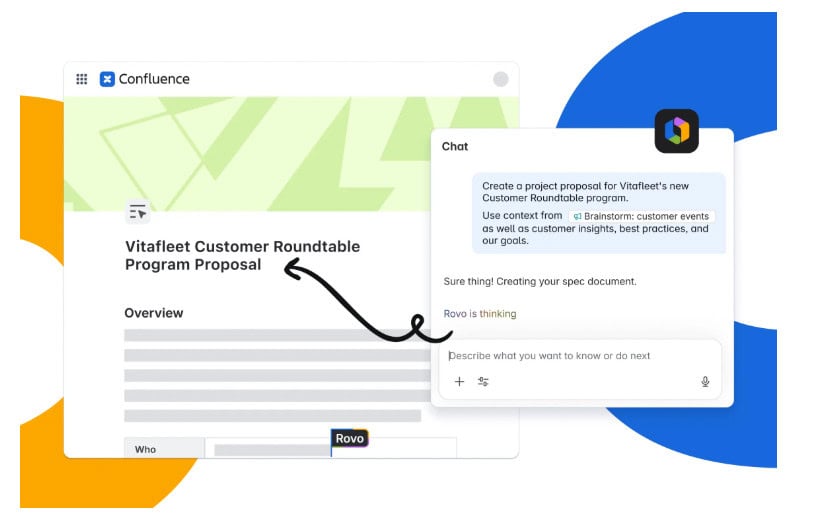
Confluence has more recently developed additional functionalities, the main use cases for which I’ve used it and found it most ideal are:
- Internal document repositories
- Company wiki’s or knowledgebases
- Project documentation and procedural steps
- Technical specs, technical documents, and procedures
- Repository for templates and other internal documents that require permission level edit rights
- Onboarding guidelines
- Vendor or supplier management
Confluence’s main strengths:
I’ve used Confluence at multiple organizations, and I’ve come back to it because it makes organizing and structuring databases or information so easy. It feels like every team is able to have its own set of documents and notes without needing to share configuration across teams or within structures that don’t make sense for them.
Here’s what I like about Confluence:
- Easy to use and create a structure across documentation types
- Works well within the Atlassian ecosystem so that you can integrate with Jira and other tools seamlessly
- Accessible for teams globally and ideal for those working asynchronously
- Permission-level restrictions are a great value add, so that users can control who can make changes to documents or pages.
Overall, it is and will remain one of my go-tos whenever I need a reliable and structured knowledge base or document repository. However, Confluence typically involves documents that are text-heavy, and it can take time to keep multiple procedures and documents updated, and this is where the use of video-first documentation can be a handy tool.
Video-first documentation versus text-heavy wiki documentation
I’ve noticed the slow (but definite) shift in how people are starting to share information, including internal processes and documents, and I am excited that it’s at a turning point where we can make the best use of the right tools for the right tasks. This is less about Guidde vs Confluence and more about when it is best to use each and when to potentially use both alongside each other.
What is text-heavy wiki documentation?
I like to think of this as the more “traditional” wiki pages we all imagine. Great for most instances where we need structure and elements of data that can’t be unstructured or those that rely on hierarchy.
- Lengthy text
- Highly structured and hierarchical in nature
- Heavily relies on manual editing and updates
- Multiple-page documents
- Screenshots, images, and workflow images
The downside of this is that it’s rigid, and I’ve found myself spending hours manually updating outdated project documents or SOPs. I’ve also noticed that most users tend to find this less engaging, and it can be more difficult to use this for creative content or training guides, for example.
What is video-first documentation?
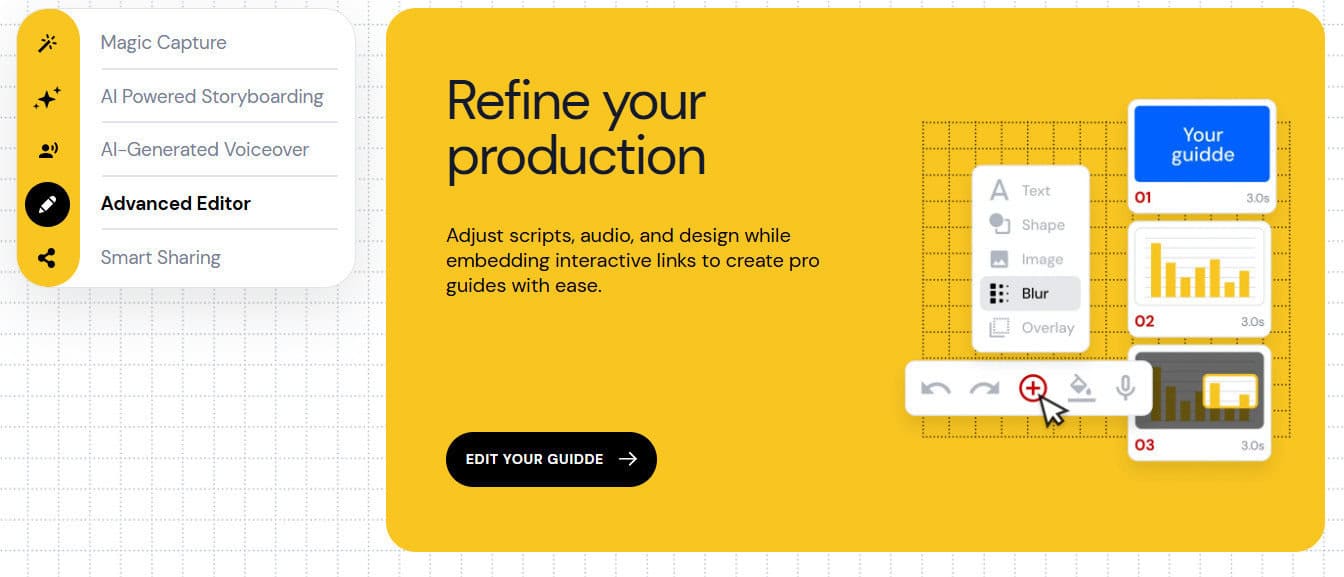
Video-first is far more modern and has become a great way for teams to quickly update each other on a process or step-by-step workflow without needing to either do this in person or create a manual.
Video-first documentation is typically:
- Quick to create and done with instant video capture
- Quick to record and share across multiple channels
- Can contain music, edits, callouts, and branding
- Less structured and rigid
- Easy for users to access and consume, and tends to be more engaging
- Offers more versatile accessibility for those who may be unable to read or be visually impaired
The downside to video-first documentation is that it’s not suited for all use cases. For example, I’ve found that where organizations require technical documentation, for example, they may find video is not the best tool for their purpose.
In summary, video-first is recording yourself running through the process instead of writing out each process using text-first documentation. I’ve found myself creating hundreds of procedural documents that have taken days to complete and could have been far easier to create with a simple video.
Core Strengths Compared: Guidde vs Confluence
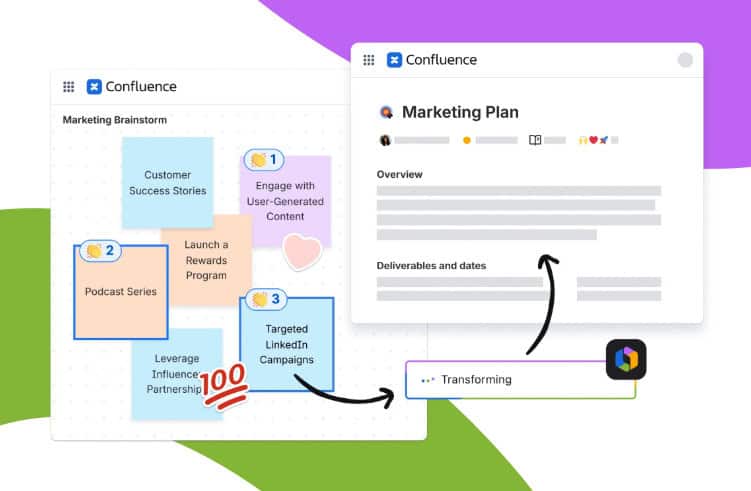
We’ve covered which tool may be better in each scenario, and although there’s not a “one-size-fits-all” solution for these tools, it’s important to note which aspects and functionalities are important to you and where each tool stands out. Let’s look at the speed of document creation, ease of update, and overall user engagement.
Speed of document creation: Guidde vs Confluence
Guidde:
When considering the creation of documents in Guidde, it takes a matter of minutes from capture to creation. I’ve used this flow for most procedural documents and found it relatively straightforward.
- Open browser extension
- Click on capture
- Start running through the workflow or process I want to capture
- Hit save and wait for the video to generate
- Sense-check text and scan for errors
- Edit and clean up
- Share with the team
Where Guidde shines – speed! This is no secret. It really does take a few minutes to compile a video or create a document easily. The only catch is that sometimes the script feels off or the AI-generated content isn’t quite as accurate as I’d like it to be. It can take a bit of time to clean up all the details and ensure the final product looks professional.
Confluence:
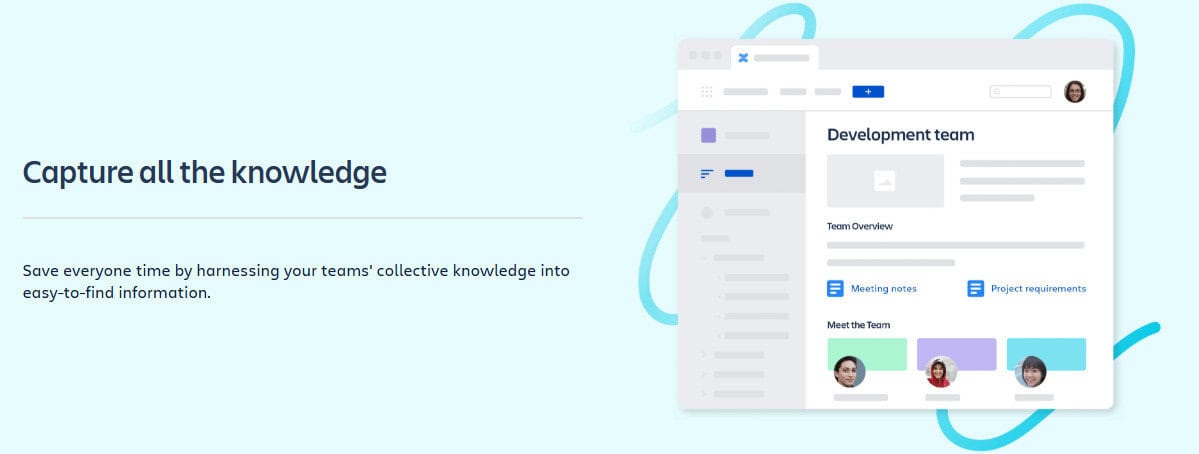
Creating content in Confluence can also be quick and easy, depending on the nature of the information you require. My typical flow looks like this:
- Create a workspace or area that I am targeting
- Create a page, add text, or update a document
- Write out the relevant text required
- Sense-check text and scan for errors
- Edit and clean up
- Click publish and share with my team if needed
Where Confluence stands out – Accuracy and structure!
Although it takes a bit longer to do this process on Cofnluence, I know that what I’ve created will be maintained in a professional and ordered structure that makes it easy for me to retrieve later on.
Ease of document update: Guidde vs Confluence

Guidde:
It can take a few seconds to update a specific area of interest. I’ve considered this from a product change perspective, for example. When releasing a new exciting feature, I can easily update this with a quick video and share it on my website or via a collaboration channel.
Confluence:
Although I feel that wikis are an absolute necessity, keeping these updated is a manual process and requires a lot of effort to update information and screenshots to keep information updated and relevant.
User engagement and adoption: Guidde vs Confluence
Guidde vs Confluence:
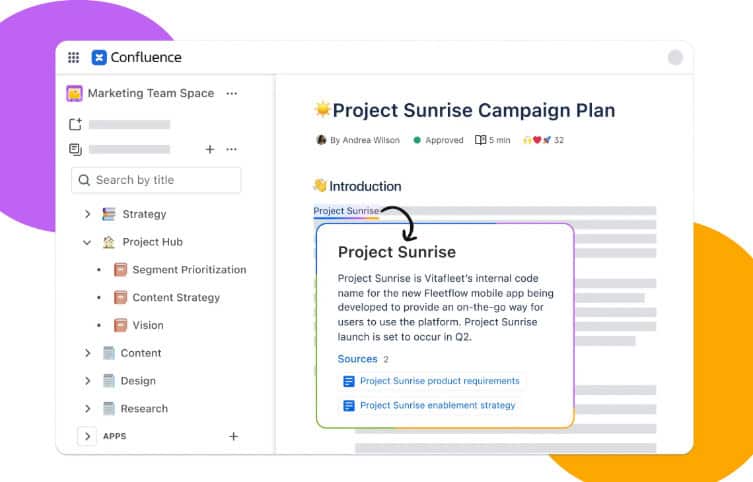
I’m always surprised to see how seldom users really make use of wikis or knowledge bases (until things go wrong). I often attribute this to people feeling less engaged with pages of text and process-heavy information unless absolutely critical. Sometimes Confluence can be seen as less engaging due to its very nature of structure and relevance.
Video and short-form video content are taking over social media and marketing spaces as users find it overall more engaging. Guidde allows a good level of editing and AI features that make the content stand out and feel more interactive than text-heavy documents. Although this can be a positive, it makes it less suitable for technical or legal documents or content, for example.
Guidde vs Confluence: Which tool is best?

As we’ve seen, it’s often less of a question of which is best and more of a question of which is best for you and your team in specific situations.
I’ve much preferred keeping a shortlist of really useful tools for multiple scenarios so that I can draw on the best aspects of each when I need them.
Choose Guidde if you want:
- Less structure
- Speed of content creation
- Visual and audio guides
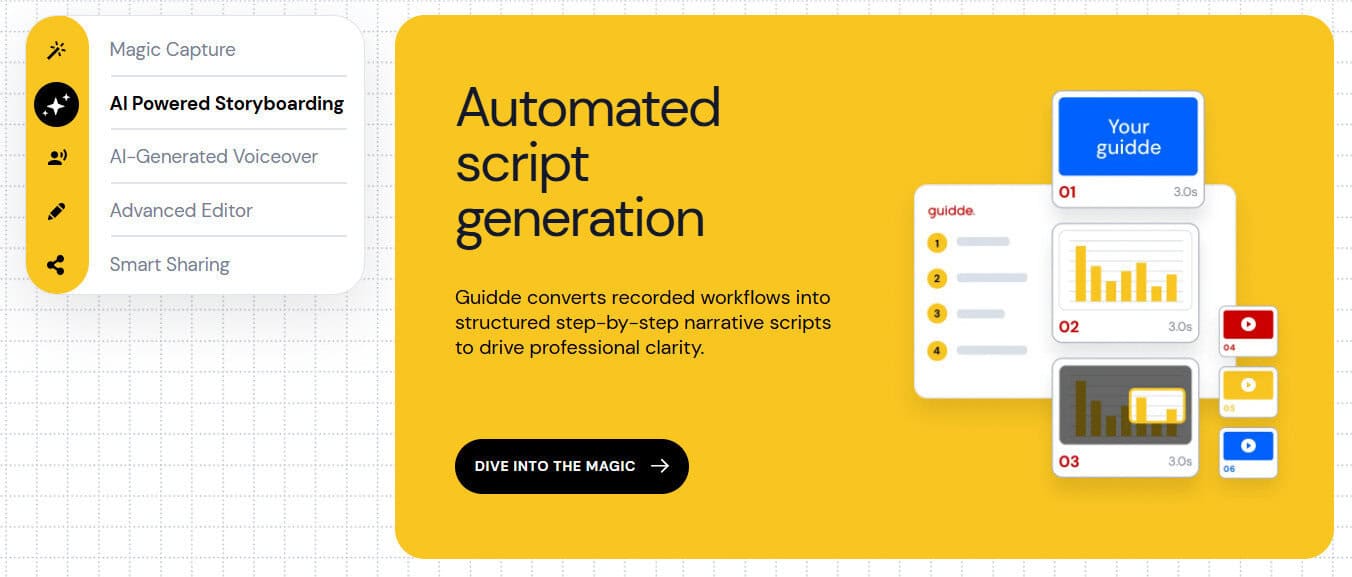
- AI-assisted features like auto-generated scripts and captions
- Editing tools like voice-overs, background music
- Higher team engagement and adoption
- A strong focus on video-first automated documentation
Choose Confluence if you want:
- Excellent structure and hierarchy
- Access-level restrictions and team spaces
- Good integration with Jira and other tools
- Text-heavy document support
- A structured wiki or internal document and process repository
Although there is a place for both, as time evolves, it’s critical for organizations to consider using more modern tools and ensuring that the focus switches from outdated and time-consuming processes. Using tools like Guidde may provide a more scalable approach for businesses to keep information updated quickly and easily.