


- What Is Employee Enablement?
- What to Look For in Employee Enablement Software & Tools
- A Quick Overview: Top 5 Employee Enablement Platforms:
- Best Employee Enablement Software - Our Top Selection Overview
- 2. Guidde - Best for AI-Assisted Video, Document, and Workflow Creation
- 3. Microsoft Viva - Best for Microsoft-Based Organizations
- 4. Atlassian Confluence - Best For Organizations Needing a Structured and Shareable Enablement Platform
- 5. WalkMe - Best for Organizations Focused on Digital Adoption
- Choosing the Best Employee Enablement Platform for Your Business
Last Updated on February 12, 2026 by Ewen Finser
Employee enablement is becoming a higher priority for more organizations, and for good reason. A high-performing culture is built on high-performing individuals, who feel supported to grow and learn, and employee enablement is a pivotal part of this process.
I’ve been at multiple companies where, although there’s a great culture and shared learning, it’s still hard to find documents or guides and know where to look to help upskill or complete my tasks more effectively. Organizations tend to still rely on outdated one-on-one lecture-style training and text-heavy documentation, and this should be a thing of the past.
This is where tools, like employee enablement software, are vital to enabling employees to be more self-sufficient and less reliant on other team members. Although we should be learning from peers and managers, more organizations are making the shift to remote or hybrid work environments, and having the right tools at your disposal is critical and helps drive independence.
What Is Employee Enablement?
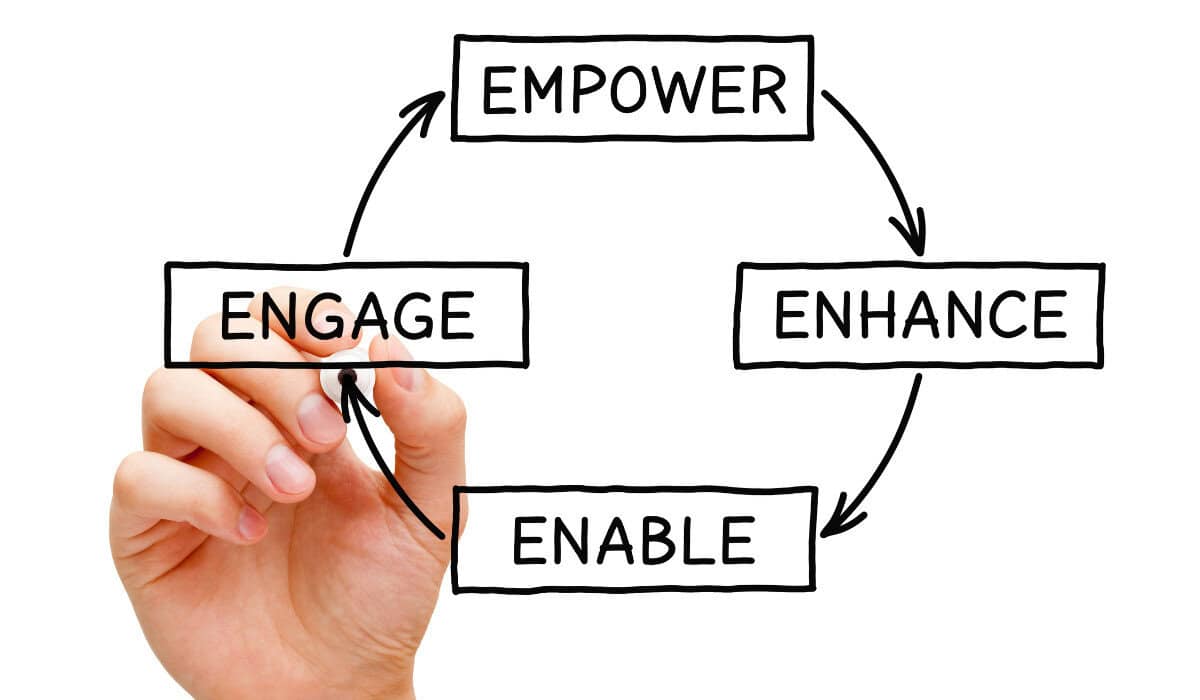
Before diving into strategies or tools for employee enablement, it’s important to understand what the term actually means. At its core, employee enablement is about giving your team the resources, guidance, and autonomy to do their jobs effectively and confidently. It’s more than just having access to tools, it’s empowering employees to use them in ways that drive results.
So how is this different from training or engagement? Many people confuse these concepts, so here’s a simple analogy that helps me explain it!
Think of training programs, engagement tools, and learning platforms as the recipe and ingredients. Training is like taking a cooking class: you may learn the basics, but once you’re at home, it’s easy to forget steps or struggle with certain techniques. Even a detailed recipe doesn’t capture every nuance of the process. Employee enablement, on the other hand, is like having the chef right there with you in your kitchen—guiding you step by step, offering tips, and showing you exactly how to get the best results. It’s practical, actionable support that helps employees succeed in real time.
Enablement differs from training and engagement, and although these are intertwined, they are not the same.
- Learner management systems (LMSs) and training courses are there to help me track employee training task completion, but they don’t always give employees hands-on “practical” skills.
- The same goes for employee engagement platforms and processes – Employee engagement tells me how individuals are feeling and interacting. I’ve had team members who are engaged but don’t know how to complete a task.
Training, LMSs, engagement platforms, and similar tools support overall enablement but have different functions. How can this be achieved? With a good strategy, but also by making use of software that is designed for this exact purpose.
What is Employee Enablement Software?
These are tools that are built or designed to help employees be self-sufficient and have accessible, easy ways to find information, guides, or resources. We’ll take a closer look at these in the next sections.
What to Look For in Employee Enablement Software & Tools

Before deciding what platform is best for you, consider your use case and your employees’ skill level and needs.
Look for tools that are:
- Easy to use and intuitive – you’ll have better adoption rates.
- Tools that can easily integrate with other software you currently use, such as project management tools, CRMs, HRMS, and other collaboration tools.
- AI-assisted features – This makes some of the processes far smoother and quicker
- Tools that can help with tracking workflows and documentation creation, like SOPs and other guides
The core principles that you should consider when you think about employee enablement software and how to enhance this are:
- Knowledge accessibility – I want employees to be able to find resources efficiently in a central repository without feeling like they need to reach out to someone because they can’t find what they’re looking for. If the tool feels clunky and hard to navigate, I know this will be a friction point for employees.
- Process clarity – I’ve looked at process documentation before and thought, “but this makes no sense,” and felt demotivated. Ensuring there is sufficient clarity around how and when processes should be followed is essential. Clarity should be at the forefront of all communications, and this includes processes and enablement material.
- Adoption – Processes, enablement, guides, and any supporting content should be easy to adopt. Whenever I look at tools or processes, I want to ensure that individuals will find it easy to follow, easy to use, and without friction, because I know that overall adoption will be better. I also want ways to track adoption and low completion rates and a great tool should facilitate this.
A Quick Overview: Top 5 Employee Enablement Platforms:
Software Platform | Ideal Use Case | Organization Size | Cost |
Together (by Absorb) | Best for organizations that promote a structured and mentor-led business. | Medium to large-sized organizations | Not publicly available |
Guidde | Best for businesses that need AI-Assisted features to help drive asynchronous employee enablement processes and content. | Small to medium-sized businesses | Free plan available. Paid plans from $18-$39 per creator per month. |
Microsoft Viva | Ideal for Microsoft-based businesses that want a collaborative add-on for employee enablement | Large/enterprise organizations | Ranges depending on existing Microsoft licenses. Viva add-on starts at $2/user per month. |
Atlassian Confluence | Best for businesses that want a structured enablement platform that works well with other Atlassian products. | Small to medium-sized organizations | Free plan available. Paid plans scale with business size and start from ~$6/user per month. |
Walkme | Suited for organizations that are focused on digital adoption and user analytics. | Large/enterprise organizations | Pricing not publicly available |
Best Employee Enablement Software – Our Top Selection Overview
1. Together (by Absorb) – Best For Businesses That Need a Structured Mentorship Enablement Platform
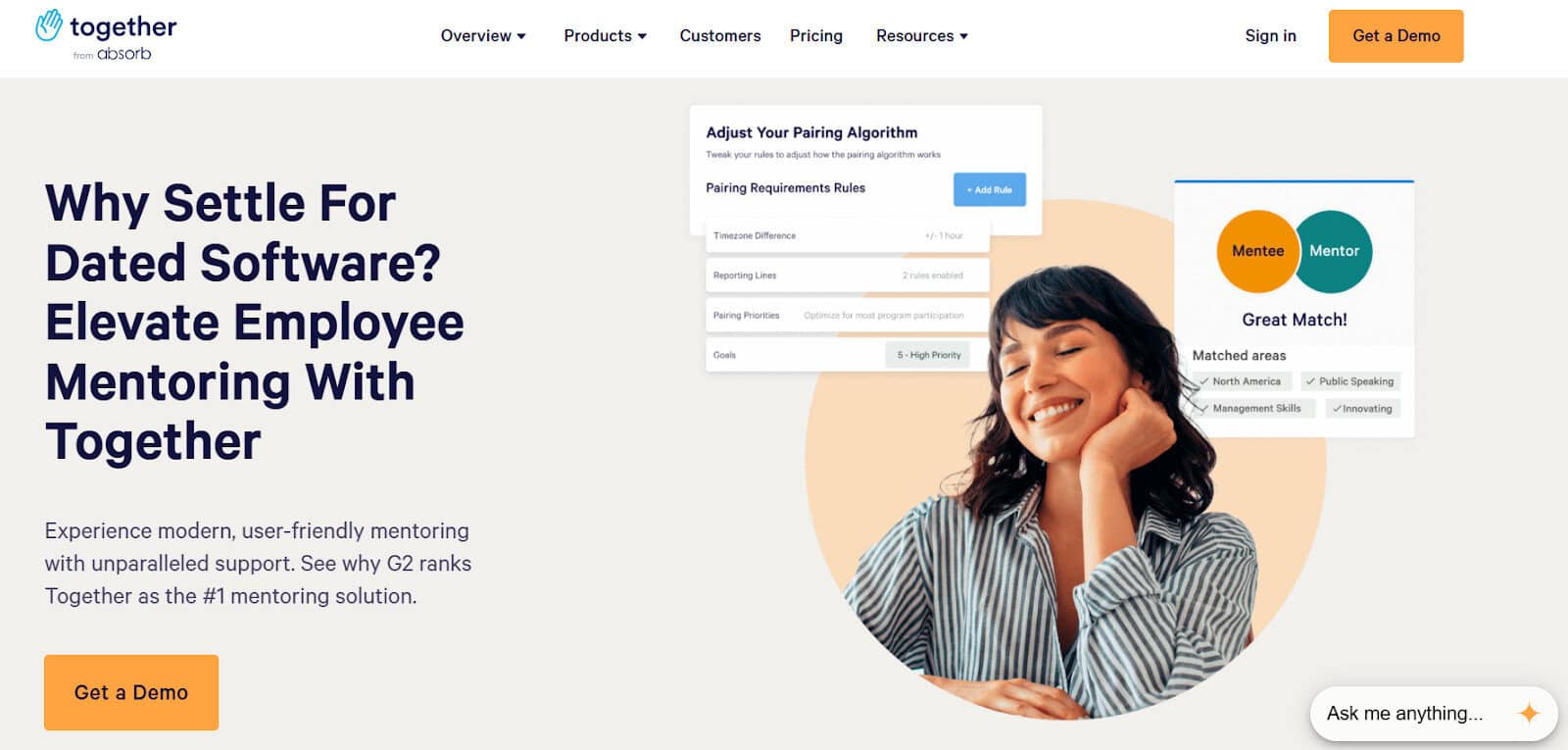
Absorb might sound familiar because they’ve got a pretty solid LMS, but I found their mentorship platform impressive and an excellent tool for enablement.
Why Absorb Together works for employee enablement:
- Absorb already has an LMS, so it’s a good fit for organizations that already use (or need) an LMS and an integrated mentoring program in one. For me, having system integration and fewer disparate tools is always a win.
- A great program should always have supporting material, and this is a critical step for me to ensure my employees know what to do and where to find information before and after a session. Creating agendas, handbooks, follow-up tasks, and emails can eat into productivity time, which is mitigated with Absorb’s pre-created templates, which I love.
Why my execs and teams love using it:
- I love automations, and so do stakeholders who need to see important information quickly and easily. I like that Absorb monitors and flags low engagement rates and mentorship scores so that better matches can be addressed early to avoid poor mentorship matches.
- Employees are unique, and so are teams. Absorb has a vast range of mentorship programs available to cater to different employees and teams rather than having a “one size fits all“ approach.
Platform limitations:
- There seem to be fewer AI-assisted features than would typically be expected for a tool of this level. I also found that you’ll need to prepare for a steeper learning curve than anticipated.
Pricing and plans:
- Absorb Together has two pricing tiers; however, exact pricing is not publicly available. The pricing is available upon request, which is customized based on business size and user count.
2. Guidde – Best for AI-Assisted Video, Document, and Workflow Creation
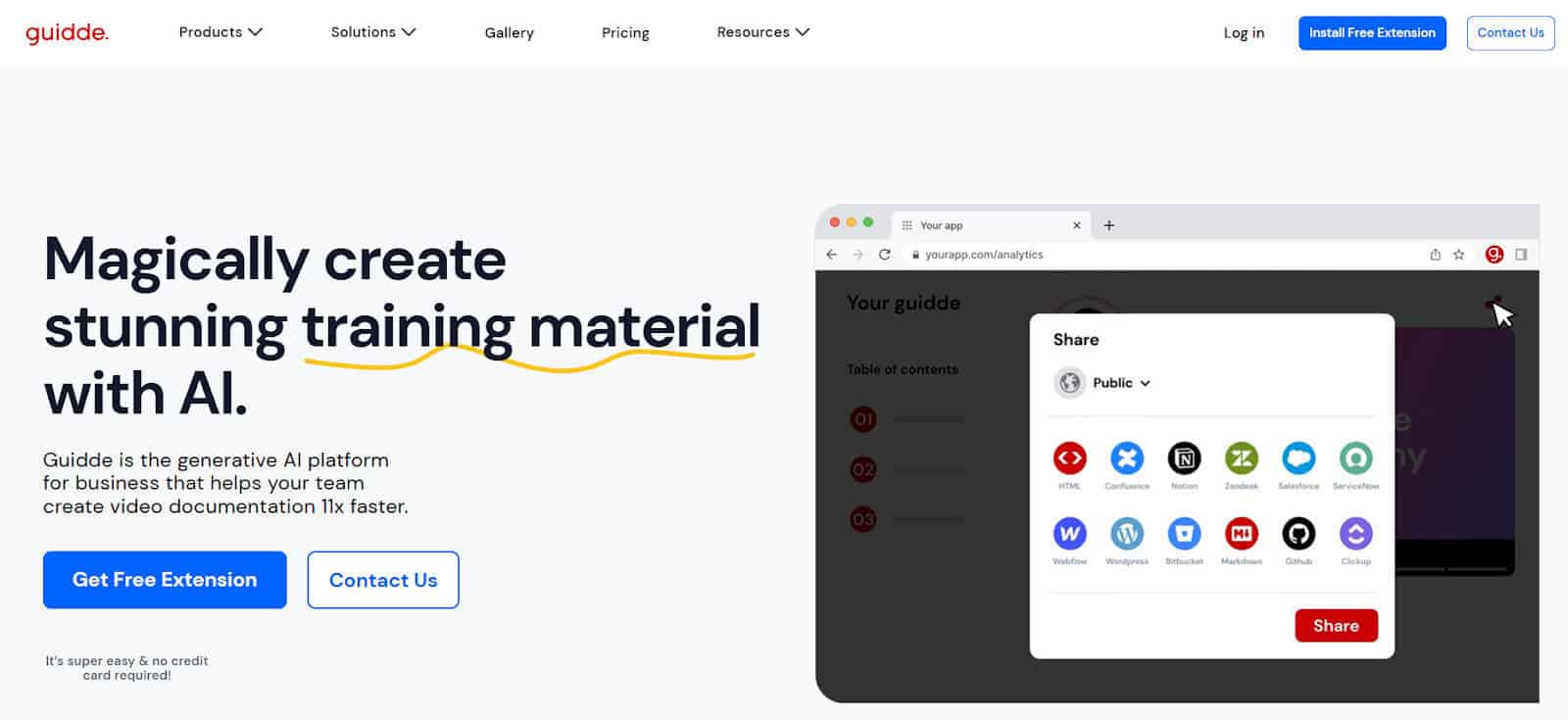
A lot of training, upskilling, and knowledge sharing come with repeating processes and workflows. As someone who is operations and projects-focused, creating SOPs and frameworks is a daily practice, so I prefer to use tools to support this tedious process. This is why I love Guidde, it’s easy to use and honestly does all the heavy lifting for me so much that it almost feels like I am cheating.
Why Guidde works for employee enablement:
- Guidde is a great option for both the creator of employee enablement content, and the employees themselves. It’s also easy to use and just about anyone can make use of the AI-Assisted features that make creating knowledge base articles, for example, within minutes. I love that Guidde captures workflows or processes that people can then refer to when needing a refresher easily via multiple formats, such as documents or videos.
- Guidde has some great editing tools, such as voiceovers, background music, callouts, and video editing capabilities that allow me to create engaging content (not just documents). I’ve found that this means employees find the content more captivating, and it helps make enablement a more enjoyable process.
Why my execs and teams love using it:
- Guidde is accessible from anywhere, works within your browser, and supports offline work too. My senior managers loved that I could create a repository of help videos, guides, articles, and documents that can be stored anywhere, locally or online, so that asynchronous teams can access important information from anywhere at any time.
- Guidde has a customizable brand kit, which allows me to create professional company-branded documentation and videos that can be shared externally with customers or consultants if needed.
Platform limitations:
- Guidde doesn’t have advanced user analytics or engagement metrics to gauge user interaction with content.
Pricing and plans:
- Guidde has a limited free plan available; it’s an excellent option for small teams or those wanting to test out the platform.
- Paid-for plans range from $18 – $39 per creator per month, with a custom pricing plan for larger organizations.
3. Microsoft Viva – Best for Microsoft-Based Organizations
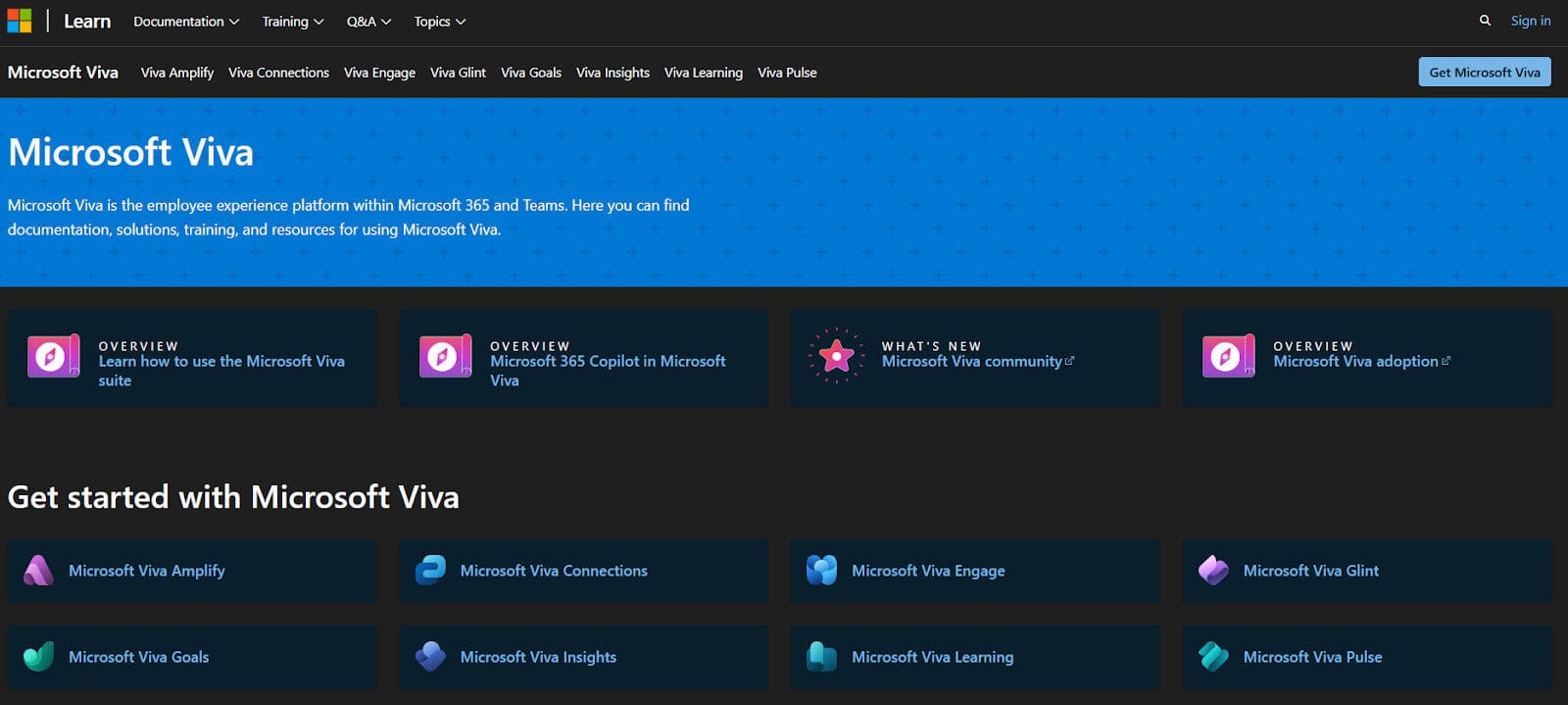
This one needs no introduction, and the likelihood is that you’ve either worked with Microsoft or at least heard of Microsoft and its ever-growing suite of tools.
I’ve used Microsoft extensively, and honestly, it’s hard to keep up with new apps and tools and name changes for existing products. I’ve recently been working on Microsoft Viva for communications and enablement, and it’s great, but only if you’re already an MS user.
Why Microsoft Viva works for employee enablement:
- As a user, I am already using several MS tools, and I love staying within any ecosystem when trying to make use of tools or products that allow me to leverage information to complete tasks I am busy with.
- Viva has a number of tools that support enablement, including Viva Engage, Viva Learn, Viva Pulse, and more. All of these support learning, engagement, collaboration, and self-service tools that provide employees with access to the knowledge and information needed to thrive.
Why my execs and teams love using it:
- My senior execs love it when we have a single tool to manage multiple needs, and this is easy to achieve with all of the Viva modules. They can easily monitor usage and adoption to ensure that employees have the right tools at their disposal.
Platform limitations:
- It can be costly for smaller organizations, unless you’re already using Microsoft, and you’ll need to be a licensed M365 user to be able to add on Viva.
- Microsoft support has also been notoriously bad, and I’ve experienced this firsthand.
Pricing and plans:
- Microsoft has two plans for Viva, which are add-ons on top of your Microsoft365 license.
- Pricing ranges from $2 to $12 per user per month.
4. Atlassian Confluence – Best For Organizations Needing a Structured and Shareable Enablement Platform
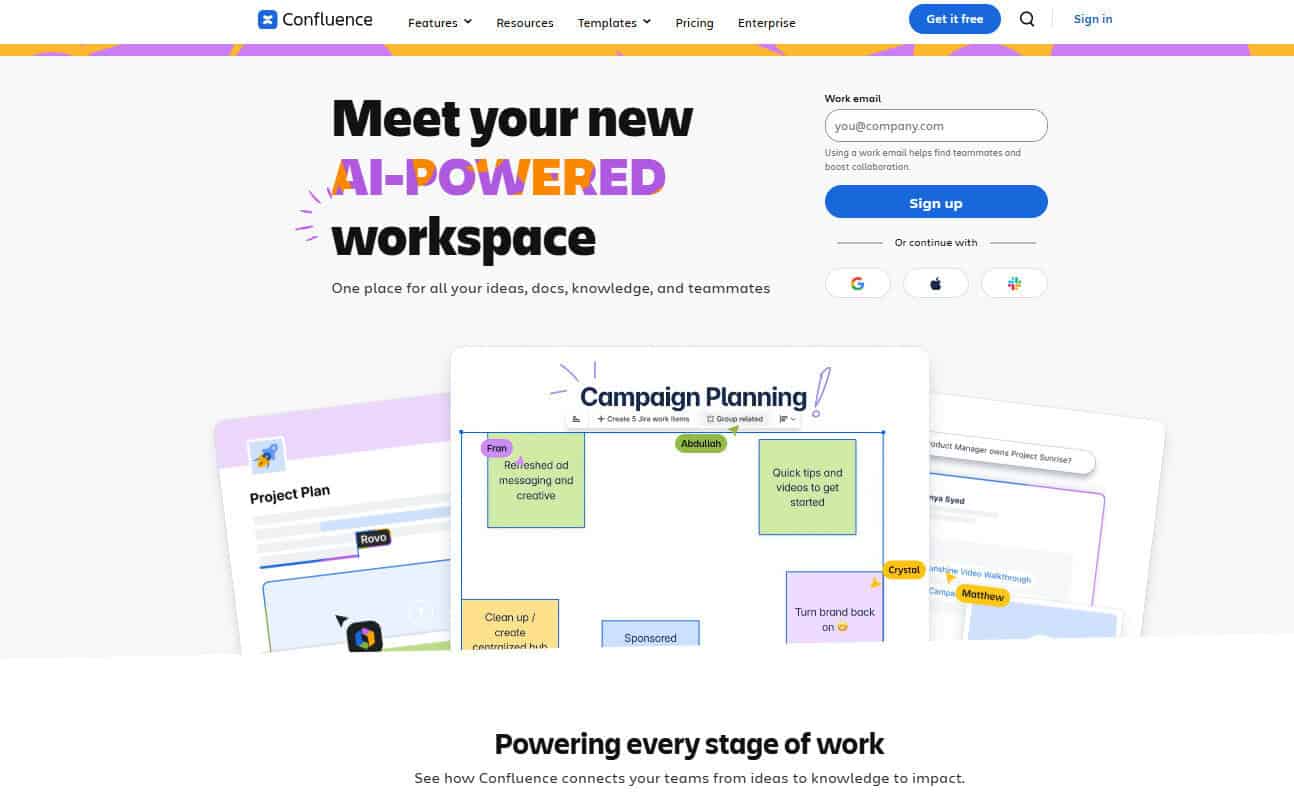
Atlassian’s Confluence has grown into an impressive platform that I use almost daily. Perhaps I’m biased, but I do find Atlassian’s product range really versatile and works well across multiple industries and team sizes. Because it’s so versatile and really collaborative, it makes it an excellent choice for employee enablement.
Why Confluence works for employee enablement:
- Confluence focuses on collaboration, and its ease of use is really a big selling point for me. Even if you’re a less tech-savvy user, you can make use of templates or guided walkthroughs to help you familiarize yourself with the platform, enabling users to learn on their own.
- It’s very much a “remote first” platform, so this works well for multi-location and asynchronous teams. Document repositories can be built up with extensive structures, making Confluence a great tool for users to easily find procedural guides or company templates in a single location.
- I’ve used Confluence for external user enablement, and I love the fact that you can create internal and external portals or knowledge bases that can be locked down for specific users, creating a solid platform to house critical guides and other enablement documents.
Platform limitations:
- When using Confluence for creating repositories and structured libraries, it can be pretty time-consuming and require maintenance and upkeep to keep documentation relevant.
Why my execs and teams love using it:
- Confluence plays well with a lot of other tools – especially Atlassian’s suite of products like Jira, so you can make use of multiple functionalities without having to use different tools.
- Confluence works well across teams, meaning our marketing teams can use it for different functions than our technical teams do – all without needing disparate platforms.
Pricing and plans:
- Confluence has a free plan, which I love because smaller organizations (up to 10 users) can make use of an enterprise-grade tool for free that can be scalable if needed.
- The paid plans range from around $6.70- $13.20 per user/month (for teams of 100), but pricing scales based on user seats. They offer a custom pricing plan for larger businesses.
5. WalkMe – Best for Organizations Focused on Digital Adoption
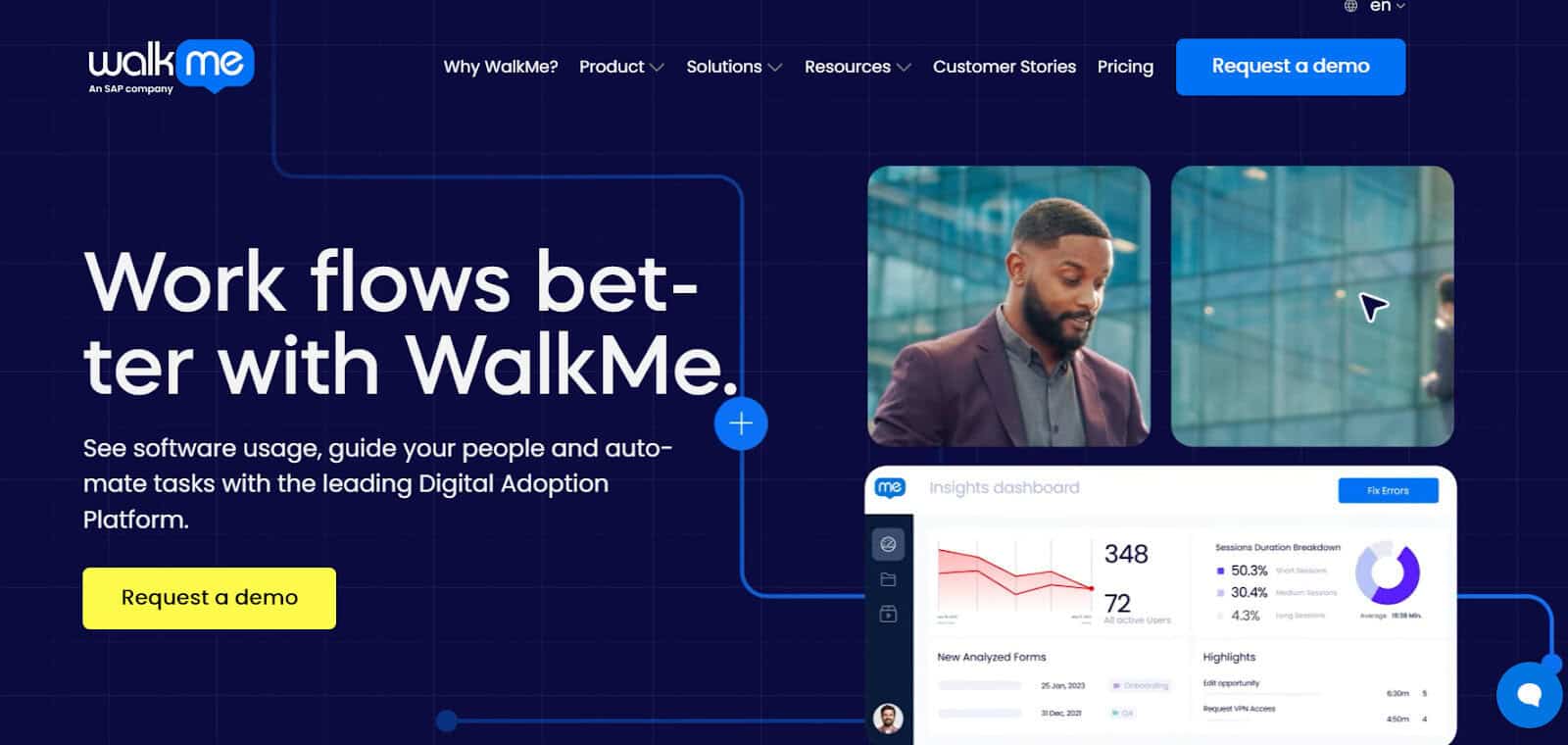
I came across WalkMe when dealing with Product Management tools, and it’s been one of those platforms I’ve come back to when needing to drill down into analytics around user adoption and how to fix low uptake rates. Employee enablement is also about finding the friction points and ensuring employees are supported and able to work effectively.
Why WalkMe works for employee enablement:
- Employee enablement starts with just that – giving employees a way to get to grips with a new process or tool easily and without needing to learn without context and totally unsupported. WalkMe is that “helping hand” that supports employees through learning the ins and outs of a new tool or workflow. I love that the in-app guidance can be tailored for specific needs, and this is why it’s such a valuable tool for diverse teams or businesses with diverse products and software platforms.
- WalkMe has in-app support to ensure that employees don’t stay stuck where they are without being able to reach out to a chatbot or other support channels, which I’ve found to be well-received. Enabling employees to get to the answers they need immediately is critical to avoiding frustration in the learning or onboarding process.
Platform limitations:
- I’ve found that WalkMe is best suited to software-centric teams and businesses that have multiple workflows or products that employees will need to use, so it’s less versatile than some of the other tools on our list.
Why my execs and teams love using it:
- Employee enablement is successful when execs get involved in ensuring they’ve created the best possible platforms and tools for their employees and this is why WalkMe can be really powerful. Catching those friction points and seeing where employees are getting stuck early on has been an excellent way for me to spot an issue early on and use WalkMe’s solution to address and resolve this before it becomes a pain point.
Pricing and plans:
- WalkMe does not have transparent pricing, unfortunately, which I’ve found to be a shame, as it’s a great tool, and hidden costs can put many potential businesses off.
Choosing the Best Employee Enablement Platform for Your Business

I’ve included a wide range of tools for the same reasons you might want to consider: what is your use case, and who are your employees?
This is the first step before deciding what tools and competitor tools you should analyze. What works for some businesses may be a bad fit for your team, and with so many options out there, there’s no need to use outdated or ill-fitting software. Decide if functionalities such as digital adoption are critical or if your needs are more focused on internal wikis and having ways to create SOPs and documentation. Each tool has its merits, and I’d always recommend trying out before purchasing to get a good idea of the overall ease of each tool.
Keep in mind that employee enablement isn’t just a tool; it should be a well-thought-out process that’s backed by strategic initiatives and executives who can help drive the right actions.