


Last Updated on January 14, 2026 by Ewen Finser
Dext is what happens when you take the worst part of bookkeeping (chasing receipts, keying invoices, decoding random Amazon purchases, etc.) and hand it to software that actually knows what a chart of accounts is.
For firms and growing businesses, this can give you hours back. For small teams or price-sensitive clients, the cost and contract terms can sting.
Let’s walk through both sides and see what makes sense and what doesn’t.
What Is Dext?
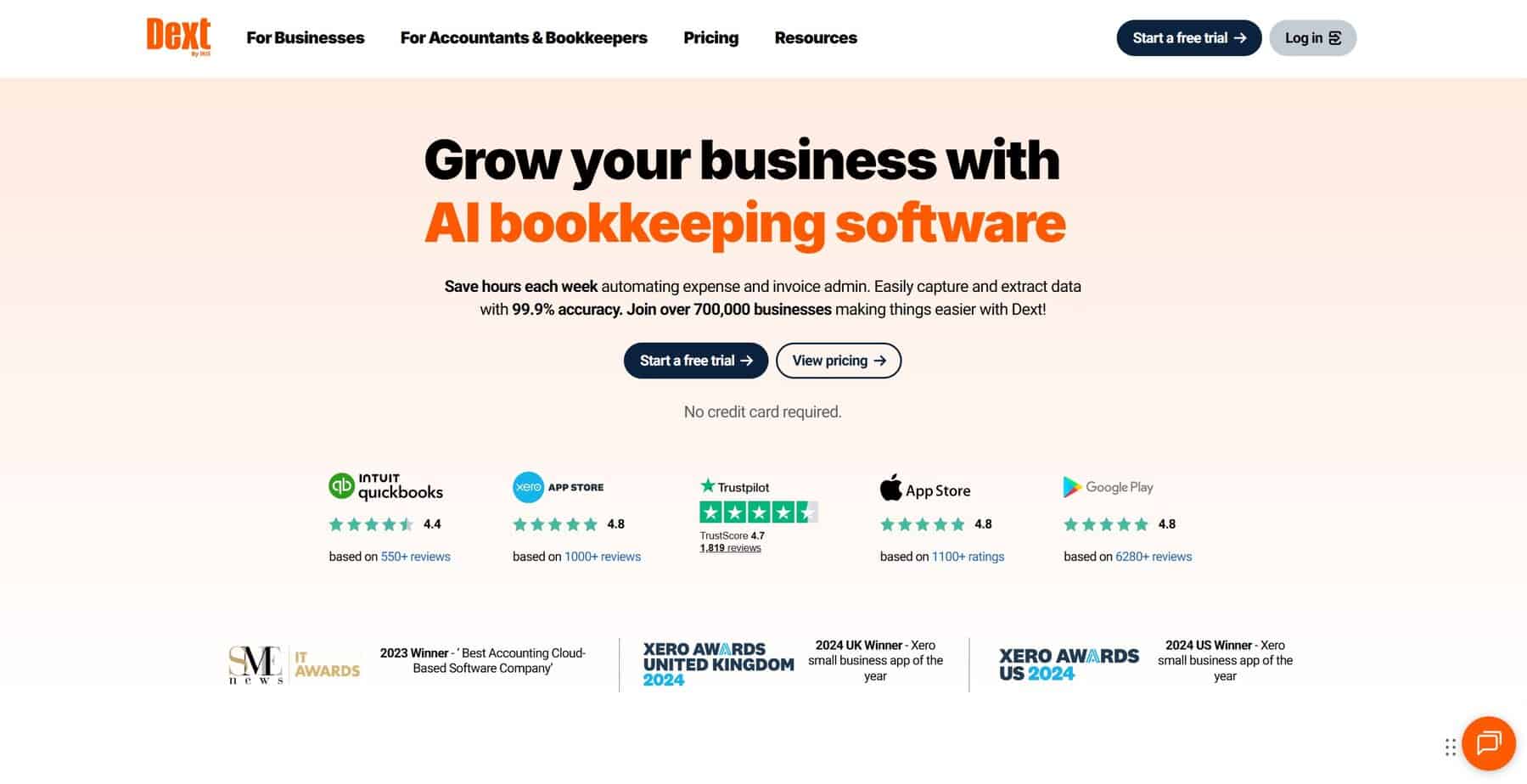
Dext is a software tool that automates bookkeeping tasks for businesses and accountants. It captures data from receipts, invoices, and bank statements, and then pushes that data to your accounting software to ensure records stay accurate.
You’re not betting on a side project for part of your tech stack here; you’re plugging into a mature platform that now sits squarely in the “AI bookkeeping” camp and pitches 99.9% data capture accuracy from receipts and invoices.
However, as a CPA, I feel it is my duty to emphasize that Dext is not a full general ledger. It simply sits on top of your accounting stack and takes in documents, sales feeds, and bank statements, then pushes that data into QuickBooks, Xero, Sage, and friends (where the GL actually lives).
Dext’s Core Capabilities
Since the platform unification, Dext organizes its features by function rather than separate product names.
Pre-Accounting & Document Capture
This is the functionality most people associate with the brand, handling:
- Receipt and invoice capture: Supports uploads via app, email, browser, WhatsApp, Dropbox, and auto-fetch tools from certain banks and suppliers.
- Data extraction: Dext uses OCR to read supplier, date, tax, totals, and line items. It then pushes the data into your accounting system for review and publication.
- Expense management: Manage reports, approvals, and mileage tracking all in the Dext platform.
- Vault-style storage: Keep a digital copy of every business-related document (leases, loan agreements, contracts, etc.) in a searchable vault in case the IRS comes calling.
Think of this as your hub for financial paperwork. Clients or staff upload docs from the field, and Dext extracts the data, applies rules, and queues up entries for you to approve and sync.
Digital Sales & E-Commerce
Dext includes features specifically for e-commerce and marketplace data as well, connecting to:
- Marketplaces: Amazon, eBay, Etsy, etc.
- E-commerce storefronts: Shopify, BigCommerce, Squarespace, WooCommerce, etc.
- Payment platforms: Stripe, PayPal, Square, etc.
It fetches orders, fees, refunds, and payouts, standardizes them, and then syncs summarized and reconciled data into your accounting files. The goal is to give you one clean set of entries per settlement or per day, with tax, fees, and revenue clearly laid out.
I cannot stress how much of a time-saver this is. If you’ve ever tried to book Amazon Seller data by hand, you already know why this is great.
Data Health & Practice Insights
This layer was purpose-built for accountants, looking at the data that already lives in Xero or QuickBooks to surface issues:
- Client-level dashboards: This gives you a health score for each client based on their data, including cleanup metrics and key dates.
- Data checks: Flag duplicate contacts, uncoded transactions, stale balances, and out-of-date bank recs.
- Practice-wide views: Firms can see which clients are in good shape and which ones need work this week.
For example, you can use these insights to drive fixed-fee pricing, standardize processes, and decide which clients need a clean-up project. It’s not as glamorous as Dext’s capture tools, but it’s just as important.
Integrations
In my opinion, the whole draw to using Dext is how it integrates into your overall stack. Besides the aforementioned connectors to e-commerce platforms like Shopify and Amazon, its deep integrations with QuickBooks Online, Xero, and Sage get high marks from me, especially around ease of setup and reliability. Then there’s the API connections and auto-fetch tools that pull documents and bank statements into the platform (if this type of integration is supported).
You’re not getting a giant app marketplace like QBO’s, but you are getting tight coverage for the core pre-accounting footprint items like documents, e-commerce, and payments.
How These Features Play Out in Practice
The Ability to Capture Everywhere and Review in One Place
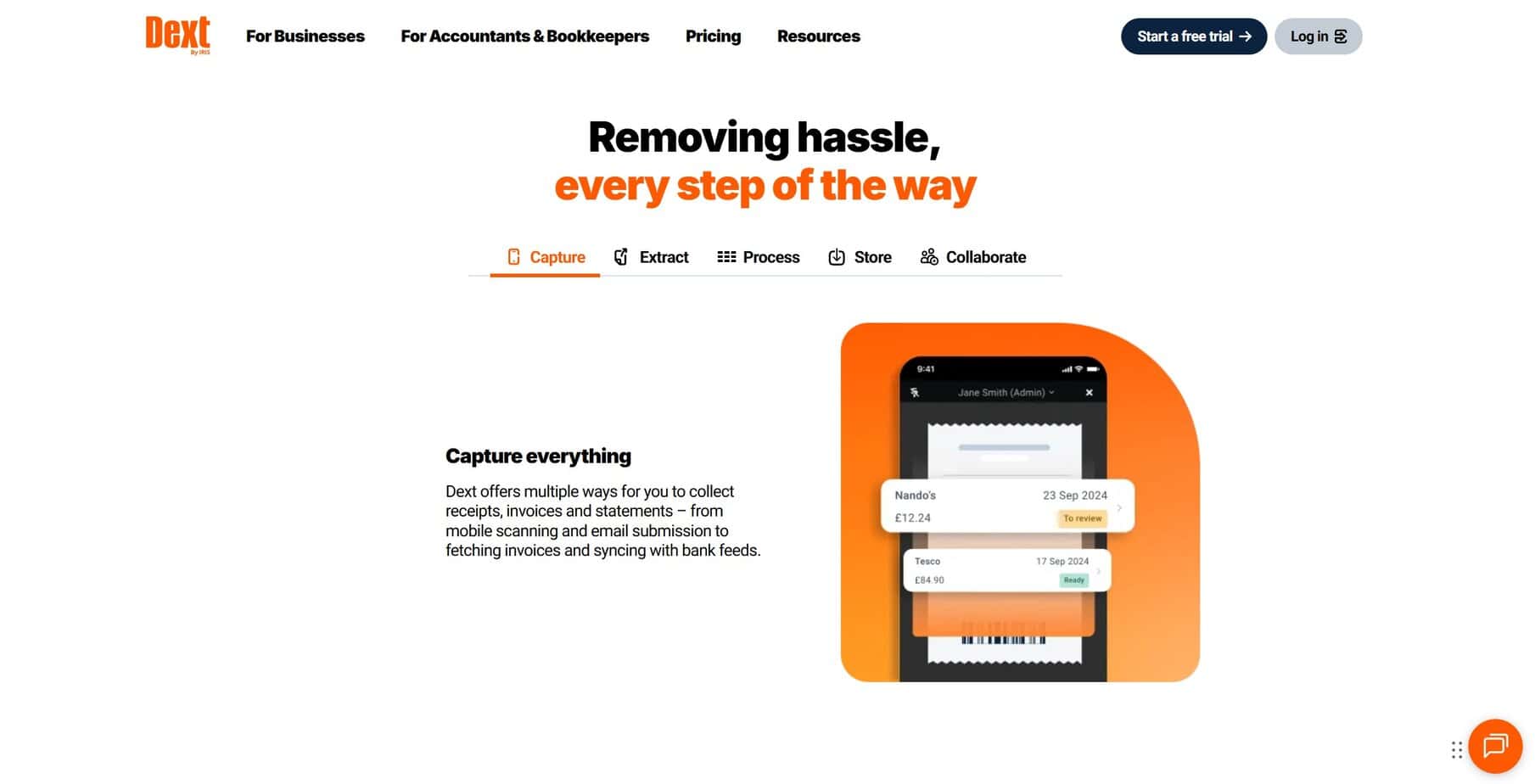
Dext leans hard on “capture from anywhere”:
- Snap a receipt in the mobile app
- Forward an invoice PDF from your inbox
- Auto-fetch statements and supplier invoices (where supported)
- Feed in bank statements for OCR
As a CPA, this convenience matters because you stop being the human scanner. Clients can send documents in whatever way they actually use, and Dext will normalize them.
You get time savings, efficiency via automation, and reduced manual data entry, getting you out of the weeds and letting you focus on the things that matter.
Document Storage That Satisfies Auditors
Dext’s Vault is not a marketing term… it’s a big part of the platform that is often overlooked. It stores anything that isn’t a receipt/invoice (which are stored in the Archive after being published to the accounting software), including leases, insurance policies, or any other pertinent information that you don’t want a piece of paper filed away for.
This is so much more than a convenience value add; it’s a central system of record for documents that saves a deceptively large amount of time and effort.
Expense Management Workflows
Dext is not trying to be a full corporate card or travel platform, but it does give you:
- Employee expense submission
- Customizable approval flows
- Mileage tracking
- Reimbursable vs. company-paid expense handling
This by itself gets many SMBs out of email chains and random spreadsheets, moving approvals into one place.
E-commerce and Marketplace Sanity
This is where Dext feels almost mandatory for some merchants:
- It pulls data from Shopify, Amazon, eBay, Etsy, and other channels.
- It understands payouts, fees, refunds, discounts, tax, and multi-currency.
- It syncs summarized transactions into QBO or Xero so that your GL matches what actually hit the bank.
This way, you stop exporting raw CSVs and building tortured Excel templates; which, from a controller’s perspective, is huge. You cut reconciliation time, and you tighten your audit trail around revenue recognition and sales tax.
Data Quality and Practice Visibility
The data side of Dext also deserves a shout-out:
- You get health scores and dashboards that show which clients are close-ready and which ones need work (who didn’t do their homework and submit everything).
- It automates a lot of the tedious review steps many firms still do by hand.
- It gives partners a way to price work and measure client profitability based on real data quality, not gut feelings.
If you run an outsourced bookkeeping practice, this is the difference between “We think this client is messy” and “This client has 147 uncoded transactions and a health score of 42; they need a ton of attention, so bill the heck out of ’em for wasting our time!”
Where Dext Shines
From a CPA and operator lens, Dext’s strengths line up around three things: automation, standardization, and firm-scale workflows.
Serious Time Savings on Data Entry
Most users agree that Dext cuts out a big chunk of manual coding and document handling: Its AI and rules reduce keystrokes, while its batch review and publish workflows keep the human in the loop (but a much smaller loop). For firms, this scales across dozens or hundreds of clients.
If you bill by the hour, Dext lets juniors handle more clients. If you bill a fixed fee, Dext protects your margins.
All-in-One Workflows for Cloud Firms and Online Merchants
Dext is built for those teams that live in email and Slack, use QBO/Xero as their main ledger, and have clients on Shopify and Amazon.
For these teams, the platform gives you one integrated system that collects documents and sales data, cleans and structures it, pushes it into the general ledger, and flags issues across the client base. The result is better books and significantly less grunt work.
Maturity in the Market
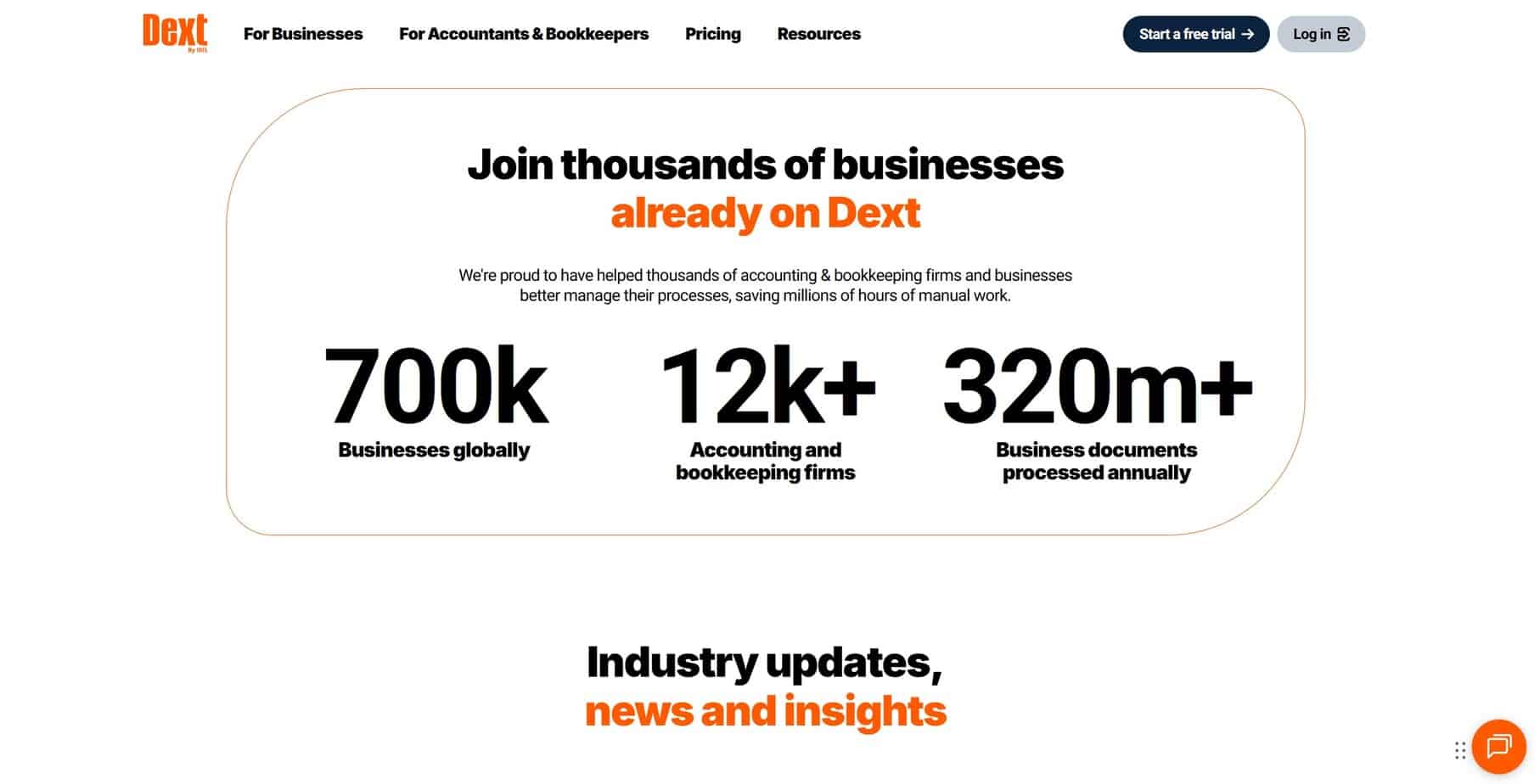
Dext has been around for more than a decade in one form or another, has a global user base, and shows up consistently on software review shortlists.
This means:
- Frequent updates and feature releases
- Documented workflows for common accounting tasks
- Enough online training and help articles to onboard a new junior without losing a week of your life
Where Dext Falls Short
Even though Dext is powerful, there are downsides you need to weigh.
Pricing and Billing
With Dext, you have to pay to play; a full stack comes with a cost.
You may feel that the benefits far outweigh the costs, but it’s always good to evaluate the contract, check renewal terms, and keep an eye on usage thresholds to ensure it’s a good fit for your budget.
Learning Curves and UI Friction
Beginners to Dext can sometimes struggle with setup, rules, and understanding how data flows into the GL. Additionally, certain mobile features lag behind desktop, which can frustrate teams that live on their phones.
So, especially if your staff is not already comfortable with cloud tools, expect to spend time on training.
Processing Delays and OCR Quirks
Most of the time, Dext processes documents fast and accurately. But processing can be slow depending on peak times or with large, tricky documents. Also, while its OCR is 99% accurate, it’s still vital to have a human review and verify any messier files.
Pricing
Dext’s pricing is based on the number of documents and users. For example, small businesses will pay in the mid twenties each month for a few hundred documents and multiple users. Accounting and bookkeeping firms pay per client, with fixed-fee plans that cover unlimited users inside the firm.
There are also separate add-ons or bundles if you want to beef up Dext with peripheral offerings (like Vault+). That’s not to say it doesn’t provide value for what it offers, but just be cognizant of what you’re spending and what you’re getting in return. It’s up to you to decide whether you get $100+ worth of time savings by using the platform.
Where Dext Does and Doesn’t Make Sense
Dext is a great fit for:
- Cloud-first accounting and bookkeeping firms
- You standardize on QBO or Xero.
- You want one document and sales data layer across the client base.
- You care about health scores, cleanup automation, and practice-wide visibility.
- Growing SMBs with real transaction volume
- You have employees submitting expenses, not just a single founder.
- You deal with lots of invoices, receipts, and recurring vendors.
- You sell online through Shopify, Amazon, or marketplaces and need clean revenue data.
Dext may not be a good fit for:
- Tiny solo shops with very few transactions
- If you have 30 receipts a month, a phone camera and your GL’s basic upload may be enough.
Historically, it’s not been ideal for teams whose main pain is payments, but they’re adding this feature soon. And given the platform’s overall usefulness and performance, I expect payments to work just as well.
Should You Use Dext? A CPA’s Opinion
As a CPA who lives in this stuff, I walked into Dext pretty skeptical and walked out impressed enough that it’s now baked into my own workflows.
For your business, I would think about Dext like this:
- As a pre-accounting and document layer, Dext is strong: The platform tackles the ugly parts of receipts, invoices, e-commerce feeds, and audit trails.
- For firms, its health monitoring is a superpower: It turns data quality into a visible metric and makes it much easier to scale consistent work across a client list.
- Dext is not your whole finance stack: Dext works best as the capture and data-quality layer that feeds your GL, AP, and spend tools; not as the system that replaces them.
If your main bottleneck is manual data entry, chasing documents, and cleaning up messy client files, Dext is worth a serious look. If your main bottleneck is budgeting, you may get more leverage somewhere else and come back to Dext later once the basics are under control.