


Last Updated on February 3, 2026 by Ewen Finser
With simple point-and-click tools and professional templates, online logo design programs now allow founders and creatives to build a logo in minutes — no design experience or expensive, complex software required.
But these tools can vary wildly in terms of quality, cost, ease of use, and even business models. Some focus solely on logo creation, while others are part of a much larger design suite. Some offer unbelievable levels of customization, while others are more limited in what they let you do.
So today, we’re putting Design.com and Fiverr Logo Maker to the test to see how each measures up in terms of functionality, pricing, value, and more. I’ll share my honest opinion about which one you should choose for your business and why.
Design.com vs. Fiverr Logo Maker: At a Glance
Design.com | Fiverr Logo Maker | |
Customizable Design Templates | ✔ | ✔ |
AI Tools | ✔ | X |
Website Builder | ✔ | X |
Exclusive Fonts | 500 exclusive fonts available | No exclusive fonts available |
File Formats | .PNG, .JPG, .EPS, .PDF, .SVG | .PNG, .SVG |
Logo Ownership | Exclusive & Buyout licenses available | Cannot own logos made using templates |
Paid Subscription Tiers | Starter ($15/month), Value ($24/month), Premium ($29/month) | Essential ($30), Professional ($60), Unlimited ($90) |
Free Access | Customizable free-tier logos, website builder, free Design.com branded URL | X |
Creating Your Logo
Design.com
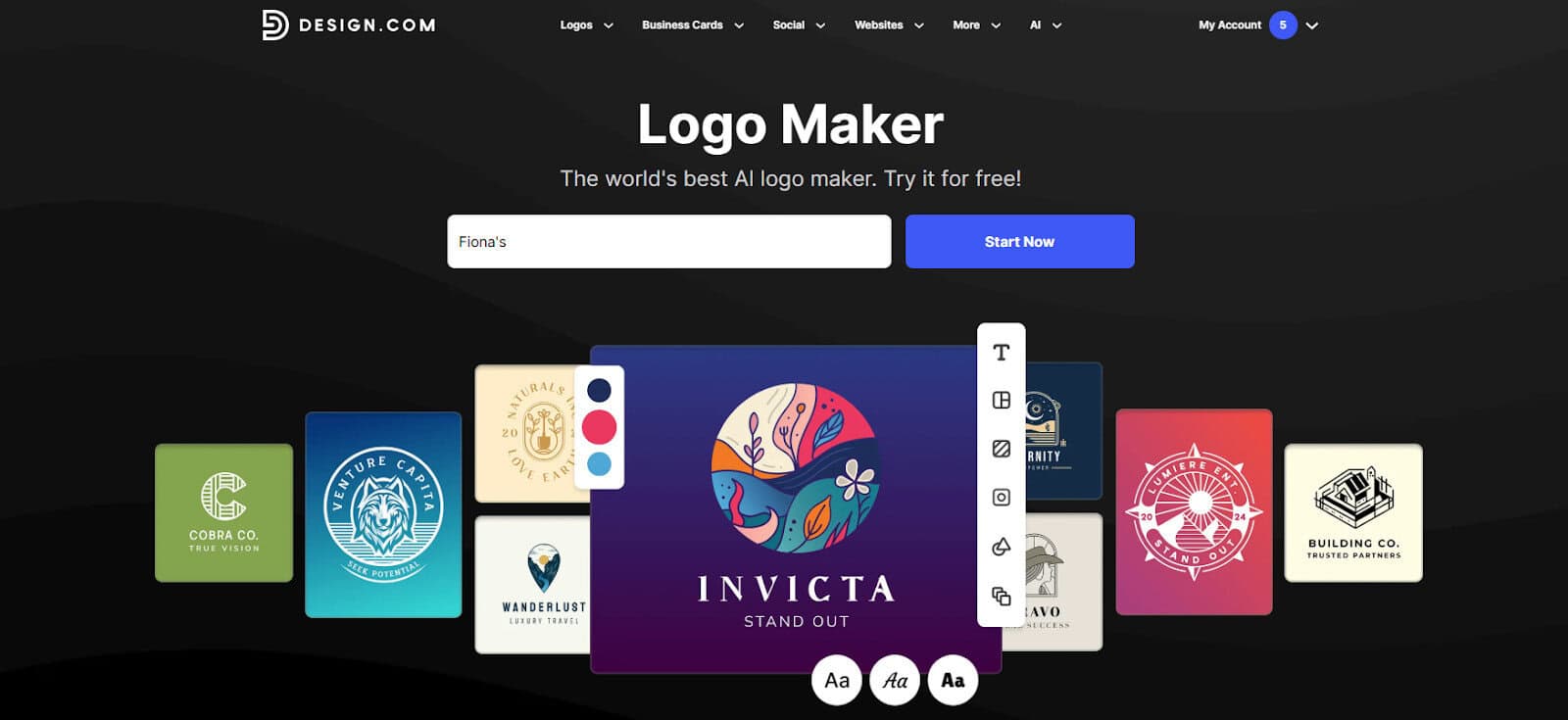
Design.com makes logo creation quick and easy, guiding you into their logo studio from the second you arrive on their home page.
All you need to do is type in your business name to generate a large number of potential logos, which can then be filtered by multiple colors and styles. Adding keyword search terms will refine your results even further; in my experience, using multiple keywords is essential, as your initial batch of designs may contain some irrelevant options.
Once you choose a template you like, you’ll be taken to Design.com’s easy-to-use editing tool, which allows you to tweak the fonts (including 500 exclusive to the platform), colors, layout, alignment, size, and icon. If you’re feeling fancy, you can play with additional special text effects, like adding a shadow or outlines. Each step of the creation and editing process feels intuitive and unintimidating, making the platform suitable for all design experience levels.
Fiverr Logo Maker
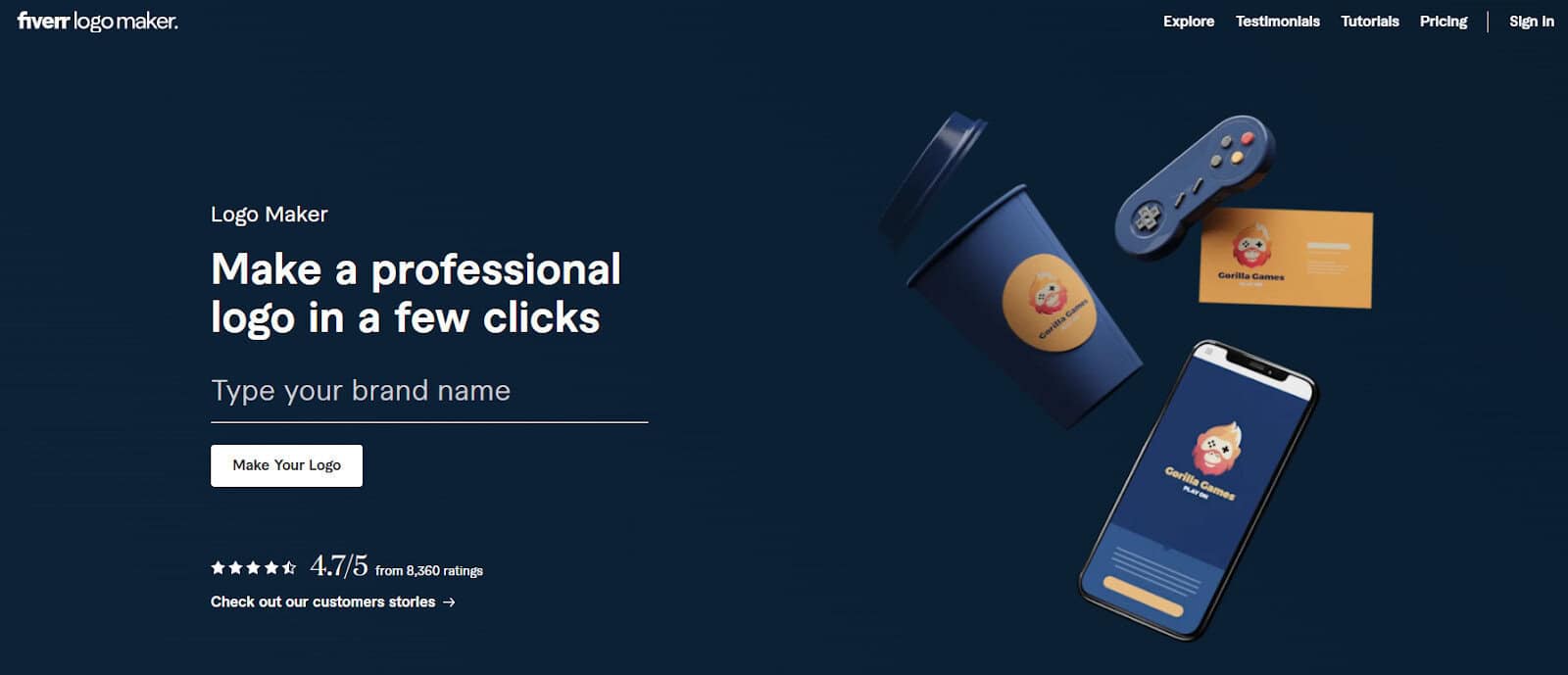
Fiverr’s initial brand survey is a little more comprehensive than Design.com’s. In addition to your business name, you’ll be asked to provide your industry or niche, any specific design elements you’d prefer to be included, your desired logo style, and your brand’s values.
Once you’ve completed this survey, you’ll be presented with several logos that are based on templates created by a group of hand-picked Fiverr freelancers. Each one will come with a handful of pre-made variations that use different color palettes, layouts, and icons. If you’d like to tweak the design further, you can further customize the fonts, layout, and text alignment. You can also add or remove shapes, icons, or backgrounds — you can even apply a curve to your text and wrap it around your icon.
Bottom Line
While Fiverr’s at-a-glance logo variations is a great feature, the inability to filter my results was frustrating (especially since so many of the templates were a poor match for my stated design preferences). Design.com gave me more control over my results, which allowed me to find a great template in about half the time.
In terms of logo customization, both platforms performed well, with simple editing tools that made the process painless.
Additional Functionality
Design.com
While Design.com is a logo-first platform, it also offers an insane number of design and marketing tools for creating business cards, email signatures, letterheads, menus, invoices, flyers, postcards, QR codes, and more. You can also generate branded social media images, covers, and profile pics for platforms like Instagram, Pinterest, and Facebook.
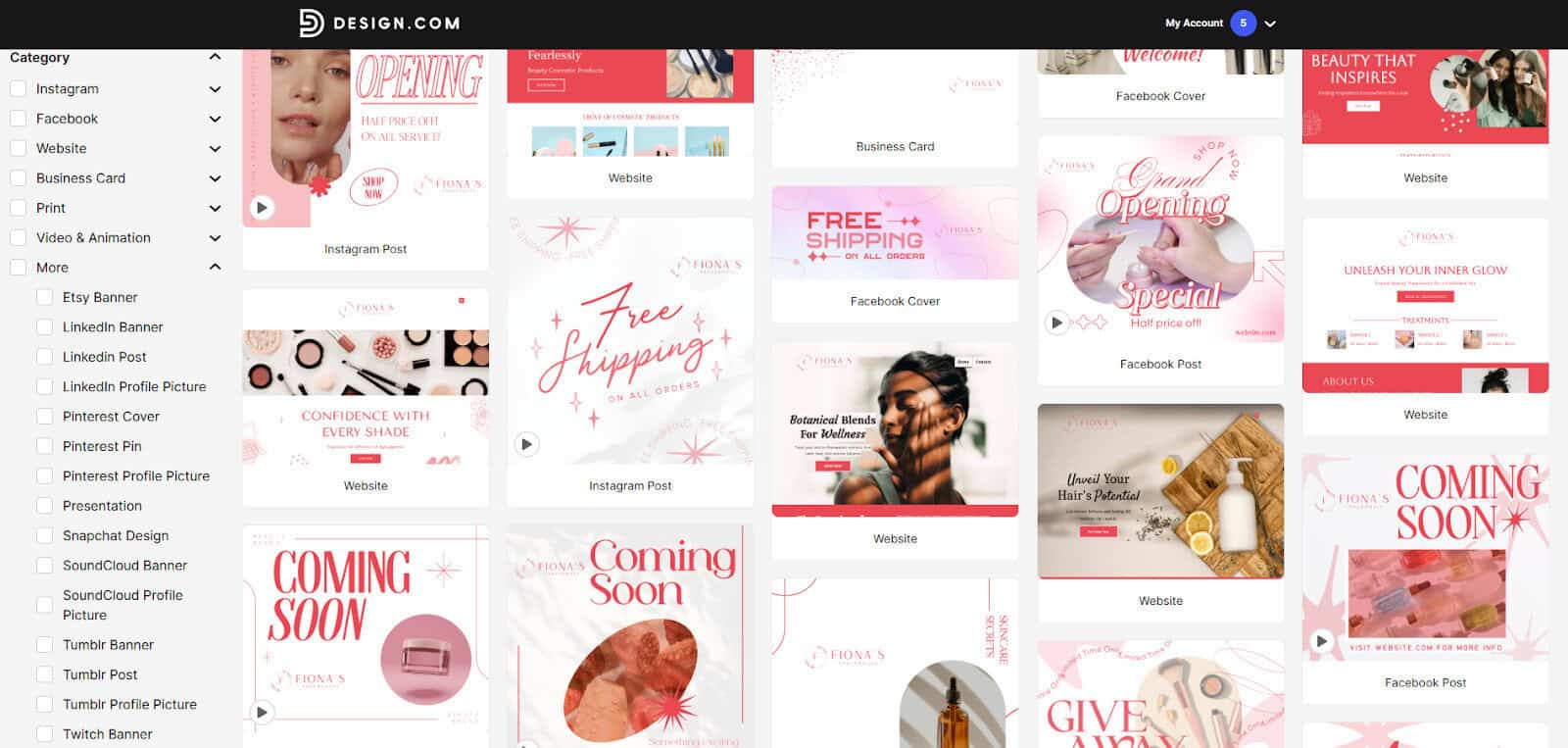
Each category has a large library of templates tailored for different industries, so both florists and mechanics will find suitable options. Simply select the asset you want to create, plug in your niche, and the design tool will show you all relevant templates. Like the logo creator, you can narrow down your search using keywords and filters, and these designs are also fully customizable to fit your brand.
Finally, Design.com also offers AI-powered assistance in brainstorming business and domain names, designing your marketing assets, and creating your website using its built-in website builder. Its hosting plans come with a custom URL.
Fiverr Logo Maker
The Fiverr platform itself offers access to affordable freelancers around the globe, but its Fiverr Logo Maker really just does the one thing: logo creation. That said, if you opt for one of its higher-priced packages, your logo design is bundled in with a social media kit containing branded files for Instagram, Facebook, X, LinkedIn, YouTube, Pinterest, and Etsy.
Bottom Line
While Fiverr’s social media kit is a handy starting point, Design.com’s vast template library and instant post generation are a better solution for ongoing marketing needs. Being able to bundle logo creation, website design and hosting, and access to a full design studio is incredibly handy, especially for businesses still working on hitting their revenue goals.
Pricing
Design.com
Design.com operates on a paid subscription model, with limited (but still generous) options for free users. The Starter Tier ($15/month) comes with vector and high-res logo files, unlimited edits, and access to 50+ design tools and over 500k designer templates. For $9 more, you can upgrade to the Value tier and gain full access to Design.com’s website builder, and the $29/month Premium tier provides access to digital business cards and link page designs.
Free users can edit and download a limited collection of fully customizable logos and use Design.com’s website builder, digital business card maker, and link page creator. Overall, this is a great starting point for any small business.
Fiverr Logo Maker
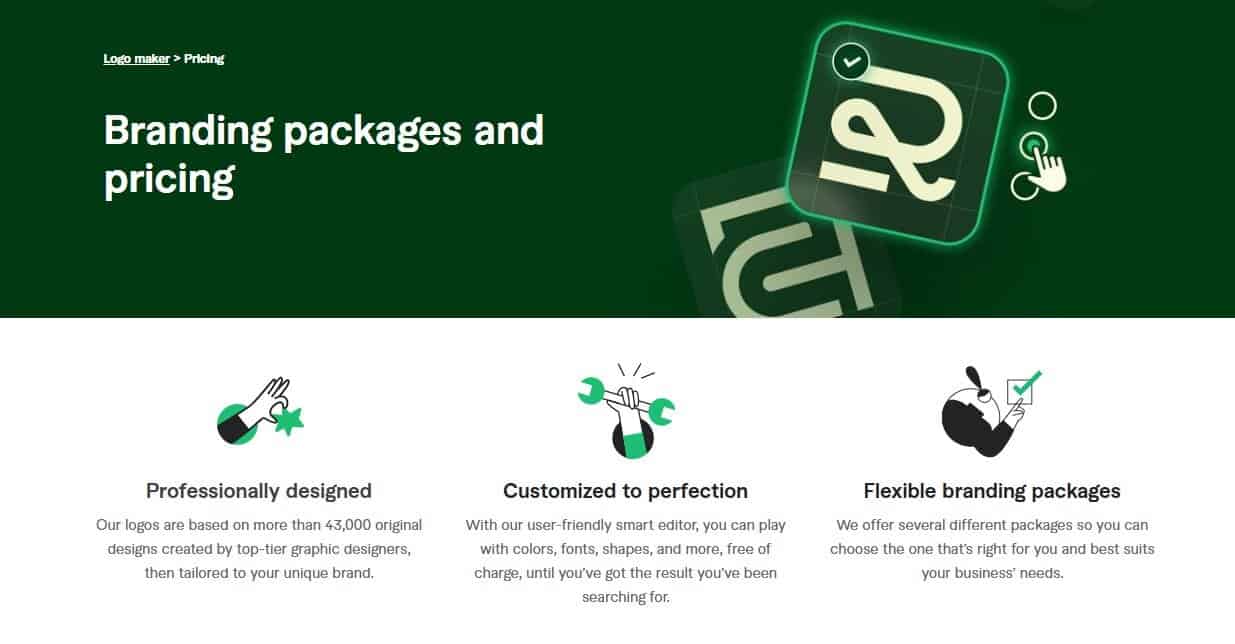
Fiverr runs on a one-time payment system rather than a subscription basis. For $30, you can download your logo as a non-editable .PNG file. Its Professional package costs $60 and includes .PNG and scalable .SVG files, brand style guidelines, a social media kit, and three branded Zoom backgrounds. This tier also offers the option to revise your logo using the Logo Maker tool once after purchase, so you’re covered in the event of a rebrand.
Want the ability to frequently switch up your logo for seasonal events and promotions? Opt for the $90 Unlimited package, and you can edit to your heart’s content.
Bottom Line
These are two very different business models offering very different benefits. If your business relies on digital marketing for lead generation, Design.com’s huge template library and sophisticated AI tools will likely prove invaluable. If you’re just starting out or plan to DIY your graphic design, Fiverr Logo Maker may fit your needs for now.
Intellectual Property
Design.com
Design.com’s standard license includes non-exclusive rights for commercial use, but unlike most other logo creator platforms, it also offers you the option to purchase a buyout license that removes your logo design from their website ($12/month, $36/year, or a $100 one-time purchase).
Even better, many logo designs come with the option to buy an exclusive license ($15/month, $60/year, or a $145 one-time purchase) — this not only removes your design from the website, but grants you full ownership of the IP, even over people who have previously purchased that design.
Fiverr Logo Maker
Each of Fiverr’s Logo Maker packages comes with full rights for both commercial and non-commercial projects, but that doesn’t mean that you own the rights to your logo. After unsuccessfully scouring their Help Center articles and fine print for clarification, my guess is that Fiverr’s logo licenses resemble Canva’s — where any rights to logos created using their designs are non-exclusive, and logos created this way cannot be trademarked.
While this isn’t necessarily a problem for hobbyists, the inability to trademark your logo should be a big deal for business owners.
Bottom Line
IP ownership is vastly preferable to non-ownership. Design.com is the superior choice here, as securing these rights early on can prevent huge headaches later on. It may cost a little extra, but having that peace of mind is worth it.
Should You Choose Design.com or Fiverr Logo Maker?
After using each platform, exploring their products, and reading their FAQs, Design.com is my clear winner.
Not only do they offer more logo design templates and filter functionality than Fiverr, but you also get access to all the tools and resources you need to build a modern business — making Design.com a pretty impressive one-stop shop.
The platform is intuitive, straightforward, and overall pretty affordable, considering the number of tools included. Overall, it’s a great option for both new and existing businesses to meet their marketing needs, even beyond logo creation.