


Last Updated on May 12, 2026 by Ewen Finser
At first glance, it can feel like every bill pay platform does the same thing. They can help you pay vendors, set permissions and approvals, and manage the payables side as a whole.
However, there are some distinct differences between them, and the choice of platform can affect your bottom line. Considering these factors, here are some of the best bill pay solutions available today.
The Best Bill Payment Services for Businesses: At a Glance
Best For | Payment Methods | Transaction Fees | Plans | |
Melio | AI-powered bill pay and AP for SMBs | Bank accountCredit/debit cardGlobal ACHGlobal card | ACH: $0.50Card: 2.9% | Go: FreeCore: $25/monthBoost: $55/monthUnlimited: $80/month |
BILL | Bill pay and AP at larger businesses | Bank account BILL balanceBILL cash accountCredit/debit cardBILL Divvy card | ACH: $0.59Card: 2.9% | Essentials: $49/user/monthTeam: $65/user/monthCorporate: $89/user/month |
QuickBooks Bill Pay | Pre-existing QuickBooks users | ACHCheck | ACH: $0.50Check: $1.50 | Basic: FreePremium: $15/monthElite: $90/month |
Veem | International bill pay | Bank transferCredit/debit cardCheckVeem Wallet | ACH: $1 or free Global card: 3.75%U.S. credit: 3.5%U.S. debit: 1.5% | Basic: FreePremium: $24.99/month |
Melio: AI-Powered Bill Pay and AP for SMBs
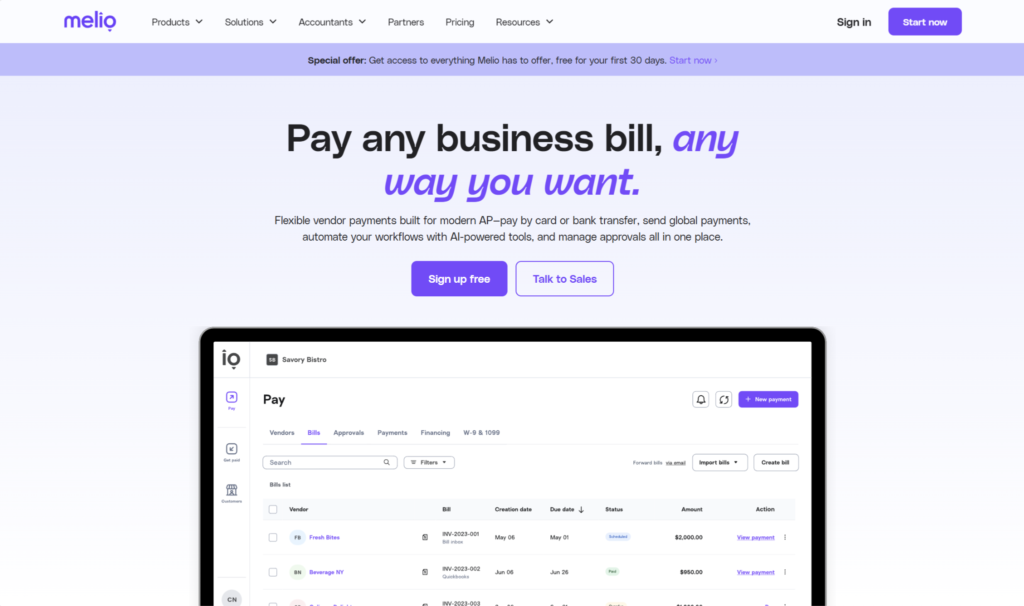
Melio is a popular bill pay solution that you can also use on the AR side to send invoices and receive payments from customers. It’s AI-heavy, using OCR to auto-extract bill details and offering an assistant, Agent Mel, that you can ask questions.
Payment Methods
Paying vendors in Melio gives you substantial flexibility. You can pay in whichever way is most convenient for your business, while your vendor can receive the payment via the method of their choosing, such as ACH, check, or wire. Many businesses use it to pay a bill with a credit card, even if the vendor doesn’t directly accept card payments. Expedited payment options are also available, though you’ll face an additional fee with these.
Here are some of the payment methods you can use with Melio:
- Bank account
- Credit/debit card
- Global payments by ACH
- Global payments by card (Visa and Mastercard only)
Melio also allows you to pay in installments, but this method is subject to eligibility and approval.
Approval Workflows
To prevent mistakes or fraud, Melio lets you customize approval workflows (including multi-level approvals), which you can set up based on the payment amount, scheduler, or vendor. There are also six distinct user roles you can assign to control each person’s permissions and access to the platform.
Integrations
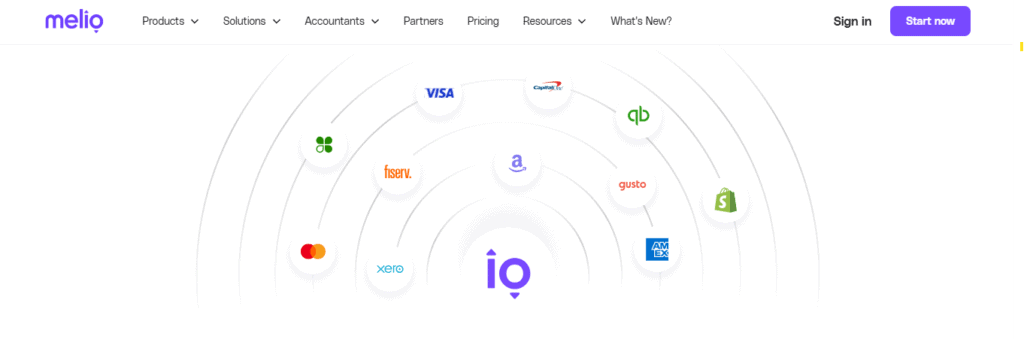
Melio has three main integrations: QuickBooks (Online and Desktop), Xero, and Amazon Business. The integrations with QuickBooks and Xero let you sync vendor details and outgoing payments, while the Amazon Business integration brings your invoices into Melio so you can pay them.
Plans and Pricing
- Go (free): Limited to 1 user, 5 free ACH/month, 10 free QBO syncs, 10 free Xero syncs
- Core ($25/month, $10/month per additional user): 20 free ACH/month, unlimited QBO and Xero syncs, batch payments, approval workflows, AI assistant, W-9 collection, 1099 automation
- Boost ($55/month, $10/month per additional user): 50 free ACH/month, advanced user roles, custom approval workflows, QuickBooks Desktop sync, priority phone support
- Unlimited ($80/month): Unlimited free ACH, unlimited users, dedicated account manager
There’s also a custom plan, Platinum, available for high-volume businesses.
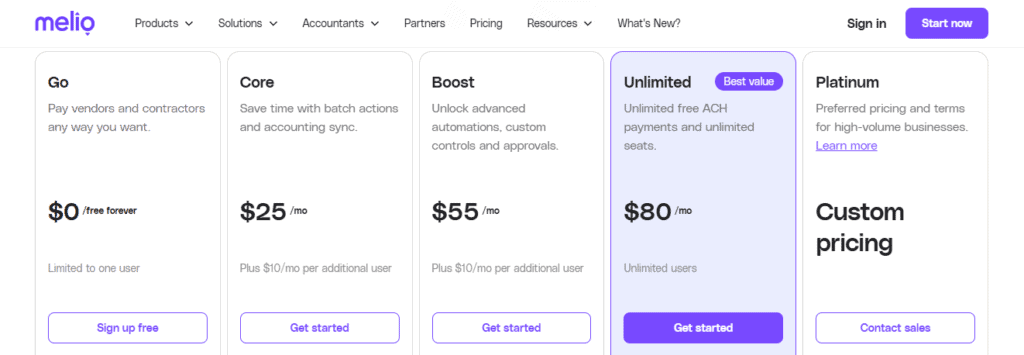
Melio’s transaction fees for standard, domestic ACH, and card payments are $0.50 and 2.9%, respectively.
Pros
- Free plan option available
- Custom approval workflows
- Supports several payment methods
Cons
- No approval groups
- Only three integrations
- No phone support until Boost plan
BILL: Bill Pay and AP for Larger Businesses
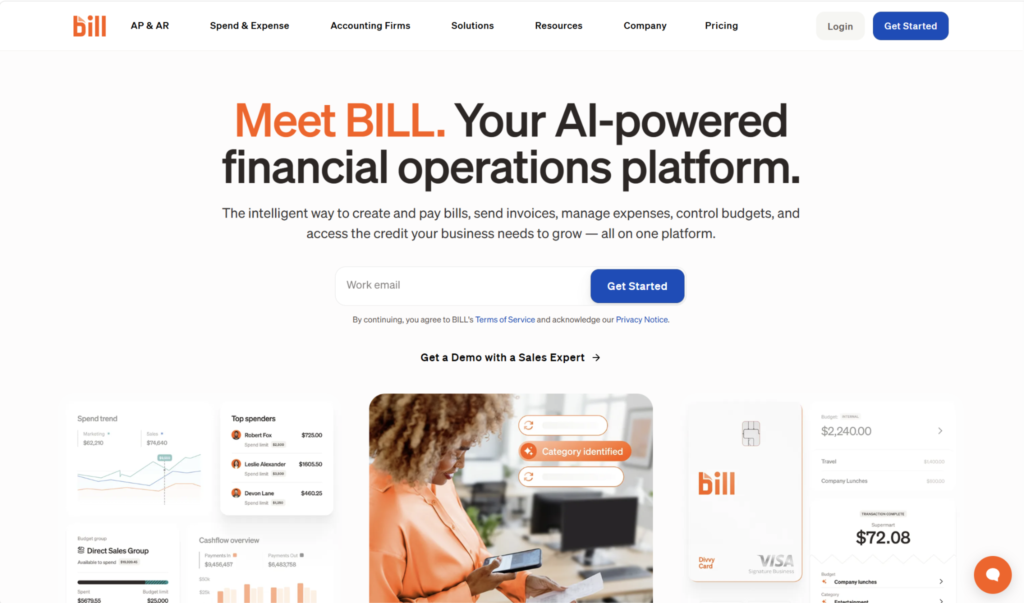
BILL is an AI-powered bill pay solution that also has AR capabilities. It’s particularly suited for larger companies, and it comes with additional forecasting and reporting tools to support more complex needs.
Payment Methods
Similar to Melio, you can choose between several payment methods, even if the vendor gets paid a different way:
- Bank account
- BILL balance, BILL cash account
- Credit or debit card
- BILL Divvy card (virtual corporate card)
You can pay either domestically or internationally, though you’ll incur an additional fee for global payments. Some of the available disbursement methods include ACH, check, virtual card, and wire.
Integrations
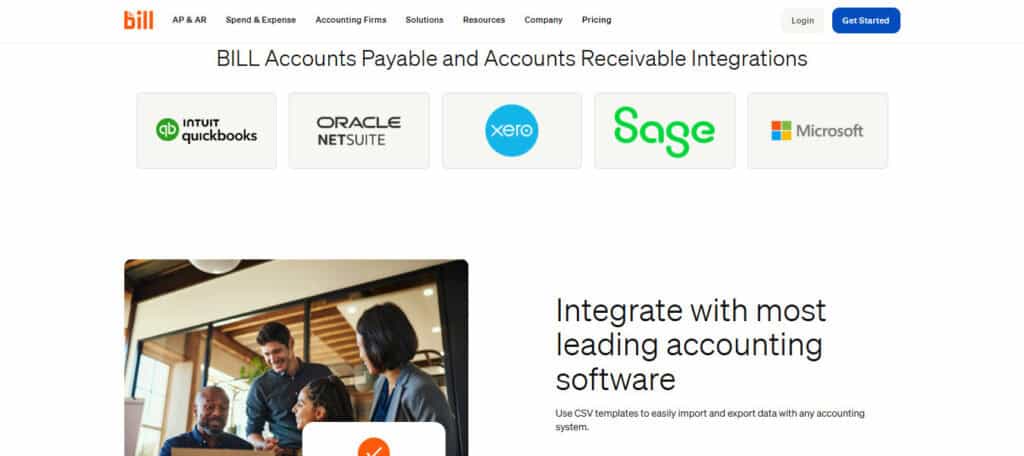
BILL has native, “deep syncs” with Xero, Sage Intacct, Microsoft Dynamics, QuickBooks, NetSuite, Acumatica, and Rillet. However, there are also third-party integrations available, and you can build your own integrations using the BILL API.
Approval Workflows
BILL is known for its advanced approval workflow capabilities, containing standard features like multi-level approvals, automatic routing, and policies based on dollar amount. However, it also offers approval groups (any member of which can approve a transaction), which larger businesses could benefit from.
Plans and Pricing
- Essentials ($49/user/month): Bill pay, approval workflows, W-9 collection, QuickBooks and Xero integrations, API access
- Team ($65/user/month): AI bill coding, cash flow forecasting (QBO only)
- Corporate ($89/user/month): Custom approval policies, discounts for approver-only users, single sign-on, multi-entity accounting
There’s also a custom plan, Enterprise, that you can register for if your business requires more advanced features.
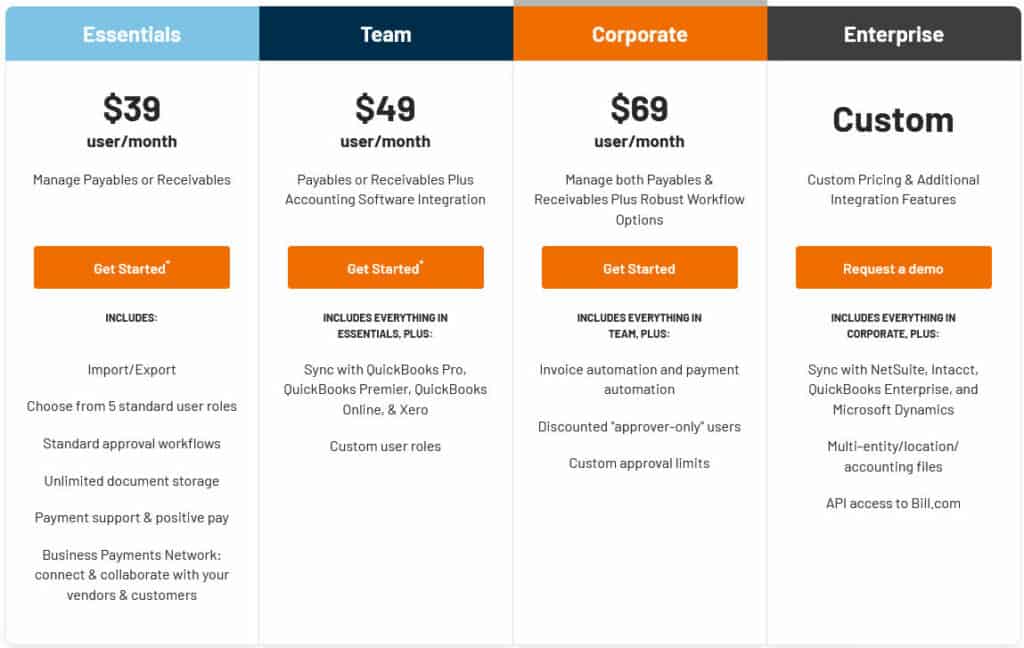
On top of the monthly cost, you’ll also incur transaction fees. For a standard ACH bank payment, this is $0.59, while it’s 2.9% when paying via card.
Pros
- Approval groups
- Supports several payment methods
- Plenty of integrations
Cons
- Expensive for SMBs
- No free ACH included in plans
- Cash flow forecasting only available to QBO users
QuickBooks Bill Pay: Simple Bill Pay for Pre-Existing QuickBooks Users
QuickBooks Bill Pay isn’t a standalone bill payment service. Instead, it’s an add-on for businesses with a preexisting QuickBooks subscription. While its capabilities are limited compared to some competitors, it can be a solid option for those who are comfortable with the QuickBooks interface and hesitant to sign up for something else.
Payment Methods
There are only two payment methods for you to pay vendors in QuickBooks Bill Pay: ACH and check. For expedited options, you can use Faster ACH or Instant Payment, though the transaction cost will be higher than standard ACH.
Integrations
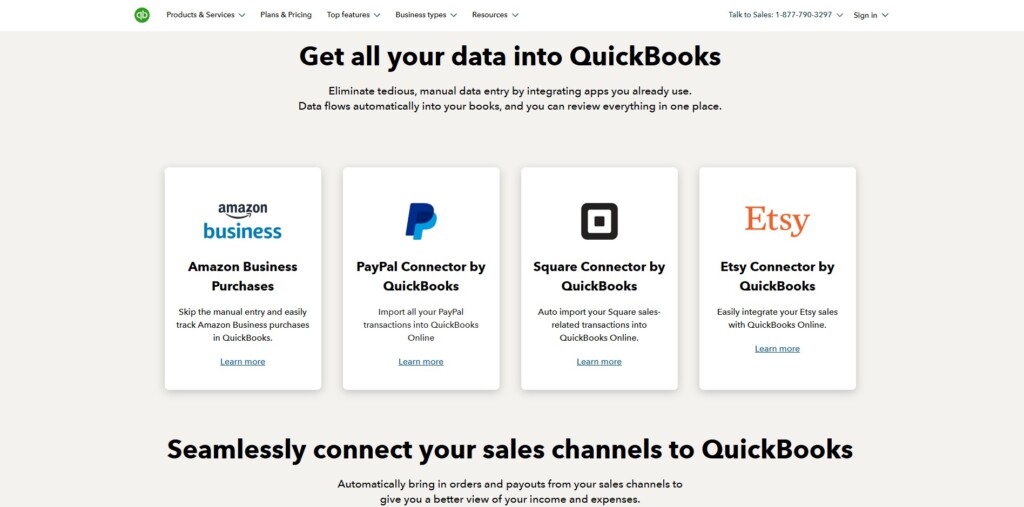
If you’re using QuickBooks Bill Pay, the good news is that you don’t have to worry about syncing with an outside accounting platform since you’re already in QuickBooks. However, to sync with other software solutions, you’ll have to look through QuickBooks’s app marketplace, where there are currently over 800 integrations.
Some of the most popular platforms you can sync with include Amazon Business, PayPal, Ramp, and Shopify.
Approval Workflows
QuickBooks Bill Pay does let you set up and use approval workflows, but this is only available if you have their Elite plan. What you can do is assign user roles and permissions, which govern who can approve and pay bills. The platform also has automated approval routing, so it will send bills to the right person in each workflow.
Plans and Pricing
- Basic (free; automatically included in your QuickBooks subscription): 5 free ACH/month, AI-powered bill creation, dedicated bills inbox, auto-match transactions, additional users included
- Premium ($15/month): 40 free ACH/month, unlimited 1099 e-filing
- Elite ($90/month): Unlimited free ACH, roles and permissions, payment release approval, bill approval automation
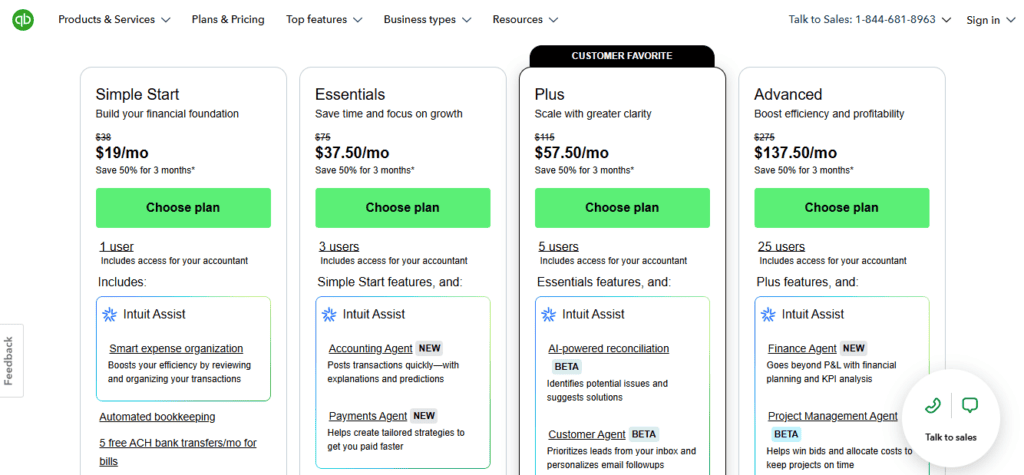
Once you hit your plan’s free ACH limit, every additional ACH payment costs $0.50. Check payments cost $1.50.
Pros
- Convenient for pre-existing QuickBooks users
- Plenty of integrations
- Expedited payment options
Cons
- Can only be used if you already have QuickBooks
- Only payment methods are ACH and check
- No approval groups
Veem: International Bill Pay Solution

Veem places a heavy emphasis on international payments. You can pay globally with many bill pay platforms, but this is a particular specialty of Veem’s, with the platform supporting payments to over 100 countries and in over 80 currencies.
Payment Methods
Veem has several methods available for paying vendors, including:
- Bank transfer
- Debit and credit card
- Check (domestic only)
- Veem Wallet (a multi-currency wallet that lets you hold up to 15 currencies at once)
Integrations
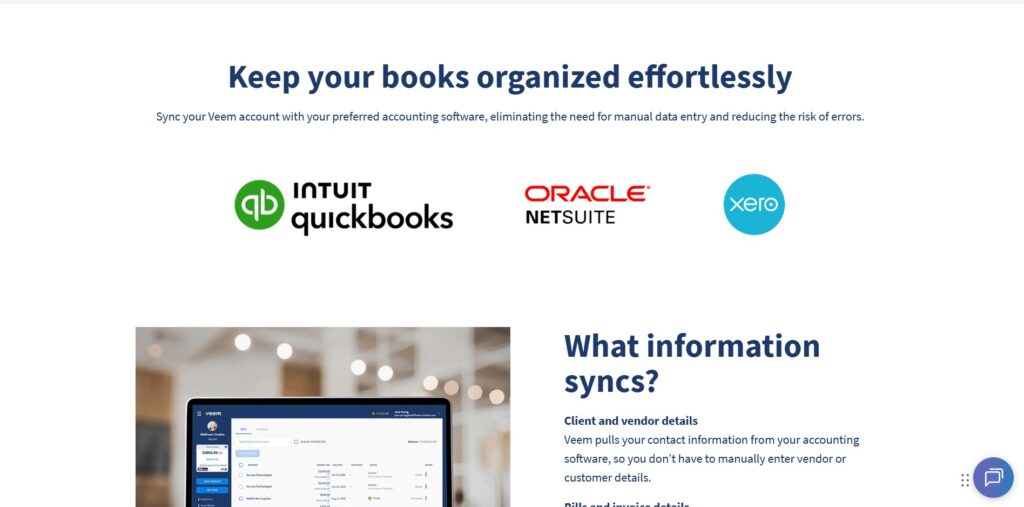
Veem currently integrates with three leading accounting platforms: QuickBooks Online, Xero, and NetSuite. Each integration will sync information about your clients, vendors, bills, invoices, and payments.
Approval Workflows
Like with any reputable AP solution, you can create custom approval workflows within Veem. You can set rules triggering the approval process based on payment size, and Veem will then route the payment to the appropriate user. If you’d like, you can set up departmental approvals, which assign approvals to the department responsible for the expense. It’s also possible to approve multiple payments at once, not just one at a time.
Plans and Pricing
- Basic (free): Bill pay, recurring payments, payment tracking, expedited payments, global instant deposits, free international bank transfers
- Premium ($24.99/month): Mass pay, approval workflows, accounting integrations
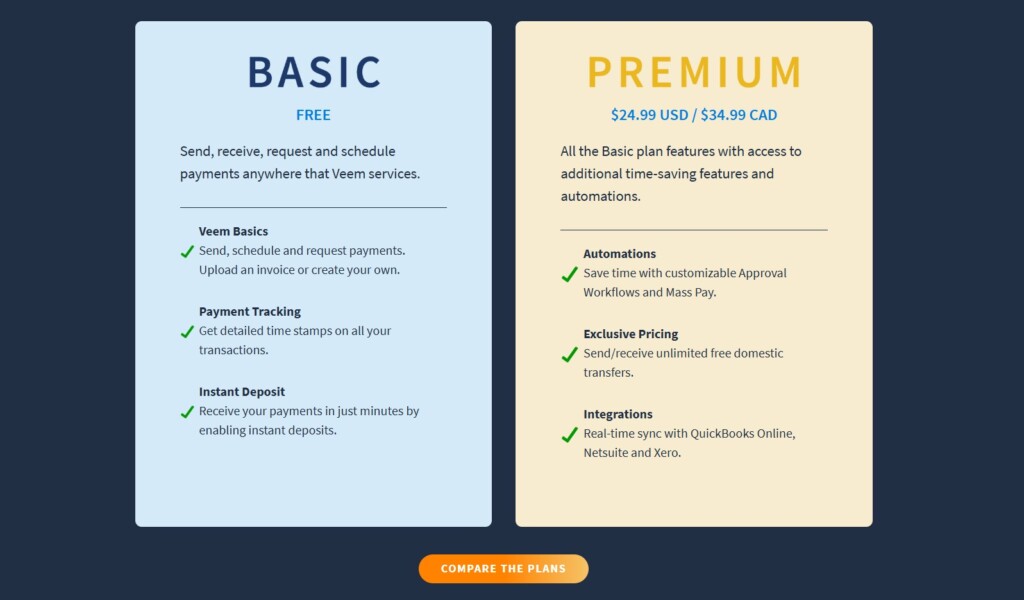
One of the most notable distinctions between these two plans comes down to the transaction fee for domestic bank transfers. With the Basic plan, you’ll pay $1 for each domestic bank transfer (ACH/EFT), while they’re free under the Premium plan.
Some of the other transaction fees you’d be looking at on the payments side include:
- Check: $1.99
- U.S. and international debit card: 1.5%, 3.75%
- U.S. and international credit card: 3.5%, 3.75%
The minimum fee for any of the card transactions is $3.50.
Pros
- Great for international payments
- Free plan option available
- Supports several payment methods
Cons
- Not the best choice for businesses with few global vendors
- High fees on credit card payments
- Limited AI features
Choosing the Best Bill Payment Service for Businesses?
The best bill pay platform for your business isn’t as straightforward as it may seem. There are plenty of differences between each solution, with some being AI-powered, some specializing in international payments, and some being best suited for larger companies.
If you deal with vendors worldwide, Veem might be the right choice for you. If you’re a small company looking for a simple add-on to what they already use, QuickBooks Bill Pay is a safe pick.
However, one platform that stands out as being well-rounded and appropriate for most SMBs in particular is Melio. It’s relatively inexpensive, supports a range of payment methods, and uses AI to reduce the amount of data entry you’ll have to do. Of the list I showed you here, BILL is the most similar to Melio, but the cost makes it best-suited for larger teams.
It’s still a business-dependent choice that has a lot of caveats and gotchas, though, so I’d recommend taking some time to research before signing up for a new bill pay service.