


Last Updated on April 7, 2026 by Ewen Finser
Long gone are the days of printing documents, signing them, and scanning the signed versions — only for the next signer to do the same thing. In 2026, there are plenty of tools that will allow you to just add signatures and make other edits to the document straight from your computer.
In fact, the biggest challenge nowadays is choosing between the tools in question. While they all do more or less the same thing, there are important differences between them in terms of the types of businesses they cater to, the accessibility of their plans, and the comprehensiveness of their feature sets.
At a Glance
Tool | Best For | Free Plan | Paid Starting Price | Editing Features | Key Limitation |
Small businesses & Google users | Yes (daily/monthly doc limits) | $12/month | Add text, forms, merge/split | No offline mode; can’t edit existing text | |
Power users & enterprises | Reader only | $12.99/month | Full editing, OCR, redaction | Expensive; steep learning curve | |
Quick, lightweight tasks | Yes (2 tasks/day) | $9/month | Convert, compress, annotate | Very restricted free tier | |
Budget-conscious users | Yes (no signup required) | $5.99/month | Add text, forms, annotate | Outdated interface; file size caps | |
E-signatures only | Yes (3 docs/month) | $8/month | Signatures only | No true PDF editing |
DocHub
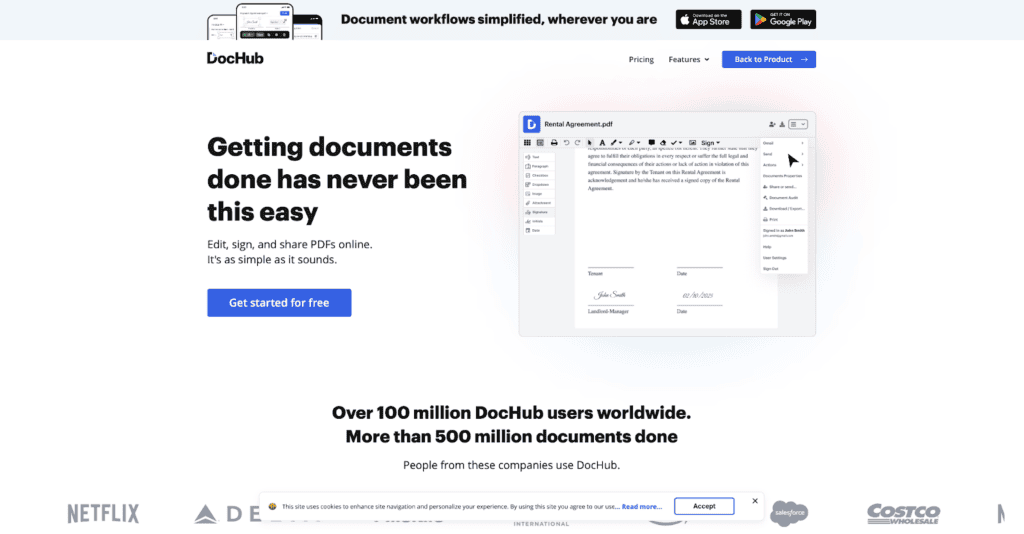
If you’re a smaller business with relatively low-volume requirements, DocHub is an excellent fit. It’s powerful but easy to use, and it boasts a surprisingly robust free plan.
Uploading a PDF is quicker and less complicated than on other platforms. From there, the editing experience is versatile (you can add text anywhere, not just in form fields) and easy to master. Even more sophisticated functions, such as merging and splitting PDFs, are relatively straightforward and quick. And if you’re using Google’s suite of office tools, you’ll find the addition of DocHub to your workflows to be basically seamless.
DocHub is also a winner when it comes to value. If you only need to work on 2–3 PDFs every month, you’ll be able to use its free tier indefinitely. Even if you have more advanced requirements, it still won’t break the bank; the Pro tier is priced at a very reasonable $12 per month.
Just keep in mind that DocHub is a browser-only tool with no offline desktop app available. Plus, the free plan’s monthly document caps can also sneak up on you faster than expected if your workload fluctuates.
Pros
- Truly usable free plan
- Strong e-signature features
- Seamless performance within the Google ecosystem
Cons
- Monthly limits on the free plan
- Limited advanced editing features compared to some competitors
- No offline app
Adobe Acrobat
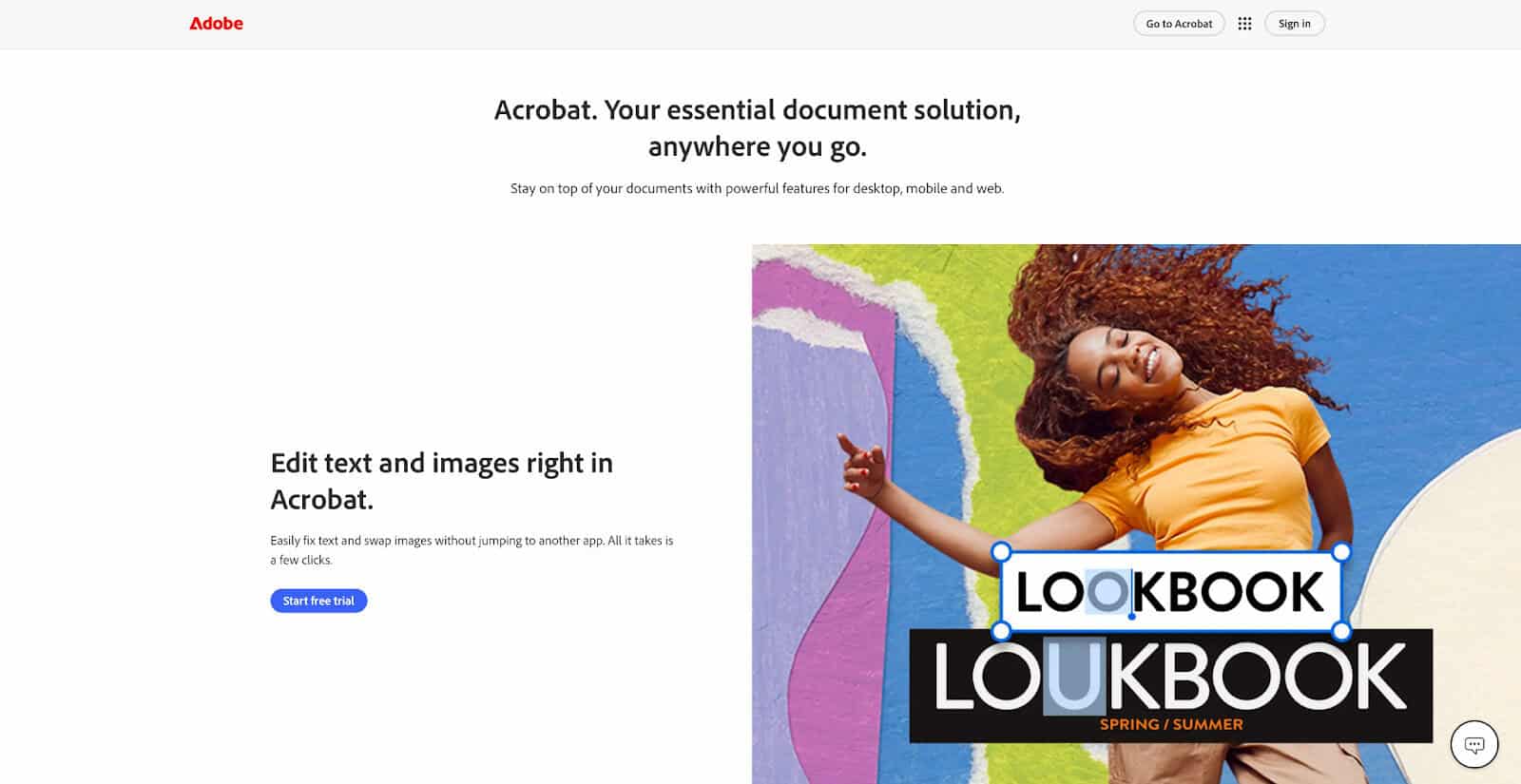
You can’t talk about PDFs without mentioning Adobe. They basically invented the format, and if you’re regularly doing heavy or complex edits on PDFs, this is probably the tool that will best meet your needs.
However, the majority of users will only need to add signatures and make other minor edits. For these kinds of workflows, Acrobat is simply too heavy. Its feature set is both a mile wide and a mile deep, and as a result, it can be somewhat overwhelming. Even some of its more basic features might be a bit of a chore to find and execute.
It’s also much more expensive than other PDF editors. Its free version allows for not much more than just viewing documents, and its most basic paid tier — Acrobat Standard — will set you back $14.99 per month. Many of the platform’s most useful features are restricted to even more expensive tiers like Pro ($19.99/mo) and Studio ($24.99/mo).
If you need Adobe Acrobat, it’s a great tool and a worthwhile investment. If you don’t, you’ll find plenty of cheaper, more suitable alternatives.
Pros
- Industry-leading features
- Advanced editing capabilities
Cons
- High cost
- Limited free version
Smallpdf
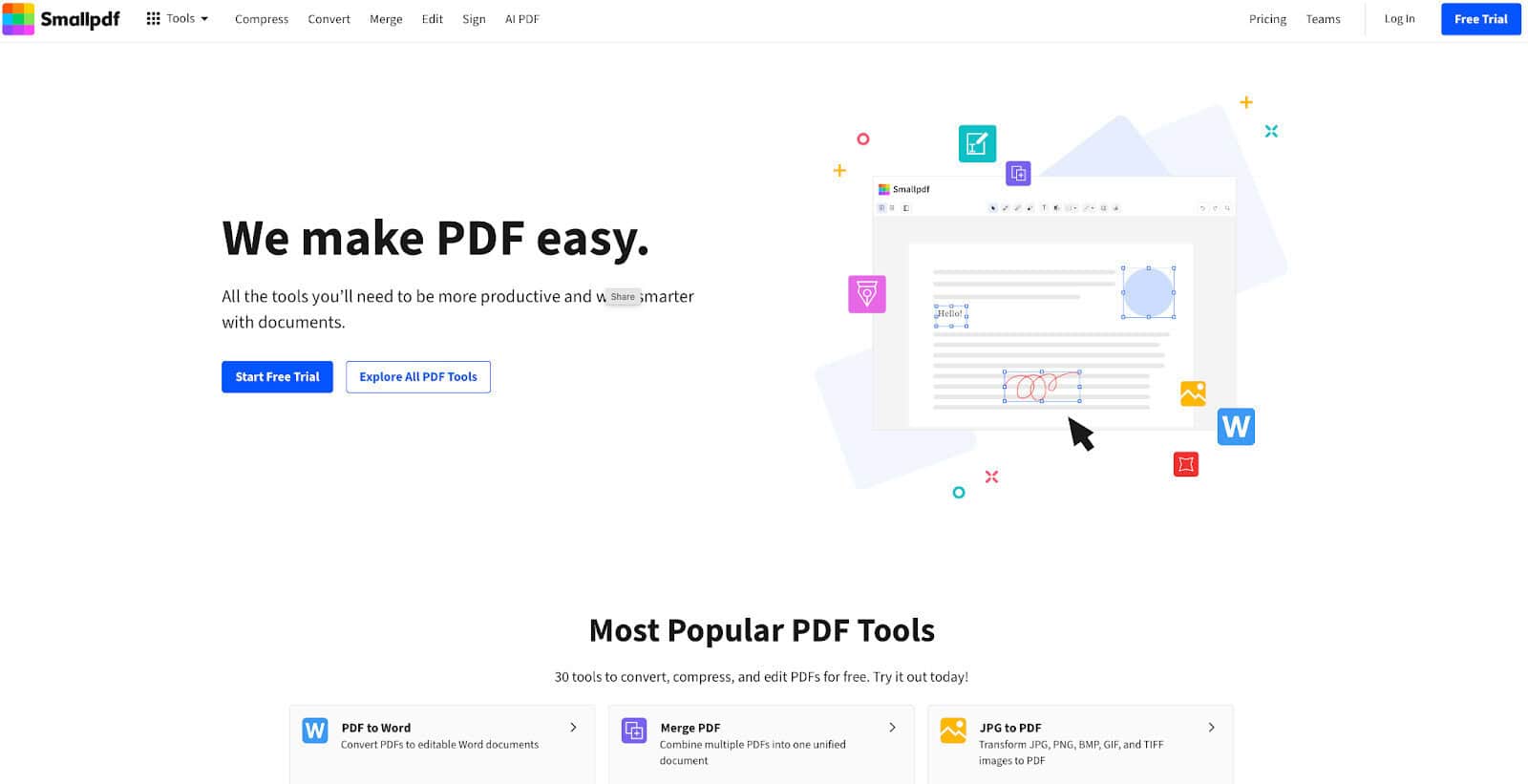
Smallpdf is the most lightweight option on this list. It doesn’t do everything, but it’s not trying to.
It does the basics well — if all you need is a program that converts documents into PDFs, make annotations, and add signatures, Smallpdf will get the job done. You can also use it to request signatures, although this requires you to use Sign.com. Overall, it’s extremely easy to use.
However, Smallpdf’s limited free tier is a major issue. It restricts document downloads with daily limits on each tool, and completely restricts access to most editing capabilities. It also doesn’t allow for batch processing.
The cheapest paid subscription on Smallpdf costs $12 per month, but it’s still a limited feature set that won’t accomplish your more complex needs.
Pros
- Extreme ease of use
- Fast processing
- Clean interface
Cons
- Strict usage limits
- Overly simple feature set
PDFescape
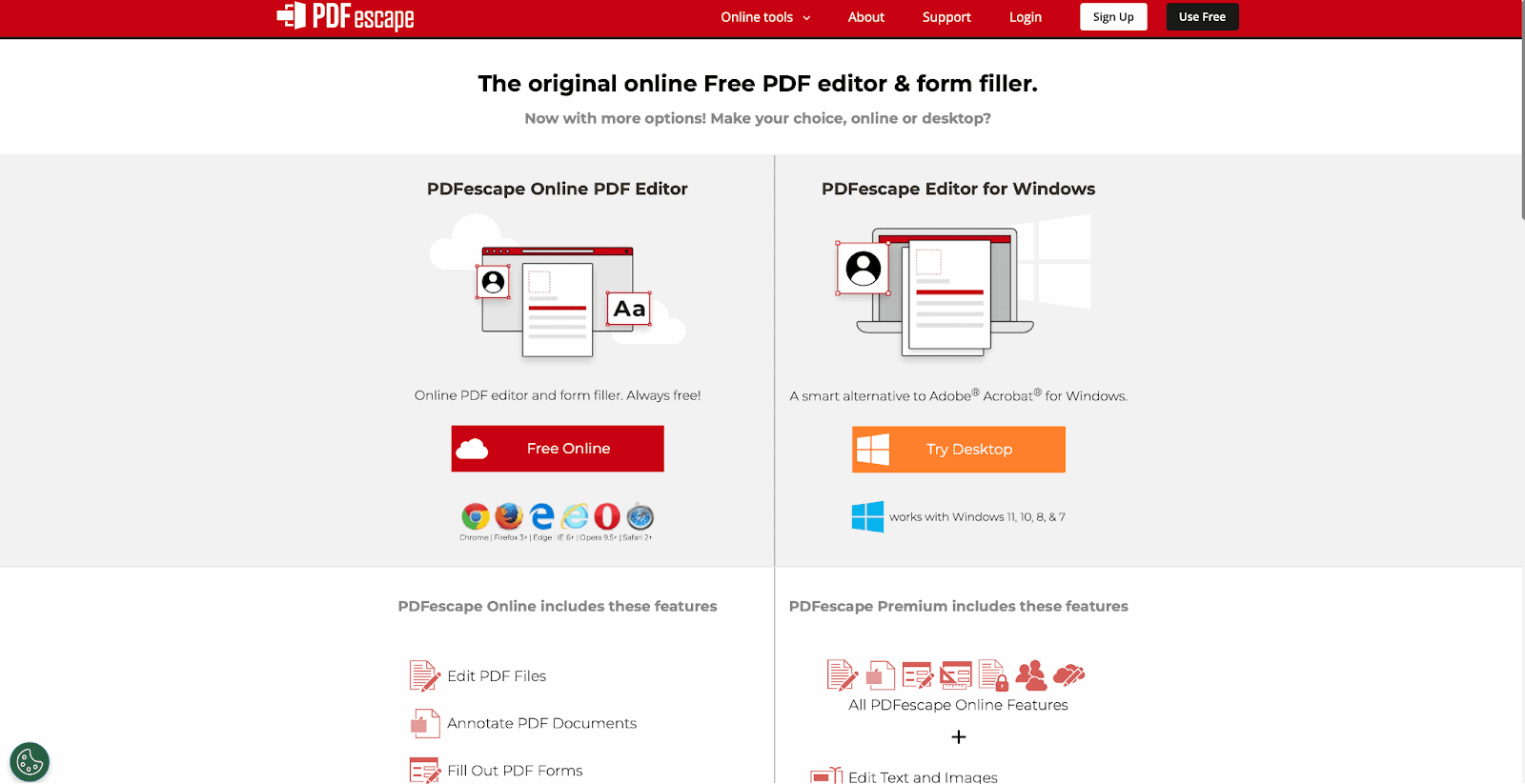
PDFescape offers one of the most complete free experiences in the space. The interface isn’t sleek, and it definitely doesn’t have the polished feel of newer tools. But once you get past that, it’s surprisingly capable.
Like other PDF editing apps, it will allow you to add text, fill out form fields, and insert annotations and other edits. It’s easy to use and rarely requires troubleshooting.
That said, there are trade-offs: Its file size limits are restrictive (10MB on the free plan), and more advanced features (like editing existing text or heavy restructuring) require an upgrade to the paid desktop version.
So while it’s not the most modern tool, it’ll get you the furthest without having to use a credit card.
Pros
- Proper free tier
- Access without signup
- Simple functionality
Cons
- Outdated interface
- Limited features
- File size restrictions
SignWell
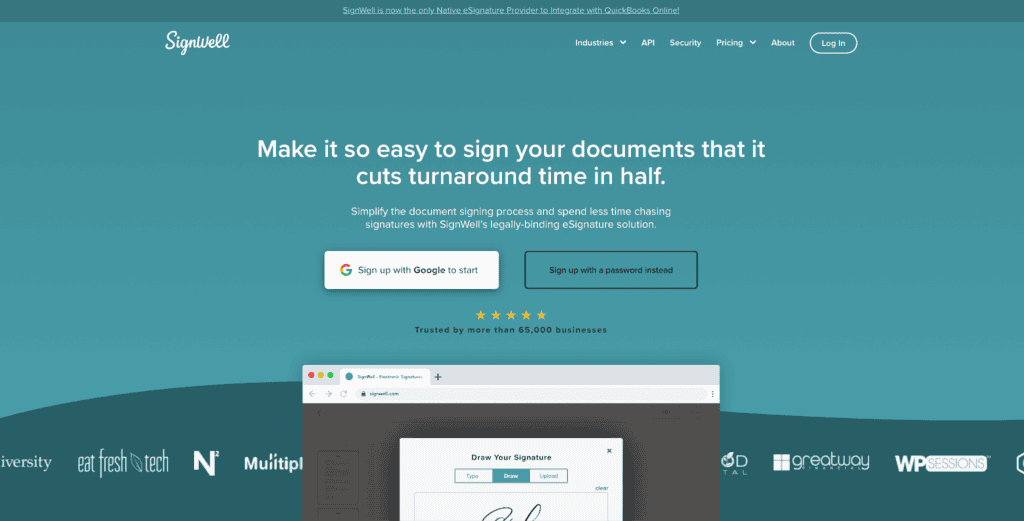
If you only care about signatures and not full PDF editing, SignWell is a solid pick.
Instead of trying to be everything, it focuses almost entirely on making e-signatures fast, simple, and reliable. All you need to do is upload your document, drop in your signatures, and send on your finished version. You can also create reusable templates, which is a big plus if you’re sending the same contracts or agreements repeatedly.
The free plan is solid if your usage is light. You can send up to three documents per month, which works well for freelancers or small teams.
It’s simple and lightweight, and it does what it needs to. But if you need deep editing, you’ll want to pair it with something else.
Pros
- Clean, focused signing experience
- Easy setup and fast workflows
- Good template functionality
Cons
- Limited to e-signatures (not full editing)
- Monthly limits on the free plan
- Fewer advanced workflow features than enterprise tools
The Best Free PDF Editors & E-signature Solutions: Picking the Right Tool
The answer to this question is context-dependent. Power users will typically go with Adobe Acrobat, while those who only need a tool for signing documents can get away with a tool like SignWell.
But for the average user, who wants a tool that can do a little of everything well (and for a reasonable price), DocHub is a winner. Its free version is highly capable, and its premium tiers are well-priced. And if you’re using Google Workspace tools, it’s a no-brainer.