


- The Best MRR Tracking Software for Startups: At a Glance
- ProfitWell: Best for Budget-Friendly MRR Tracking
- MRR.io: Best for Bare-Bones MRR Tracking
- Puzzle: Best for Combining Accounting with MRR Tracking
- ChartMogul: Best for Unique SaaS Subscription Analytics
- Baremetrics: Best for Tracking MRR at Established SaaS Startups
- Choosing the Best MRR Tracking Software for Startups
Last Updated on May 9, 2026 by The Digital Merchant Team
Recurring revenue is the backbone of any SaaS business, so having reliable MRR tracking is non-negotiable.
Most analytics platforms simply won’t cut it in this area. They tend to be tailored toward your run-of-the-mill mom and pops that want to look more at gross margin and operating cash flow, not cutting-edge startups that need rich insights into recurring revenue, churn, and retention. The best MRR tracking software for startups will place these metrics front and center. They’ll also easily integrate with your payment processor, accounting platforms, and other tools you rely on day-to-day.
The space is pretty crowded, but focusing on some core features can narrow down the list to a few top contenders:
- Customer Segmentation: Dividing your customers into segments based on plan, currency, region, or payment method can provide valuable insights.
- Benchmarking: Some MRR tracking platforms have industry benchmarks that you can use to compare your performance to competing SaaS companies.
- Real-Time Data: Platforms that update subscription and recurring revenue data in real time keep you current on any changes, preventing you from making decisions based on outdated information.
- Integrations: Your software will need to sync with your payment processor so you can import your customer data. Common integrations like Stripe are a must-have here.
- Pricing: Your budget will ultimately determine the analytics platform that you can afford. Some are appropriate for smaller startups, while others are geared toward more established businesses.
The Best MRR Tracking Software for Startups: At a Glance

- ProfitWell: Best for budget-friendly MRR tracking
- MRR.io: Best for bare-bones MRR tracking
- Puzzle: Best for combining accounting with subscription analytics
- ChartMogul: Best for unique SaaS subscription models
- Baremetrics: Best for MRR tracking at established SaaS startups
ProfitWell: Best for Budget-Friendly MRR Tracking
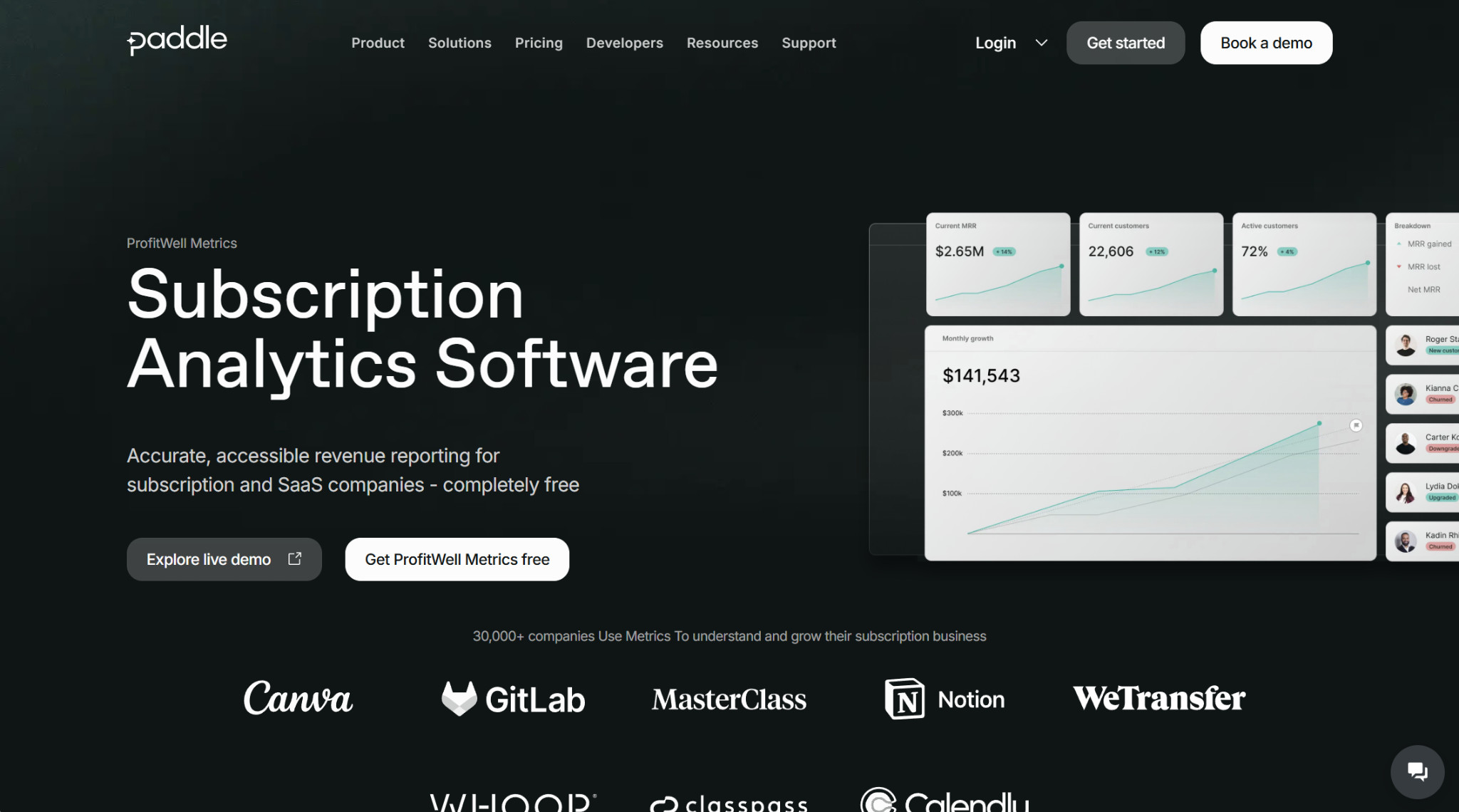
ProfitWell Metrics is a subscription analytics software operated by Paddle, a merchant of record that handles tasks like billing, payments, and compliance (note that you don’t have to be a Paddle customer to use ProfitWell).
Features
You can use ProfitWell to track the top subscription KPIs, including MRR, churn, upgrades, downgrades, customer lifetime value, active customers, and revenue per customer. The platform updates in real time, so you won’t make the mistake of accidentally relying on outdated data for decision-making. You can view all these metrics in a dashboard, where you can also access your historical data.
Besides straight KPI tracking, ProfitWell has additional analytics features to help with strategy. Their industry benchmarks combine data from around 30,000 SaaS and software companies, allowing you to compare your KPIs against the competition. The customer segmentation features also help you hone in on cohorts and pricing plan data.
Integrations
ProfitWell integrates with Braintree, Chargebee, Recurly, Stripe, and other payment tools commonly used in the SaaS space. You can also export your revenue data into HubSpot, Intercom, and Databox.
Pricing
One of the main reasons why many subscription-based companies use ProfitWell for MRR tracking is that it’s completely free. There are no plans, upgrades, or monthly costs, making it painless to add to your stack.
Pros
- Completely free
- Extensive SaaS benchmarking data
- Real-time dashboards
Cons
- Limited native integrations
- Limited customization
- Analytics are more surface-level than some competitors
MRR.io: Best for Bare-Bones MRR Tracking
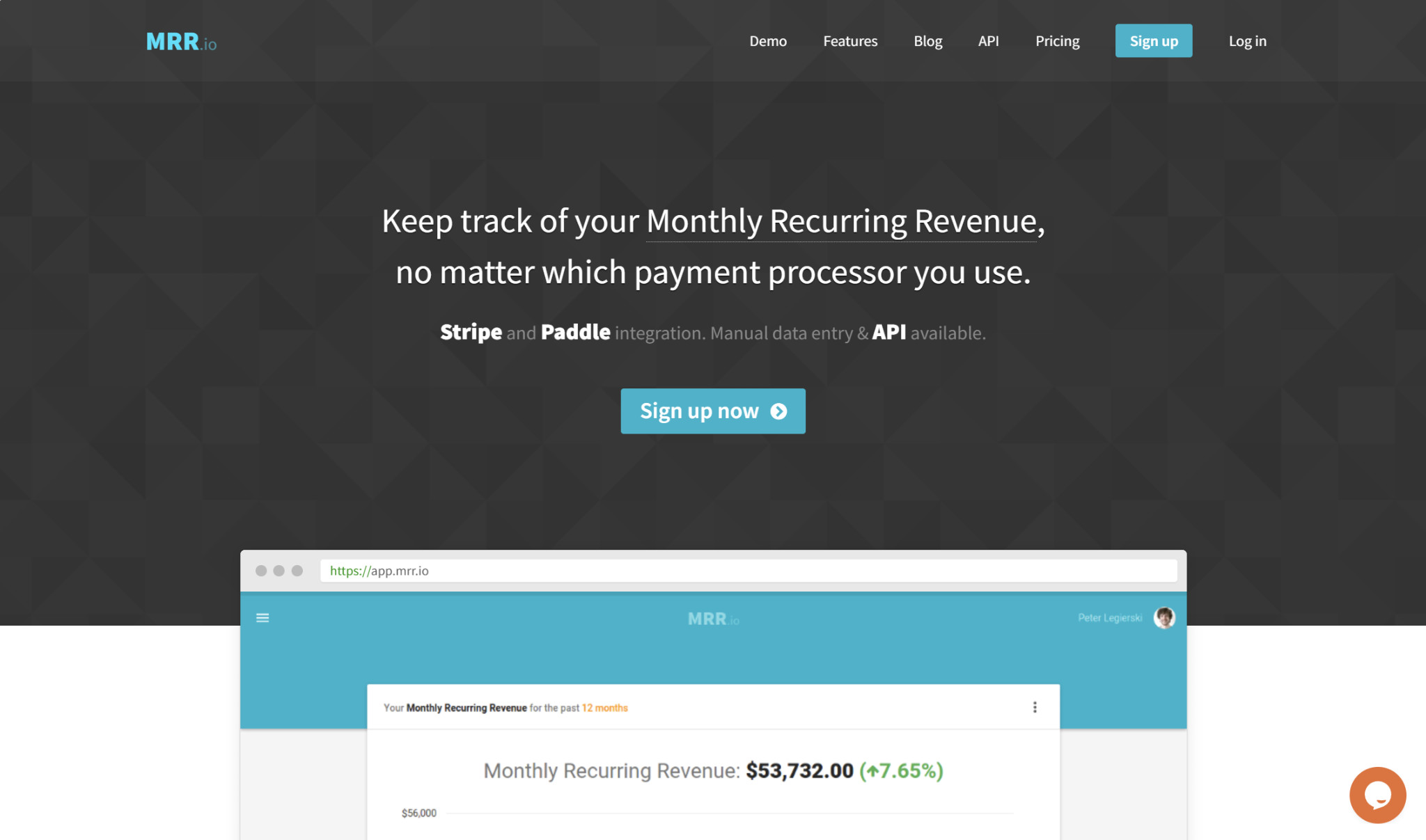
True to its name, MRR.io is dedicated to helping you track monthly recurring revenue. However, its capabilities extend into plenty of other areas.
Features
You can use MRR.io to track a range of subscription metrics besides just MRR, including churn, refunds, upgrades, downgrades, net revenue, average revenue per customer, and lifetime value. Additional features that MRR.io offers include cohort analysis, metric forecasting, and generating email reports.
Integrations
Currently, MRR.io natively integrates with only two payment processors: Stripe and Paddle. However, they do have a read/write API that you can use to integrate with whichever processor you need.
For example, you could use the API to sync with Braintree, Chargebee, Recurly, Authorize.net, or any other payment processor commonly used by SaaS startups. Also, you can always manually input your subscription data, though that’s not the most efficient approach.
Pricing
- Basic (Free): All metrics, up to 100 paying customers, up to 3 team members, and basic email reports
- Pro ($19+/month): All metrics, unlimited paying customers, unlimited team members, cohort analysis, forecasting, advanced email reports, and email support
The pricing for the Pro plan increases significantly depending on your number of paying customers. The $19/month starting price is for businesses with up to 250 paying customers, and the price increases at 500, 1,000, 2,500, and 5,000, topping out at $299/month for 10,000 paying customers. Beyond that point, you’ll need to get a custom plan.
Pros
- Solid free plan
- Cohort analysis
- Metric forecasting
Cons
- Only two native integrations
- Steep price increases depending on customer count
- No annual discounts
Puzzle: Best for Combining Accounting with MRR Tracking

Puzzle isn’t a standalone MRR tracking software; it’s an AI-native accounting solution for startups that you can also use to track subscription analytics.
Features
Puzzle is best known for its AI bookkeeping, automating routine tasks like transaction categorization and bank reconciliations. Depending on which plan you have, there are also automated accuracy checks and real-time financial statements.
Beyond its accounting features, Puzzle lets you track startup-specific metrics like MRR, ARR, churn, and retention. You can view beginning of period, new, reactivation, expansion, contraction, and lost MRR/ARR for up to 50 customers at once in their summary schedules.
Integrations
Puzzle natively integrates with several business tools, including Brex, Mercury, Stripe, Ramp, BILL (Bill.com), and Gusto. They’re also rolling out an embedded accounting API integration, but individual companies are waitlisted — it’s currently only available to tech platforms and accounting firms with multiple customers.
Pricing
- Starter ($25/month; free for the first $20,000 in transactions): 1 user, AI-powered categorization, auto-drafted P&L and balance sheet, cash and accrual accounting, integrations, tax report, chart of accounts templates
- Core ($60/month): 5 users, insights, auto-categorization, variance analysis, expense and revenue tracking, multi-entity accounting, unlimited transactions
- Complete ($100/month): Unlimited users, AI-powered accuracy review, AI-powered month-end close, AI insights, enhanced AI categorization, revenue recognition
- Scale ($300/month): Unlimited users, revenue/expenses/payroll subledgers, custom financial reports, API access, custom automations
Pros
- Combines accounting with MRR tracking
- Automated revenue recognition
- Includes several subscription KPIs
Cons
- Not a standalone subscription analytics platform
- No benchmarking
- No customer segmentation
ChartMogul: Best for Unique SaaS Subscription Analytics
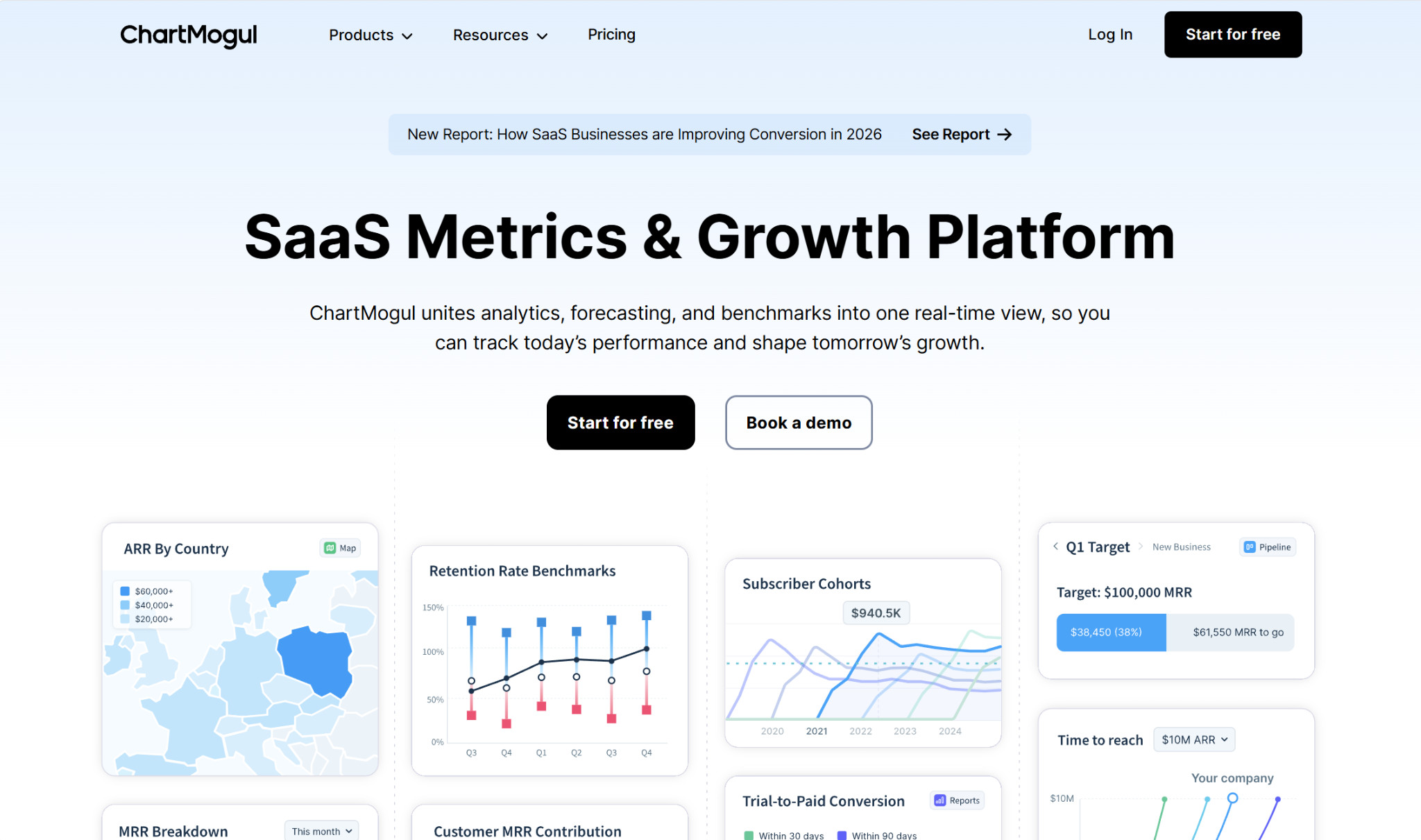
ChartMogul is one of the most well-known names in subscription analytics. It’s been around for over a decade, and you can use it to track MRR and other performance markers.
Features
Besides MRR and ARR, you can use ChartMogul to track metrics like churn, LTV, retention, and conversion. They support a range of subscription business models, offering features ideal for multiple billing systems, multiple currencies, and tiered and add-on subscriptions.
You can also use ChartMogul for forecasting, benchmarking, and segmentation. Such features allow you to see what your performance could be like in the future without making changes, and you can also play around with changes in conversion rates, churn, and prices to explore the potential impact. Their industry benchmarking is a great way to see whether your business is on par with competitors, using data from over 2,500 SaaS companies.
Integrations
ChartMogul integrates with many of the most popular apps, both for importing your billing and customer data and for exporting to your data warehouse. Some of its integrations include Stripe, Chargebee, Recurly, Intercom, Braintree, and HubSpot.
Pricing
- Free ($0/month; up to $10,000 MRR): Tracking SaaS metrics, unifying data, customer and revenue segmentation, workflow automation
- Starter ($59+/month; over $10,000 MRR): Up to 3 team members, 1 billing system, data sync to CRM, Slack updates
- Pro ($99+/month): Unlimited team members, multiple billing systems, two-way CRM sync, data export
- Enterprise ($19,900+/year; $10,000,000 ARR): BI and analytics workflows, permissions, expert support
Pros
- AI customer segmentation
- Forecasting capabilities
- Supports several subscription models
Cons
- Relatively small benchmark dataset
- Data exports only start with the Pro plan
Baremetrics: Best for Tracking MRR at Established SaaS Startups
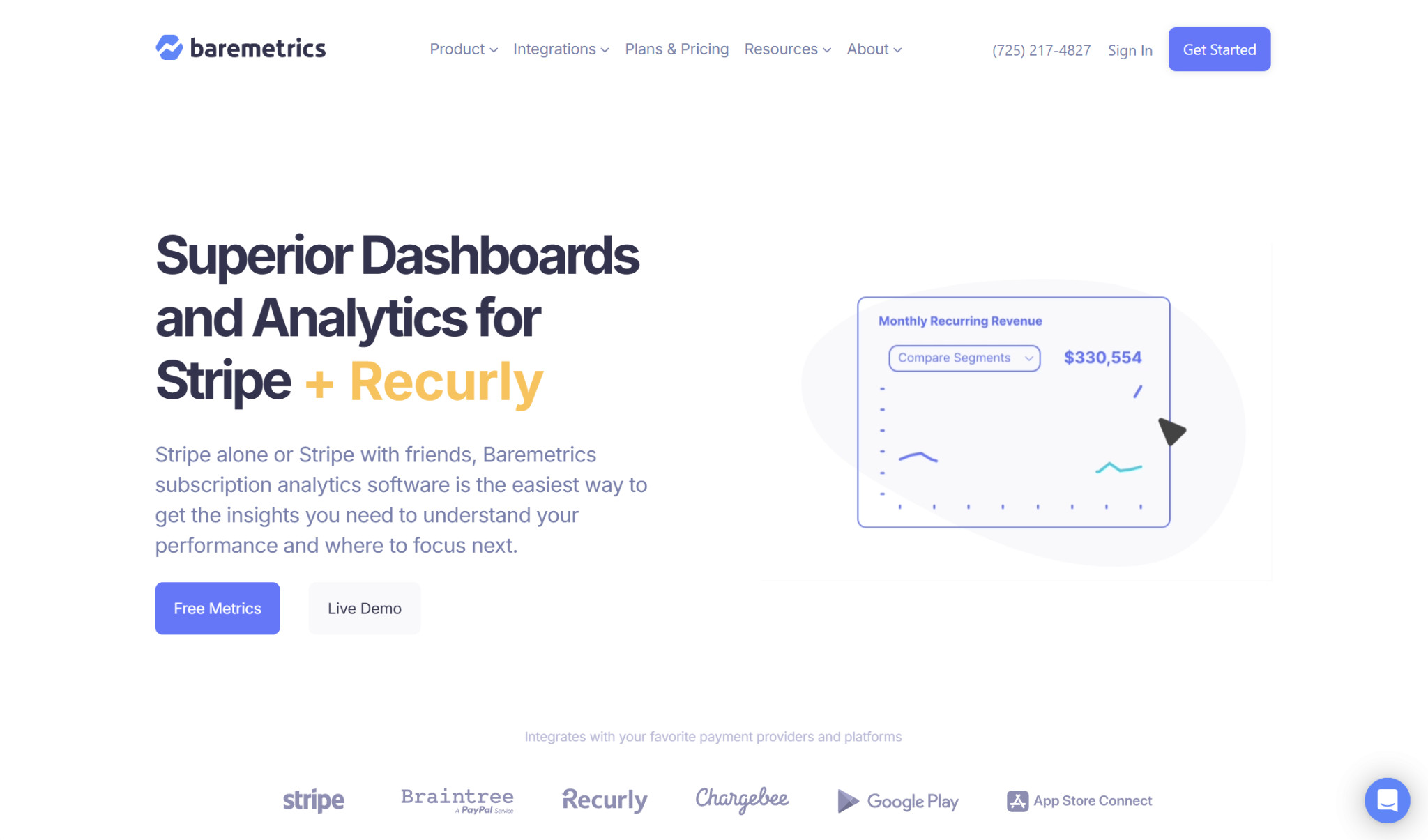
Baremetrics offers products for payment recovery, cancellation insights, and financial forecasting, but they’re most famous for their core subscription analytics capabilities.
Features
In all, Baremetrics tracks 28 subscription metrics, including MRR, ARR, churn, LTV, upgrades, and downgrades. You can perform further analysis through customer segmentation, breaking down your subscribers across pricing tiers, plan type, customer tenure, location, payment provider, and other variables.
Plus, their Trial Insights feature lets you keep tabs on what customers are doing during their trials, which you can leverage to improve your conversion rate down the line.
Regardless of which metrics you’re analyzing, you can create customized dashboards for easy comparison.
Integrations
Baremetrics supports integrations with payment processors and accounting platforms. Their best-known integration is their Stripe sync, but they also integrate with Shopify, Braintree, Chargebee, Recurly, QuickBooks Online, Xero, and others. If Baremetrics doesn’t natively integrate with the software you need, you can still manually integrate with it using their API.
Pricing
- Launch ($49+/month; up to $360,000 ARR): One integration, subscription analytics, Trial Insights, automated email reports, autogenerated segments, data enrichment, chat support
- Growth ($189+/month; $360,000 to $3,600,000 ARR): Two integrations, custom dashboards, unlimited segmentation, benchmarks, advanced exports, goal tracking, and Slack and Intercom integrations
- Scale ($749+/month; over $3,600,000 ARR): Unlimited integrations, scenario planning, budget and expense tracking, analytics API, dedicated support representative
Payment Recovery and Cancellation Insights are available as add-ons for an additional $129/month.
Pros
- Customer segmentation
- Insights into trial behavior
- Customizable dashboards
Cons
- No free plan
- Payment Recovery and Cancellation Insights cost extra
- Limited number of native integrations
Choosing the Best MRR Tracking Software for Startups
It’s impossible to pick one overall winner, since every business has unique needs. However, platforms like ProfitWell, MRR.io, Puzzle, ChartMogul, and Baremetrics stand out from the competition.
If you’re an early-stage startup on a tight budget, I’d suggest the free ProfitWell. If you want a hybrid of accounting and subscription analytics, Puzzle takes the cake. And if you’re a larger, established company with in-depth analytics needs, Baremetrics is a solid option.
No matter your company’s situation, take some time researching each platform on your own to find the best fit.