


Last Updated on December 30, 2025 by Ewen Finser
Instantly is popular for a reason. It’s fast and simple enough to get a lot of people from “I should probably do outreach” to “emails are going out” in a weekend.
Problems usually come after the honeymoon phase. Once you increase your sending volume, add a couple of inboxes, or take on more clients, Instantly becomes a very capable email outreach platform with a dashboard that doesn’t always tell you what’s happening.
I have to be honest, Instantly does a lot of things well. This list is more about what happens when you reach its natural limits, or when you realize you’re spending more and more time figuring things out.
The tools below cover the same basics Instantly is known for, but they also do things most other outreach platforms leave out. So what options are on the table once you catch yourself looking over the fence?
#1 InboxAlly
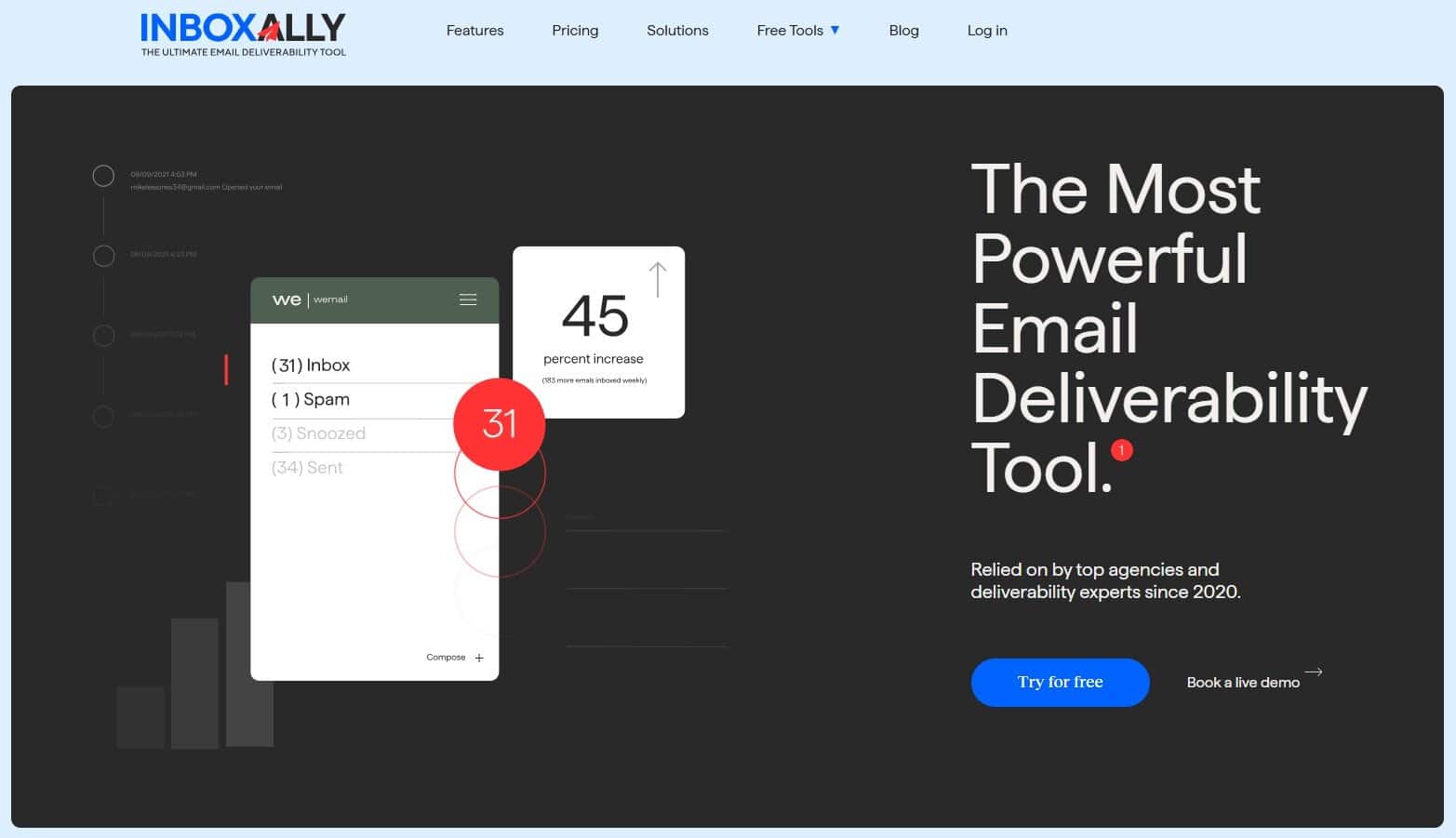
I know this one sounds like a weird #1 pick in a list of Instantly alternatives since InboxAlly isn’t an outreach tool, but hear me out:
Outreach tools don’t “do deliverability.” They queue campaigns and send emails. That’s it. Inbox providers (Gmail, Outlook, Yahoo, the whole judging panel) decide where those emails end up, and they don’t care how pretty your sequence builder looks.
So when Instantly starts feeling “off,” the reflex is usually to fiddle with what you can change. That means new subject lines, new spintax, more (or fewer) inboxes. Maybe you blame your copy and rewrite it three times at 1 AM like that’s going to scare Gmail into giving in.
Sometimes those tweaks help. Often, they just move the problem around.
InboxAlly does what you don’t get from most outreach platforms: inbox placement visibility and reputation feedback. It gives you a good idea of where messages are landing and whether the changes you’re making are actually improving trust.
Key features
InboxAlly helps you monitor inbox placement and sender reputation using real mailbox engagement. You can see whether emails are landing in Inbox, Promotions, or Spam across major providers, then track how deliverability changes as you adjust domains, content, volume, and sending patterns.
Pros
- Shows where your emails land
- Helps fix deliverability before it gets worse
- Still useful even if you change sending tools later
Cons
- Not a sending tool, so you’ll still need Instantly/Smartlead/etc.
- Overkill if you’re sending tiny volume
Who is it for?
Solo senders and small agencies who are already sending enough to feel the consequences of deliverability. Also, anyone tired of guessing based on open rates and reply swings. If campaigns are inconsistent and you want to know more about your placement and reputation trends, InboxAlly will likely help you get out of the “maybe it’s the copy?” loop.
#2 Lemlist
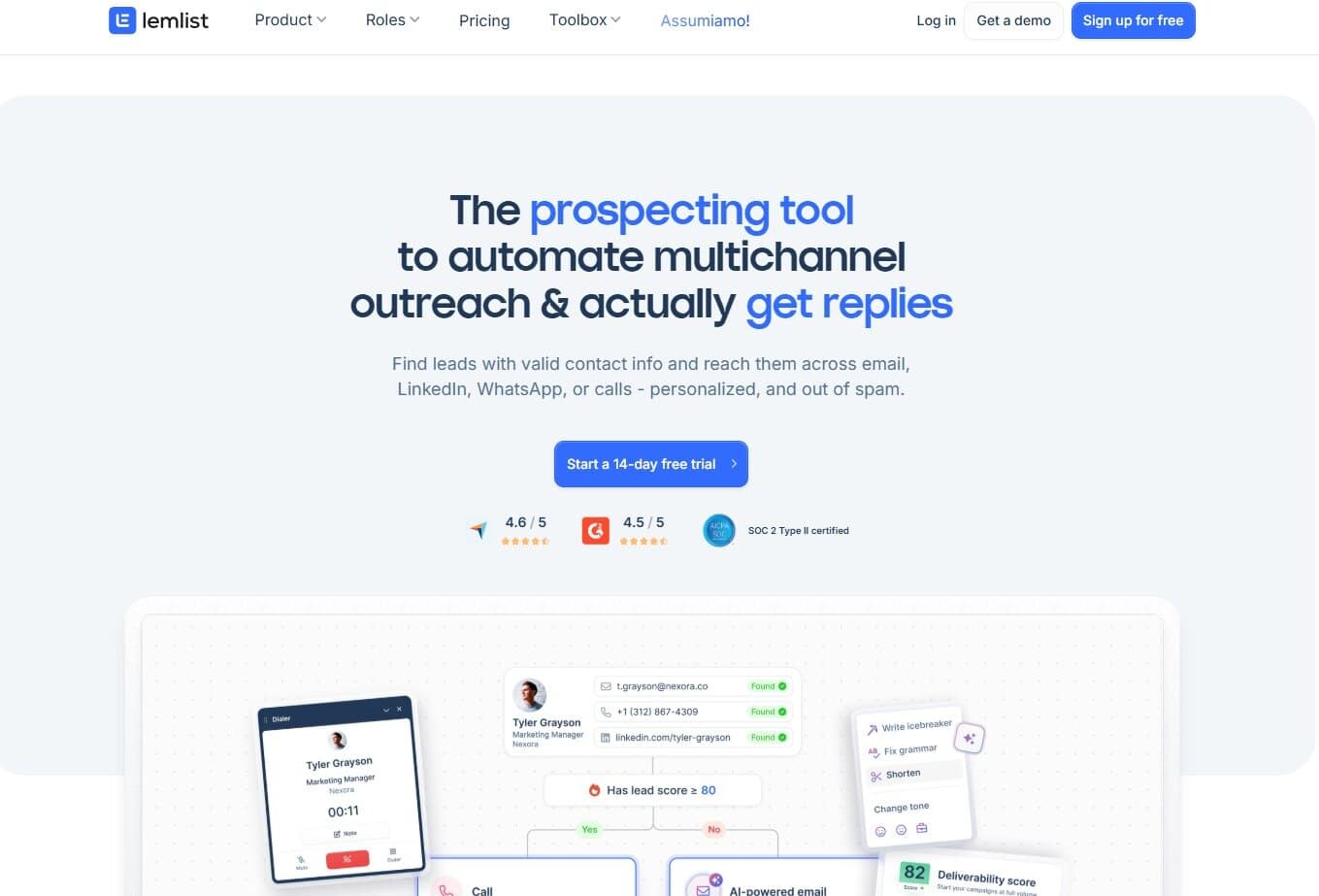
Some outreach tools are built around speed. Lemlist is built around intent.
The whole product leans into how the message comes across once it lands in someone’s inbox. More attention to phrasing, more room for personalization, and an emphasis on sequences that don’t look like they’ve been sent to 5,000 people before lunch.
When it works, it really works. A well-targeted list plus a thoughtful message goes a long way here. Lemlist makes it easier to put that together without everything collapsing into generic filler.
The catch is that personalization can often fake depth. A {{first_name}} and a “loved your recent post” line doesn’t make weak targeting any better. And if the offer is unclear, adding dynamic images or extra custom fields won’t save it. It just makes the miss feel more intentional.
I’ve found that Lemlist makes the most sense once outreach slows down on purpose. Fewer emails, better targeting, and more care put into what’s being said, not just how often it’s sent.
Key features
Lemlist is centered on personalization-led outreach. It helps you build sequences with dynamic fields and campaign tooling designed for higher-intent messaging. The value is in making it easier to run outreach where relevance matters and where the email still reads like a human wrote it.
Pros
- A natural-feeling personalization workflow
- Great fit for when you care about message quality
- Encourages more thoughtful, higher-intent outreach
Cons
- Easy to overdo personalization and burn time
- Not the best match for speed-first, scale-heavy setups
Who is it for?
Founders, consultants, and small agencies who would rather run fewer campaigns with better targeting and thoughtful messaging. If your main problem is generic emails, Lemlist might just be the tool for you.
#3 Mailshake
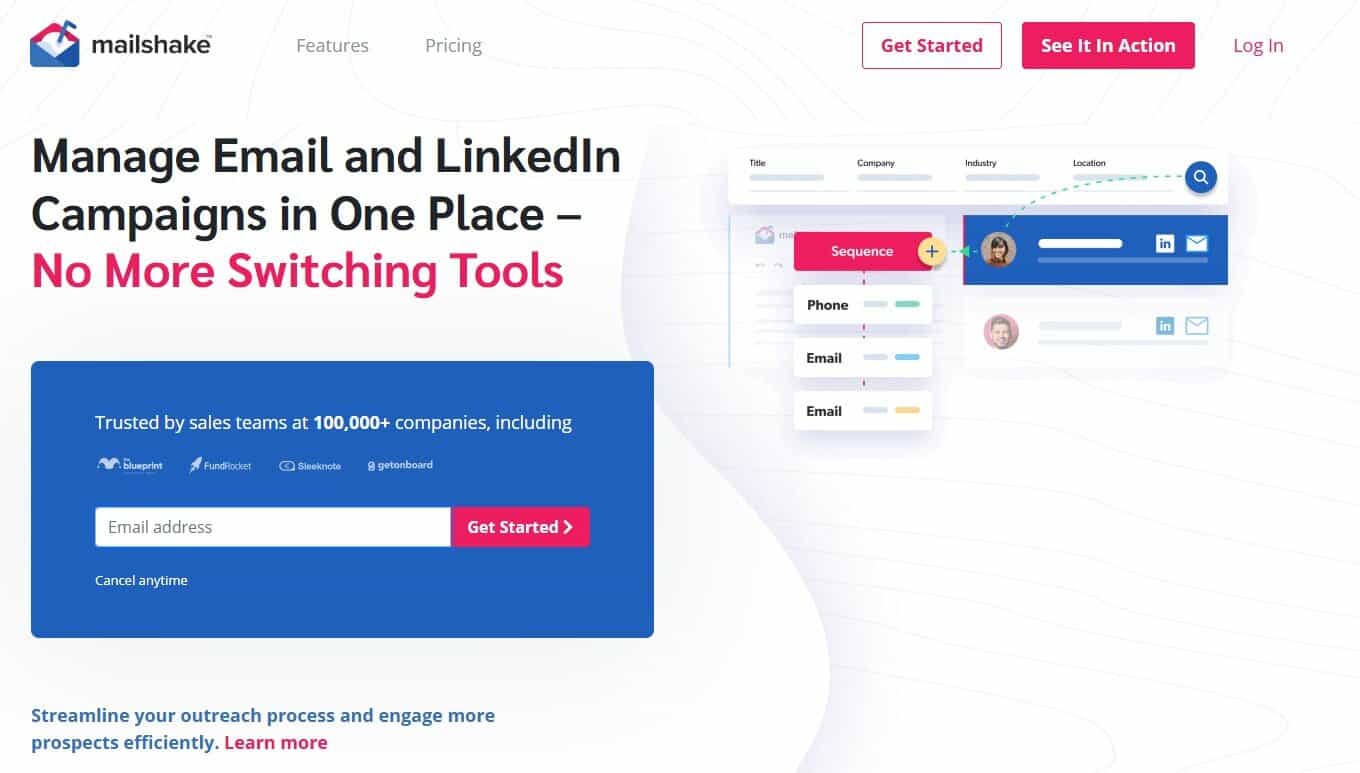
Mailshake has this boring quality that becomes pretty valuable once you’ve tried other tools with a ton of bells and whistles. It’s an email outreach platform without extra features you won’t use, and for me personally, that’s always been a plus.
With Mailshake, you can run outreach without turning the software into a second job. Hand it to someone on your team and they’ll usually figure it out without a two-hour Loom walkthrough. That simplicity buys you time when you need it for other things like list management, offers, follow-ups, and half a million other small tasks an average marketer puts up with.
That said, it won’t scratch the itch for power users who want every possible knob. For a heavy multi-inbox operation with lots of moving parts, it may feel a bit too straightforward. But for consistent execution and fewer distractions, it’s one of the best email outreach tools on the market.
Key features
Mailshake covers the core cold outreach workflow: sequences, follow-ups, and campaign management all in a simple manner. It’s easy to adopt for a small team, so outreach can run without a full-time “tool operator.”
Pros
- Quick onboarding
- Easy to hand off to teammates
- Less time lost tweaking settings
Cons
- Limited for high-scale, multi-inbox setups
- Not ideal if you are a power user
Who is it for?
Solopreneurs and small teams with the goal of steady sending and follow-up. If you’re building a complex, high-volume system, you’ll probably want something more configurable.
#4 Woodpecker
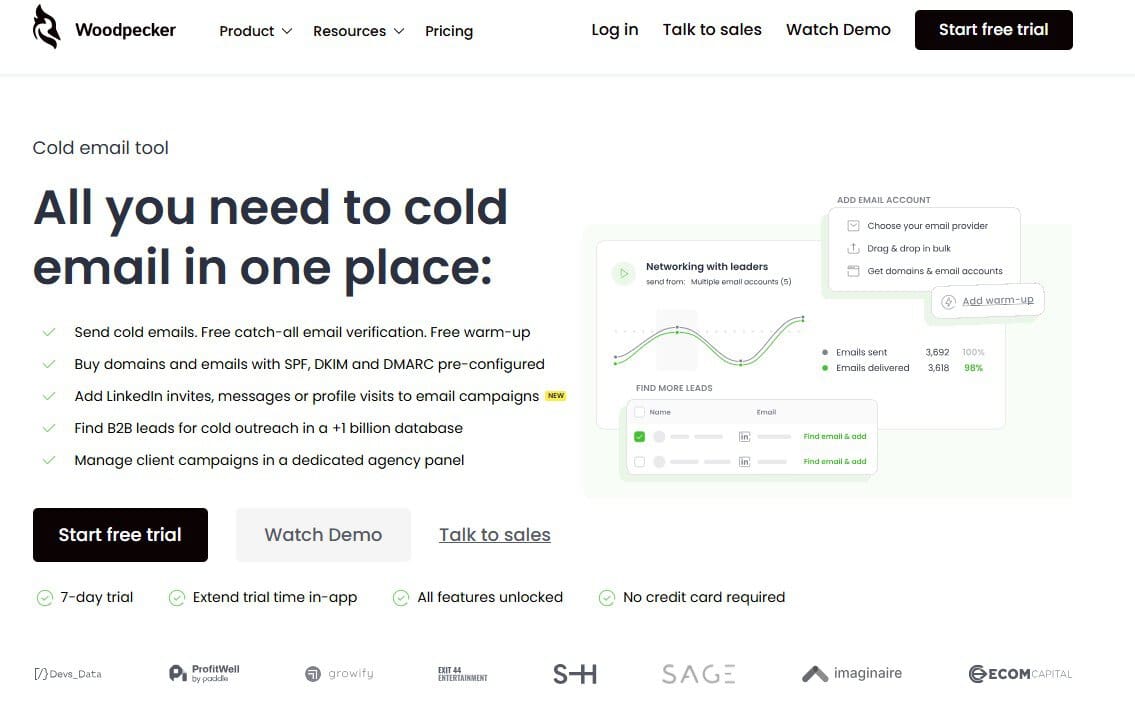
Woodpecker feels like it was made by someone who’s seen too many outreach setups implode from “just scale it” energy.
I like that it doesn’t try to turn cold email into a video game with endless buttons. What it does push you toward is restraint – the kind that keeps your sending stable instead of swinging wildly week to week. That is an important point.
Most deliverability problems don’t give you a clear “you’re in spam” warning. They demonstrate it with slow decay: engagement metrics stop making sense and you start changing five things at once because you’re nervous. Woodpecker is the opposite vibe. It keeps you close to the basics and makes it easier to run and manage campaigns.
It also doesn’t encourage the extreme multi-inbox, volume-at-all-costs approach. That’s not a moral stance. It’s just a different philosophy. If you want to send high volumes as quickly as possible, you’ll probably find it a bit conservative. If you want consistency and fewer surprises, you’ll find that conservatism is more of a feature.
Key features
Woodpecker focuses on classic cold email sequencing and follow-ups with a simpler, fundamentals-first setup. It’s designed for steady outreach execution: keeping campaigns manageable, encouraging sensible sending habits, and avoiding anything complicated. The tool is less about squeezing every last drop of volume and more about keeping outreach predictable.
Pros
- Keeps outreach simple and manageable
- Steady sending and consistency
- Less temptation to over-engineer campaigns
Cons
- May feel limited for aggressive scale setups
- Not the most exciting option feature-wise
Who is it for?
Anyone who wants consistency and doesn’t want outreach to become a high-maintenance machine. Great for founders and agencies who win with targeting and offer clarity instead of brute volume. If your approach is pure scale-first, it might feel too restrained.
#5 QuickMail
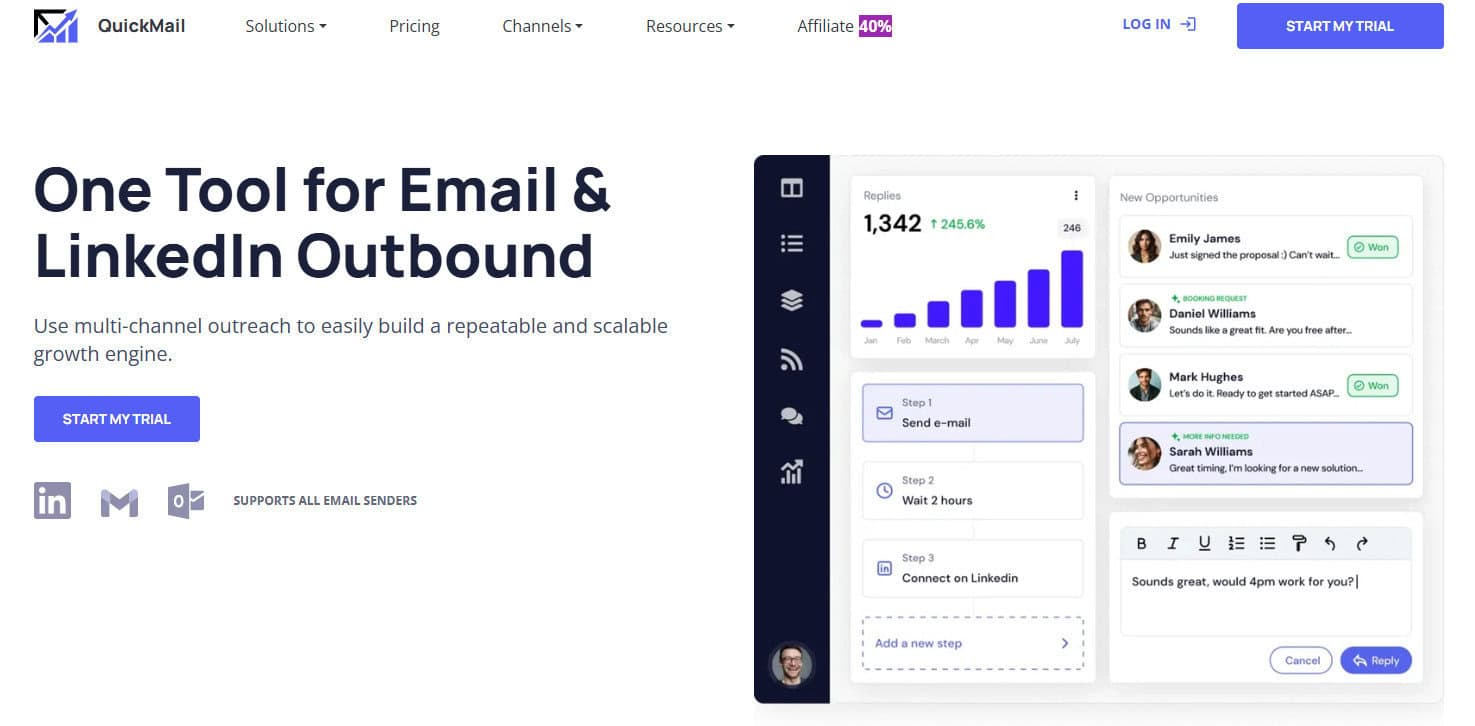
Much like Woodpecker, QuickMail is here to get your sequences out the door and not fall over when you’re busy doing actual work.
That sounds like a low bar until you’ve run outreach long enough to know that a “nice UI” can make campaigns underperform at the worst possible time. QuickMail has a more utilitarian feel, fewer distractions, and less fluff overall.
I was surprised by how often I see it inside bigger, slightly nerdier setups. QuickMail seems to come from an idea that outreach is rarely one tool. You’ll see it paired with list building and enrichment, a CRM, maybe a deliverability tool, sometimes a separate analytics setup. It won’t be the center of your world, which makes it easier to drop into an existing workflow without rebuilding everything around it.
If you want a platform that guides you step-by-step and holds your hand, this probably won’t be your favorite. If you want something that does what you configured it to do (and keeps doing it) it’s well worth a look.
Key features
QuickMail handles cold email sequencing and automation with a focus on reliable execution. It’s commonly used as the sending tool in modular outreach stacks, where other tools handle sourcing, enrichment, and CRM work. The appeal is straightforward: keep sequences running, keep the workflow simple, and avoid unnecessary clutter.
Pros
- Reliable, operator-friendly feel
- Integrates well into modular stacks
- Less clutter, more execution
Cons
- UI can feel dated next to newer tools
- Not built as an all-in-one platform
Who is it for?
Solo operators and small agencies who already have a stack and need a stable sequencing tool. If you like mixing tools on purpose, rather than betting your whole workflow on one platform, you should definitely consider QuickMail.
#6 Salesforge
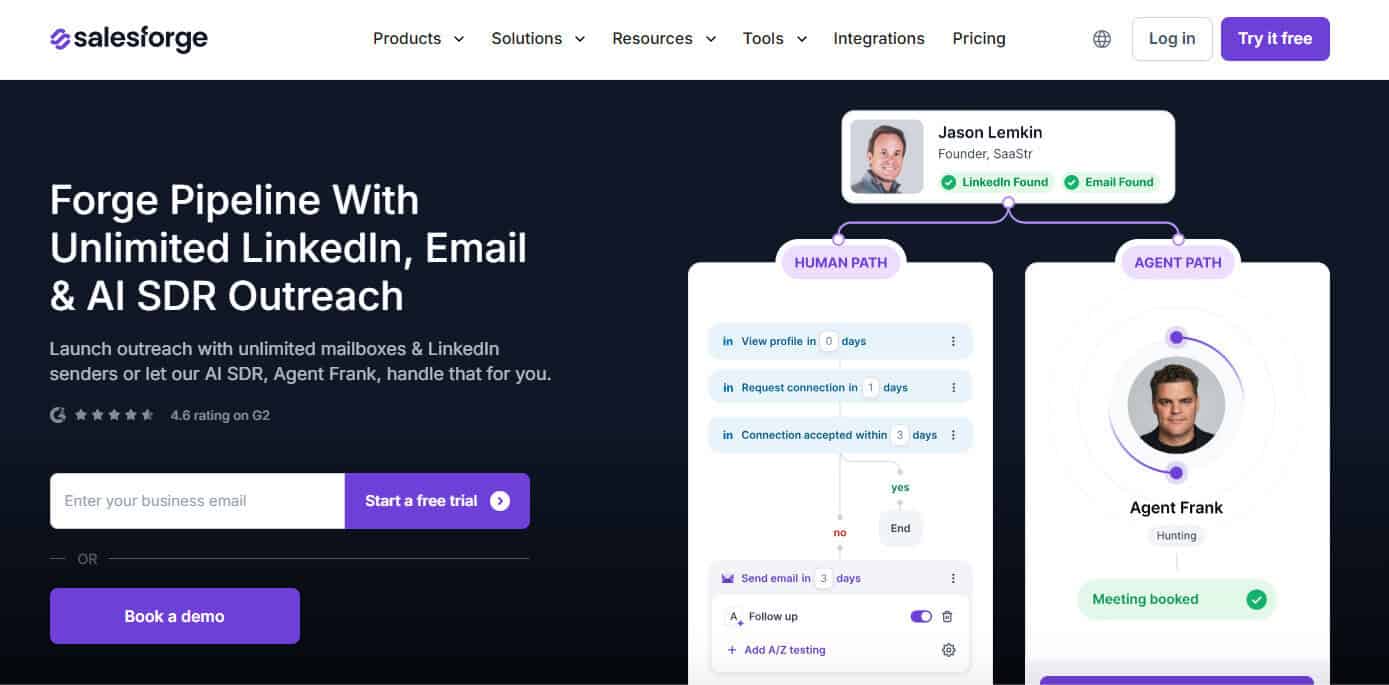
Salesforge is part of that newer wave of outreach tools that clearly learned from watching the old guard.
The pitch, in practice, is pretty simple: keep the workflow flexible, make multi-inbox setups feel normal, and let you experiment without turning the UI into a maze of tabs and settings. If Instantly has started feeling a bit capped (like you can push volume, but the workflow gets repetitive and the control doesn’t really expand), Salesforge can feel surprisingly refreshing.
Newer tools often win on momentum. They’re designed around the complaints people already have: clunky campaign management, awkward scaling, too much busywork. Salesforge leans into fixing those annoyances.
The tradeoff is what you’d expect. Maturity shows up in some corners: edge cases, weird bugs, little quirks you only discover when you’ve run a lot of sends over multiple campaigns, different clients, and changed targeting. Some of that gets smoothed out over time, but it’s still part of the “newer platform” deal.
Key features
Salesforge is built for modern cold outreach workflows, especially when you’re running multiple inboxes and want more flexibility in how campaigns are managed. It aims to support scale without making daily operations painful, with a setup that’s meant to feel faster to work in than older, more rigid sequencers.
Pros
- Designed around modern multi-inbox workflows
- Feels fresher than many older sequencers
- Often more flexible in campaign setup
Cons
- Newer platforms can have rough edges
- Less battle-tested than long-time incumbents
Who is it for?
Solo operators and small agencies who want an instantly adjacent workflow but feel boxed in. It’s great if you like trying newer tools and can tolerate the occasional “still maturing” moment.
How to make the right choice
If there’s one common thread in email outreach tools, it’s this: most of them are good at sending. Where people usually struggle is what comes after: inbox placement, sender reputation, and the slow slide toward spam that’s hard to notice until it’s already happening.
That’s why, even though it’s not a classic Instantly clone, InboxAlly takes the top spot here. It covers what’s missing in the most useful way: visibility and stability.
Then it’s just a matter of personality and operating style:
- Want endless personalization? Go with Lemlist.
- Simple and reliable more your thing? Mailshake / Woodpecker / QuickMail.
- Want a newer alternative with modern workflows? Salesforge.
If you’re dead set on switching Instantly today because something feels off, ask yourself what exactly is “off”? Volume management, deliverability weirdness, personalization limits, or just tool fatigue? The answer to this will help you decide which platform is for you.
Read More
Email Deliverability in 2025: How to Stay Trusted by ISPs
Do Email Warmup Tools Really Work? The Data Says Yes (and No)
How to Find Spam Trap Emails Easily (InboxAlly vs Warmup Inbox)