


Last Updated on February 27, 2026 by Ewen Finser
I think for most folks who aren’t a CPA, SaaS finance companies are simple to explain but incredibly difficult to run and keep tabs on: subscription revenue comes in small pieces, timing is super important, and leadership wants answers as soon as they can get them. “How much did we grow?” is a question that management usually pitches, and while it may seem easy to answer, it’s super vague and never just one number. It’s MRR, churn, expansion, CAC payback, margin, burn, runway, deferred revenue, and how all of that ties back to GAAP. It can get overwhelming quickly!
The good news is you don’t need a giant finance team to produce clean reports. You need the right stack, tight source data, and reporting that your team trusts. Let’s talk about some of the tools that can help you get there without making you feel dizzy from looking at all these numbers.
The Bottom Line Up Front
If you want the best balance of fast close, clean financial statements, and SaaS-friendly dashboards, start with a modern accounting + reporting system. Then, add a subscription analytics layer only if you need it. For SaaS teams, I think Digits gives the cleanest day-to-day reporting experience with real-time financials and dashboards at a straightforward starting price.
There are plenty of other options, though. If you’re already deep in a system (QuickBooks or Xero), you can still get strong reporting, but you’ll lean more on process, add-ons, and controls. If you’re scaling past “small business” into multi-entity complexity, Sage Intacct or NetSuite can make sense, but they come with heavier cost and implementation.
What “Best” Means for SaaS Reporting
Good SaaS reporting tools do two jobs at once: they help you close fast with confidence, and they turn that clean close into numbers that management trusts. That starts with close speed and accuracy, including solid bank and card reconciliations, variance flags that surface issues early, an audit trail, and review workflows that show who did what and when. From there, the system needs to be GAAP-ready, with support for deferred revenue, basic revenue recognition, clean balance sheet detail, and traceable schedules you can defend.
Once the foundation is tight, “best” also means the tool can slice the business the way SaaS runs. You want dimensional reporting across departments, product lines, customer segments, locations, classes, projects, and custom tags, plus SaaS-native metrics like MRR/ARR, churn, expansion, cohort trends, and plan-level performance. It should connect cleanly to the rest of your stack like Stripe, payroll, bill pay, and your CRM, with easy exports to Excel or Sheets when you need to model. Finally, it has to speak to stakeholders with board packs, investor-ready updates, and simple dashboards that non-accountants can follow, backed by real controls: permissions, approval routing, and change logs that scale as the team grows.
Let’s Jump In! Meet The Six Platforms:
1) Digits
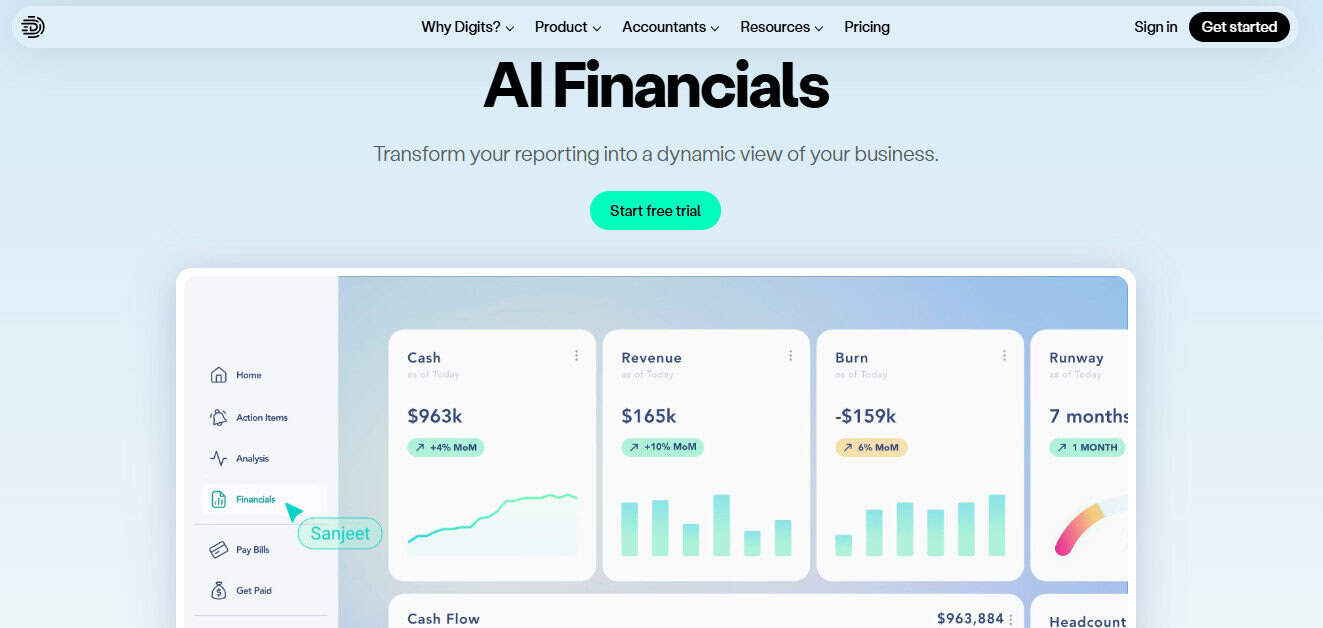
Digits positions itself as an “all-in-one finance tool” with real-time bookkeeping, dashboards, and interactive reporting. The big idea is simple: fewer manual steps between transactions and usable reporting using AI to do the heavy lifting.
Best For
- SaaS founders and lean finance teams that want clean financials + dashboards without stitching together a ton of different tools and softwares.
- Teams that want reporting during the month, not just after close.
Reporting Strengths
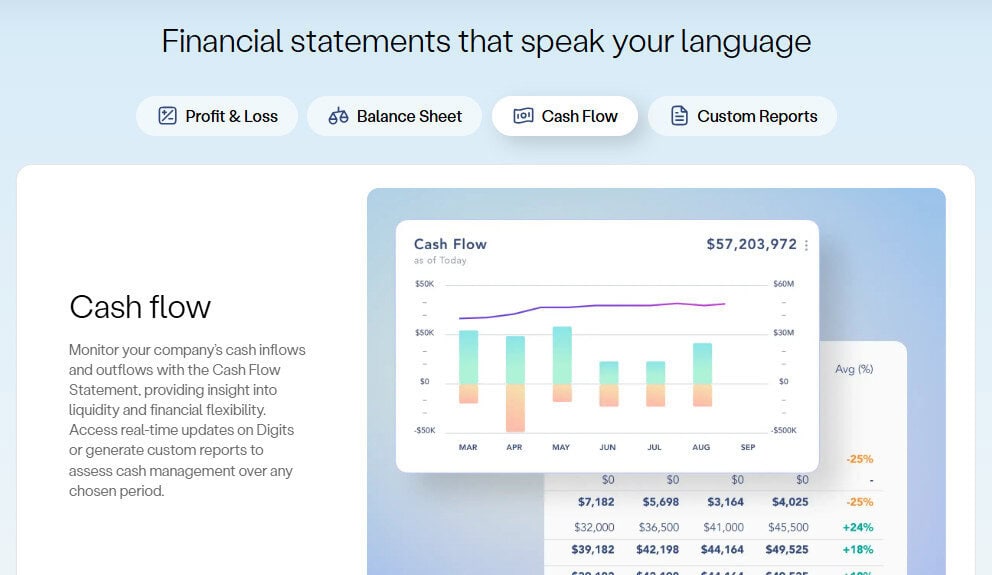
- Live dashboards and financial statements (P&L, balance sheet, cash flow) built into the product. Those dashboards can generate some pretty nifty infographics based off how the business is actually doing.
- Dimensional tracking (department/location/project) is available on some plans, which matters once you want “marketing vs R&D” or “product line A vs B.”
- Real-time feel: it’s designed to keep books and reporting close together.
Pros
- Simple starting price for what you get.
- Built-in dashboards reduce the “export to Excel every time” habit.
- Strong fit for teams that hate month-end surprises.
Cons
- If you have highly specialized needs (deep consolidation, niche modules, project costing), you may outgrow it. The Digits team is constantly updating, though.
- Like any newer platform, your accountant may need a short ramp-up.
Pricing
- Core plan starts at $100/month, with a started plan being $35 coming soon, and custom solutions and pricing are available.
Bottom Line
Digits tends to win when you want the cleanest path from transactions to reporting, without turning your stack into a science project. It’s not about “more features.” It’s about fewer steps and fewer breakpoints.
2) QuickBooks Online Advanced
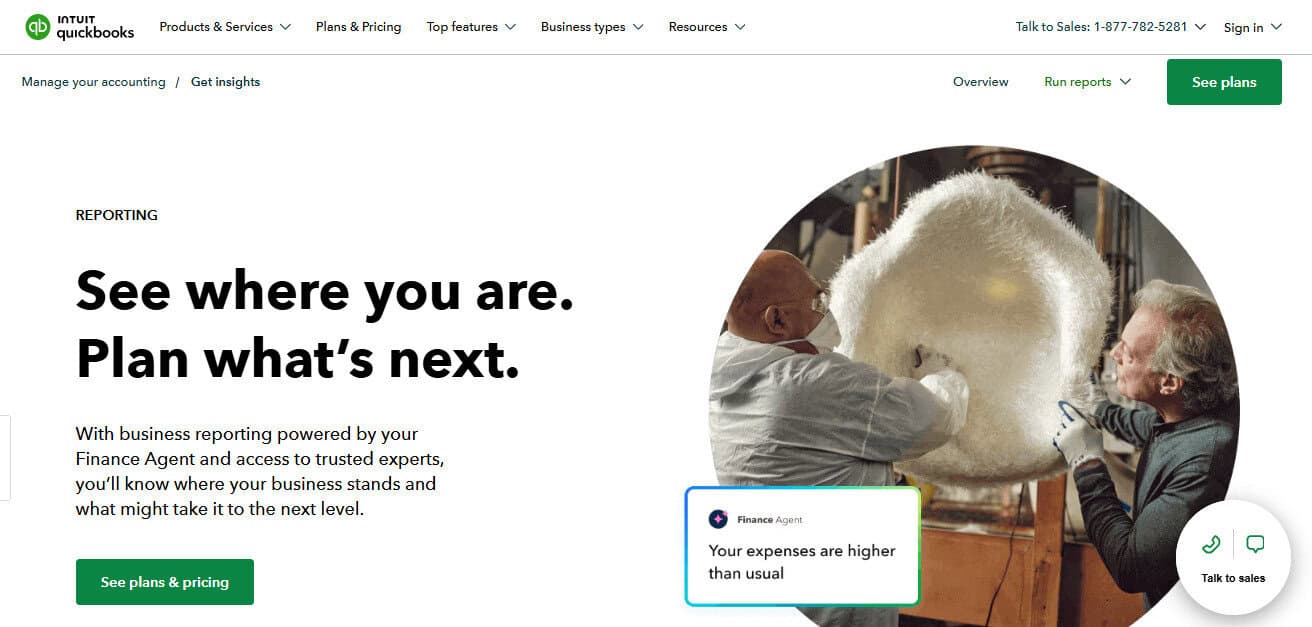
QuickBooks is common for a reason: it’s familiar, it integrates with a lot, and it’s often “good enough” until it isn’t. The Advanced tier adds stronger reporting tools, Excel sync, and features that help SAAS run their businesses.
Best For
- SaaS businesses that want a widely known system, need more users, and want better reporting than the base plans.
Reporting Strengths
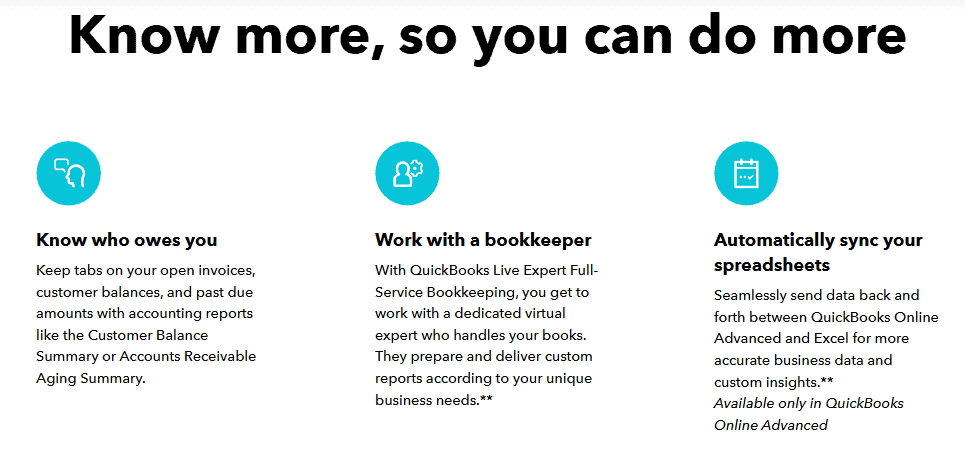
- Custom dashboards and report builder (available on their Advanced plan). You can get pretty creative with some of the report-building features.
- Excel sync for reporting workflows (Advanced plan).
- Revenue recognition is listed as a feature in Advanced, which can matter depending on how you bill and recognize revenue. However, I would absolutely have an experienced team or third-party software on top to make sure nothing slipped through the cracks.
Pros
- Easy to hire for (lots of QBO talent).
- There is a huge app ecosystem.
- The “default option” for many lenders and external users.
Cons
- Reporting gets messy when tagging isn’t enforced.
- You can end up with Excel file galore if the workflows slip and aren’t being enforced.
- You may still need a separate tool for SaaS metrics.
Pricing
- QuickBooks Online Advanced is listed at $275/month, so it gets expensive quickly.
Bottom Line
QBO Advanced is strong when you want familiar tooling and can run disciplined processes. If you don’t enforce tagging and review, reporting quality will drift quickly.
3) Xero
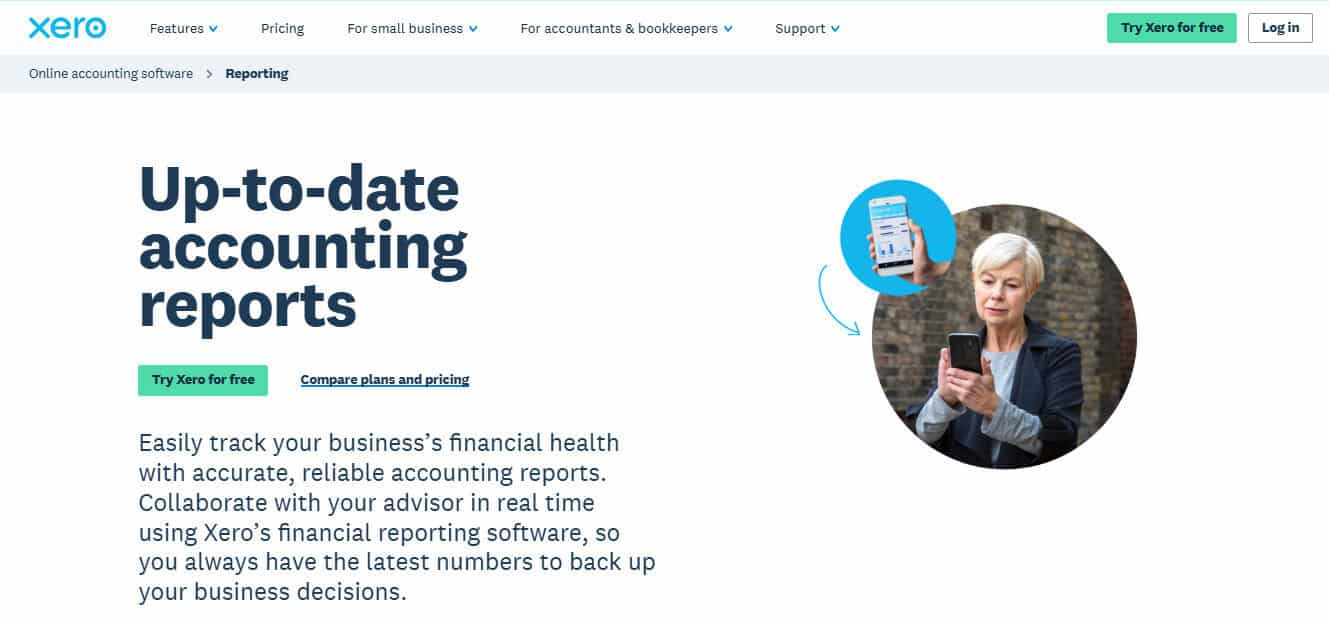
Xero is popular with startups and multi-user teams because it supports unlimited users and has a clean UI. Pricing is published and straightforward, which is not common in this category.
Best For
- SaaS teams that want a clean accounting core and plan to use add-ons for deeper reporting. It’s also ideal if you’re taking funds internationally, as Xero does well when crossing borders.
Reporting Strengths
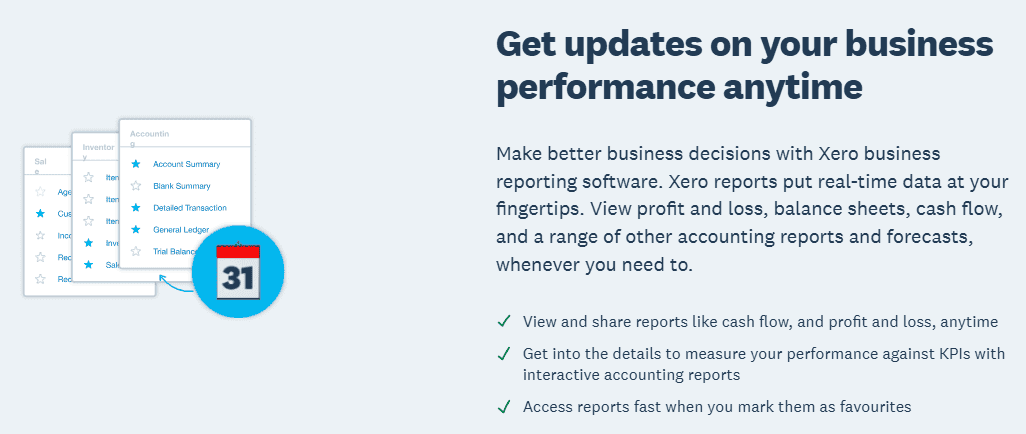
- “View real-time reports” is included across plans, with more dashboard options as you move up tiers.
- Solid base reports, with lots of add-ons available for management reporting.
Pros
- Unlimited users can reduce the “who has access?” friction.
- Strong integration ecosystem.
- Good fit for teams that like clean workflows.
Cons
- For advanced reporting, you often add a reporting layer rather than staying inside Xero. That’s one more app you’ll need to learn and pay for.
- Multi-entity and complex rev rec needs can push you to a more complex ERP quickly.
Pricing
- Xero publishes US pricing by plan (Early/Growing/Established). Their page currently shows list prices like $25, $55, $90 per month (promos may vary).
Bottom Line
Xero is a clean core accounting system. If your reporting needs are modest, it can be plenty. If reporting becomes a board-level priority, plan for a reporting add-on or a move upmarket.
4) Sage Intacct
Sage Intacct is built for the step after “small business accounting,” where you need stronger dimensions, controls, and reporting structure. Sage doesn’t publish a fixed price, because Intacct is modular and quote-based.
Best For
- SaaS companies with a real finance function that need robust dimensions, approvals, and scalable reporting.
- Multi-entity or more complex operational reporting.
Reporting Strengths
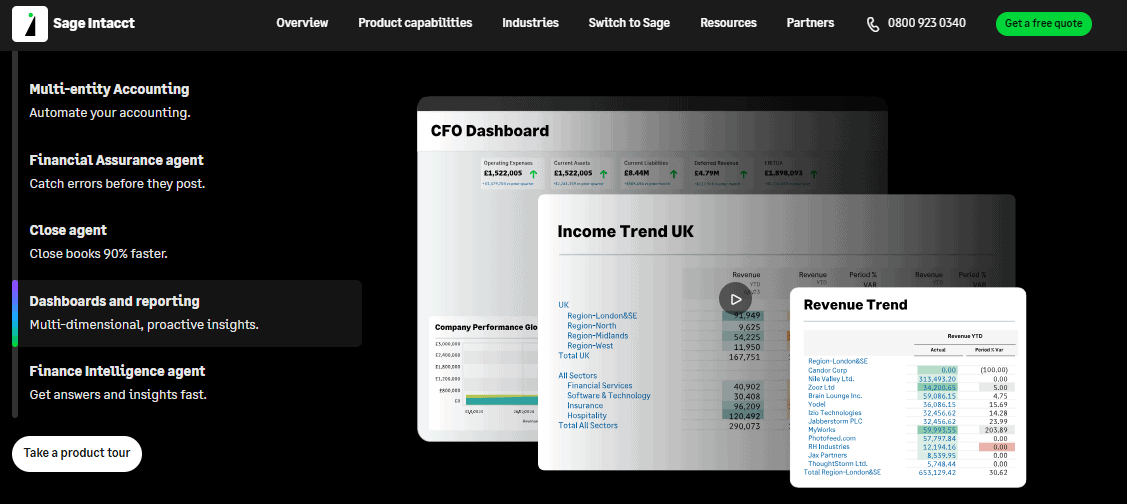
- Strong dimensional accounting and reporting structure (a key reason teams move to Intacct).
- Better separation of duties and controls than small-business platforms.
Pros
- Built for scale and cleaner reporting at higher complexity. It gives you mid-market reporting and options, without the NetSuite or SAP price tag.
- It’s a great option for audit-ready processes.
Cons
- Implementation effort and cost are real; expect it to take months to onboard and go live.
- Quote-based pricing makes budgeting harder without a sales cycle.
Pricing
- Sage Intacct pricing is module-based and quote-based, but I wouldn’t expect it to be less than $1,000 per month, on the low side.
Bottom Line
Intacct shines when the business outgrows “basic accounting” reporting. The trade-off is cost and implementation complexity.
5) Oracle NetSuite
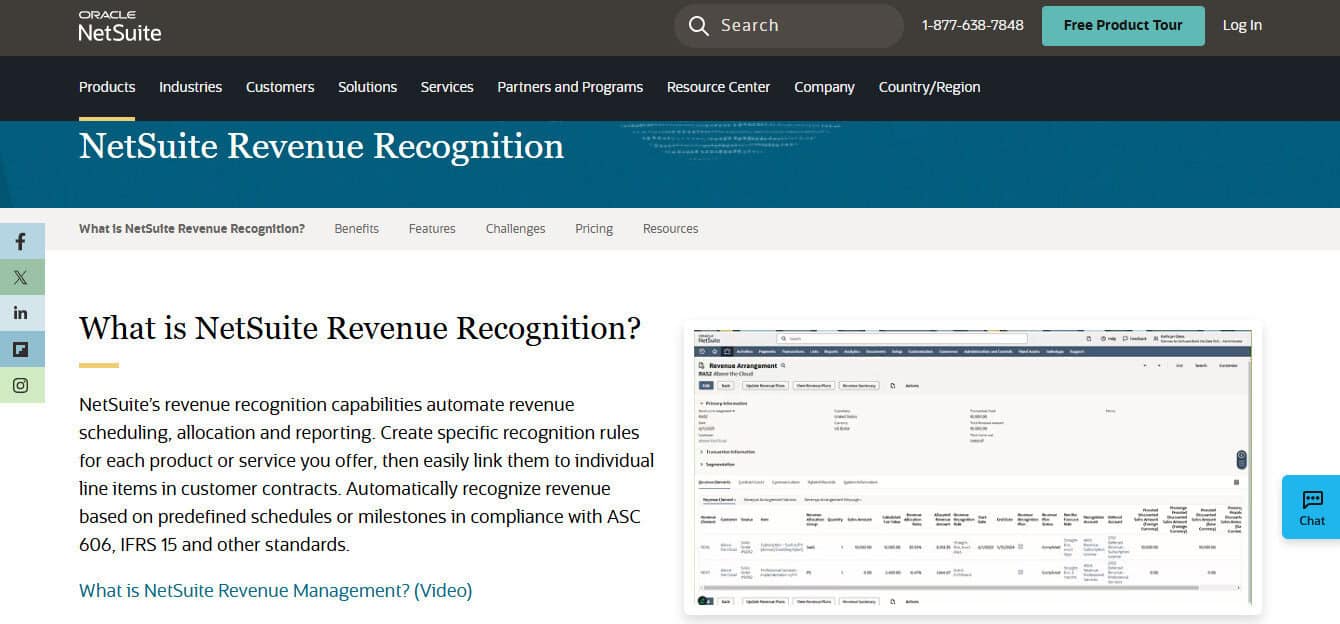
NetSuite is a full ERP. That matters because ERPs can unify revenue, billing, procurement, and financials under one roof. It’s also why implementations can get heavy, costs can become sky-high, and complexity can increase drastically.
Best For
- SaaS companies that need an ERP backbone: multi-entity, multi-country, complex billing, or broader operational needs will feel at home with NetSuite.
Reporting Strengths
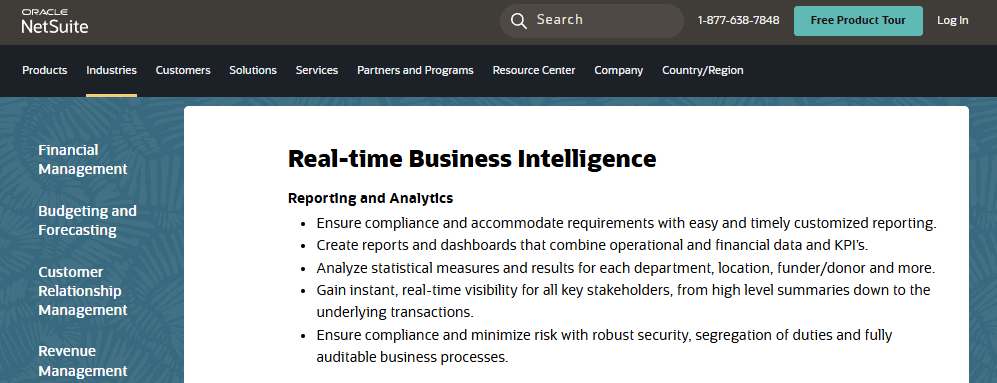
- ERP-level reporting and control structure; everything lives under one umbrella, so there’s no more mismatches.
- Scales across departments, not just accounting.
Pros
- Strong long-term platform if you truly need ERP scope.
- Good fit when you want one system of record across more than finance.
Cons
- Cost and implementation are eye-watering. Expect months-long implementation projects.
- You can overbuy NetSuite if you just need clean SaaS reporting.
Pricing
- NetSuite is subscription-based and not publicly listed as fixed pricing.
- Published budgeting ranges vary, but it’s often discussed in five-figure to six-figure annual totals once you include implementation.
Bottom Line
NetSuite is the “big bet.” It’s great when your needs match ERP scope. It’s painful when you buy it early.
6) ChartMogul (Subscription Analytics)
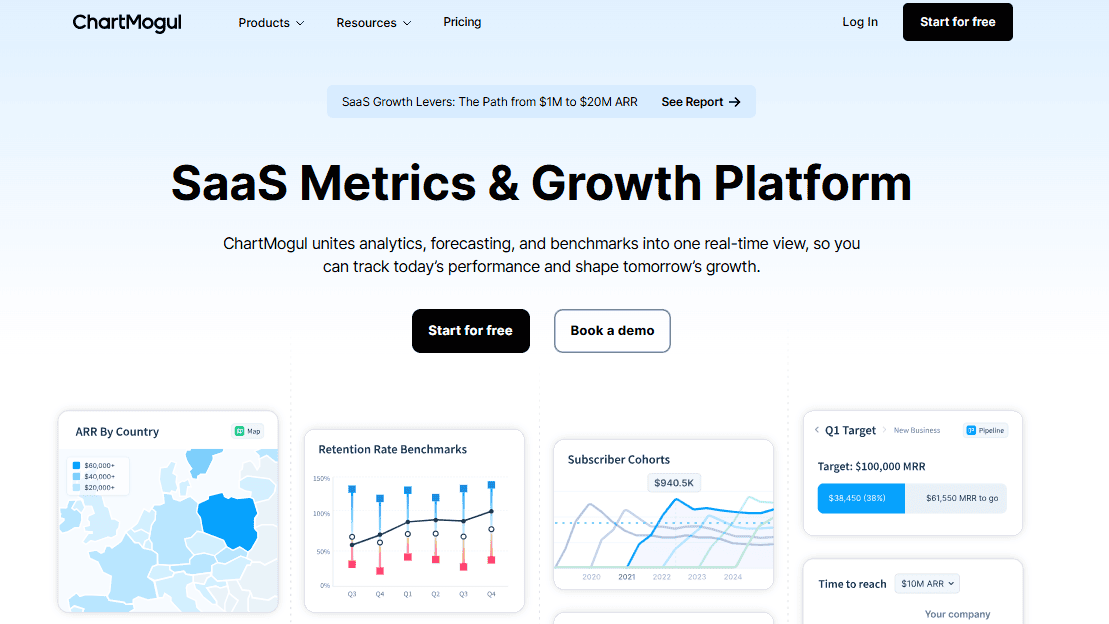
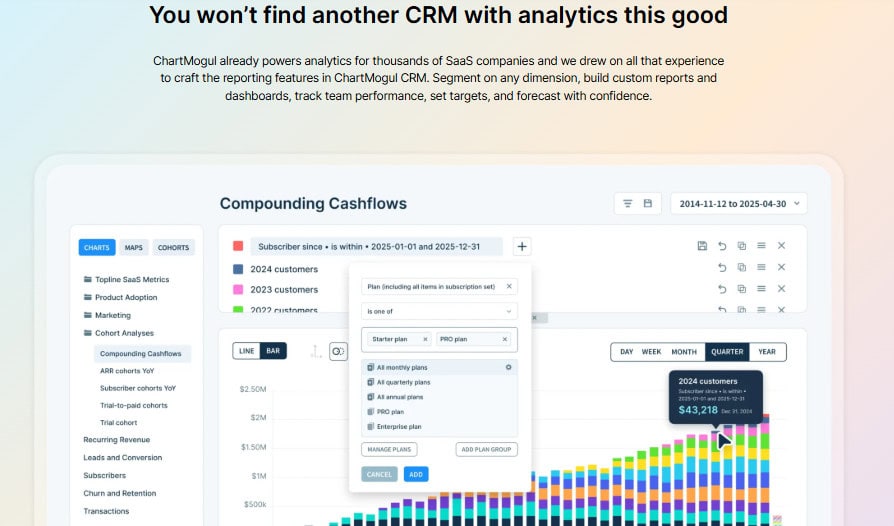
This one is a little different, but I wanted to make sure it made the list. ChartMogul is not your accounting system; instead, it’s your subscription analytics layer: MRR, cohorts, churn, and growth KPIs are some of the key things it helps to monitor. This is the tool that answers “How healthy is the revenue engine?” while the GL answers “Are the books right?”
Best For
- SaaS teams that want best-in-class subscription metrics, especially if the accounting system is not built around SaaS KPIs.
Reporting Strengths
- SaaS metrics and dashboards designed around subscription models.
- Helps standardize metric definitions across the company.
Pros
- Strong SaaS KPI focus.
- Can keep leadership out of messy spreadsheets for churn and cohorts.
Cons
- It does not replace accounting or GAAP financial statements.
- You still need strong data hygiene from billing systems.
Pricing
- ChartMogul publishes pricing, including a Free tier for founders under $120K ARR.
- Other plans scale based on revenue volume and start at $99 per month.
Bottom Line
If your main reporting pain is subscription metrics, ChartMogul solves a real problem. Just don’t confuse metrics reporting with financial reporting.
So, Which One Should You Pick?
Here are common SaaS scenarios and what tends to work.

If You’re Pre-Series A or Running Lean
- Digits if you want one place for clean financials + dashboards.
- QBO Advanced if you want the most common standard and don’t mind heavier manual processes.
If You’re Scaling and Reporting Needs Are Rising Fast
- Sage Intacct when dimensions, approvals, and audit-ready structure start to matter.
If the Company Is Turning Into an ERP Story
- NetSuite when finance, ops, and complexity need one backbone.
If Leadership Wants SaaS KPIs With Zero Debate
- Add ChartMogul for subscription metrics clarity, and then pair it with a system like Digits to make sure you’re consistently staying on top of your business’s data.
Closing Thoughts
From my seat and the things that I’ve seen as a CPA, the best reporting tool is the one your team will actually use and trust. That comes down to two things:
- Data discipline (tagging, reconciliations, review). This is where it’s important to have a strong staff that understand the importance of their role, train them well, and keep them within the reporting guardrails.
- A reporting layer that matches how SaaS works (subscriptions, churn, runway, and clean GAAP statements). A good software can make this become second nature.
If you want a simple stack with fewer moving parts, start with a platform that treats reporting as a first-class feature, not a bolt-on. If you already have a system, tighten the process and add a metrics layer where it truly helps.