


Last Updated on February 24, 2026 by Ewen Finser
Upskilling and employee training can be an overwhelming task for many organizations, and I’ve been there. It takes a significant level of effort and considerable time to draft training materials that are useful and engaging, and this can sometimes take an entire department to get right.
With the launch of artificial intelligence, creating training material for employees can be much easier and save a ton of time! However, full reliance on AI can lead to generic or incorrect content, or content that hasn’t taken into account the purpose of the training or the audience.
I’ve spent a lot of time reviewing tools and best practices to help me choose those that can help me create valuable content. I’ll take you through the best AI tools For Employee Training I love, why they’re a good fit for different use cases, and some tips to follow to help create excellent employee training.
Before I run through each tool and why it’s an excellent fit for each scenario, some basics should be in place for all platforms, and here’s why.
What features to look for in employee training tools:

Employee training tools, and especially those with a specific focus on AI features, should cover a few bases, and I prefer to choose the platform I’ll need depending on the audience and the purpose of the training.
Here are some essential features I’d recommend looking out for in AI-focused training tools:
- Ease of use – This is my first requirement when it comes to any software. I need to be able to create content easily, but also ensure that employees can use the platform without any friction. I’ve always found that poor user experience leads to poor adoption.
- Asynchronous-friendly design and capabilities – this is my priority when looking at training tools. Content should be easily accessible to those across different locations and time zones.
- Analytics and insights – I lean towards tools that allow me to not only record training videos or content but also those that have more innovative capabilities, such as progress tracking and completion rates. I prefer tools that allow global or remote teams to have the flexibility to learn, watch, attend, and complete training at their own pace.
- Easy to update and edit – Over time, procedures, systems, and processes change and evolve, and therefore so should employee training content. As someone who writes SOPs and internal documentation, I prefer having tools that make updating content hassle-free. Editing tools are essential when it comes to creating engaging, personalized, and professional training videos or documents.
Quick Overview – Our top 5 Employee Training Platforms:
Software Platform | Best For | Cost |
Absorb LMS | Businesses that need a structured LMS solution with good AI capabilities. | Not publicly available |
Guidde | Organizations and teams that need a scalable AI-powered platform for process-driven training and asynchronous training material. | Free plan available. Pricing ranges from $18-$39 per creator per month. |
Sana Learn | Ideal for on-demand learning needs, AI searchable requirements, and instant feedback. | No free plan available. Starts at $13 per user for a minimum of 300 user licenses. |
Docebo | Best for businesses that have personalization requirements and integrated analytics. | No transparent pricing available. |
Articulate 360 | Suited for organizations that are focused on E-learning and want a tool to help create tailored employee training content. | No free plan available. Pricing plans start at $1499 per user per year for the AI module. |
Best AI Tools For Employee Training – Our Top Picks:
1. Absorb LMS – Best For Organizations Needing a Structured LMS
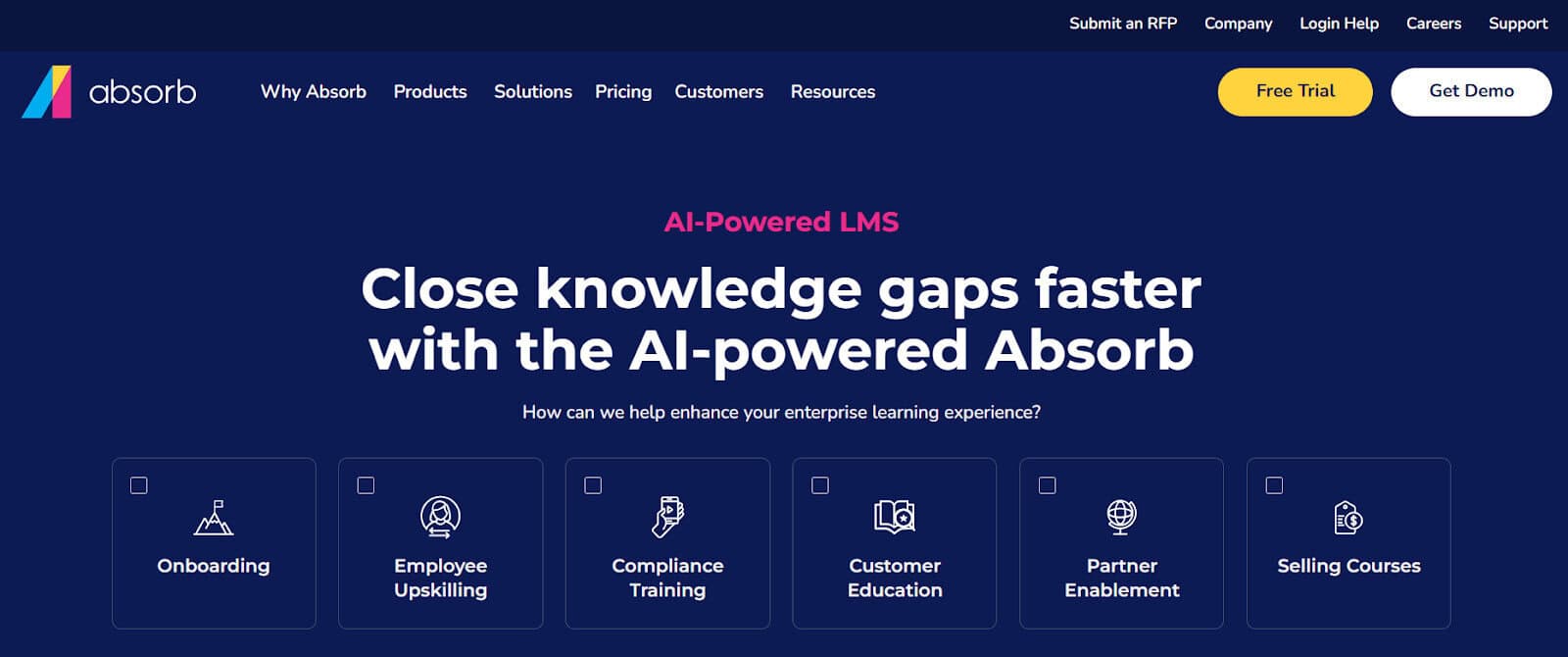
Some organizations may need more than just a tool for training content creation, and that’s where an LMS can be invaluable. I like LMSs that are not overly complex to set up and use, and I’ve found that Absorb has an outstanding balance between a good range of features and a straightforward interface.
AI Absorb LMS for employee training:
- The AI features are actually helpful and save time when it comes to content creation. One of my favorite features is the ability to create quizzes with AI within minutes.
- Absorb helps to clearly define a structure and course layout, which I liked, as getting started is often more challenging than I anticipate when it comes to training content.
- I like the editing features, which help create more engaging training material instead of generic learning programs.
Platform limitations:
- The platform itself is technically an LMS, and therefore, this is less suitable for a wide range of uses, which I found quite limiting.
- Pricing is per user, which can make Absorb a less suitable option for larger businesses that have multiple inactive users.
- I detest hidden costs, and it’s hard to get an estimated pricing range from the website. The pricing guide is also lengthy and complicated to make sense of.
Pricing and plans:
- Not publicly available – upon request only. The pricing is also customized based on business size and user count.
2. Guidde – Best for AI-Driven Video Documentation and Process Training
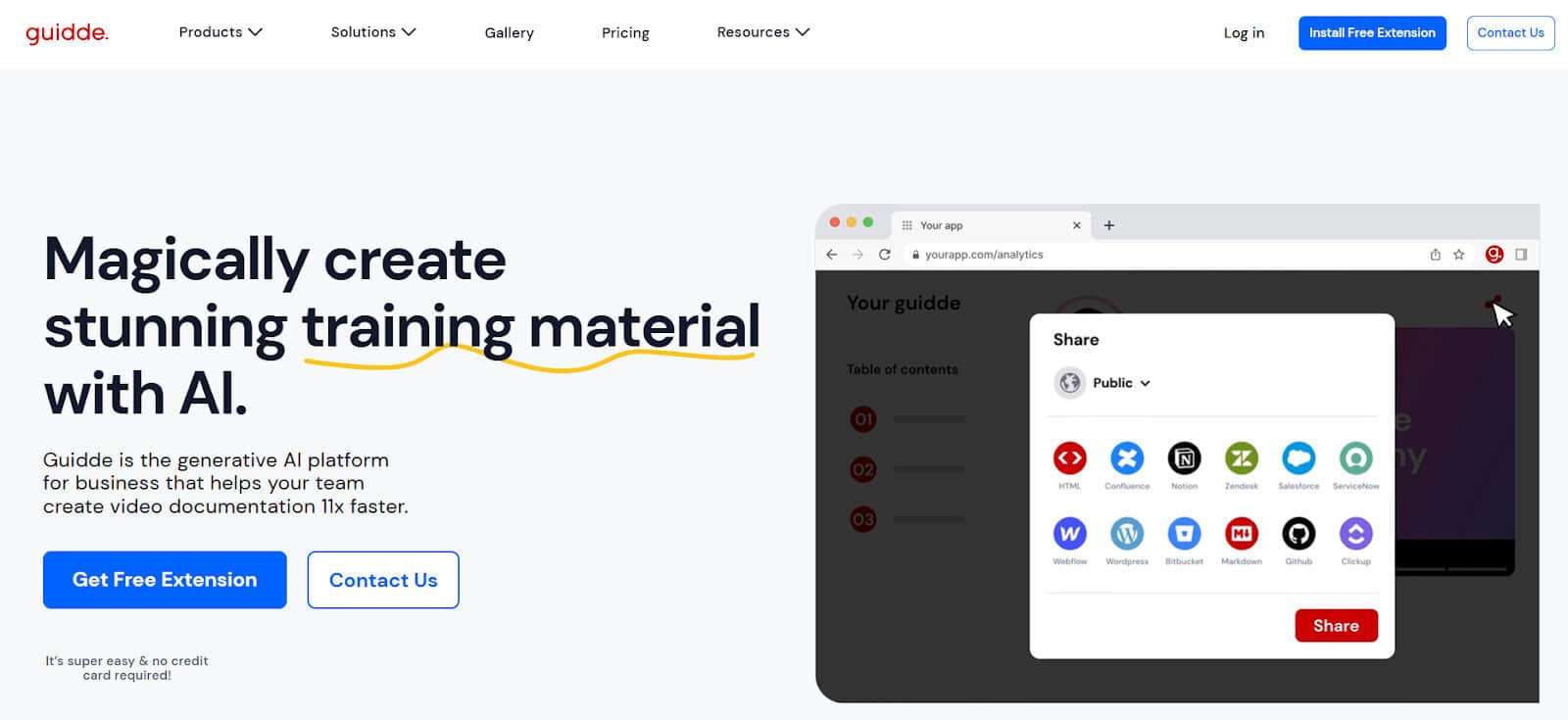
As a project and operations manager, most of my day is spent on process documentation, guides, SOPs, and other internal text-heavy material, which can take hours to create, update, and share with teams. I’ve used Guidde extensively to help create engaging training material for multiple scenarios, and think that it really excels in this space.
Why I like Guidde for employee training:
- Walking new team members through every single step in a workflow can be time-consuming and tedious. I love using Guidde to automate the process and cut out unexpected or unnecessary delays.
- I like that repeatable processes and processes can be easily recorded and shared via multiple channels, so that users across different time zones and locations can access training material at their convenience. Once completed, I can embed, download, and save to various formats, which makes it more versatile for my needs.
- Guidde has some great AI tools that save me a ton of time, such as automated scripts, captions, callouts, and more, which means I don’t have to add these in at each step. They also have handy editing tools, branding kits, and AI voice-overs for more professional content when needed.
Platform limitations:
- Guidde is not an LMS, and they don’t pretend to be one, so organizations that may need LMS-level features may find Guidde somewhat limited.
- I found that analytics and user engagement are hard to track without having the videos embedded on a site that tracks stats around this.
Pricing and plans:
- Guidde has a free plan, which I found to be great for ad hoc needs.
- Current pricing ranges from around $18 – $39 per creator per month, with a custom pricing plan for larger businesses.
3. Sana Learn – Best for AI-Driven Self-Service Learning
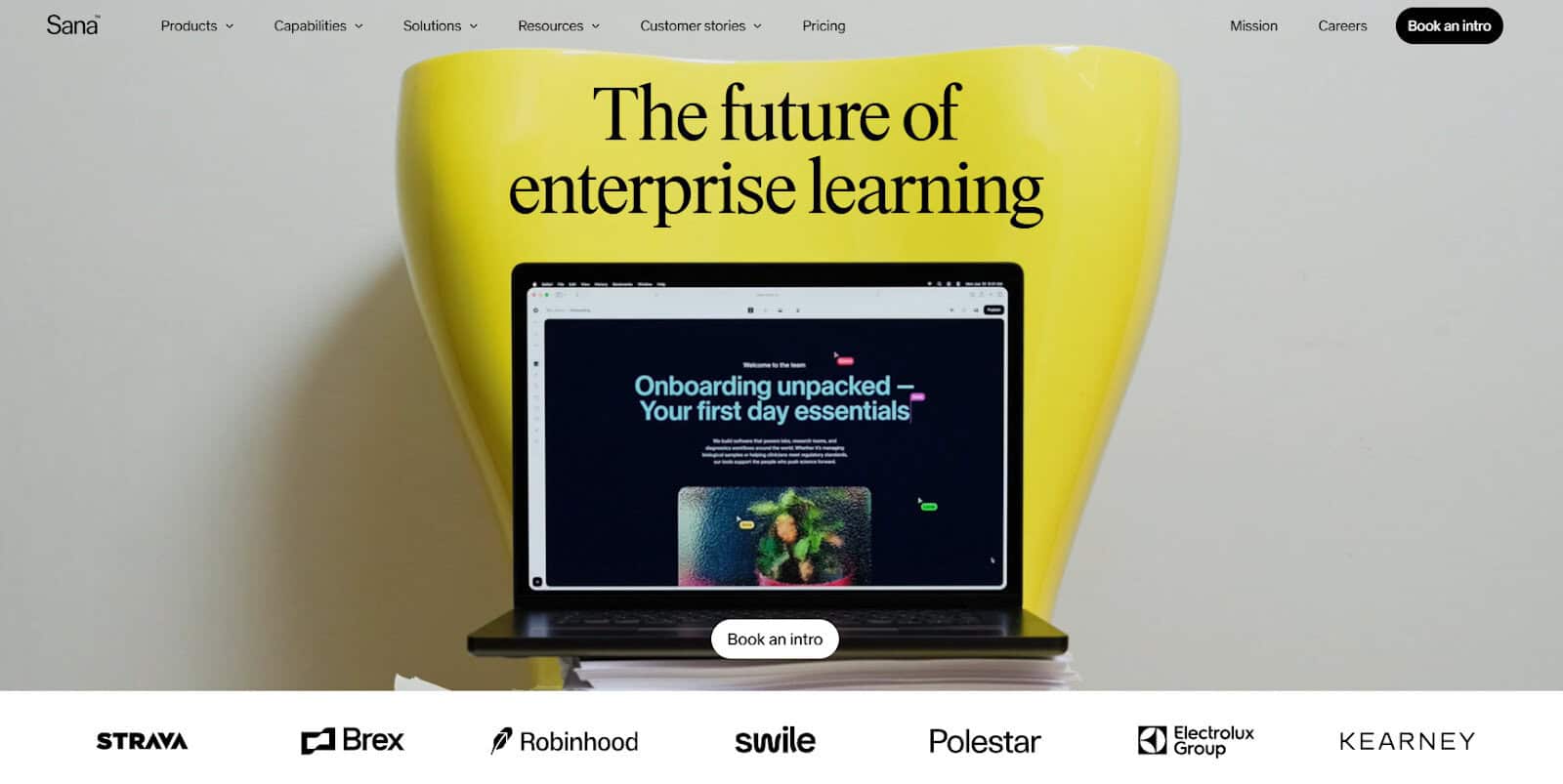
Sana has a product called “Sana Learn,” which is a great all-around tool for employee training. I’ve found the user interface intuitive, and overall, it’s a great experience as an employee and pretty straightforward. It’s also one of the few tools that really does integrate well with other tools, which I’ve found a bit trickier with similar tools.
Why I like Sana Learn for employee training:
- I’ve always found that adoption is far easier when tools are really straightforward and easy to use, and this is one of the areas where Sana stands out.
- The AI functionality within Sana’s feature set is impressive, and it makes it easy for both learners and course creators to perform various functions on a platform. AI helps users create course material and modules in minutes, and users can ask questions within the tool, helping to keep information centralized.
- Another time-consuming process can be enrollment and scheduling, and I love that Sana uses AI to help drive this process.
- I also enjoyed the fact that the system is transparent, and employees can easily track their course progress, which is essential when needing to complete content against tight deadlines.
Platform limitations:
- I’ve found the AI has a little way to go still, and some of the AI-generated answers seemed a little disconnected from the questions I was asking. The quizzes are also a little inconsistent and need refining.
- Pricing starts per group of 300 users, which I found quite restrictive, and means it’s not suitable for small to medium-sized businesses.
Pricing and plans:
- Sana only offers two pricing plans. The pricing starts at $13 per user for a minimum of 300 user licenses.
- Sana offers custom pricing for larger businesses, making it an excellent option for scaling organizations.
4. Docebo – Best for Personalized and Versatile Training Creation
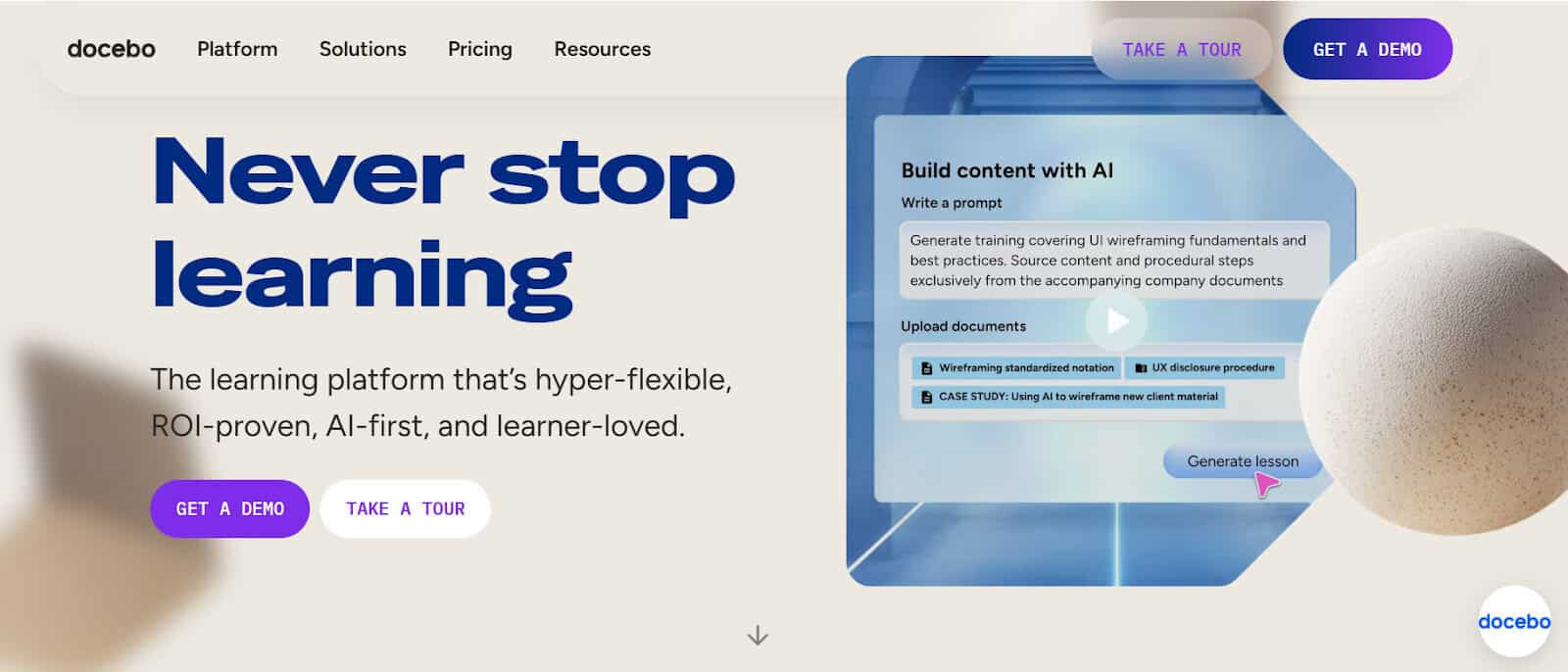
Docebo is an excellent option for those like me who like creating their own course content. I like that it’s configurable and you’re guided throughout the process. I like making use of the AI suggestions and assistance to help keep things professional and content looking polished.
Why I like Docebo for employee training:
- I love the customization and ease of use when it comes to creating course content, and Docebo does this well from start to finish.
- The AI features are helpful, and I enjoy having the versatility to use AI avatars and AI-generated scripts, which can save users a lot of time when needing to create training material.
- When creating course material for global teams, I want to be able to make it accessible for employees, regardless of language or format, and Docebo has multi-language translation and formats to make it easy to share across teams.
- Knowledge retention is so much better with built-in quizzes, and I like that Docebo helps generate these for you based on your training material – another great use of AI.
Platform limitations:
- I found I was reluctant to wholly lean on the AI features, such as complete language translation, and there were some minor inconsistencies in the outputs.
- Although it’s configurable, it is a little more complex to set up than I’d like for a tool of this scale. The pricing is also not transparent, and it makes it hard to estimate affordability for smaller businesses.
Pricing and plans:
- Docebo does not have transparent pricing and is only available upon request. Docebo has two pricing structures, which are based on business size and user count.
5. Articulate 360 – Best for AI-Powered E-Learning Requirements
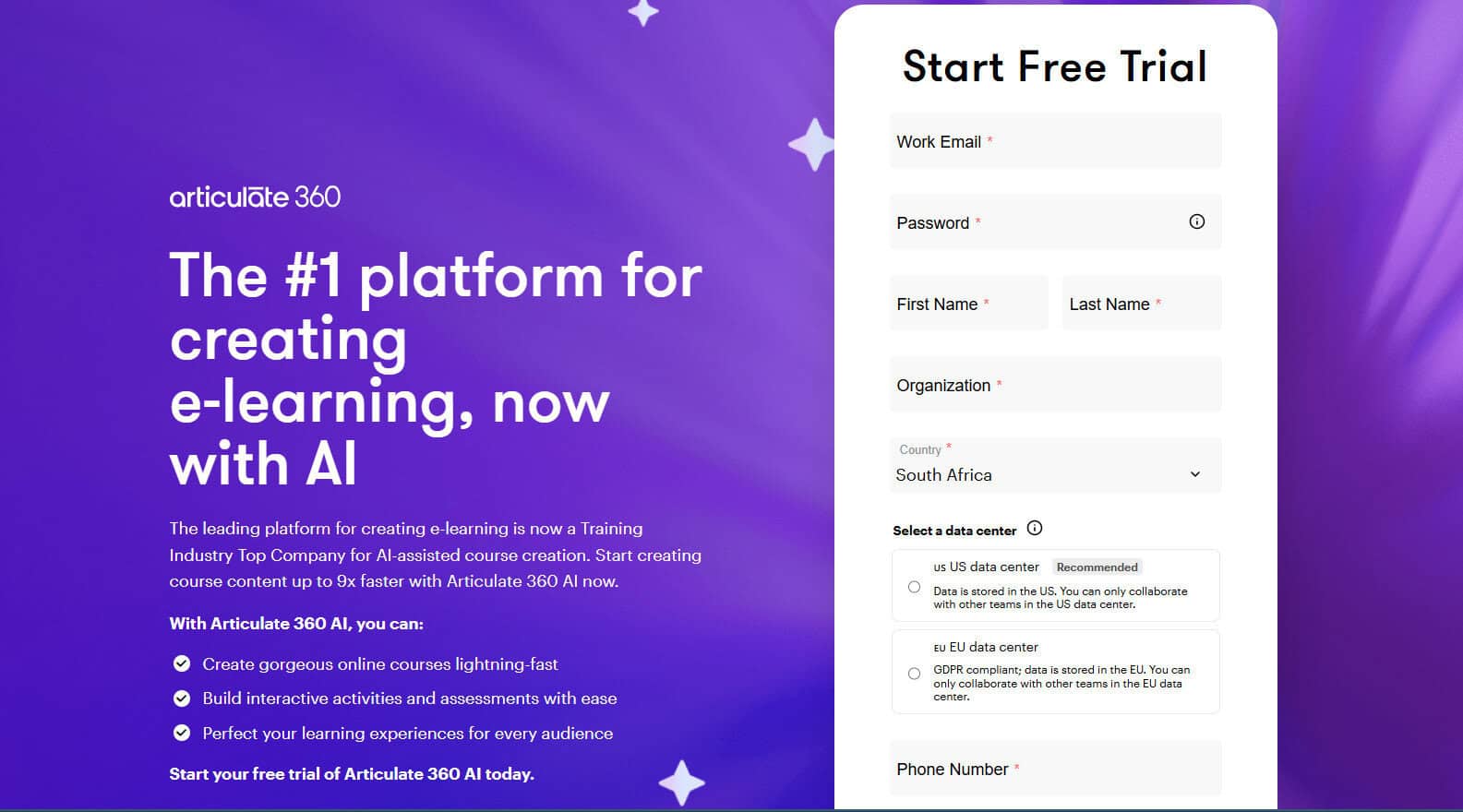
I’ve used Articulate 360 for E-Learning, and it’s one of the better tools out there for this specific purpose. With newer AI features launched in 2024, Articulate 360 is an excellent tool for AI-powered course content creation and E-learning combined. Here’s why I like Articulate and keep it as one of my go-to options for employee training.
Why I like Articulate 360 for employee training:
- I hate starting training content creation from scratch, and although you may know where to start, it can be time-consuming to set up. I like that Articulate has a wide range of templates to choose from that can then be tailored using an AI-assistant to prompt images and other design elements.
- Some course creators may find it difficult to perfect their tone for specific audiences or employees, and I’ve discovered Articulate’s AI features are really helpful in this regard. Users can tweak their tone, refine their grammar, and readability with AI, which can save a lot of time and money when it comes to editing.
- Due to the flexibility of Articulate, I’ve found it to be a good option for multiple training content types like onboarding, compliance, and or general employee upskilling.
Platform limitations:
- I’ve found the pricing is relatively high considering it doesn’t have extensive advanced capabilities.
- The platform lacks user analytics and insights around employee engagement, which I would expect to be built in for a tool at this price point.
Pricing and plans:
- Articulate has two pricing options, one for personal and one for teams, which is slightly more expensive.
- Pricing for the AI-powered platform starts at $1,499 per user per year.
How to Choose the Employee Training Platform for Your Business

Always assess key requirements first, for both users and your business in general. Don’t rely on a “one-size-fits-all” solution if you need something more niche.
To help guide your decision-making process, I’d recommend having answers to the list below before choosing:
- Do you have industry-specific requirements, and are these features suited for the type of business you run?
- Who are your users, and who will be creating the training content? Ideally, choose the best tool for the user who will be doing the heavy lifting on the system.
- Who are your audience and employees, and what type of training do they need? Ensure that the platform you choose is a good fit for the end users, and they will be receptive to the way the training is provided.
- Which features are essential for you and your business? Do you need features such as AI-driven voice-overs, automated course creation, or AI-generated scripting, for example?
Whichever platform you settle on, remember to focus first on your employee training needs and how best the platform performs in respect to your requirements.
Do you need specific advanced AI features, and will the chosen software serve those needs, or will you need something simple and more cost-effective?
Whichever tool you choose, always put employee adoption first. A great platform should be easy to use, and employees should feel supported and eager to use it.