


Last Updated on November 14, 2026 by The Digital Merchant Team
The “best training app” is a difficult category to fill, as it can mean a lot of different things.
There are the heavyweight all-in-one apps that will introduce training into all your daily operations, the tutorial creators that allow you to make short, standalone lessons, and the content creators that will just give you a way to generate guidance yourself.
None of these are better than the others across the board; it all depends on your use case.
Here, we’ve looked at the leading options in each category.

App | Category | Best For | Key Features | Pricing |
Connecteam | All-in-one frontline app | Large teams delivering training alongside frontline tools. | Mobile courses with videos, images, and quizzes, AI-assisted course creation and templates, training progress tracking. | Free (max. 10 users), Basic from $29/mo, Advanced from $49/mo, Expert from $99/mo, Enterprise custom pricing, billed annually. |
YOOBIC | All-in-one frontline app | Multi-site retailers connecting training, communication, and store execution. | Mobile-first learning, onboarding, role-based learning paths, SmartQuiz reinforcement, audits, and analytics. | Quote-based pricing, calculated by locations or users depending on the selected modules. |
eduMe | Microlearning | Teams delivering frontline training through existing systems, SMS, and QR codes without another login. | Password-free access through Workday, Microsoft Teams, employee apps, SMS, email, or QR codes; role- and location-based assignment. | Enterprise-oriented, quote-based plans. |
TalentCards | Microlearning | Field teams providing short, flashcard-based training, especially in areas with low connectivity. | Flashcard-based lessons with text, images, audio, and video; quizzes and feedback, QR codes for point-of-need access, offline downloads, AI course creation from topics or PDFs, reporting across teams and locations. | Free (max. 5 users), Standard from $0.80/user/mo (min. 50 users), Premium from $1.20/user/mo (min. 50 users), Enterprise custom pricing, billed annually. |
Guidde | Content creation | Training leads who want a convenient tool to produce shareable video documentation. | Screen capture across browser, desktop, and mobile, AI-generated scripts, voiceover, captions, and step-by-step guides, editing, branding, sharing, and export. | Free, Pro $19/user/mo, Business $39/user/mo (max. 5 users), Enterprise custom pricing, billed annually. |
Camtasia | Content creation | Training teams that want hands-on control over video production. | Screen and camera recording, timeline-based video editing, audio tools, annotations, templates, and advanced production controls. | Starter $39/user/year, Essentials $179.88/user/year, Create $249/user/year, Pro $599/user/year, Enterprise custom pricing, billed annually. |
Best All-in-One Apps
An all-in-one platform makes sense when training is part of a larger coordination problem. If you’re a regional manager of a retail chain who needs to roll out a new procedure, assign the related work, and check that locations have followed through, then you’re going to need a capable and multi-faceted tool.
Connecteam
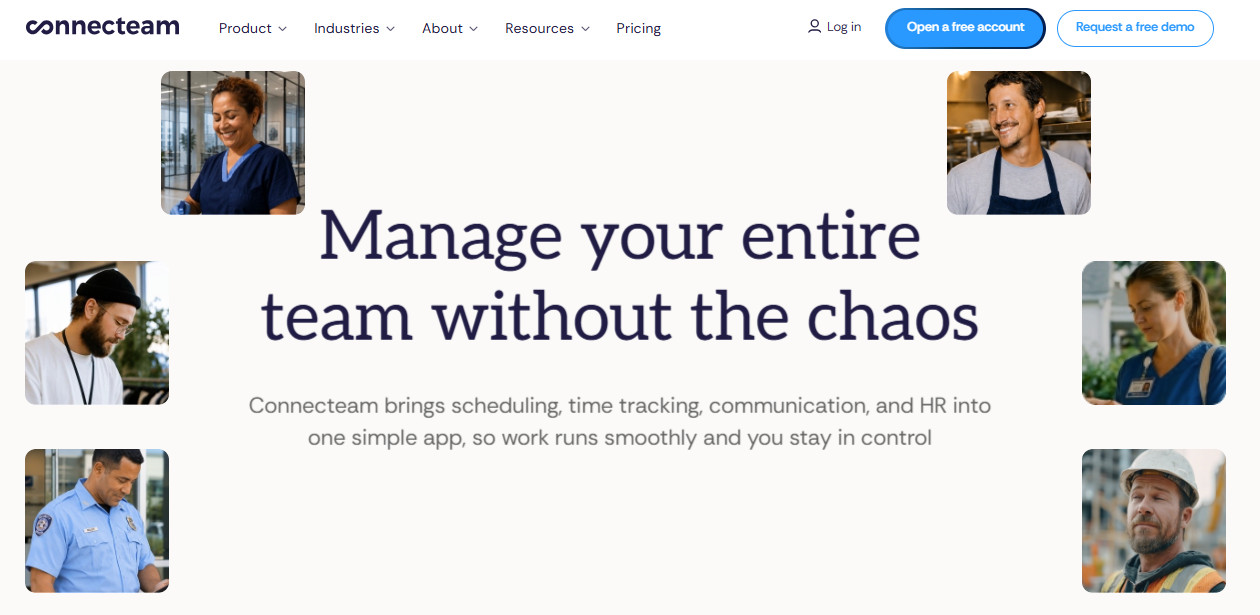
Connecteam might be the way to go if you want training to sit alongside the everyday tools your frontline team already uses. It combines courses and quizzes with workforce management features (communication, scheduling, tasks, forms, and document management), and it works very well as a mobile-first system, which suits a lot of orgs.
Managers can use Connecteam to create courses that include videos, images, and quizzes, while employees complete them from the Connecteam mobile app. The platform also supports AI-assisted course creation and templates, making the whole process a lot more efficient on the production end.
The main consideration is scope. Connecteam can be a good fit if you want to consolidate several frontline workflows, but it may be more platform than you need if the immediate priority is simply producing high-quality training videos. It also involves a steep learning curve, particularly for teams configuring advanced features and customizations.
YOOBIC
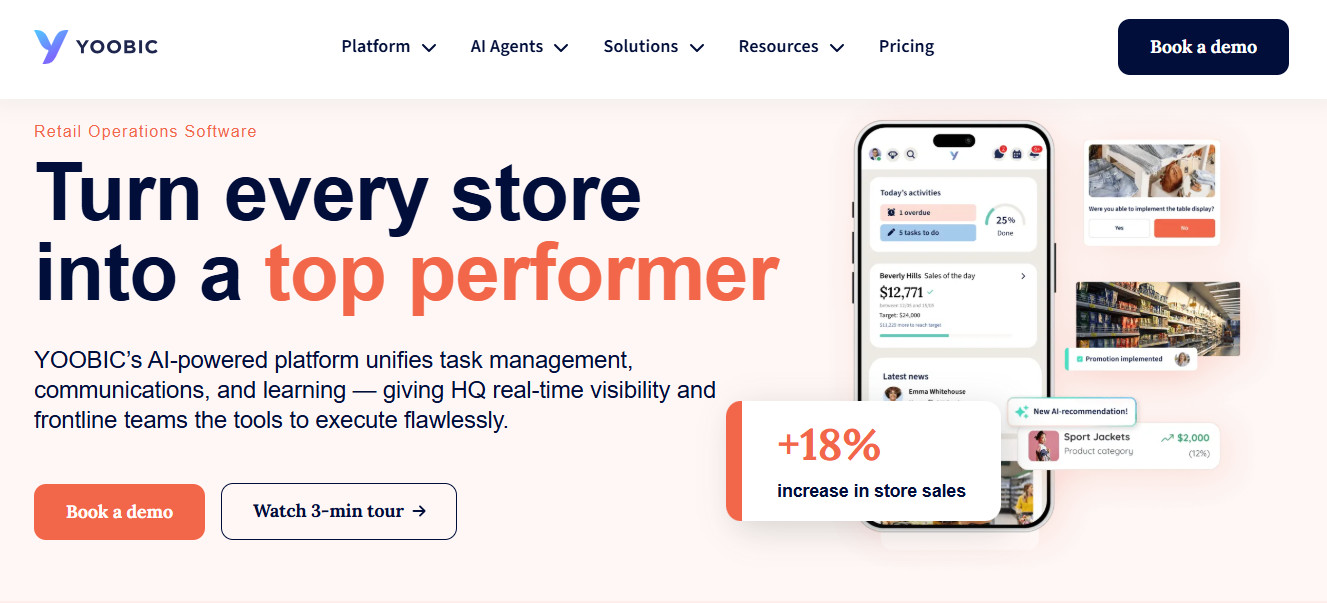
YOOBIC is stronger than Connecteam when it comes to multi-site retailers. Its platform combines mobile learning with communications, task management, store visits, and audits rather than treating training as a separate destination.
That connection is its main selling point. A retailer introducing a new merchandising standard needs more than a course: associates need instructions, managers need execution tasks, and headquarters needs oversight over everything else. YOOBIC is excellent at bringing this all together.
On the learning side, YOOBIC offers structured onboarding, automated learning paths, role-based training, and mobile lessons.
If you have different locations and struggle to apply the same standards across them consistently, YOOBIC could add a lot of value for you. Instead of evaluating only course completion, use the pilot to test the entire journey from instruction to execution.
The trade-off is scope (even more so than for Connecteam). Unless you have complex requirements across multiple locations, you won’t need the effort and expense that YOOBIC entails.
Best Microlearning Apps
Microlearning platforms focus on short, targeted learning rather than lengthy courses. When you’re shopping for one of these, you need to look at how easily workers can reach lessons and how seamlessly those lessons fit into their working day.
eduMe
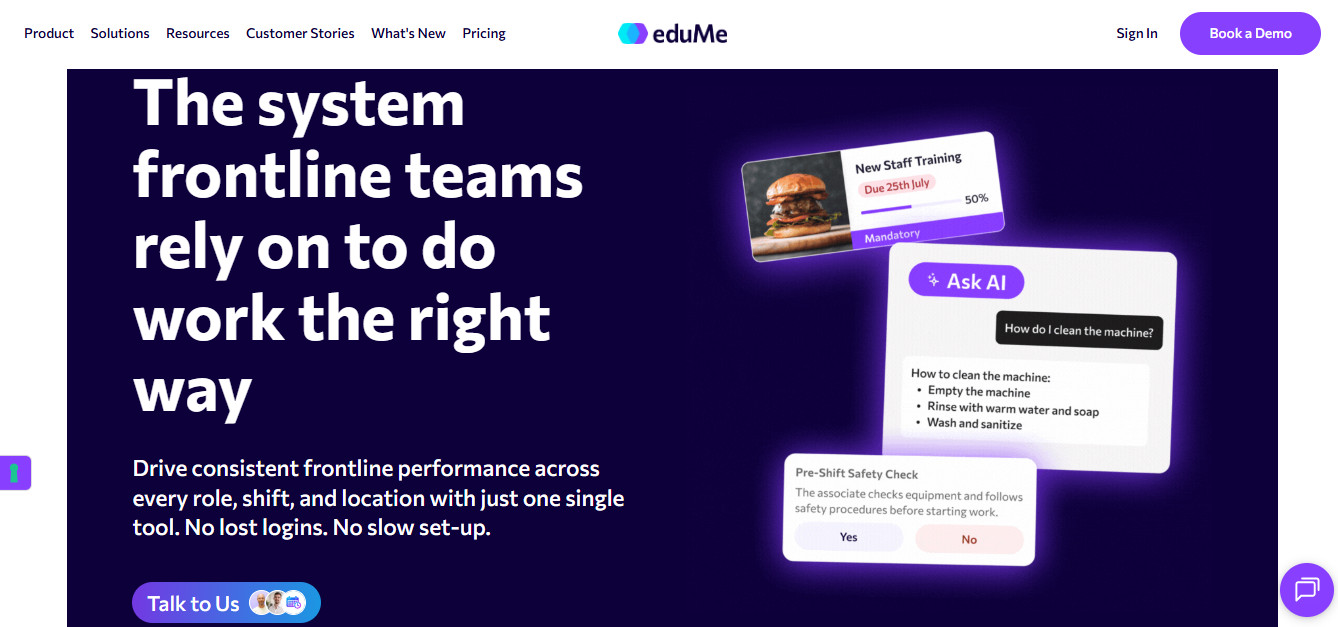
eduMe is particularly useful for organizations that already have an employee app or established HR systems. Rather than asking workers to adopt another standalone destination, it delivers learning through channels they already use.
It allows for content access through the likes of Workday and Microsoft Teams, as well as proprietary employee apps and even links sent via email or SMS. This shortens the learning curve significantly, especially for deskless teams.
eduMe uses passwordless access, which poses advantages and disadvantages. It’s straightforward, but it also makes it more difficult to accurately identify workers and ensure the right assignments are reaching the right people.
TalentCards
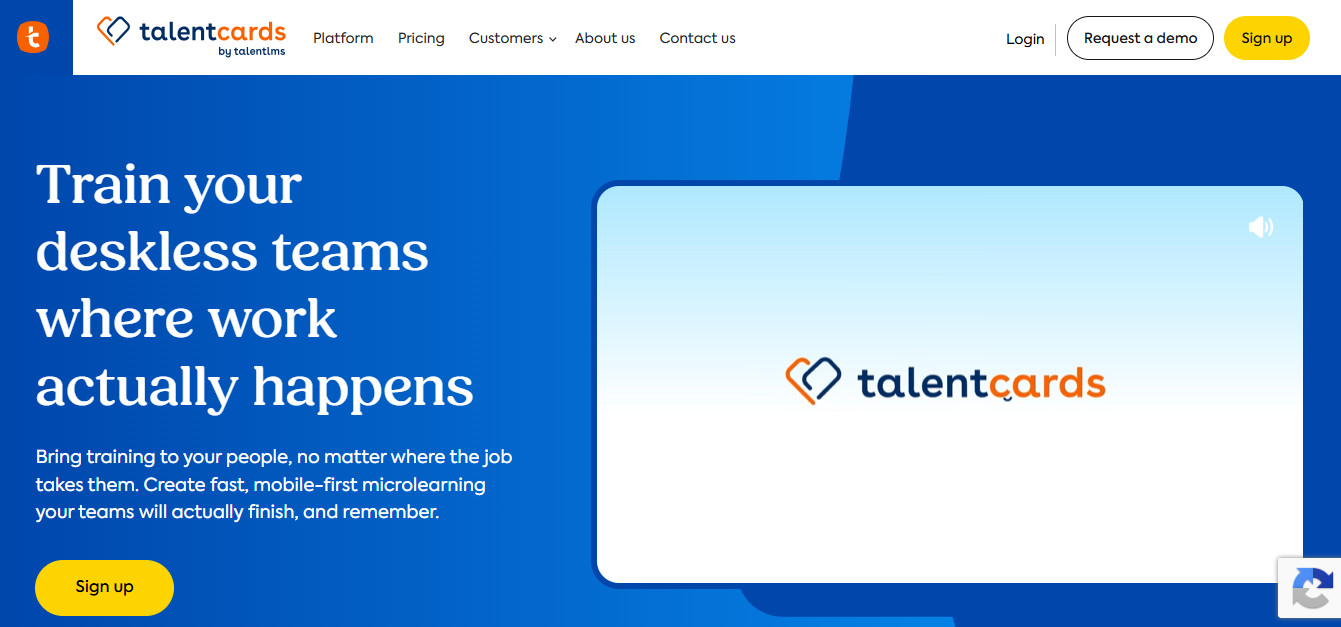
TalentCards takes a more focused approach than eduMe. It allows you to create short lessons on a computer, then deliver them through a mobile app built around digital flashcards. The card sets contain text, images, audio, and video, with quizzes and feedback to reinforce learning.
It offers strong offline access capabilities, which are a big plus for field teams. If your workforce operates in places without dependable signal, this is worth looking at.
The format itself is the main trade-off. Flashcards work well for reminders, product facts, and tightly scoped procedures. A complicated physical technique, on the other hand, may need a clear video demonstration alongside the cards.
However, TalentCards remains a strong option for distributed teams that need reliable access to downloaded material.
Best Content Creation Apps
Sometimes content creation, rather than distribution, is the real challenge. Luckily, there are apps for that.
Guidde
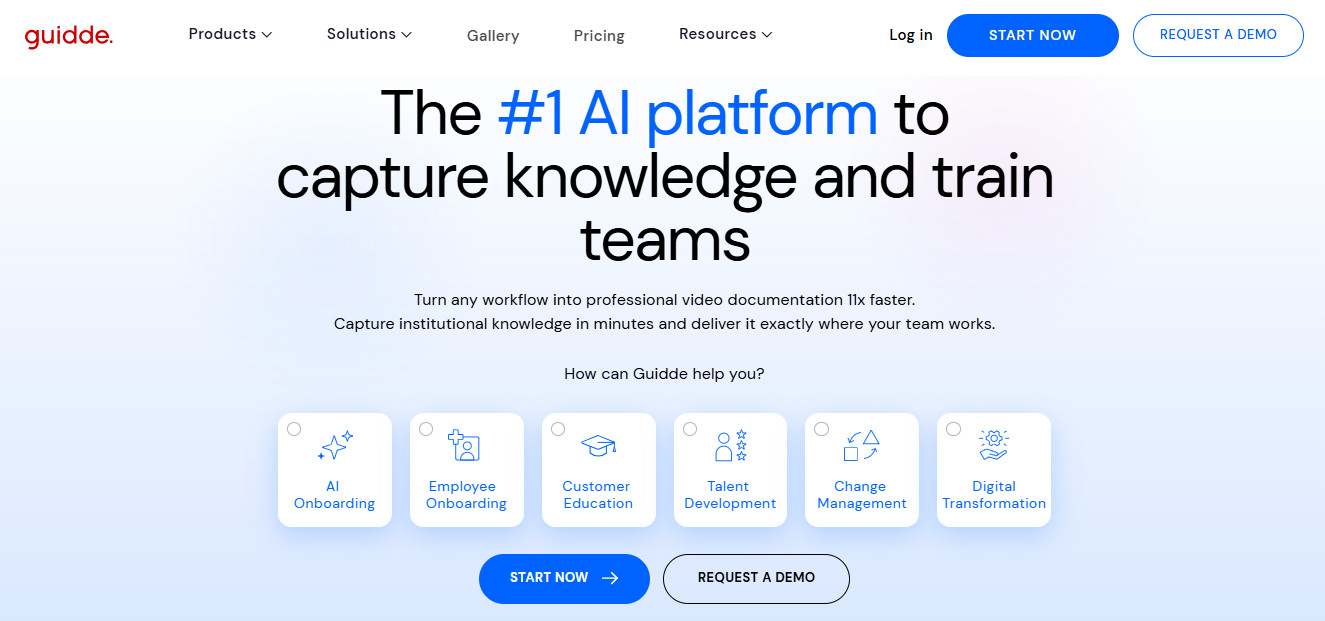
Guidde is the standout choice for turning everyday expertise into reusable video documentation. It’s essentially a browser plugin that will record your keystrokes and on-screen activity, and turn the recording into a tutorial for your team.
It recently added mobile capture, so it can even create guides from recordings made on phones and tablets. You can also use footage recorded with a device’s camera.
From there, Guidde offers a host of tools you can use to refine your content, such as AI editing, narration, captions, AI dubbing, highlights, and text callouts. There’s also multilingual training support, allowing organizations to adapt content for international teams without recreating every guide from scratch.
If you’re looking at Guidde, I would recommend signing up for a trial of the tier you would actually need. That’s the best way to see whether you would actually derive all the potential value from this tool.
Camtasia
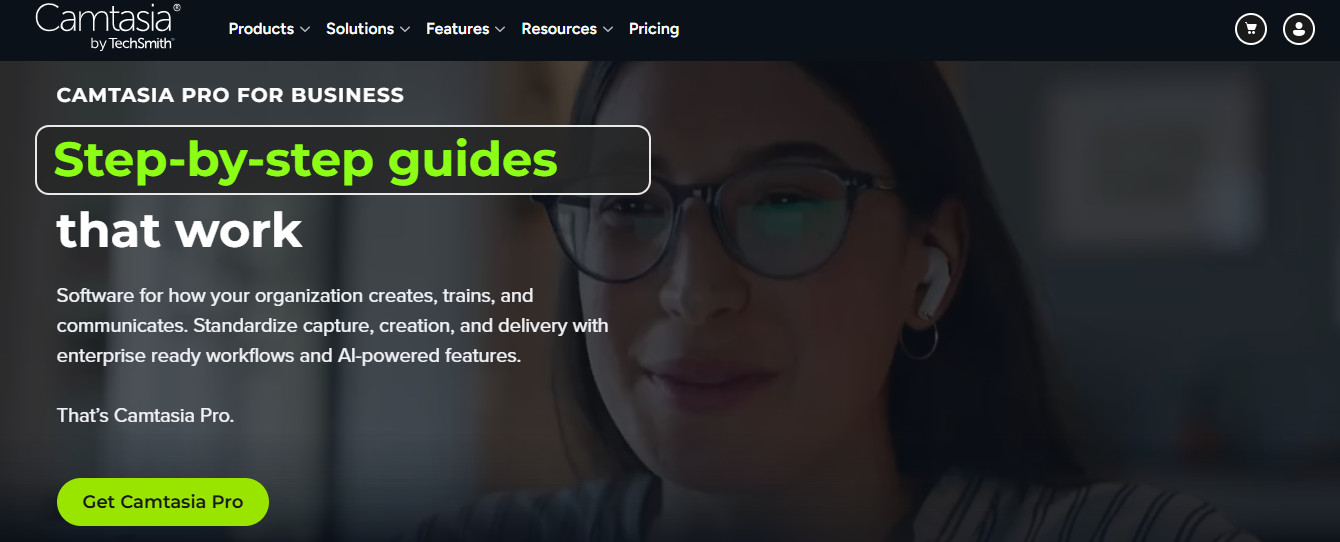
Camtasia is essentially a heavier, more hands-on version of Guidde. If you want more direct control over the finished video product, it may be worth looking at; however, if you’re more concerned about convenience and sustainability, Guidde is the much stronger option.
Camtasia offers screen recording, tutorial production, and editing capabilities, particularly for structured demonstrations. It’s designed for timing, layered visuals, detailed edits, and precise presentation choices – not speed.
It’s not as easy to use as Guidde, and there are often rendering issues with larger or more complex projects (such as those involving multilayer or high-resolution assets).
Those trade-offs matter when estimating the real cost of training content. The license is only part of the expense; someone also needs time to edit, review, export, and update each asset.
For a dedicated training-content team, that extra control may be worthwhile. For busy supervisors producing frequent procedural updates, a more automated creation workflow may be easier to sustain.
How to Choose Your App
You should choose the app that fills the biggest gap in your current training setup. YOOBIC is the strongest fit on this shortlist for connected retail operations, eduMe prioritizes low-friction delivery through existing channels, and TalentCards is particularly practical for short lessons that need to remain available offline.
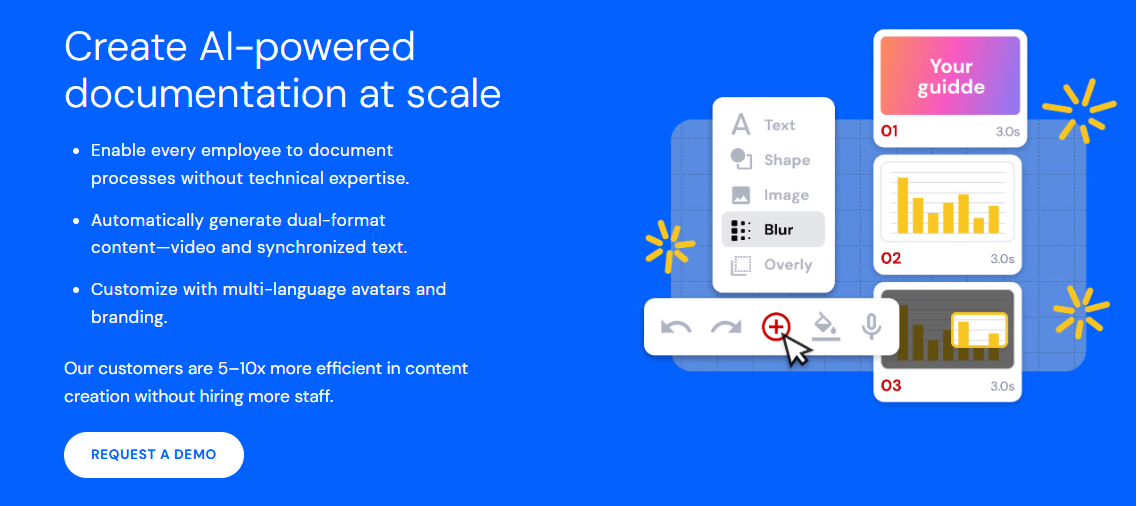
If the bottleneck is creating useful training content in the first place, start with Guidde. Its combination of workflow capture, automated documentation, and mobile-recording support makes it especially relevant to teams documenting both on-screen tasks and work happening away from a desk.
Ultimately, the goal is to make everything easier for your team, rather than more difficult.