


Last Updated on September 28, 2026 by The Digital Merchant Team
FTC Disclaimer: We do make money from this blog and may receive compensation for this work in the form of commissions, fees and complimentary product access. Review our full FTC disclosure here.
A store doing 40 returns a month does not have the same problem as a store doing 400 orders per month, but the software market treats them as if they do. Search for returns management software, and you get page after page of platforms built for the high-volume store, priced for the high-volume store, and configured for the high-volume store, even if what you’re running looks a lot more like the 40-returns store.
So, before comparing anything, figure out which of two groups your brand falls into.
The first group is the high-volume store. Returns are frequent enough, and expensive enough, that managing them has become its own operational discipline. These brands want a customer-facing portal, rules that vary by product and return reason, workflows that convert refunds into exchanges or store credits, and, in some cases, coordination of the physical reverse logistics that get inventory back on the shelf.
The second group is the low-volume store, the one doing something closer to 40 returns a month. Returns happen, they get handled, and the work amounts to three things: getting a return label into the customer’s hands, letting both sides see where the package is, and covering the value of the goods if something goes wrong in transit. For these brands, returns are a customer service task, not a revenue recovery program.
A large share of growing stores assume they belong in the first group when their actual behavior puts them squarely in the second. They buy a returns platform, use maybe a quarter of it, and inherit a second system to configure and maintain. This ‘Best Ecommerce Returns Management Software’ guide covers both categories, but I’m upfront about which one most stores belong to.
How to tell what your store needs
Work through these questions before you look at a single product page.
- What is your monthly return volume? If it is under roughly 50 returns a month, a dedicated platform will spend most of its life idle.
- Are returns eating up support tickets or margin? Ticket volume is a communication problem. Margin erosion is a policy and merchandising problem, and only the second one justifies a returns engine.
- Do you want to convert refunds into exchanges or store credit? If you’re thinking exchanges and are willing to build the merchandising to support them, that’s the strongest single argument for a dedicated platform.
- Does the customer need a self-serve portal, or is an emailed label acceptable? Be realistic about what your customers ask for rather than what looks polished. Keep things simple whenever you can.
- Who pays for return shipping? If the customer pays, much of the automation value in a returns platform disappears.
- Do you have a single fulfillment location or several? Multi-warehouse routing is a good reason to go dedicated.
- Do your return reasons vary enough to need conditional rules, or does almost everything come back for the same two or three reasons?
If your return volume is under 50 a month, ticket volume is the bigger issue rather than margin, the customer covers return shipping, and you run out of a single location, a dedicated returns platform is more than you need. Keep it simple and scroll down and start reading at “Shipping tools that handle returns.”
If your answers point the other way, exchanges matter, margin is the real problem, and you’re managing multiple locations, compare the three dedicated platforms below.
Dedicated returns platforms
Loop Returns
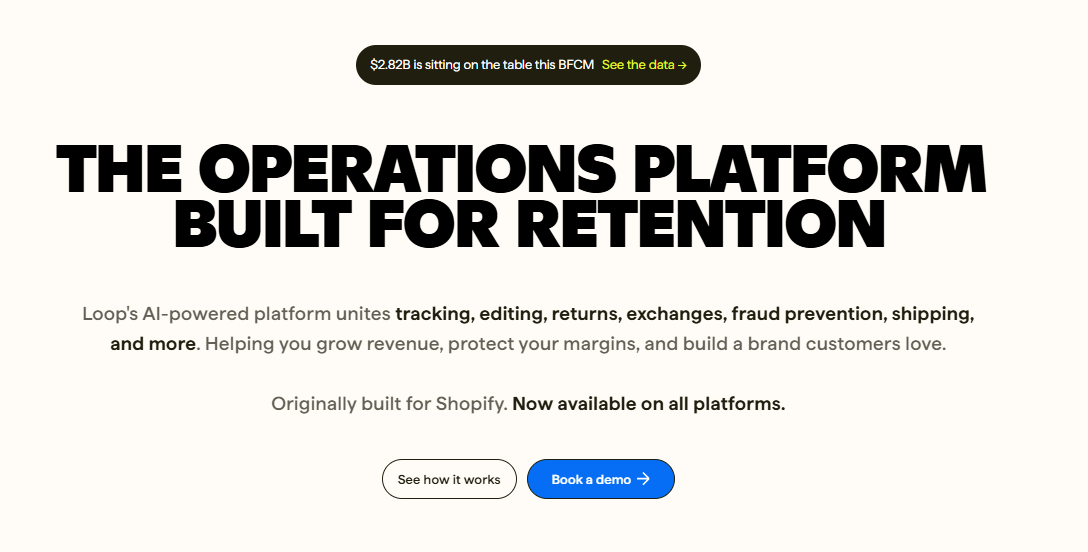
Loop is built for Shopify and designed around a specific belief: a return is an opportunity to keep the revenue rather than refund it. The product reflects that at the entry level. Customers enter a branded portal, and the flow steers deliberately toward exchanges, with bonus credit incentives that make swapping more attractive than refunding. Return policies can be configured by product, by collection, by return reason, and by time window, so final-sale items behave differently from core inventory.
Loop is really attractive if you’re trying to push for an exchange. Brands that merchandise the exchange flow effectively and carry enough range for customers to find an alternative they want can recover a meaningful share of what would otherwise be returned as refunds.
However, Loop is Shopify-centric, so it is not the answer for a multi-channel operation. Pricing and implementation effort only make sense above a certain return volume, and the exchange-first model relies on you having a catalog deep enough to make exchange appealing. A brand selling a narrow range will find the machinery pointed at a door that does not open.
Pros:
- Strongest exchange workflow in the list
- Granular policy rules
- Modern customer-facing portal
Cons:
- Shopify-centric; so it is not the answer for multi-channel operations
- Cost and setup effort only make sense above a certain volume
- The exchange model needs catalog depth
Pricing
- Essential: Starting at $155/month.
- Advanced: Starting at $272/month
- Enterprise: Custom, contact sales
Use Case: A Shopify apparel brand with a wide size and color range where exchanges are a stated revenue goal, not a nice-to-have.
AfterShip Returns
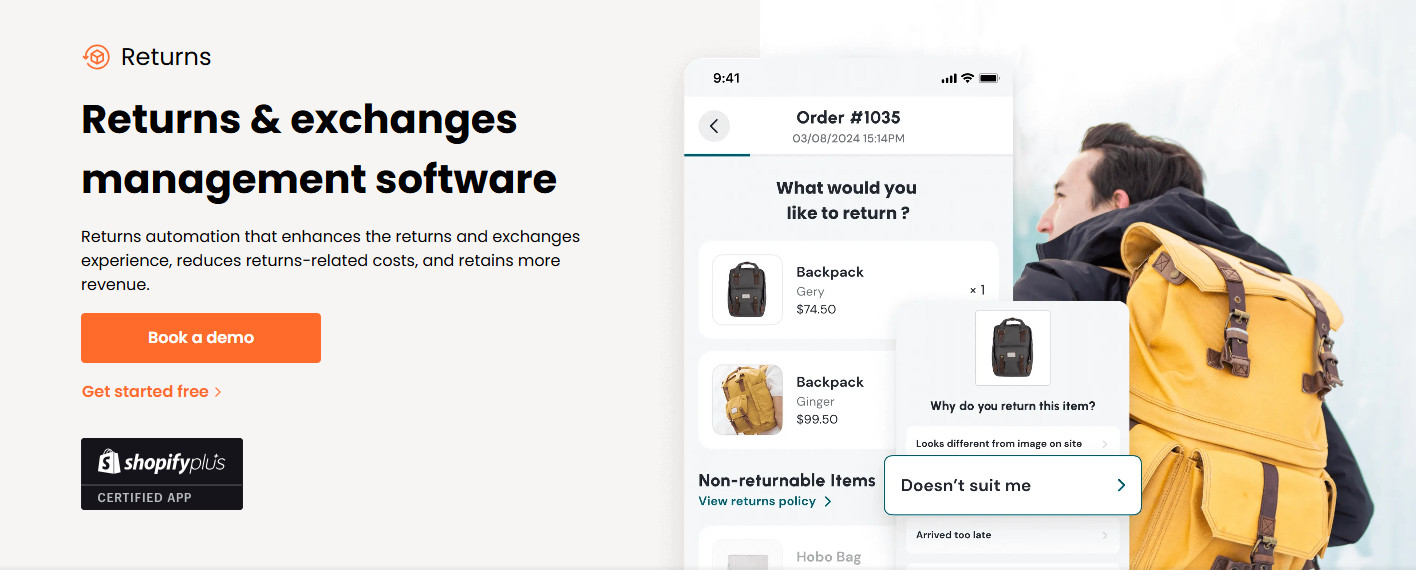
AfterShip approaches the problem from its tracking legacy and works across a wider set of platforms than Loop. You get a self-serve portal; you can configure return rules, multi-carrier label generation, and there are analyses of return reasons that can feed back into product and merchandising decisions.
Its natural fit is the multi-channel seller who wants post-purchase communication and returns under one roof rather than stitched together. If you’re already using AfterShip, the returns module is a coherent extension rather than a new system.
The trade-off is that you’re buying into a suite. If returns are your only real pain point, you may be paying for surfaces you never touch, and the span of configuration means setup takes longer than a brand with simple needs will want to spend.
Pros:
- Works across more platforms than Shopify-only tools.
- Strong tracking pedigree.
- Useful return reason analytics.
Cons:
- You are buying into a suite, so you may pay for surface area you never touch.
- Configuration span means setup takes longer than a simple operation wants to spend.
Pricing:
- Essentials: Starting at $16/month for 240 returns a year ($0.50 per extra return).
- Premium: Starting at $99/month for 1,200 returns a year ($1.00 per extra return).
- Enterprise: Custom, contact sales.
Use Case: a seller running Shopify plus two marketplaces who wants one post-purchase layer rather than three.
ReturnLogic
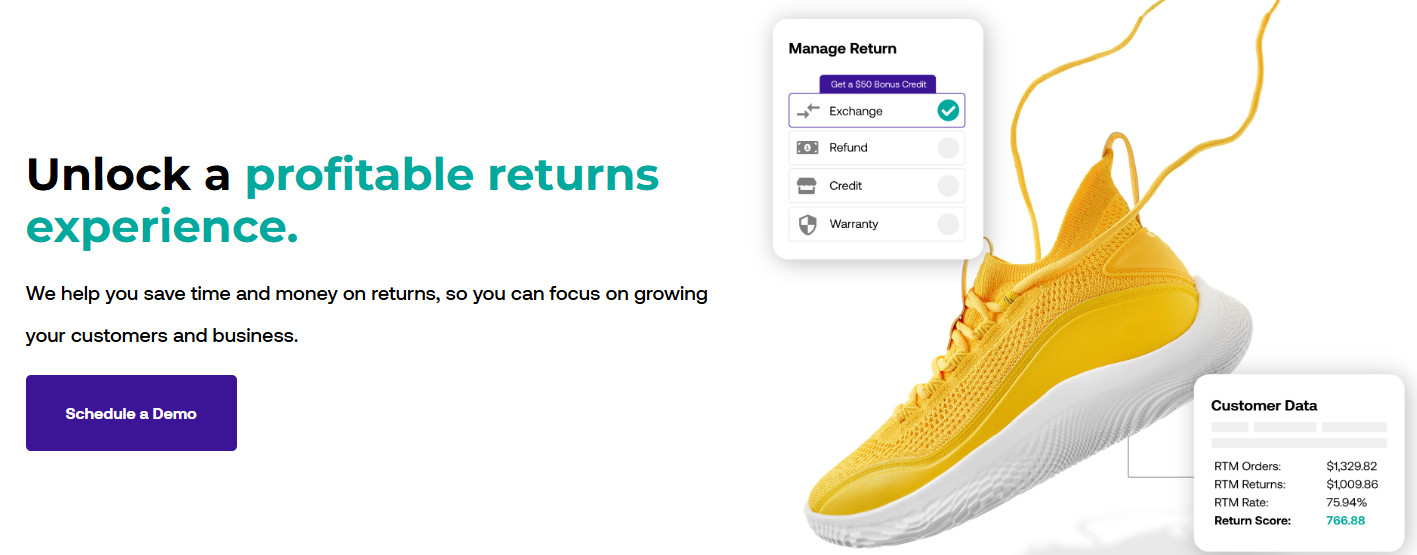
ReturnLogic is the pick most roundups skip. It’s less about making returns pleasant and more about making them rarer, which is a different goal than the rest of this section. It ties return reasons back to product data so patterns will surface: a specific SKU coming back at three times the store average, a size running small, a product photo setting the wrong expectation.
That framing suits a brand that has already accepted returns as a cost and now wants to attack the cause. It suits a brand looking for a slicker portal much less well.
Pros:
- Useful analytics, policy, and workflow control; oriented towards reducing return rate rather than processing returns after.
Cons:
- The analytics only pay off if someone acts on them, which needs merchandising or product ownership you may not have; more of a platform than a small catalog justifies.
Pricing:
- Usage Based: Free, no subscription or platform fees, $3.90 to $0.25 per return depending on volume, no overages.
- Enterprise: Custom pricing, includes everything in Usage Based plus a dedicated success manager and returns analyst.
Use Case: a brand with a return rate it considers a product problem, not a logistics one.
Shipping tools that handle returns
Not every store needs a platform built around returns. If your diagnostic points toward the simpler group, the job is smaller than it looks. What you need is a label, visible tracking, and protection on the value of the goods in transit. That work doesn’t require a separate platform. It can sit inside the tool already handling your outbound shipping, which means one system, one logic, one set of carrier relationships.
Shippo
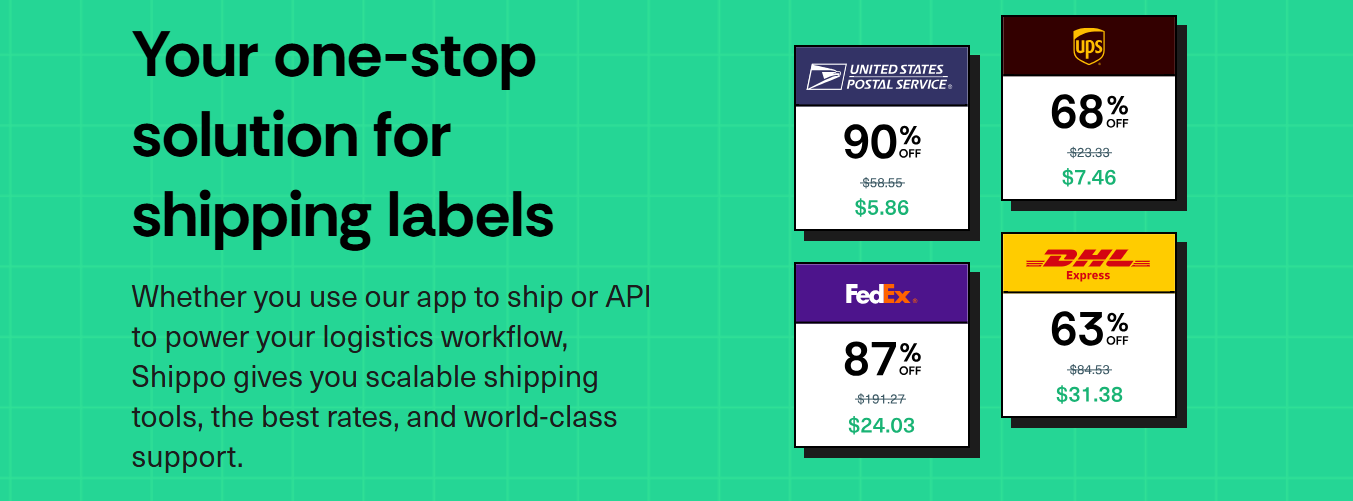
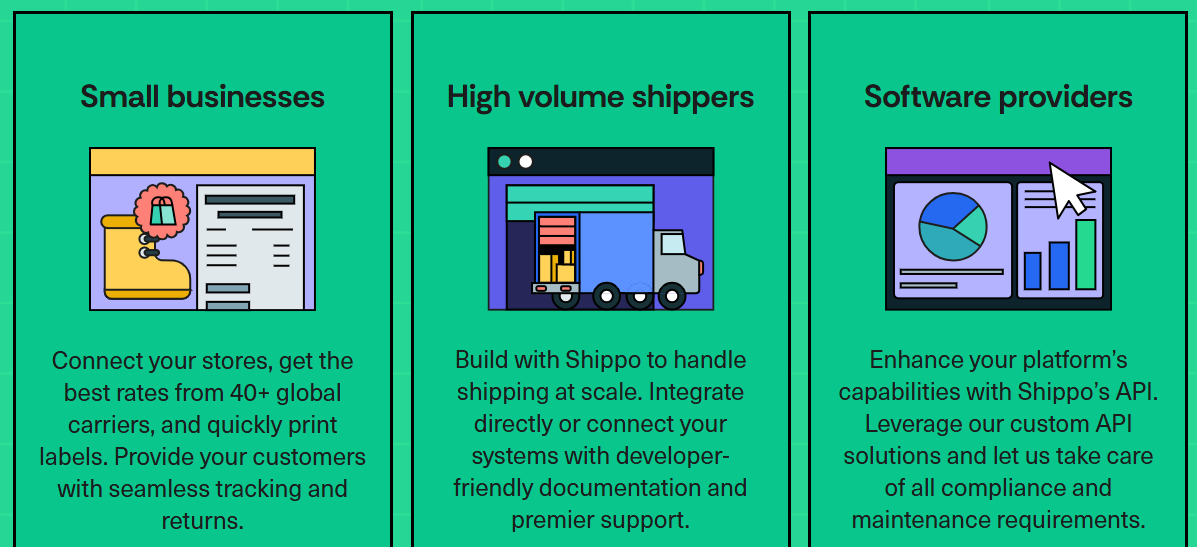
Shippo is a multi-carrier shipping platform that treats returns as part of the same workflow as everything else you ship, which is exactly why it fits this category.
Return label generation takes minimal time and effort to set up. There is no separate returns system to stand up, no portal to configure, no second vendor to manage. Generate the label, get it to the customer, and track it like any other shipment in the account.
Branded tracking pages and notifications carry your own colors and product recommendations. This matters more on returns than most brands expect, because the return window is exactly when customers get anxious about their refund and start opening tickets. Visible tracking on the inbound leg answers the where-is-my-refund question before it lands in your inbox.
Shipping insurance covers loss, damage, or theft. A return in transit is inventory you have not recovered and have often already committed to refunding, so coverage on that leg protects a genuinely exposed position.
Pros:
- Returns handled inside your existing shipping workflow.
- Branded tracking on the inbound leg
- Per-order insurance
- No contract or volume minimums
- Multi-channel
- Bulk label printing
- No volume minimum
Cons:
- No self-serve returns portal
- No exchange or store credit engine
- No conditional policy rules
- No reverse logistics management.
- One-click shipping only applies to store-connected orders with automations configured, not manual orders.
- Automation rules cover common cases but are not deeply granular.
- Customs documents generate automatically, but you still need to supply the contents.
Pricing:
- Starter: Free, includes best carrier discounts (USPS, UPS, FedEx, DHL Express), unlimited store connections, international shipping, automations, return labels, shipment tracking, and reporting.
- Pro: Starts at $17/month (annual) for 1 to 200 labels a month, scaling up to $49/month for 501 to 1,000 labels.
- Premier: Custom; contact sales. Includes everything in Pro plus dedicated support, 15+ user logins, and unlimited store connections.
Use Case: a store selling across two or three channels, handling returns steadily but not strategically, that would rather not administer a second platform.
Shipstation
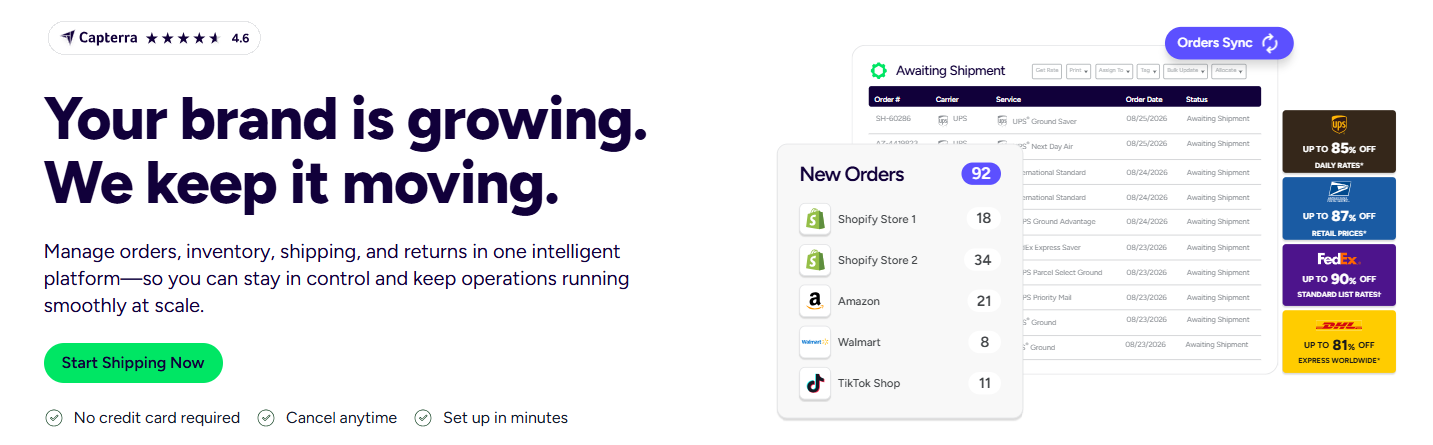
The other established option in this category, with a broad feature set and real depth for operations shipping upward of a thousand orders a month. It generates return labels and covers the same basic ground.
Pros:
- Deep feature set
- Extensive integrations – it is connected with hundreds of marketplaces, e-commerce stores, carriers, and business tools, including eBay, Amazon, Shopify, WooCommerce, UPS, FedEx, and DHL. This makes it useful for sellers who want to manage orders from several platforms at once.
- Strong fit for complex high-volume fulfillment.
Cons:
- Reported crashes, outages, and sync issues
- Consistent price increases; feature-depth procedures and an interface smaller sellers find harder to navigate than the job warrants.
Pricing:
- Starter: Starts at $14.99/month for 50 shipments, scales up based on shipment volume.
- Standard: Starts at $29.99/month for 50 shipments, scales up based on shipment volume.
- Premium: Starts at $349.99/month for 50 shipments, scales up based on shipment volume.
Use case: an operation past a thousand orders a month with genuinely complex requirements and the patience for the learning curve.
How they compare
Loop, AfterShip, and ReturnLogic aren’t really competing on the same checkboxes; they’re built around different priorities: Loop optimizes for exchange revenue, AfterShip for channel breadth, ReturnLogic for root cause.
Shippo and ShipStation aren’t competing with any of them. They sit in a different category, and the choice between the two comes down to volume and appetite for complexity.
Tool | Starting Pricing | Return Labels | Self-Serve Portal | Exchange / Credit | Branded Tracking | Insurance |
Loop Returns | $155/mo | Yes | Yes | Yes | Yes | Via partners |
AfterShip Returns | $16/mo | Yes | Yes | Yes | Yes | Via partners |
ReturnLogic | Free (usage-based) | Yes | Yes | Yes | Yes | Via partners |
Shippo | $17/mo | Yes | No | No | Yes | Yes |
ShipStation | $14.99/mo | Yes | No | No | Limited | Yes |
Making the call

Pick a dedicated returns platform if your return rate is high, exchanges are strategic rather than incidental, you will genuinely configure and use the policy engine, and your volume justifies both subscription and implementation time. Apparel and footwear brands at scale usually land here.
Pick a shipping tool that handles returns if returns are steady but not strategic; what you need is labels, tracking, and coverage, and a second platform would cost you more attention than it turns in efficiency. Most growing stores are in this position, including plenty that assume otherwise.
The mistake worth avoiding is treating platform weight as a proxy for seriousness. Buying more returns infrastructure than the operation needs does not make a store better at returns. It makes it responsible for a system that has to be maintained, configured, and paid for regardless of how much it gets used. Match the tools to the problem, and revisit when return volume or strategy changes.