


Last Updated on July 7, 2026 by Ewen Finser
Cash flow is a constant worry at small businesses. Even if you’re maintaining a cash buffer and smartly using credit for purchases, there’s only so long that these strategies will work on their own.
It’s common sense, but if you want your business to survive, you’ll need to collect payment from your customers. Of course, this is easier said than done, because even if you do everything correctly on your end, you’re relying on the customer to fulfill their end of the deal.
If you’re struggling to collect payment from your customers, securing the right combination of the strategies and software is essential.
Software Options At a Glance
Best For | ACH Fees | Card Fees | Monthly Cost | Free Option Available? | |
Dedicated AR management | None | 2.9% (either you or the customer pays) | Starting at $0/mo | Yes | |
All-in-one accounting, invoicing, and payment collection | 1% | 2.99% | Starting at $0/mo (self-employed) or $38/mo (small business) | Yes (self-employed only) | |
Freelancers and solopreneurs | 1% | 3.5% + $0.30 for business cards | Starting at $23/mo | No | |
Simple accounting and invoicing | 1% ($1 minimum) | 2.9% + $0.60 for most cards and 3.4% + $0.60 for American Express | Starting at $0/mo | Yes |
Strategies for Speeding Up Payment Collection
Sending the Invoice Immediately
If you’re not doing this already, be sure to send your customer the invoice as soon as you’ve delivered the goods, finished the service, completed the project, etc. This gets the ball rolling fast and creates a sense of urgency or timeliness.
Compare this to sending an invoice late. Even if it’s not a conscious thought, the customer will get the idea that things are pretty casual, and if you’re not being prompt, they don’t have to be, either.
Although you can technically still send an invoice late without encountering any legal issues, waiting several months or even a year can harm your reputation, making you seem sloppy. Automating this entire process can help with prompt invoicing and to make sure you don’t forget to send one.
Offering Multiple Payment Methods
On the customer’s end, you want the payment process to be as seamless as possible. That’s why I’d recommend offering several payment methods for them to choose from. Many small businesses are stuck in the past, accepting checks only. If this is how your business currently operates, you’ll want to add more payment methods ASAP.
The bare minimum you should offer is ACH and card. Digital options like these can speed up payment collection for a couple reasons. First, when customers know that you’ll accept their preferred payment method, it’s more likely that they’ll pay you on time instead of dragging their feet.
Second, different payment methods have different settlement times, with checks being especially slow. In general, here’s what you’re looking at:
- Paper check: Days to weeks, when considering time in the mail
- ACH: 1-3 business days
- Credit card: 0-3 business days
- Wire transfer (domestic): Same day
While you can offer all of these if you’d like, ACH and credit card are two that I’d focus on. Many businesses like using ACH especially for large payments because ACH fees tend to be far lower than credit card fees. ACH fees can be structured as a flat fee between $0.50 and $1.50 per transaction or as a percentage, usually no more than 1.5%. Compare this to card fees, which are 2-3%.
However, many of your customers will also like that you offer credit card processing, as credit can help with their cash flow strategy, plus they can earn points and rewards. Credit card payments are sometimes faster than ACH, although it can still take a few days depending on your payment processor.
Shortening Payment Terms
Adjusting your payment terms can also help you get paid faster, although there will always be some customers who insist on paying late no matter what.
There are a lot of ways you can go about this, although the most common payment terms are probably net 30, giving the customer 30 days to pay you. But some businesses use longer terms than that, like net 60 or even net 90. If this is where you’re at currently, I’d definitely suggest shortening your terms. You can also go shorter than net 30, switching to net 7 or net 10. Or, you could make payment due on receipt.
Try not to make too drastic of a change at first, and clearly communicate the change ahead of time. You don’t want to spring it on them with no warning, as your customers may need time to adjust their own cash flow strategies.
Using Early Payment Incentives
This goes right along with the payment terms you’re using. Many businesses offer discounts for early payment. Commonly, you’ll see something like 2/10, net 30. In this situation, the customer has 30 days to pay you, but if they pay you within 10 days, they’ll get 2% off.
So, let’s say the customer owes you $1,000. If they make payment within 10 days, they’ll only end up having to pay you $980. These kinds of payment terms can be especially attractive for large bills, where savings could potentially get into the hundreds.
Automating Payment Reminders
Lastly, I’d suggest sending automated payment reminders to customers shortly before or after payment is due. You could set it up so that a reminder gets sent out 7 days before the due date, on the due date, or a set number of days after the due date. This spares you from having to manually track down payments, plus the reminders can help customers remember to pay you.
Choosing the Best AR and Invoicing Tool
While the strategies I mentioned can all help with faster payment collection, they’re hard to implement on your own. You’ll want to have the proper tools in place to help you follow through instead of trying to manage everything in spreadsheets. Here are some software options to consider.
Melio
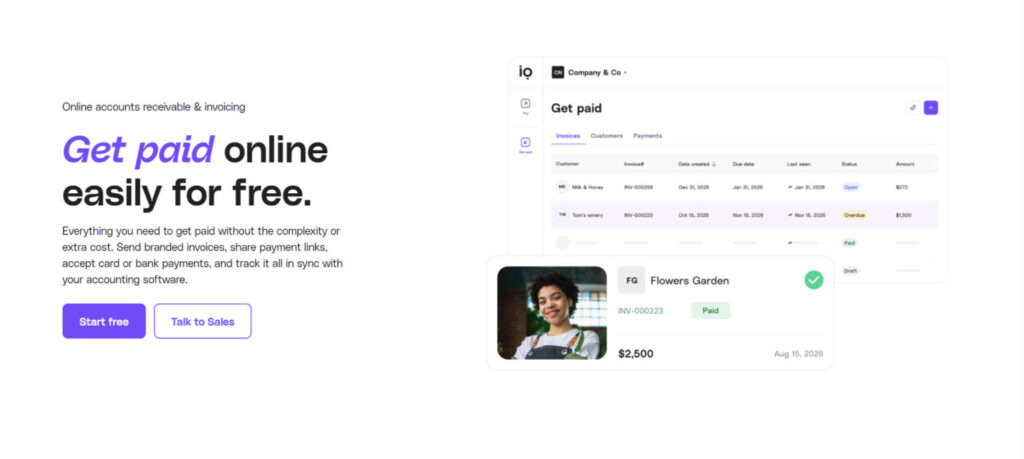
Melio is an automated AR and AP platform for small businesses. While it’s not an accounting software, it can sync with your ledger.
AR Features
To initiate payment, you’ll send over your invoice, which you can customize. All invoices include your own personalized payment link, which the customer will follow in order to pay you either via ACH or credit card. You can also send the payment link on its own without the invoice. Plus, you can include the payment link elsewhere if you’d like, such as on your business cards or in your email signature.
Melio lets you track the payment, so you can see what’s happening in real time. It automates much of your AR processes as well, like payment reminders, matching payments to invoices, and flagging overdue payments. It can sync with your accounting software, currently supporting QuickBooks (Online and Desktop), Xero, and NetSuite (Standard and OneWorld).
Pricing
When customers pay you with ACH, it’s completely free, while credit card payment has a 2.9% fee. You can choose whether you’ll cover the credit card fee or if you’ll pass it on to your customer.
You’ll need to register for a plan to use Melio, and there are four main price tiers: free, $25/month, $55/month, and $80/month. Even the free tier includes AR and invoicing, although for branded invoices, you’ll at least need to pay $25/month.
QuickBooks Online
QuickBooks Online is known first and foremost as an SMB accounting and bookkeeping platform, but you can also use it for invoicing and payment collection, with these capabilities included in all QuickBooks plans.
AR Features
QuickBooks covers the basics of payment collection: generating and sending invoices, automating payment reminders, and recurring invoices. You can also create estimates, which can then be converted into invoices later on.
Pricing
For ACH, the fee is 1%, while for cards and digital wallets, it’s 2.99%. However, QuickBooks has discounted fees available for those processing over $2,500 monthly, which could give you a maximum of 25% off.
QuickBooks has several plans available depending on the size of your business and your overall needs. There are a few self-employed plans available, one of which is completely free. However, this plan is quite limited, only allowing you to send two invoices per month.
Otherwise, when looking at the four main plans offered for SMBs, the lowest tier will cost you $38 monthly. Depending on how many users you have, you may need a higher-tier plan, with the top plan priced at $275/month.
FreshBooks
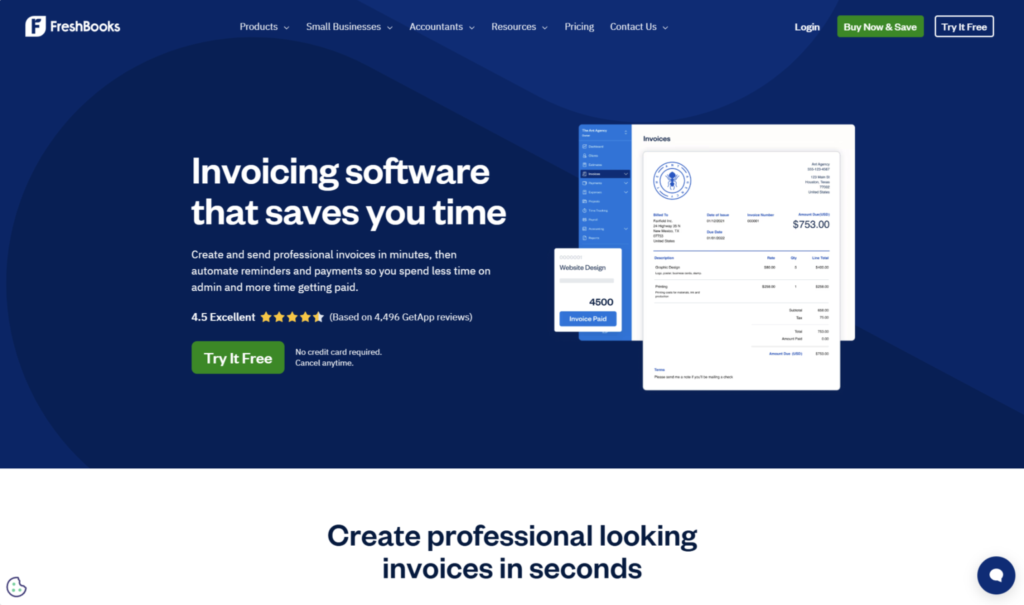
FreshBooks is a well-known accounting and invoicing software for small businesses. It’s especially popular among freelancers and solopreneurs, but it can be an appropriate choice for businesses with employees or contractors as well. I’ll be focusing exclusively on the invoicing side for now.
AR Features
FreshBooks heavily promotes their invoice customization features. You can create an invoice using their invoice generator and add your logo and theme color. You can also automate the entire invoicing process, including payment reminders, late fees, recurring invoices, and card-on-file payments. And if you charge by the hour, you can track your hours within FreshBooks and then convert the hours into an invoice.
FreshBooks gives your customers several ways to pay you: ACH, credit card, digital wallets (Apple Pay and Google Pay), and Buy Now Pay Later (Affirm and Afterpay).
Pricing
As with Melio and QuickBooks, when you’re using FreshBooks, you’ll incur both transaction fees and a subscription fee for your plan type. The transaction fees depend on the payment method, and there isn’t a flat rate for credit cards, as the rate depends on the card type. The rates you’re looking at are:
- Standard cards (Visa, Mastercard, Discover, etc.): 2.9% + $0.30
- Business cards and American Express: 3.5% + $0.30
- ACH: 1%
- Buy Now, Pay Later: 6% + $0.30
FreshBooks offers three plans, and then there is a custom plan for complex needs. One of the main distinctions between plans is the number of billable clients you can have on your plan. For instance, the lowest-tier plan is $23/month, but you only can send invoices to 5 clients.
Wave
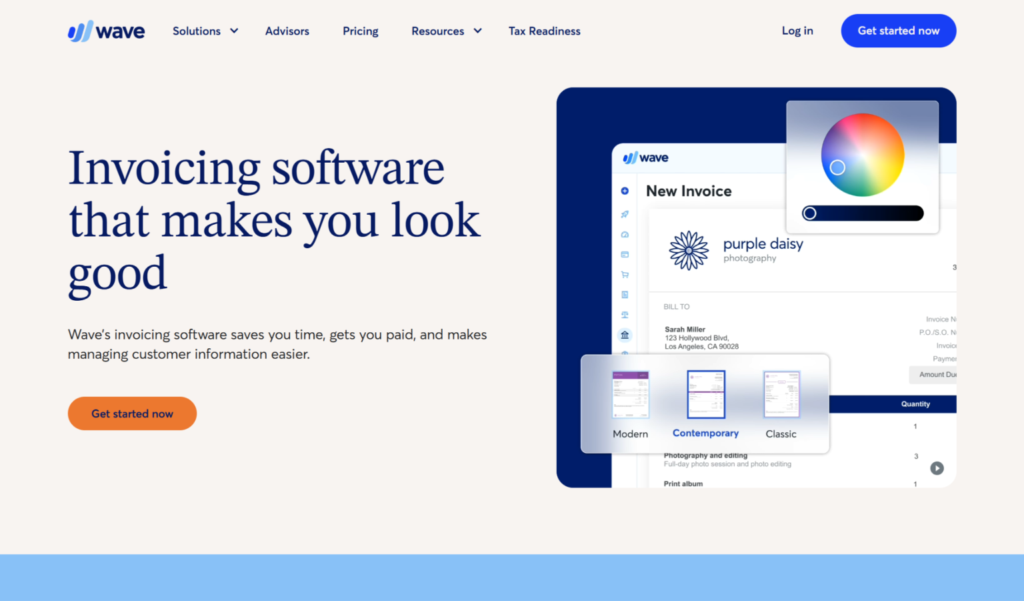
Wave is a popular accounting software for small businesses with basic needs. It’s an affordable choice that supports day-to-day bookkeeping, plus invoicing and payments.
AR Features
When creating invoices with Wave, you can customize them to look professional and fit the design you’re going for. The platform has drag-and-drop editing to streamline this. Once you send out the invoice, customers can choose to pay you in the way that works best for them: ACH, credit card, or Apple Pay.
You can automate this process for recurring invoices and with card payments for repeat customers, and you can quickly toggle between manual and automated invoicing. The AR side syncs with Wave’s ledger, updating your books and reducing manual work. Wave lets you track payments and sends you instant notifications, letting you know when an invoice is viewed or paid. You can also use it to set up automated late payment reminders.
Pricing
Aside from the ACH fee, which is 1% with a $1 minimum, Wave’s transaction fees somewhat depend on which plan you have. Wave’s plan structure is simple: there is a free plan and a single paid plan, which costs $19 monthly.
In general, the fee for most credit cards is 2.9% + $0.60, while it’s 3.4% + $0.60 for American Express. With the Pro (paid) plan, the card fees are flat, at 2.9% and 3.4%, for the first 10 transactions. Then, the fees go back up to the usual price.
Take Action to Get Paid Faster
To improve cash flow at your business, it’s important to implement strategies like sending the invoice right away, offering more payment methods, shortening payment terms, using early payment incentives, and sending automated payment reminders.
You’ll need to invest in a software that helps you take these steps. There are plenty of options out there, with some being overall accounting platforms and others more specialized in AR/AP. However, my top pick would probably be Melio. Because it exclusively focuses on AR and AP, it is pretty seamless to use, plus ACH is free.
However, if you want everything all in one place, you may want to explore QuickBooks, FreshBooks, or Wave. It all depends on your business’s needs.