


Last Updated on June 24, 2026 by The Digital Merchant Team
In August 2024, Google Ads made a drastic policy change: certain high-growth accounts were suddenly no longer permitted to pay with a credit card.
Unfortunately, this was the preferred payment method for many due to the ability to earn points and rewards. When you’re spending hundreds of thousands on ads each year, rewards add up significantly and can offset other business expenses. Plus, credit cards are often a critical part of many businesses’ cash flow strategies due to float.
The ramifications are not negligible; as a result of these changes, thousands of dollars are at stake.
However, you should know that there are several workarounds you can use to still pay Google Ads with a credit card. Before exploring those, here’s a quick rundown of what happened.
The Google Ads Policy Change

As of August 1, 2024, certain businesses can no longer pay for Google Ads via credit card. Google hasn’t officially spelled out which types of businesses are affected by the policy change — only that it’s a “small segment of customers.”
Thankfully, most advertisers weren’t impacted and can continue paying with a credit card as usual. Of the minority of businesses caught up in this change, most are high spenders, expending hundreds of thousands of dollars per year on ads.
Google hasn’t just been silent on who is impacted; they also haven’t said why they made this change, aside from claiming that it will “deliver a more consistent billing experience.” Meta followed up with a similar policy change in April 2026, but they’ve also been quiet on why they’ve made this move.
The most logical reason is to reduce credit card transaction fees. It might seem like large corporations such as Google and Meta should be able to absorb the typical 2% to 3% transaction fees, but the cost still adds up. This is especially true when we’re talking about companies that process billions of dollars in ad spend annually.
Officially, you’re left with a couple of options: monthly invoicing and direct debit. Under monthly invoicing, Google extends you a line of credit for ad spending, which you then repay within 30 days via bank transfer or check. Under direct debit, Google will automatically charge your bank account after 30 days or after you hit your billing threshold, whichever comes first.
Of course, neither of these options makes up for the fact that you’re losing rewards and float.
Using Third-Party Tools to Pay for Google Ads with a Credit Card
The good news is that you’re not limited to paying Google directly. Instead, you can use a third-party tool that allows you to pay any bill with a credit card, regardless of whether the vendor (in this case, Google) will accept credit card payment directly.
There is a catch: Because these platforms have associated fees, any rewards and points you would normally earn will be effectively cancelled out. However, if you’re not opposed to opening multiple cards over time to take advantage of welcome offers, you could potentially still reap rewards. Even if you don’t, you’ll still gain cash flow flexibility that you otherwise wouldn’t have, and that is no small feat.
With that in mind, here’s a look at some of the available third-party tools that you can use to get the job done.
At a Glance
Fees | Important Note | Best For | |
Plastiq | 2.99% card fee; $0.99 ACH delivery fee | Eligible bills depend on the card brand/issuer | Businesses seeking an established, widely recognized solution |
Melio | 2.9% card fee; free plan available | Free plan limited to one user | Businesses with broader bill pay needs |
Nickel | 2.9% card fee; free plan available | $25,000 limit on free Core plan | Industrial businesses |
Plooto | 2.9% card fee; plans start at $32/month | $10,000 credit card transaction limit | Lower-volume ad spending |
Opal | 3% with Opal card, 3.5% with other cards | Not yet released; waitlist available | Businesses wanting an ads-first solution |
Plastiq
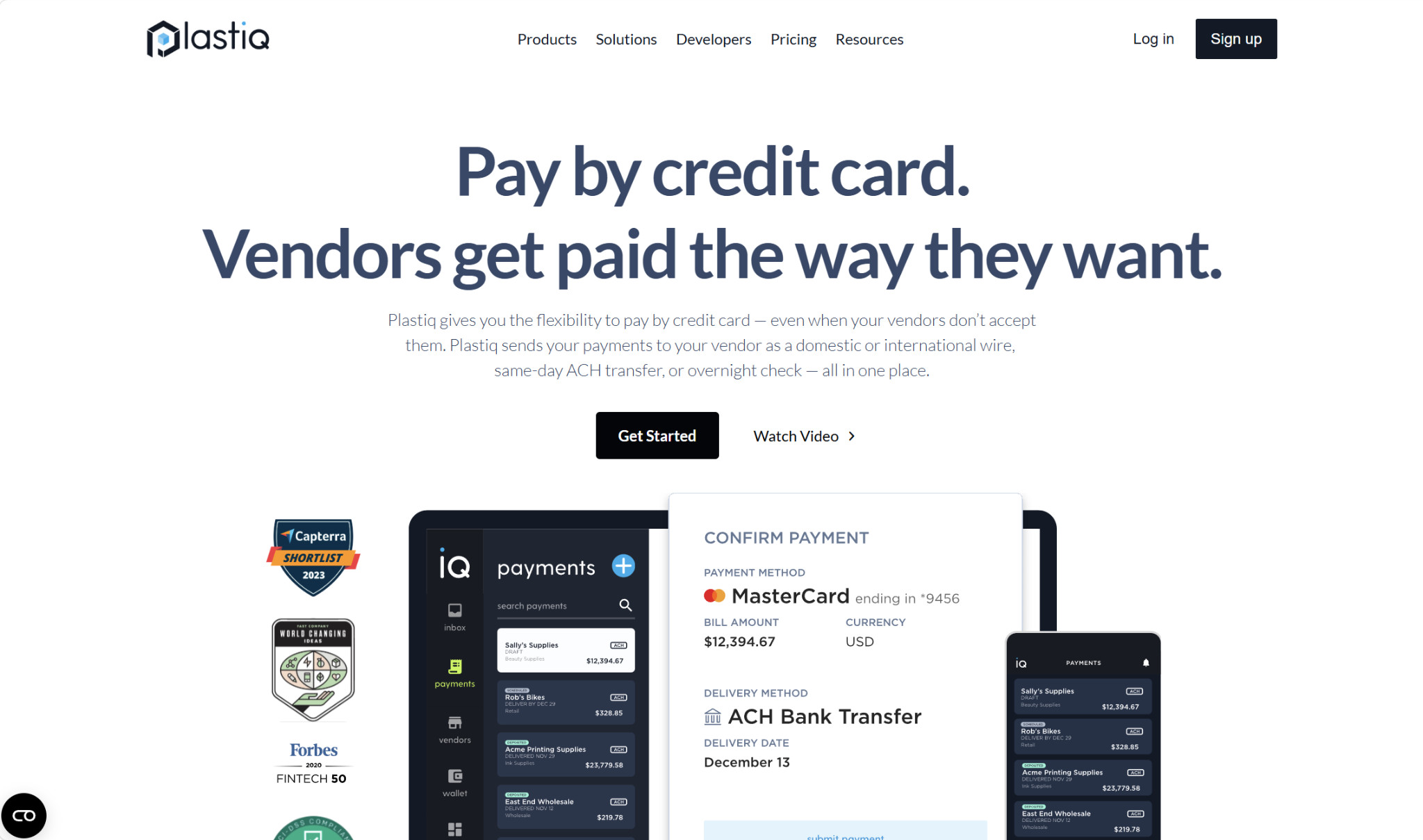
Plastiq is one of the most established, well-known options in this space, used for both business and personal bills alike. It has a range of capabilities on both the AP and AR sides, such as bill management, payment tracking, bill data capture, user roles and permissions, payment approval workflows, vendor management, and bulk payments.
However, the credit card workaround is probably its most notable feature.
What you’ll need to do first is add Google as your vendor. Then, you’ll choose your payment method and your delivery method. In this case, your payment method would be a credit card, and the available delivery methods are ACH/EFT, paper check, and wire (domestic and international).
Plastiq doesn’t charge any monthly fees. Instead, there’s a payment method fee and a delivery method fee for each transaction.
For credit cards, the payment method fee is 2.99%. The delivery fees are:
- ACH/EFT: $0.99
- Paper check: $1.49
- Domestic wire: $8.99
So, if you choose a credit card as the payment method and ACH as the delivery method, your total fee is 2.99% + $0.99.
Melio
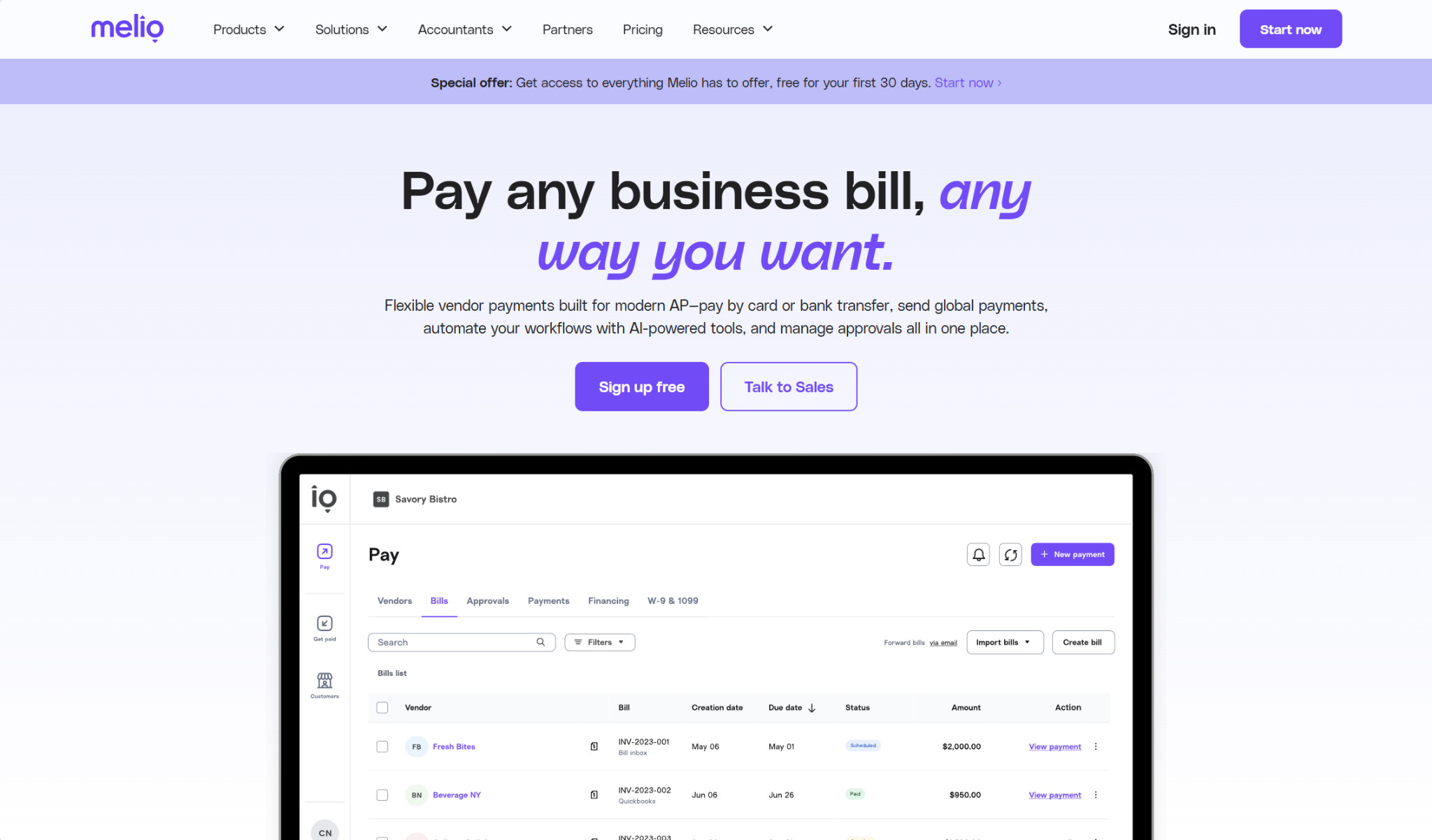
Melio is similar to Plastiq in that it also lets you pay vendors with a credit card, even if they don’t accept cards directly. However, Melio has a broader range of AP and AR capabilities, including more complex approval workflows, W-9 collection, and additional payment options like free ACH.
The transaction fee for paying a bill (such as your Google Ads bill) with a credit card is 2.9%, and you won’t be charged any separate delivery fees. However, because Melio is a more robust solution than what you get with Plastiq, there are monthly subscription fees involved. There is a free plan available, and though its features are fairly limited, it could be enough if you’re primarily using it to pay for Google Ads.
- Go (Free):
- Limited to one user
- 5 free ACH/month
- Pay any bill by card
- AI bill capture
- Pay internationally
- Core ($25/month):
- Plus $10/month per additional user
- 20 free ACH/month
- QuickBooks Online and Xero syncs
- Batch payments
- Approval workflows
- W-9 collection and 1099 automation
- Boost ($55/month):
- Plus $10/month per additional user
- 50 free ACH/month
- Advanced user roles
- Custom approval workflows
- QuickBooks Desktop sync
- Unlimited ($80/month):
- Unlimited users
- Unlimited free ACH
- NetSuite sync
There’s also a custom Platinum plan available for certain high-volume or complex businesses.
Nickel
At first glance, it looks like there are very few differences between Melio and Nickel. Both have the credit card payment workaround, and they’re primarily bill pay solutions. But the difference lies with their customer bases. Melio is industry-agnostic, serving SMBs in a wide variety of fields. And while any business could use Nickel, it mainly targets those in industrial fields, like construction, manufacturing, trucking, and engineering.
Similar to the other platforms, Nickel heavily promotes that you can pay any bill (such as your Google Ads bill) with a credit card, while Nickel delivers the payment via ACH or check. You can also set up recurring transactions, such as for your monthly bill.
Nickel’s pricing structure also mirrors Melio’s, with both transaction fees and monthly subscription fees. For card payments, the rate is 2.9%.
- Nickel Core (Free):
- Unlimited free ACH
- 3 active users
- $25,000 transaction limit
- Approval workflows
- Nickel Plus ($45/month):
- Unlimited users
- No hard transaction limit
- Scheduled and recurring payments
Note the transaction limit with the Core plan. If your monthly Google Ads bill exceeds $25,000, Core won’t cut it, and you’ll need Nickel Plus instead.
The company also offers a custom plan, Nickel Pro, which comes with additional capabilities like customer credit insights, decision workflows, and net 60-day terms for customers.
Plooto
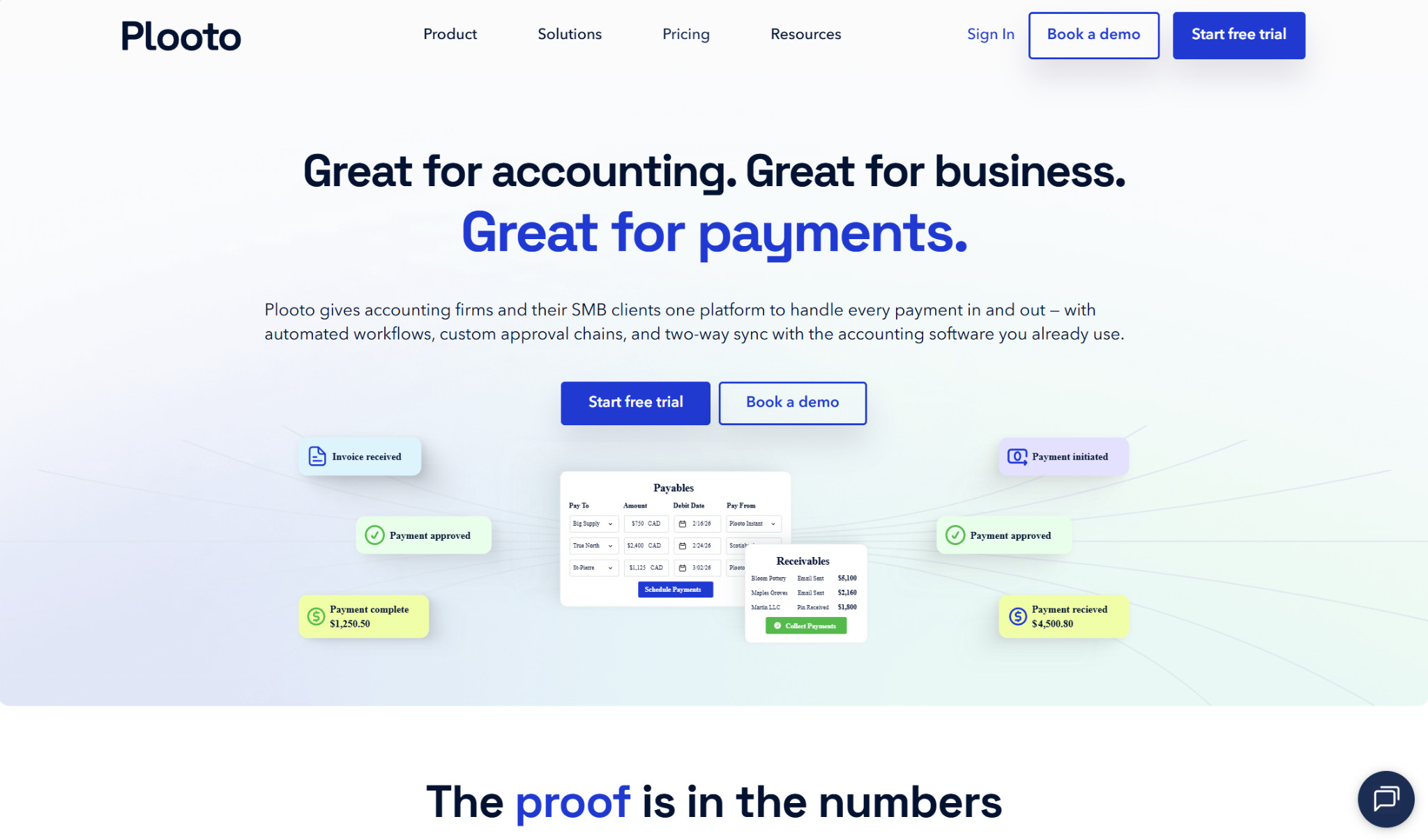
Admittedly, for most of the businesses affected by the Google Ads payment policy change, Plooto likely isn’t going to be robust enough — the change predominantly targeted high spenders, and Plooto enforces a $10,000 transaction limit for card payments across all plans. However, for lower-volume businesses that were swept up in the changes, it could be a decent option.
Aside from the limit, it performs relatively the same functions as the previous three. It allows you to complete both AP and AR tasks, and you can pay any bill with a credit card, with the receiver getting either ACH/EFT or a check.
The fee for Pay by Card is 2.9%. In addition, as with Melio and Nickel, you’ll also need to register for a monthly plan. However, Plooto doesn’t offer a free plan, although you can register for a 30-day free trial.
- Grow ($32+/month):
- OCR invoice processing
- Custom approval workflows
- Unlimited domestic transactions
- Pay by Card
- International payments
- QuickBooks Online and Xero syncs
- Pro ($99+/month):
- Additional controls for approvals and changes
- Single sign-on
- Priority customer support
- Oracle NetSuite sync (add-on)
Opal
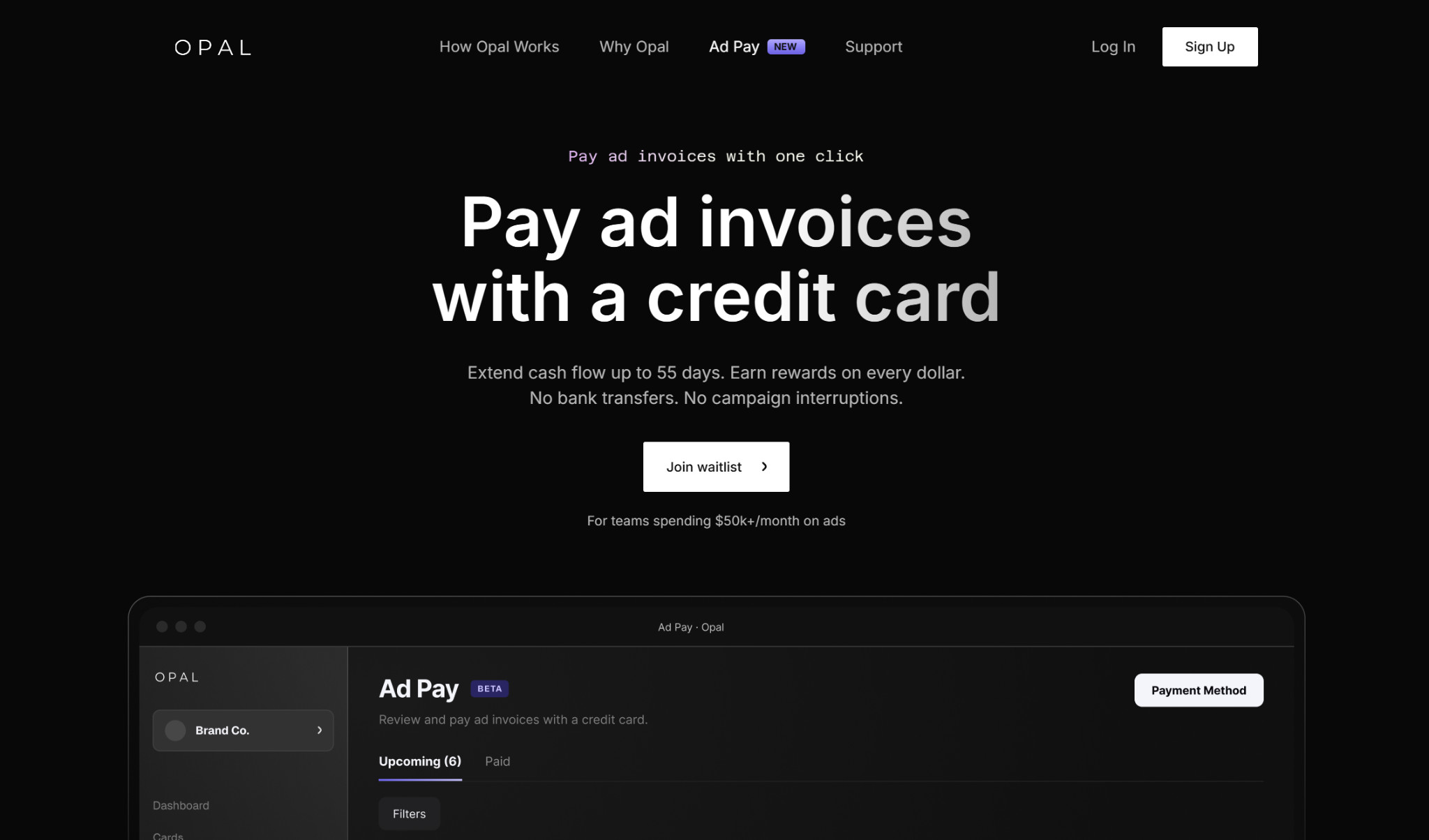
Opal was designed specifically around ad spending, directly addressing the recent Google and Meta Ads policy changes. Right now, its main product is the Opal Charge card, a credit card with high credit limits (up to $10 million) and unlimited 1% cashback on ad spend.
Its new Ad Pay feature lets businesses with a monthly ad spend of at least $50,000 pay their invoices with either the Opal credit card (3% fees) or another credit card (3.5%).
That being said, Opal Ad Pay hasn’t yet fully launched. You can join the waitlist, and it’s specifically meant for this issue, so while you can’t use it right now, it’s a good option to keep in mind going forward.
Is It Worth It to Pay for Google Ads with a Credit Card?
With all of that being said, the glaring caveat remains: Since the credit card transaction fees for each third-party workaround hover around 3%, it’s unlikely that you’ll profit from credit card rewards. For the most part, the best you can aim for is to break even. However, if you’re strategic about it and open several different cards, you could potentially profit if there are generous welcome bonuses involved.
But even if the rewards don’t surpass the transaction fees, there’s still a benefit to using a credit card for ad spend. It all comes down to the cash flow flexibility you gain, or float. With a credit card, you can better control the timing of cash outflows and not deplete your reserves.
So if your business was impacted by the Google Ads payment policy change and you want to use a third-party workaround to pay with a credit card, the good news is that there are several choices available to you.
Plastiq is probably the most well-known solution in this category, and for that reason alone, it’s likely the default that the majority of businesses will turn to. However, if you want a broader bill pay suite to go along with this capability, Melio could be the best choice for you.
For industrial businesses wanting something like Melio, Nickel could be a solid choice instead. If you happen to have lower-volume ad spend, Plooto might work. And although its ad pay feature isn’t yet out, you might prefer Opal if you’re also looking for a credit card.
Overall, none of these solutions is perfect, as they have associated fees that can outweigh any rewards you might get. But with them, you can continue accessing the cash flow flexibility you need.