


Last Updated on May 6, 2026 by Ewen Finser
SaaS accounting looks simple from the outside. You sell software, customers pay monthly or annually, and revenue comes in through Stripe, ACH, credit card, or invoice. You’ll have payroll, contractors, hosting costs, software subscriptions, sales commissions, and maybe a few vendors, but on paper, it seems cleaner than a restaurant or even a retail business with inventory.
Then you actually run the books, and SaaS gets weird real fast.
- Cash does not always equal revenue. A $24,000 annual prepayment might feel like revenue when it hits the bank, but depending on the contract, you may need to recognize it over twelve months.
- MRR and ARR matter to the founder, but they don’t live cleanly inside every accounting system.
- Churn, expansion, contraction, deferred revenue, gross margin, CAC payback, runway, and investor reporting all start pulling from different corners of the finance stack.
The good news is that the right software can bring real structure to all of these messy SaaS-specific problems. The catch is that “right” looks different depending on whether you want a familiar accounting core, a fully managed finance team, or an AI-native system that automates the ledger itself.
Picking the wrong one isn’t catastrophic, but it does tend to cost time, money, and a few stressful month-end closes before anyone admits the fit is off.
The Bottom Line Up Front
QuickBooks Online and Xero serve as reliable accounting cores for early-stage companies that have CPA support. For founders who prefer a hands-off experience, Zeni and Pilot act as full-service solutions by pairing software with human professionals to manage bookkeeping and taxes. And then there’s Digits, an AI-native general ledger designed to automate internal workflows like invoicing, bill pay, and the month-end close without requiring a forced service overlay.
What I Look For in SaaS Accounting Software
There are several questions I asked myself when evaluating these products: How does the system handle recurring transactions? How cleanly does it integrate with payroll, banking, cards, bill pay, and payment processors? Can it support deferred revenue? Can the business report by department, product, customer segment, or location? Can the founder get useful numbers during the month, or only after the close?
For SaaS, I care most about these areas:
- Close Speed and Accuracy: The best system should reduce manual categorization, speed up reconciliations, flag unusual activity, and keep the books close to current.
- Revenue Handling: SaaS companies need to think about deferred revenue, contract terms, annual prepayments, discounts, upgrades, and cancellations. Basic revenue recognition may be fine early on, but complex ASC 606 work still needs judgment.
- MRR and ARR Visibility: The accounting system doesn’t always need to be the source of truth for SaaS metrics, but the stack needs a reliable way to report them.
- Fintech Stack Integrations: Stripe, Ramp, Brex, Mercury, Gusto, Rippling, BILL, and other tools matter. The fewer manual imports, the better.
- Investor Reporting: A founder should be able to produce clean financials, burn, runway, revenue trends, margin, and department-level spend without rebuilding the company’s finances in Excel every month.
- Controls: As the company grows, permissions, approval workflows, audit trails, and review steps matter more.
With that in mind, let’s cover the software getting SaaS accounting right.
QuickBooks Online
QuickBooks Online is still the default for a lot of small and early-stage businesses, and it has real advantages.
- Talent Accessibility: It’s easy to find bookkeepers and CPAs who already know QuickBooks.
- Institutional Credibility: Lenders recognize it as the standard and know how to navigate it if needed.
- Integration Depth: The app ecosystem is huge, and you won’t have any problem integrating it with the rest of your stack.
If you’re bootstrapping, pre-seed, or just getting basic bookkeeping in place, QuickBooks may be the path of least resistance, as it offers:
- Custom KPIs and dashboards
- Advanced report building
- Fixed asset tracking
- Automated revenue recognition
The biggest risk is that the workflow can slowly become increasingly manual over time. You might start with QuickBooks, only to add a Stripe integration, a reporting layer, a revenue recognition workflow, and a month-end checklist — and suddenly you have a behemoth on your hands.
Best Fit: SaaS companies that want a familiar accounting core and have a CPA or bookkeeper who can keep the process tight.
Watch For: Manual categorization, messy tagging, and revenue recognition workflows that look better in theory than in practice.
Xero
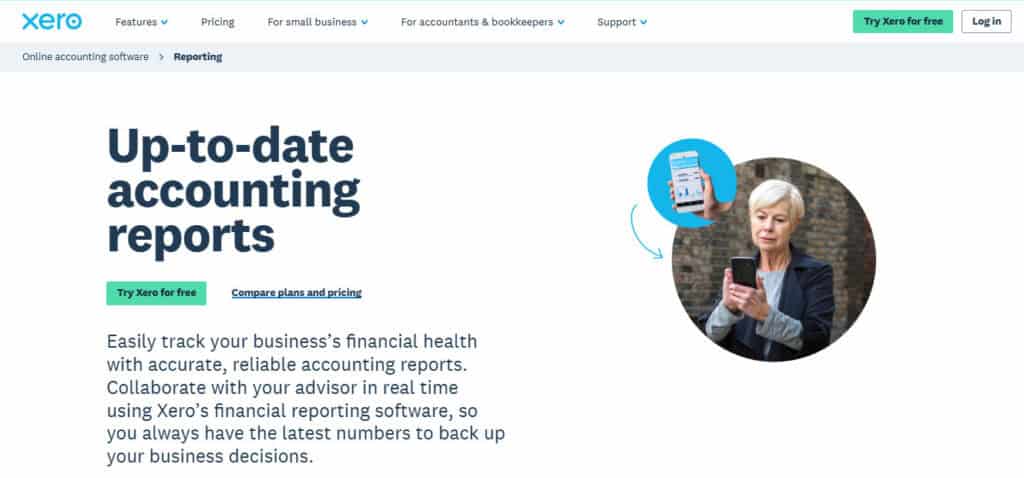
Xero is the other accounting core that comes up commonly for SaaS companies. It has a cleaner feel than QuickBooks in many areas, and some founders greatly prefer the interface.
- Transparent Pricing: Xero’s Early, Growing, and Established plans ($25/month, $55/month, and $90/month, respectively) are considerably less than what QBO costs.
- User Scalability: Xero’s unlimited-user model solves a major pain point for growing teams.
- Great for International Brands: If your company deals with vendors, customers, or teams that are across the EU, Xero can be especially strong.
It’s a good fit when the company wants a clean accounting base and plans to pair it with other tools for billing and SaaS metrics. It offers:
- Strong bank reconciliation workflows
- A broad integration ecosystem
- High flexibility for early-stage SaaS
Just keep in mind that Xero is still a general accounting platform; SaaS-specific work often lives outside the system and can slow you down.
Best Fit: SaaS companies that want a familiar accounting system at a reasonable price (without demanding top-of-the-line performance for SaaS-specific workflows).
Watch For: Third-party integration bloat (needs six apps to make the system work best) and spreadsheets that need to be implemented for the month-end close.
Zeni
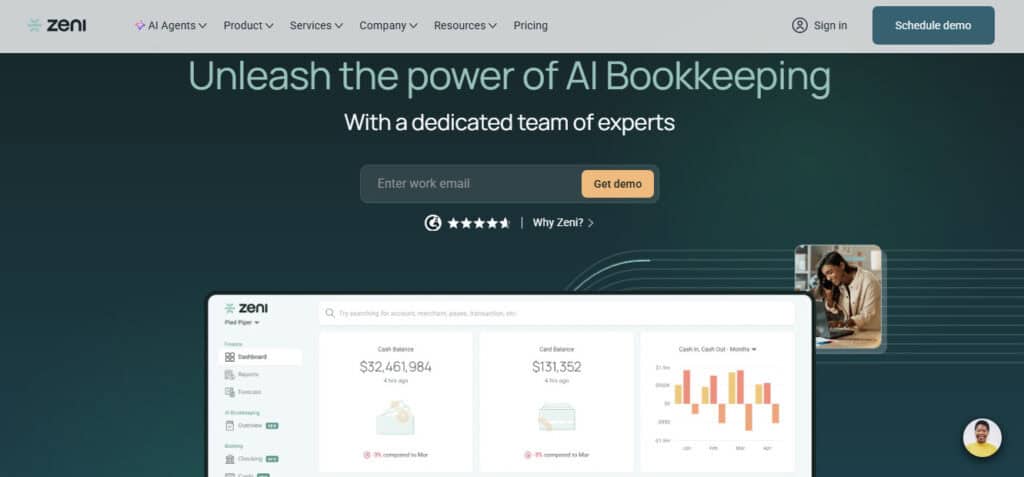
Zeni is closer to a full-service finance model for startups than it is mere accounting software, positioning itself around bookkeeping plans and add-on services for broader finance support. This makes it attractive for founders who do not want to manage the finance function themselves.
- All in One: With Zeni, you get a combination of software, bookkeeping, and finance support.
- Tax, CFO, and Other Support: Zeni can do the day-to-day items like bookkeeping, but it can also offer strategy packages for tax planning and CFO ops.
Zeni is perfect for a startup with no finance team that’s okay with giving up some control and wants a partner to handle everything. This is especially helpful when it comes to:
- Handling annual contracts and prepaid revenue
- Managing payroll allocation
- Tracking SaaS metrics and department spend
At the same time, it may be less ideal for a company that already has a CPA or controller who wants to own the accounting process directly. You also have to watch the price as your complexity grows.
Best Fit: SaaS founders who want bookkeeping and finance support bundled together instead of managing software.
Watch For: Service dependency and cost as needs expand.
Pilot
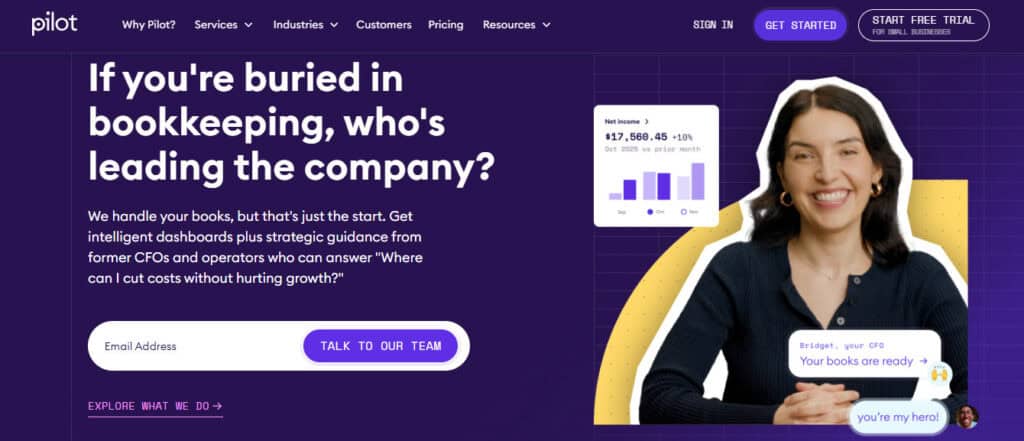
Pilot also lives in the service-led category, describing its model as “50/50 people and software.” It handles bookkeeping, tax, and advisory work for startups and small businesses.
- Bundled Services: Can be your one-stop shop for day-to-day bookkeeping done, with a CFO overseeing the strategy and a COO helping to control operations. Tax strategy is also available.
- Pricing: Introductory pricing can be cheaper than Zeni, depending on company spend.
The main draw here is the simplicity. If you want clean books but don’t want to hire a finance person, Pilot gives the business a finance team without building one internally.
It especially helps when:
- Raising capital from investors
- Preparing for investor reporting
- Getting out of founder-managed bookkeeping
However, it’s very much an outsourcing play. Some SaaS companies want accounting automation but prefer their own internal operator to run the books. So Pilot is less compelling if the main goal is to automate the accounting layer itself while keeping the finance team separate.
Best Fit: SaaS startups that want bookkeeping, tax, and CFO support bundled into a service relationship.
Watch For: Less direct software ownership and an inconsistent fit if you already have an internal finance team.
Digits
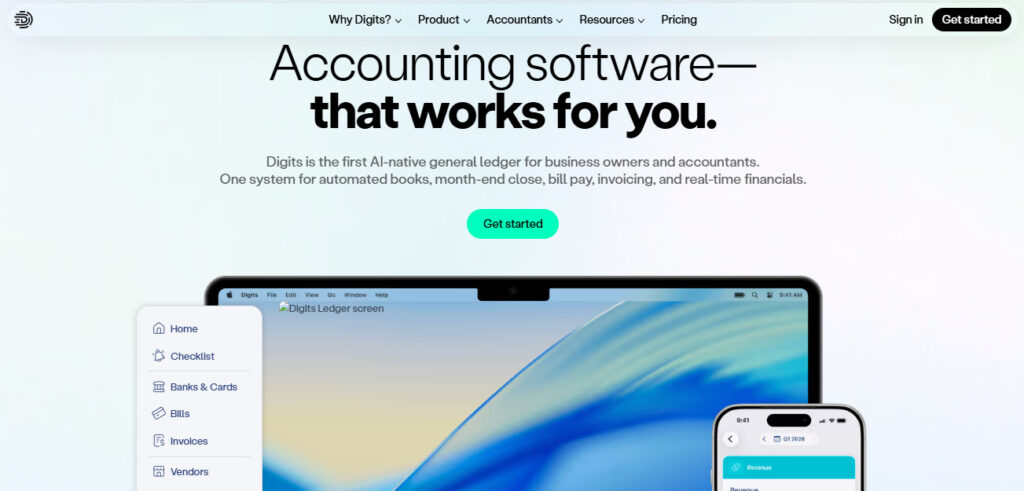
Digits stands out as an AI-native accounting system that puts automation first. It describes itself as a system combining automated books, month-end close, bill pay, invoicing, and real-time financials.
- In-House Books: I like to keep the books in-house whenever possible. It allows you to control the workflow and decide on the best way to run your business.
- Automation: If it can be automated, Digits wants to use AI to streamline and optimize it.
This automation layer is key for SaaS companies with repeatable transaction patterns:
- Subscription tools and hosting costs
- Payroll and contractor payments
- Card spend and payment processing fees
- Bank transfers and transfers between accounts
That said, the AI does not remove the need for good accounting judgment, especially regarding ASC 606 for things like annual contracts, implementation fees, contract modifications, usage-based pricing, bundled services, and enterprise agreements. A CPA or finance director still needs to review technical policy and contract treatment.
Best Fit: SaaS companies that want AI-native accounting automation, faster reporting, and less manual cleanup.
Watch For: Complex revenue recognition and cases where your CPA needs to exercise nuanced judgment.
How I Would Choose
If you’re unsure which way to go, I would pick based on financial complexity rather than just company size:
- The Bootstrapper: If you’re a small SaaS company with clean monthly subscriptions, you can run on QuickBooks or Xero for a long time.
- The Funded Startup: If you need MRR, ARR, churn, and burn every month, the system needs to support that cadence. QuickBooks or Xero may work, but they often need add-ons.
- The Outsourcer: If you want finance taken off your plate, you should look at Zeni or Pilot.
- The Automator: If you already have an accountant or CPA and just want a better system, look at Digits. It improves automation without forcing a full-service layer on top.
Just remember: No software replaces a real revenue recognition policy, and no AI model can save books that were never reconciled.