


Last Updated on April 28, 2026 by Ewen Finser
ClockShark is a cloud-based time tracking platform built specifically for construction and field service teams, covering scheduling, job costing, and payroll integrations with tools like QuickBooks and ADP.
For a lot of teams, it works well. The mobile app is straightforward, and the combination of geofencing, facial recognition, and PIN authentication does a solid job of cutting down on time theft and buddy punching. The job costing side is also genuinely useful — being able to tie hours directly to specific jobs and customers makes it a lot easier to understand where your labor budget is actually going.
But if you’ve been using ClockShark for a while, there’s a good chance you’ve run into some friction.
The elephant in the room is its pricing. Even on the Standard tier, ClockShark’s base fee of $36/month plus an additional $8.10/user/month can quickly add up. Its GPS tracking, while broadly effective, isn’t always as consistent or seamless as it could be, particularly when crews are moving between multiple sites in a day. Finally, its usability has also attracted criticism; as teams scale, the platform can start to feel a little clunky.
With that in mind, let’s look at some of the top alternatives that alleviate some of these pain points.
At a Glance
Best For | Starting Price | GPS Tracking | Payroll Integration | Ease of Setup | |
Homebase | Small teams, simplicity | Free (up to 10 users); $24/location/month | Clock-in only | Yes (included) | Easy |
QuickBooks Time | QuickBooks users | Varies by QB plan | Continuous | Yes (native QuickBooks) | Easy |
Connecteam | All-in-one team management | $29/month (up to 30 users) | Breadcrumb | Yes (included) | Moderate |
BusyBusy | Construction depth on a budget | Free; $9.99/user/month | Breadcrumb | Add-on (+$45/month) | Moderate |
Workyard | GPS accuracy & multi-site teams | $50/month base + $6/user/month | Continuous + routes | Limited | Complex |
Homebase
Rather than trying to offer the most advanced GPS tracking or the deepest construction-specific features, Homebase focuses on simplicity. Its goal is to make time tracking, scheduling, and payroll as straightforward as possible, particularly for small to mid-sized teams.
In terms of tracking, Homebase includes GPS verification at clock-in, geofencing, and optional photo verification. However, it deliberately avoids continuous tracking during shifts, which means you won’t get detailed route histories or movement data throughout the day. This is a bit of a limitation, but it also reduces the complexity involved and makes the system more palatable to employees with privacy concerns.
Ease of use is one of Homebase’s key strengths. It’s simple to set up, employees tend to learn it pretty quickly, and it integrates with payroll processes without too much work on your end.
However, pricing is what really sets it apart for small and medium outfits. It offers a competent free plan for teams of up to 10 working at a single location, with affordable paid tiers that are priced on a per-location basis and offer coverage for an unlimited number of employees. The Essentials package, which contains most of what you’ll need for time-tracking purposes, will set you back $24 per location per month.
If you don’t need continuous ongoing tracking and you’re looking for an accessible tool above all else, Homebase is probably the right move.
Pros
- Generous free plan covers up to 10 employees at one location
- Per-location pricing means unlimited employees don’t inflate the bill
- Fast to set up; low learning curve for field crews
- Payroll integration is straightforward
Cons
- No continuous GPS tracking — only verifies location at clock-in
- Not built for construction, so job costing features are limited
- Single-location free plan won’t suit multi-site operations
QuickBooks Time
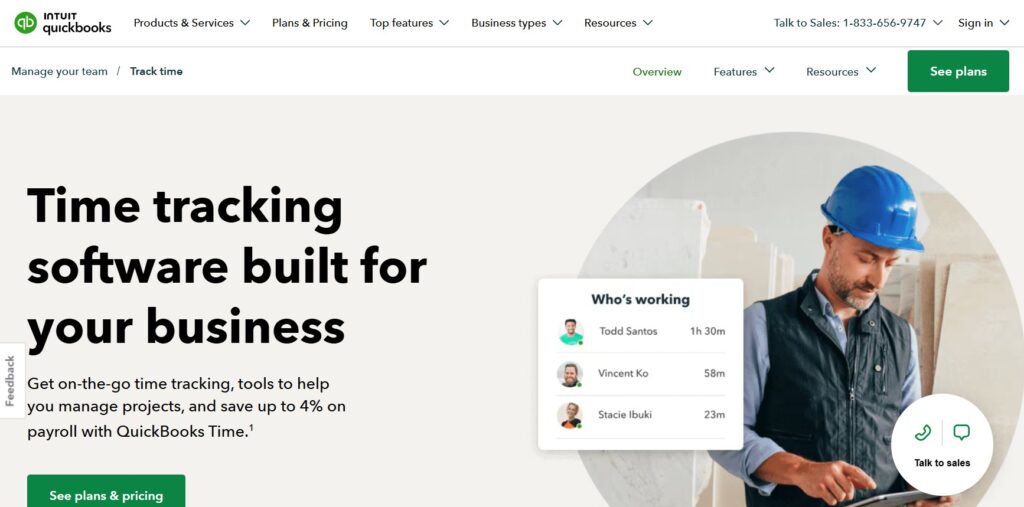
If your business already runs on QuickBooks, its Time offering will slot seamlessly into your existing workflows. It covers most of the essentials you’d expect: Employees can clock in and out via mobile devices, GPS tracking is active while they’re on the clock, and geofencing allows you to set boundaries around jobsites. There’s also mileage tracking and the ability to compare estimated versus actual project hours (although some of the more advanced features are reserved for higher-tier plans).
It’s also very easy to use. Teams tend to get up and running quickly on the platform, and the interface is a lot cleaner than those of some competitors.
Just note that it’s a general-purpose tool and not a platform built for construction and field work, which means it doesn’t always provide the same level of granular visibility into field activity. For example, tracking the difference between travel time and working time can feel less intuitive than in more specialized tools.
Nevertheless, it’s a strong offering that offers great value if you’re already in the QuickBooks ecosystem. If you’re not, it may not make fiscal or practical sense.
Pros
- Near-seamless integration if you’re already using QuickBooks for accounting or payroll
- Clean, intuitive interface with a short onboarding curve
- Continuous GPS tracking and geofencing included
- Mileage tracking and project hour comparison are useful additions
Cons
- Built as a general tool — lacks construction-specific features like equipment tracking or cost codes
- Distinguishing travel time from working time is less intuitive than in specialized platforms
- Limited value proposition if you’re not in the QuickBooks ecosystem
Connecteam Operations
Connecteam Operations is an all-in-one operations platform for managing field teams. Alongside GPS-enabled time tracking, you also get scheduling, internal communication tools, task management, digital forms, and more.
On the tracking side, Connecteam offers GPS clock-ins and geofencing, along with what’s often referred to as “breadcrumb tracking,” which logs location periodically throughout the day instead of just when the card is punched. This gives managers a clearer picture of how time is actually being spent (particularly for teams moving between sites), but it also doesn’t monitor workers continuously, which strikes a nice balance when it comes to privacy. The downside is that Connecteam doesn’t support offline tracking; if your crews regularly work in areas with poor connectivity, that can pose a problem.
Employees generally find it easy to adopt, especially since the mobile interface is intuitive and modern. Managers, on the other hand, sometimes report a steeper learning curve due to the sheer number of features available.
Finally, considering it does a lot more than track time, the pricing is reasonable. The Basic plan costs $29/month for the first 30 users, with an additional $0.80 per month for each additional user. However, a lot of its more advanced features (such as auto clock-out, multiple geofence sites, and auto-assigning capabilities) are locked behind the Advanced tier, which is $49/month for the first 30 users, and the Expert tier, which is a whopping $99/month for the first 30 users. There’s also a custom-priced Enterprise level for bigger organizations.
If you need scheduling, communication, and task management in one place, one of these plans might represent good value for you. If you’re looking for a direct ClockShark substitute, though, Connecteam might be overkill.
Pros
- Genuinely all-in-one: scheduling, messaging, task management, forms, and time tracking under one roof
- Breadcrumb tracking gives meaningful location data without continuous surveillance
- Modern mobile interface; employees tend to adopt it quickly
- Reasonable flat-rate pricing for larger teams
Cons
- No offline tracking; problematic for low-connectivity jobsite environments
- Key features like multiple geofence sites and auto clock-out require expensive upper-tier plans
- Feature depth creates a steeper learning curve for managers
- May be more platform than you need if time tracking is your primary goal
BusyBusy
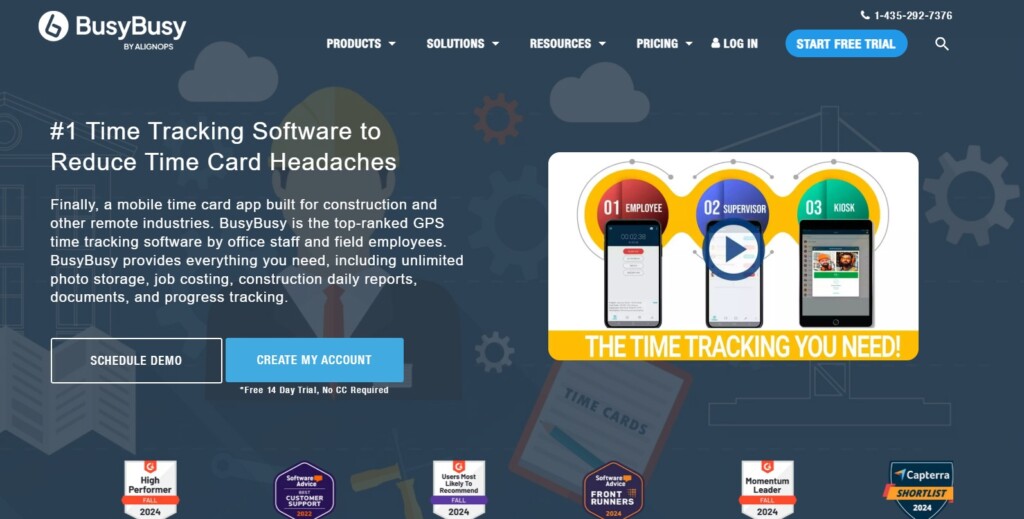
BusyBusy is a specialized construction and field service tracking tool that offers breadcrumb tracking, automatic jobsite entry/exit detection, and robust offline functionality.
It also goes further into operational data than most alternatives: You can attach photos, notes, and daily reports to specific jobs, track equipment usage, and assign cost codes for more accurate job costing, empowering you to develop detailed records of what’s happening on your projects.
Despite this depth, the platform is pretty easy to use for field teams. As is the case with Connecteam Operations, though, the large feature set can make things trickier for managers. Also, its customizations and integrations tend to be a bit more limited than those of competitors.
BusyBusy’s pricing structure is a mixed bag. Its Free tier is free forever and genuinely useful for small teams with basic time-tracking needs. However, features like breadcrumbing, photos, and scheduling aren’t available unless you pay $9.99/month for each user, which can get expensive quickly. Additionally, the platform’s payroll feature is an optional add-on that costs $45/per month, with an additional $6 monthly charge for each employee.
So, if you want a proper feature set at a reasonable price, you’ll find better deals elsewhere. But if you like the general idea behind ClockShark but feel that it doesn’t go quite far enough, BusyBusy could be the next step up for you.
Pros
- Built specifically for construction, with cost codes, equipment tracking, and daily reports
- Solid offline functionality — works reliably in low-connectivity environments
- Free tier is genuinely usable for small teams with basic needs
- Automatic jobsite entry/exit detection reduces manual clock-ins
Cons
- Most useful features require the paid tier at $9.99/user/month, which scales quickly
- Payroll is a costly add-on rather than included ($45/month plus $6/employee)
- Integrations and customization options are more limited than competitors
- Can be complex for managers to administer
Workyard
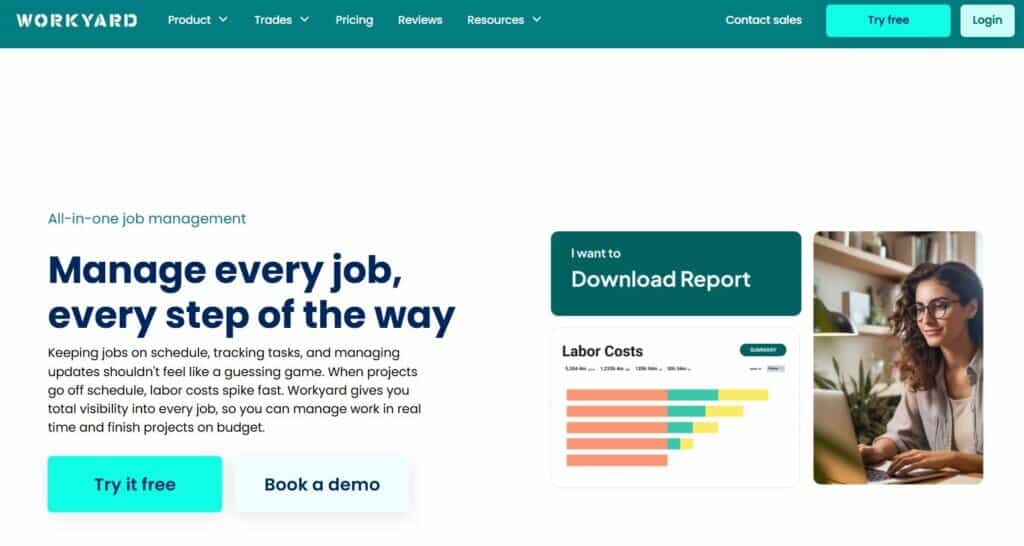
Workyard is built around the idea that GPS tracking should be as accurate and automatic as possible. It uses automatic jobsite detection, so employees won’t need to select a location when they clock in. It also tracks travel routes and mileage, which is particularly useful for teams that move between multiple sites in a single day. This level of precision can have a real impact on payroll accuracy and job costing, especially in businesses where travel time represents a significant portion of the workday.
Clocking in and out is straightforward, and much of the tracking happens in the background. Managers may need to spend more time during the setup phase, but once the system is in place, it tends to run smoothly.
Unfortunately, Workyard isn’t the cheapest option. Its basic package will set you back $6/month per user, alongside a $50/month base fee. The Pro tier (which contains scheduling, tasks, labor cost reporting, and photo verification for clock-ins) costs $13/month per user, with the same base fee.
However, if your main frustration with ClockShark is around location tracking (accuracy, reliability, manual geofencing), you should consider Workyard.
Pros
- Best-in-class GPS accuracy with automatic jobsite detection and full route tracking
- Travel time and mileage tracking are seamlessly built in — ideal for multi-site crews
- Much of the tracking runs in the background, reducing friction for employees
- Strong job costing with labor cost reporting on the Pro tier
Cons
- One of the more expensive options: $50/month base fee plus per-user costs adds up fast
- Setup requires more upfront investment from managers
- Scheduling and photo verification are locked behind the Pro tier
- May be more GPS-focused than teams who need deeper operational or communication tools
The Best ClockShark Alternatives: What’s the Verdict?
The choice between these programs ultimately comes down to the problem you’re trying to solve.
If your main concern is simplifying operations, reducing friction, and keeping costs low, Homebase is likely going to be the best fit. Its chief concern is providing time-tracking and payroll assistance for construction companies of all sizes, and it does a great job of this at a very reasonable price point.
QuickBooks Time is the natural choice for companies already operating within the QuickBooks ecosystem, and Connecteam is ideal for those looking to combine time tracking with broader team management tools. If you want a high-powered, construction-specific platform, Workyard could be the move.