

Last Updated on April 27, 2026 by Ewen Finser
Clockify is easy to understand, easy to roll out, and still genuinely useful if all you need is a clean timer, manual time entry, weekly timesheets, and billable-hour tracking. Its pricing also makes it accessible for smaller teams; you get unlimited tracking for free, and then pay only when you need extras such as approvals, invoicing, time off, or scheduling.
As teams scale, though, they tend to outgrow Clockify. As soon as schedules, late arrivals, overtime, payroll prep, job-site attendance, and labour cost visibility start mattering, its focus on tracking becomes limiting.
So, after Clockify, what comes next?
Pure Time Trackers vs. All-in-One Workforce Platforms
Clockify alternatives fall into two broad camps.
The first is the “better time tracker” camp: tools that will mainly help you record hours, invoice clients, monitor output, or understand project profitability. Harvest and Hubstaff fall into this category. They’ll help you to plan projects on a timeline, assess which workers are available at given times and dates, and assign resources.
The second is what I’d call the “run the team, not just the timer” camp (Homebase, Deputy, Connecteam, and QuickBooks Time). These tools treat time tracking as one part of a wider operating system that can include schedules, attendance enforcement, overtime warnings, labour budgeting, team communication, payroll exports, and sometimes payroll itself.
All-in-One Platforms
Homebase
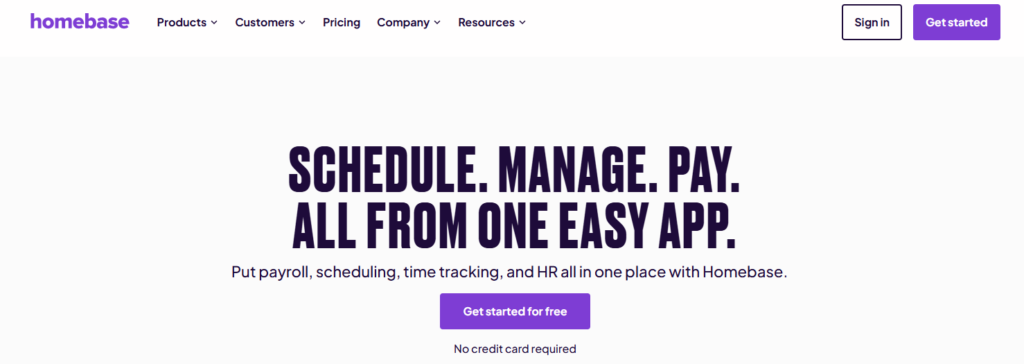
Homebase is built around the real day-to-day needs of hourly teams, not just the act of logging hours.
As an “everything app” for hourly teams, it offers scheduling, time clocks, payroll, messaging, and HR in one place. Unlike Clockify, Homebase will allow you to publish schedules, alert staff, track attendance, manage time off, and message teams. It also offers an integrated payroll add-on, which saves you from using a separate payroll tool (if you’re willing to make the additional investment).
One way in which Homebase immediately adds value as a Clockify replacement is its connection of time to labor control. This is one of the most common gaps longtime Clockify users complain of; at a certain point, accurate time-tracking is no longer sufficient by itself. Homebase will help you to use this data as an input to shape budgets and staffing choices, making management more efficient as your firm scales.
So, it’s a much more capable platform, but it doesn’t feel unnecessarily heavy. If you’re not looking for a steep learning curve, you’ll have nothing to fear here; administrators and teams both find Homebase easy to use.
Pricing
Homebase’s current pricing starts with a free Basic plan for one location with up to 10 employees, then moves to Essentials, Plus, and All-in-One tiers, with All-in-One adding labour cost management, onboarding, and HR/compliance. The Essentials package offers most of what you’ll need for time-tracking purposes, and will cost you $24 per location per month.
Payroll is an optional add-on; it works out at $39 per month plus $6 per active employee, including unlimited payroll runs.
Overall, I think this Homebase offers you more bang for your buck than a lot of its competitors. If you’re looking for a tool that’s more advanced than Clockify, but that won’t overburden you with unnecessary (and expensive) add-ons, this could be the platform for you.
Deputy
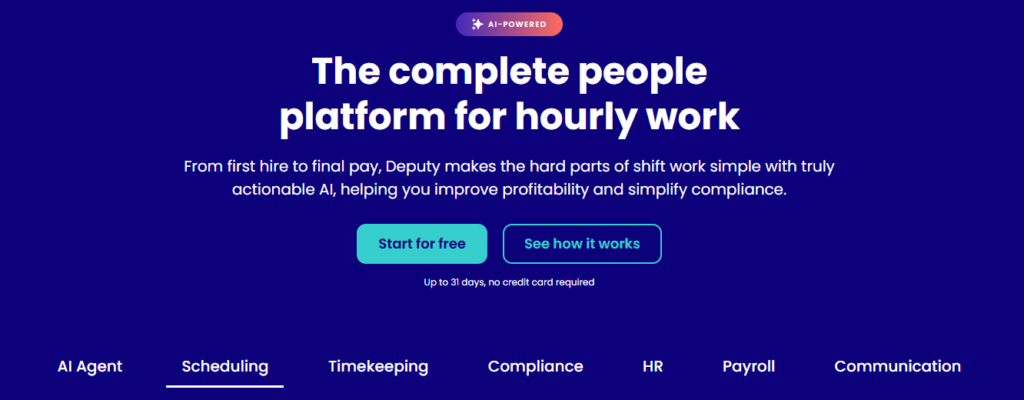
If your main gripe with Clockify is its limited scheduling functionality, Deputy could be worth looking at.
It focuses on labor optimization, offering strong demand forecasting capabilities, in-depth wage-to-sales data, budget guardrails, and AI-assisted smart scheduling. This all makes a big difference when it comes to knowing who should be working, where, and at what cost.
The main trade-off here is that Deputy is not exactly an all-in-one tool. Payroll, for example, is not built in; Deputy Payroll is enabled by Paycor, and only available on Core and Pro plans with its own extra fee.
Usability is another issue; you’ll occasionally encounter slow loading, and GPS accuracy on mobile devices could be better. These aren’t fatal flaws, but they’re annoying to have to deal with.
Pricing
Deputy’s pricing is pretty straightforward; Lite starts at $5 per user per month, Core at $6.50, and Pro at $9, with more advanced scheduling, biometrics, auto-approval, demand forecasting, labor optimisation, and wage/labor budgets appearing as you move up the stack.
Unlike Homebase (which charges per location), Deputy offers a per-user charging model, which means its value for money will depend on the size of your team. There’s no permanent free tier here.
The Lite plan does offer one of the cheaper per-user rates in this space, so Deputy is worth keeping in mind if you’re on a tight budget and want a high-quality scheduler.
QuickBooks Time
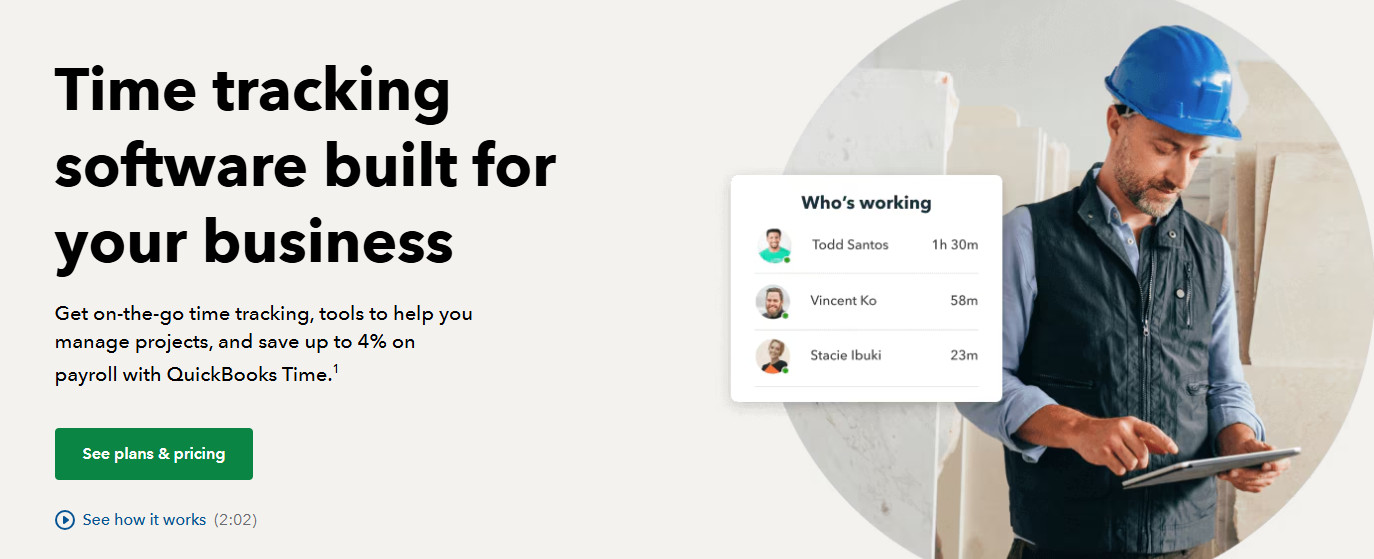
If you’re already using QuickBooks to manage your accounts, this add-on might make fiscal and practical sense. If you’re not, it probably won’t.
I think this tool makes the most sense for construction and field operations teams that want more robust job costing and location visibility. Its GPS tracking is very reliable, and it offers a “Who’s Working” view and photo-attachment capabilities. It’s also pretty user-friendly (especially if you’re already in the QuickBooks ecosystem).
QuickBooks Time is feature-rich and it generally works well, but I do have some quibbles. Firstly, its geofencing is too soft. Team members can disregard a geofence notification, and even clock in outside the fence with a note. Secondly, the mobile app is prone to random problems; considering that your team members are likely to be using the platform on their phones, this is less than ideal.
Pricing
The first point to note here is that you’ll need QuickBooks Online in order to access QuickBooks Time. So, if you already use QuickBooks for accounting, this will all make a lot more financial sense than if you don’t. In my view, there’s no point shelling out for a separate accounting platform if all you want is a time tracker.
Time Premium starts at $8 per user per month plus a $20 monthly base fee, while Elite starts at $10 per user plus a $40 base fee. Full-service payroll is a separate add-on. If you want mileage tracking, geofencing, and/or timesheet signatures, you’ll need the Elite package.
Connecteam
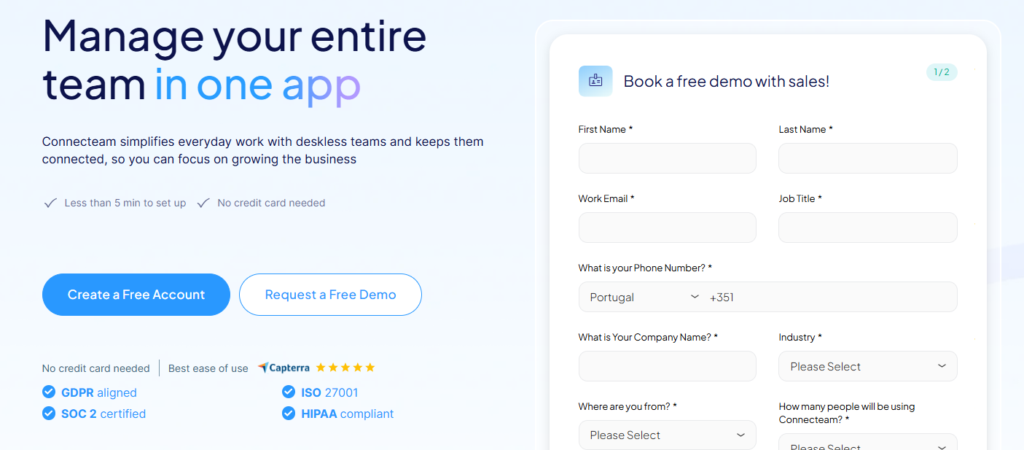
If you run a deskless team and you want to put most of your day-to-day operations onto a single, mobile-first app, Connecteam could be for you. It offers a much broader and deeper feature-set than the likes of Clockify, and often serves to replace multiple apps. The platform offers scheduling, a time clock, forms, tasks, chat, updates, surveys, documents, onboarding, time off, and more (under various tiers).
Clearly, then, capability isn’t an issue here. The platform also does a good job when it comes to usability; while the interface does feel cluttered at times, it’s generally easy for users to manage (although the heavy feature set can cause more problems for managers).
One issue, though, is the complexity of its subscription model. Connecteam’s offerings are split into three separate products; Operations, HR, and Communications. Each one requires a separate subscription, so, for the real “all-in-one” experience, you’ll need to pay for all three. Each one has its own tiers, so figuring out exactly which packages represent the best value can be challenging.
Pricing
Connecteam’s Small Business Plan provides access to all hubs and all features for up to 10 users at no cost, which is a truly excellent entry point. You don’t generally get much for free in this market, but Connecteam has bucked this trend.
After that, each Hub starts at $29 per month for the first 30 users on annual billing, with an additional $0.80 charge for every additional user. Things get expensive from here, though; if you want automatic clock out or multiple geofence sites on Connecteam Operations, you’ll need the Advanced tier ($49/month for the first 30 users, $2.50/month for every additional user).
Then, there’s the Expert tier ($99/month for 30 users, $4.20/month for every additional user); in the Operations hub, this gives you unlimited sub-jobs, shift attachments, and geofence sites, among other extras.
Time Trackers
Harvest
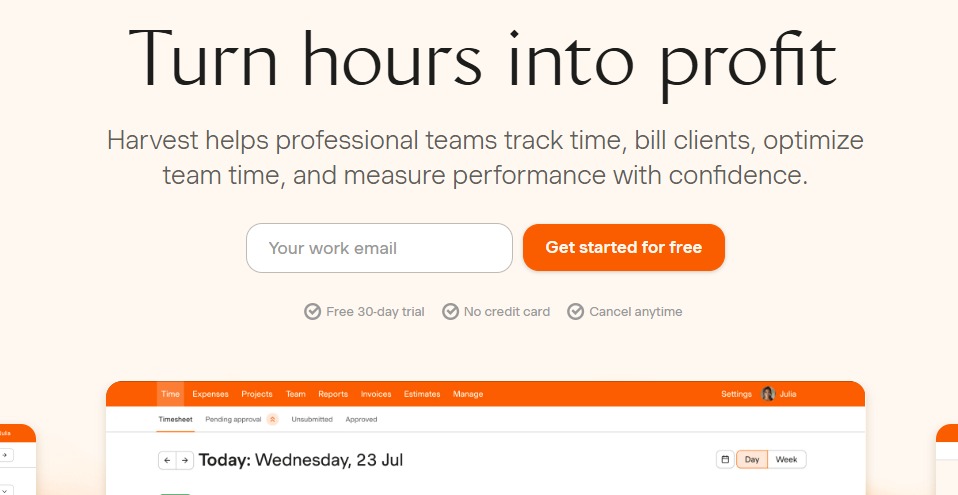
Harvest is the alternative I’d recommend if you’ve outgrown basic billing. It does a great job of tying time, reports, expenses, and invoicing tightly together. It’s also lightweight and easy to use.
Alongside robust time tracking, it also includes an invoicing tool (so it’s especially well-suited to companies providing billable services). However, it is more limited in scope than the platforms I looked at in the last section. If you’re looking for scheduling, payroll prep, or labor controls, you won’t find them here.
I’d also note that, while Harvest is endlessly reliable, it can sometimes feel dated. It doesn’t offer GPS and it has no official API.
Pricing
Harvest’s free plan is for one seat and two projects, while Teams starts at $9 per seat per month on annual billing. The included feature set covers unlimited seats, time tracking, team reporting, invoicing, and accounting/payment integrations. At the Enterprise level ($13 per month per user), you get access to profitability reporting, timesheet approvals, and custom onboarding support for 50+ seats.
While the free plan can work well for micro operations, the paid tiers are a little expensive; the per-user charges are comparable to those levied by the all-in-one platforms covered in the last section.
Hubstaff
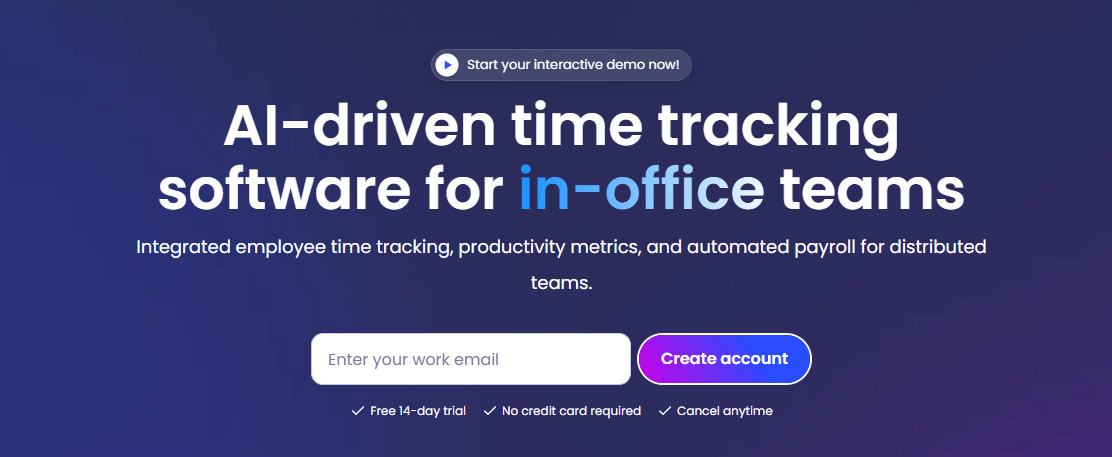
Hubstaff’s key selling point is its insight into how work happens. Alongside conventional time tracking, Hubstaff includes attendance and time-off tracking, app and URL usage insights, information about activity levels, and wider workforce analytics.
Unfortunately, this is a double-edged sword. If you only need a better way to track hours and prep payroll, Hubstaff can feel like a lot of surveillance. Unless you have an obvious and practical need for the level of monitoring Hubstaff offers, your team may find it intrusive.
If you’re determined to analyze your team’s productivity at a granular level, Hubstaff is great. Otherwise, you probably won’t need it.
Pricing
The Starter plan costs $4.99 per seat per month, but this limits almost every important function. Bigger/busier teams will probably land on either the Grow plan ($7.50 per seat per month) or the Team plan ($10 per user per month). The Enterprise plan ($25 per seat per month, unless you go for a custom plan) ensures compliance with standards like HIPAA and SOC-2 Type II.
What’s the Verdict?
While I’ve written a lot about Clockify’s shortcomings in this article, I should stress that I still think it’s a valuable tool. It’s excellent at capturing time, and its paid tiers offer a lot of useful add-ons (invoicing, time off, scheduling, etc.). However, as teams grow, reporting needs become more demanding and detailed inputs for schedule plans start to really matter. At this point, Clockify will feel limited.
I’d recommend Homebase as the leading pick for small to medium construction and field businesses. It’s the platform in this group that most cleanly connects scheduling, labor controls, and team communication inside a single workflow. Plus, its free tier and per-location charging model means it can provide great value for money.
The rest of the list still has clear best-fit cases. I’d pick:
- Deputy for more sophisticated scheduling and demand-based labour planning;
- QuickBooks Time for companies already using the QuickBooks ecosystem;
- Connecteam for mobile deskless operations that need forms and workflow tools;
- Harvest for agencies and consultancies that bill by time; and
- Hubstaff for remote teams that explicitly want stronger monitoring and productivity analytics.