


Last Updated on March 17, 2026 by Ewen Finser
Payment reconciliation is where clean books either happen fast or drag on for days. If your bank, card, and processor deposits do not line up, you get bad cash numbers, messy month-end, and a lot of “why is this off by $312.19?” moments.
As a CPA, I’ve spent more than my fair share of time in different accounting platforms and been exposed to tons of different accounting platforms and software. I want to review the six platforms, six tools for payment reconciliation, on today’s list thinking through things like:
- Automation level (how much it matches and clears on its own)
- Real-time sync (how current your feeds stay)
- Error detection (how well it flags gaps, duplicates, and weird items)
- Multi-account handling (banks, cards, processors, entities, locations)
If you want the cleanest workflow, focus less on “does it import transactions?” and more on the four items above.
The Bottom Line Up Front
Platform | Automation level | Real-time sync | Error detection | Multi-account handling | Best for |
Digits | Very high (AI-driven reconciliation, statement workflow) | Strong (connects banks/cards and other systems) | Strong (flags anomalies, ties-out workflow) | Strong (high transaction volumes, multiple sources) | Teams that want a faster close with fewer manual steps |
QuickBooks Online | Medium (rules + manual review) | Good (bank feeds vary by bank) | Medium (difference handling, troubleshooting tools) | Good (multiple bank/CC accounts) | Most SMBs that need a common system |
Xero | Medium to high (rules, suggested matches, bulk coding) | Good (bank feeds + frequent review) | Medium to high (matching tools, filters, search) | Good (bank accounts, bulk workflows) | SMBs with steady volume and clean processes |
Zoho Books | Medium (matching, rules, bulk match) | Medium (feeds often update on a schedule) | Medium (matching suggestions + review) | Good (bulk match, multiple accounts) | Budget-minded teams already in Zoho |
Sage Intacct | High (rules + bank feeds, automated matching) | High (bank feeds built for ongoing close) | High (exception focus, continuous close concept) | Very strong (entities, controls, scale) | Mid-market with controls and complexity |
Oracle NetSuite | High (rules-based intelligent matching) | High (imports, matching workflows) | High (exceptions + matching rules) | Very strong (subsidiaries, high complexity) | Larger ops that need ERP depth |
A quick note: “real-time” depends on the bank feed and connector. Some systems refresh often, some pull daily, and some fall back to imports when MFA blocks automation. For example, Zoho notes feeds can be fetched every 24 hours for banks that do not require MFA.
What “payment reconciliation” really includes

Most teams think reconciliation means “check off bank transactions.” In practice, payment reconciliation is broader:
- Bank and card reconciliation: does the statement balance tie out?
- Processor deposit reconciliation: do Stripe, Square, PayPal, Shopify Payments deposits tie to sales and fees?
- Timing and batching: payouts bundle many orders, refunds land later, and chargebacks show up in odd places.
- Data quality: duplicates, missing items, and mis-coded vendors.
- Close readiness: can you prove cash, AR clearing, and fee expense without a spreadsheet mess?
The best tool is the one that turns “we think it’s right” into “we can show it’s right.”
The Recon Criteria That Matters Most
1) Automation level
High automation is not just rules. It means the system can:
- match transactions with context
- learn patterns without constant rule edits
- handle split deposits, fees, and refunds cleanly
- reduce manual “create and match” work
2) Real-time sync
You want current data so you do not wait until month-end to find problems. Even if you still reconcile monthly, daily visibility helps you catch issues early.
3) Error detection
Look for features that:
- surface anomalies
- highlight missing matches
- show an audit trail of what changed
- make it easy to trace a deposit back to source activity
4) Multi-account handling
If you have multiple:
- bank accounts
- credit cards
- payment processors
- locations or departments
…then your tool has to keep each stream clean without turning setup into a project.
The 6 best platforms for payment reconciliation efficiency
1) Digits
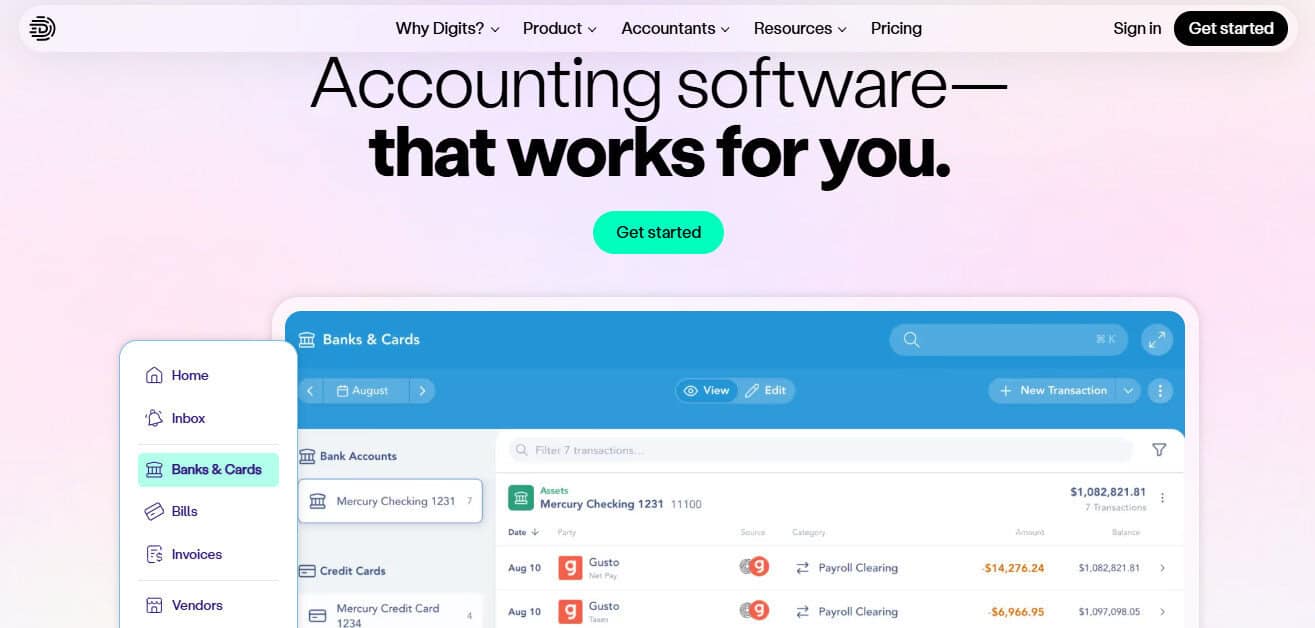
Digits positions reconciliation as a core workflow, not a side screen. It supports an AI-driven approach to bank reconciliations and emphasizes reducing month-end grind by automating statement work and surfacing anomalies for review every day.
Why it helps with payment reconciliation
- Statement-first workflow: Digits supports uploading bank statement PDFs and automatically reconciling once linked to the right account.
- Automation beyond basic rules: Digits describes “AI Bank Reconciliations” that handle document extraction, matching, and verification.
- Anomaly focus: It highlights surfacing anomalies for review, which matters when deposits do not match sales batches or when fees shift.
Where it fits best
- Teams that want fewer manual “close tasks”
- High-volume businesses where matching by hand breaks down
- Owners who want clean, current cash visibility without living in bank feed screens
Pros
- Automated bank statement reconciliation with PDF workflow (this is a really neat feature, and the first time I was shown it I thought it was almost magic)
- Strong anomaly surfacing for review
- Built for large transaction counts and multiple sources
Cons
- If your team is used to custom rule-building, it may feel different from the usual “rules screen” approach.
- Like any system, results depend on clean inputs from banks and processors
Reconciliation tip (Digits)
If your deposits batch (common with Stripe and Square), pick one clearing approach and stay consistent: either reconcile deposits as grouped payouts or build a clearing account structure. The goal is fewer one-off journal entries.
2) QuickBooks Online
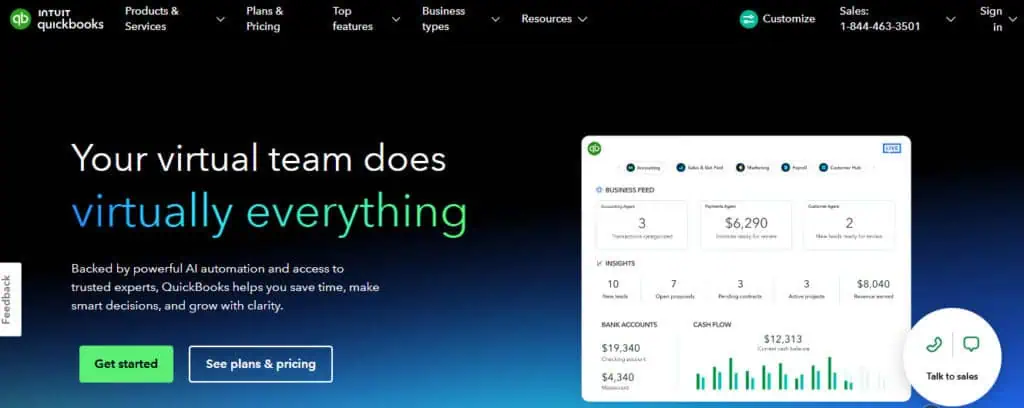
QuickBooks Online is common for SMBs and has solid reconciliation basics. It focuses on comparing transactions to your bank statement and resolving differences when the ending balance does not match.
Why it helps with payment reconciliation
- Clear statement reconciliation flow: It walks you through matching activity to get the difference to zero.
- Troubleshooting guidance: When things do not match, QBO provides steps to find and fix issues. Those steps aren’t always the answer or helpful, but it’s the effort that counts.
Where it fits best
- Small teams that need a widely used system
- Businesses with lower transaction volume
- Owners who want plenty of accountant familiarity
Pros
- Straightforward reconciliation workflow
- Easy to hire support for, since many bookkeepers know it
- Solid for basic multi-account bank and card feeds
Cons
- Automation tends to be rule-driven and still needs review
- Processor payout reconciliation often needs a clearing account setup and discipline
Reconciliation tip (QBO)
Do not wait until month-end to review the bank feed. The longer you wait, the more “close-only” fixes you create, and the harder it gets to trace deposits and fees.
3) Xero

Xero has a strong reputation for bank reconciliation speed, especially when you use bulk tools. It supports suggested matches, bank rules, and “cash coding” for reconciling multiple lines at once.
Why it helps with payment reconciliation
- Suggested matches + rules: It pushes likely matches so you spend less time searching.
- Bulk reconciliation: Cash coding lets you reconcile many statement lines in one screen.
Where it fits best
- SMBs with steady volume and repeatable patterns
- Teams that want fast daily bank review
- Businesses that value clean bank feed workflows
Pros
- Efficient bank matching tools
- Bulk reconciliation with cash coding
- Strong day-to-day workflow for keeping books current
Cons
- Processor payouts still require good clearing account habits
- Rules help a lot, but you still manage exceptions
Reconciliation tip (Xero)
Use bank rules for the boring, repeatable items (fees, subscriptions, fuel cards). Save manual time for the deposits and batch payouts that need judgment.
4) Zoho Books
Zoho Books is a solid option for teams that want bank feeds, matching, and bulk tools at a value price. It supports matching or categorizing imported bank transactions and offers bulk matching features.
Why it helps with payment reconciliation
- Matching suggestions: It can suggest matches based on details like date and amount, plus your rules. I think this puts it a step above other platforms that struggle with transactions that have identical amounts to different vendors on the same day.
- Bulk match support: It highlights bulk matching for consolidated payments and installments.
- Bank feed cadence transparency: Zoho notes feeds may fetch every 24 hours for some banks.
Where it fits best
- Smaller teams in the Zoho ecosystem
- Companies that want good features without higher-tier pricing
- Simple entity structures with moderate volume
Pros
- Solid matching and reconciliation features
- Bulk matching support
- Clear documentation for banking workflows
Cons
- Feed timing can be daily for some banks
- Higher complexity businesses may outgrow it faster than they expect
Reconciliation tip (Zoho Books)
If your bank feed is daily, set a daily review habit anyway. You still catch errors early, even if “early” means the next morning. This also helps prevent the amnesia that comes with not looking at a transaction for three weeks.
5) Sage Intacct
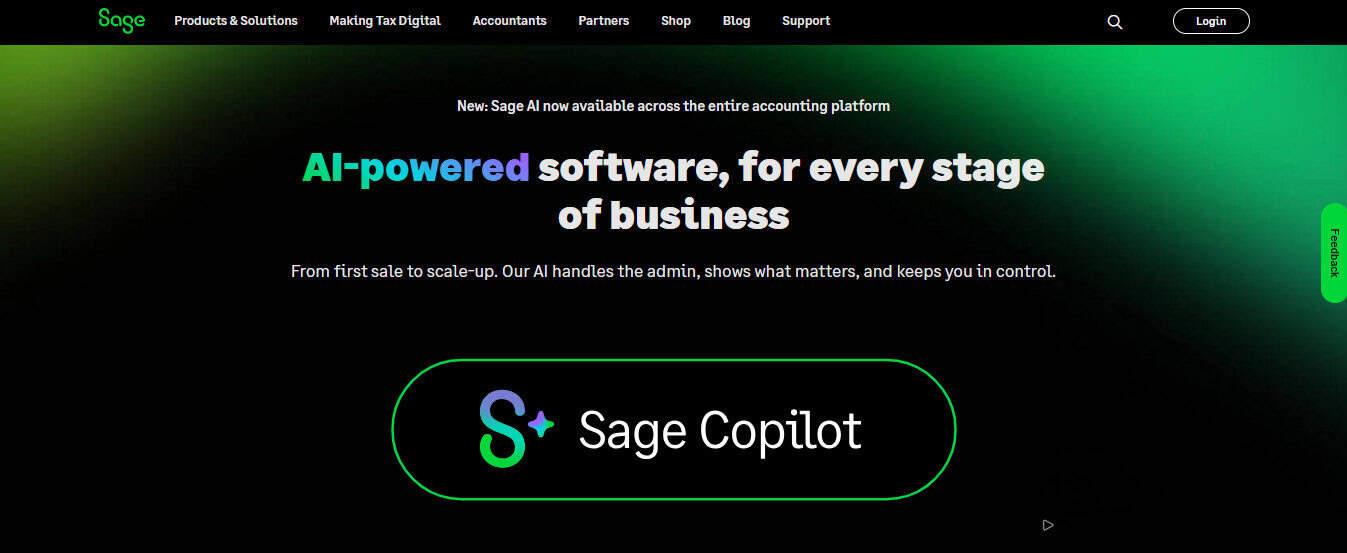
Sage Intacct is built for stronger controls and more complex accounting environments. It supports automated matching using bank feeds or imports, driven by rule sets. It also frames this as part of a “continuous close” style workflow.
Why it helps with payment reconciliation
- Rule sets for matching: Each account uses a rule set to automatically match transactions for reconciliation.
- Scale and multi-entity strength: It is designed for more complex setups and ongoing cash visibility. I can’t understate the robustness of this platform, it can pretty much handle anything you throw at it unless your company is just absolutely massive.
- Exception management: It highlights spotting exceptions and bank errors, which matters for payment operations.
Where it fits best
- Mid-market companies with multiple entities
- Teams with audit, approval, and policy needs
- Finance groups that want tighter close discipline
Pros
- Strong automated matching via rules and bank feeds
- Supports continuous-close style workflows
- Good fit for complex org structures
Cons
- More setup than SMB tools
- You need ownership of rule design and governance
Reconciliation tip (Intacct)
Build rule sets around what you can prove, not what you hope. Start with tight criteria, then expand once you trust the match quality of the rules you’ve set up and established.
6) Oracle NetSuite
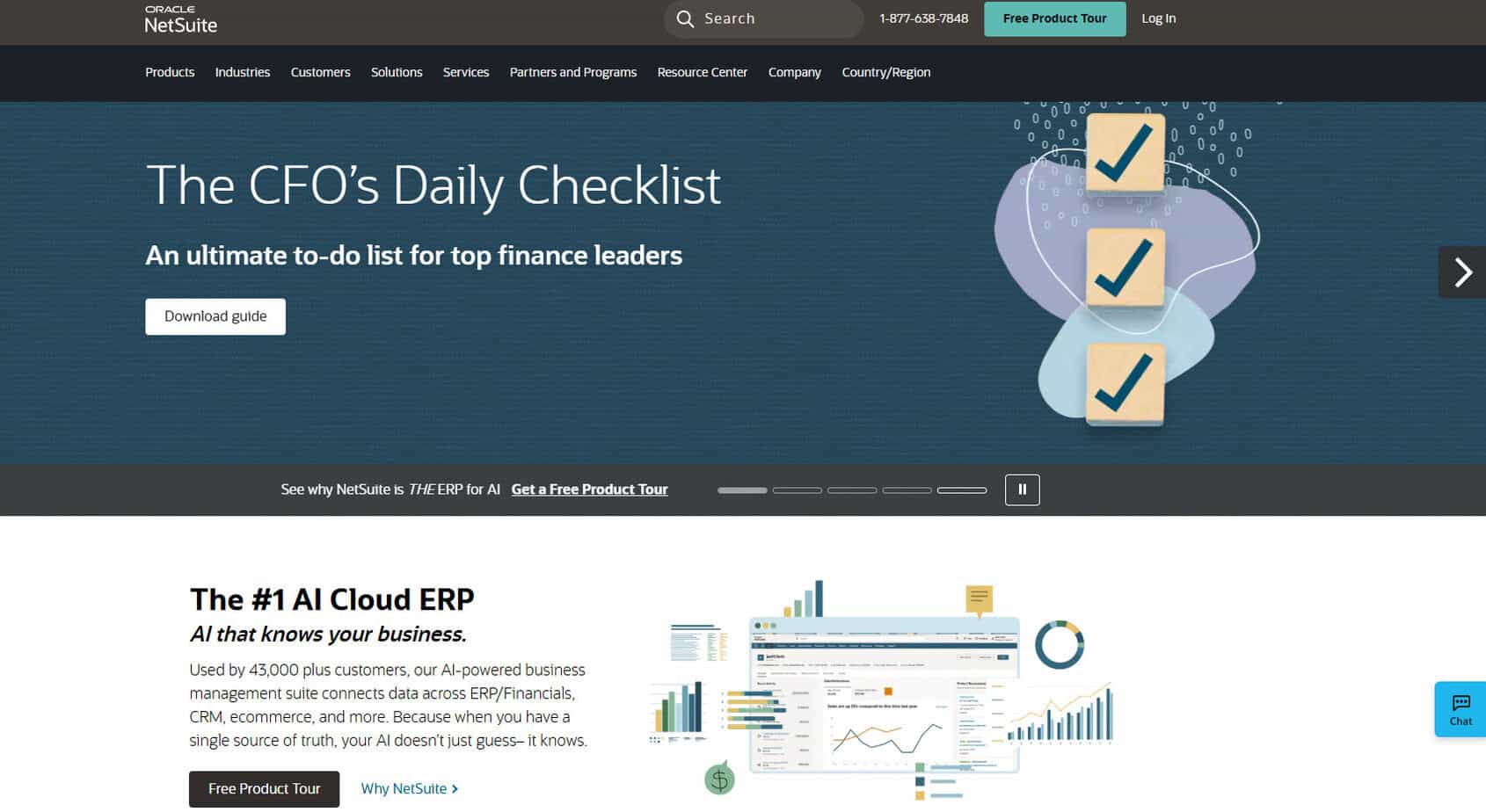
NetSuite is an ERP, so reconciliation is one part of a larger financial system. For bank matching, it includes an “Intelligent Transaction Matching” feature that runs reconciliation rules to automatically match imported bank lines to transactions.
Why it helps with payment reconciliation
- Rules-based matching at scale: Auto-matching reduces spreadsheet work and isolates exceptions. This is the platform that titans of industry use to help manage their bank account transactions.
- Clear matching workflow: It supports matching imported bank lines with account transactions in a guided process.
- Enterprise structure support: NetSuite’s strength shows up when you have subsidiaries and complex cash movement.
Where it fits best
- Larger companies that already need ERP depth
- Multi-subsidiary environments
- Teams that want one system across finance and ops
Pros
- Strong automated matching using reconciliation rules
- Built to handle complexity and volume
- Good workflow for imported bank data matching
Cons
- It’s simply too heavy compared to SMB tools
- Setup and admin needs can be months long, and super costly to implement.
Reconciliation tip (NetSuite)
Define ownership. ERP reconciliations fail when “everyone” owns it. Assign one person per cash account and require monthly tie-out evidence.
So which tool is “best” for reconciliation efficiency?
If your main goal is reconciliation speed with fewer manual steps, the tools that tend to shine are the ones that (1) automate matching well, (2) make exceptions obvious, and (3) support a close workflow you can repeat without spreadsheets.
On those points, Digits stands out because it treats reconciliation as an automated statement workflow and emphasizes anomaly surfacing and verification, not just bank feed matching. It also highlights connecting large sets of banks/cards and other systems, which matters once payment volume grows.
If you want the most common path for a typical SMB, QuickBooks Online and Xero remain practical, especially if your volume is not extreme and you have consistent patterns.
If you operate with multi-entity complexity and stricter controls, Sage Intacct or NetSuite will usually deliver stronger governance and scale, at the cost of more setup.
Final take
If payment reconciliation is eating your close week, prioritize tools that reduce manual matching and make exceptions obvious. For many teams, that is the difference between “we closed” and “we closed clean and on time.”