


Last Updated on May 6, 2026 by Ewen Finser
When I first started with cold email back in 2018, Woodpecker was already a familiar name. It did what I needed back then, and I wasn’t even looking for an alternative for a long time.
But a lot has changed over the years.
For example, outbound is so much more complex, and I spend much of my days worrying where my emails land, how they perform in providers like Gmail, and how quickly I can switch gears if my results stop matching the effort I’m putting in.
That’s why so many marketers I know eventually start questioning their setup. At some point, the job changes, and what worked for one brand or one domain starts to strain under agency-style workflows and higher volume.
So I went back and looked at the many Woodpecker alternatives that people tend to move to. There’s a lot to choose from: more volume, more channels, more data, more inbox placement tooling — it gets overwhelming very quickly, and it’s really easy to fall into analysis paralysis.
If you want to see which ones work best together once “just sending emails” stops being enough, keep reading!
Coming to Terms with the Randomness
A while back, I was running outbound for an agency with three SaaS clients. From the outside, it looked like the kind of setup where nothing interesting should happen. The process was standardized, the lists came from the same sources, the copy went through the same reviews, and the sending windows were locked in.
But one account kept stacking booked calls like nothing was wrong, while another one completely died on the vine. I don’t even know what was going on with the third one; it looked fine one week and anemic the next. No one could figure out why because we were literally doing the same stuff for all three and getting wildly different results.
So obviously, we started poking at execution. Rewrote some copy here, dialed back send rates there, rotated inboxes around… none of it moved the needle.
What eventually became painfully clear was that the problem wasn’t effort or discipline or even strategy — our emails just weren’t landing in the inbox.
This is why the tool landscape feels so weirdly chopped up once you’re sending for more than one brand. Some tools are built to blast volume, others handle data and routing, and a much smaller group actually looks at what happens to your emails after they leave (where they land, how inboxes are treating them, the works).
None of these tools replace each other. They do different jobs.
The trouble starts when one platform is expected to handle all of it. Volume and client count are easy to scale, but insight isn’t. And when your results aren’t as great, and you don’t know why, you need something concrete to point at and fix, not just another round of gut-feeling adjustments.
That’s the frame worth keeping in mind as we go through the list.
6 Email Outreach Tools to Keep on Your Radar
Before we jump into specific tools, a quick disclaimer: this isn’t some ranked list where number one is “the best” and you should ignore everything else. It’s also definitely not a “pick one tool and you’re done forever” kind of thing.
These tools solve different problems at different points in your outbound process, and most real-world setups I’ve seen end up using a few of them together.
With that out of the way, let’s start with the first one:
InboxAlly: Email Deliverability
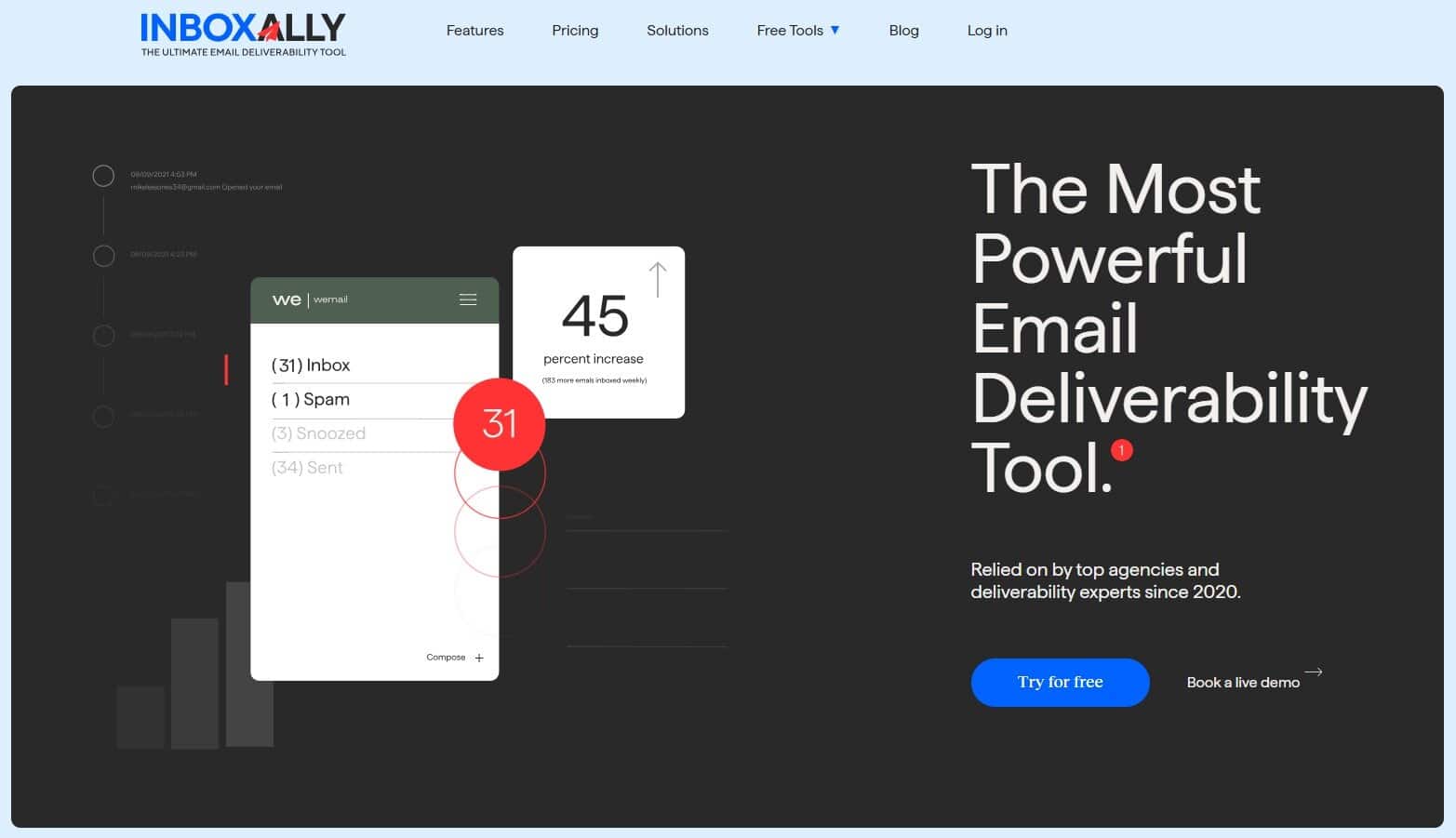
You already know what an average email outreach tool can do: queue messages, rotate inboxes, respect delays, yada, yada. But once that’s done and the message is out in the wild, very few of them (if any) tell you whether it even reached the intended destination.
Tools like InboxAlly exist to solve that exact problem.
You don’t build campaigns here, you don’t source leads, and you don’t replace Woodpecker, GMass, Lemlist, or whatever you already trust to send mail. Instead, you use it alongside those tools to answer one question: how mailbox providers are reacting to your traffic right now.
More precisely, InboxAlly uses controlled engagement from real inboxes to shape how providers see your sending over time. It performs opens, clicks, scrolling, replies, and pulls messages out of Spam or Promotions in a structured way that mirrors how “wanted” mail behaves. The warmup angle helps you start new inboxes safely or nudge your reputation back in the right direction when things go sideways.
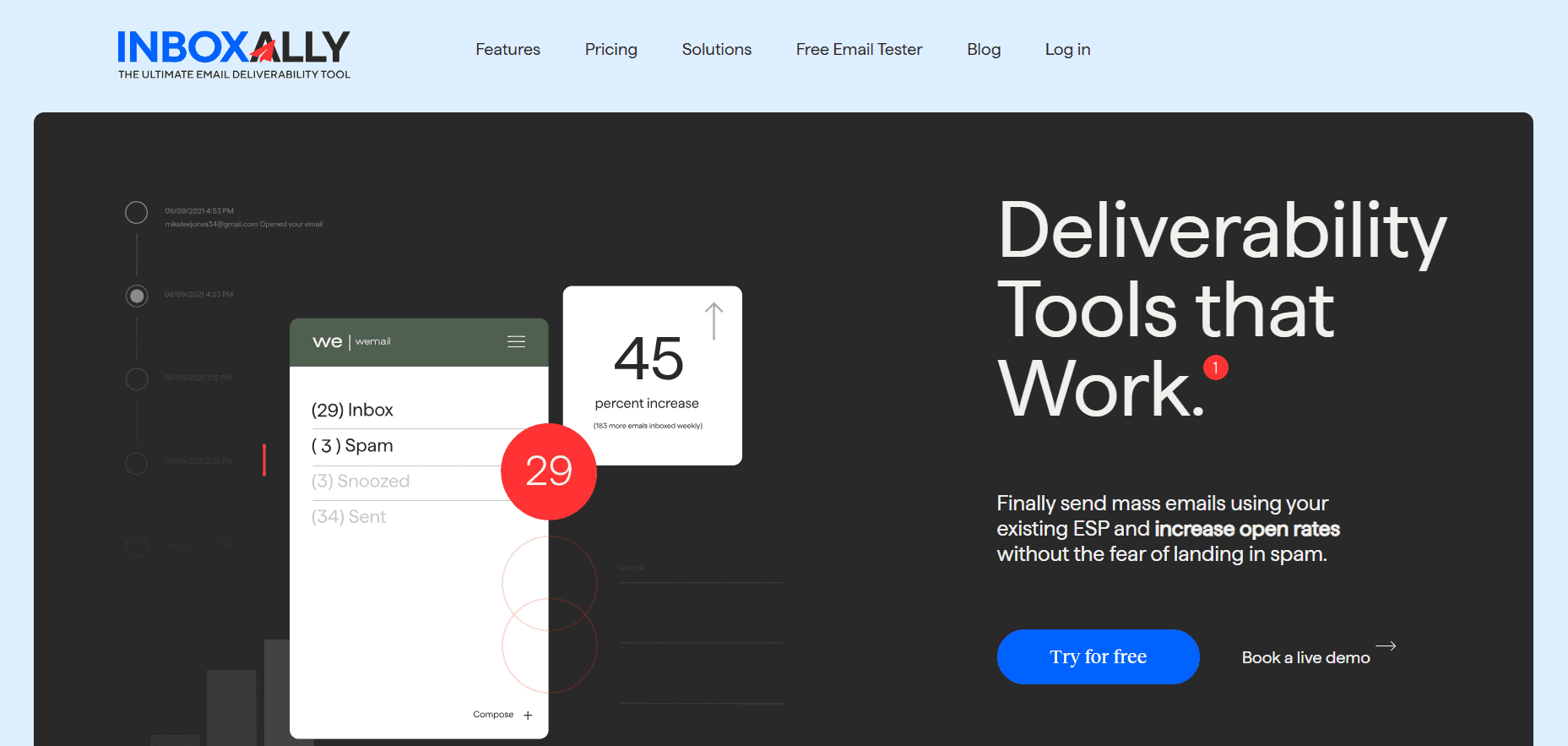
InboxAlly is the comprehensive suite I need to solve challenging deliverability problems across the board. It's like a triage hub for diagnosing and fixing email deliverability rates in one dashboard. I've tried a lot of tools, but this is the one I've stuck with.
This becomes especially relevant once you bump up the sending volume. At a small scale, you can get away with things that agencies or multi-domain setups can’t. Past that threshold, mailbox providers start watching you a lot more closely.
InboxAlly works best when you pair it with high-volume senders. You keep doing what you’re already doing, but now you’ve got a way to actually influence what happens after your emails leave — which is something most sequence tools don’t even try to get into.
Key features
- Seed inbox placement focus with structured engagement actions
- Warmup planning designed around inbox reputation
Pros
- Adds controlled deliverability that most sequencers lack
- Especially useful when scaling many inboxes or client domains
Cons
- Doesn’t replace your sequencer or lead sourcing stack
- Requires discipline; random testing defeats the point
Best for: Agencies and high-volume senders who’ve already learned that copy and targeting aren’t the only variables and want repeatable control over email deliverability.
Instantly: High-Volume Outbound at Scale
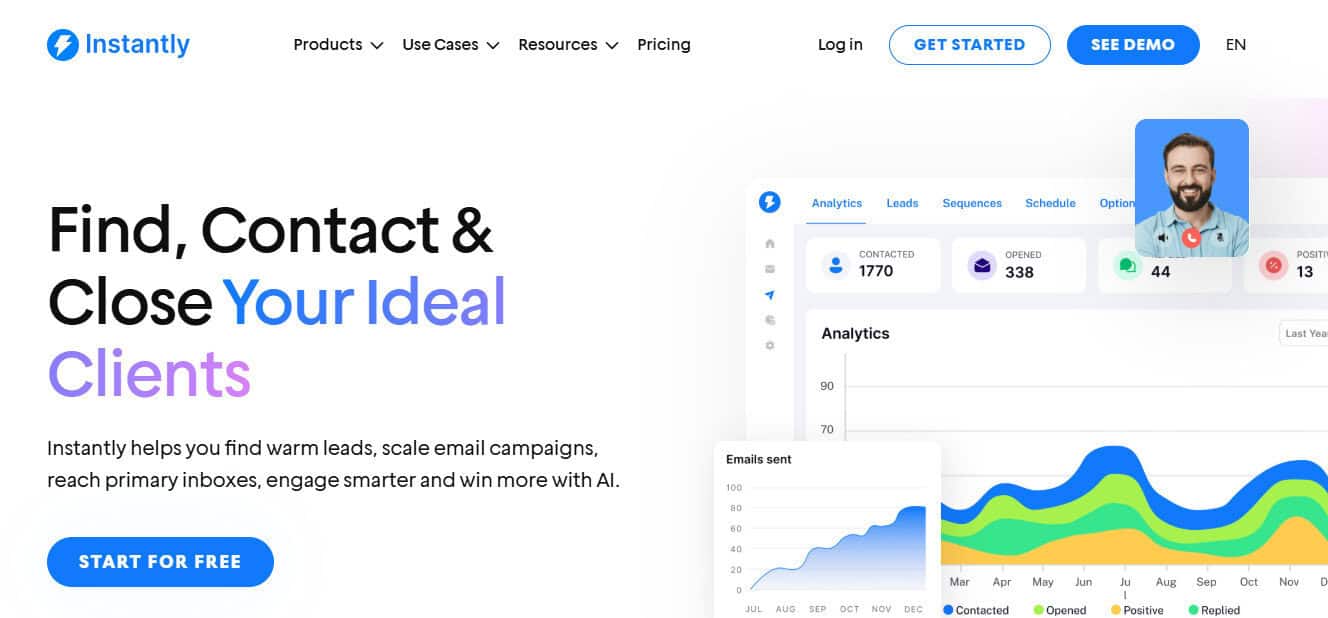
Instantly does one thing really well: it gets out of your way when you need to scale ASAP. Need 50 mailboxes up by Tuesday? Done. Want to blast sequences across all of them without pricing suddenly becoming your biggest bottleneck? Also done. That part actually works exactly like they say it does.
The tricky bit comes later.
Last summer, I was handling outbound for a SaaS client trying to find footing in two new markets, and we basically doubled our mailbox count in under a week. On paper, everything looked great: campaigns were going out, metrics seemed perfect, and life was good. Except replies were inconsistent at best, and I had no idea why. I knew that my emails were getting out; I just wasn’t sure where they were landing.
Here’s the thing with Instantly: it treats warmup like it’s just something you set and forget, like changing your oil (which is totally fine when you’re running a handful of accounts). But when you scale up, it doesn’t tell you what’s happening to your deliverability right now. Unlimited mailboxes sound great until you realize they just give you unlimited throughput, not unlimited visibility into whether any of this is working.
But if you use Instantly with some discipline and actually pay attention, it’s genuinely good at what it does, and that’s why I can safely recommend it.
Key features
- Unlimited email accounts with built-in warmup
- Combined lead handling and outreach workflows
Pros
- Designed for large-scale operations
- Makes mailbox growth operationally simple
Cons
- Volume can outpace placement control quickly
- Warmup alone doesn’t explain reply drops
Best for: Agencies managing many inboxes that already have a process, QA, and a separate way to handle inbox placement.
Smartlead: API-Driven Outbound for Agencies
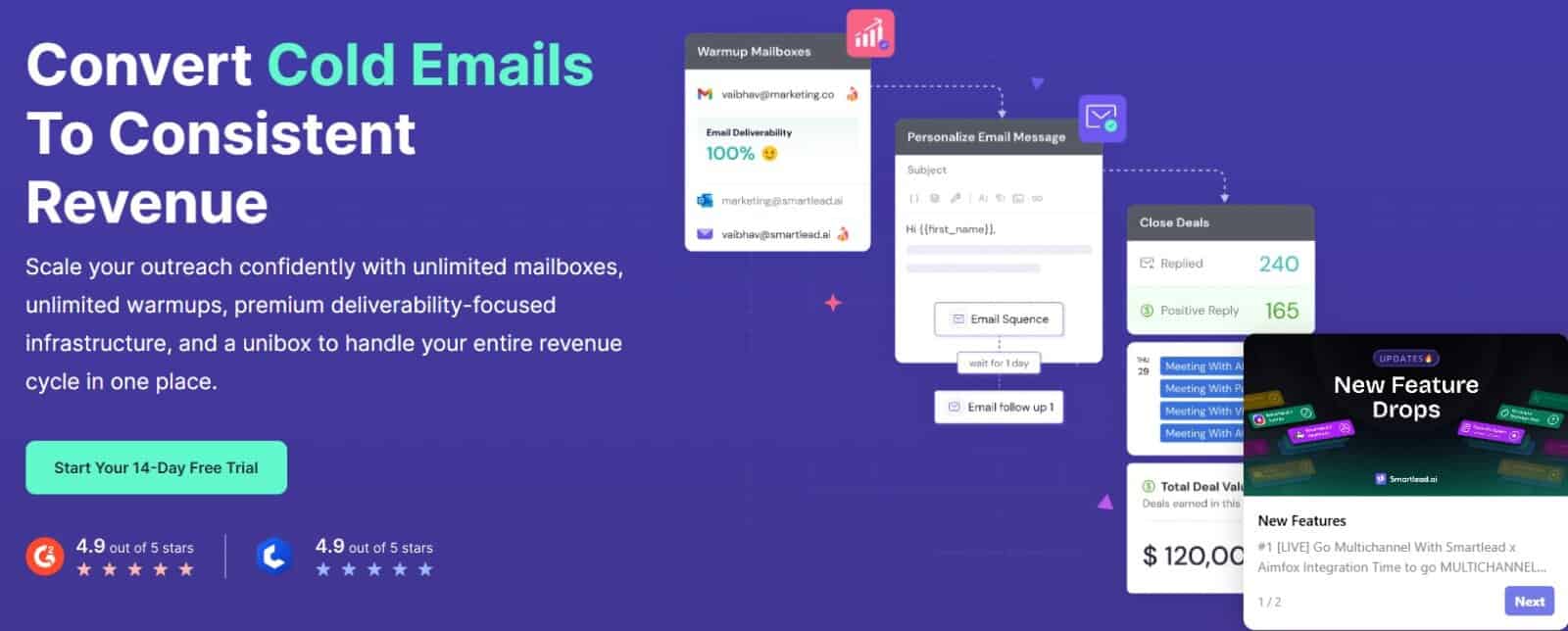
Smartlead starts making sense when outbound stops being something you “run” and starts being a system you connect to other systems. Multiple clients running at once, different CRMs all talking to each other, status updates flowing automatically, and replies kicking off the next step in your workflow without you having to check some dashboard every few hours.
Once you get to that level, honestly, no one cares if the UI looks pretty (good news for Smartlead)… what matters is whether campaign data and lead statuses can move in and out of the system smoothly. Smartlead handles that through APIs and webhooks, which makes it viable when outbound is just one piece of a bigger machine and you need everything connected.
The mailbox scaling and warmup tools are all there, but it’s not like they reinvented the wheel. It’s really just the bare minimum, so volume doesn’t become an immediate blocker. The actual value starts when you add Smartlead to your own tools and workflows and stop manually adjusting campaigns every day.
That also means Smartlead won’t save you from a weak process. If your routing logic is sloppy or your data is bad, the system doesn’t care. It’ll execute exactly what it’s given, and at scale.
Key features
- APIs and webhooks for lead sync, triggers, replies, and workflow control
- Unlimited mailboxes with built-in warmup positioning
Pros
- Strong fit for internal tooling and automation
- Scales across clients without manual work
Cons
- More build-heavy than plug-and-play
- Still needs a dedicated inbox placement layer
Best for: Agencies with operational maturity: documented systems, QA discipline, and someone capable of maintaining integrations over time.
Lemlist: Personalization and Multichannel Outreach
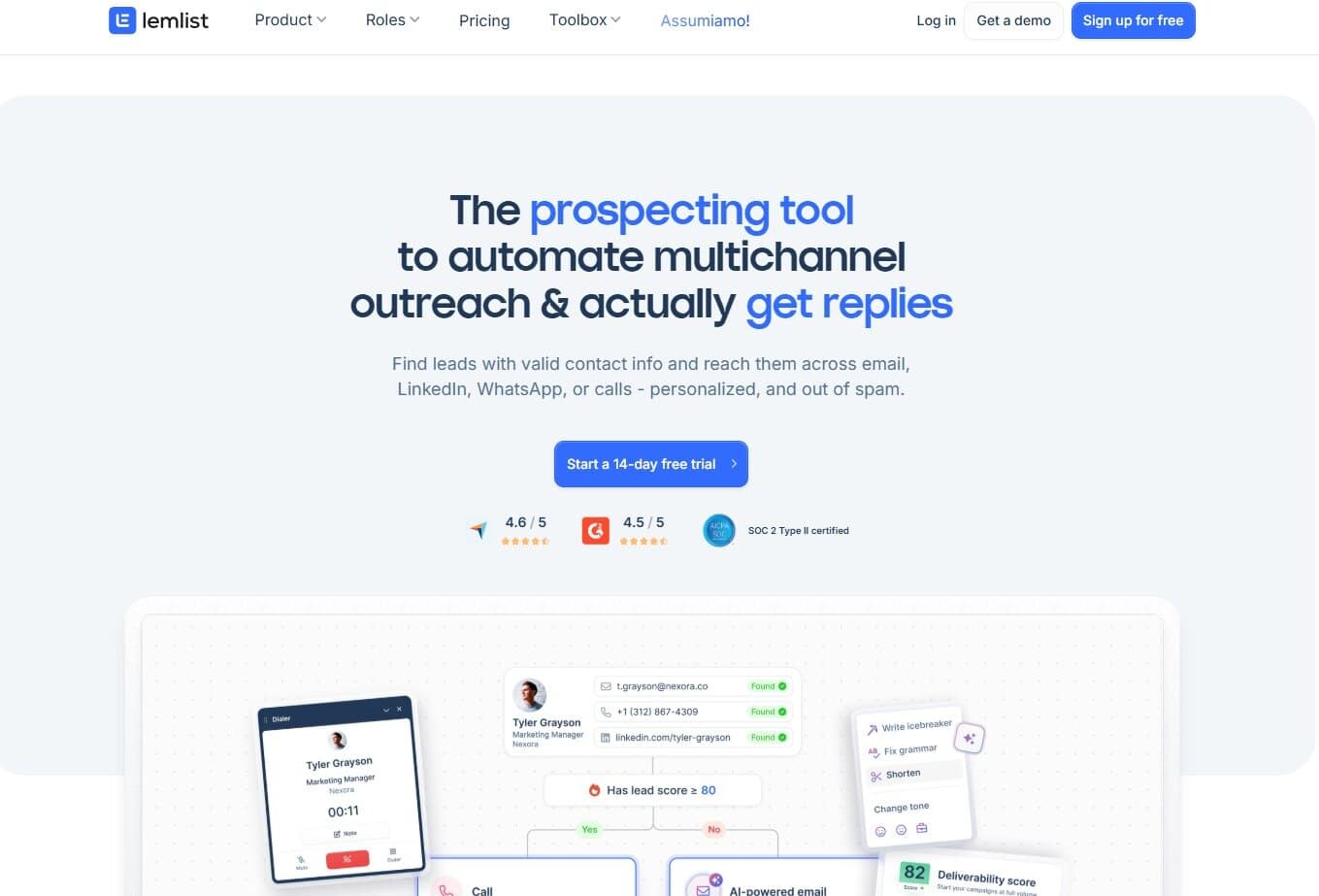
Lemlist makes sense when sending volume isn’t your problem and inbox placement isn’t the dumpster fire you’re trying to put out. It’s for when engagement just isn’t there because your emails sound like everyone else’s copy-paste job.
The platform relies on personalization that goes way beyond dropping in a first name and pretending you tried, letting you stretch sequences across multiple channels. Email still does most of the work, but it’s supported by LinkedIn outreach and follow-ups that change how the whole thing feels without making it look desperate or gimmicky.
This works best when the basics are already under control. If inbox placement is unstable, adding channels won’t fix that. But when your emails are actually landing, and you’re still not getting traction, changing how prospects experience the outreach can get things moving again. The downside is it’s more work to coordinate. Multichannel sequences need better timing and way more attention than just running email-only flows.
Key features
- Multichannel sequencing across email and LinkedIn
- Personalization tools designed for creative workflows
Pros
- Good fit for teams pushing beyond templated outreach
- Helpful when deliverability is stable but engagement isn’t
Cons
- Costs climb as seats and inboxes increase
- Multichannel adds operational overhead
Best for: Teams selling into crowded markets where email by itself isn’t enough to stand out anymore. If you’re competing for attention and need to show up in more than one place without looking like a spammer, Lemlist is built for that.
Saleshandy: Prospecting and Outreach in One Place
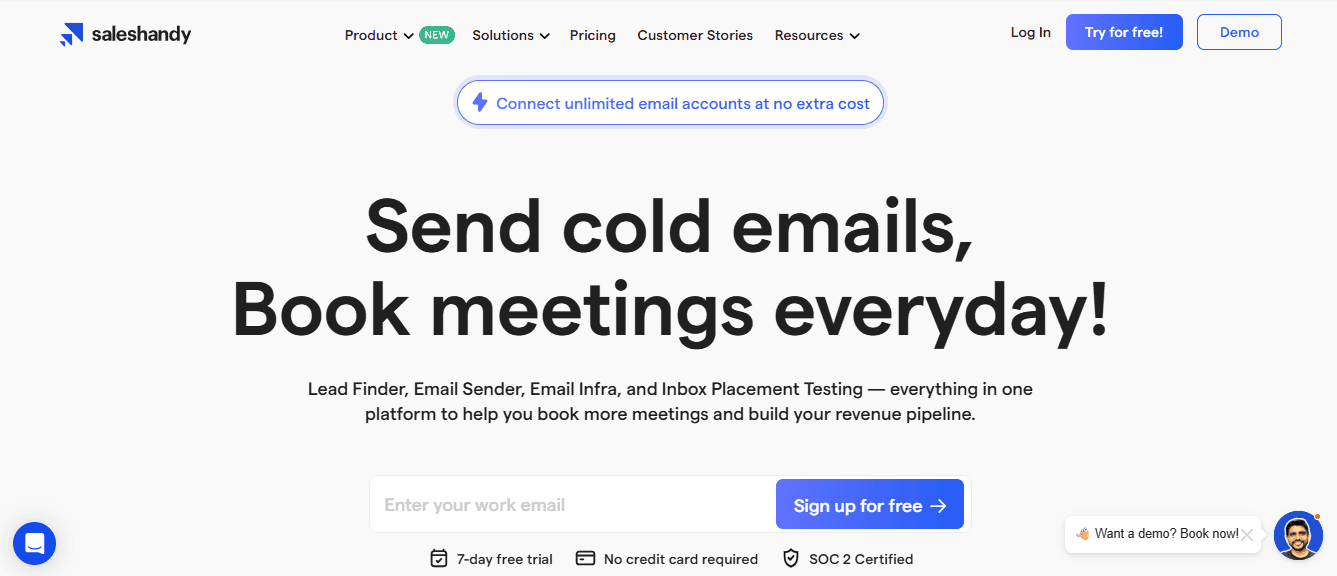
So you want to test an offer, get a campaign running, and see results this week — preferably not after you’ve duct-taped together four different tools and built some Zapier monstrosity that nobody’s going to maintain anyway? Say no more!
Saleshandy works best in setups where the question is very basic and very urgent: “Can we get this in front of the right people without building some nightmare tech stack first?” For that job, having prospecting and outreach in the same place removes a lot of friction. You pull lists, check them, send, and done.
There’s a trade-off, of course. All-in-one tools compress complexity; they don’t make it disappear. Your deliverability is still going to depend on how carefully you set things up and how disciplined you stay once campaigns are running. It’s really easy to feel like you’re “done” way too early.
But for small teams, that’s often totally fine. The point isn’t perfection here; it’s speed, learning what works, and not drowning in a pile of tooling before you even know what converts.
Key features
- Integrated prospecting database with built-in outreach
Pros
- Faster time-to-launch
- Fewer tools to manage day-to-day
Cons
- Deliverability depth depends on setup quality
- Broad coverage, not specialist-level in every area
Best for: Small agencies or founders who need to start quickly and prove demand.
QuickMail: Inbox Rotation and Sending Control
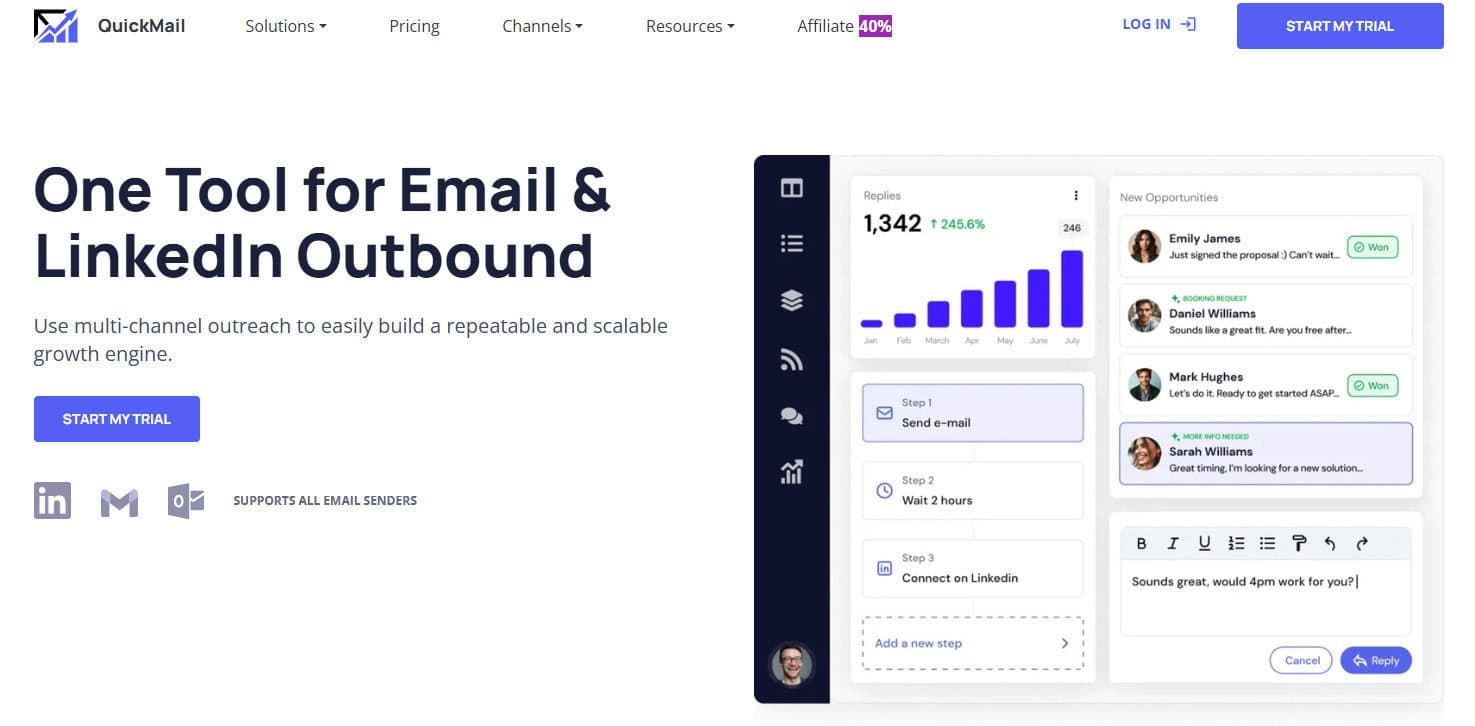
Let’s say you’re running outbound for a few different clients and one of them just got flagged by Gmail. Suddenly, you need to figure out which inbox is causing the problem, pause that campaign, and spread sends across your other accounts without completely blowing up your week.
QuickMail’s rotation handles that kind of situation better than most tools at this price point. The inbox rotation is built to distribute sends intelligently so you’re not manually tweaking throttle settings every time something goes sideways. If one inbox takes the damage, the system redistributes accordingly.
The auto-warmup is baked in, which matters more than people think. I’ve seen Woodpecker users mention QuickMail’s warmer constantly when they’re explaining what they wish came standard. No third-party tools or extra fees ramping up your bill here; it just runs in the background and does what it’s supposed to.
Deliverability monitoring is straightforward: Bounce tracking, reply detection, and the basics are done well. Does the UI look like it was designed in 2017? Yeah, but most people don’t care at all.
Key features
- Auto-warmup built in (no third-party tools needed)
- Inbox rotation and send distribution across accounts
- Deliverability monitoring (bounce tracking, reply detection)
Pros
- Built for sending mechanics
- Multi-inbox operations that don’t require constant supervision
- Useful reports that help you make decisions
Cons
- UI feels outdated compared to newer platforms
- Personalization features are pretty basic
Best for: Anyone who wants better sending control and doesn’t mind the nonexistent aesthetics.
How to Think About Your Outreach Tools
One of the biggest traps in cold email is treating sending like it’s the actual job instead of treating outcomes like the job. It’s easy to hide behind activity — if the campaigns are running, metrics are populating dashboards, and you’re busy all day, surely you’re on the right track, right? But being busy isn’t the same thing as making progress.
Think about your stack the same way a professional treats their tools. You don’t expect one instrument to do everything; you just expect each piece to do its part well, and you pay attention when something stops working the way it’s supposed to.
Once you adopt this mindset, you’ll be well on your way to a holistic email stack.