


Last Updated on February 25, 2026 by Ewen Finser
In my years as a CPA, I’ve seen smart entrepreneurs lose hours every week to spreadsheets and tax calculations. I’ve seen even more lose money to penalties because they missed a filing deadline or miscalculated a withholding.
The thing is, you don’t need to be a tax expert to pay your team correctly. You just need the right tools. A full-service payroll provider handles the heavy lifting: calculating wages, withholding taxes, filing forms with the IRS and state agencies, and depositing funds.
But while these platforms might all look the same, they differ in several noticeable ways:
- Tax Compliance: Does the software automatically calculate, file, and pay federal, state, and local taxes? Does it offer a guarantee?
- Integration: How well does the payroll system talk to your other tools? Since the biggest failure point in payroll is manual data entry (such as moving hours from a time clock to a payroll spreadsheet), we want to eliminate that as much as possible.
- Cost Transparency: Are you getting flat, predictable pricing, or are there hidden fees for year-end forms (W-2s/1099s) or multiple pay runs?
- Ease of Use: Can a business owner without an accountant run payroll in thirty minutes or less?
- Support: When things go wrong, can you reach a human who actually knows the system and understands the consequences of failing to run an accurate payroll system?
Flashy dashboards are nice, but accuracy and compliance matter more. With this in mind, here are the six best full-service payroll providers to consider right now.
1. Homebase
Best For: Businesses with hourly teams, service businesses, restaurants, and retail.
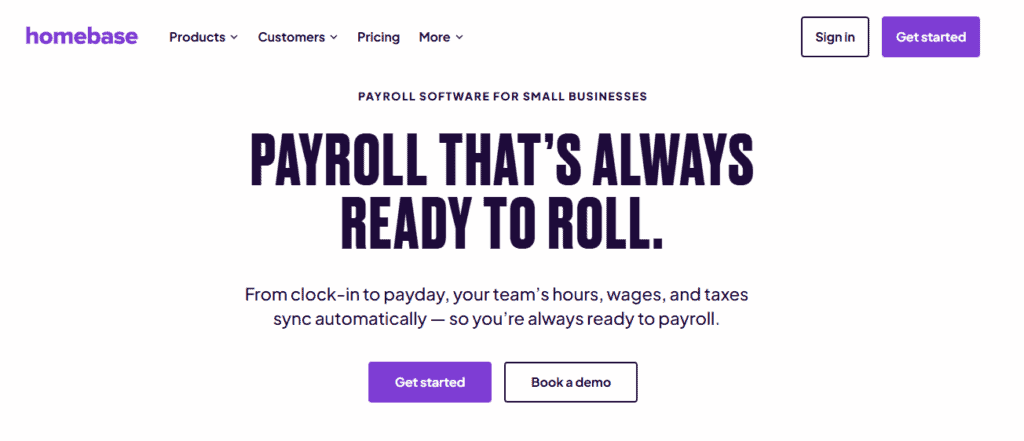
In my opinion, Homebase is the most practical solution for businesses that rely on hourly workers because it unifies the entire employee lifecycle.
Your employees clock in via the Homebase app or a tablet at your location, and the software tracks their hours, breaks, and overtime automatically. When the pay period ends, Homebase converts those timesheets into wages and calculates taxes instantly. This means there’s no data entry. You don’t have to export a file from a time clock and import it into payroll software, and you don’t have to manually key in hours.
This also matters because for many businesses, the most difficult part of payroll is not the math — it’s the data collection. Tracking shifts, breaks, overtime, and PTO can get complicated quickly, but Homebase does the pesky math behind the scenes and gets it right with no fuss.
Of particular note is the transparent pricing model, where you pay a base fee plus a fee per active employee. Time tracking and scheduling features even have a free tier, but the full payroll integration requires a paid plan. However, the value proposition is high because it replaces two separate software subscriptions with one.
The CPA Perspective: From a compliance standpoint, Homebase is robust. It automates your tax filings/payments and sends W-2s to your team automatically at year-end. Another feature I like is its automated enforcement of labor laws. You can set the system to alert you if an employee is approaching overtime, preventing accidental labor cost overruns.
Pros
- Seamless integration between the time clock and the paycheck
- Excellent scheduling and team communication tools are built right into the app
- Automated tax filings and payments
- Strong support for hourly and tipped workers
Cons
- Less suited for corporate environments with only salaried staff
- HR features are focused on compliance and hiring rather than complex benefits administration for large businesses
2. Gusto
Best For: Modern office environments and tech-forward small businesses.
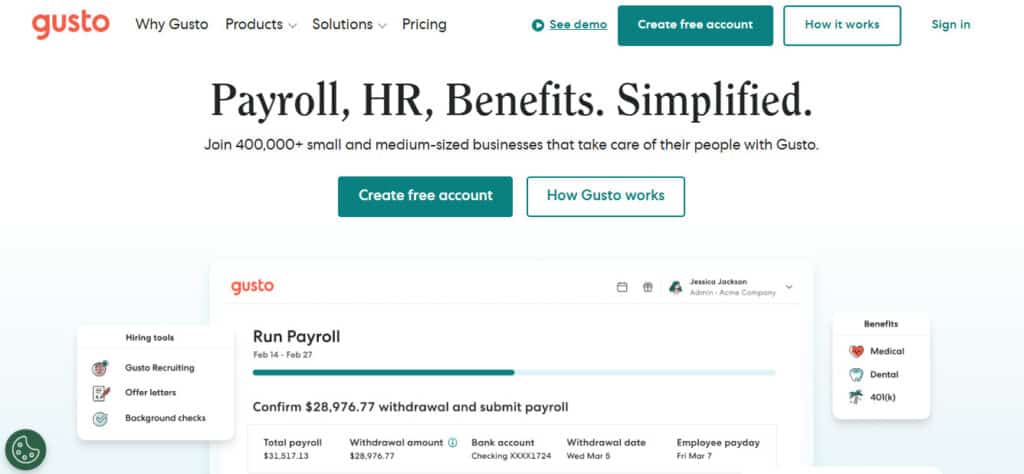
Gusto has earned a reputation as the user-friendly option in the payroll space. It definitely deserves that reputation, with an interface that’s clean, cheerful, and incredibly easy to navigate. It also makes payroll feel less like a chore — it supports direct deposit, check printing, and even pays contractors, and it automatically handles all federal, state, and local tax filings.
But where Gusto really shines is in its benefits administration. It integrates with various health insurance brokers and 401(k) providers, making it easy to offer big-company benefits to a small team.
The employee self-service portal is also excellent; your staff can access their pay stubs and tax forms without ever emailing you.
Getting started with Gusto isn’t a huge investment, either — its Simple plan is affordable, although it lacks some time tracking and support features.
The CPA Perspective: Gusto is certainly reliable; I don’t ever see calculation errors with this platform unless a human checked the wrong box during onboarding. I really like its AutoPilot feature that automatically runs payroll for fixed salaries and hours, but its time-tracking feature is an add-on that definitely feels less robust than similar offerings. If you have a complex shift environment, you might find Gusto’s native scheduling tools a bit basic.
Pros
- Beautiful, intuitive user interface
- Strong benefits administration
- AutoPilot feature for hands-off processing
- Good integration with accounting software like Xero and QuickBooks
Cons
- Health insurance benefits are not available in every zip code
- Support wait times can be long during tax season
- Cost can add up if you need advanced HR features
3. ADP Run
Best For: Growing companies that plan to scale significantly.
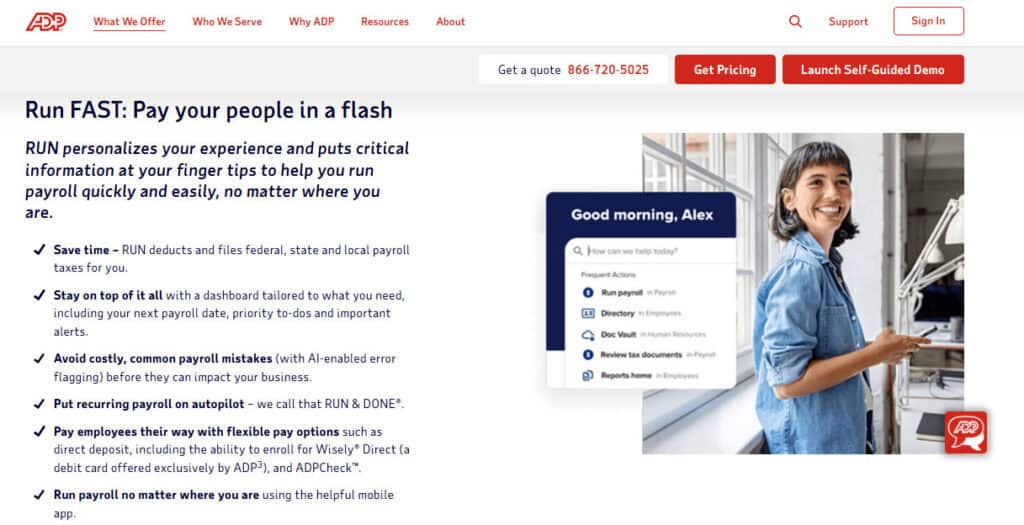
ADP is the giant of the payroll industry, paying 1 in 6 U.S. workers. Besides being used in enterprises across the country, its RUN offering offers the same powerful tax engine but in a simpler package for small businesses. So if you crave stability and brand recognition, ADP is the choice.
The primary advantage here is scalability. If your business grows from 10 employees to 1,000, ADP can grow with you. You will never have to migrate your data to a new system. They also offer a massive marketplace of add-ons for everything from workers’ compensation to retirement plans.
Just note that ADP does not typically publish pricing online, and you’ll usually have to talk to a representative for a quote. This often means that some businesses pay significantly more than others for the same service, and you’ll need to watch your invoice for creeping fees.
The CPA Perspective: ADP is a tank. It handles complex tax situations, multi-state payrolls, and garnishments better than almost anyone. If you operate in highly regulated industries or across many state lines, ADP’s compliance muscle is valuable. The downside is the interface, which can feel dated compared to modern competitors.
Pros
- Unmatched reliability and brand trust
- Handles complex tax scenarios and garnishments easily
- Scales to enterprise size
- 24/7 support availability
Cons
- Opaque pricing models
- Interface can be difficult to navigate
- Sales-heavy approach; expect upsell calls
4. QuickBooks Payroll

Best For: Businesses already committed to the QuickBooks ecosystem.
If you use QuickBooks Online for your accounting, there’s a strong argument for using QuickBooks Payroll. Its integration is native, meaning your payroll data flows into your general ledger instantly. This means that you don’t need to learn a new login or new software — you run payroll from the same dashboard where you send invoices.
QuickBooks Payroll offers same-day or next-day direct deposit, which allows you to hold onto your cash longer. They also offer tax penalty protection on their higher-tier plans, so if they make a mistake, they pay the fine.
However, the costs here are on the higher end, and Intuit frequently increases subscription prices.
The CPA Perspective: In the past, QuickBooks Payroll has had a reputation for being buggy. They’ve improved significantly, but I still encounter crazy errors like one random employee getting their hours doubled every week for no apparent reason. The support can also be frustrating — Intuit is a massive company, yet getting a knowledgeable support agent on the phone can take time.
Pros
- Native integration with QuickBooks Online
- Fast direct deposit options
- Tax penalty protection (on Elite plans)
- Familiar interface for QuickBooks users
Cons
- Customer support is often hit-or-miss
- Pricing tends to increase annually
- Less robust HR features than Gusto or ADP
5. Square Payroll
Best For: Retailers using Square POS.
If you use Square to take payments, their payroll offering is a logical extension. Square Payroll imports timecards directly from the Square POS, so if your employees clock in on the register, their hours are already in the payroll system.
It’s also particularly good for businesses that pay contractors — Square allows you to pay employees and 1099 contractors in the same pay run pretty smoothly.
Square offers a flat monthly fee plus a per-employee fee. They also offer a contractor-only plan with no monthly base fee (just a fee per contractor paid), which makes it excellent for seasonal businesses.
The CPA Perspective: Square Payroll is definitely a lighter solution that handles the basics like taxes, filings, and direct deposit. However, it lacks the depth of ADP or Homebase. It’s built for simplicity and speed, but if you have complex needs (like deductions or benefits packages), Square might limit you.
Pros
- Perfect integration with Square POS
- Great pricing for contractor-heavy businesses
- Very simple setup
Cons
- Limited features outside of basic payroll
- Not ideal if you don’t use Square for payments
- Reporting is basic compared to full accounting suites
6. OnPay
Best For: Very small businesses wanting a simple, flat rate.
In my opinion, OnPay is often overlooked, but it is a solid contender nonetheless.
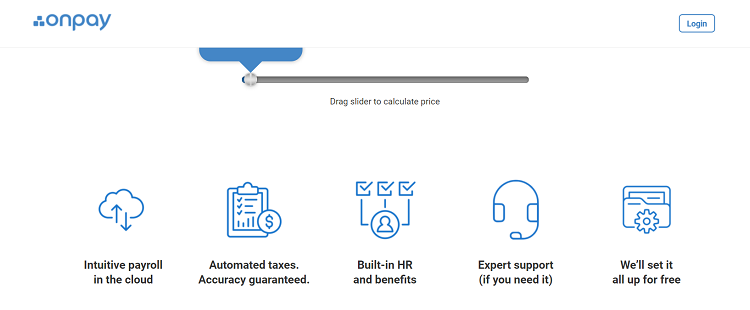
Unlike competitors that gate features behind higher tiers, OnPay gives you everything in one plan, including HR tools, benefits administration, and unlimited pay runs. There’s just one simple monthly base fee plus a per-employee fee. No tiers and no hidden costs.
However, they have a specialized focus on agricultural and non-profit payrolls, which often have unique tax requirements, so keep that in mind when weighing your options.
The CPA Perspective: OnPay punches above its weight. The interface is clean, and the support team is knowledgeable. They also handle the setup for you, which prevents a massive headache.
Pros
- One low price for all features
- Great support for niche industries (farms, non-profits)
- Free data migration
Cons
- Mobile app is not as polished as something like Homebase or Gusto
- Time tracking integration is not as deep as Homebase
- Fewer third-party integrations than ADP
Choosing the Best Full-Service Payroll Software
Choosing a payroll provider comes down to your specific operational model. If you run a standard office with salaried employees, Gusto offers a delightful experience with strong benefits administration. If you’re scaling rapidly and need enterprise-grade compliance, ADP is the safest bet. If you’re deep in the QuickBooks ecosystem, QuickBooks Payroll offers unbeatable convenience.
However, if you manage a team of hourly workers with ever-evolving schedules, Homebase is the stand-out choice. The friction of moving data from a time clock to a payroll system is the source of most errors and administrative waste, and Homebase solves this problem better than anyone else on this list.
Pick a platform that works for your workflow, set it up, and get back to growing your business.