


Last Updated on December 30, 2025 by Ewen Finser
GMass works best when email outreach is simple.
Early on, it does exactly what you want. You send emails from Gmail, you get replies, and you move on with your day. There’s very little friction, and for small, controlled outreach, that’s a genuine advantage.
But as sending volume goes up, Gmail becomes less forgiving. Inbox placement starts wobbling, and results stop scaling with effort. And when that happens, it’s hard to tell what caused it — GMass isn’t designed to explain what’s happening when deliverability becomes an issue. It just continues to happily send out emails and doesn’t give you much clarity when Gmail starts pushing back.
So today, I’m offering a few GMass alternatives that will shore up these gaps, including tools that replace GMass and those that cover the parts it never really addressed in the first place.
Let’s begin!
1. InboxAlly
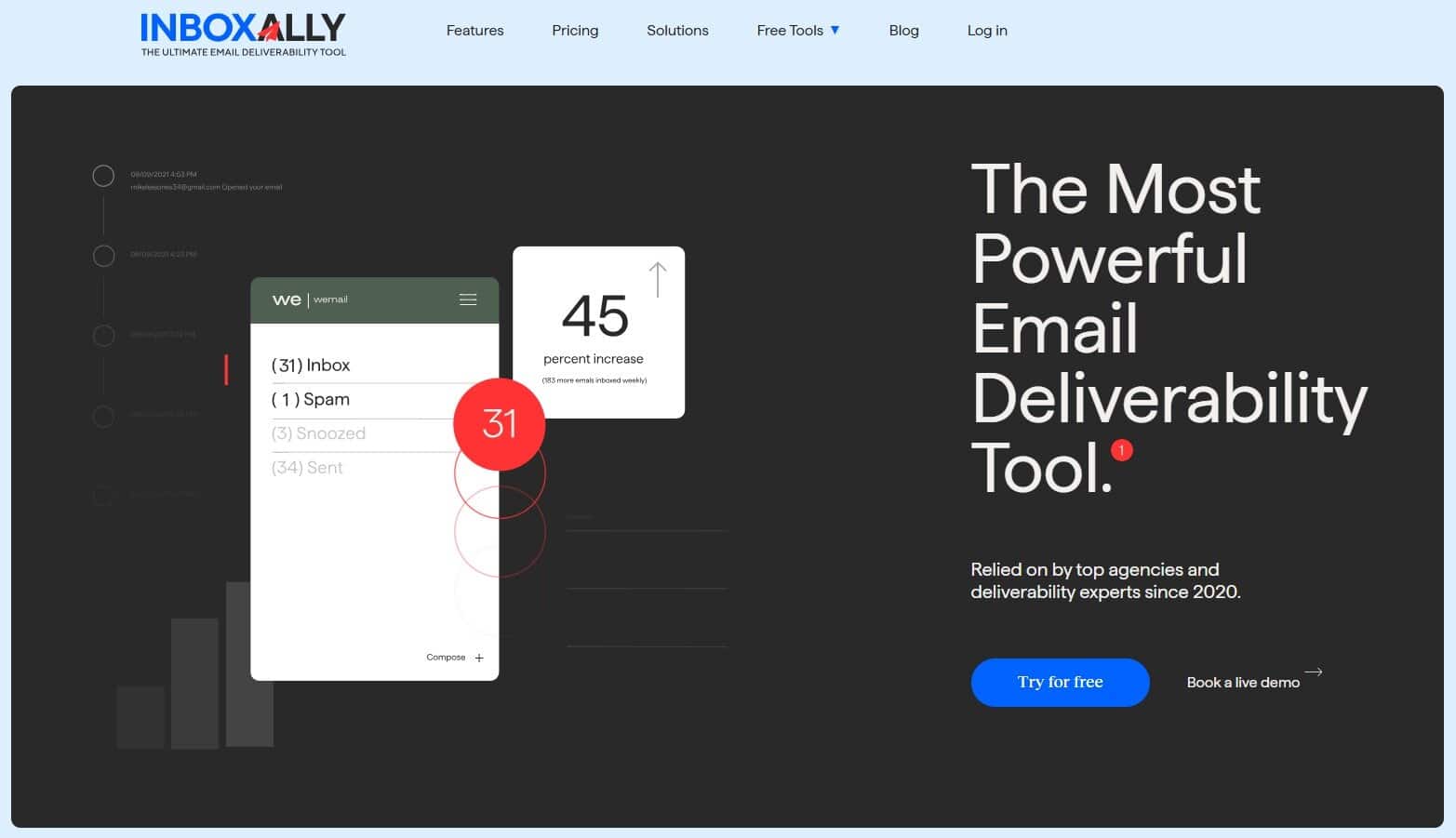
Where InboxAlly shines is giving you feedback that you won’t get anywhere else. It tells you where emails are landing and whether trust is improving over time — not after a campaign ends or weeks later, but while things are still running.
That’s an important distinction because most deliverability problems show up as slow decay rather than one defined crash. A little worse click-through rate this week, slightly higher bounce rate next week. And by the time it’s obvious, the damage has already been done.
InboxAlly is also useful for when you leave GMass, making it so that switching senders changes the interface and not your reputation.
It’s not flashy software, but it’s not supposed to be. Once you’ve lost weeks trying to make your emails “just land,” you really start to see the value of boring clarity as a feature.
Pros
- Tells you where emails land (Inbox vs. Promotions vs. Spam)
- Lets you see reputation problems forming before bigger issues come up.
- Can be used with any sending tool (GMass, Instantly, Smartlead, etc.)
Cons
- Doesn’t send emails or manage campaigns
- Not intended for low-volume senders
2. Mailshake
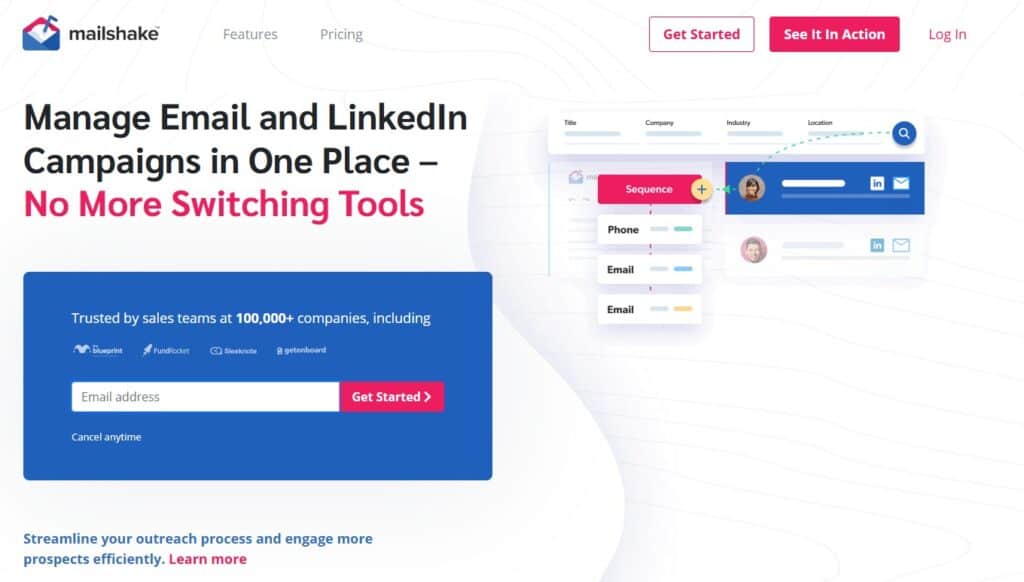
A lot of GMass alternatives basically boil down to more settings and more dashboards… along with more places to screw up. That’s fine if you’re building a high-volume outbound setup, but most people aren’t. The average marketer is just looking for a way to run sequences, follow-ups, and basic team handoffs without being glued to Gmail.
Mailshake is often the simplest way to get there. The first time I used it, it honestly felt like a godsend. Campaigns took a minute or two to set up, follow-ups just ran, and I could hand it off without having to explain myself.
The other reason I liked it as a GMass exit is that you’re stepping out of the Gmail-only bubble. This gives you more freedom long-term, especially if you end up running multiple inboxes, different domains, or client accounts. GMass can do some of that with duct tape, but with Mailshake, it’s just a normal workflow.
If you’re after hyper-scale or super granular control, you’ll want something more robust than Mailshake. But if you’re leaving GMass because the workflow got annoying and the results got harder to trust, moving to Mailshake is a solid choice.
Pros
- Easy to run sequences and follow-ups without babysitting
- Simple enough to hand off to a teammate
- Good step away from Gmail-only sending
Cons
- Not the tool for complex, high-scale multi-inbox operations
- Power users may want more control than it offers
3. Woodpecker
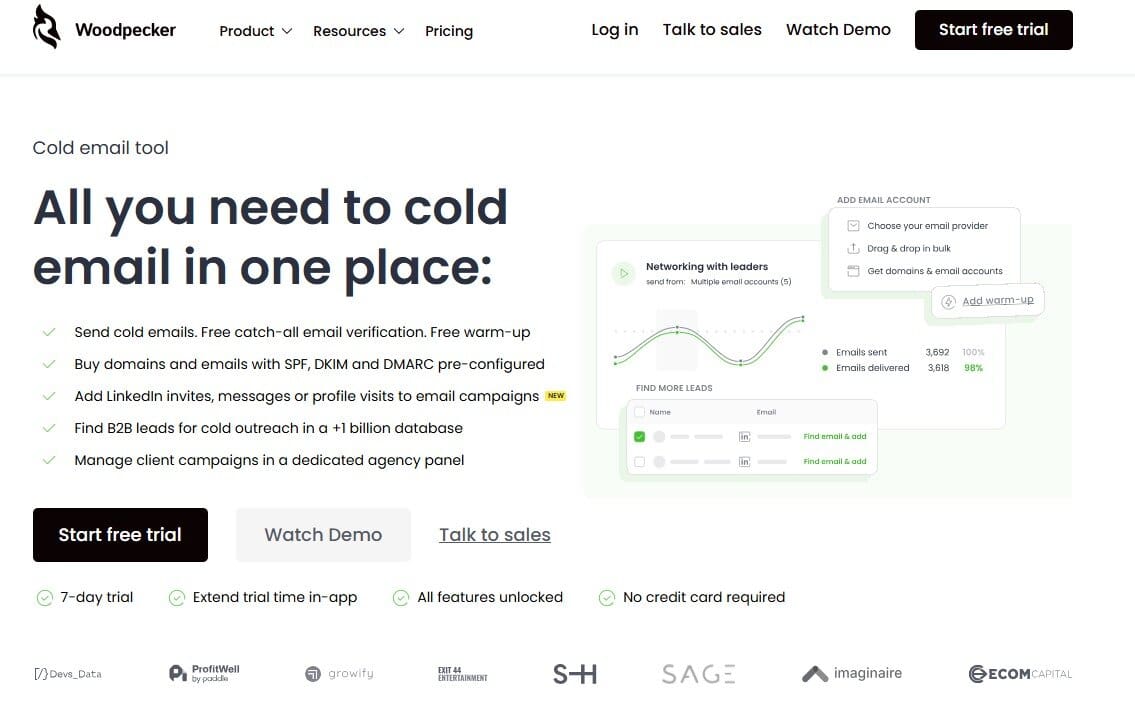
Woodpecker is built around standard sequencing and follow-ups, but with guardrails — it doesn’t encourage aggressive sending patterns or clever inbox tricks. Instead, you’re pushed toward campaigns that are easier to keep in check: fewer variables, clearer pacing, and less temptation to keep “optimizing” your way into trouble.
Counterintuitively, that actually makes it easier to see what’s working. If replies drop, you’re usually looking at targeting, offer, or timing, not some obscure configuration buried three menus deep. In practice, that saves time because you’re not debugging your own setup.
Just like Mailshake, I wouldn’t use Woodpecker for large-scale, multi-inbox operations where volume is the main lever. It’s simply not designed for that. But for steady outreach where consistency goes before speed, it does an excellent job.
Pros
- Keeps campaigns simple and controlled
- Encourages steady, manageable sending
- Fewer ways to misconfigure outreach
Cons
- Not built for aggressive scaling
- Limited flexibility for complex setup
4. QuickMail

Most of the time, my email marketing problems come from campaigns needing attention when I’m busy doing other work. In situations like these, QuickMail really stands out. It’s one of the best sending and sequencing tools that stays out of the way once it’s configured. Sequences and follow-ups run as planned, and I don’t feel the need to keep checking on them.
I’ve used it alongside separate tools for list building, enrichment, CRM, and deliverability since it can’t replace them, but it also means that there are fewer distractions. There’s less UI polish and fewer “nice to have” features, but that tradeoff is intentional. You’re not tempted to tweak endlessly. You set it up, monitor results, and move on.
I wouldn’t recommend it if you need everything under one roof and if visual dashboards are important, because it is kind of dated in that regard. But for keeping outreach stable while the rest of your stack does its job, QuickMail is a wise choice.
Pros
- Very reliable for sequencing and follow-ups
- Fits well into modular outreach stacks
- Minimal setup once configured
Cons
- Dated UI
- Not an all-in-one platform
5. Apollo
With GMass, you need to bring your own list, and that’s fine… at first. But outreach becomes regular work at some point, which means that list building, filtering, and updating turn into the slowest parts of the process.
Apollo solves this by having prospecting + outreach in one place. I can import a list, filter it to death, check the basics (role, company size, location), and move straight into sequences without clicking between five tabs and three tools. That speed is invaluable when you’re iterating offers and don’t want to write one perfect campaign for two weeks.
Just beware! All-in-one tools can make you lazy. It’s easy to trust the database too much and forget that “has an email” doesn’t mean “good fit.” If you don’t keep standards on targeting, Apollo will happily help you send irrelevant emails at scale, and Gmail will happily punish you for it.
But as a GMass alternative, Apollo makes sense when the real pain isn’t the sending button but everything around it.
Pros
- Built-in lead database + sequencing in one workflow
- Faster from ideation to live campaigns
- Good for solo operators who want fewer moving parts
Cons
- Easy to over-rely on database quality
- Can lock you into one platform for sourcing + sending
6. Warmup Inbox
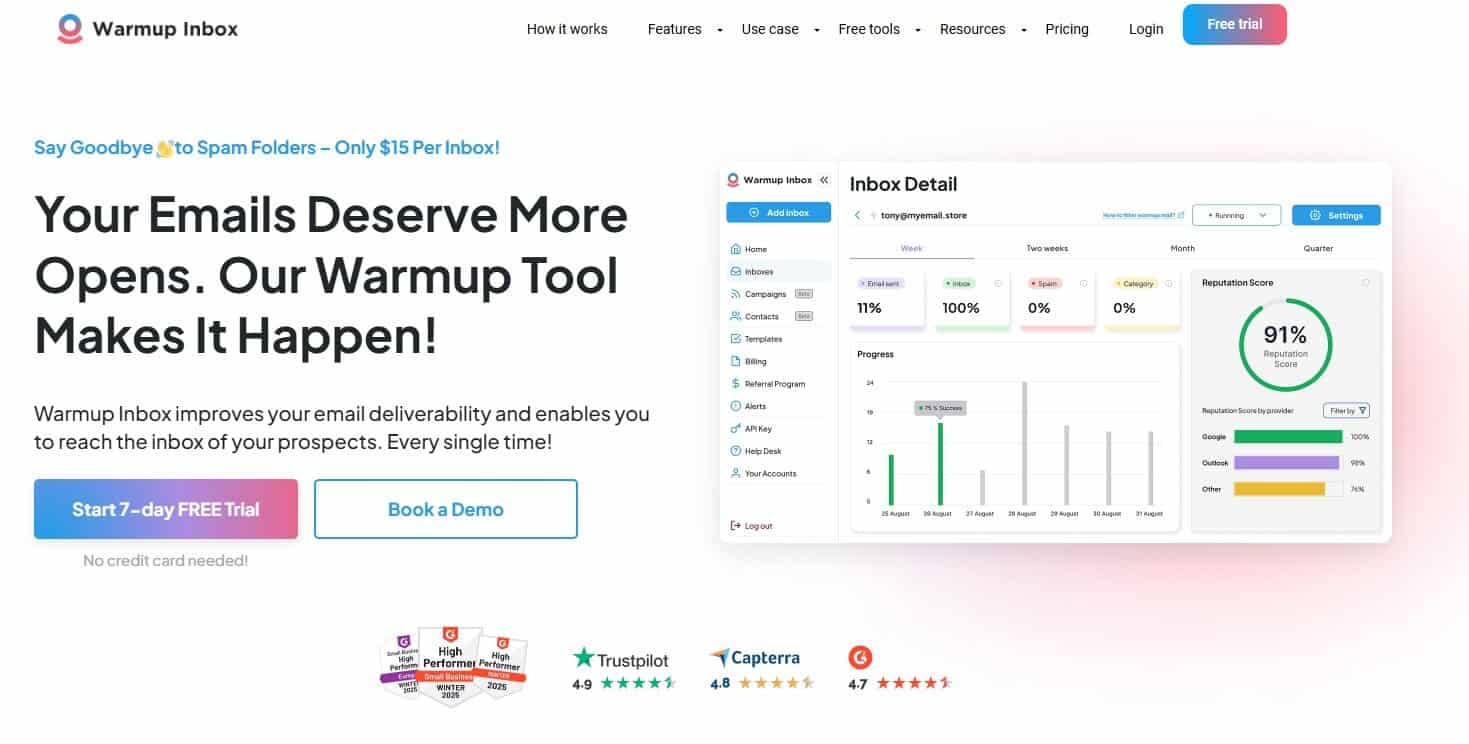
GMass sends just fine. The trouble starts when Gmail decides you’ve been a little too enthusiastic. That’s where performance can deteriorate and never quite recover on its own, which is something that Warmup Inbox can help with.
While I haven’t used it to prepare brand-new inboxes for some massive launch, I have used it to warm up inboxes that already had a history: Daily, human-looking interactions, replies, forwards, slow rhythms, the kind of activity Gmail expects but never explains.
The reason I like Warmup Inbox specifically is that it’s narrow. It has no deep analytics, no “growth” features, or anything confusing. You turn it on, let it run, and check back later. For GMass users, that simplicity can be great because you’re already relying on Gmail’s rules and don’t need another tool trying to be clever.
Warmup Inbox is not a replacement for GMass, but it covers a real weakness GMass never tried to address.
Pros
- Helps stabilize Gmail sender reputation
- Simple setup, minimal maintenance
- Useful for both new and aging inboxes
Cons
- Doesn’t replace a sending tool
- Can be a bit too simplistic at times
7. Snov.io

Snov.io is for the stage right before full-on outreach, when the real headache is finding decent leads and not emailing garbage. This isn’t some magical deliverability solution. It’s more basic: reduce dumb list mistakes, run consistent sequences, and keep the process in one place.
My use case was this: build a target list, grab verified emails, then run sequences for an agency pitching SEO services to local businesses. It wasn’t perfect, and enrichment could be hit or miss, but it was convenient in a way GMass just isn’t — because GMass doesn’t help you with sourcing at all.
Snov also makes it easier to keep lists fresh, which is great because if you’ve ever run GMass off an old CSV and wondered why results suddenly went weird, you know how quickly outdated data can poison a campaign.
If you want a bare-bones sender, this may feel like too much. But if you’re leaving GMass because everything around it is manual, Snov.io is a great step away from it.
Pros
- Lead finding + email verification + sequences in one tool
- Helps reduce list mistakes that wreck campaigns
- Solid for solo operators who want fewer tools
Cons
- All-in-one convenience can hide weak targeting
- Not a dedicated deliverability fix (you still need good sending habits)
8. Instantly

What Instantly gives you, compared to GMass, is structure:
- Multiple inboxes
- Rotation
- Centralized campaigns
It gets you to the point where you stop thinking in terms of one Gmail account and start thinking in systems. That alone removes a bunch of friction once outreach becomes a real revenue channel in a business.
In my experience, Instantly is best when you already have decent sending habits, which means reasonable volume, a proper list, and no crazy expectations. If you treat it like a pure scale lever, Gmail eventually reminds you who’s in charge — Instantly will happily keep sending, but it won’t tell you much about why performance changes. When placement becomes a problem, you’re still mostly reliant on deliverability tools (InboxAlly, Warmup Inbox, etc.).
So if GMass felt limiting, Instantly is often the obvious next step. Just don’t expect it to explain what’s happening when Gmail changes the rules.
Pros
- Much easier to scale than GMass
- Multi-inbox support and campaign control
- Easier to get to higher sending volumes
Cons
- Limited visibility into inbox placement and reputation
- Easy to over-scale without realizing it
- Still Gmail-dependent at the core
Refining Deliverability with GMass Alternatives
All these tools come at a few bucks with basic plans, free trials, or demos, so I highly encourage you to take what you’ve learned from this article, pick the ones that feel relevant to your situation, and put them to work. You’ll learn more from a week of testing than from any comparison table.
If I had to pick one, I’d say give InboxAlly a shot. If you haven’t tried it yet, I genuinely think you might be missing out. You could already have a solid setup without realizing it, simply because poor deliverability is hiding its potential.
Either way, give these tools a shot. The difference you see could surprise you.
Related Read:
Email Deliverability in 2025: How to Stay Trusted by ISPs
How to Fix Email Deliverability (Before it Wrecks your Reputation)