


Last Updated on December 21, 2025 by Ewen Finser
When it comes to selecting a payment processor for your business, it’s important to do your research to see which solution best fits your needs. After all, no two payment processors are the same, even though it can often feel like the only thing that’s changed is the branding.
For example, a certain payment processor may be great for SMBs and startups, but it might not be able to keep up with a large enterprise. And if you’re not yet a large business but have growth in mind, you need to pick a payment processor that can scale along with you.
With that in mind, let’s explore some of the top payment processors for large businesses so you can see which might be the best choice for your company.
What Should Large Businesses Look For in a Payment Processor?
Whether you’re already running a large operation or you hope to one day get there, here’s what you’ll need to keep an eye out for.
- Omnichannel Capabilities: An enterprise payment processor should be able to connect data from multiple channels so you can keep everything centralized.
- Low Transaction Fees: When you’re processing large volumes of transactions, fees can add up quickly. Relatively low transaction fees can cut costs significantly.
- Scalability: SMBs and startups with growth in mind should look for a payment processor that can scale along with them. Likewise, enterprises should look for platforms that can keep up with their already growing businesses.
- Reporting and Analytics: Large businesses tend to deal with huge amounts of data that they can only take advantage of with the right tooling. The best payment processors have robust business intelligence capabilities to help you out here.
- Security: The more transactions you process, the more opportunities there are for fraud. It’s critical that your payment processor has robust controls in place to proactively combat it.
Comparing the Best Payment Processors for Large Businesses
Platform | Best For | Fees & Pricing |
Luqra | -E-commerce -Low prices -Customizations -Customer support | In-Person: Starting at 2.0% + $0.10 Online: Starting at 2.3% + $0.20 Optional Cash Discount Program: $99/month |
Stripe | -Custom pricing and discounts -In-person payment hardware | In-Person: 2.7% + $0.05 for domestic cards Online: 2.9% + $0.30 for domestic cards Custom pricing options |
Adyen | -AI capabilities | $0.13 processing fee + payment method fee |
PayPal Enterprise Payments | -Diverse payment methods -Fraud protection | In-Person: Starting at 2.29% + $0.09 per transaction Online: Starting at 2.89% + $0.29 per transaction |
Authorize.net | -Online payments -Advanced fraud detection | All-in-One: 2.9% + $0.30 Gateway-Only: $0.10 per transaction + $0.10 batch fee eCheck: $0.75 per transaction Subscription Fees: $25/month |
Luqra

Luqra may not be as well-known as payment processors like Stripe or Square, but it shouldn’t be overlooked. It was designed specifically with e-commerce businesses in mind, but it’s also a solid choice for companies in other industries like retail, food and beverage, consulting, banking, and fintech. One of its most attractive features is meet-or-beat pricing that’s advertised to never increase. The company also strongly believes in customization, which is often necessary for larger businesses.
Features
- Online & In-Person Payment Processing: Besides online payments, Luqra has several devices available that you can use to collect in-person payments. Options include mobile and on-the-go terminals, wired countertop terminals, wireless and smart terminals, and traditional point of sale systems.
- Financial ERP: Luqra’s ERP is geared toward banks and financial institutions. With it, you can create reports, consolidate data, and perform forecasting.
- Scalability: Luqra promotes unlimited scalability, stating that even with sudden spikes in volume, you won’t have to worry about hitting account limits or daily caps.
- Integrations: Luqra integrates with software like Shopify, Authorize.net, Salesforce, WooCommerce, and Magento.
- Security: Including automated fraud prevention, Luqra allows you to set up fraud filters and rule-based thresholds to set minimum transactions and block payments based on geography or IP address.
- Customer Support: Luqra’s phone support is available 24/7/365, and agents are based in the U.S.
Pricing
- In-Person Payment Fees: Starting at 2.0% + $0.10
- Online Payment Fees: Starting at 2.3% + $0.20
- Subscription and Setup Fees: Optional cash discount program that passes card fees onto customers ($99/month)
Verdict
Luqra’s commitment to customization and scalability makes it an attractive choice for many large and growing businesses. Besides ERP analytics capabilities that provide important insights from vast amounts of data, Luqra is determined to keep prices low — which is especially important when you’re dealing with large volumes of transactions. Large businesses will also appreciate the company’s 24/7/365 customer support.
Stripe
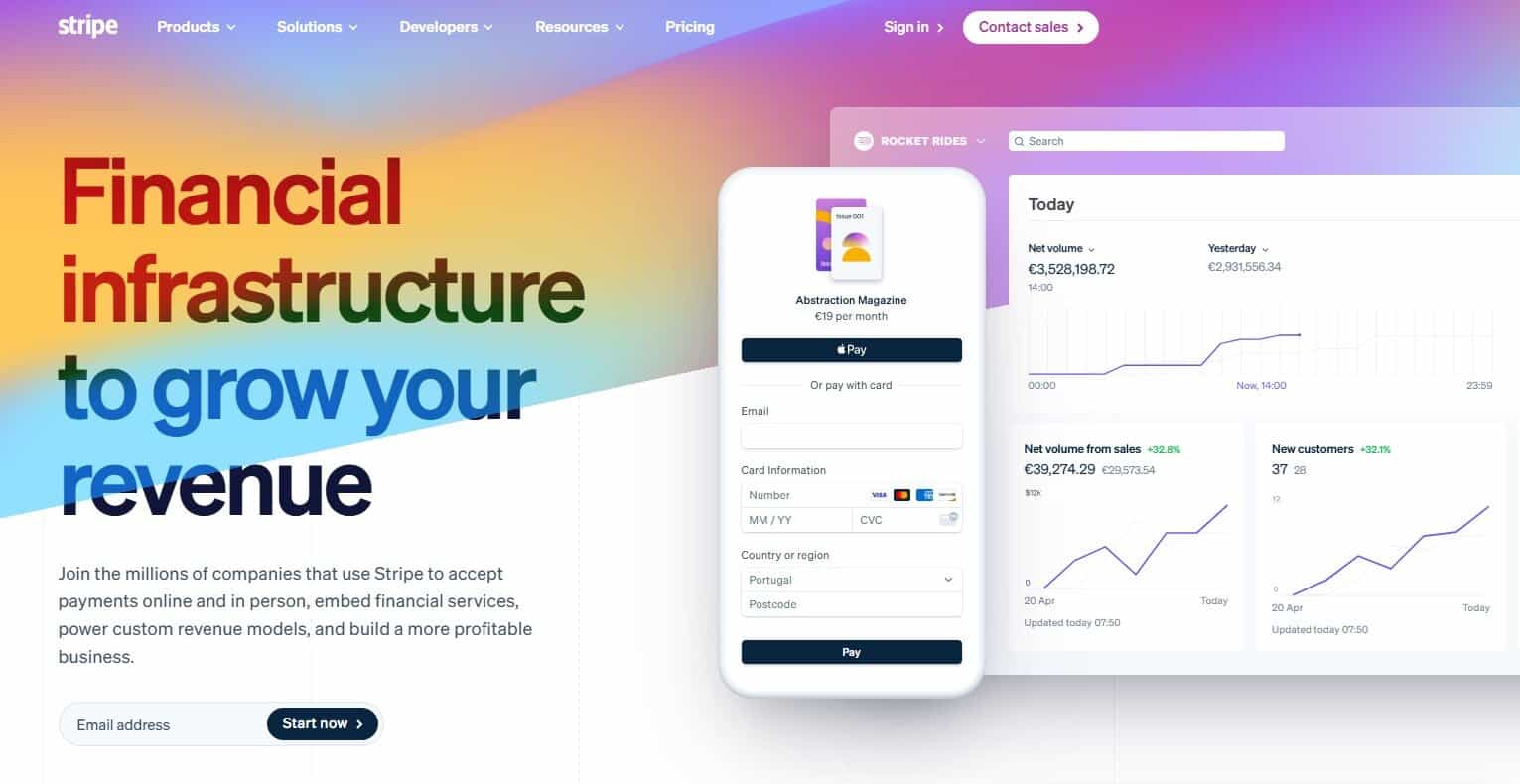
Stripe is one of the most popular payment processors, though it isn’t tailored toward any particular industry — its branding speaks to diverse industries like AI, the creator economy, insurance, hospitality, media, nonprofits, and retail. However, it’s also an appropriate choice for enterprises and growing businesses, and it’s used by industry giants like Amazon, BMW, and NVIDIA.
Features
- In-Person Payment Processing: Stripe sells a variety of payment hardware, including countertop, mobile, and self-service devices.
- Online Payment Processing: There are several ways that you can collect online payments from customers using Stripe. You can build your own payment experience using their UI components, send shareable payment links, or use a prebuilt payment form.
- Platform Payments: Stripe allows you to route funds, make payouts, and embed payments into your platform.
- Finance Automation: Stripe can automate bookkeeping, sales tax, invoicing, subscriptions, and billing. This can help you recover revenue and save time when compared to manual entry.
- Integrations: The Stripe App Marketplace provides a list of numerous apps you can integrate with, including QuickBooks Online, Xero, Puzzle, Mercury, and Zapier.
- Security: Stripe’s security and fraud tools (which fall under the brand’s “Radar” feature set) use AI extensively to detect and prevent fraud. Data from millions of companies worldwide is used to train Radar’s AI for the best possible real-time protection.
- Customer Support: Stripe’s live support is available 24/7.
Pricing
- Standard:
- In-Person Payments: 2.7% + $0.05 for domestic cards
- Online Payments: 2.9% + $0.30 for domestic cards
- Custom: Custom pricing is available for large businesses, along with businesses that have unique business models. Custom packages may come with interchange-plus pricing, volume discounts, multi-product discounts, and country-specific rates.
- Subscription and Setup Fees: None
Verdict
Large companies that want a well-established solution in the payment processing space may want to choose Stripe due to its 24/7 live support, custom pricing that can include discounts, and automation capabilities that streamline complex financial tasks.
Adyen
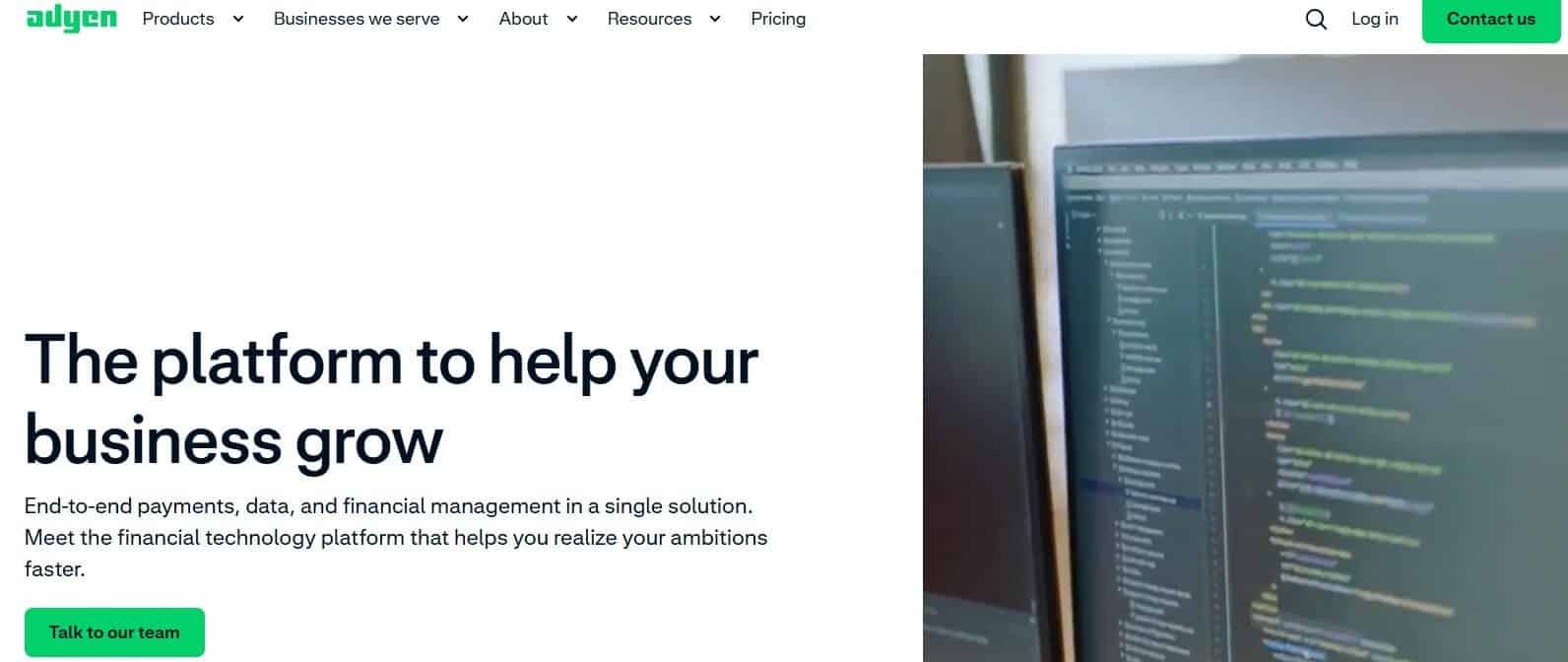
Adyen serves companies of all types, from SaaS platforms to restaurants, and they incorporate AI extensively into their product to streamline payments. In addition to Adyen’s payment capabilities, you can also use it to offer business accounts, provide users with access to business financing, issue physical and virtual cards, and send global payouts.
Features
- In-Person Payment Processing: Adyen’s in-person payment hardware includes tap-to-pay, mobile, countertop, and unattended devices.
- Online Payment Processing: Customers can pay on your website, through your app, or with recurring payments.
- Platform Payments: Adyen for Platforms lets you embed payments into your platform or marketplace. You can either use their standardized solution or work with the company to create a customized one.
- Omnichannel Payment Solutions: Adyen’s Unified Commerce connects all your sales channels together, improving the customer experience and consolidating your data.
- Optimization: Adyen uses AI to optimize the entire payment funnel, helping you increase conversion and lower costs.
- Integrations: Adyen has plugins for Adobe Commerce (Magento), Oracle (NetSuite, Opera, Simphony), and Salesforce Commerce Cloud. You can also use their integration toolkit to connect with other platforms.
- Security: The platform uses machine learning and automation to detect and prevent fraud. You can also set custom risk rules to filter out certain transactions.
Pricing
- In-Person and Online Payments: $0.13 processing fee + payment method fee
- Subscription and Setup Fees: None
Verdict
Adyen’s extensive use of AI is particularly beneficial for large businesses that need to streamline time-consuming tasks, combat fraud, and improve their bottom line. Its platform payment and cross-channel solutions are also appealing — your customers will enjoy an improved user experience while you will benefit from improved data insights.
PayPal Enterprise Payments
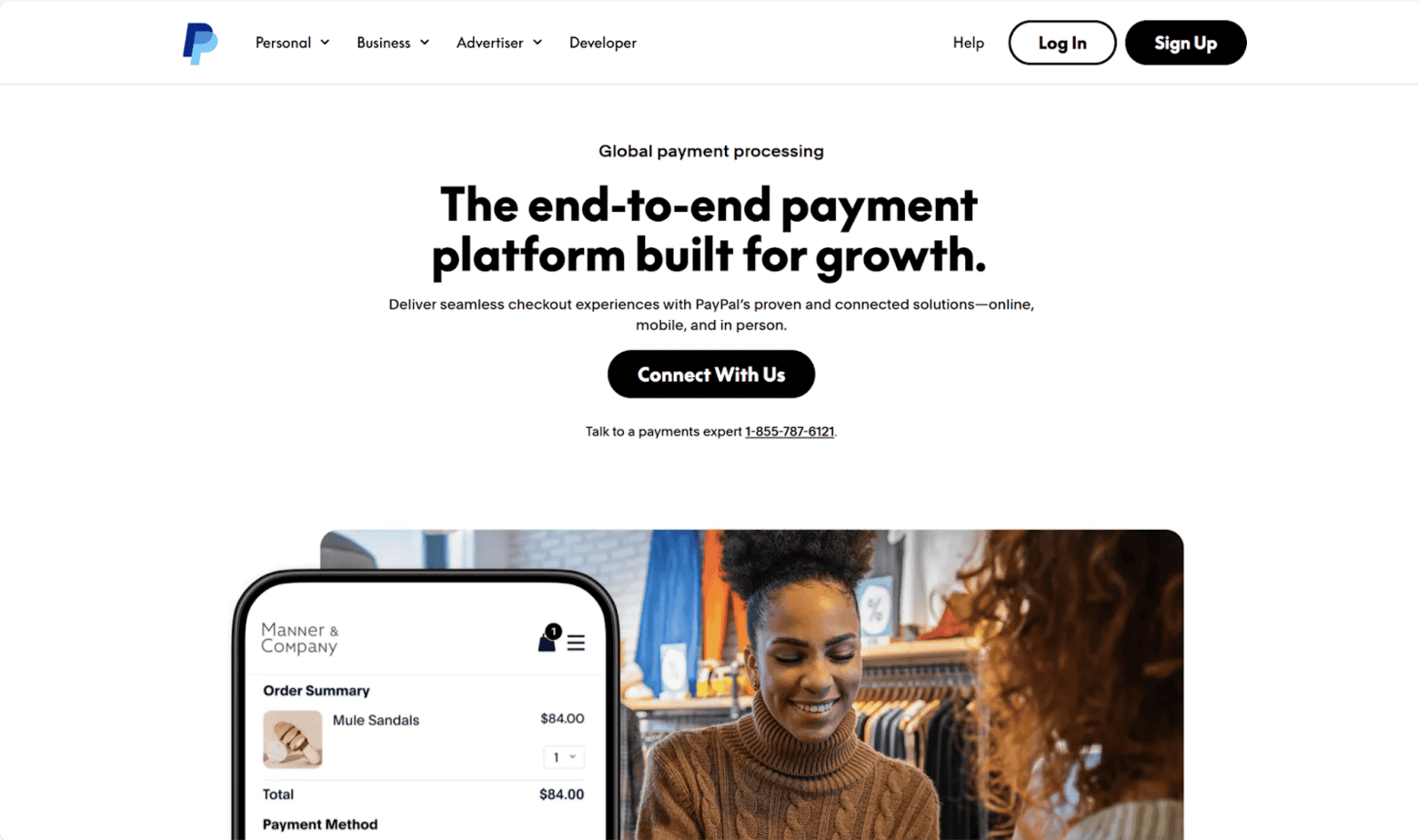
Formerly known as Braintree, PayPal Enterprise Payments is another payment processor that’s commonly used at large businesses like Adobe, Uber, Spotify, Ticketmaster, and Reebok. PayPal is particularly popular among global businesses, and it’s been around for over two decades.
Features
- In-Person Payment Processing: Some of PayPal’s product offerings for processing in-person payments include both fixed and mobile card readers that can sync with your POS solution.
- Online Payment Processing: PayPal supports several online payment methods, such as PayPal payments, credit and debit cards, digital wallets, deferred payments, bank transfers, bank debits, and vouchers.
- Optimization: PayPal’s integrated processing engine can help you keep customer accounts updated, efficiently route transactions, and retry declined transactions.
- Integrations: A few of the many platforms you can integrate PayPal with include Shopify, WooCommerce, Xero, and QuickBooks.
- Security: PayPal’s Fraud Protection Advanced is powered by machine learning and analytics, and it’s informed by data from PayPal’s $1.53 trillion in annual transactions. It also has chargeback protection to help you prevent fraud and recover revenue.
- Customer Support: You can contact PayPal’s customer service via their Message Center or via phone. Agents are available to answer calls every day between 8 AM and 8 PM CST.
Pricing
- In-Person Payments: Tap to pay and POS starts at 2.29% + $0.09 per transaction.
- Online Payments: Card processing starts at 2.89% + $0.29 per transaction.
- Subscription and Setup Fees: None
Verdict
If you want a payment processor that’s been around for a long time, PayPal is one of the most established names in the space. They accept a wide variety of payment methods, and because PayPal is so frequently used by businesses, its fraud prevention features are strong — its AI is trained on PayPal’s vast amounts of historical transaction data.
Authorize.net

Authorize.net is a suitable payment solution for large enterprises. It’s also recently been revamped, introducing new features like customizable dashboards, smart AI support, and built-in fraud prevention. But while it can be used to accept in-person payments, its main focus is online payment processing and e-commerce — their site even includes a free e-commerce guide as a resource for businesses.
The company offers two plans: an all-in-one plan and a gateway-only plan. The all-in-one plan is for businesses that don’t yet have a merchant account and need to accept credit card payments, while the gateway-only plan is the right choice if you already have a merchant account with another provider.
Features
- In-Person Payment Processing: To accept mobile payments, you can purchase a card reader from Authorize.net’s partner, POS Portal. You can also connect a card reader to your computer for a virtual POS system that can collect in-person payments.
- Online Payment Processing: Your customers can pay you via debit card, credit card, eCheck, or with digital payment options like Apple Pay and PayPal. You can process payments either through your website or a mobile app.
- Account Updater: This optional add-on provides automatic monthly credit card updates.
- Integrations: Authorize.net doesn’t provide a master list of third-party integrations, but anecdotal evidence indicates that it syncs with platforms like Xero, Jotform, and Odoo.
- Security: Authorize.net’s Advanced Fraud Detection Suite comes with several fraud filters you can use to set minimum transaction thresholds, payment velocity settings, and geographic restrictions.
- Customer Support: Authorize.net’s support is available 24/7 via phone, but the company also has a new AI support tool called Anet.
Pricing
- In-Person and Online Payments:
- All-in-One Plan: 2.9% + $0.30
- Gateway-Only Plan: $0.10 per transaction + $0.10 batch fee
- eCheck Payments: $0.75 per transaction
- Subscription and Setup Fees: $25/month
Verdict
Authorize.net is a great choice for large businesses, particularly if you’re processing a lot of online payments. Its Advanced Fraud Detection Suite may also appeal to you, and it’s also easy to get in touch with agents who are answering phones 24/7.
So, What’s the Best Payment Processor for Large Businesses?

There are many solid options for large or growing businesses looking for a payment processor. Stripe, PayPal, and Authorize.net have all been around for a while and are established leaders in this space. However, this doesn’t mean you should overlook relative newcomers. Adyen’s a great choice if you want to use AI extensively to streamline your finance tasks.
Personally, I think Luqra is one of the best choices for companies that are large or are scaling to that point. The company is committed to keeping fees low, works with you closely to develop a customized plan, and has 24/7/365 customer support agents available.
Either way, before deciding on a payment processor, be sure to compare features and pricing to find the solution that meets your unique needs.