


Last Updated on March 3, 2026 by Ewen Finser
Why Most Internal Knowledge Bases Fail
Over the years, I’ve noticed a pattern when it comes to teams trying to build internal knowledge bases. Namely, some combination of great intentions, scattered tools, and ultimately, documentation that barely keeps pace with reality. As someone who’s worked in both engineering and cross-functional teams, I’ve come to learn that the challenges aren’t just conceptual, they’re practical and persistent.
Text-heavy documentation is a common pitfall. For tool-based tasks, whether navigating an ERP, troubleshooting a hardware-software integration, or following a standard operating procedure, long blocks of text simply don’t convey nuance. People skim, interpret steps differently, or skip to the part they think they know.
Lack of clear ownership is another risk. Documentation often starts with enthusiasm, whether it’s during a sprint, onboarding project, or team audit. Oftentimes, no one is accountable for keeping it accurate when the initial enthusiasm fades over time. As tools change, processes shift, and personnel rotate, and guides quickly become outdated. When documentation can’t be relied upon, people simply stop using it.
Knowledge bases that live outside daily workflows fail. If finding an answer requires hunting through folders or outdated pages, employees will usually take the quickest path: ask a colleague. The more friction involved in accessing information, the less likely the knowledge base will become the source of truth.
The core problem isn’t a lack of documentation. Instead, it’s friction: friction to create, friction to update, and friction to use. In the sections that follow, we’ll explore practical ways to reduce that friction and how to build an internal knowledge base that actually works, using Guidde as an example.
How to Build Better Internal Knowledge Bases

What used to take hours of writing, formatting, and screenshot stitching can often be captured and structured in minutes, with AI automatically generating descriptive text and optional voiceovers. AI adoption platforms can shift documentation from a writing-heavy process to a capture-first workflow.
Key advantages at a glance:
- Record once, document automatically: Screen recordings are converted into step-by-step guides without manual formatting.
- AI-generated instructions: These tools auto-create written steps from your actions, reducing the need for manual transcription.
- Optional voiceover generation: Turn silent walkthroughs into narrated SOPs without re-recording.
- Easy sharing and embedding: Guides can be shared via links or embedded into wikis, Notion, Confluence, or internal portals.
Why This Matters
Internal knowledge bases fail most often because documentation is too expensive to maintain in terms of time and effort. Teams know they should document processes, but manual documentation competes with real work, so it gets deprioritized.
By lowering the time cost of documentation, the economics of knowledge sharing also change:
- More documentation actually gets created.
- Processes stay up to date because updates are easy.
- Subject-matter experts can document directly without becoming technical writers.
In practice, this means fewer Slack questions, faster onboarding, and less institutional knowledge trapped in people’s heads.
Define Your Inputs (This is What Drives Documentation)
Think in terms of recurring system signals:
- Recurring tasks: Processes people repeat weekly or daily (e.g., onboarding, order fulfillment, reporting workflows).
- High-risk workflows: Steps where mistakes are costly (billing, deployments, compliance, integrations).
- Frequently changing tools: SaaS platforms, integrations, or internal tools that evolve faster than people can keep up with.
Define Your Desired Outputs (What Success Looks Like)

Your knowledge base should be built to produce measurable outcomes:
- Faster onboarding: New hires reach productivity without constant hand-holding.
- Fewer interruptions: Fewer Slack pings and ad-hoc explanations from senior team members.
- Consistent execution: Processes run the same way regardless of who is on shift.
Avoid the “Document Dump” Trap
Your knowledge base should be optimized to close operational gaps, not act as a dumping ground for every file, policy, and random PDF the company has ever created. A smaller, purpose-built system that solves real problems will outperform a massive but unused documentation archive every time.
Building a Scalable Knowledge Base
A knowledge base isn’t just a repository, it’s the nervous system of your team. When done well, it reduces errors, shortens onboarding, and frees experienced employees from repeatedly answering the same questions. To make this work, focus on three guiding principles: organize for real workflows, standardize for clarity, and build for scale.
Organize for Real Workflows
Structure your knowledge base around how your teams actually work:
- Use functional categories that reflect workflows (Operations, Customer Support, Sales, Marketing, Finance, Engineering).
- Create task-based guides, e.g., “How to Create a New Lead” or “Exporting Reports,” instead of abstract sections like “CRM Documentation.”
- Map content directly to execution; team members should find what they need without guessing.
Why this matters: In my experience running engineering and operations teams, knowledge bases often fail when they feel “academic” or disconnected from day-to-day work. Tools like Guidde can fix this by capturing workflows in real time.
Standardize for Clarity

Consistency makes your knowledge base usable and reliable. To standardize effectively:
- Use outcome-focused titles (“How to Process a Refund in Shopify,” not “Refund Process”).
- Make steps actionable and concise.
- Maintain predictable formatting and layout across all guides.
Build for Scale
Your knowledge base should grow with your organization. Key strategies:
- Use a modular structure where guides can be added, updated, or deprecated independently.
- Prioritize high-impact, high-frequency workflows first: onboarding, software setup, refunds, inventory updates.
- Break complex processes into multiple guides for clarity and easier updates.
Validate Accuracy
Always have subject-matter experts review guides to ensure they reflect real-world practice.
The result:
- A trustworthy knowledge base that drives adoption
- Faster execution across teams
- Less reliance on senior staff for repeated guidance
Driving Adoption, Maintenance, and Scale

Adoption is often the biggest barrier to a successful knowledge base. Technology alone will not solve it. Teams that succeed treat documentation as part of the workflow rather than an extra task.
Make guides easy to access. Embed them in the tools people already use, whether that is a project management platform, dashboard, onboarding checklist, or Slack channel. The easier it is to find information, the more likely the knowledge base becomes the source of truth.
Leadership behavior matters just as much. Managers and team leads set expectations by directing questions back to documented processes instead of giving one off answers. Over time, this builds the habit of checking documentation first.
Documentation should also be part of onboarding from day one, and new hires should learn by following task focused guides instead of relying entirely on live explanations. Visual walkthroughs make this easier and reduce the burden on senior team members during ramp up.
To keep your knowledge base accurate and scalable, focus on a few practical steps:
- Assign ownership. Each section should have a subject matter expert responsible for reviewing and updating content when processes change.
- Schedule reviews. High impact or frequently changing workflows should be reviewed quarterly. Others can be reviewed less often.
- Encourage feedback. Make it easy for team members to flag outdated guides or request new ones.
- Build in modules. Task focused guides are easier to update, reorganize, or retire without affecting the rest of the system.
When documentation is embedded into daily work, reinforced by leadership, and maintained with clear ownership, it becomes a reliable operational resource that supports productivity and grows with your organization.
Using Guidde as a Practical Example
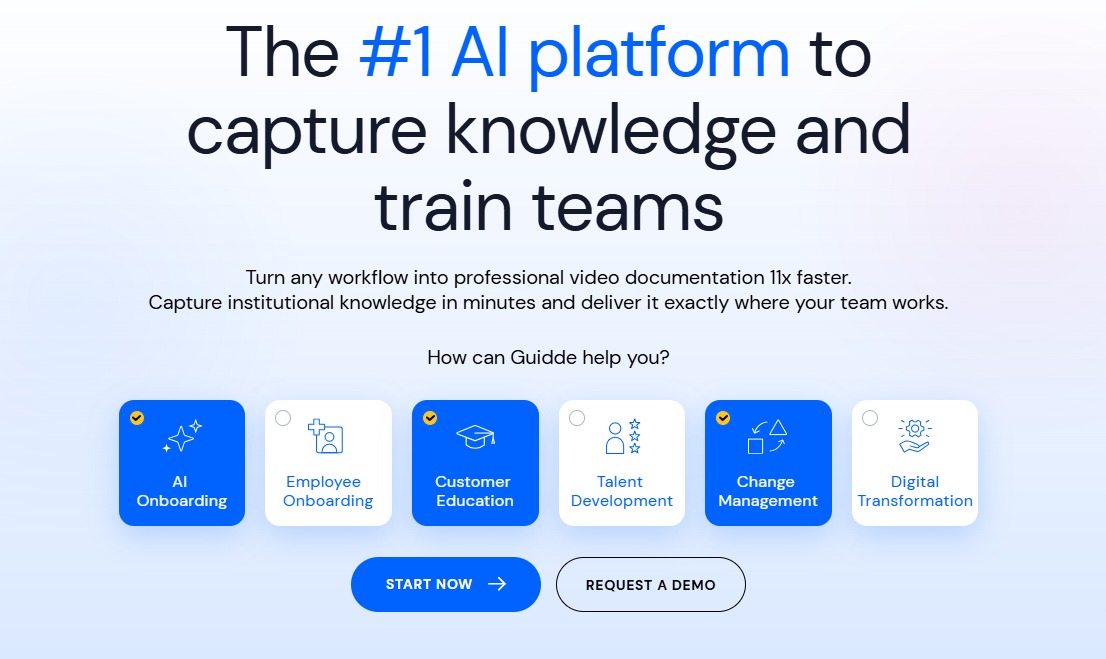
One of the biggest obstacles to building a reliable knowledge base is the time cost of documentation. Writing detailed instructions, formatting content, and capturing screenshots can take hours. As a result, documentation often gets deprioritized in favor of immediate operational work.
This is where AI adoption platforms like Guidde are useful as an example. Instead of relying on manual write ups, teams can capture workflows directly through screen recording. The system then converts those recordings into structured, step by step guides with generated text and optional voice narration. What used to require careful drafting and formatting can often be created in minutes.
In practical terms, this approach offers a few clear advantages:
- Screen capture becomes documentation. A recorded workflow is automatically structured into clear steps.
- Written instructions are generated from actions, reducing manual transcription.
- Narration can be added without rerecording the process.
- Guides can be shared through links or embedded into existing tools like Notion, Confluence, or internal portals.
Guidde also supports modular, task focused guides that can be linked and updated independently. This aligns well with a scalable knowledge base structure. Instead of maintaining long static documents, teams build smaller guides tied to specific workflows. When a process changes, you update one guide rather than rewriting an entire manual.
Used this way, Guidde is less about automation for its own sake and more about shifting documentation from a writing heavy exercise to a capture driven workflow. The result is a knowledge base that stays current because it is easier to maintain, not because people are reminded to care about it.
How Guidde’s Features Impact Your Business
Guidde Feature | What It Does | Business Impact |
Screen Capture → Auto Guide | Records workflows and converts them into step-by-step documentation | Cuts SOP creation time from hours to minutes |
AI-Generated Step Instructions | Automatically writes procedural steps based on actions | Reduces writing burden and standardizes documentation quality |
AI Voiceovers | Generates narrated walkthroughs without re-recording | Scales training content without live sessions |
Shareable Links & Embeds | Easily share or embed guides in Notion, Confluence, LMS, or internal portals | Improves knowledge base adoption and discoverability |
Team Libraries & Organization | Centralized repository for guides with search and categorization | Prevents knowledge silos and scattered documentation |
Measuring Success and Avoiding Common Pitfalls

A knowledge base only delivers value if people actually use it, and use it correctly. Tracking its impact helps justify ongoing effort, highlights gaps, and ensures it evolves alongside your team.
- To measure success and avoid common pitfalls, focus on a few key practices:
- Track meaningful metrics: Look at reduced onboarding time, fewer repetitive questions, faster task execution, and improved process consistency. These metrics show the knowledge base’s real-world impact.
- Prioritize high-impact workflows: Avoid trying to document everything at once. Focus on the tasks that matter most, and build guides that employees will actually use.
- Keep guides simple and modular: Each guide should cover one task end-to-end. Complex processes should be split into smaller, linked guides for clarity and easy updates.
- Integrate into daily workflows: A knowledge base only works if it’s part of how people do their jobs. If finding answers remains difficult, employees will revert to Slack, email, or in-person questions, undermining adoption.
By keeping guides concise, task-focused, and embedded in everyday workflows, you can turn a static repository into a dynamic tool that actually helps your team work smarter and more consistently.
Building a Knowledge Base That Works
Building an internal knowledge base is not a one-time task; it’s an investment in operational efficiency and team scalability. Done correctly, it reduces friction, preserves institutional knowledge, and empowers teams to work independently. Done poorly, it becomes another source of frustration and wasted effort.
The most successful knowledge bases are purpose-driven, structured, and task-focused. Guides should be concise, modular, and easy to update, with clear ownership assigned to maintain accuracy as processes evolve.
Equally important is integration into daily workflows. Embedding guides where people work, promoting usage through leadership, and maintaining a feedback loop ensures adoption and keeps the knowledge base relevant. By measuring impact, whether it’s faster onboarding, fewer repeated questions, or more consistent process execution, teams can continuously refine and expand the system.
Think of your knowledge base as a living tool, not a dusty folder of instructions. When designed the right way, it grows with your team, helps new hires get up to speed faster, and keeps important knowledge from being stuck in one person’s head. By making it easy to create, update, and use guides, you turn documentation into a real advantage. Then your team actually has a tool to rely on to get work done more smoothly and efficiently.