


Last Updated on March 25, 2026 by Ewen Finser
One of the most prominent names in the world of AP automation software is Tipalti. Tipalti can be a great choice for AI-driven vendor payments, but it’s often too much for small businesses. Many of its features are overkill for SMBs and could end up overcomplicating, rather than simplifying, the payables workflow.
There are several reasons for this. First, Tipalti is very heavily focused on global payouts, especially mass payouts. The typical American small business may have some international vendors, so it’s important to have this capability, but most vendors are going to be U.S.-based.
Besides mass global payouts, another of Tipalti’s specialties is automated tax compliance. SMBs commonly want software that can help with tax forms like 1099s and W-9s, but the problem is that Tipalti’s tax capabilities go way beyond these common forms. It supports international forms, collects VAT tax IDs, and helps with DAC7 compliance, which is an EU directive. The vast majority of U.S. small businesses won’t touch these capabilities.
Lastly, one of the most prohibitive aspects of Tipalti is the cost. The cheapest plan offered is $99/month, but this plan doesn’t come with any global payment capabilities at all. For paying a vendor in another country, you’d at least need the Advanced plan, which is $199/monthly.
Overall, while Tipalti can be a reliable choice for businesses with complex AP needs, many SMBs need a lighter-weight option. Here are some alternatives that may be a better fit for small businesses.
Best Tipalti Alternatives: At a Glance
- Melio: Best for automated AP/AR with free ACH
- Ramp: Best for AI expense management
- Brex: Best for broader financial management with AP
- Plooto: Best for automated AP/AR at Canadian SMBs
- Nickel: Best for industrial AP/AR with free ACH
Melio
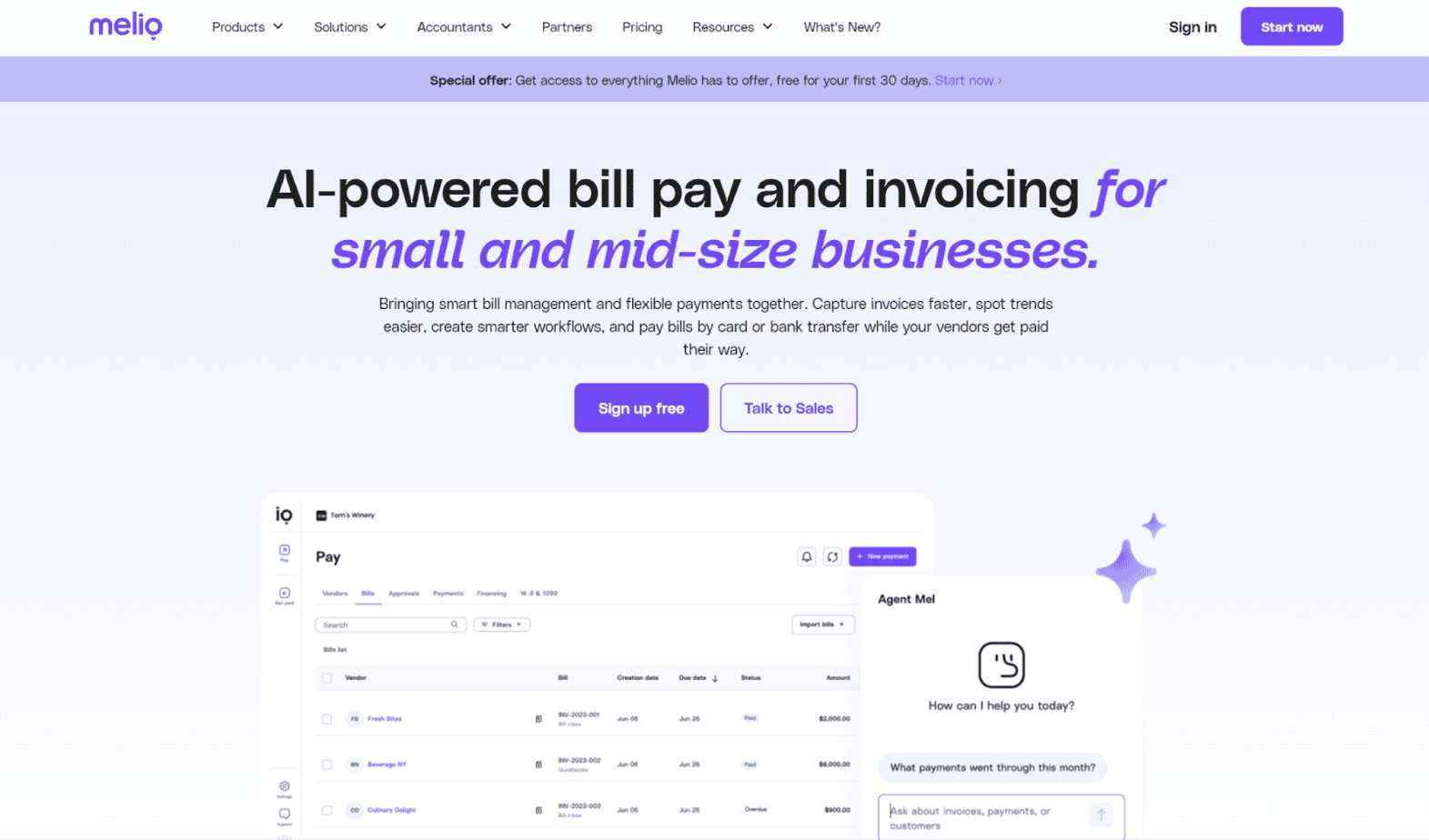
Melio is a bill pay and invoicing solution that small businesses can use to automate the AP process. However, Melio isn’t AP-only — you can use it on the receivables side as well. Melio is suitable for SMBs in all industries. Examples of use cases the company presents on its site are professional services, food and beverage, construction, retail, healthcare, and logistics.
Pros
- Narrow focus on AR/AP: Melio is solely focused on AR and AP. It doesn’t branch out into banking, card issuance, or other aspects of business finance. This makes it a solid option for SMBs looking for a straightforward software for paying vendors and receiving payments from customers.
- Card-funded payments: Melio lets you pay vendors using the method of your choice, letting you pay a bill with a credit card even if the supplier doesn’t directly accept credit card payments. The receiver has the option to have the funds delivered through ACH, wire, or check. Using a credit card can aid with cash flow management and provides for payment flexibility.
- Unlimited free ACH: If you have Melio’s Unlimited plan, you can make unlimited free ACH payments. Many other platforms limit the number of free ACH payments included with each plan, or they don’t offer free payments at all. Although ACH fees are generally low, they can add up significantly over time, so the free option can help in cutting costs.
Cons
- Limited accounting integrations: While Melio can automatically sync with accounting software, the platform currently only integrates with QuickBooks (both Online and Desktop) and Xero. For many small businesses, this won’t be an issue, as these are common bookkeeping solutions. However, SMBs using different accounting software may be frustrated by the lack of native integration.
- Limited global features: You can make international payments with Melio, though global payments are currently limited to ~80 countries and ~15 currencies. This will be all that most SMBs need, but it could pose an issue in the event that you need to pay a supplier in a country or currency that Melio doesn’t yet support.
- No phone support on lower-tier plans: Melio provides users with several customer support options: live chat, email, and phone. However, phone support isn’t available until you hit the Boost plan. For the lower-tier plans (Go and Core), the only support options offered are live chat and email.
Ramp
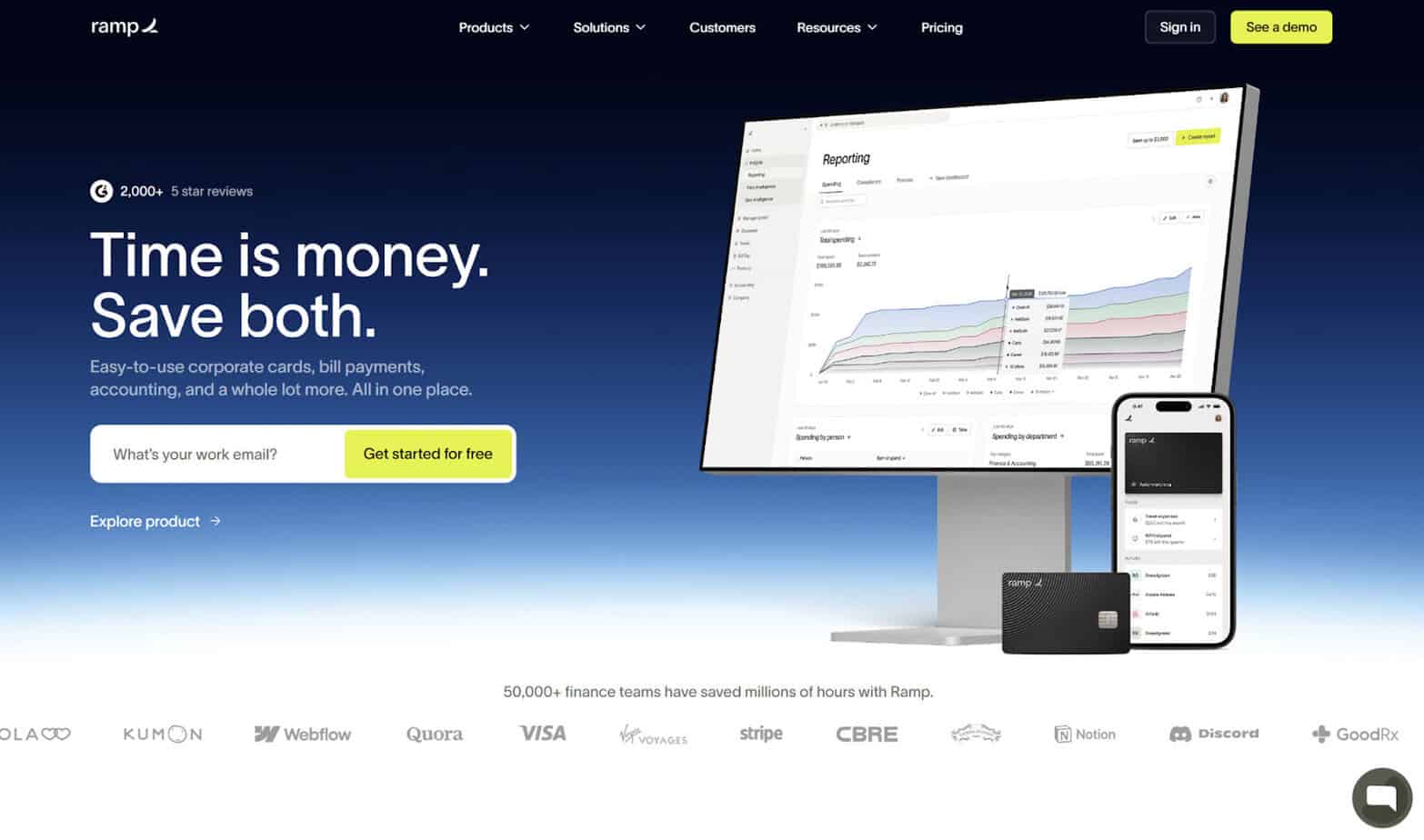
If you’re looking for a platform that’s strictly AP-focused, Ramp could be a smart choice. It doesn’t have any AR capabilities. In addition to basic AP, Ramp is well-known for its expense management features. The ability to set spending limits and restrictions can help SMBs cut costs. Ramp heavily incorporates AI into its software, accelerating AP workflows and eliminating manual tasks.
Pros
- Expense management: Ramp’s platform includes strong expense management capabilities. You can set spend limits and restrictions, such as those by merchant, category, or amount, to help block out-of-policy spending. If you choose, you can issue corporate cards to your employees that are restricted in use.
- Procurement automation: Ramp comes with robust procurement features, including an automated three-way match for invoices, purchase orders, and receipts. It automates tasks like requests, approvals, and vendor onboarding. You can use Ramp to set up both recurring and one-time purchases.
- Software integrations: Ramp syncs with a wide variety of business software solutions, spanning the categories of accounting, banking, expense automation, HR and payroll, productivity, receipt automation, security, and travel. In all, Ramp can integrate with over 190 distinct platforms.
Cons
- No AR capabilities: Ramp is for AP-only. You can’t use it to collect payment from customers. If you want a platform that is solely focused on the payables side, Ramp could be worth looking at, but it’s not the best choice if you’re looking for a comprehensive solution supporting both receivables and payables.
- Application requirements: To use Ramp, your business has to meet several criteria. Namely, you must have at least $25,000 cash in a business bank account. Also, your business must be structured either as a corporation, LLC, or LP — Ramp isn’t for sole proprietors. These requirements, especially the cash requirement, could put Ramp out of reach for certain small businesses.
- Unnecessary treasury features: While Ramp heavily focuses on straightforward AP and expense management, it also has additional features that small business owners could find to be excessive. In particular, Ramp offers both checking and investment accounts. Many businesses already have their accounts in place or prefer to use a separate bank, so you might not even touch Ramp’s treasury features.
Brex
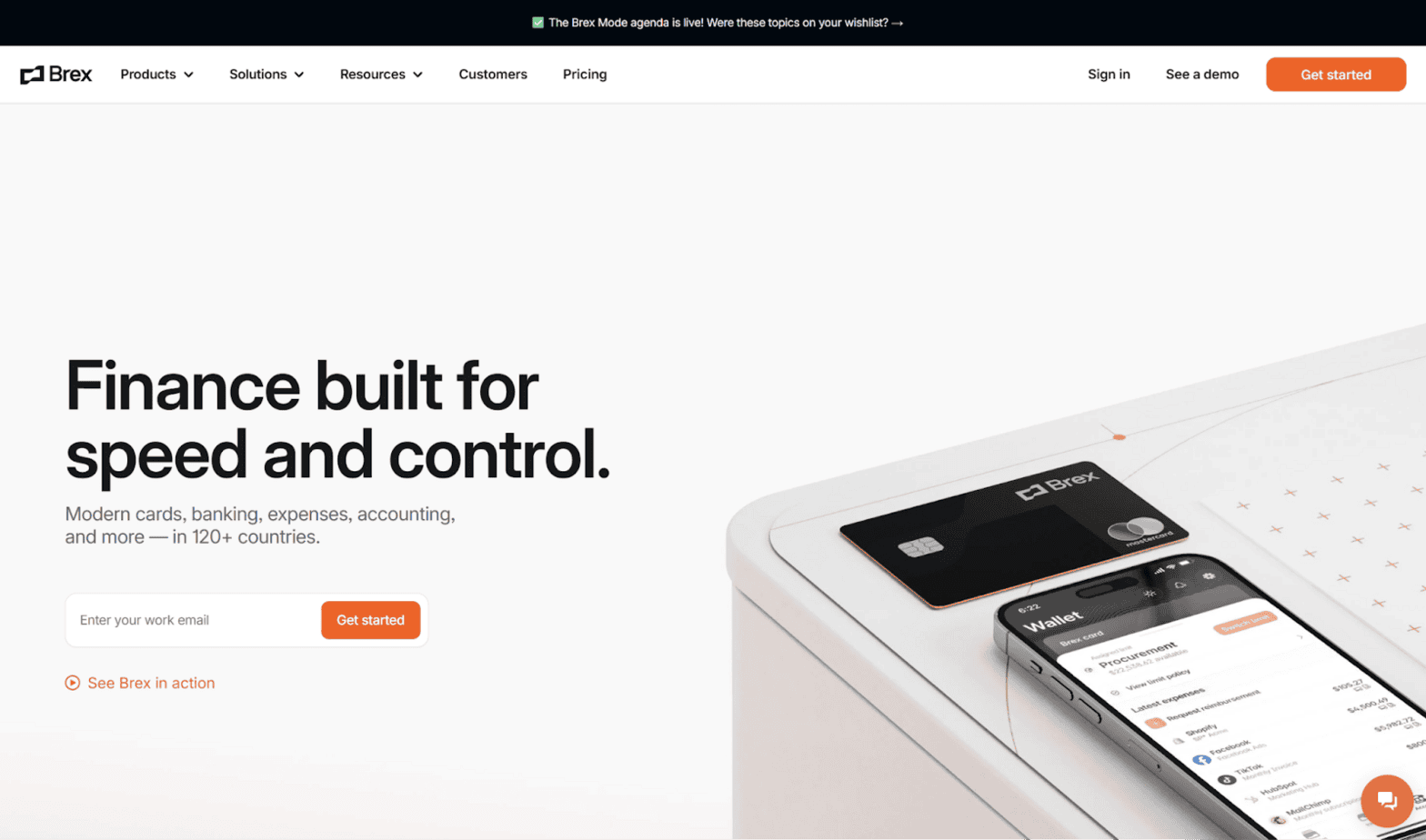
Brex is a broader financial management platform that includes bill pay as one of its offerings. Some of the additional solutions that Brex offers are corporate cards, business banking, and spend management. Its bill pay platform automates several routine tasks, such as onboarding vendors, capturing itemized invoices, and routing tasks to approvers.
Pros
- Software integrations: Brex boasts that they have thousands of integrations across categories like ERP, accounting, procurement, human resources, automation, communications, and authentication. So, odds are that Brex will sync with your existing bookkeeping software.
- Procure-to-pay: Brex has several features related to procurement. You can use the software to generate and send purchase orders, automatically match incoming bills to the relevant purchase orders, and make batch payments.
- Travel expense management: A unique feature of Brex is that it has tools specific to business travel and related expenses. You can use it to create travel budgets to curtail expenses, and you can set group spending limits for the trip. Aside from expense management, you can use it for booking hotels and flights.
Cons
- Broad financial management platform: Although Brex has strong bill pay capabilities, it’s not exactly a dedicated AP-first platform. It’s better described as a business finance suite, incorporating features like banking and corporate cards. While these features can be helpful depending on the situation, it could end up being too much for a small business seeking an AP solution.
- Application requirements: Not all businesses are eligible to use Brex — you must meet a set of minimum criteria, which differs depending on whether you’ll be using the platform for daily or monthly payments. For example, if your company is a startup and you want to use Brex to make monthly payments, you’ll generally need to have a cash balance of at least $50,000. Additionally, you’ll need either venture funding or angel funding.
- Geared toward growing businesses: While small businesses can use Brex, assuming they meet the application requirements, the software is geared more toward companies that are scaling. So, if your company is small and you intend for it to remain small, you might be better off looking elsewhere.
Plooto
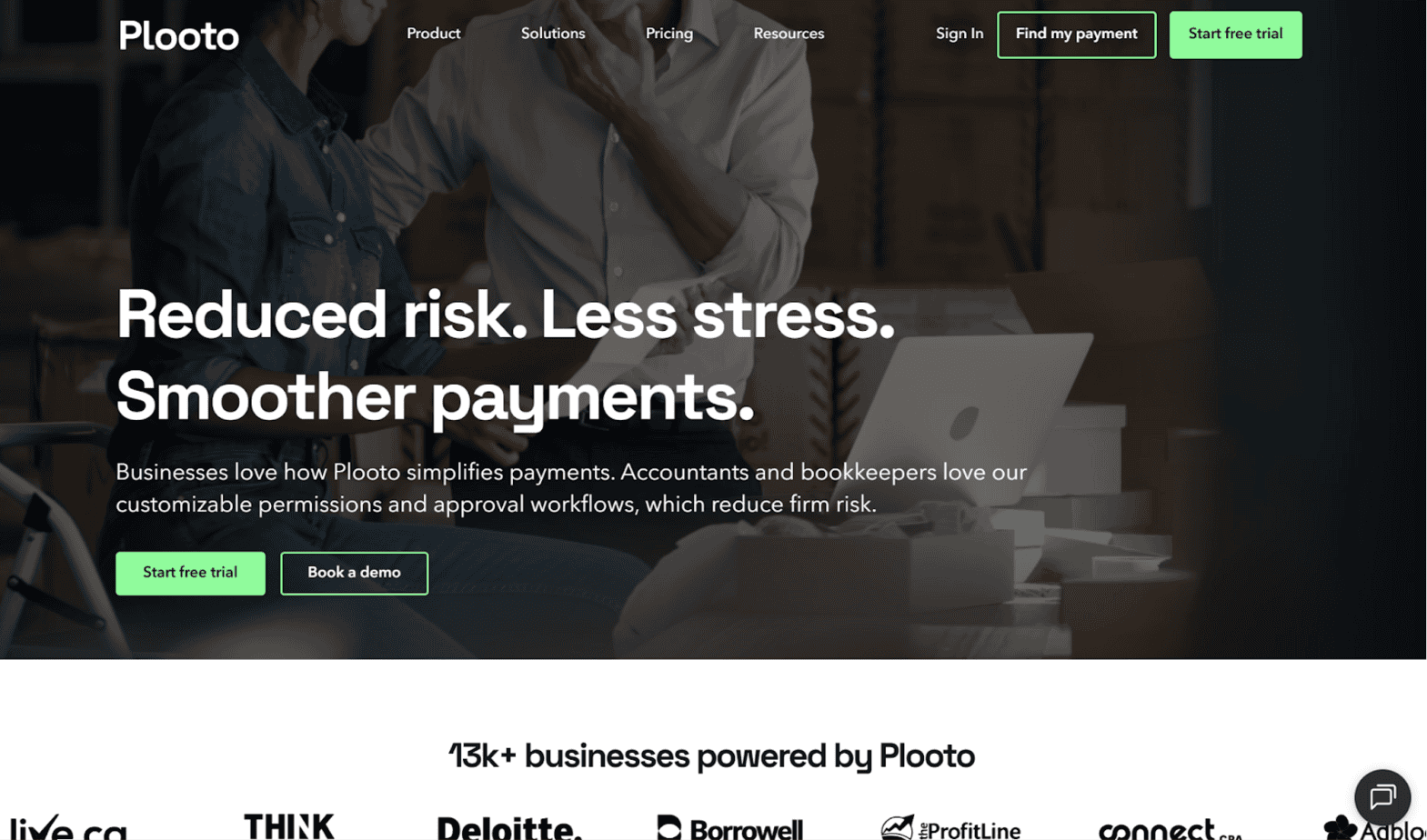
Plooto is an AP/AR software tailored toward small businesses rather than large enterprises. It uses automated processes to streamline repetitive tasks and help with cash flow management. You can customize these processes to fit your business. Plooto isn’t industry-specific. It’s an appropriate AP solution for businesses in a range of industries, from healthcare to retail to construction.
Pros
- Narrow focus on AR/AP: For small businesses looking for a simple AP solution, Plooto could be a solid option since it revolves entirely around the AR and AP processes. The number of features is manageable — it doesn’t include any unnecessary banking and investment tools.
- Online check payments: Plooto is a common choice for businesses to use when paying via online check. Instead of having to physically mail a check yourself, you can use the software to input payment details. Then, Plooto will print and mail the check on your behalf.
- Card-funded payments: You can use Plooto to make payments with a credit card even if the vendor doesn’t directly accept card payments. You can pay with a credit card while payment arrives at your supplier in the form of check, EFT, or ACH. This lets you earn credit card rewards, and paying with a card can also help your business stay afloat if you don’t have enough cash on hand.
Cons
- Limited accounting integrations: Currently, Plooto only supports three integrations: QuickBooks (Online and Desktop), Xero, and NetSuite. These integrations cover a good chunk of small businesses, but if you happen to use a different accounting software, two-way syncs won’t be possible.
- Canadian focus: Plooto is a Canadian company, and while U.S. businesses can use it, some of the features are specific to Canada. For example, one of the features it promotes is the ability to make tax payments to the Canadian Revenue Agency (CRA). For American businesses, this may not be applicable.
- No free plan: Plooto doesn’t offer a free plan. While you can sign up for a 30-day free trial, ultimately, you’ll need to pay subscription costs. There are currently two plans for businesses: Grow and Pro.
Nickel
Nickel is another platform that allows businesses to pay their vendors and get paid by their customers. It automates the bill pay process and helps you onboard vendors, route bills to the correct approvers, and send funds. You can pay via card, ACH, or paper check. Most of its clientele are in industrial fields, like wholesale, construction, or manufacturing, but all types of businesses can use it.
Pros
- Narrow focus on AR/AP: Nickel is dedicated entirely to AP and AR. The platform isn’t cluttered with niche features that you may never touch. For example, the company doesn’t offer bank accounts, investment accounts, or issue their own cards. Instead, you can stay focused on collecting and making payments.
- Unlimited free ACH: All three of Nickel’s plans come with unlimited free ACH, so you won’t have to worry about fees cutting into your profits. Many competing bill pay solutions either charge a small fee for ACH payments or have a limit on the number of free ACH payments you can make per month.
- Free plan option: While some payments solutions charge a monthly subscription fee even for their lowest-tier plans, this isn’t the case with Nickel. Their most basic plan, Nickel Core, is free. This makes it a good option for small businesses with limited budgets or for businesses that want to try it out without committing to a costly subscription.
Cons
- Limited accounting integrations: Currently, the only software that Nickel natively integrates with is QuickBooks Online. It’s true that many small businesses rely on QuickBooks for their accounting needs, but that’s not the case across the board. For companies using QuickBooks Desktop or other bookkeeping programs, you won’t be able to sync with Nickel.
- No tax capabilities: While Nickel’s site notes that this feature is “coming soon,” at present, you can’t use the software for W-9 and 1099 tax forms. Small businesses generally don’t need advanced tax features, but at the very minimum, they’ll need to collect W-9s and issue 1099s.
- Geared toward industrial businesses: Nickel isn’t exclusively for these types of companies, but most of its customers are in industrial-oriented fields. Specifically, Nickel’s site mentions that the company serves businesses in the fields of millwork, cabinetry, welding, HVAC, carpentry, plumbing, electrical, roofing, and so on.
Which Is the Best Alternative to Tipalti?
While Tipalti can be the ideal AP solution for larger companies with complex global payments, most small businesses would only touch a minority of its features. Instead, I’d recommend that SMBs look elsewhere if they’re seeking a straightforward automated bill pay solution.
Melio, Ramp, Brex, Plooto, and Nickel are all solid options, but there are important distinctions between them. For instance, Ramp could be your top choice if you want something that focuses heavily on expense management, Brex may work as a broader finance platform, and if you’re in an industrial field, you may prefer Nickel.
Melio and Plooto are the most similar of these alternatives, since they’re both narrowly focused on SMB AP/AR. However, Melio could have the edge, especially since it offers a free plan along with free ACH. Plooto doesn’t support either of these features. But overall, I’d advise that you do thorough research to see which platform best fits your business’s unique needs before signing up.