


- Best Airwallex Alternatives: At a Glance
- Melio: Best for Domestic and International Payments
- Ramp: Best for AI-Powered Expense Management
- Wise: Best for Frequent International Payments
- Payoneer: Best for Paying International Freelancers
- Revolut: Best for Multi-Currency Banking with AP
- Which is the Best Alternative to Airwallex?
Last Updated on February 26, 2026 by Ewen Finser
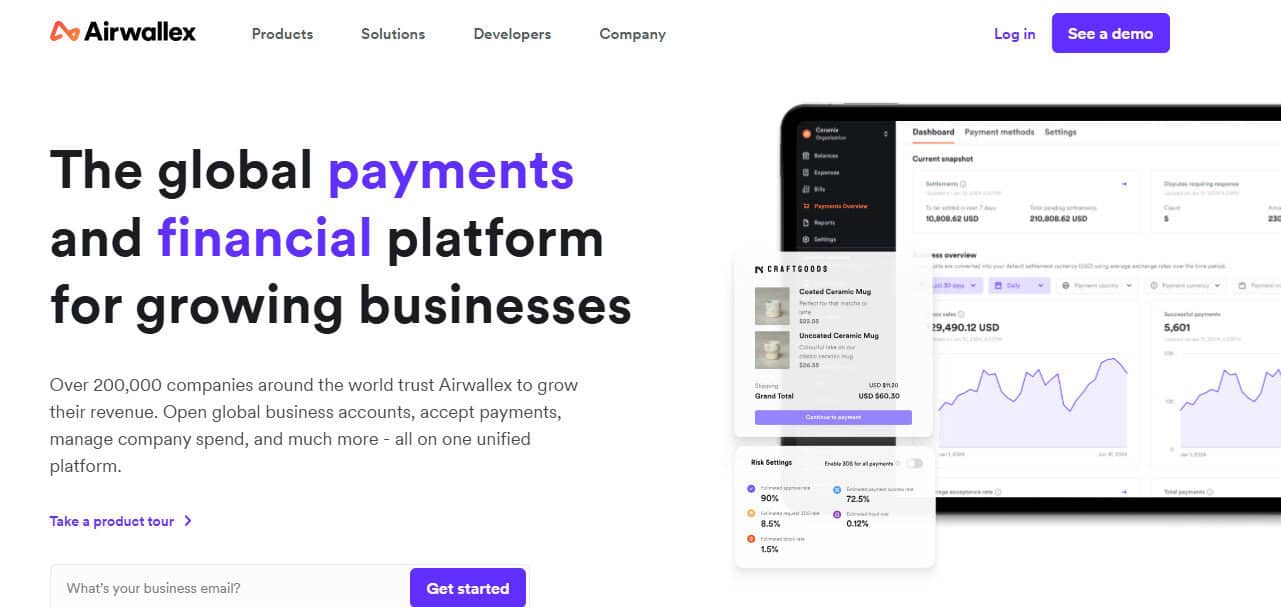
Airwallex is a popular choice for businesses looking for a comprehensive global financial suite. While you can use it for AP, the platform is mainly known for its multi-currency accounts, allowing businesses to collect payments from customers in 70+ countries and hold 20+ currencies at once. This is an especially attractive feature of Airwallex, as it reduces the need to pay costly FX fees.
While Airwallex can be an effective option for sending funds internationally, AP is only a fraction of what it does. Given its positioning as a broader financial management software, Airwallex can be overkill for SMBs looking for a straightforward global AP solution.
Here’s a breakdown of some of the top Airwallex alternatives that support global payments.
Best Airwallex Alternatives: At a Glance
- Melio: Best for domestic and international payments
- Ramp: Best for AI-powered expense management
- Wise: Best for frequent international payments
- Payoneer: Best for paying international freelancers
- Revolut: Best for multi-currency banking with AP
Melio: Best for Domestic and International Payments
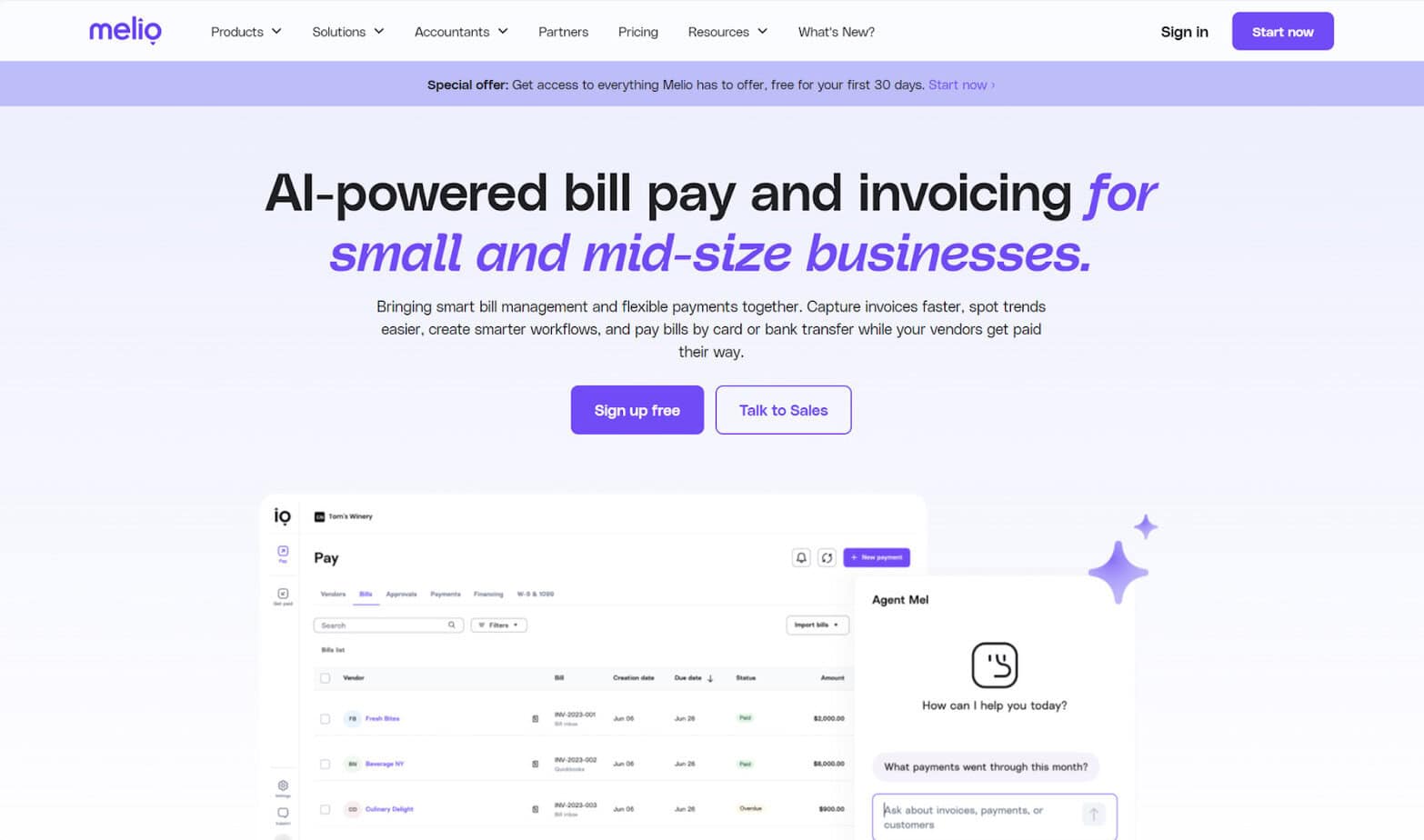
Melio is a bill pay and invoicing solution that can help SMBs automate the AP process. It supports a wide variety of payment methods for sending funds both domestically and internationally. Small business owners are increasingly choosing Melio due to its ease of use and competitive rates.
Pros
- AP and AR solution: The main purpose of Melio is to help you pay your bills, but you can also use it on the receivables side. You can create and send customized invoices, and your customers can pay you online via the method of their choice — they can pay with ACH transfer, or they can use a credit card.
- Card-funded FX payments: Smart use of a credit card can keep your business afloat during periods when you’re short on cash. You might also use credit cards to take advantage of points and rewards, offsetting other business expenses. With Melio, you can pay internationally with a credit card even if your vendor doesn’t accept card payments.
- Fast payment options: Standard USD payment delivery times for global ACH and card payments are 4-5 business days and 2-3 business days, respectively. However, for an additional fee, you can expedite your payment. Fast global ACH and credit card payments arrive in 1-3 business days. Payments made in foreign currencies can potentially arrive within the same business day, depending on the specifics of the transaction.
- Volume discounts: Melio offers discounts for businesses that make large volumes of international payments. SMBs that send over $100,000 in global payments each quarter could be eligible for FX rate discounts and faster settlement times.
Cons
- Limited countries and currencies supported: Melio currently supports payments in 15 currencies to 80 countries. For most SMBs, this is more than enough. However, in specific cases, you may find that your vendor’s country or currency isn’t supported.
- Limited accounting software integrations: Melio integrates with QuickBooks Online, QuickBooks Desktop, and Xero, so you can easily sync your vendor details, incoming payments, and outgoing payments. QuickBooks and Xero are two of the most popular bookkeeping solutions for SMBs, but if you happen to use a different software, a Melio integration won’t be possible.
- Monthly subscription: Some payment solutions don’t charge monthly fees, and you’ll only pay transaction fees. However, this isn’t the case with Melio — you’ll have to sign up for a plan. For simple AP needs, there is a free plan (Go) available. Otherwise, the paid choices are Core ($25/mo), Boost ($55/mo), Unlimited ($80/mo), and Platinum (custom pricing).
Ramp: Best for AI-Powered Expense Management
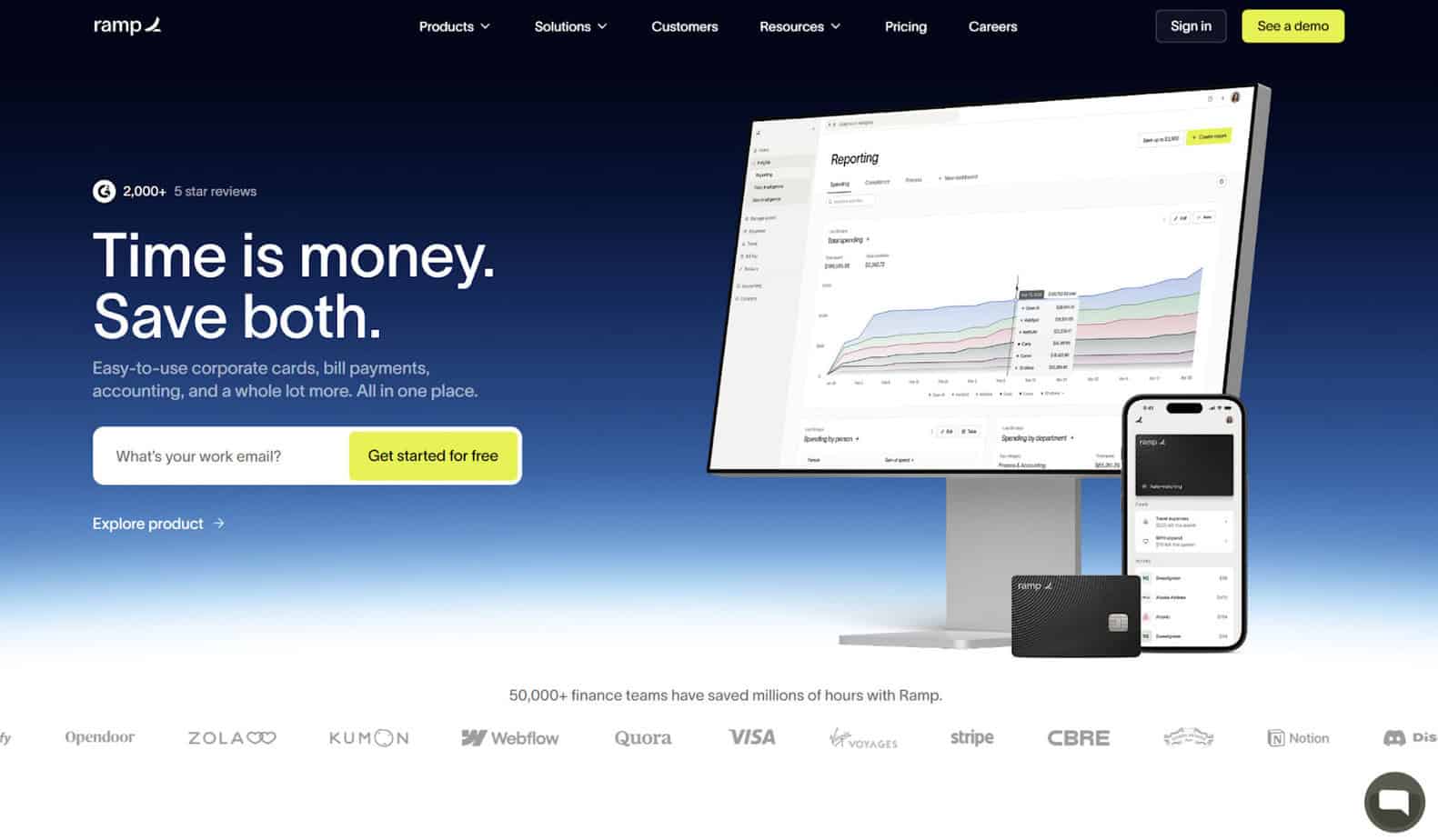
Ramp’s AP solution heavily incorporates AI, making it a strong contender for SMBs aiming to save time and improve accuracy on the payables side. Expense management capabilities feature prominently within Ramp, allowing you to set spending limits and track expenses over time. You can use Ramp for both domestic and international spending.
Pros
- International AP: You can use Ramp to send payments to vendors in 190+ countries, so chances are that this will cover every location you need.
- Accounting automation: Ramp’s AI can instantly capture receipts, check for accuracy, code transactions, sync with your ERP, and verify completeness. This can save you time on day-to-day bookkeeping tasks and accelerate month-end close.
- Accounting software integrations: Currently, Ramp offers 199 integrations, letting you sync data with software spanning the categories of accounting, banking, expense automation, HR and payroll, productivity, and receipt automation.
Cons
- No AR capabilities: Ramp can get the job done if all you need is AP, but keep in mind that it doesn’t have any AR capabilities. If you’re looking for a comprehensive AR/AP solution, Ramp isn’t it.
- Application requirements: To qualify for Ramp, you need to have at least $25,000 in a U.S. business bank account. There are many small businesses that may not meet this threshold, eliminating Ramp as an option. Additionally, Ramp does not accept sole proprietors. The company must either be a corporation, LLC, or LP.
- Monthly subscription: To use Ramp, you will need to sign up for a plan and potentially pay a monthly fee. There is a free plan available for businesses with basic needs. However, if you need certain global features, such as paying vendors in local currencies, you’ll at least need the Plus plan. This comes at a cost of $15 per month, per user. Ramp also offers fully customizable Enterprise plans.
- Excessive features: While Ramp has robust AP features, some of its offerings could be too much for many SMBs. For example, you may not need a Ramp business bank account or investment account. You can also create custom virtual cards with limits to control spending, but if you’re looking for straightforward AP, this could be overkill.
Wise: Best for Frequent International Payments
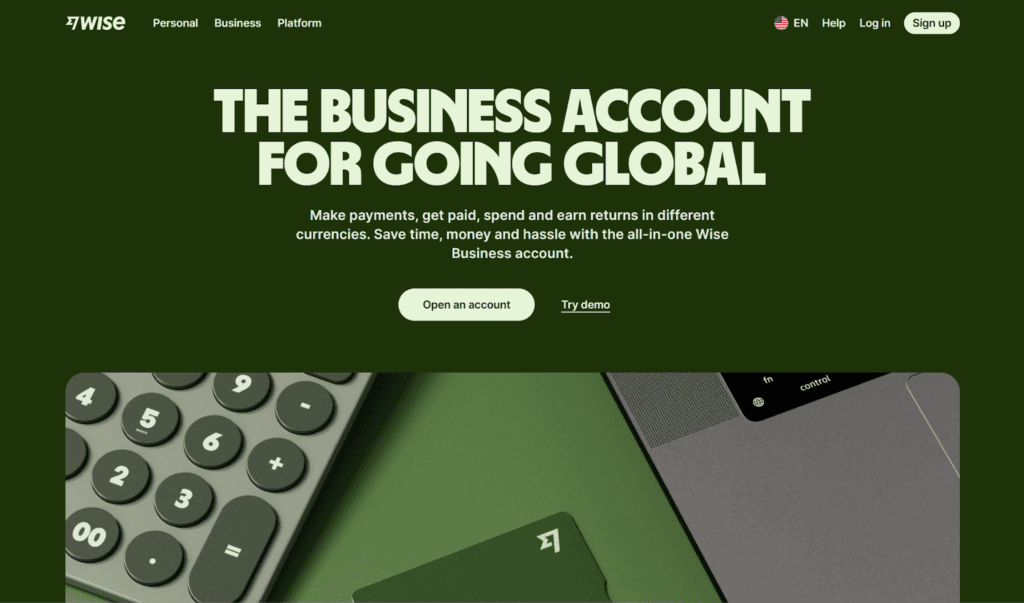
You may have heard of Wise as an option for sending money to family and friends worldwide, but businesses can use it, too. The Wise Business Account is a user-friendly choice for SMBs needing to pay overseas suppliers.
Pros
- Transaction speed: Wise claims that 96% of payments take less than 24 hours to arrive, making it a top option for paying vendors quickly. However, the delivery timeline depends on the payment method. Card payments are usually instant, but bank transfers can take up to four business days, while wire (SWIFT) can take up to six.
- Volume discounts: Once you hit $25,000 in payments within one month, you get discounted transaction fees for the remainder of the month.
- No subscriptions: There are no monthly subscriptions or setup fees associated with using Wise. The only fees you’ll need to pay are transaction-related.
Cons
- Limited countries: Wise supports payouts to over 70 countries. While there’s a good chance that this will cover all of your business’s international payment needs, Wise doesn’t send funds to nearly as many countries as some competitors. It’s possible that the country one of your suppliers is located in isn’t supported by Wise.
- No bill capture: Wise is more strictly a platform for sending and receiving payments than it is a well-rounded AP suite. Consequently, some common accounting features aren’t available. For example, you can’t upload bills and invoices into Wise.
- Heavy emphasis on multi-currency cards: Wise strongly promotes its multi-currency business card, which you can use to set spending limits and make global payments. While this feature can be helpful, you may not need it if international payments are only a minority of what you do.
Payoneer: Best for Paying International Freelancers
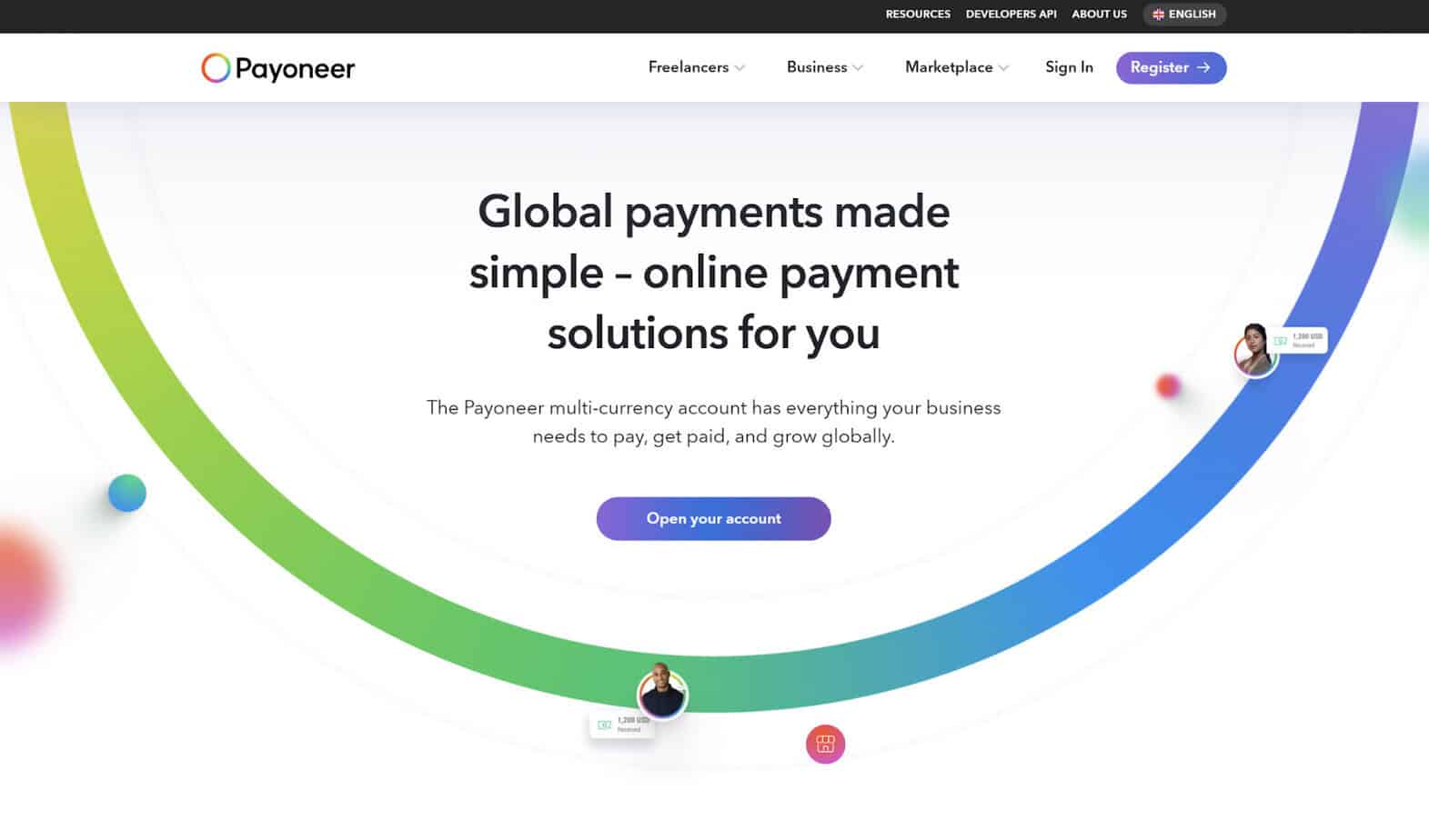
Payoneer is a payment platform with a heavy international slant. It has a strong presence in the ecommerce industry, and it’s commonly used to pay freelancers. You can use Payoneer to transfer funds to vendors regardless of whether they’re located in the U.S. or elsewhere.
Pros
- International AP: With Payoneer, you can pay vendors or contractors in 190+ countries and in 70+ currencies. For the vast majority of SMBs, this should have you covered for all your international payment needs.
- Tax compliance: If your business operates in Europe, you can use Payoneer to make VAT payments. You can also use Payoneer to issue tax forms, including those for international contractors, such as Form W8 and Form 1042.
- No subscriptions: You don’t need to pay any monthly or yearly subscription fees to use Payoneer. You’ll only have to pay transaction fees.
Cons
- Complicated fee structure: Compared to its competitors, Payoneer’s fee structure, particularly for global payments, can be intimidating. The fees differ depending on the payment method, the country, and your business’s monthly payment volume. There are also currency conversion fees and cross-border fees that may come into play.
- High transaction fees: Although you don’t have to pay a monthly subscription cost, Payoneer’s transaction fees can be steep. For example, the fee for payments from your Payoneer balance to a recipient who doesn’t have a Payoneer account can be as high as 4%. This can quickly become costly, especially if your business regularly makes large international payments.
- Limited accounting integrations: Payoneer can integrate with your QuickBooks Online and Xero account. While this integration covers many Payoneer customers, some SMBs use different accounting software. In these cases, you won’t be able to sync your data between platforms.
Revolut: Best for Multi-Currency Banking with AP
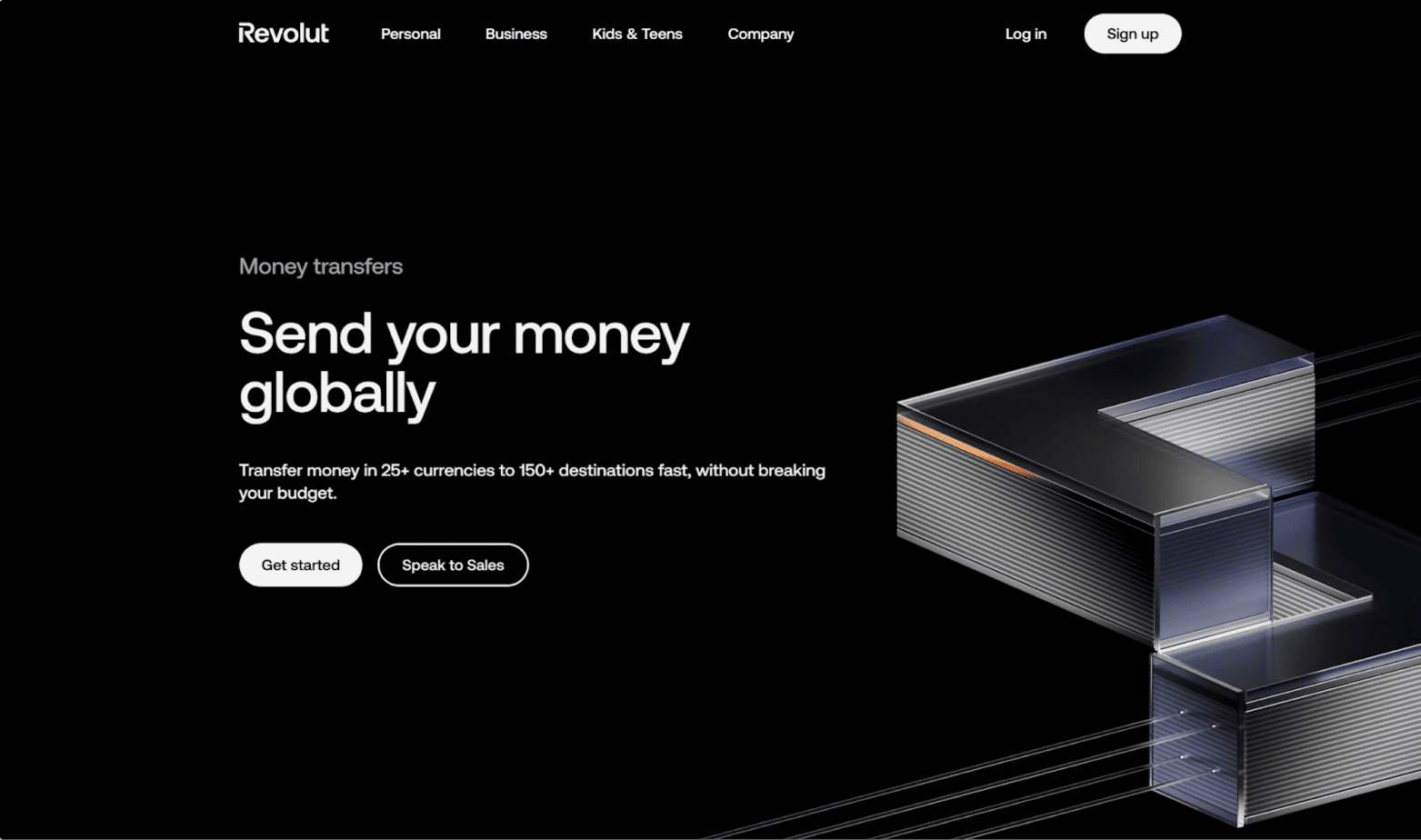
Businesses can use Revolut to both send and receive payments internationally. Its main focus is on global business, though you can use it for domestic payments as well. In addition to its AP capabilities, Revolut specializes in multi-currency accounts.
Pros
- International AP: SMBs can use Revolut Business to transfer funds to vendors in 150+ countries and in 25+ currencies.
- Accounting software integrations: Revolut currently supports 25 integrations with apps spanning accounting, payments, HR, and productivity. Examples include QuickBooks, Xero, NetSuite, Workday, Deel, BambooHR, and Zapier.
- Transaction speed: Your business can use Revolut to make international bank transfers within 2 business days, ensuring your vendor gets paid promptly.
Cons
- No free plan: To use Revolut, you’ll have to sign up for a paid plan. The platform’s paid offerings are Basic ($10+/mo), Grow ($40+/mo), Scale ($140+/mo), and Enterprise (custom pricing).
- Higher FX fees on weekends: Each of Revolut’s plans comes with a monthly allowance for FX fees. For the Basic plan, it’s $1,000. For the Grow and Scale plans, it’s $20,000 and $80,000, respectively. However, above your limit, you’ll pay a 0.6% FX fee. For payments made outside market hours, the fee is 1%.
- Excessive features: Revolut isn’t only for global AP. Its plans also come with the ability to create multi-currency accounts, issue corporate cards, and track analytics. While these capabilities may be useful, it could be too much for SMBs seeking a straightforward AP platform.
Which is the Best Alternative to Airwallex?
If you’re looking for an alternative to Airwallex, you’ll be happy to hear that there are several strong contenders out there. Melio, Ramp, Wise, Payoneer, and Revolut can all help you pay international vendors and get the job done. However, despite their similarities, these platforms also have notable distinctions that could determine which one is best for you.
For a comprehensive AP platform that supports both domestic and international payments, Melio is my top pick. It’s a solid solution for SMBs that want flexible payment methods and global options. By focusing on AP, it avoids some of Airwallex’s pitfalls — namely, you don’t have to worry about multi-currency accounts creating confusion. Melio is accessible and appropriate for SMBs in all industries.
In some cases, you may prefer a different platform. For instance, if you’re in the ecommerce industry or work with a lot of international freelancers, you might like Payoneer. Or if you’re looking for a platform that relies heavily on AI and will help you control spending, Ramp might be of interest. But in general, Melio is going to appeal to the broadest audience.