

Last Updated on January 29, 2026 by Ewen Finser
Over the past decade, there’s been a huge shift in the accessibility of graphic design tools. Today, small businesses no longer need to invest in specialized software or have to hire expensive freelancers for every single campaign. Instead, there are limitless user-friendly (and budget-friendly) browser-based design studios that offer professional-grade tools and templates without a hefty price tag.
But with so many platforms vying for your business, finding the right one can feel daunting. So today, I’m taking you through my thoughts on two that promise accessible functionality, high-quality templates, and transparent pricing: Design.com and Canva.
I’ll lay out how each performs in areas such as functionality and usability, highlight some of their distinctive strengths and shortcomings, and help you decide which may work best for your business.
At a Glance
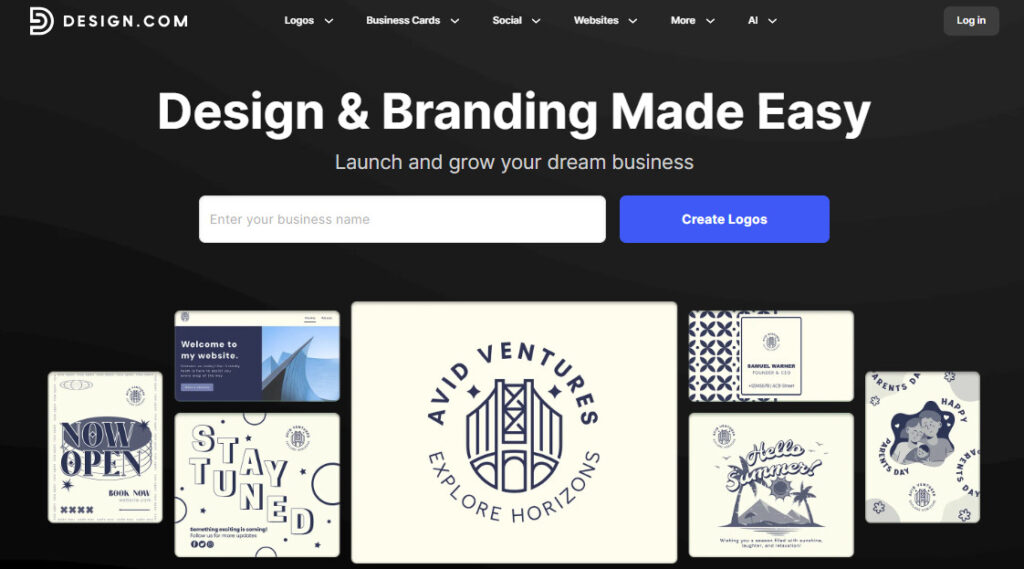
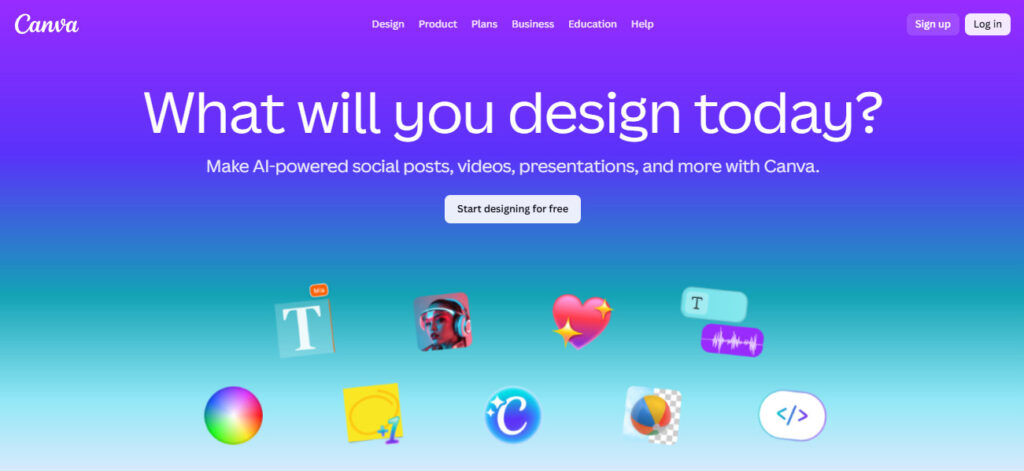
Design.com | Canva | |
Logo Maker | ✔ | ✔ |
Customizable Design Templates | ✔ | ✔ |
AI Tools | ✔ | ✔ |
QR Code Generator | ✔ | ✔ |
Video Editor | ✔ | ✔ |
Website Builder | ✔ | ✔ |
Exclusive Fonts | 500 exclusive fonts | No exclusive fonts |
Social Media Scheduling | No social media scheduling | Content Planner included in Pro & Business subscriptions |
Scalable File Formats | .EPS, .PDF, .SVG | Cannot download vector-based files |
IP Review | Provides manual IP review for logos | Does not provide IP review for logos |
Logo Ownership | Exclusive & Buyout licenses available | Cannot own logos made using templates |
Paid Subscription Tiers | Starter ($15/month), Value ($24/month), Premium ($29/month) | Pro ($13/month), Business ($20/month), Enterprise |
Free Access | Customizable free-tier logos, raster and vector-based logo files, and access to website builder, link in bio creator, and digital business card maker | 1.6 million templates, 4.7 million elements, limited AI, and 1 brand kit |
Functionality
Design.com
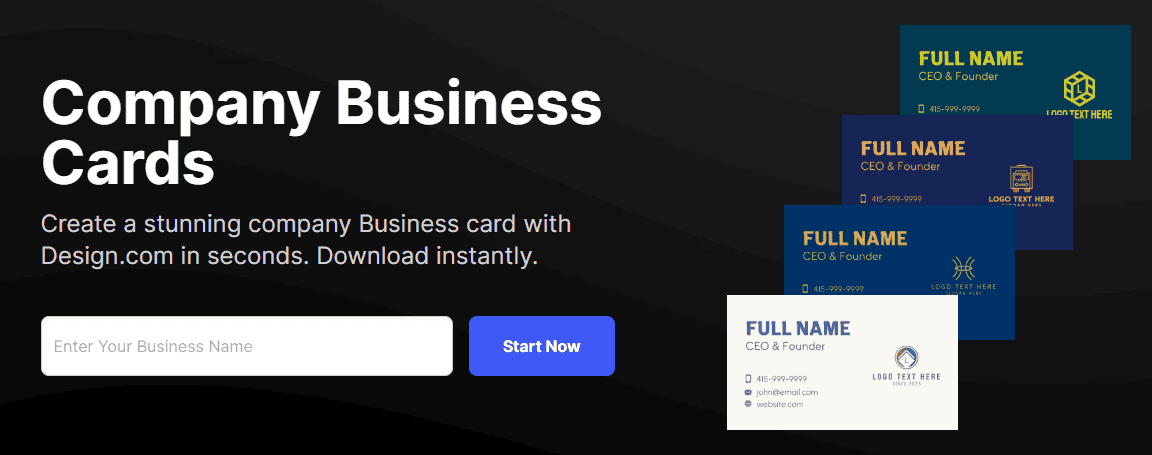
While Design.com keeps its logo creator front and center, they’re far from the only thing you can create on this platform. It offers tens of thousands of designer templates that range from email signatures to presentations to social media banners, and they’re curated to fit various industries and styles. If you like the look and feel of a template, you can pop in your logo and download a finished file in seconds. If you want to make changes, simply click on the element you’d like to tweak.
AI Tools
If you’re stuck on an idea or design, Design.com’s built-in AI can:
- Generate logo, domain, and business name suggestions
- Fully design your presentation, poster, business card, or flyer
- Create your branded website or link page
It can also instantly remove the background from an image, giving you more control over the look of your designs.
Social Media
Design.com offers templates for platforms like Facebook, Instagram, X, YouTube, and Pinterest. My main quibble is that the Instagram templates are only available in square dimensions, which can affect the look of your grid now that Instagram has shifted to vertical format. On the plus side, these templates include animation, which can help you stand out on a user’s feed.
Website Builder
Design.com’s website builder includes thousands of customizable templates that you can use as-is or personalize to suit your brand. You can add or subtract pages, tweak design elements, optimize for mobile, and add your content with just a few clicks. Its hosting plans come with a custom URL, unlimited pages, and the ability to accept payments from your customers.
Canva
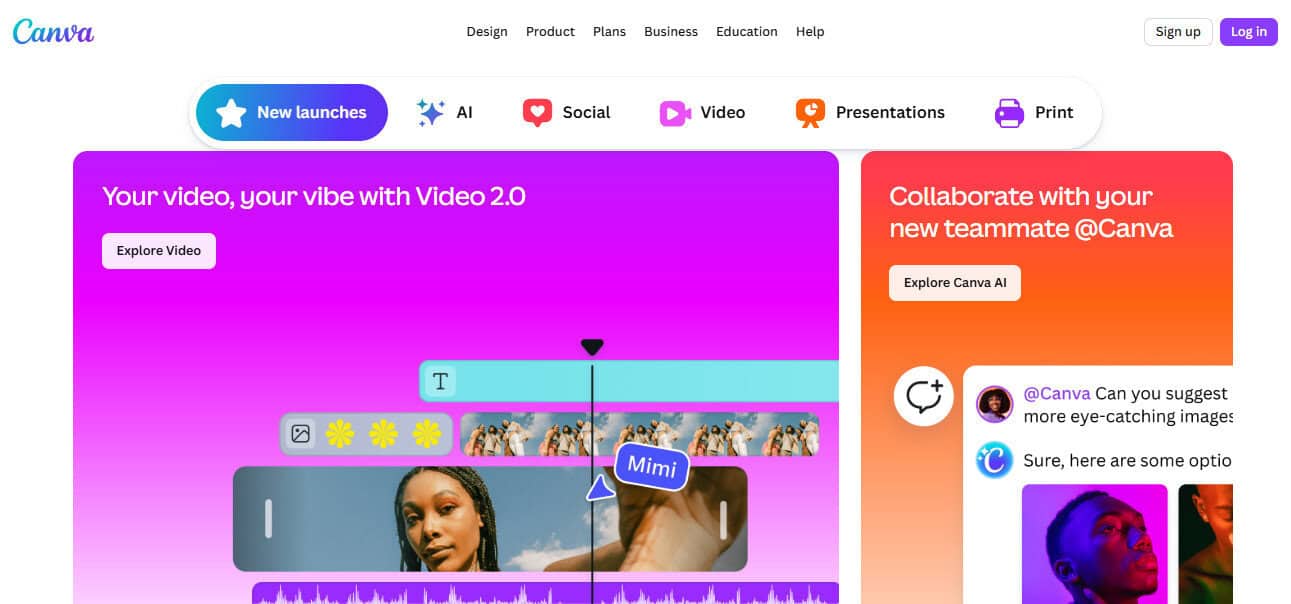
Like Design.com, Canva offers a ton of attractive templates in countless styles. Their paid plans include 3.6 million plug-and-play designs, including business cards, menus, invoices, videos, and flyers. Whether your brand vibe is elegant, funky, or anything in between, you’ll likely find dozens of designs that will work for you. Each can be fully customized to fit your brand (apart from the logo templates).
AI Tools
Canva’s premium Background Remover and Magic Eraser tools extract unwanted elements from your images, and its AI assistant can generate branded designs and content based on prompts entered into a chat. I’ve found the AI functionality to be a bit hit-or-miss, but Canva promises that its technology is always being improved.
Social Media
Canva is built for social media, letting you create content for platforms like Instagram, Facebook, LinkedIn, and TikTok. If you have a Canva Pro account, you can even use their Magic Switch tool to resize your design to fit another platform’s dimensions. Canva Pro users can also use its Content Planner to schedule and post Facebook, Instagram, Twitter, and LinkedIn content and track engagement.
Website Builder
Canva offers a selection of modern-looking website templates to get you started, many of which include eye-catching video elements and plug-and-play content sections. You can bring your own custom domain, purchase one through Canva, or use a free Canva-branded domain.
Verdict
In terms of social media templates, Canva takes the crown with its updated platform dimensions and one-click resizing. Its scheduler is also unmatched when it comes to actually posting your content.
On the website front, I found both builders extremely easy to use. Design.com wins this battle, however, thanks to its included custom domain name and highly visible mobile website viewer. In an increasingly mobile-first world, optimizing for multiple devices is an essential best practice.
Ease of Use
Design.com
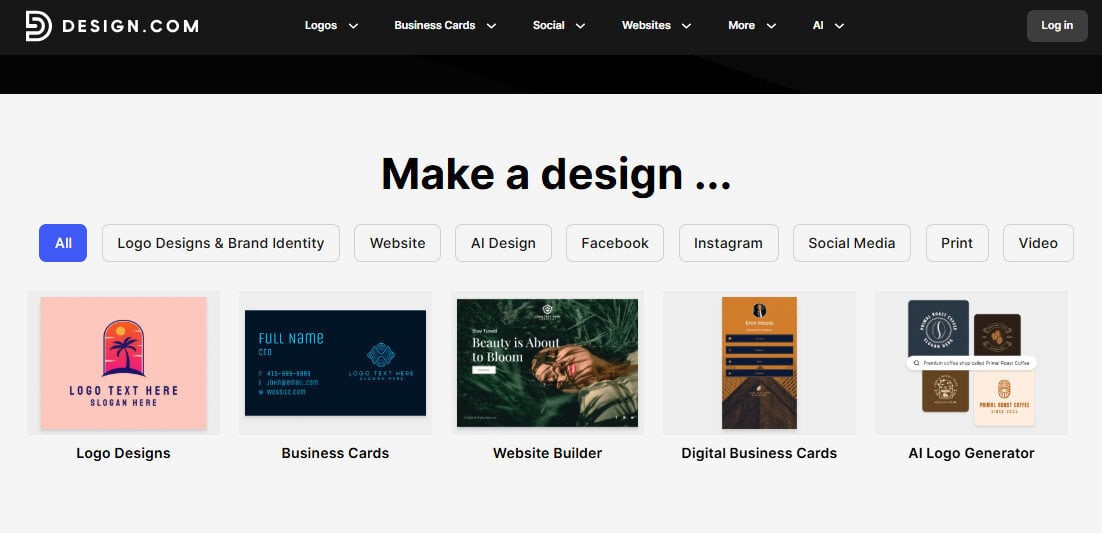
Design.com has an intuitive user interface that makes it incredibly easy to find what you’re looking for. All design options are available via drop-down menus in the navigation menu and listed in the website footer.
If you want to create a business card, just click “Business Cards” and select your style or industry — you’ll be taken to a design tool already populated with relevant templates. Once you’ve saved a design, you can access it again through your account page.
Canva
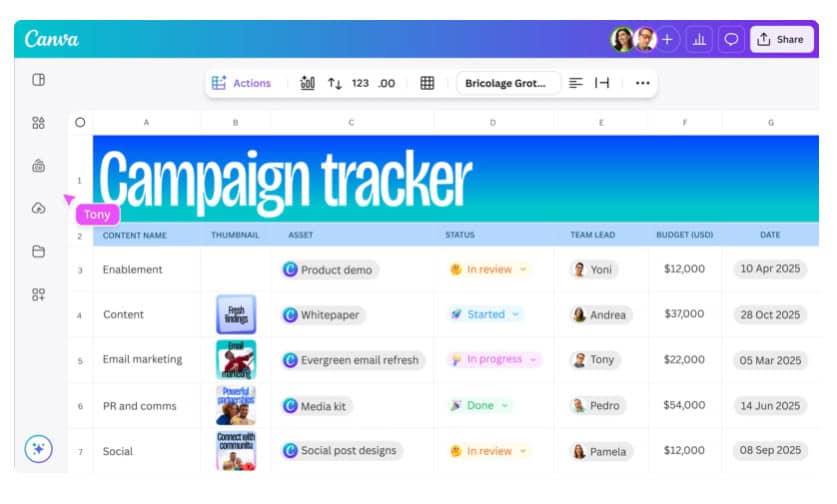
Unlike Design.com, Canva has a bit of a learning curve. It does allow you to create folders and subfolders to organize your files, delete rejected designs, and favorite the templates or elements you want to use again. But where Design.com keeps things simple with a single page displaying all of your saved designs, Canva’s Projects page sorts your uploads and designs into several different categories.
Verdict
This one comes down to your needs. Canva’s more elaborate set-up is great for creators, brands, or agencies that need to organize a large library of designs, but if your design needs are simple, you may prefer Design.com’s pared-down, at-a-glance system.
Pricing

Design.com
Design.com has three paid subscription tiers. Its $15/month Starter tier includes high-resolution and scalable logo files, a worldwide commercial license for your logo, unlimited edits, and access to the platform’s full collection of design templates and AI tools. Its $24/month Value tier includes all of the above, plus access to the website builder. Its $29/month Premium tier adds on full access to Design.com’s digital business card and link in bio designs.
If you’re not yet ready to make a commitment, many of Design.com’s logo and asset templates can be edited and downloaded for free. You can also build and publish a website through its website builder with a free Design.com branded URL, or connect it to a custom domain you already own.
Canva
Canva’s $12.99/month Pro tier includes access to over 3 million templates, 141 million premium elements (photos, videos, graphics, and audio), premium AI tools, and 100GB of cloud storage. Pro users can also create up to five full brand kits and use Canva’s Content Planner to schedule their posts as they’re created. Upgrading to its $20/month Business tier will get you 100 brand kits, 500GB storage, and access to advanced AI, admin, and collaborative tools. The Enterprise tier includes a dedicated success manager, custom integrations, and heightened security.
Free users have access to over 1 million templates, over 4 million design elements, a limited brand kit including up to three colors, 5GB of storage, and basic AI tools.
Verdict
Both platforms are generous when it comes to their free users, giving them everything they need to start building their brand. As their paid tiers are fairly comparable, it’s really a matter of figuring out which tools and licenses you need, as well as how much time you want to invest in personalizing your designs.
Intellectual Property
Design.com
While its standard license offers non-exclusive commercial use, Design.com manually reviews purchased logos for originality and legal safety. You can also purchase a buyout license for your logo, which removes the specific design from their template library, or an exclusive license, which removes the design and grants you full IP rights — even over previous purchasers.
Canva
Canva designs include non-exclusive licenses for commercial use, and designs (including logos) made using their stock graphics cannot be trademarked. If you want to own a logo created in their design studio, you have to build it from scratch, without using any of their templates.
Verdict
Design.com gives you far more control over your IP, offering security and peace of mind as you grow your business.
Should You Choose Design.com or Canva?
Canva’s all-in-one online design studio overall may offer more functionality and customization than Design.com (which will attract creators and business owners with heftier or more elaborate ongoing design needs), but the lack of scalable file formats and logo ownership will be a dealbreaker for many. Despite this, Canva can be a decent option for business owners who already own the full rights to their logo and scalable files.
Just note that Canva’s most popular templates look awesome… but this means that they’re also very commonly used. So if you choose a well-loved template, make sure you tweak not only the colors and fonts but also the layout if you want to avoid looking like everyone else.
On the other hand, Design.com is incredibly easy to use and offers a level of functionality that will more than meet the needs of most small- to medium-sized businesses — even at its free and Starter tiers. Its templates and AI tools make it easy to create commonly used marketing assets and social media content in a snap, and you can even build branded websites with e-payment functionality.
It also stands apart with an asset library that includes 500 exclusive fonts, which provides some protection against design doppelgangers. Another significant difference is that Design.com allows you to download the vector files for your logo, which is crucial for scaling your design without loss of quality.
With its vector-based downloads, exclusive logo licenses, and well-stocked asset library, Design.com is a fantastic choice as an easy-to-use platform that won’t break the bank or create legal or logistical obstacles further down the line. Interested in learning about other logo design platforms? Check out 6 DIY Options.