


Last Updated on May 6, 2026 by Ewen Finser
MailerCheck is great for preventing obvious mistakes.
It’s a solid way to sanity-check lists, spot risky addresses, and send with some confidence that you’re not about to hurt yourself. For what it’s designed to do, it works.
But after you’ve done the hygiene work and inboxing still isn’t where it’s supposed to be, you need actionable intelligence to get you back on track instead of just running the same checks again and again in the hopes of something changing.
That’s exactly why I stopped looking for “better” versions of the same tool and started asking a different question: what else affects outcomes after the checks are already green?
Here are the tools that I’ve found solve different problems on the surface, but essentially end up giving you a better outcome in your email journey.
Things MailerCheck Does Well

Most deliverability problems start with bad inputs like old lists and disposable addresses — the kind of mistakes that MailerCheck will catch before they compound. You just upload a list, and it will screen out obvious garbage, give you a quick read on basic spam risk, and sanity-check authentication so you’re not sending from a half-baked setup.
For newsletters, promos, or early cold campaigns, that’s good enough.
But how useful is it after you run your campaign? Turns out, not as much.
MailerCheck doesn’t see what happens once messages are already going out. It doesn’t learn from inbox behavior or when providers slowly change how they treat your mail. All you get is a clean bill of health up front, and then nothing to work with later.
So while MailerCheck helps you avoid making things worse, you also need ways to help when things are already bad.
My Top 7 MailerCheck Alternatives
Here’s the short version of what’s on the table:
- Inbox placement recovery: InboxAlly
- List verification: Bouncer / ZeroBounce
- Prospecting + verification: Snov.io
- Authentication & DMARC: Suped
- Diagnostics & blocklists: MXToolbox
- Pre-send spam checks: Unspam
Now, let’s go into the “why” for each one.
1) InboxAlly
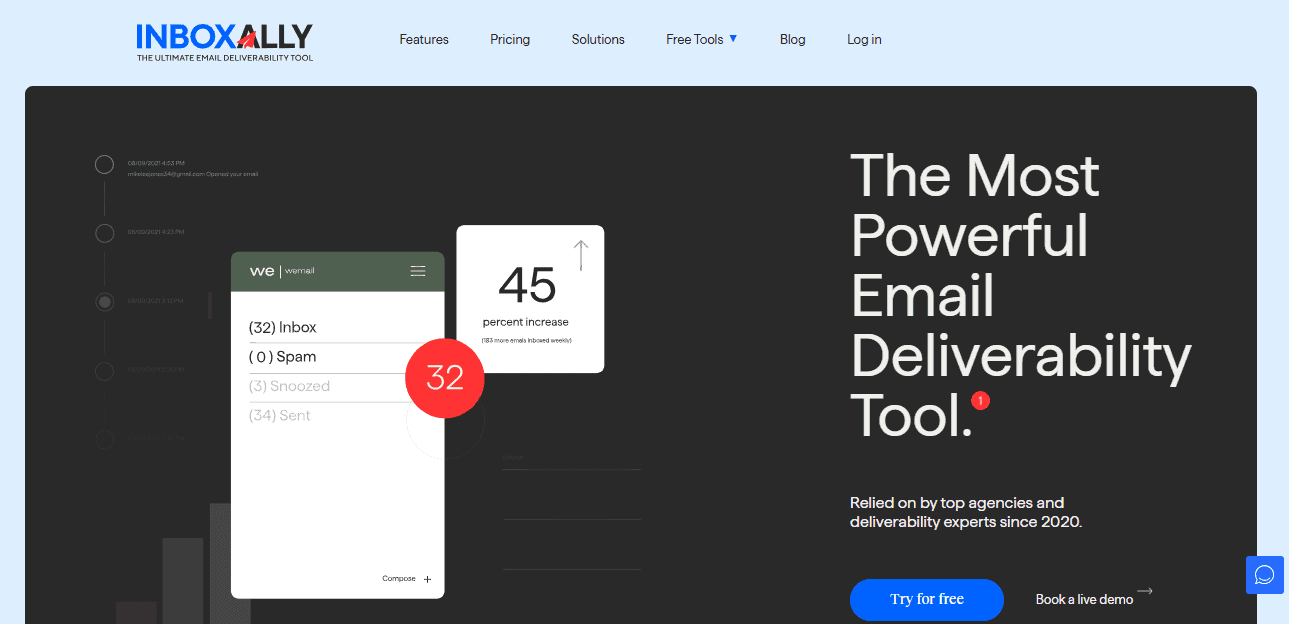
If you’ve ever thought that testing isn’t very informative and that it’s only wasting your time, you might need InboxAlly.
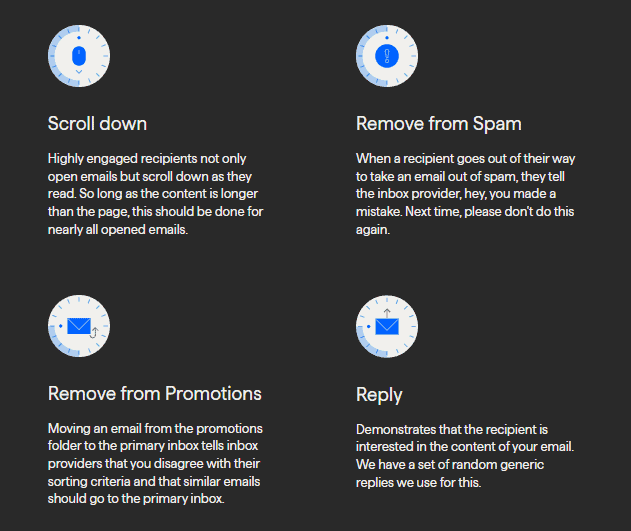
For me, that usually happens after the third or fourth “everything passed” result while campaigns are still underperforming. At that point, another report just confirms what I already know: mailbox providers don’t really care what I checked; their eyes are on how people treat my mail. Opens, clicks, scrolling, occasional replies, and yes, pulling messages out of Spam or Promotions is something most tools never touch.
Inbox providers learn over time, and the quickest way to change their opinion is to change the interaction patterns they see. InboxAlly does that by injecting controlled, realistic engagement from real inboxes while you keep sending normally. No ESP swap or any domain gymnastics.
Keep reading: My 2026 InboxAlly Review: Does this help with email deliverability?
Key features
- Seed inbox engagement (opens, clicks, scrolling, replies)
- Spam and Promotions recovery actions
- Sender pacing and profile control
- Reputation trend tracking over time
Pros
- Direct reputation recovery
- Quick feedback loop
- Simple setup alongside existing tools
Cons
- No free tier
- No diagnostics or authentication checks
Best for: When inbox placement is already hurting results and monitoring alone hasn’t helped, InboxAlly is a lever that can truly change the outcome.
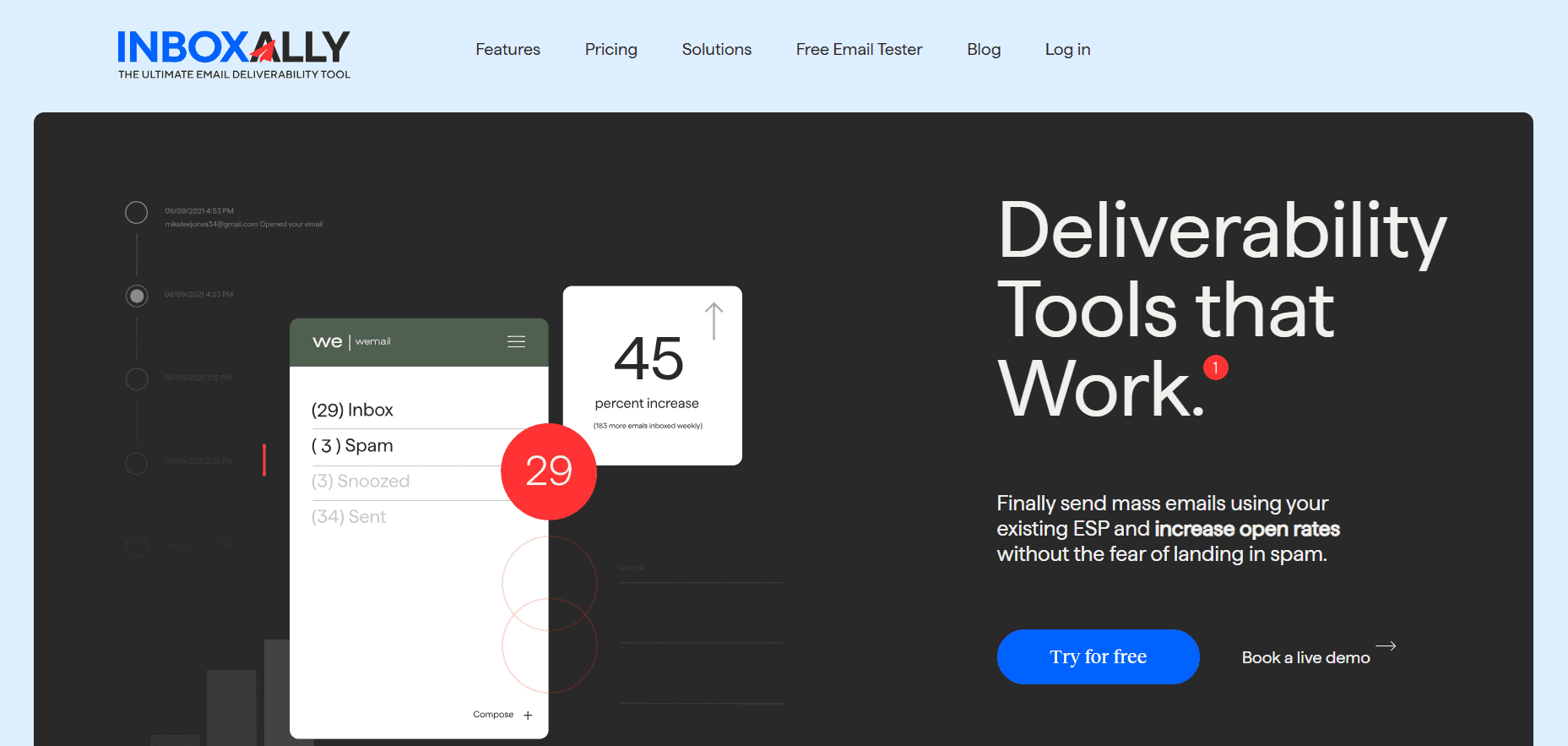
InboxAlly is the comprehensive suite I need to solve challenging deliverability problems across the board. It's like a triage hub for diagnosing and fixing email deliverability rates in one dashboard. I've tried a lot of tools, but this is the one I've stuck with.
2) Bouncer
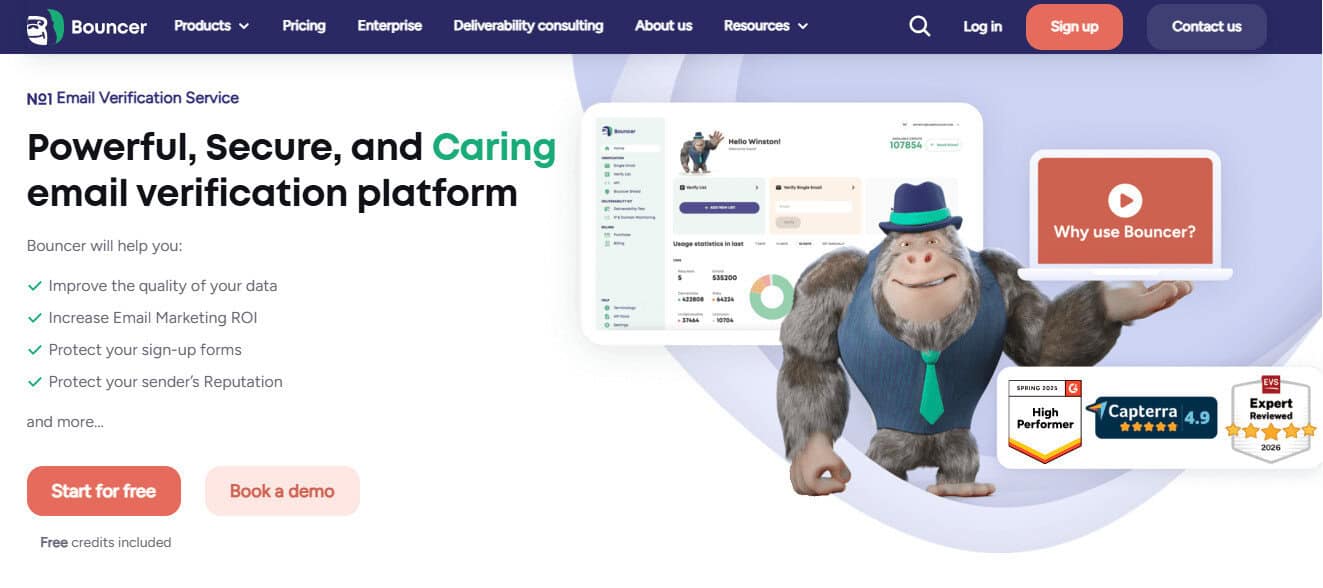
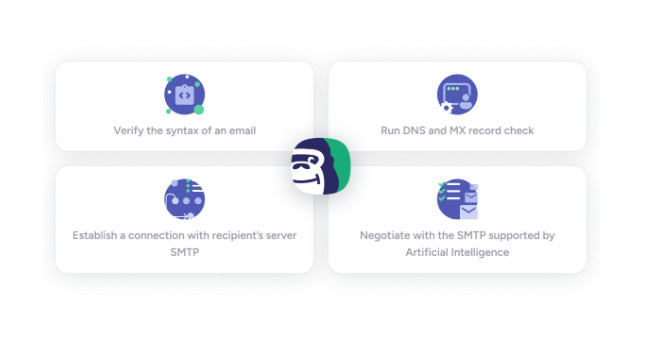
I started using tools like Bouncer after getting burned by lists that looked fine on paper but somehow dragged performance down — whether by bad addresses, role inboxes, or edge-case domains that poison results over time. Here, email address verification comes before you even think about placement or recovery.
Bouncer’s strength is restraint. You upload a list, and it comes back sorted into buckets: safe, risky, unknown, and dead. Catch-alls get flagged instead of hand-waved away. Disposable and role-based addresses don’t slip through “just in case.”
The API and form validation are awesome as well. Cleaning a list once helps, but stopping junk from entering in the first place helps every time after that.
Key features
- Bulk email verification
- Catch-all and role address detection
- API and real-time form validation
Pros
- Accurate verification
- Fast processing
- Clear risk categories
Cons
- No inbox or placement insight
- No recovery capability
Best for: Anyone sending big volumes who wants to remove list risk sooner rather than later.
3) ZeroBounce
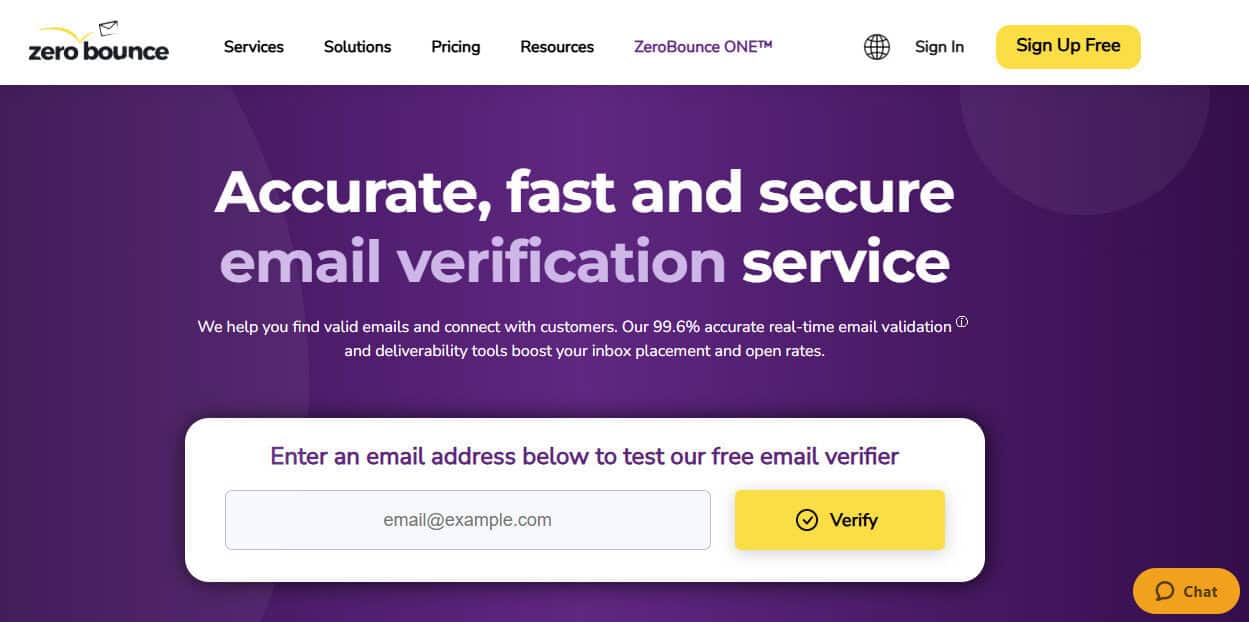
ZeroBounce is a step beyond basic verification, and that’s both the appeal and the trade-off.
Sometimes, list cleaning isn’t the whole problem. There are times when the addresses are mostly valid, but I still can’t trust the data behind them. Who’s inactive? Who’s risky? Who’s hurting performance but not bouncing?
ZeroBounce answers those questions with enrichment and validation: syntax/domain/mailbox checks, abuse detection, activity metrics, optional appends — all done at a scale. Abuse detection is particularly useful when you’re sending at volume and want early warnings about addresses that look like trouble, even if they technically exist.
The flip side is density. I’ve often questioned whether I really needed all the extra fields or if they were just adding cognitive load. After all, when you’re buried in other work, more data isn’t always helpful. Sometimes, it’s just another column that no one really needs.
Key features
- Email validation
- Abuse detection
- Data appending options

Pros
- Broad data coverage
- Enterprise-friendly scale
Cons
- Expensive at volume
- Feature overlap can get overwhelming
Best for: Larger programs that require verification and light enrichment, and those that can actually use the additional data instead of letting it pile up.
4) Snov.io

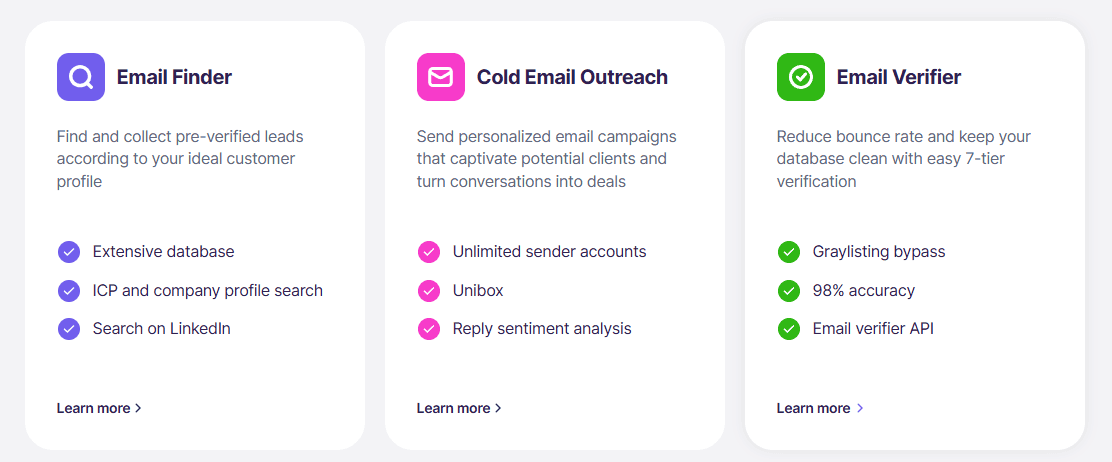
Everything in Snov.io is built around the assumption that your bottleneck is finding people and not perfecting delivery (although it does that job perfectly fine). The workflow starts with domains and companies, where you’re pulling contacts, enriching them just enough to be usable, running a quick verification pass, and moving straight into outreach.
That’s why Snov.io is great for early outbound tests, market exploration, or quick iteration — it doesn’t require another five tools just to get a list off the ground. It’s a finder, verifier, and sender all in one.
However, that same convenience can also be a risk if you treat “found” as “qualified.” Some verification is there, but it’s not the same as a proper, dedicated tool. It tells you whether an address likely exists, but not whether it’s a good idea to send to it. If you rely on it too much, you’ll likely outrun your own reputation.
Key features
- Email finder
- Email verification
- Outreach tooling
Pros
- All-in-one outbound flow
- Fast list building
Cons
- Limited email verification
- Easy to misuse scraped data
Best for: High speed outbound and iteration if you understand the trade-off you’re making between velocity and precision.
5) Suped
Have you already wasted months double-checking DMARC records you don’t even fully understand? Me too! Even with SPF set up correctly, I’d get these cryptic failures from some partners, vendors, and random APIs I didn’t recognize.
You may have set up email authentication, but do you really know whether it’s working? Is that trial signup email getting blocked? Is your marketing platform authenticating properly? Without easy answers to those questions, you find yourself digging through DNS records at 11 p.m., trying to figure out which of your twelve sending tools is the problem.
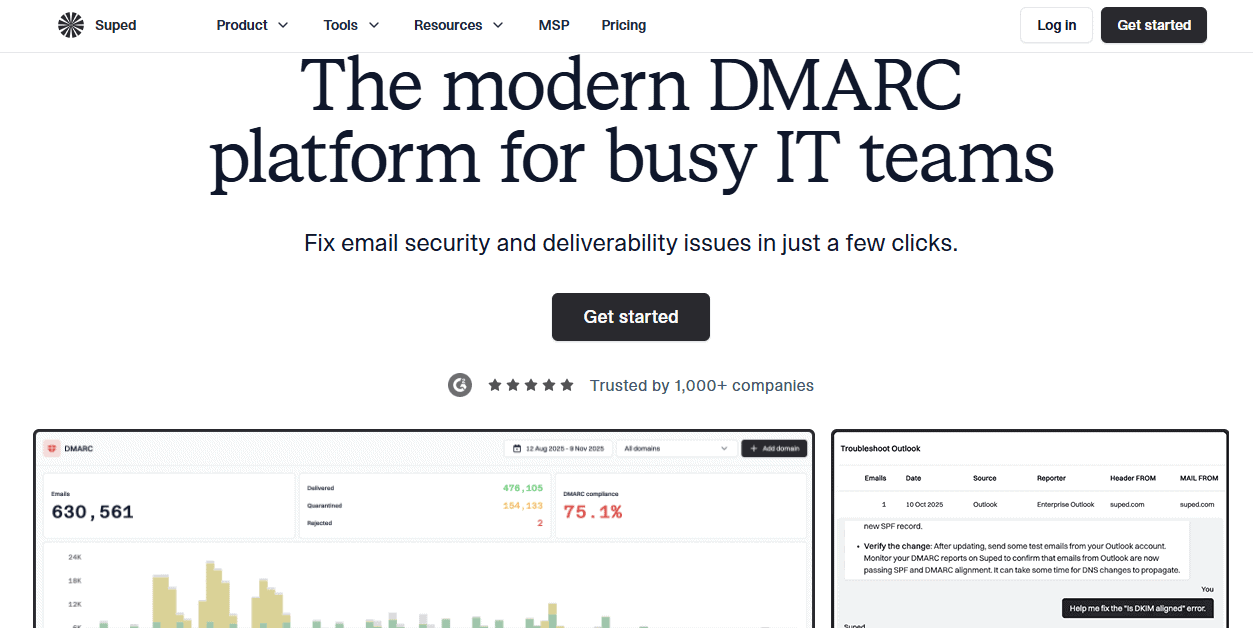
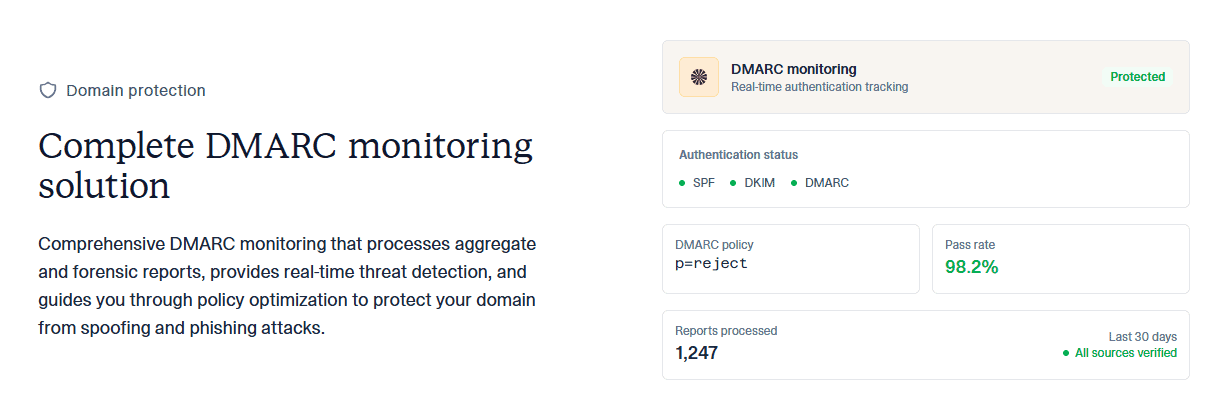
To alleviate this, Suped shows you every service sent from your domain. You see which ones are passing DMARC, and when your SPF record reaches that ten-lookup limit (happens surprisingly often), it flattens it automatically.
Key features
- DMARC monitoring
- SPF flattening
- Sender discovery
- Alerts
Pros
- Authentication management
- Clear sender inventory
- Free tier
Cons
- No inbox placement recovery
- DNS access required
Best for: Email setups with shared domains, multiple sending tools, and no single source of truth for who’s actually allowed to send mail.
6) Cloudmersive

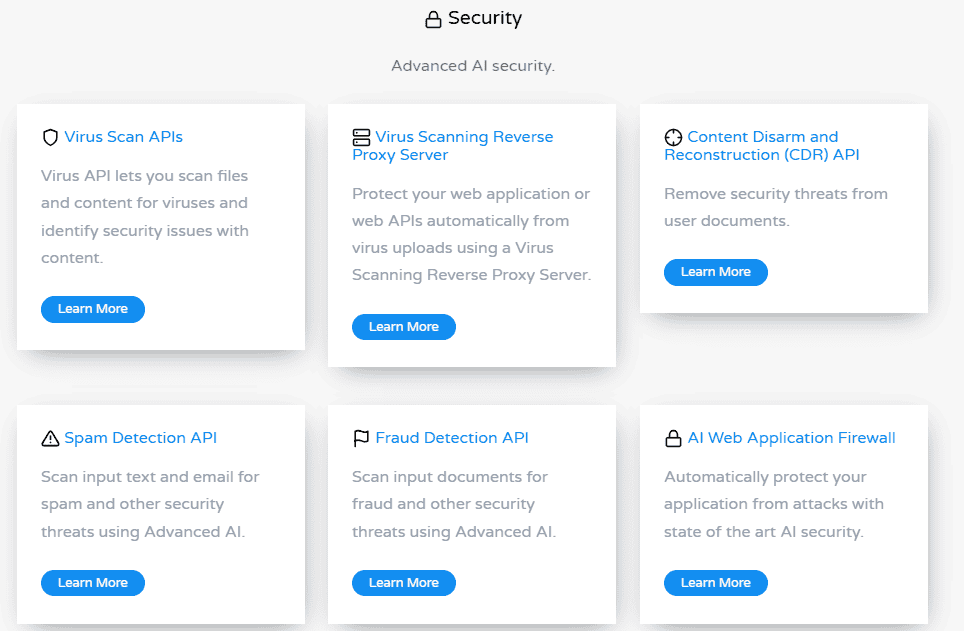
Cloudmersive is not a campaign tool, a deliverability monitor, or a cleanup utility you run once a quarter — it’s a front-line email validator. Its job is to decide in real time whether an address is allowed into your system at all.
It’s built for signup flows, checkout forms, and API-driven capture, and it works by checking the email address as soon as it’s submitted through syntax, domain, DNS, and server-level verification. I’ve always hated sending test emails that create user-visible friction, so I find this great.
You can run Cloudmersive in a private cloud, on-premises, or practically anywhere where API integrations are supported. That makes it viable when email validation has to happen inside your own systems, such as a signup flow that isn’t allowed to send user data to external SaaS tools.
While there’s a free tier, the full version is not cheap. However, it’s not aimed at marketers buying credits with a card but rather large companies embedding validation into their infrastructure.
Key features
- Real-time email verification
- Syntax, DNS, and server-level checks
- Cloud, on-premises, and edge deployment options
Pros
- Designed for live capture
- Great for regulated sending environments
- No reliance on sending test emails
Cons
- No UI for marketers
- No post-send insight or recovery
- Can be pricy for small teams
Best for: SaaS products focused on signup-based email validation.
7) Unspam
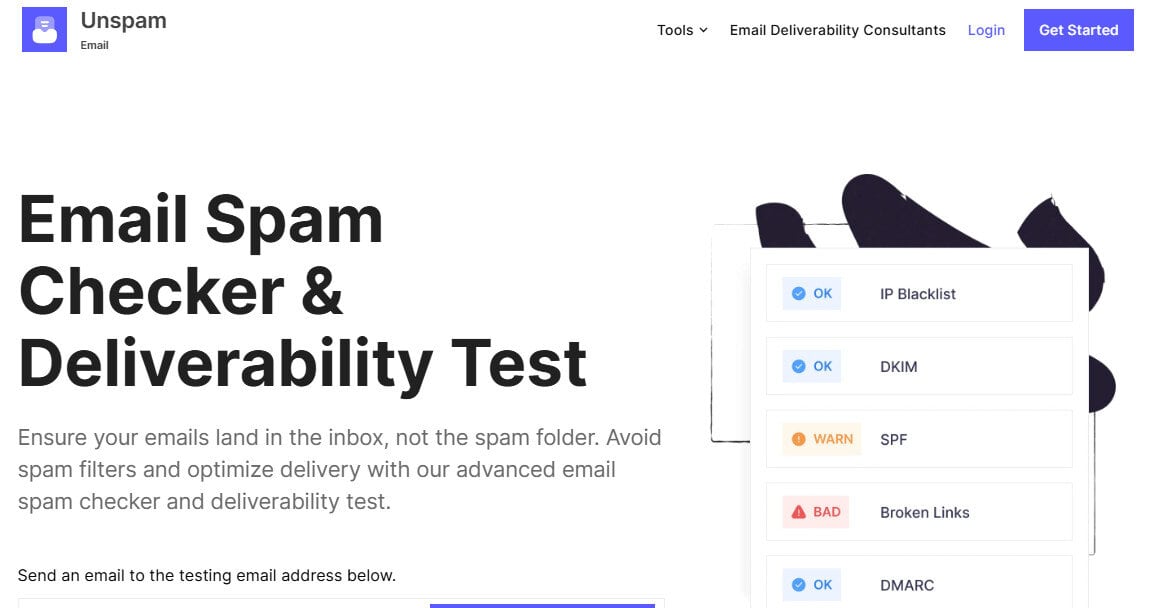
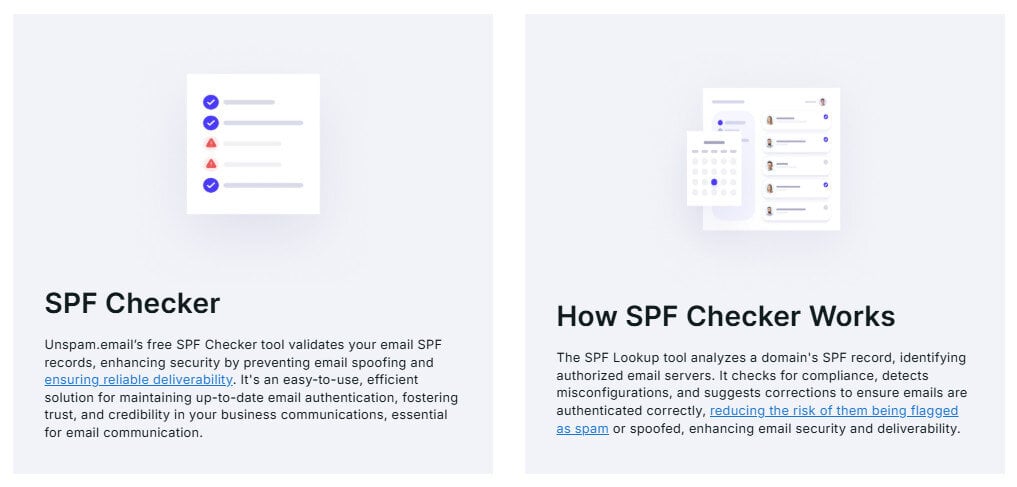
Unspam looks at a single message in isolation and scores it based on known spam signals in headers, authentication, links, etc. If you’re prone to stupid, self-inflicted mistakes like me (missing DKIM on a subdomain or a link doing something stupid), it’s probably worth giving it a try.
However, it’s important that you don’t treat the score at face value. Unspam doesn’t know your history, your volume pattern, or how a mailbox provider has been reacting to you for the last 30 days. It is, however, cheap, quick, and rerunnable, which is why it deserves a place on this list. But there’s no memory, no trend, and no path forward if the test looks fine yet results still disappoint.
Key features
- Spam checks
- Authentication presence checks
- HTML and link validation
Pros
- Quick feedback
- Low cost
- Easy to rerun
Cons
- Scores invite false confidence
- No historical context
- No inboxing recovery or follow-through
Best for: Final pre-send sanity checks, but not anything resembling a deliverability strategy.
Which Tool Should You Start With?
Most of the time, you’ll see improvement within a few weeks of fixing the right thing. So pick the issue that’s hurting results today, solve that first, then see how you can expand.
- If you’re making basic mistakes with lead acquisition, start with list verification. Bouncer and ZeroBounce address obvious risk before your sender reputation gets damaged.
- If your lists are fine but emails aren’t landing where they used to, just knowing what’s wrong won’t help. Here, prioritize inbox placement and reputation recovery. InboxAlly works great because it influences how mailbox providers treat your traffic after sending.
- If you’re sending from multiple tools and no one is fully sure who’s authorized to send on the domain, prioritize authentication and DMARC monitoring. Suped helps prevent configuration problems from undermining everything else.
There’s no shortage of problems in email marketing, and there’s a tool for nearly every one of them.
Hopefully, this list helps you find the right one for your needs.