


Last Updated on January 13, 2026 by Ewen Finser
Wise is one of the most prominent names in the payment processing space, and that’s for good reason. It’s commonly used by freelancers, startups, and SMBs to send and receive payments, with a particular focus on cross-border, multi-currency transactions.
However, if you’re looking for an all-in-one solution to manage your AP needs, Wise may not be the best choice for you. It’s more of a payment solution than a full-fledged bill pay platform. Also, its international focus may be irrelevant if you’re a U.S. business that mainly deals with domestic vendors and customers.
If you’re looking to explore alternatives to Wise, you’ve come to the right place. I’ve rounded up the top contenders, and we’ll be taking a deep dive into their features, pricing, advantages, and limitations.
At a Glance:
- Melio: Best for companies that want AP and AR in one place at a low cost
- BILL: Best for companies that want cash flow forecasting in addition to AP and AR management
- Tipalti: Best for companies that want AP automation and make frequent international payments
- Ramp: Best for companies that want an AP software that helps with expense management
- Spendesk: Best for companies that want an AP software with several available plan customizations
Melio: Best Low-Cost AP and AR Solution

If you’re seeking out an all-in-one solution for both AP and AR, Melio’s a solid option. You can use Melio to pay vendors and also receive payment from customers, eliminating the need for two separate platforms for payables and receivables.
You can start by trying out Melio’s free plan, and then determine which of its other plans best fits your business’s needs: Core ($25/mo), Boost ($55/mo), Unlimited ($80/mo), or Platinum (custom pricing). The fee for the Unlimited plan supports unlimited users. For the Core and Boost plans, there’s a $10 fee for each additional user.
Pros:
- AP and AR solution: One of the main advantages of Melio is that you can use it to manage both AP and AR. With Melio, you can manage vendors and pay your bills, while also accepting payments from customers.
- Unlimited free ACH: If you have the Unlimited plan, which Melio highlights as its best value plan, you get unlimited free ACH. This can provide significant savings over time when compared to alternatives that may charge a small fee.
- Instant payment options: Melio provides fast and even instant payment options for businesses. You can send instant ACH transfers to your vendor’s bank account, completing the transaction in a heartbeat.
- Payment methods: Melio doesn’t only supports online card and ACH payments — if you have vendors that are a bit more old-fashioned when it comes to payments, you’re in luck. With Melio, you can pay via bank transfer or card, but opt for your vendor to receive the payment as a paper check.
Cons:
- Limited international capabilities: While you can use Melio to make international payments, at present, it only supports payments in 15 global currencies. There’s also a $20 international payment fee, which can be pretty costly if you deal with many global vendors.
- Limited accounting software integrations: Currently, Melio can integrate with QuickBooks (Online and Desktop) and Xero. While these are a couple of the most popular bookkeeping programs, some SMBs will find that Melio doesn’t sync with their existing accounting software.
- Tax compliance: Melio can help you with W-9 collection and 1099 filing, but when it comes to sales and use tax, you’re on your own.
For most SMBs, Melio has all the features you need in a payment processor. You can manage both AP and AR, and you have a lot of flexibility when it comes to payment methods. Its monthly fee is relatively low, with certain plans offering unlimited free ACH as well.
While its international payment capabilities are fairly limited and come with an associated fee, this isn’t really an issue if your customers and vendors are all (or mostly) located in the U.S. And its accounting integrations may be fewer than some competitors, but QuickBooks and Xero are two of the most popular programs for SMBs, so many businesses won’t be put off by this.
BILL: Best AP and AR Solution with Cash Flow Forecasting
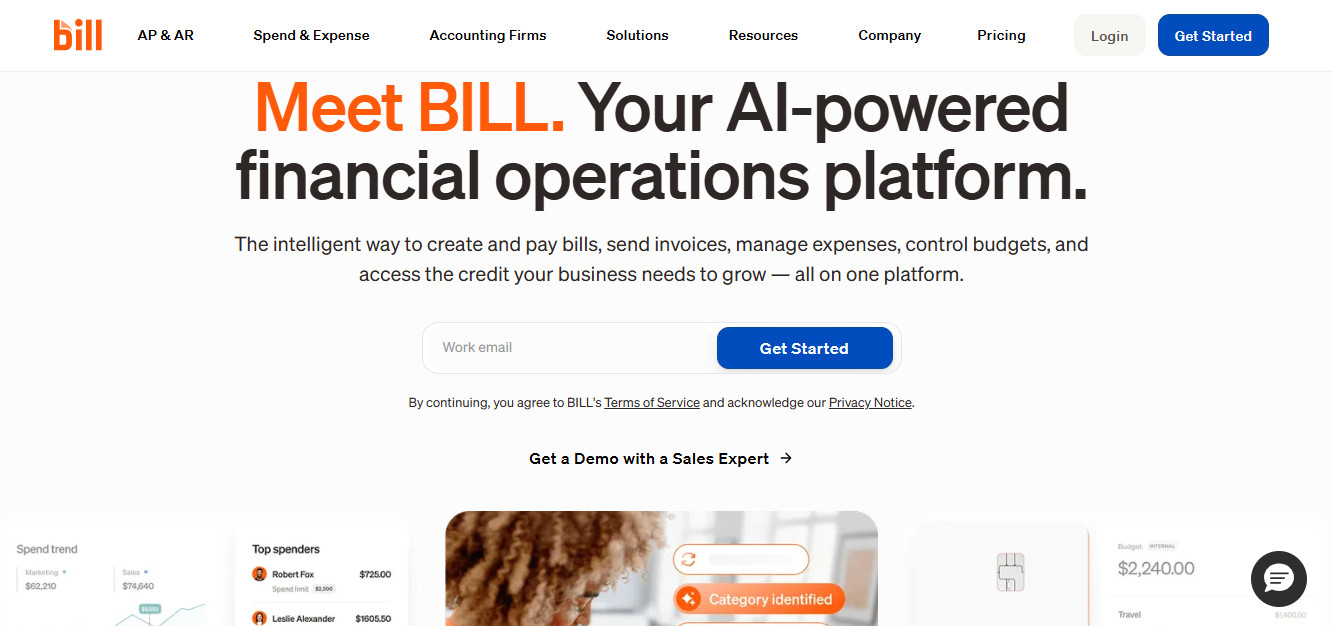
BILL, previously known as Bill.com, is another reliable solution that supports both AP and AR management. It has three main plans — Essentials ($49/mo), Team ($65/mo), and Corporate ($89/mo). Keep in mind that these monthly fees are per user. BILL also offers an Enterprise plan with custom pricing, but this is mostly geared toward businesses with multiple entities or locations.
Pros:
- AP and AR solution: Many programs are either for AP-only or AR-only, but this isn’t the case with BILL. BILL’s got you covered for both payments and receivables.
- Forecasting: BILL provides cash flow forecasting for customers that at least have the Team plan. You can create dashboards and use predictive modeling to forecast cash flow for up to 13 months in the future.
- Accounting software integrations: BILL can sync with 23 different accounting programs, ERPs, and HR platforms, among other software types. The platform integrates with QuickBooks, Xero, Oracle Netsuite, and Sage Intacct, just to name a few.
Cons:
- Costly for multiple users: The monthly subscription cost for BILL is charged on a per-user basis, which can become quite costly depending on how many users you want to have.
- ACH Fees: BILL charges a flat fee per ACH transfer — $0.59. While this is fairly low, it can add up significantly over time if you deal with a high volume of payments.
- Forecasting for QBO users only: Even though BILL has robust cash flow forecasting features, this is only available if you have a sync set up with your QuickBooks Online account. So, this feature is out of reach if you’d prefer to use another accounting software like Xero.
If you’re looking for an all-in-one solution to manage both AP and AR, BILL ticks this box. In addition to managing payments, another attractive feature it offers is cash flow forecasting — but keep in mind that this is only available for QuickBooks Online users. BILL can also be somewhat expensive, depending on the number of users and the number of payments.
Tipalti: Best for Global Payments
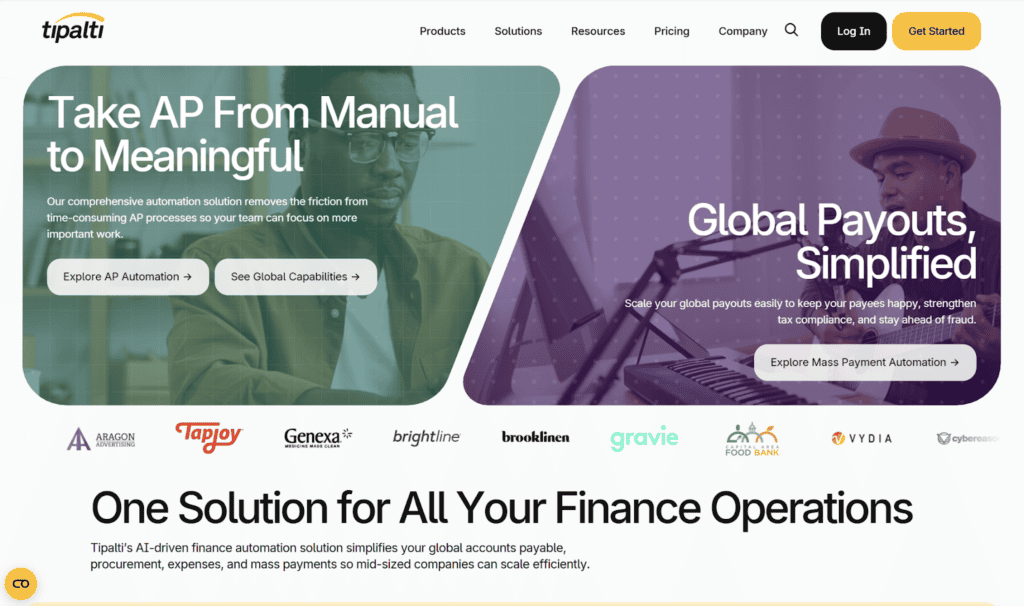
Tipalti isn’t for AR — instead, it’s a powerful AP solution. Its main distinctions are its use of automation and its extensive global payment options. There are three plan options: Select ($99/mo), Advanced ($199/mo), and Elevate (custom pricing). The subscription cost of each plan covers unlimited users.
Pros:
- AP automation: Tipalti incorporates AI extensively into its product, helping you improve efficiency and reduce errors caused by inputting data manually.
- International payments: Tipalti has extensive international payment capabilities — it supports payments to 200+ countries in 120 currencies, offering over 50 payment methods as well. However, global payment options are only available if you at least have the Advanced plan.
- Automated tax compliance: The platform’s use of AI can also help your company comply with both U.S. and international tax rules. It can aid with several tax forms — Forms 1099, W-9, and W-8BEN, to name a few — and applies over 1,000 automated tax rules to verify completeness and accuracy.
Cons:
- No AR capabilities: AP is Tipalti’s bread and butter. If you’re looking for a software that can cover not just AP, but also AR, Tipalti won’t be the right choice for you.
- No free plan: Tipalti lets you book a demo, but there is no free plan option that you can use to try out the software more extensively before purchasing.
- Not appropriate for small businesses: Tipalti is especially geared toward larger businesses. For SMBs, it may be overly complicated and costly.
Tipalti is all about AP — especially global payments. If your business frequently makes international payments, it could be the right choice for you. It’s also a great option if you want AI to feature prominently within your payment platform. However, it has no AR capabilities whatsoever, and it’s not really appropriate for smaller businesses.
Ramp: Best for Expense Management
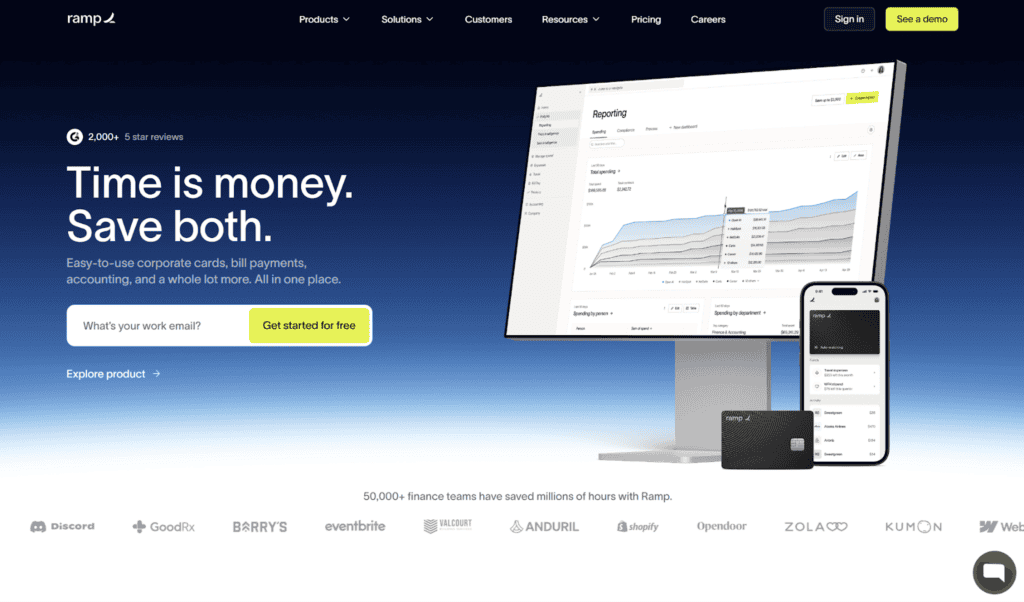
Similar to Tipalti, Ramp focuses on AP. But, as reflected in its pricing, it’s an appropriate solution for businesses of all sizes, including startups and small businesses. The three plans that Ramp offers are Free, Plus, and Enterprise. Plus costs $15 per month, per user, and Enterprise is a custom plan for larger businesses.
Pros:
- Expense management: Ramp has extensive expense management features that can help you control business spending. You can enforce spending limits and generate expense reports to detect areas of overspending.
- Accounting automation: Ramp uses AI to streamline the accounting process at your business. It can retrieve receipts and memos from employees, categorize transactions, and sync transactions to your ERP. You can also use its AI agents to handle low-risk approvals and flag fraud.
- Accounting software integrations: Ramp currently offers 163 integrations, spanning categories like accounting, banking, HR, payroll, productivity, receipt automation, security, and travel. Given the high number of integrations, it’s likely that Ramp can sync with your existing tech stack.
Cons:
- No AR capabilities: Ramp isn’t for managing receivables, so if you’re looking for a software that can handle both AR and AP, this won’t be the right choice for you.
- Cash balance requirement: Ramp requires applicants to have at least $25,000 in their business bank account, which many small businesses may not have.
- Expensive same-day ACH: You’ll incur a $10 fee for every same-day ACH payment, which can become pretty costly over time.
Ramp is all about AP, so if that’s what you’re looking for, it could be a solid option for your business. But it’s not the right choice if you want to manage both AP and AR all in one place. It stands out for its expense management tools — it has several features available to help you control spending.
Spendesk: Best for Customizability and Subscription Management
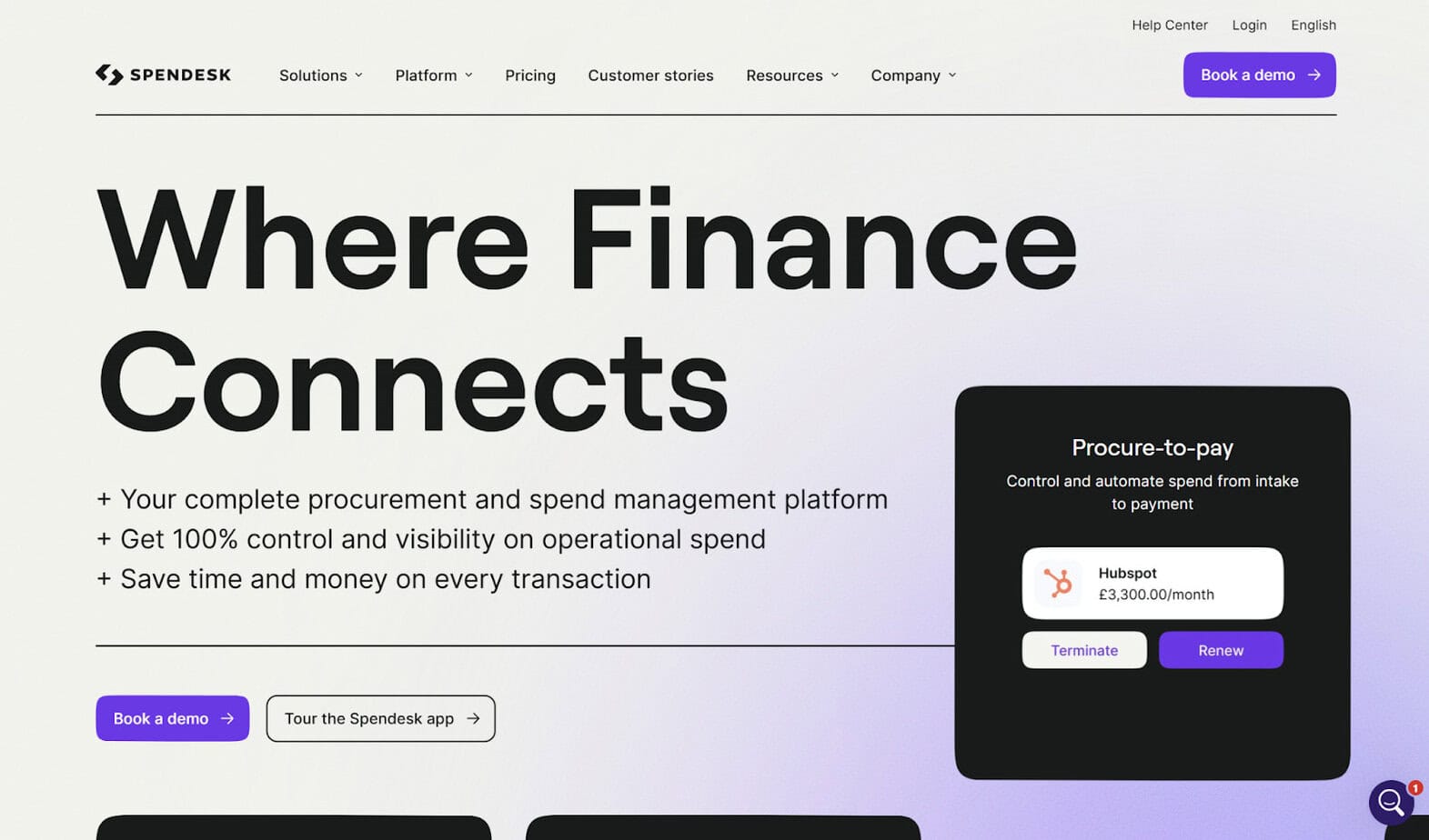
Another software that can help you manage your business’s AP and spending is Spendesk. The way their plans work is that all plans come with their Foundations package, which includes tools for managing spending, automating workflows, and scaling. Then, there are six different add-ons you can choose from to customize your plan:
- Procurement
- Accounts payable
- Advanced workflows & policies
- Powerful multi-entity management
- HR & ERP integrations
- AI-based automation and fraud detection
Spendesk doesn’t provide pricing information on their site — you’ll have to contact them if you want to get a free quote.
Pros:
- Subscription management: One of Spendesk’s standout features is subscription management. It lets you centralize all your SaaS subscriptions so you can easily track spending, pause subscriptions, or cancel.
- Ad spending: Spendesk can help you balance digital advertising costs, which is done in a similar fashion to its SaaS subscription management. You can control marketing costs and track ad spending in one centralized dashboard.
- Procure-to-pay (P2P): You can use Spendesk to manage the entire procurement process, covering requisition, receipt, invoice processing, and payment.
Cons:
- No AR capabilities: Spendesk does a lot, but it’s not going to help you with the receivables side of things. Choose a different software if you want AR and AP all in one place.
- Hidden pricing: While many of its competitors provide pricing information on their websites, this isn’t the case for Spendesk. You’ll have to contact the company to get a quote.
- Not U.S.-centric: While American companies can use Spendesk, it’s more tailored toward European businesses — the company is based in Paris. This means that some features may be limited for U.S. businesses. For example, Spendesk supports international payments, but this is only available for European companies at present.
Spendesk may be an ideal option if you want a highly customizable AP and spend management platform. With six different add-ons available on top of their base plan, you can choose the features your business needs and ditch the rest. However, U.S. companies that need to make international payments should look elsewhere — global payments through Spendesk are currently only available for European companies.
Which is the Best Alternative to Wise?
For businesses searching for a viable alternative to Wise, the good news is that there are several solid platforms out there. However, it’s up to you to determine which one best fits your business’s needs. While Melio, BILL, Tipalti, Ramp, and Spendesk have some similarities, their features vary drastically.
The most well-rounded payment solutions are the ones that can help you manage both AP and AR — of those we discussed here, you’d be looking at Melio and BILL. However, Melio has the edge over BILL when it comes to pricing. BILL’s per-month, per-user pricing structure can become expensive fast. Overall, the top choice for you comes down to the specifics of your business’s unique needs.