


Last Updated on January 3, 2026 by Ewen Finser
Choosing payroll providers can be an overwhelming task, one that’s made even trickier once your pay structures become more complex. With changing legislation and multi-employee businesses, this can be a particularly burdensome process to manage and can leave employers at risk.
A sound payroll system can help manage these pain points by reducing errors and manual effort. Businesses that make use of these platforms often find that they can handle complex tasks with less audit risk and more accurate tax calculations.
However, not all solutions are created equally, which is why this guide for the best payroll systems, will break down where they can reduce the risk of fines, what features may be essential to consider, and which might be best for your needs.
Common Hang-Ups for Tip-Based Industries
With multiple state-specific laws and standards in place, businesses need to ensure compliance with legislation to avoid IRS fines, back wages, and other regulatory checks and audits.
Some important factors include the following:
- Tip ownership rules
- How cash and card tips differ
- Compliance with the Fair Labor Standards Act (FLSA)
- State and local requirements for tipped employees
- Whether applicable legislation requires the minimum wage to be paid in cash
- Whether tips are counted toward the minimum wage
- Overtime calculations
It bears repeating that compliance regulations and tax laws are not areas to treat lightly, and it’s crucial to evaluate them carefully when considering wage calculations and payroll software.
What to Look For in Payroll Platforms
Overall ease of use is critical in any software platform; however, some features stand out for tip-based payrolls:
- POS integrations with popular tools like Toast, Clover, and others
- Automated tax calculations and tax filings
- Multi-location/multi-state payroll capabilities
- Automated wage, overtime, tip, and break calculations
- Shift-based calculations and management
- Employee self-service
- Easy way to schedule and track shifts or hours worked
- Contractor management
- W-2s and 1099s
- Payroll reporting
- IRS-compliance reporting for tips received
With that in mind, let’s go over some of your best payroll options.
At a Glance
Payroll System | Best For | Tip Management Features | Cost |
Homebase Payroll | SMBs and hourly teams. | Yes; both tip management and tip pooling features | Free plan available, with special bundled pricing for payroll; starts at around $39 per month |
Toast Payroll | SMBs, especially restaurants | Yes; advanced features for both cash and card/ | Starts at $69/month + $9 per person |
Square Payroll | Smaller businesses and tip-based teams | Good tip management features | Starts at $35 per month + $6 per person |
ADP Run | Mid-large hospitality businesses | Yes; both tip management and tip pooling features | Pricing available upon request only |
Gusto | Smaller businesses that need HR features | Some basic tip management features only | Starts at $49/month + $9 per person |
Homebase Payroll: Best Overall for Tip-Based Employees
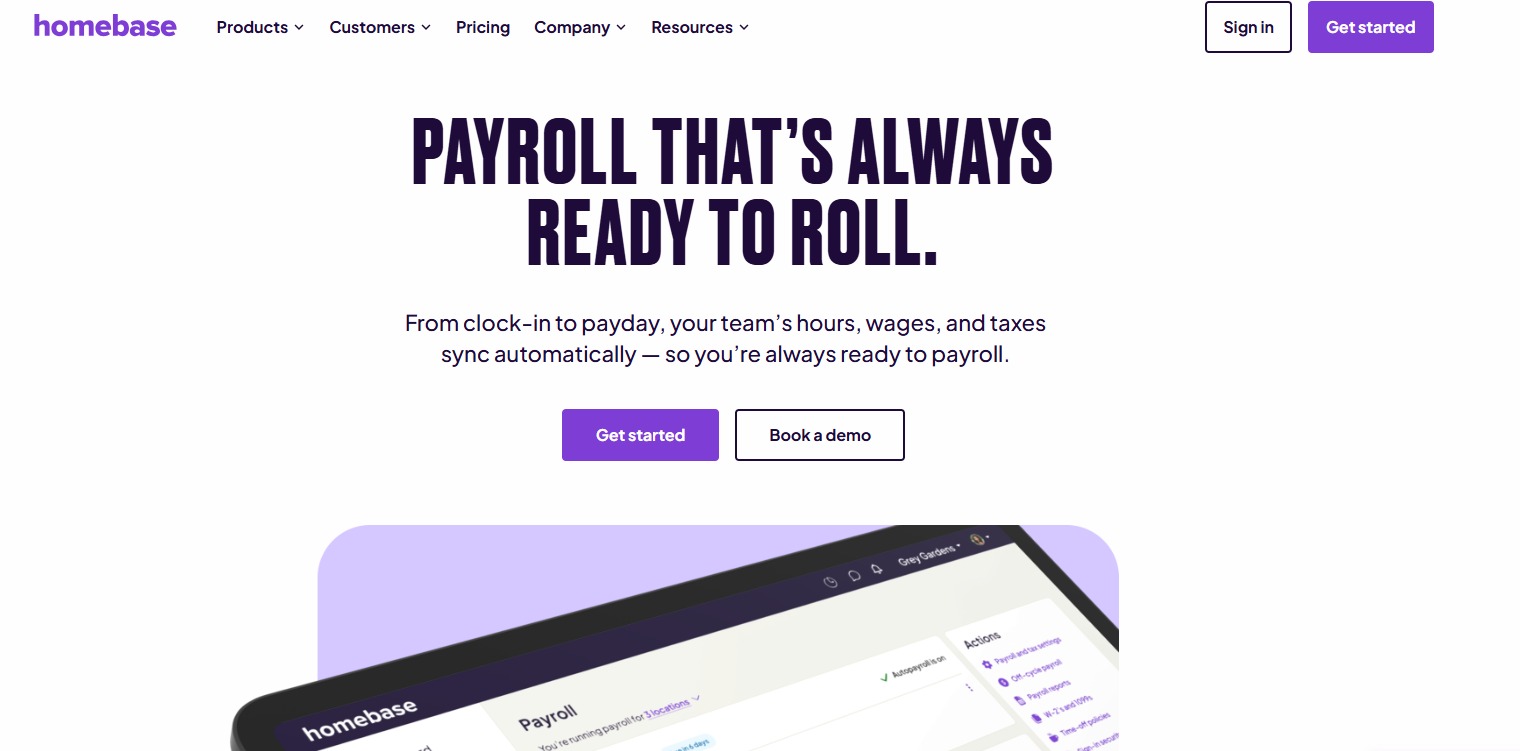
Homebase is an excellent fit for businesses that operate within the retail, restaurant, cafe, bakery, and restaurant spaces. Purpose-built for hourly and shift-based teams, this platform comes with standard scheduling, shift management, time tracking capabilities, and automated wage and tip calculations. Just note that payroll is an add-on cost here that you’ll need to account for pre-purchase.
Standout features:
- AI-assisted features such as scheduling and payroll.
- Easy integrations with popular POS systems like Clover and Lightspeed.
- Schedule management and time tracking are built into the app.
- Payroll functionalities include wage and tip calculations and factor in breaks, overtime, and more automatically, reducing administrative overhead and errors.
- Tip management (including tip pooling features and reporting) is available as an add-on.
- Labor law compliance notifications that alert you if breaks or overtime exceed a certain threshold.
- Tax calculations and automated filings are available within the app.
Platform limitations:
- This is not an enterprise solution, and certain features are charged separately as add-ons.
- Payroll is limited to the U.S. only and does not support international payments yet.
Pricing:
- Basic (free): Supporting one location and limited to 10 employees, Homebase’s free plan includes basic features like time tracking, scheduling, and POS integration.
- Essentials ($24 per month): Includes additional features such as advanced time tracking and scheduling, as well as team communication.
- Plus ($56 per month): Supporting unlimited employees, this adds AI-powered features, PTO management, and more.
- All-in-one ($96 per month): Additional onboarding, HR, and labor cost management features.
However, note that payroll is an add-on cost of $39 per month + $6 per month/employee paid.
Toast Payroll: Best for Hospitality and Toast POS Users
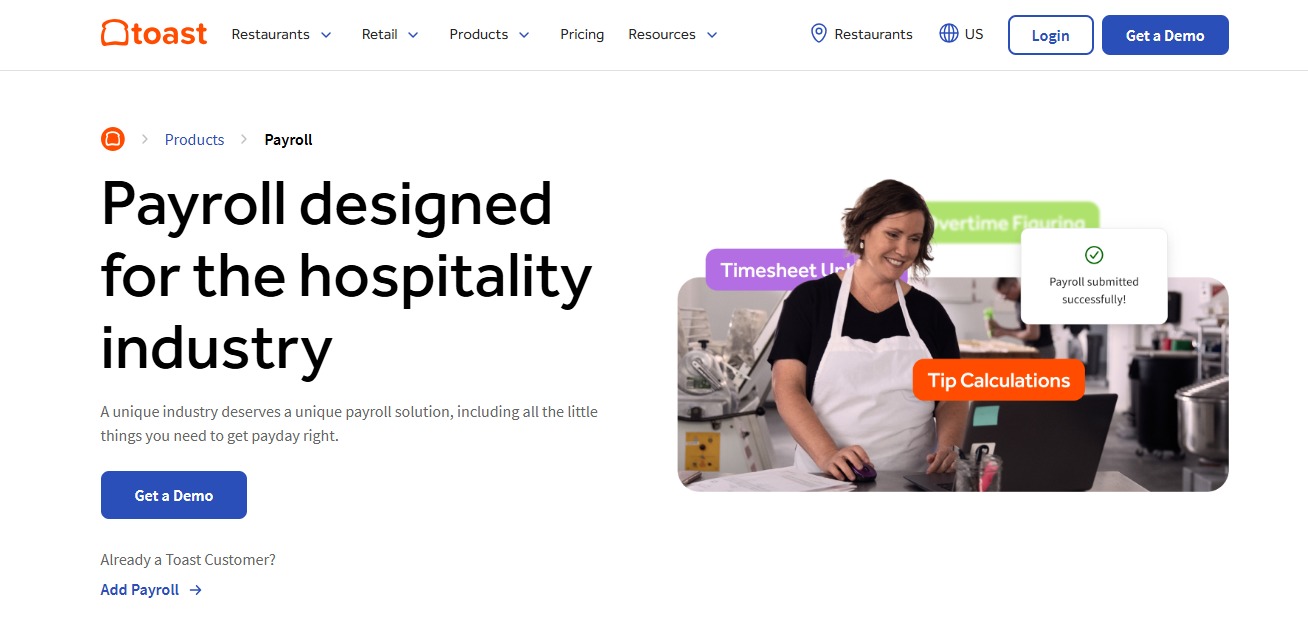
Toast Payroll is specifically designed for restaurants and the service industry, making it an excellent option for those in the hospitality space. It has baked-in POS integrations with Toast POS, and it even has its own tip management module called “Toast Tip Manager,” which helps businesses accurately manage tips and calculations.
Standout features:
- Functionality supports multiple pay rates for the same employees when needed.
- Tips are automatically imported from multiple sources, such as card or cash.
- Tip pooling management for easy calculations. Tips can also be paid via payroll with Toast, avoiding complicated cash-outs.
- Employee overtime is tracked and automatically calculated across multiple locations, roles, and employees.
Platform limitations:
- Purpose-built for Toast POS, so integrating into other POS platforms may not be as smooth.
- Small businesses may find that the costs may scale considerably as additional employees are added.
- Additional costs for implementation and hardware are not transparent on the website.
Pricing:
- Toast currently offers a bundled pricing option for Toast POS & Payroll.
- Current pricing ranges from around $69/month, with a cost of $9 per employee per month and additional charges for hardware and implementation.
Square Payroll: Best for Small Businesses
Square Payroll is an excellent option for small businesses in the retail, contractor services, restaurant, and hospitality industries. It integrates with Square’s own POS seamlessly and offers hardware so that customers can make use of other products under the Square umbrella as an all-in-one option.
Standout features:
- Square’s POS makes it easy for businesses to set up payroll and POS syncing automatically and seamlessly.
- Reporting is built into the platform, enabling teams to stay compliant with IRS regulations.
- Automated gratuity can be added automatically, helping to avoid low/no tips for large parties.
- Lower cost than other platforms, which may be more affordable for smaller businesses.
Platform limitations:
- Less ideal for larger businesses and complex tip setups.
- Larger teams may find the rule setup less flexible than other platforms, which means they have less control over tip pooling and automated calculations.
- Better suited for businesses that already use Square POS, and users may find integrations with third-party POS systems more cumbersome to set up.
Pricing:
Square has two pricing plans, one for full-service payroll and the other for contractor-only payroll.
- Full-service payroll: Starts at $35 per month + $6 per employee. This includes features like automated tax filings and calculations, time tracking and scheduling, and employee benefits.
- Contractor-only payroll: Starts at $6/person/month, but a quick glance at Square’s pricing page reveals that this plan is extremely limited.
ADP Run: Best for Large Hospitality Groups

ADP Run Payroll is an enterprise-level payroll platform that supports a wide range of industries. It’s best suited for larger hospitality groups or franchises that require advanced payroll functionality with solid compliance and reporting capabilities.
Standout features:
- Advanced reporting and auditing functionalities
- Wide range of add-ons available for hourly teams
- Taxes are calculated automatically to help prevent errors
- Employee self-service is available within the app
- Scalable across multiple locations and states
Platform limitations:
- Much higher costs than other payroll platforms
- May require significant upskilling and training
- Limited tip management and automations
- No transparent pricing plans
Pricing:
Custom pricing is available upon request only and is based on organization size and requirements.
Gusto: Best for Small Teams Needing HR Features
Gusto is a popular payroll platform for multiple industries, including restaurants, salons, hospitality, and service-based businesses. With a simple and easy-to-use interface, it’s a great option for smaller teams that need more complex requirements that typically come with a complete HR stack. It’s also a solid choice for teams that need to pay contractors globally, supporting over 120 countries.
Standout features:
- Automatic tax filing and compliance
- Strong reporting capabilities across payroll, including tips
- Built-in benefits management and time tracking
- Simple and straightforward user interface
- Offers global payroll and EOR services
- Unlimited payroll with no additional costs per run
- Easily integrates with popular platforms like Xero, QuickBooks, Clover, and Trainual.
- FLSA Tip Credit requirements can be managed through Gusto, and wages can be automatically adjusted to maintain compliance with minimum wage regulations.
Platform limitations:
- No specific tip management features; Gusto relies on integrations for this.
- Some users report major issues with the auto-payment features on Gusto
Pricing:
Gusto has three different pricing plans for teams:
- Simple: Starts at $49 per month + $6 per month per person and includes unlimited payrolls (single state only).
- Plus: Starts at $80 per month + $12 per month per person and includes unlimited payroll for multi-state. It also includes time tracking and next-day pay.
- Premium: $180 per month + $22 per person per month. This plan includes everything in Plus, as well as access to a service advisor, priority support, and payroll migration.
How to Choose the Right Payroll System for Your Business

Choosing the right platform for your business will ultimately come down to specific features that are important for your business.
Here are some good questions to assess before selecting the best option for you:
- Do you have industry-specific requirements?
- Do you need an integrated POS system or a platform that can integrate with one?
- Do you have tips that form part of your staff wages, and do you need a system to help manage this?
- Do you need tip-pooling management?
- Are you single or multi-state?
- Do you need IRS audit protection and compliance features?
Whichever platform you go with, remember to match the chosen software to your business’s needs. For example, smaller teams that are focused on POS integrations and wage and tip compliance may find larger-scale platforms overkill for their needs.
Depending on your needs, here’s what we would recommend:
- Homebase: Best for small to medium-sized businesses that have hourly and tip-based teams that add-on payroll.
- Toast Payroll: Ideal for Toast POS users. Best suited for full-service restaurants
- Square Payroll: Best for smaller restaurants, cafes, or bars that need a lightweight tool. Best for Square POS or Square hardware users.
- ADP Run: Best suited for larger, multi-state teams with compliance requirements.
- Gusto: Ideal for smaller teams that have HR requirements and for those that don’t need POS features.
Whenever possible, try out the software before buying, and consider requesting demos with real-world scenarios (such as adding tips and calculating wages) before purchasing a system.