


Last Updated on December 21, 2025 by The Digital Merchant Team
When choosing a payment processor, it’s easy to get caught up in the surface-level features. Something that shouldn’t get overlooked is security. For SMBs, strong security features are a must. The smaller your business, the more devastating fraud can be. What good is it to have a payment processor with all the bells and whistles if your transactions aren’t being adequately protected?
In this article, we’ll take a look at some of the best payment processors for transaction security. These payment solutions are the whole package — they have the capabilities you want while also keeping your sensitive data secure. Let’s see how they stack up.
Transaction Security 101
Before exploring the ins and outs of each software, it’s important to know what security features to look out for.
- PCI Compliance: Any reputable payment processor needs to be Level 1 PCI-compliant. The Payment Card Industry Data Security Standard (PCI DSS) is a set of security guidelines established by the PCI Security Standards Council to prevent fraud from card payments.
- End-to-End Encryption: Private end-to-end encryption helps to ensure that bad actors don’t get ahold of sensitive information like card numbers and bank account details. When working as intended, only the designated recipient can see this information.
- Fraud Detection: Payment processors should have tools that regularly monitor your account for suspicious activity. Many processors use AI to more accurately detect fraud.
- Chargeback Tools: A chargeback is when a customer gets their money back after disputing a transaction. The best payment processors have strong dispute management capabilities and help prevent unnecessary chargebacks.
- Multi-Factor Authentication: A payment processor should make it difficult for someone other than the account holder to log in. Multi-factor authentication requires you to have more than just a username and password to gain access to your account.
There are many other features that can enhance a payment processor’s security, but these are some of the most common ones.
Best Payment Processors for Transaction Security: At A Glance
Best For | Security Features | Fees & Pricing | |
E-commerce businesses | -Fraud filters -Rule-based thresholds -Automated fraud prevention -Per-transaction notifications -Chargeback management -PCI compliance | Online payment fees starting at 2.3% + $0.20 In-person payment fees starting at 2.0% + $0.10 per transaction | |
SMBs desiring strong cross-channel capabilities | -Rule management -Backtesting -Fraud monitoring -Tokenization -Authentication -PCI compliance | $0.13 Adyen processing fee + payment method fee | |
Startups and growing businesses | -Fraud monitoring -Risk scores -Proxy detection -Dispute prevention -Custom rules -PCI compliance | 2.9% + $0.30 for domestic card payments Custom pricing available for businesses with large payment volumes or unique business models | |
High-volume businesses | -End-to-end encryption -Tokenization -Fraud prevention -PCI compliance | Transaction fees: Interchange + $0.15 for online card payments Interchange + $0.08 for in-person card payments Plans: Up to $150,000 yearly processing: $99/month $150,000 – $250,000 yearly processing: $139/month Over $250,000 yearly processing: $199+/month | |
In-person payments; retail and restaurants | -Data encryption -Security updates -Two-factor authentication -Fraud monitoring -PCI compliance | Transaction fees: Online payment fees 2.9%-3.3% + $0.30 In-person payment fees 2.4%-2.6% + $0.15 Plans: Square Free: $0/month per location Square Plus: $49/month per location Square Premium: $149/month per location |
Luqra
Luqra offers three main solutions for businesses: online payments, in-person payments, and financial ERP. Its ERP is designed for banks and fintech companies, and it can help with data analytics, financial reporting, and compliance. However, we’ll focus on Luqra’s payment capabilities.
Since it supports both online and in-person payments, Luqra gives you flexibility no matter your business model. However, it was built specifically with e-commerce businesses in mind. One of its major selling points is that it offers a personalized, rather than a standardized, solution. This is especially important as your business grows, at which point a one-size-fits-all solution starts showing cracks.
Key Features
- Payment Processing Fees:
- Online: Starting at 2.3% + $0.20 per transaction
- In-Person: Starting at 2.0% + $0.10 per transaction
- Hardware: The company sells mobile, wired, and wireless terminals, as well as POS systems.
- Integrations: Shopify, Authorize.net, Salesforce, WooCommerce, Zoho CRM, Docusign, among others
- Customer Support: Customer service is available 24/7/365, and support representatives are based in the US.
- Plans and Pricing: Likely transaction fees only; no setup or subscription fees mentioned on Luqra’s site
Security
Luqra has several features for fraud protection, acknowledging on its site that in the next five years, SMBs are expected to lose over $130 billion due to fraud. In response to this threat, Luqra has taken steps to help keep transactions secure.
- Fraud Filters and Rule-Based Thresholds: You can set minimum transactions and restrict activity based on geographic location and IP address.
- Automated Fraud Prevention: Luqra’s fraud management is automated — the company’s site claims you can manage fraud via their online portal.
- Per-Transaction Notifications: Luqra gives you per-transaction notifications to help you keep tabs on any suspicious activity.
- Chargeback Management: Luqra helps with chargebacks and dispute management by integrating with third-party financial institutions and using fraud tools to detect illegitimate disputes.
- PCI Compliance: Luqra is PCI Level 1 compliant.
Verdict
Luqra’s a solid choice if you’re looking for a payment processor that can also serve as your ERP software, and it’s also geared toward e-commerce businesses. It can manage both online and in-person payments, and one of its major advantages is its commitment to low, transparent fees — it even claims that its fees will never increase. Luqra’s customer support is also strong, given that it’s available 24/7 and is US-based.
Adyen
Adyen is a leading payment processor that can help you accept both online and in-person payments. It has robust AI capabilities, using the technology to increase conversion, lower costs, and optimize payment routes.
The company also offers financial products, such as business accounts, financing, physical and virtual payments cards, and global payouts. Its Unified Commerce system is a modernized omnichannel solution connecting both online and in-person payments.
Adyen serves a variety of business types. The company’s website mentions industries like transportation, retail, SaaS, food and beverage, and travel, to name a few.
Key Features
- Payment Processing Fees: $0.13 Adyen processing fee + payment method fee
- Hardware: Tap to pay, mobile, countertop, and unattended terminals
- Integrations: Adyen has plugins for Adobe Commerce (Magento), Oracle (NetSuite, Opera, Simphony), and Salesforce Commercial Cloud. It also has an integration toolkit to help you connect with the software you need.
- Customer Support: You can contact Adyen’s customer service team through the Support Center and submit a ticket.
- Plans and Pricing: Transaction fees only; no setup or subscription fees
Security
Adyen has robust controls in place to help protect your business from fraud.
- Rule Management: You can set up action-based rules to simplify fraud detection.
- Backtesting: You can backtest the rules you set to gauge an idea of their effectiveness before going live.
- Fraud Monitoring: Adyen uses AI and machine learning to detect fraud, reducing losses and lowering chargeback costs.
- Tokenization: Payment data is tokenized, protecting it from bad actors.
- Authentication: Adyen’s Authentication Engine uses machine learning to authenticate customers and combat fraud.
- PCI Compliance: Adyen is PCI Level 1 compliant.
Verdict
Adyen is a well-rounded option for many SMBs. It can process payments regardless of whether they’re in-person or online, and there aren’t any monthly subscription fees. It uses AI extensively to keep transactions secure. One area where it’s especially strong is with its cross-channel capabilities, which provides valuable insights.
Stripe
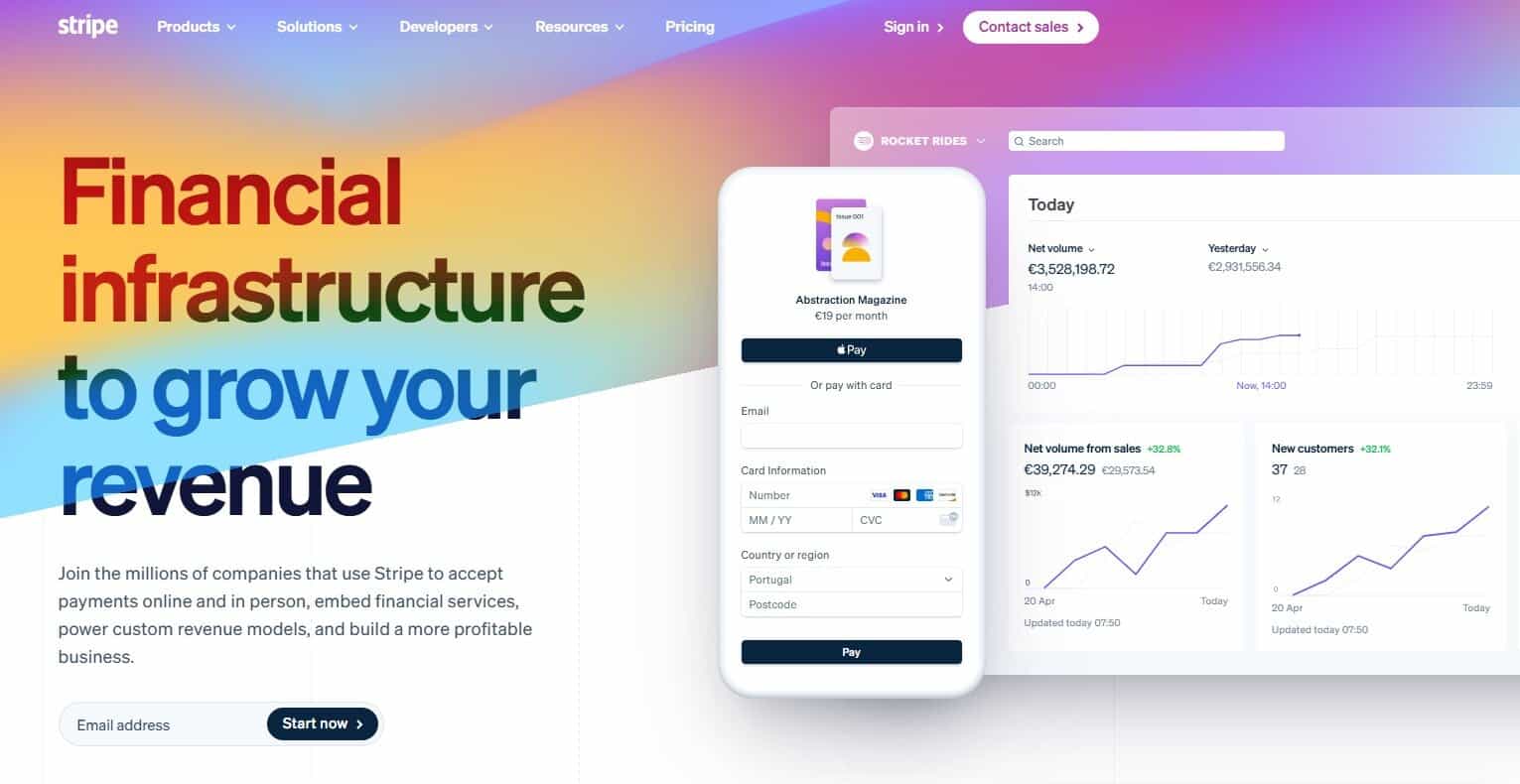
Stripe is one of the most popular payment processors out there, with millions of companies using it to collect payment from customers. It offers a variety of business products, spanning payments, money management, and finance automation, but it’s best known for its payment capabilities. It’s well-suited for businesses of all sizes, from small startups to large enterprises. The company’s site mentions solutions for businesses in the AI, hospitality, insurance, media, nonprofit, and retail industries.
Key Features
- Payment Processing Fees:
- Standard: 2.9% + $0.30 for domestic card payments
- Custom: For businesses with large payment volumes or unique business models
- Hardware: Countertop, handheld, cellular-capable, and self-service terminals
- Integrations: Integrates with several apps. Examples include QuickBooks Online, Docusign, Puzzle, Mercury, NetSuite, and Xero.
- Customer Support: 24/7 live support
- Plans and Pricing: Transaction fees only; no setup or subscription fees
Security
Given how widely used Stripe is, it’s not surprising that they have strong tools in place to identify and prevent fraud. Their fraud prevention toolkit is called Radar, and it’s built into every Stripe account.
- Fraud Monitoring: Stripe uses AI to scan every payment, detect anomalies, and prevent fraud.
- Risk Scores: A risk score is assigned to every payment, and Stripe automatically blocks high-risk payments.
- Proxy Detection: Stripe identifies IP spoofing and proxy usage.
- Dispute Prevention: Stripe uses AI to help you prevent and win disputes.
- Custom Rules: You can set up custom rules to flag or prevent certain transactions.
- PCI Compliance: Stripe is PCI Level 1 compliant.
Verdict
Stripe is a good choice for businesses that want to go with something that’s widely used and trusted by others. For most SMBs, it has all the capabilities they need to collect in-person and online payments while keeping transactions secure. Startups may especially like it due to its Stripe Startups program, which is designed to support new venture-backed businesses.
Stax
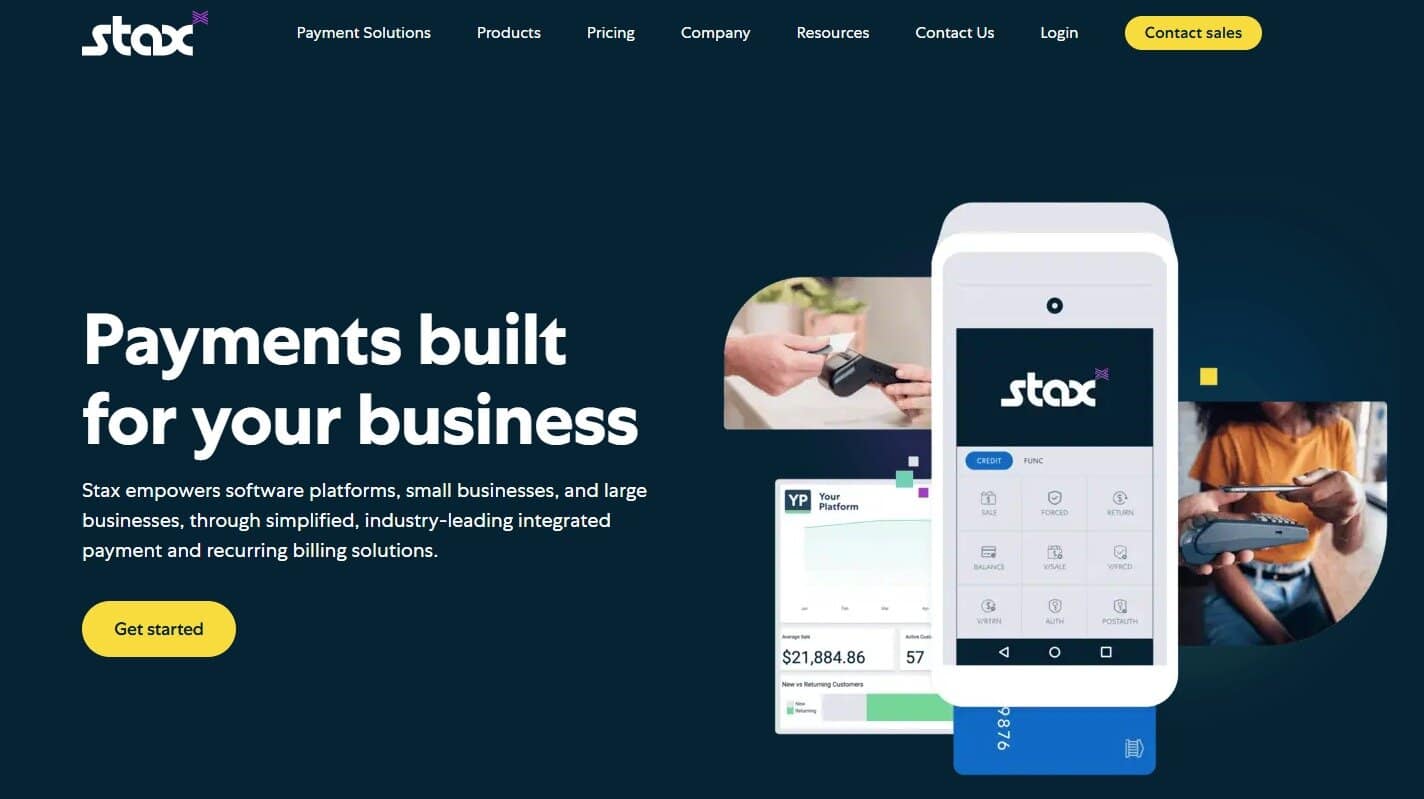
Stax Pay is tailored toward a variety of business types, from SMBs to software platforms. Since the businesses they serve range from small to large, you don’t have to worry about outgrowing Stax as you scale — it can keep up with you along the way. It doesn’t only help you collect payments. Stax has advanced reporting tools to help you gain insights into your business’s financial health and make informed decisions.
Key Features
- Payment Processing Fees:
- Online Card Payments: Interchange + $0.15
- In-Person Card Payments: Interchange + $0.08
- Hardware: Stax sells countertop and wireless terminals, as well as tap-to-pay solutions. It also offers full POS systems.
- Integrations: Stax Pay doesn’t provide a master list of third-party integrations on their site. Online chatter mentions integrations with software like QuickBooks, Shopify, and Salesforce, but you’ll have to verify with the company.
- Customer Support: Stax phone support is available Monday – Friday, 9:00 AM – 5:30 PM EST. You can also fill out an online form.
- Plans and Pricing:
- Up to $150,000 yearly processing: $99/month
- $150,000 – $250,000 yearly processing: $139/month
- Over $250,000 yearly processing: $199+/month
Security
Stax doesn’t go into thorough detail on its security features, but their site mentions a few of them.
- End-to-End Encryption and Tokenization: This helps to keep sensitive payment data secure and out of the hands of unauthorized users.
- Fraud Prevention: Stax Pay monitors for and flags fraud, potentially saving your businesses from facing losses.
- PCI Compliance: Stax is PCI Level 1 Compliant.
Verdict
One of Stax Pay’s most attractive features is that it offers a 0% markup on interchange. Even though its monthly fees are steep compared to some alternatives, high-volume businesses may find that it turns out to be a more economical option due to its low transaction fees.
Square

Similar to Stripe, Square is another name that’s widely known among businesses and consumers alike. While it’s commonly thought of as a solution primarily for in-person payment processing, it can also process online payments. However, given its strong foundation in POS systems, it’s especially popular in the retail and restaurant industries.
Key Features
- Payment Processing Fees:
- Online:
- Square Free: 3.3% + $0.30
- Square Plus: 2.9% + $0.30
- Square Premium: 2.9% + $0.30
- In-Person:
- Square Free: 2.6% + $0.15
- Square Plus: 2.5% + $0.15
- Square Premium: 2.4% + $0.15
- Online:
- Hardware: Square Handheld, Square Terminal, Square Register, Square Stand, Square Kiosk, Square Reader
- Integrations: Connects with several apps, including QuickBooks Online, Wix, Xero, and WooCommerce
- Customer Support: Chat and email support are available for all plans. Phone support hours and availability depend on which plan you have. 24/7 phone support is only available with the Square Premium plan.
- Plans and Pricing:
- Square Free: $0/month per location
- Square Plus: $49/month per location
- Square Premium: $149/month per location
Security
Like its competitors, Square has a range of security measures in place.
- Data Encryption: Sensitive data is encrypted within the card reader from the moment the card is swiped.
- Security Updates: Regular updates are installed on servers and equipment.
- Two-Factor Authentication: Both two-factor authentication and strong passwords are required to log in to accounts.
- Fraud Monitoring: Square’s security team constantly monitors servers to help prevent fraud.
- PCI Compliance: Square is Level 1 PCI compliant.
Verdict
If your business mainly processes in-person payments, you might want to go with Square. While it also processes online payments, in-person payments and hardware are its bread and butter. Keep in mind that processing fees will vary depending on which plan you have. You’ll have to do the math and see which plan would end up being the least pricey for your business situation — it will depend on your transaction volume.
So, What’s the Best Payment Processor for Transaction Security?

It’s hard to go wrong with any of these payment processors. They process both in-person and online payments, sell payment hardware, and have strong security and fraud prevention controls. It’s up to you to dive into the details and see which is the best choice based on your business’s specific needs.
For e-commerce businesses, Luqra may have the edge over the competition, since the platform is especially designed with them in mind. Its prices are low, and the company promises to keep them that way. Customer support is easily accessible as well — it’s available 24/7/365, and representatives are based in the US.
On the other hand, if you’re a restaurant and handle a lot of in-person payments, you might choose Square. Adyen, Stripe, and Stax are all also well-established and widely trusted options. Fortunately, no matter which payment processor you choose, all of those mentioned here have strong security measures in place to help prevent fraud.