


Last Updated on December 30, 2025 by Ewen Finser
If you’re reading this, you’re likely one of the many SMBs that use Stripe to manage payments. It’s one of the most popular payment solutions for a reason — it supports over 100 payment methods, is designed for both in-person and online payments, and has strong international capabilities.
While Stripe has several powerful features, it’s not a one-stop shop for all your accounting needs. Its focus is on payments. For accounting and bookkeeping, you’ll need to use a different software. Fortunately, your bookkeeping platform and payment processor don’t have to operate within separate vacuums — you can integrate them to save time and reduce errors caused by manual entry.
If your heart’s set on Stripe but you’re not sure which accounting software to use, you’re not alone. In this article, we’ll take a look at some of the top accounting and bookkeeping solutions that integrate with Stripe.
Best Accounting Software for Stripe: At a Glance
Best For… | Key Features | Subscription Fees | |
Puzzle | Startups, SMBs, growing businesses | Easy setup, AI accounting, real-time insights, native integration with Stripe | Accounting Basics ($0, $25/mo after $20,000 in transactions), Accounting plus Insights ($50/mo), Accounting plus Advanced Automation ($100/month), Accounting plus Scale ($300+/mo) |
QuickBooks | SMBs | AI agents, business intelligence tools, up to 25 users | Simple Start ($38/mo), Essentials ($75/mo), Plus ($115/mo), Advanced ($275/mo) |
Xero | SMBs | Automated invoicing and reporting, AI financial agent (“JAX”), 24/7 online support | Starter ($29/mo), Standard ($50/mo), Premium ($75/mo) |
Zoho Books | Startups, SMBs, nonprofits | Task automation, advanced analytics and inventory control | Free ($0/mo), Standard ($15/mo), Professional ($40/mo), Premium ($60/mo), Elite ($120/mo), Ultimate ($240/mo) |
FreshBooks | Freelancers, self-employed individuals, businesses with contractors, businesses with employees | Small plans for freelancers and self-employed individuals, customization features, FreshBooks Payments powered by Stripe | Lite ($21/mo), Plus ($38/mo), Premium ($65/mo), Select (Custom pricing) |
Puzzle
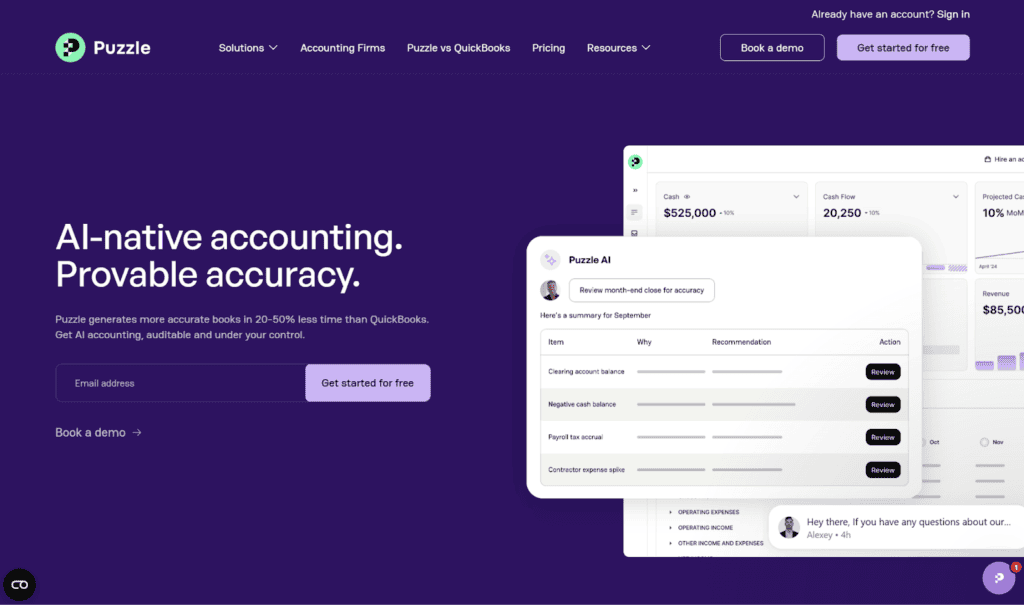
Puzzle is a smart choice for businesses at various stages. It’s popular with startups, SMBs, and businesses that are in the growth stage, so as your business expands over time, Puzzle can scale with you. You can pull your financial reports from Puzzle to use for fundraising, investor communication, and startup tax filing, among other needs. It’s a complete double-entry accounting system.
Its setup process is user-friendly. It walks you through each step and collects the necessary information about your business to ensure it’s optimized for your needs. You won’t need to bring in an outside consultant or an IT guy to get Puzzle going.
One of Puzzle’s main distinctions is that it’s designed to be easily usable even by those without extensive finance backgrounds. Part of what makes this possible is Puzzle’s emphasis on AI and automation. It automates manual bookkeeping tasks and categorizes transactions with up to 95% accuracy. It also conducts AI accuracy reviews to detect potential errors in your ledger, saving you from spending hours on manual review.
Puzzle offers four main plans, which can be used for either cash or accrual accounting.
- Accounting Basics: $0/month ($25/month after $20,000 in transactions)
This plan provides basic automation for your P&L, balance sheet, categorization, accrual policies, and revenue recognition. Customer service is limited to AI support.
- Accounting plus Insights: $50/month
This plan has all the capabilities of the free plan, but it also comes with real-time insights of your financial health, like change monitoring and insights related to your revenue and spending. With this plan, you’re no longer limited to AI customer support — you also get live chat support.
- Accounting plus Advanced Automation: $100/month
Like its name says, this plan has advanced automation features. It comes with continuous accuracy monitoring and AI month-end close review. Additional insights include AI flux analysis and AI business insights, and you gain access to live support.
- Accounting plus Scale: $300+/month
This is the most robust plan that Puzzle offers, and it’s geared toward companies that are scaling or otherwise have complex needs. Some of the additional features you gain with this plan are custom subledgers and reports, custom automations, and custom AI prompts. You also get priority support with Accounting plus Scale.
The prices shown are for monthly subscriptions. If you pay a yearly fee, your monthly price will be 15% less than this.
One of the main advantages of integrating Stripe with Puzzle is that it doesn’t require third-party connectors to move over your data. Instead, Puzzle has a direct Stripe API connection, which provides for seamless integration and helps to prevent errors. The company claims that you can connect your Stripe account to Puzzle in just minutes.
QuickBooks
One of the most recognizable accounting and bookkeeping solutions for SMBs is QuickBooks. It’s known for its longevity and its well-rounded ability to manage common business tasks. However, its AI features and real-time insight capabilities aren’t nearly as fleshed-out as Puzzle’s, so you’ll be more reliant on manual entry if you choose to use QuickBooks.
QuickBooks’s plan offerings are detailed below.
- Simple Start: $38/month, 1 user
Some of the central features of this plan include smart expense organization, automated bookkeeping, bill management, invoicing, customer management, and cash flow management.
- Essentials: $75/month, 3 users
The Essentials plan has all the same capabilities of Simple Start, plus additional features such as multiple currencies, employee time, roles and permissions, a payments agent, and an accounting agent.
- Plus: $115/month, 5 users
On top of everything that comes with the Essentials plan, the Plus plan provides you with features like inventory management, anomaly detection and resolution, budgeting, AI-powered insights, additional customer management features, a sales tax agent, and a customer agent, to name a few.
- Advanced: $275/month, 25 users
This is the most complex plan that QuickBooks offers. Additional features that are exclusive to the Advanced plan include forecasting, data syncs with Excel, KPI scorecards, dashboards, workflow automation, batch invoices and expenses, a finance agent, and a project management agent.
QuickBooks has frequent sales, so keep an eye on their website if you want to secure a discount. Regardless of which plan you choose, you can use the QuickBooks mobile app and access customer support. To integrate with Stripe, you’ll need to use a third-party connector, such as QuickBooks Sync by Acodei, which has its own pricing.
Xero
Xero is another leading accounting software geared toward SMBs. Similar to competitors like QuickBooks, Xero helps you manage cash flow, track expenses, and accept payments. It also can automate tasks like invoicing and reporting, which can improve accuracy and save you valuable time. The platform also has a new AI financial agent called JAX that can answer both general and company-specific questions, as well as automate administrative tasks like invoice creation.
With Xero, there are three plans.
- Starter: $29/month
With this plan, you can send invoices and quotes, accept online invoice payments, enter bills, reconcile bank transactions, capture bills and receipts with Xero’s Hubdoc tool, and gain snapshots of your short-term cash flow and of your overall business. You’re limited with the number of invoices you can send and bills you can enter, however. You can send 20 invoices and enter five bills per month with the Starter plan.
- Standard: $50/month
You’re no longer limited to sending 20 invoices and entering five bills with the Standard plan — the allowed number is unlimited. You can also bulk reconcile transactions.
- Premium: $75/month
On top of everything from the Standard plan, the Premium plan lets you use multiple currencies, which is a must if you do business internationally.
As a Xero customer, you get free online support 24/7. To connect Stripe to Xero, you need to add Stripe as a payment service.
Zoho Books
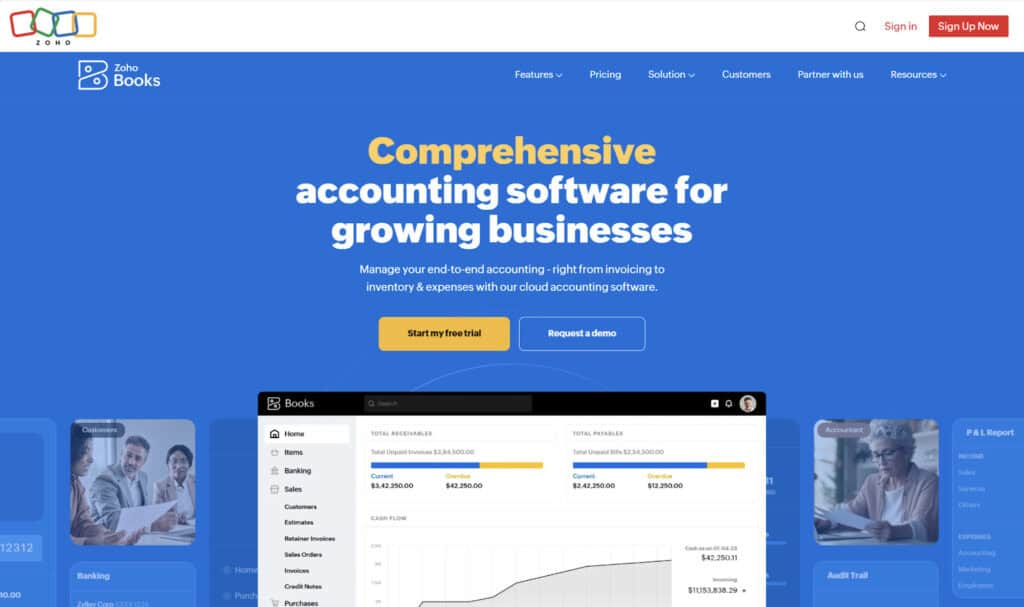
Zoho Books can be an appropriate option for bookkeeping at startups, small businesses, and nonprofits. Some of the core features you get are receivables, payables, tax compliance, bank reconciliation, inventory, projects accounting, payroll, and reports. You can automate repetitive tasks within Zoho Books, such as by setting recurring expenses and invoices, as well as auto-charging invoices. For tasks you need to complete periodically, you can schedule them to be executed at set intervals.
Zoho Books has several plans for you to choose from. The price shown for each of the plans below is the monthly cost if you pay for a plan annually.
- Free: $0/month
Zoho Books’s free plan is best suited for solo entrepreneurs and other very small businesses. Some of the accounting features it comes with include invoice creation, sales receipts, mileage tracking, a customer portal, bank reconciliation, W-9 management, and financial reports.
- Standard: $15/month
Everything from the Free plan is included in the Standard plan, but it also lets you perform tasks like track sales and use tax, connect bank feeds, set up recurring expenses, add custom fields, and create custom reports.
- Professional: $40/month
Some of the features that you get with the Professional plan that don’t come with the Standard or Free plans are managing vendor bills and payments, tracking sales and purchase orders, recording multi-currency transactions, tracking inventory, customizing business workflows, and collaborating with other users.
- Premium: $60/month
This plan comes with even more customization and automation than the Professional plan. You can use the Premium plan to manage fixed assets, manage budgets, forecast cash flows, set up a custom domain, create business-specific custom modules, and create custom field validation rules.
- Elite: $120/month
The main distinction between the Elite plan and the plans discussed previously is that this plan has several tools for advanced inventory control. You can manage warehouses, track serial numbers, track shipments, connect online sales channels, integrate Shopify stores, and track bin locations, among other features.
- Ultimate: $240/month
The top plan that Zoho Books sells is its Ultimate plan. It comes with advanced analytics, including 50+ pre-built data visualizations. You can add and track KPIs, analyze data from both Zoho Books and other data sources, collaboratively create reports, and embed reports in web applications.
The Zoho Books-Stripe integration works similarly to Stripe’s integration with Xero. You’ll have to connect your Stripe account within Zoho Books, and you can then proceed to configure bank feeds.
FreshBooks
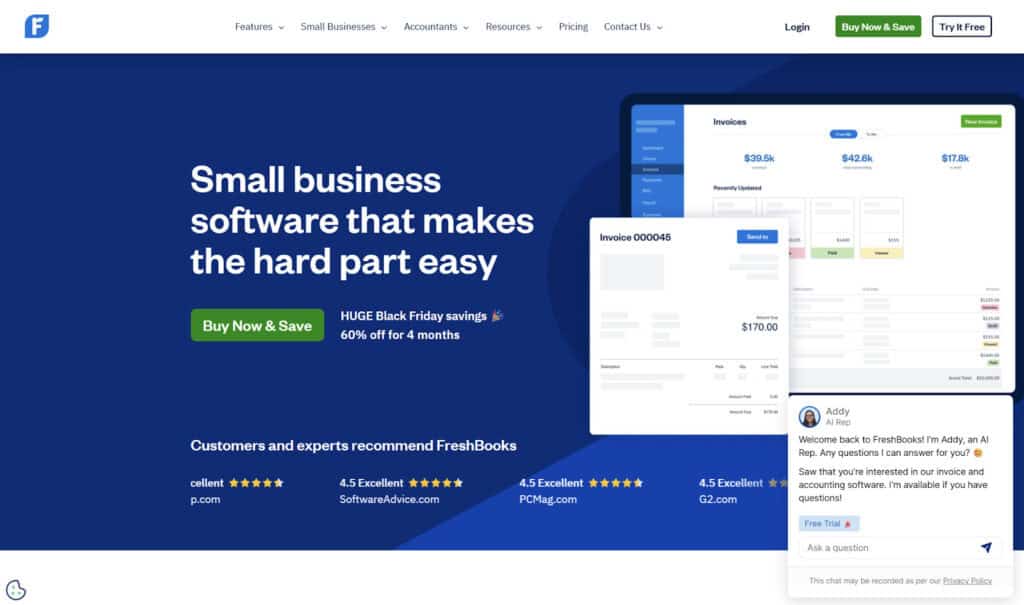
FreshBooks is well-suited for freelancers, self-employed individuals, and small businesses with employees and/or contractors. Its features resemble those of the other programs discussed previously. It comes with tools for invoicing, billing, and payments, expense tracking, and payroll, to name a few.
FreshBooks’s plans and pricing are detailed below. There’s a 10% discount if you purchase your plan annually instead of monthly.
- Lite: $21/month
FreshBooks highlights this plan as being ideal for freelancers, so if your business is any larger than this, you’ll want to select a different plan. The Lite plan lets you send invoices to five clients, track real-time expenses, create and send estimates, receive credit card and ACH payments, and generate reports for tax purposes.
- Plus: $38/month
The Plus plan is a little more flexible than the Lite plan. FreshBooks advertises this plan to freelancers, self-employed individuals, and businesses with contractors. Beyond the Lite plan, Plus lets you send invoices to 50 clients, create proposals and client retainers, run finance and accounting reports, scan expense receipts, and provide access to your accountant.
- Premium: $65/month
FreshBooks says that their Premium plan is geared toward self-employed individuals, businesses with contractors, and businesses with employees. Invoicing is no longer limited — you can send invoices to unlimited clients. Additional features that come with the Premium plan include the ability to check project profitability and customize your email templates.
- Select: Custom pricing
This is the most advanced plan that FreshBooks provides, and it’s tailored toward businesses with contractors and/or employees. You get everything from the Premium plan, along with features exclusive to Select. You can remove FreshBooks branding from your email templates, import your data, add two team member accounts, and gain access to phone support.
FreshBooks Payments is already powered by Stripe, but this isn’t the same as integration with your new or existing standard Stripe account. To do this, you can connect to your Stripe account from within FreshBooks. You’ll log in to your account and provide details about your business and bank information.
What is the Best Accounting Software that Integrates with Stripe?
While many of the most popular accounting solutions for SMBs integrate with Stripe, the best software is going to depend on your needs. For example, FreshBooks could be a good choice for a freelancer, but it may not suffice if your business goes through a growth phase.
In my opinion, the best overall accounting software that integrates with Stripe is Puzzle. Puzzle has a couple of distinctive features that set it apart from its competitors — its usability and advanced AI. You don’t have to have a finance background to successfully use Puzzle. It’s set up to be intuitive to learn, so you can get started in no time without getting frazzled by tedious financial data.
Some of its competitors integrate AI, but none do to the same extent as Puzzle. Puzzle extensively uses AI to improve accuracy and help you save time. The company claims that compared to QuickBooks, you can generate your books in 20% to 50% less time with Puzzle.
Another important aspect of the Puzzle-Stripe integration is that it’s a native integration — it doesn’t require a third-party connector like QuickBooks does. This helps to minimize errors and streamline your data. If you’re a Stripe user looking for a new accounting software to integrate with, there are several suitable choices, but my top pick would be Puzzle.